1
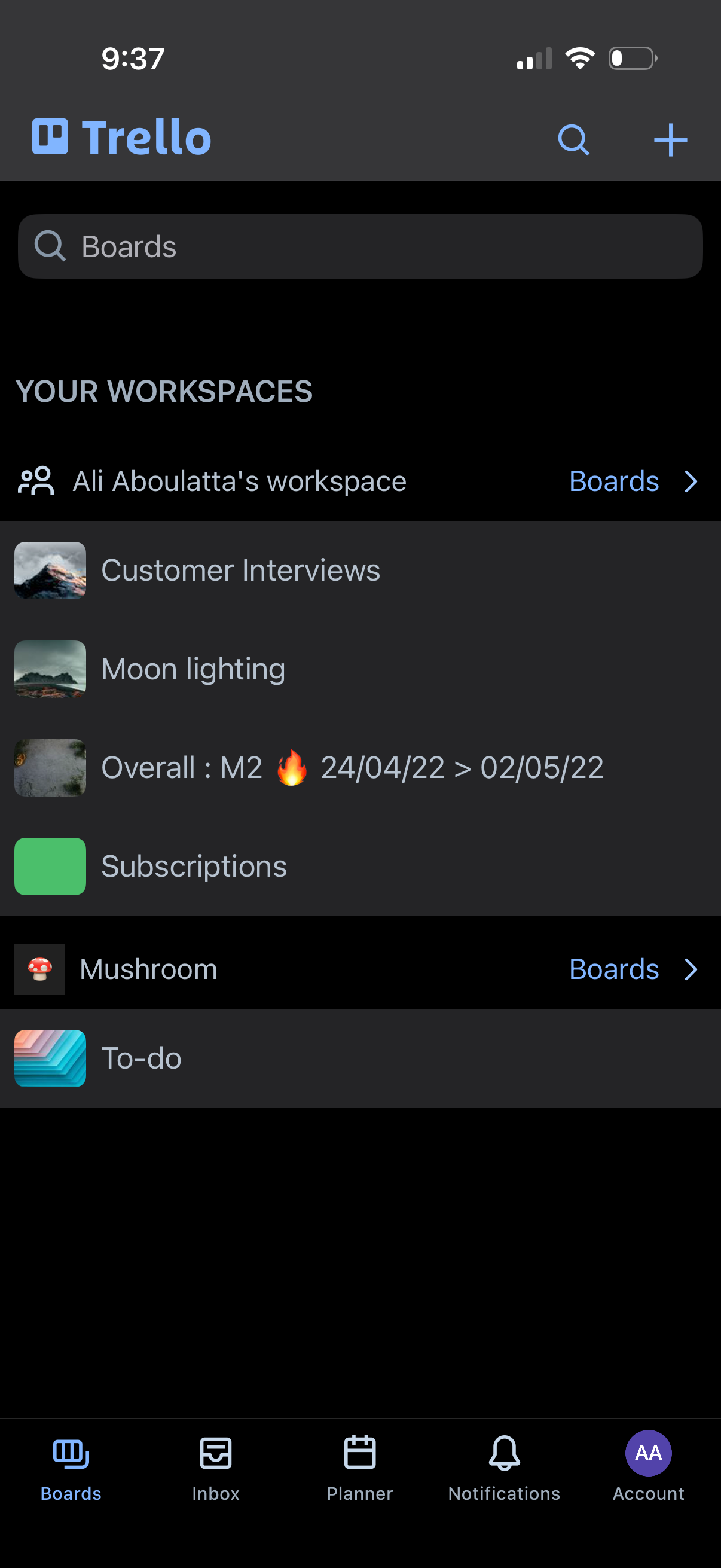
Trello boards home screen showing a search bar to find boards, a list of workspaces and their boards, and quick access to view all boards within a workspace. Top actions include search and create/add a new board, with a bottom tab bar for navigating between Boards, Inbox, Planner, Notifications, and Account.
2
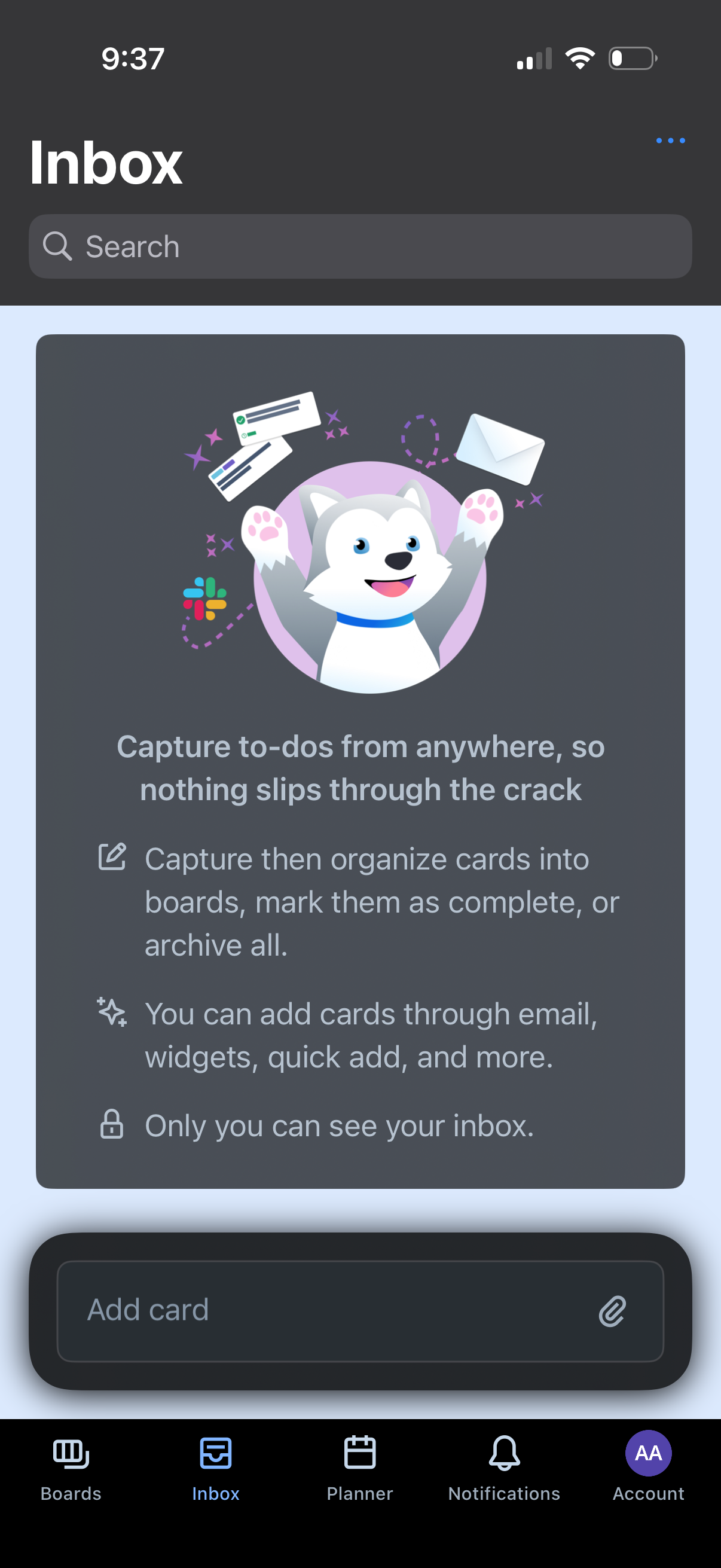
Inbox screen for a to‑do/board management app with a search bar, an empty-state explainer about capturing tasks from email/widgets/quick add, and a bottom “Add card” composer with attachment option. Bottom tab navigation lets users switch between Boards, Inbox, Planner, Notifications, and Account.