connect calendar account
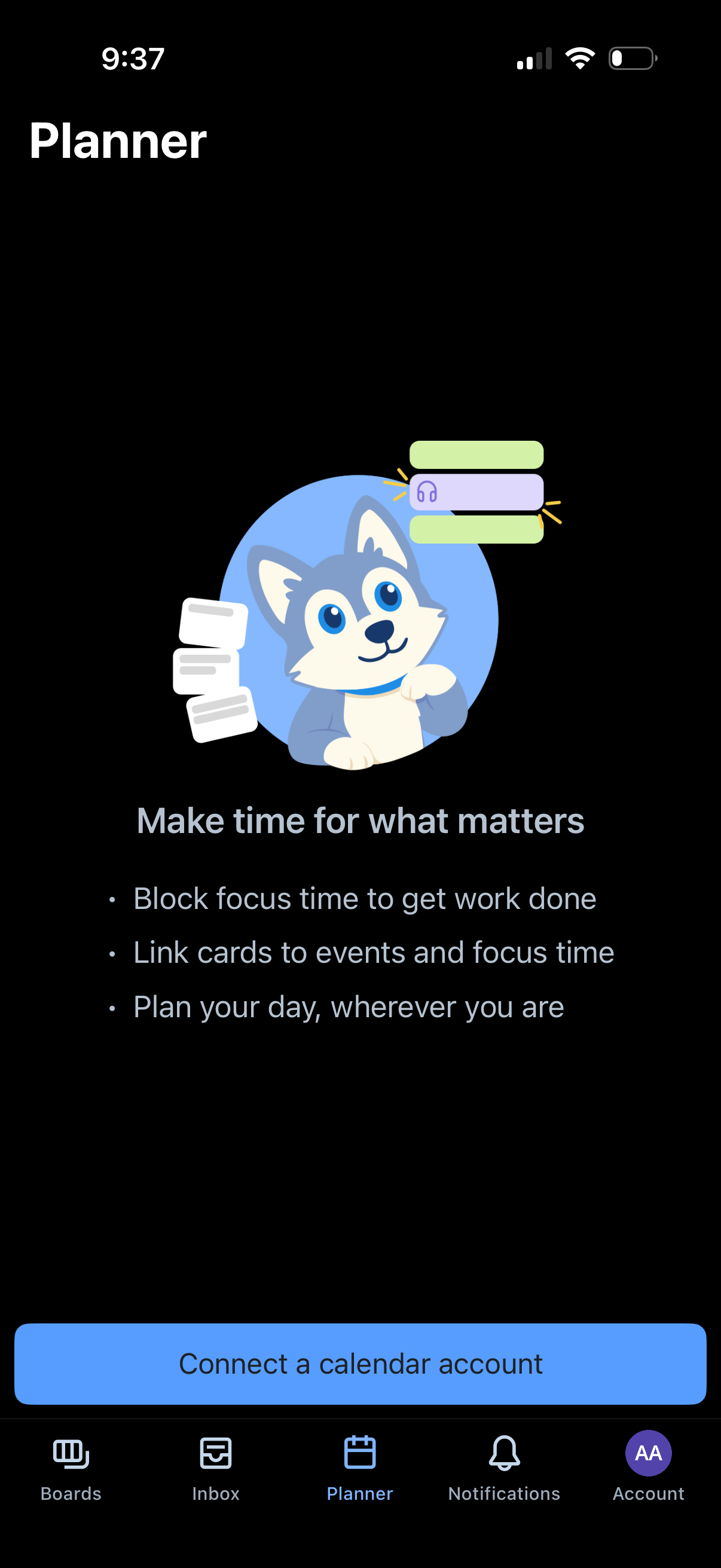
Planner onboarding screen prompting the user to connect a calendar account to start planning their day, block focus time, and link task cards to events. Includes a primary CTA button to “Connect a calendar account” and bottom tab navigation (Boards, Inbox, Planner, Notifications, Account).
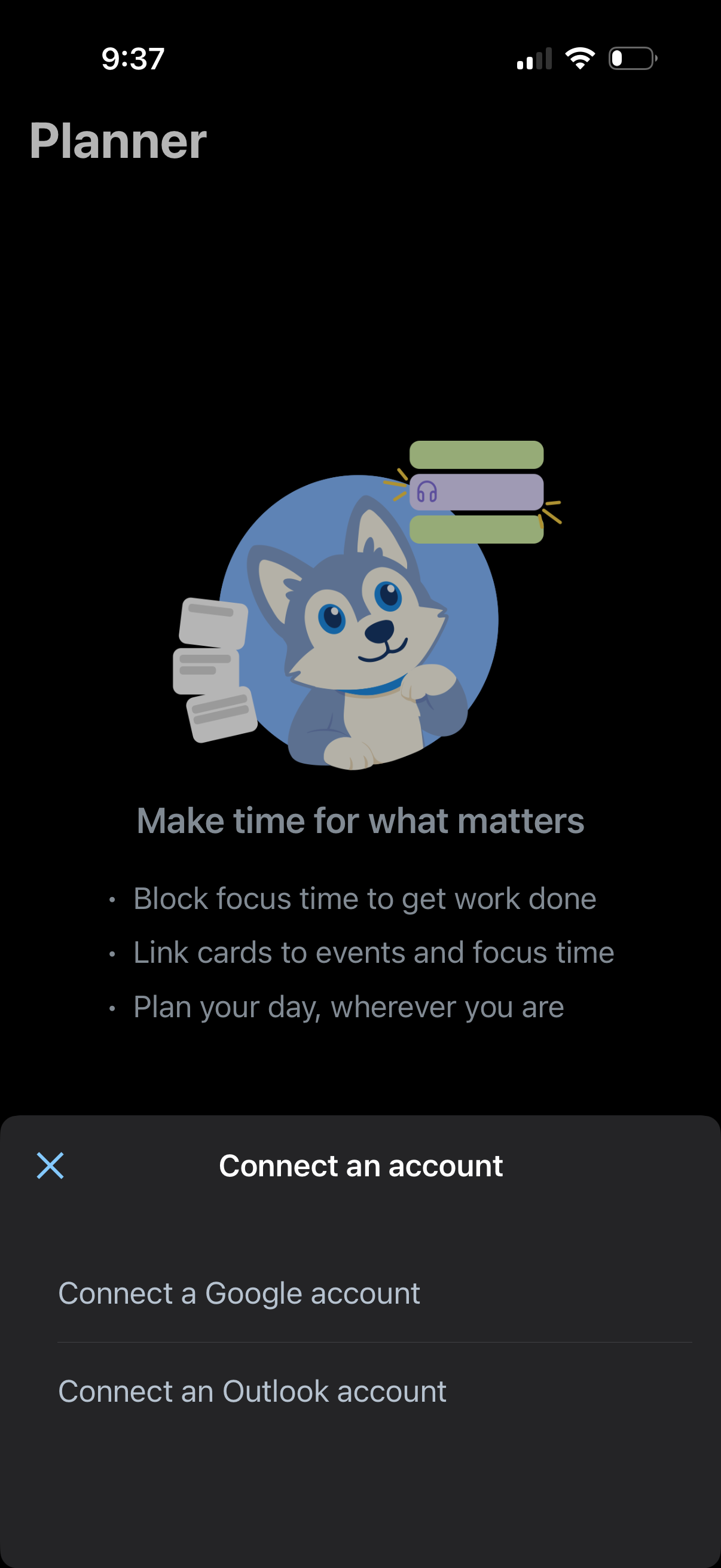
Planner onboarding screen introducing focus time and day planning, with a bottom sheet prompting the user to connect an account. Primary actions are to connect a Google or Outlook calendar account or dismiss the modal.
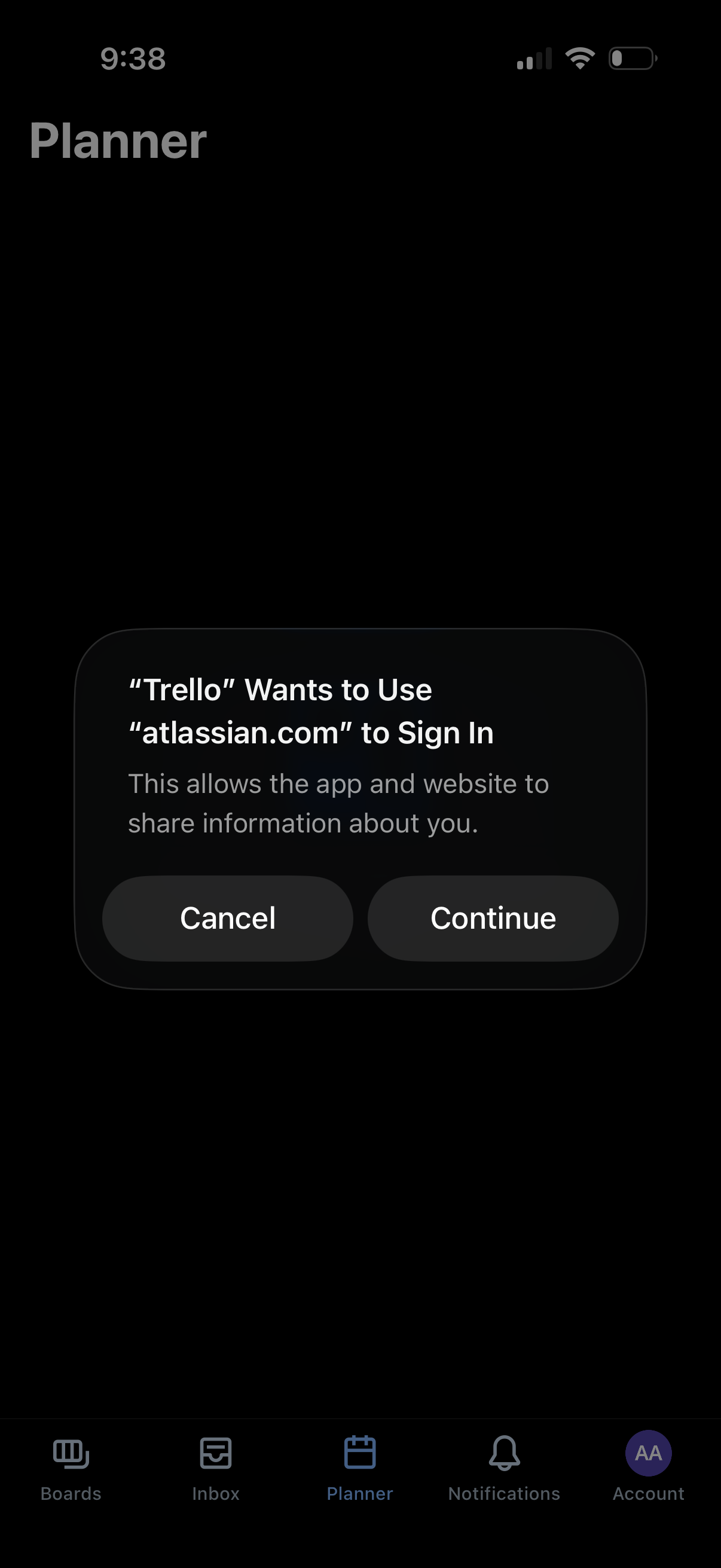
A planner tab screen is overlaid by an iOS system confirmation dialog for third‑party single sign-on, asking to allow the app to use an external domain to sign in and share information. The modal presents primary actions to Cancel or Continue.