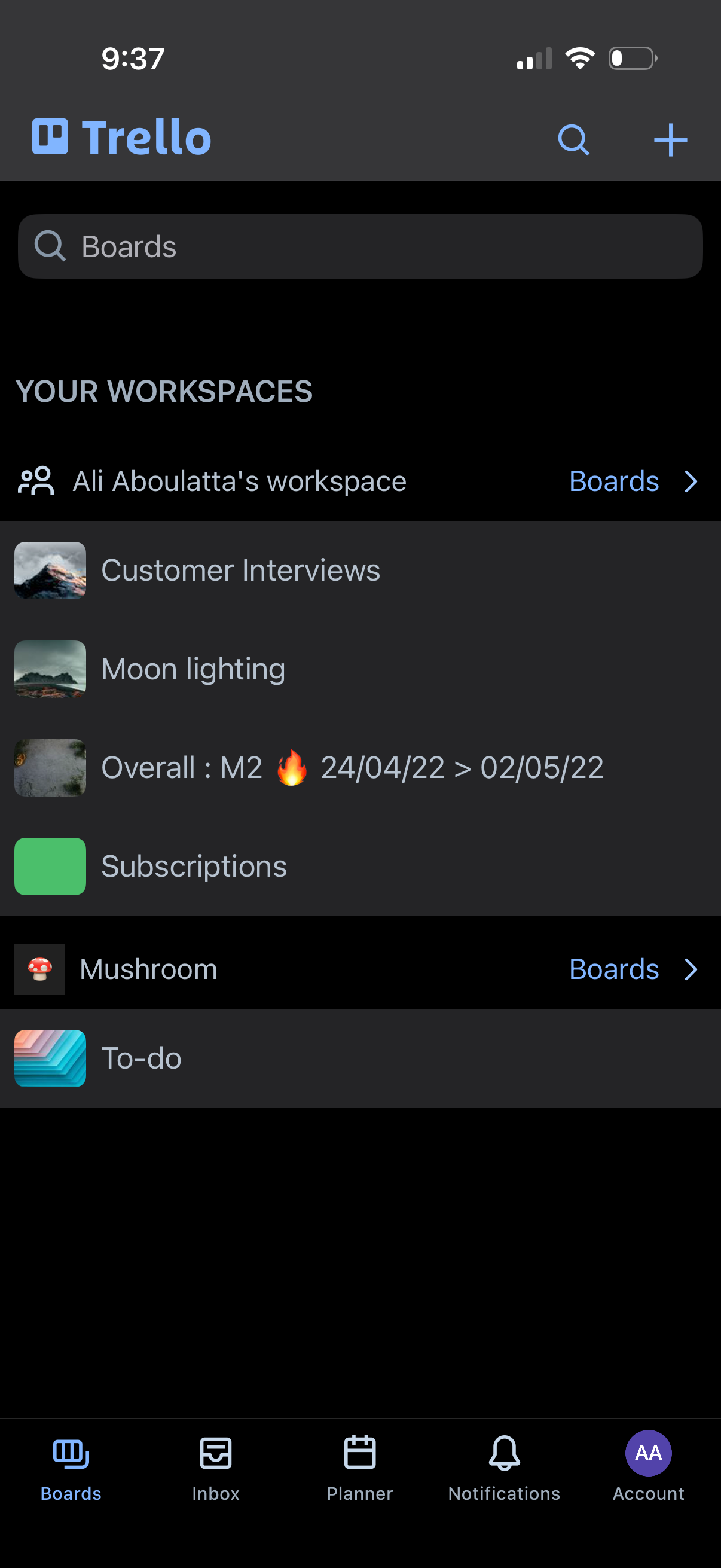
Trello boards home screen showing a search bar to find boards, a list of workspaces and their boards, and quick access to view all boards within a workspace. Top actions include search and create/add a new board, with a bottom tab bar for navigating between Boards, Inbox, Planner, Notifications, and Account.
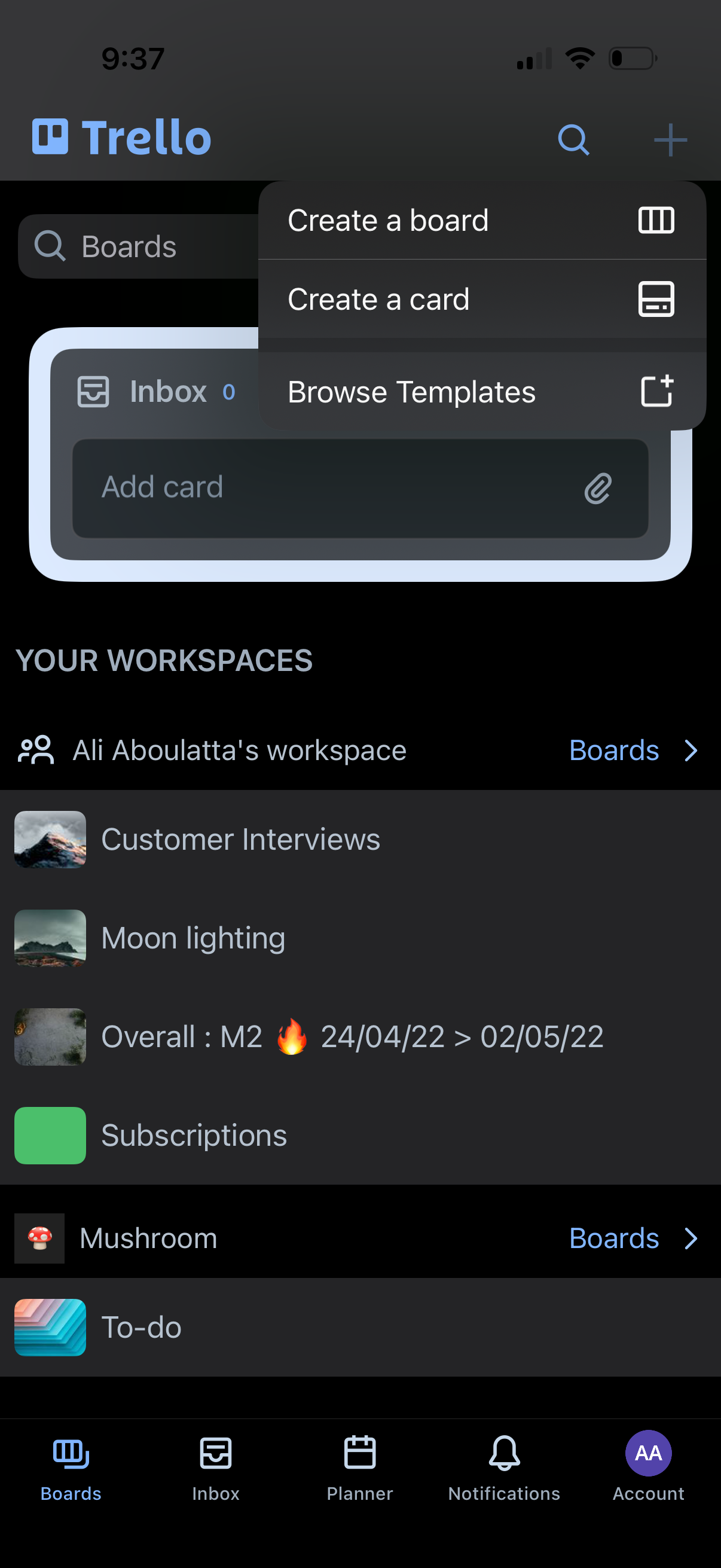
Trello boards home screen showing a list of workspaces and boards with a search bar and bottom tab navigation (Boards, Inbox, Planner, Notifications, Account). A plus button opens an action menu to create a board, create a card, or browse templates.
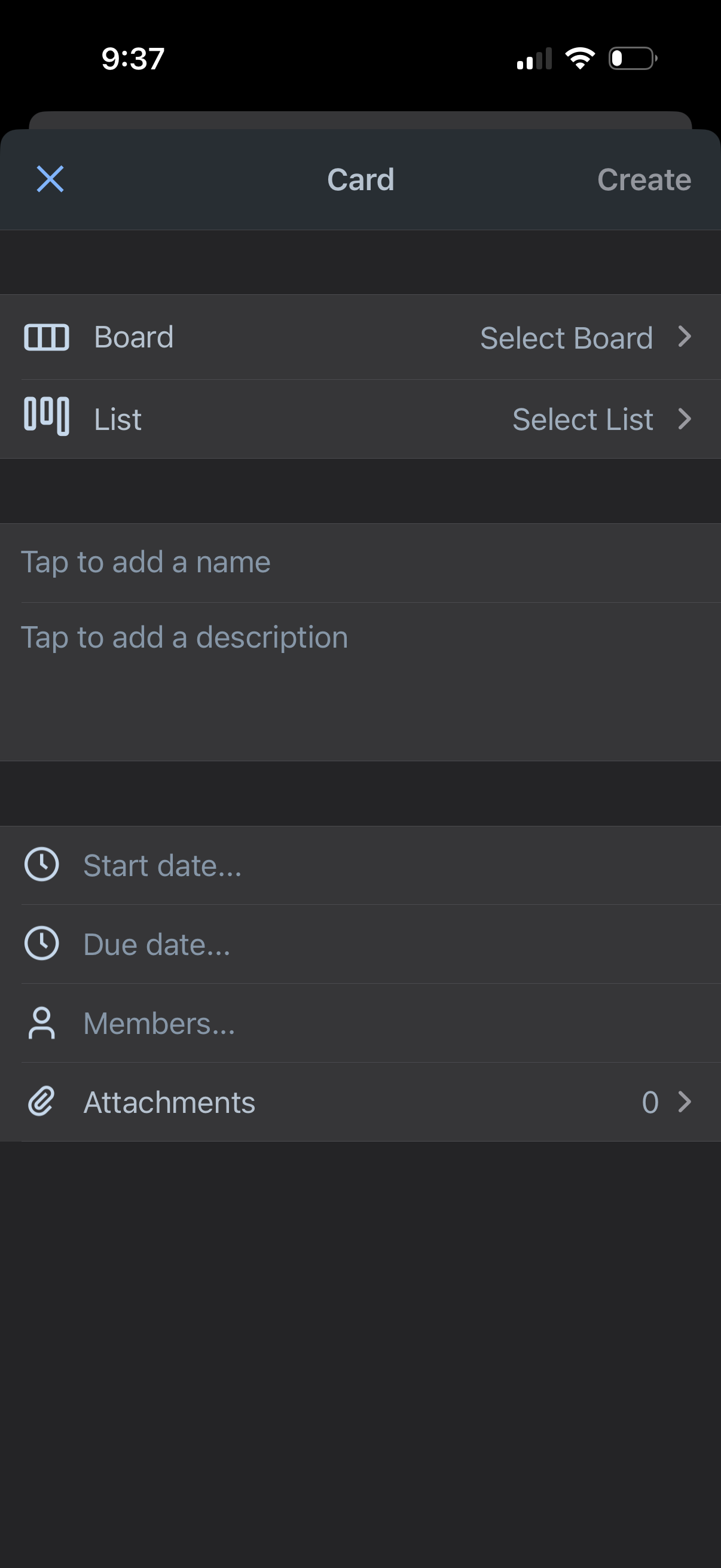
Task management card creation screen where the user selects a board and list, adds a card name and description, and optionally sets start and due dates, assigns members, and adds attachments before tapping Create.
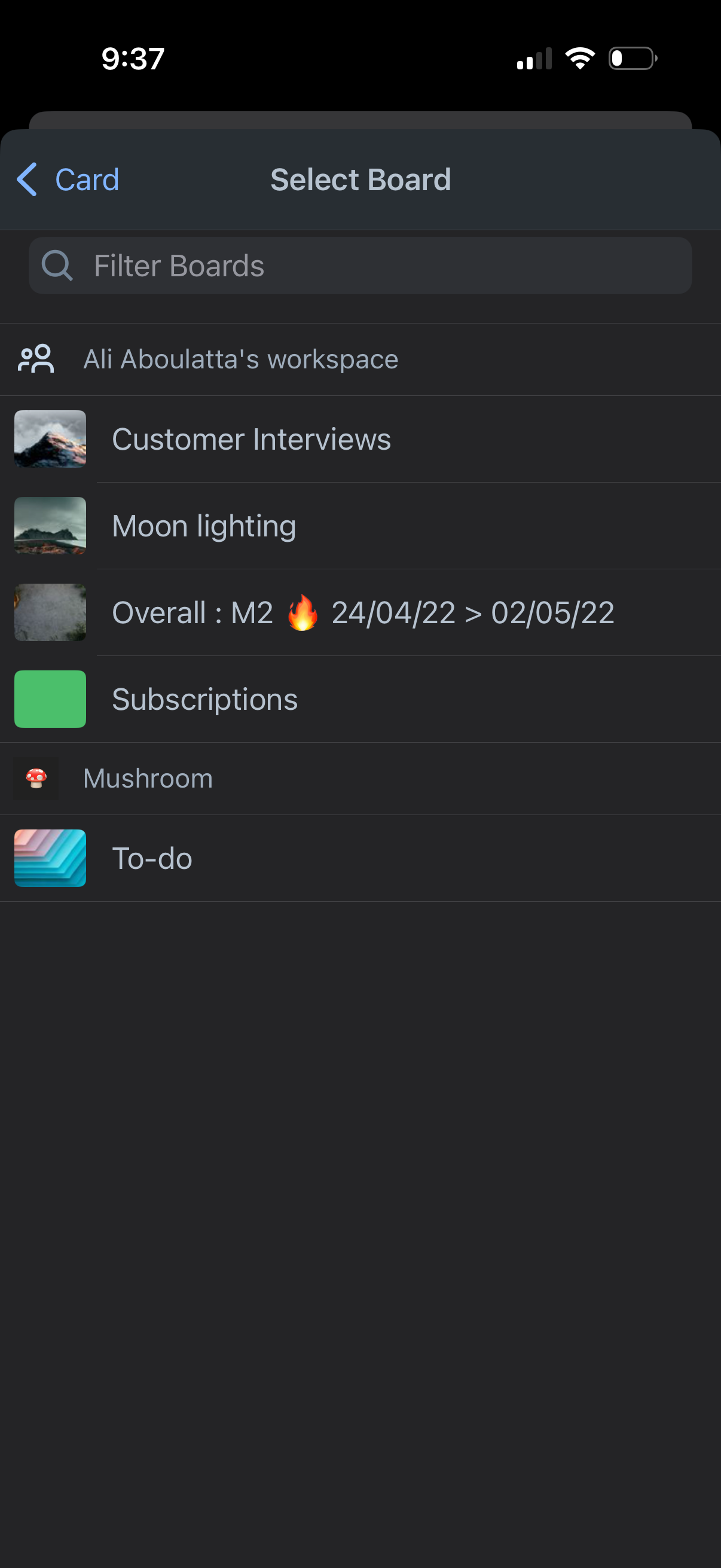
Board selection screen for a project management app where you choose which board to add or move a card into, showing a searchable/filterable list of boards within a workspace. Includes a back navigation and board rows with icons/thumbnails for quick identification.
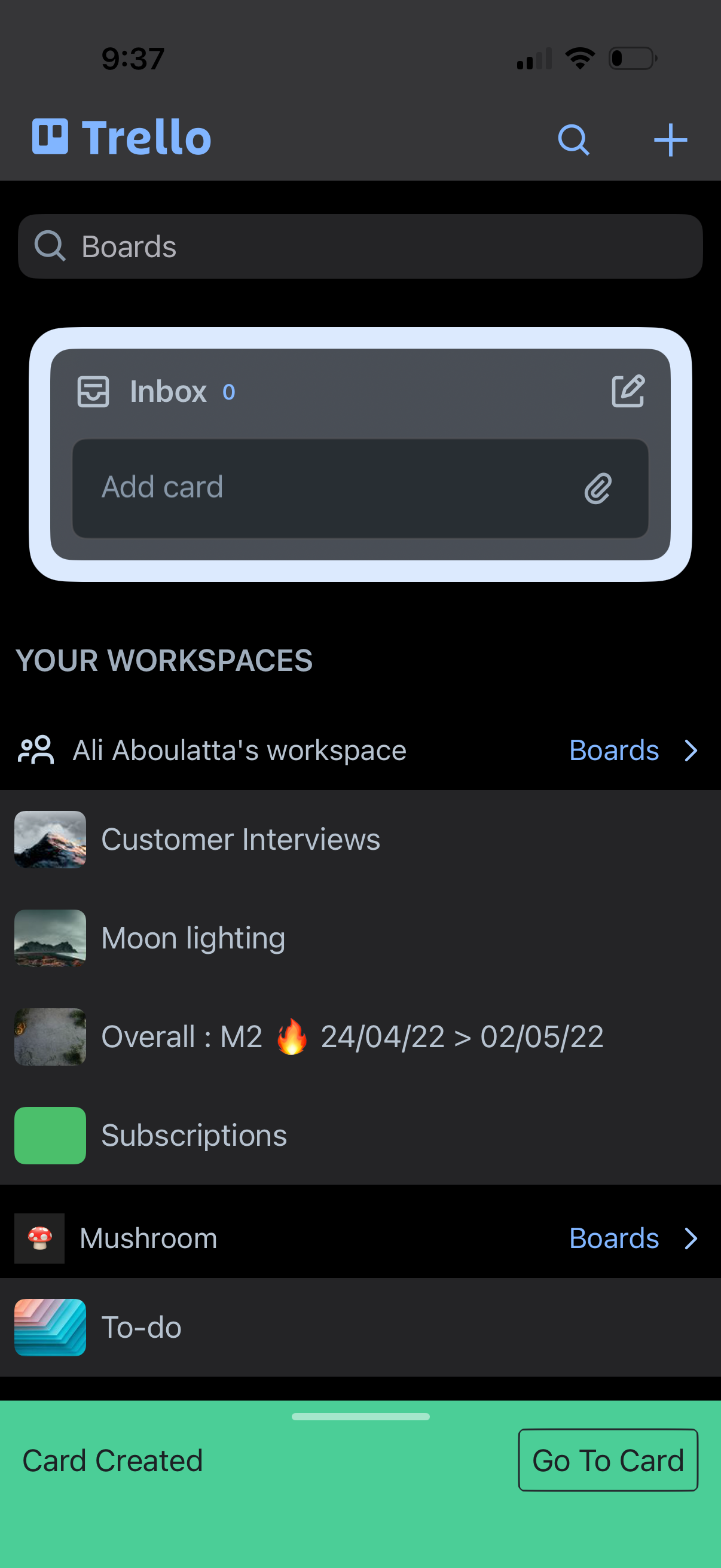
Trello home screen showing a search bar to find boards, quick access to an Inbox list with an “Add card” field, and a workspace section listing available boards. Top navigation includes search and a plus button to create new items, and a confirmation banner indicates a card was created with a “Go to Card” action.
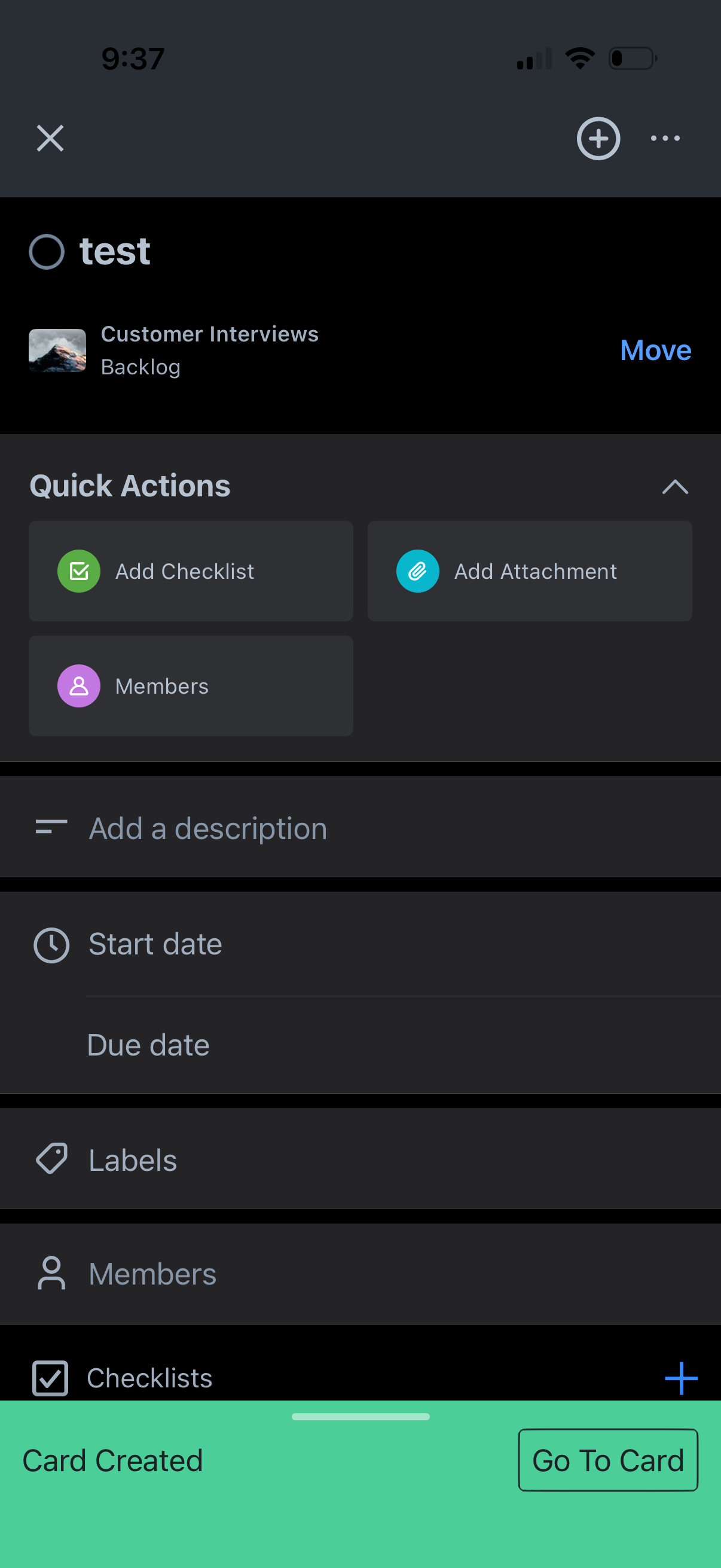
Task/card detail screen in a project management app showing the card title and list, with a Move option and quick actions to add a checklist, add an attachment, or manage members. Includes fields to add a description, set start and due dates, apply labels, and view checklists, with a confirmation banner indicating the card was created and a “Go To Card” button.