1
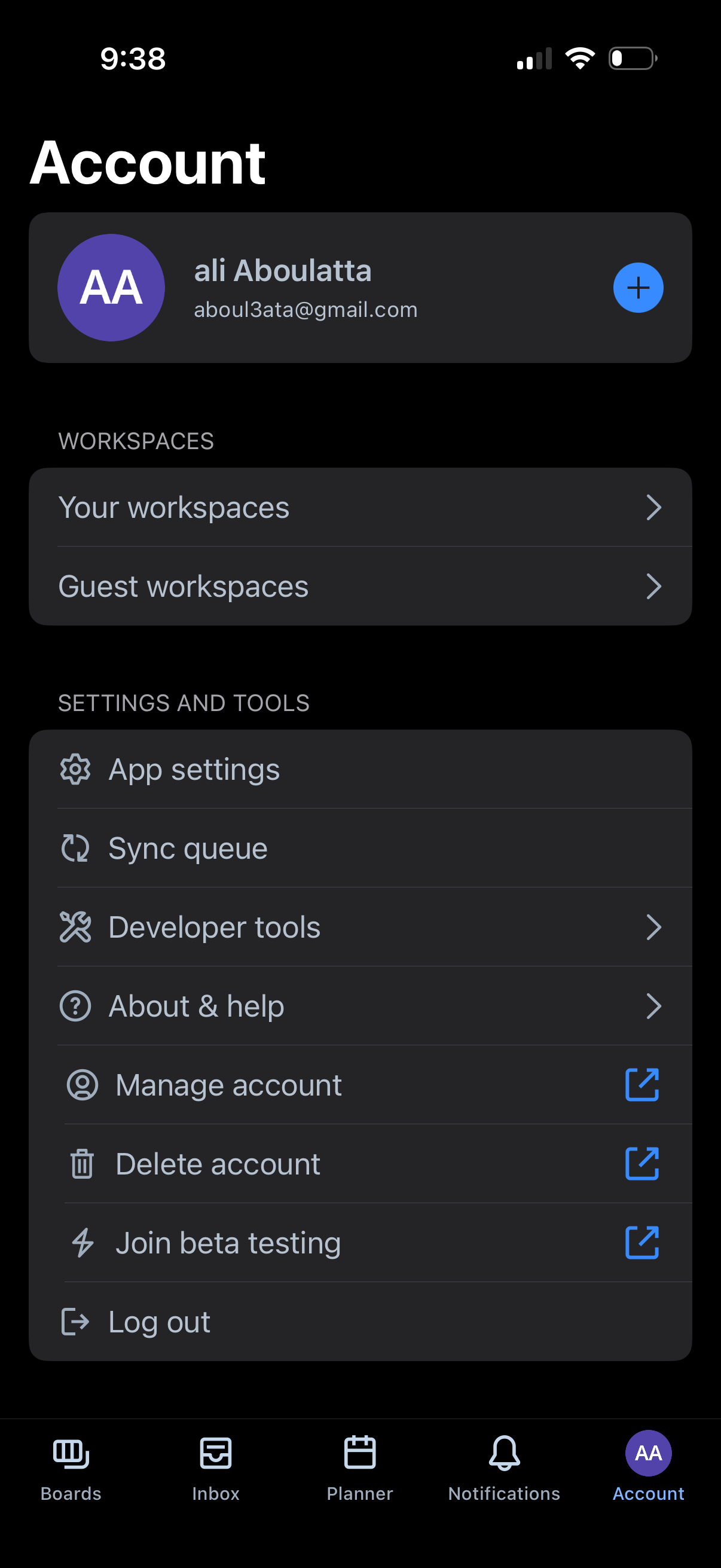
Account profile and settings screen showing the signed-in user, a button to add another account, and navigation to manage personal or guest workspaces. Includes settings and tools options such as app settings, sync queue, developer tools, about/help, manage or delete account, join beta testing, and log out.
2
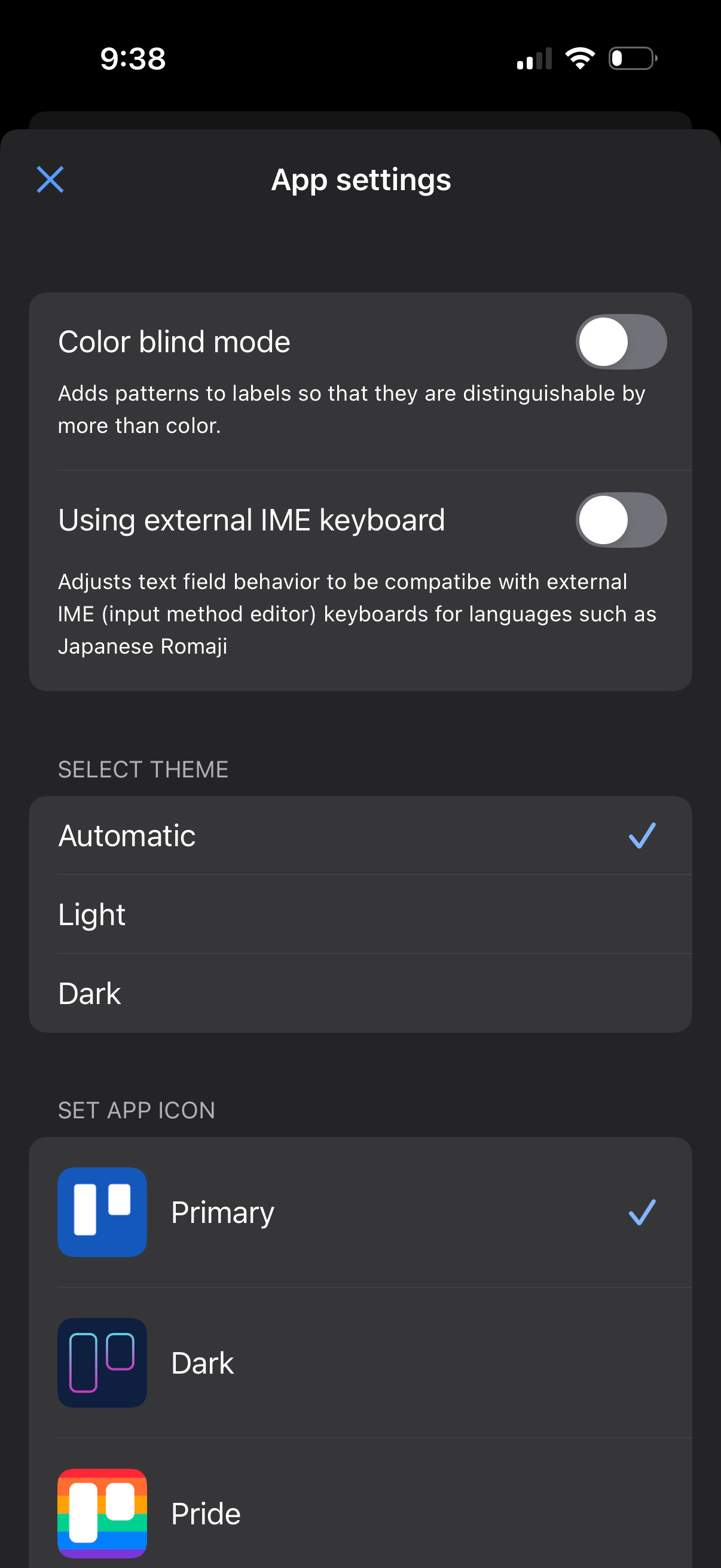
App settings screen with toggles for accessibility and input options like color blind mode and external IME keyboard support. Includes selection controls to choose the app theme (automatic, light, dark) and set a custom app icon from multiple variants.