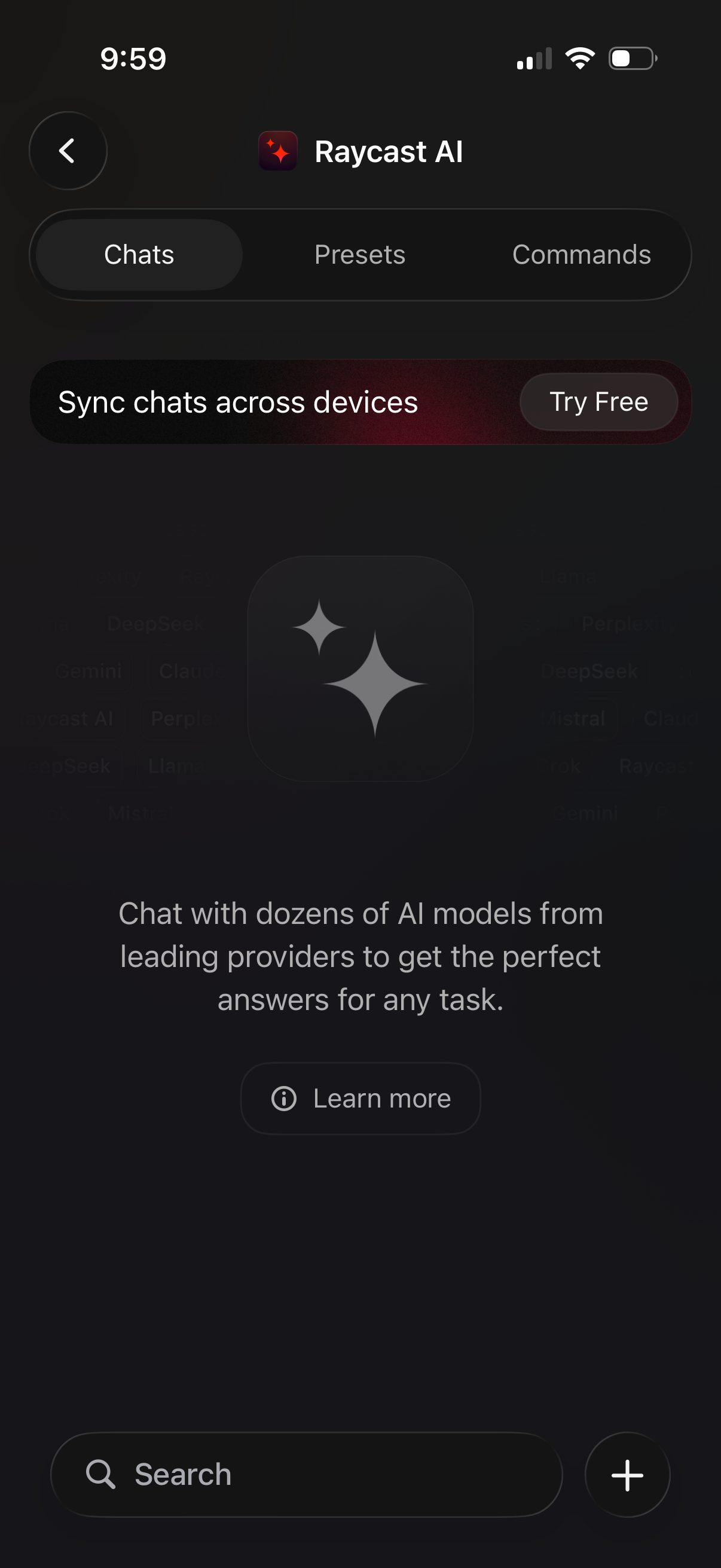
AI assistant home screen with segmented tabs for Chats, Presets, and Commands, promoting a premium feature to sync chats across devices with a “Try Free” call to action. Includes a search bar to find conversations and a floating plus button to start a new chat, along with a brief explainer and “Learn more” link.
AI assistant search screen with segmented tabs for Chats, Presets, and Commands, showing an empty state “No AI chats found. ” Includes a promotional banner to sync chats across devices with a “Try Free” CTA and a bottom search bar with clear and close controls for finding chats.
AI assistant search screen with segmented tabs for Chats, Presets, and Commands, plus a promotional banner to sync chats across devices with a “Try Free” call to action. The main state shows an empty results message (“No AI chats found”) with a bottom search bar for entering a query and a close button.
AI chat search screen with segmented tabs for Chats, Presets, and Commands, showing an empty state (“No AI chats found”) for the entered query. Includes a promotional banner to sync chats across devices with a “Try Free” CTA and controls to clear the search text or close the search.
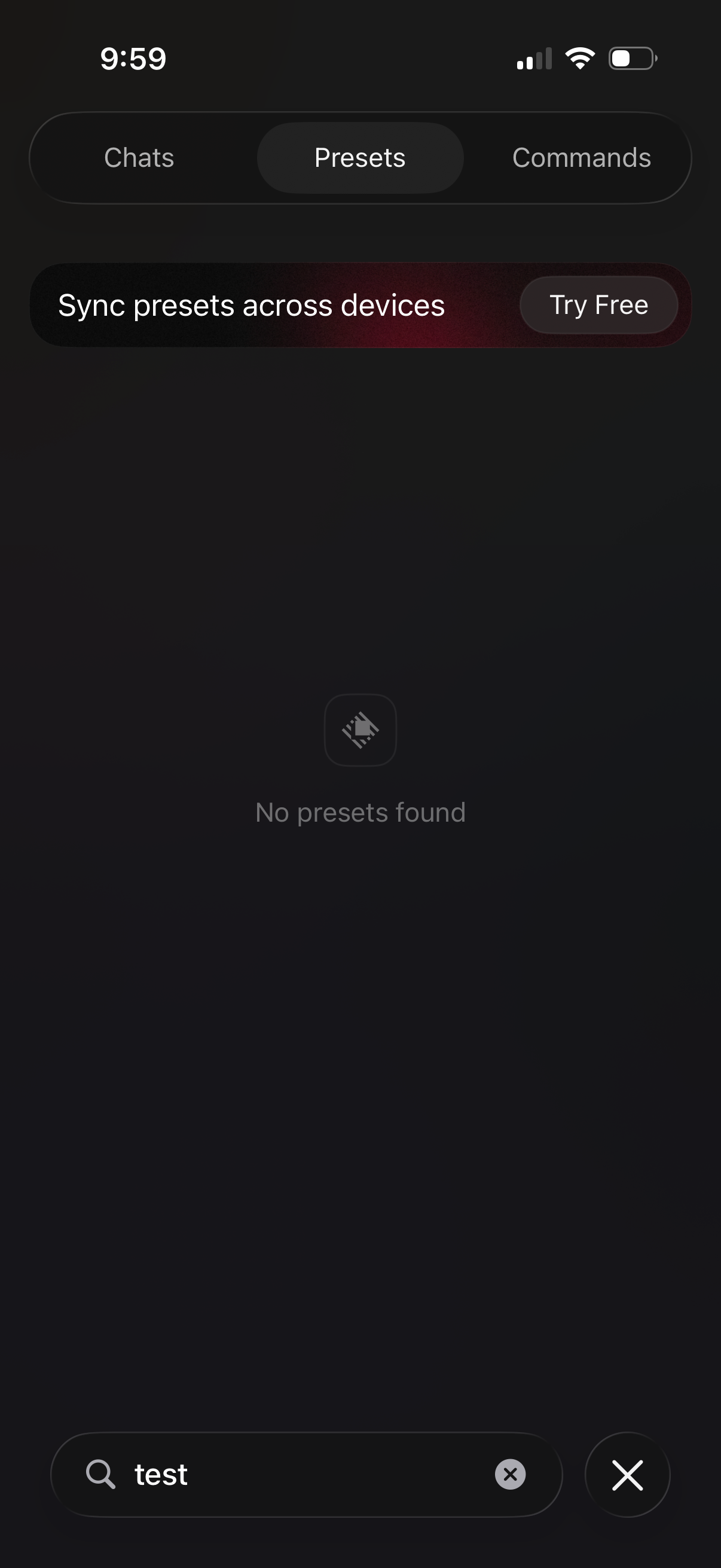
Dark-themed presets search screen with segmented tabs for Chats, Presets, and Commands, a promo banner to sync presets across devices with a “Try Free” CTA, and an empty state message “No presets found. ” A bottom search field shows the query with a clear button and a close icon to exit search.
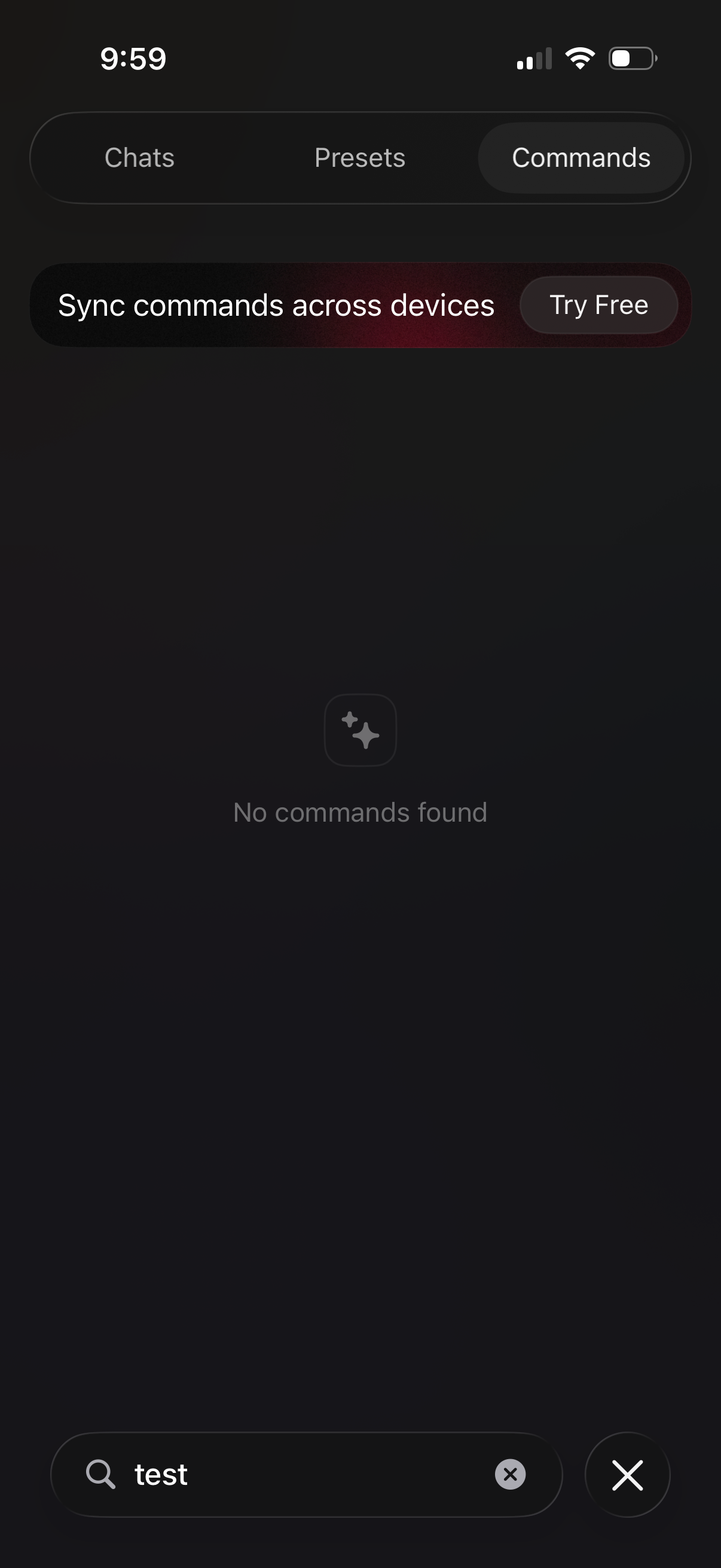
Search screen for an AI/chat app with tabs for Chats, Presets, and Commands, showing the Commands tab selected and an empty state (“No commands found”) for the current query. Includes a promotional banner to “Sync commands across devices” with a “Try Free” CTA, plus a search field with clear and close actions.