Raycast

Productivity · 59 screens · Your shortcut to everything

Your agent can search this library too. Lazyweb CLI →
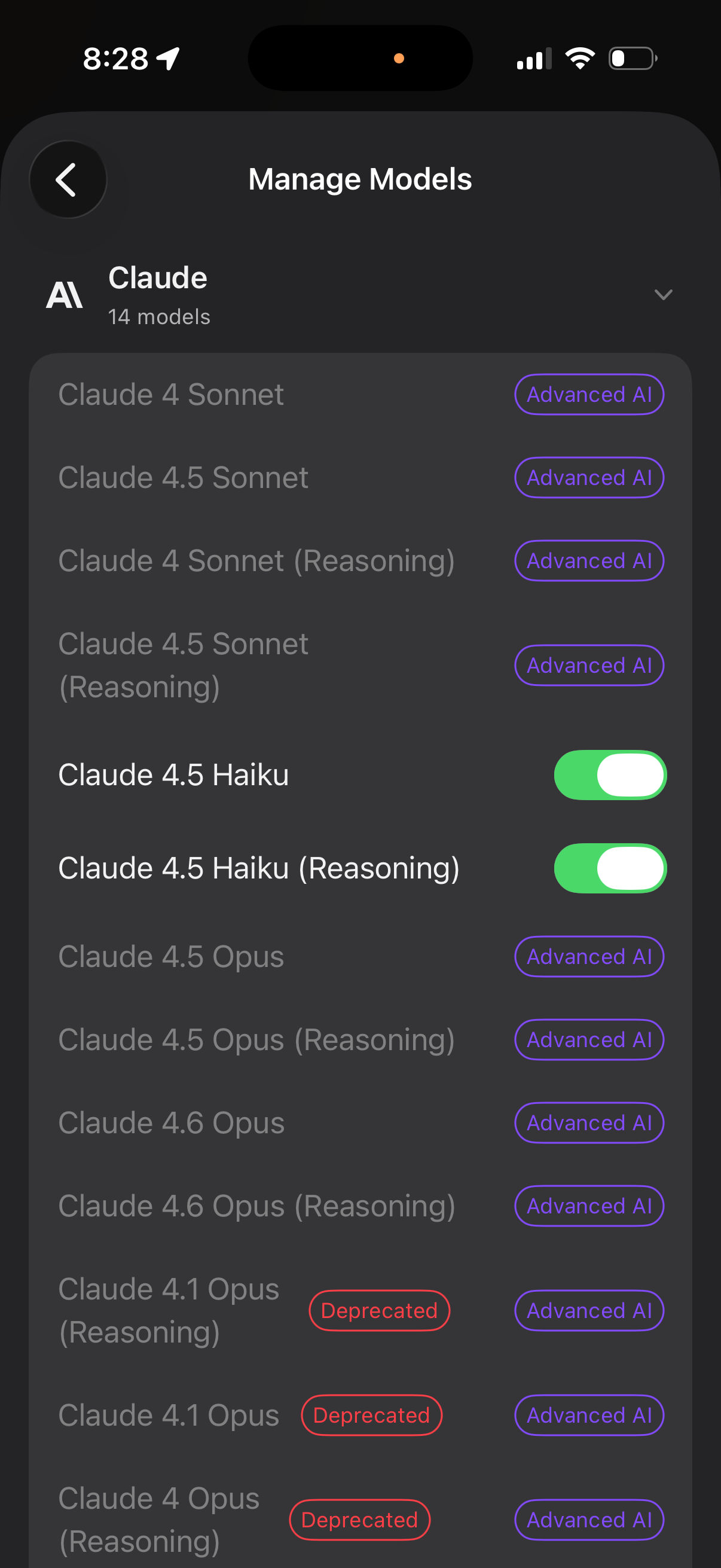
AI model management screen for the Claude provider showing a list of available m
Raycast
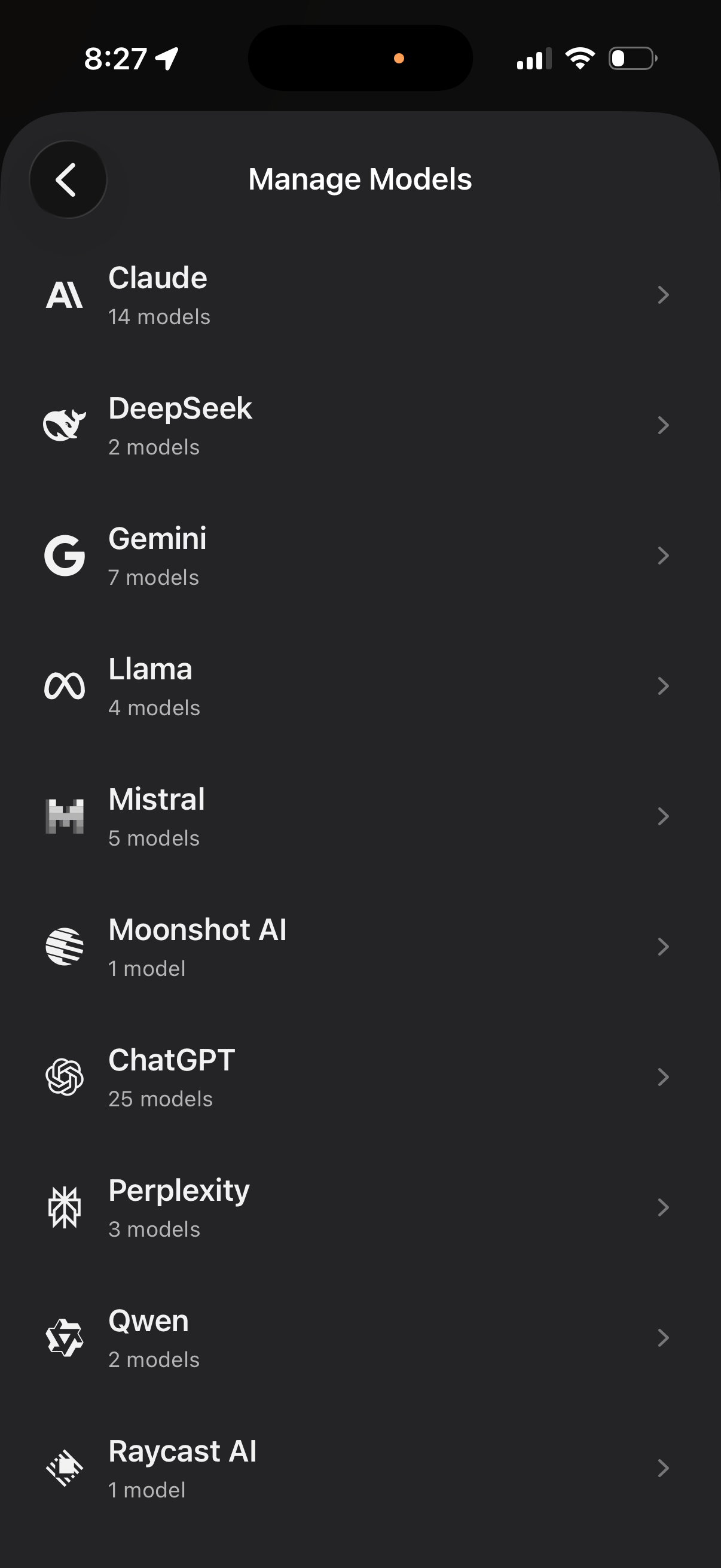
Manage Models settings screen showing a list of AI providers (e. g.
Raycast
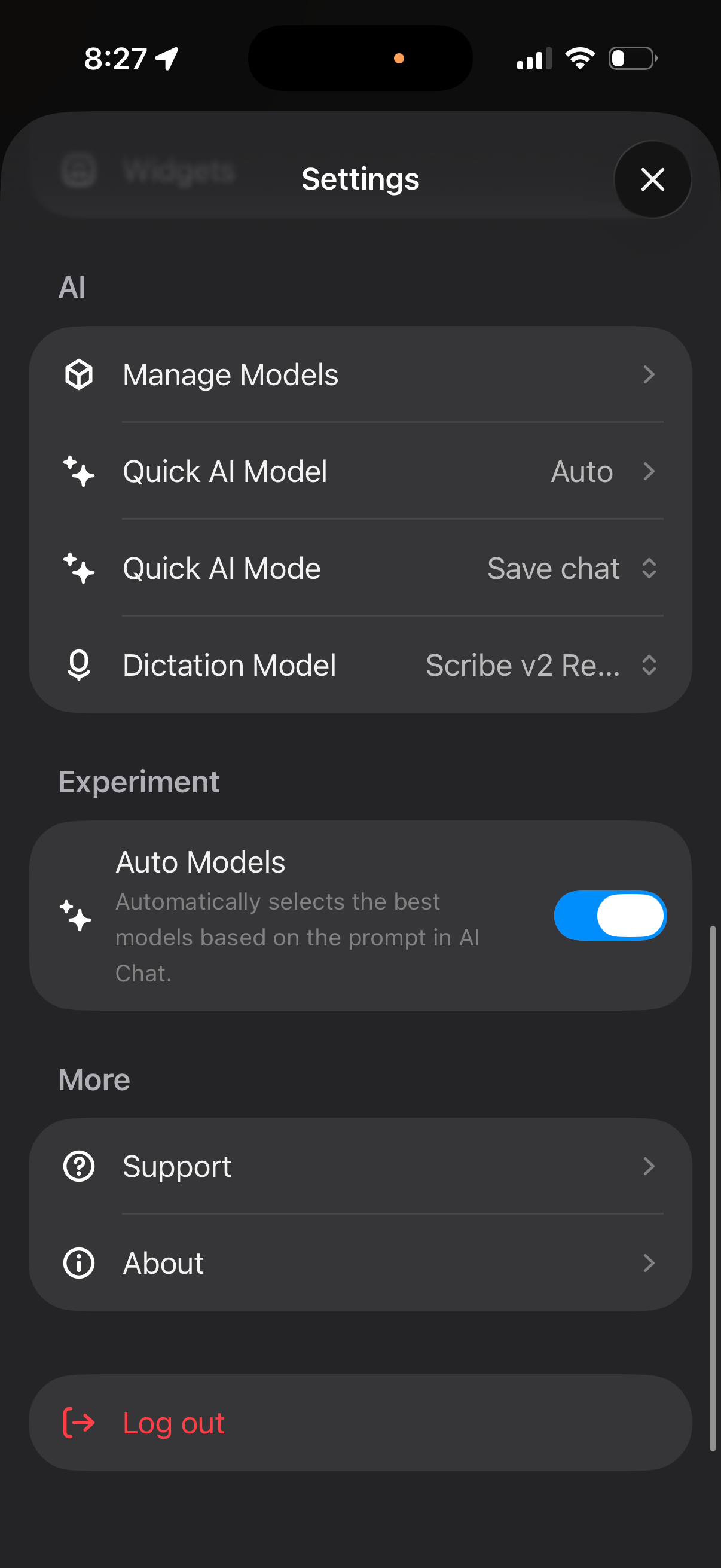
Settings screen for an AI assistant app where users manage AI models, choose a q
Raycast
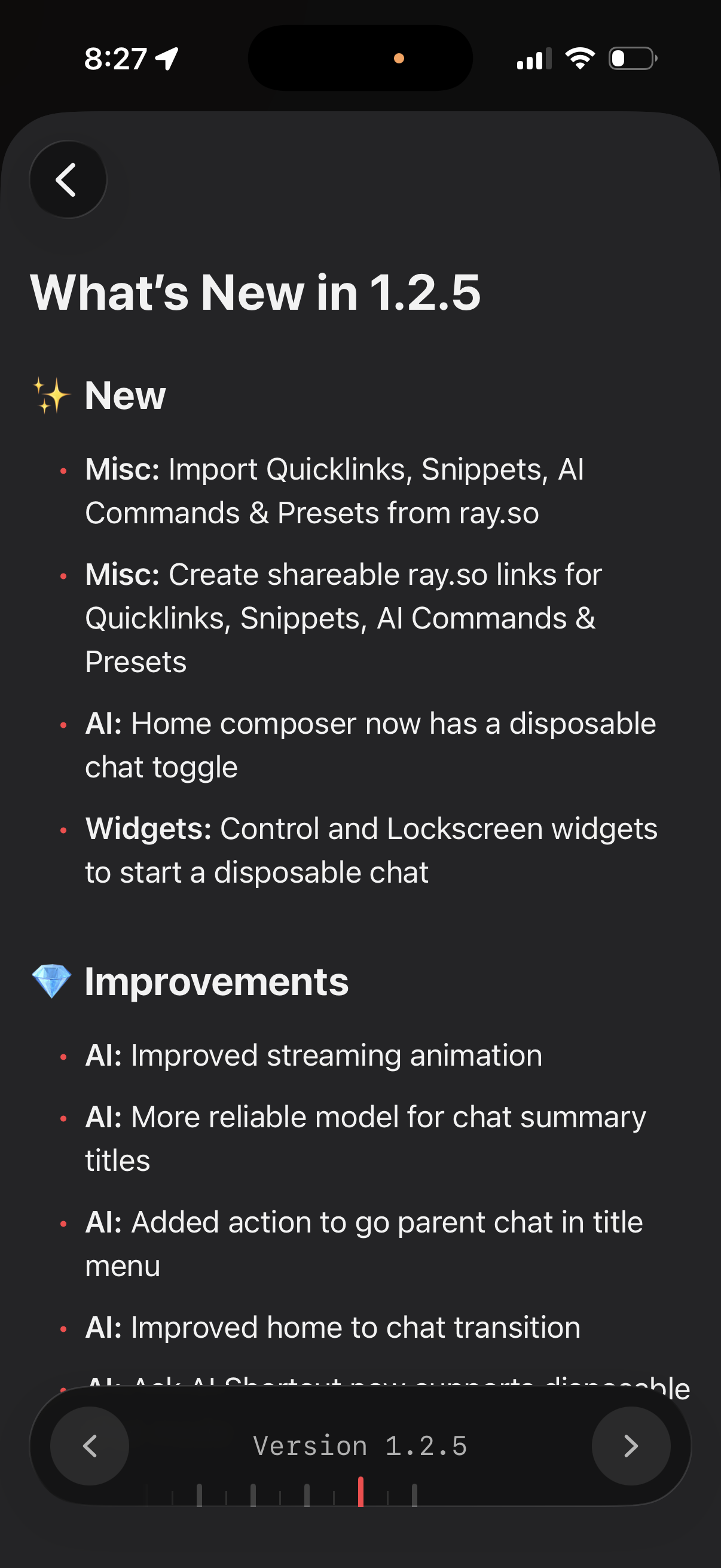
App “What’s New” release notes screen for version 1. 2.
Raycast
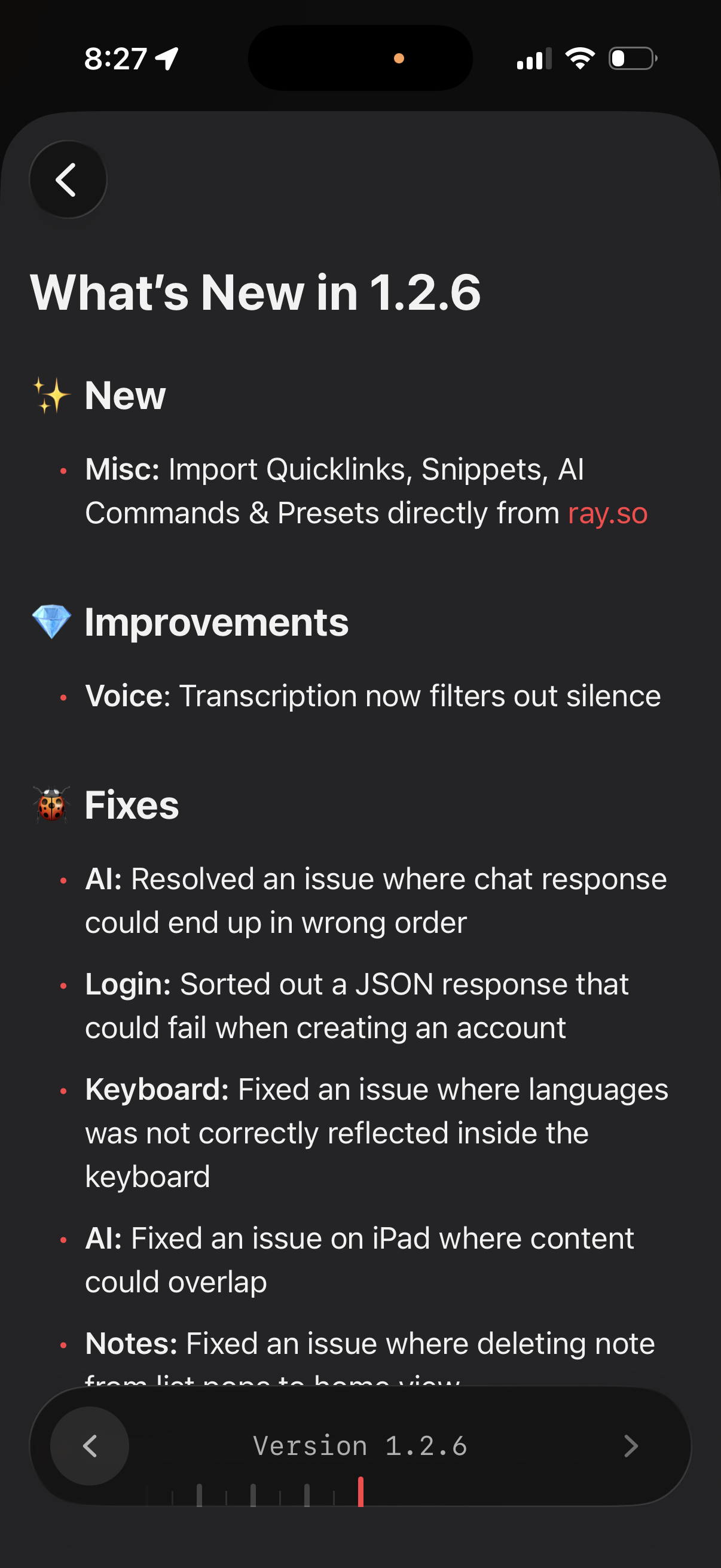
App release notes screen showing “What’s New” for version 1. 2.
Raycast
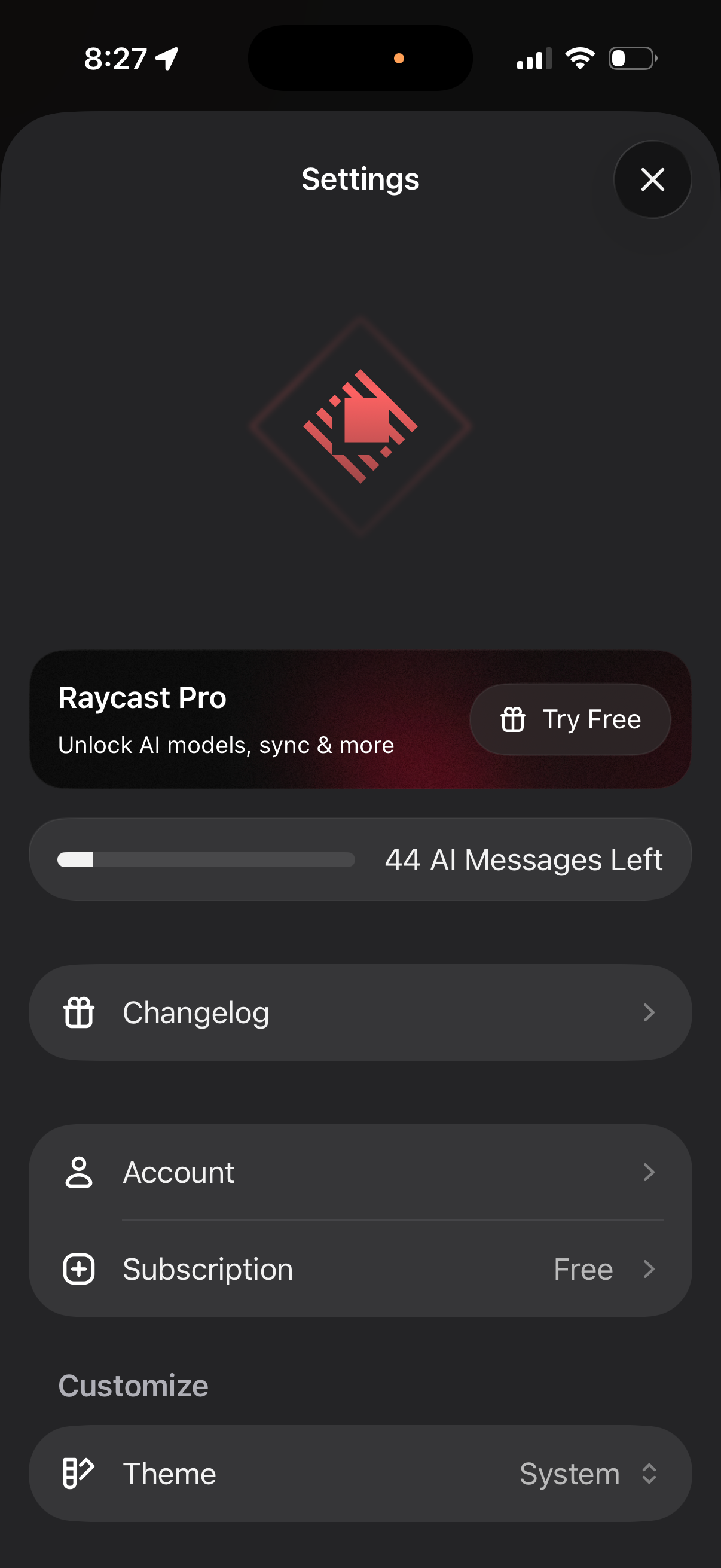
App settings screen for an AI chat assistant showing a Pro upgrade banner with “
Raycast
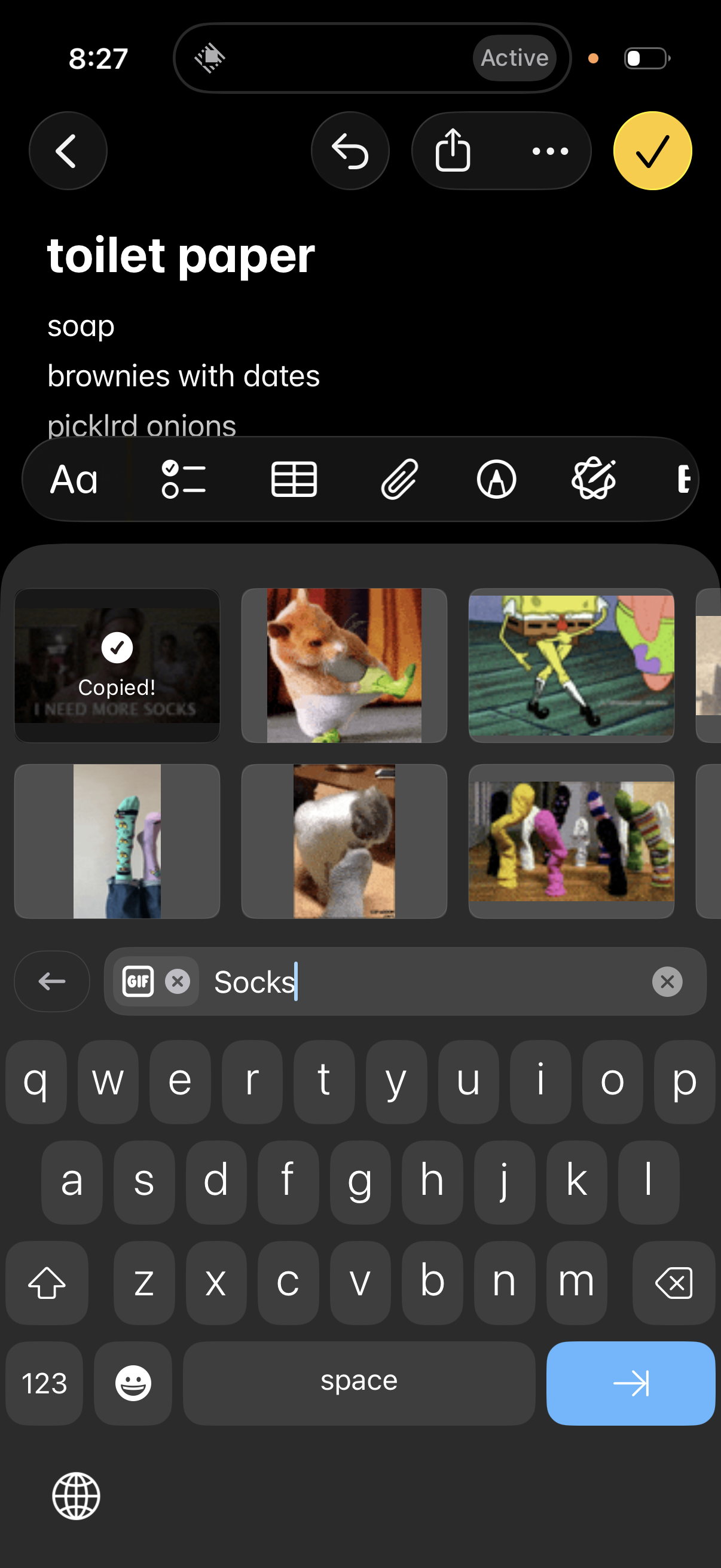
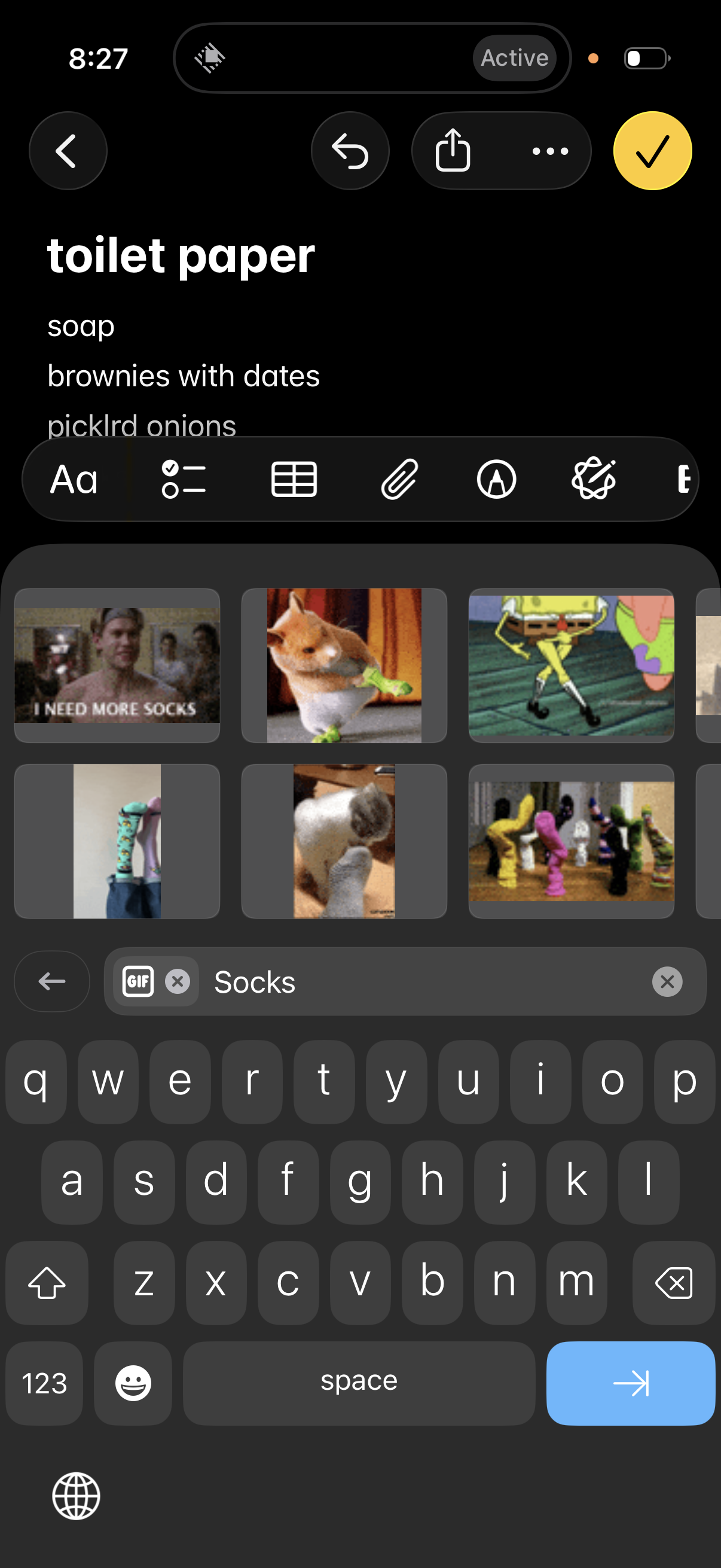
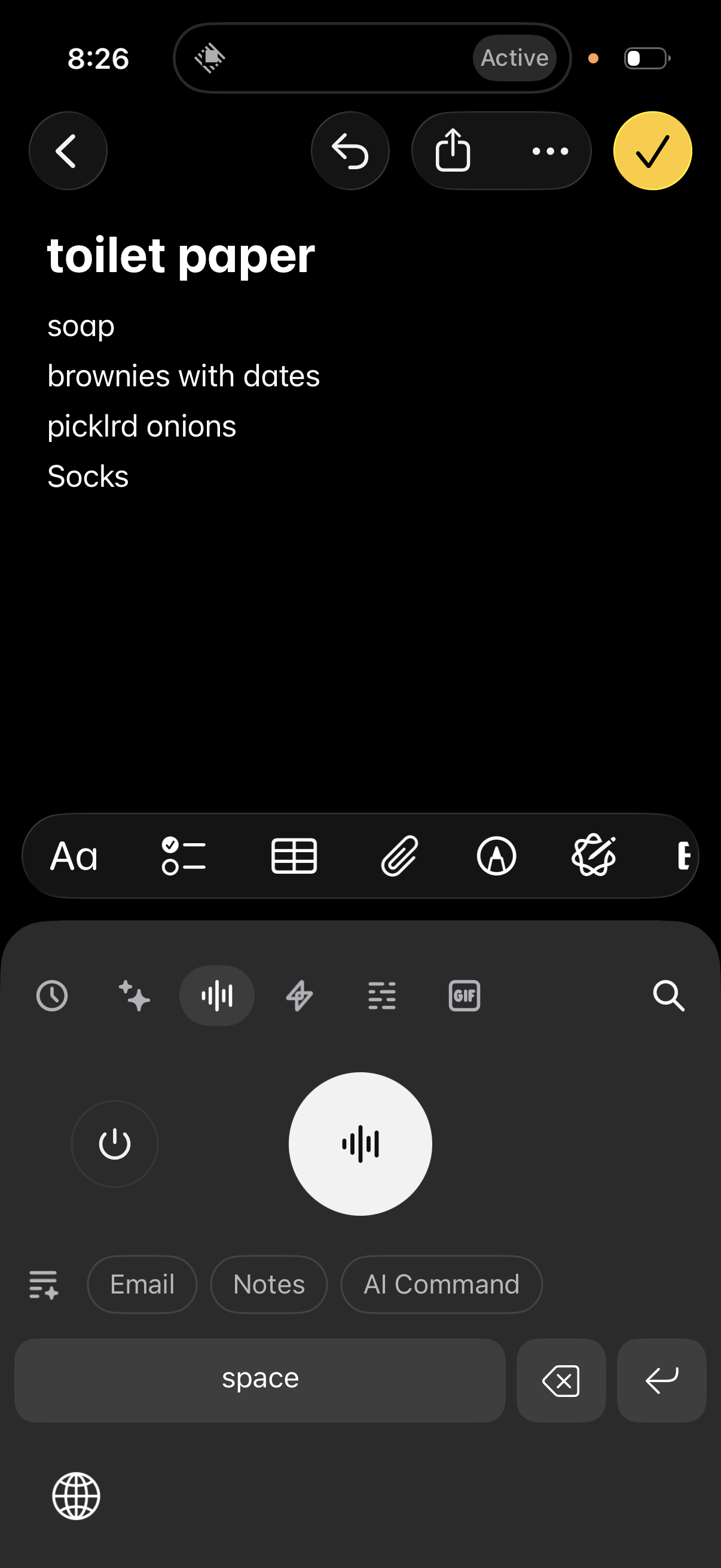
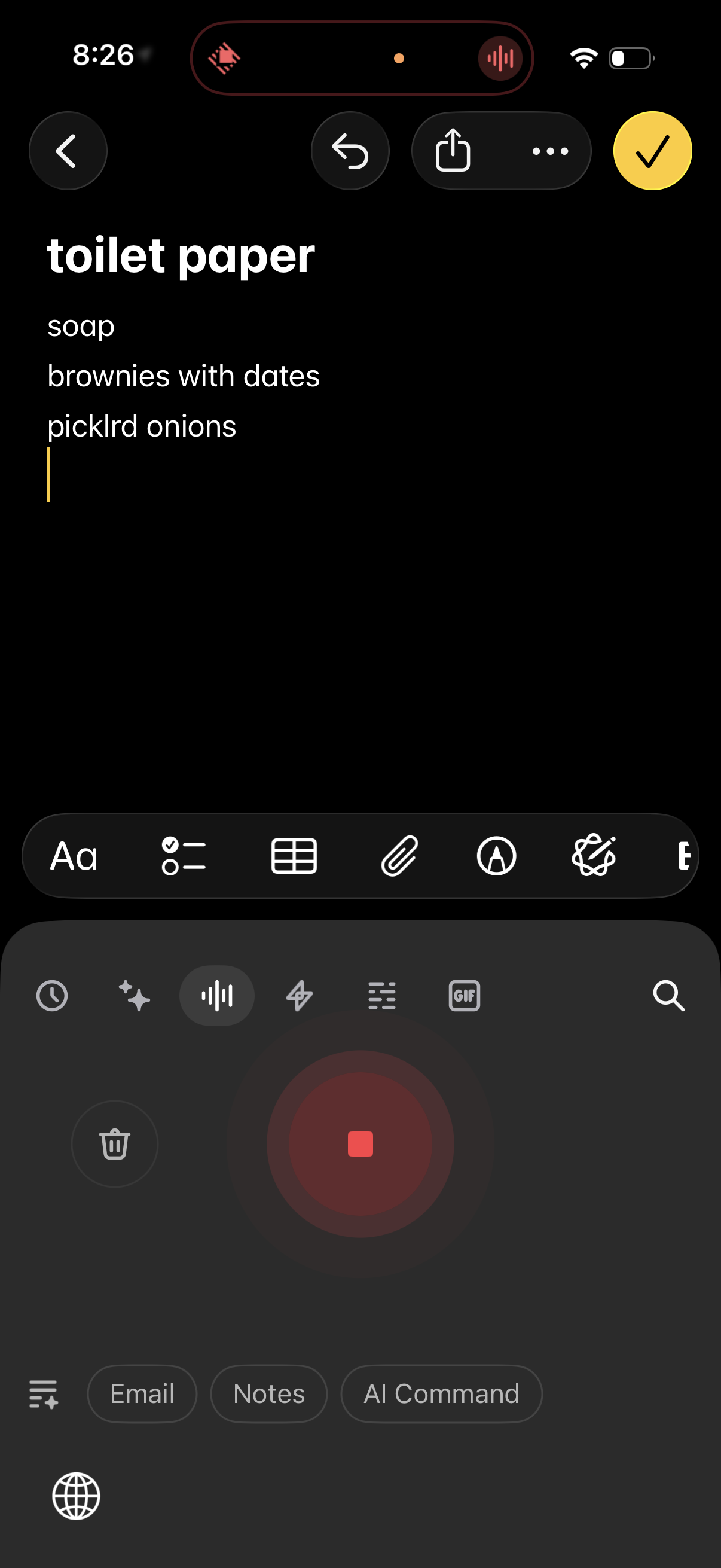
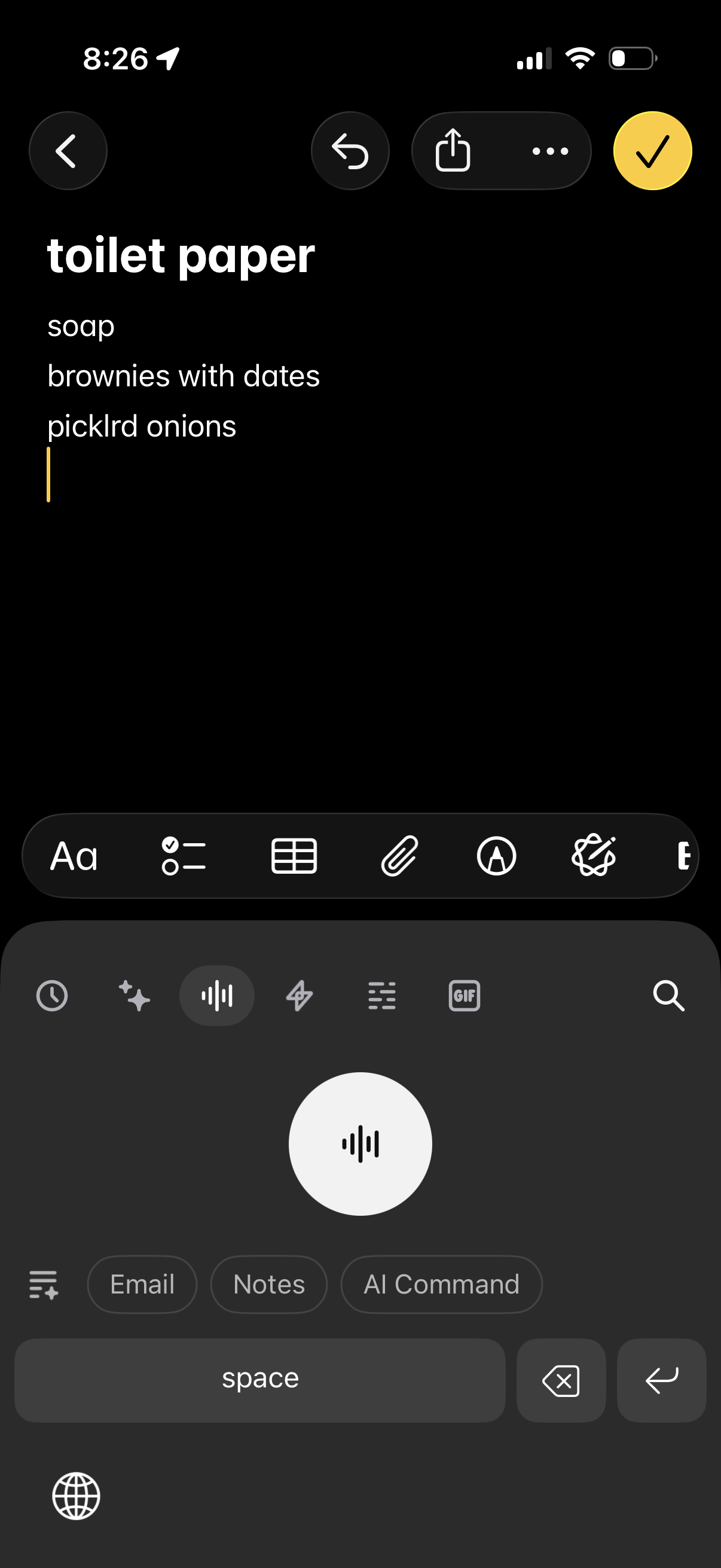
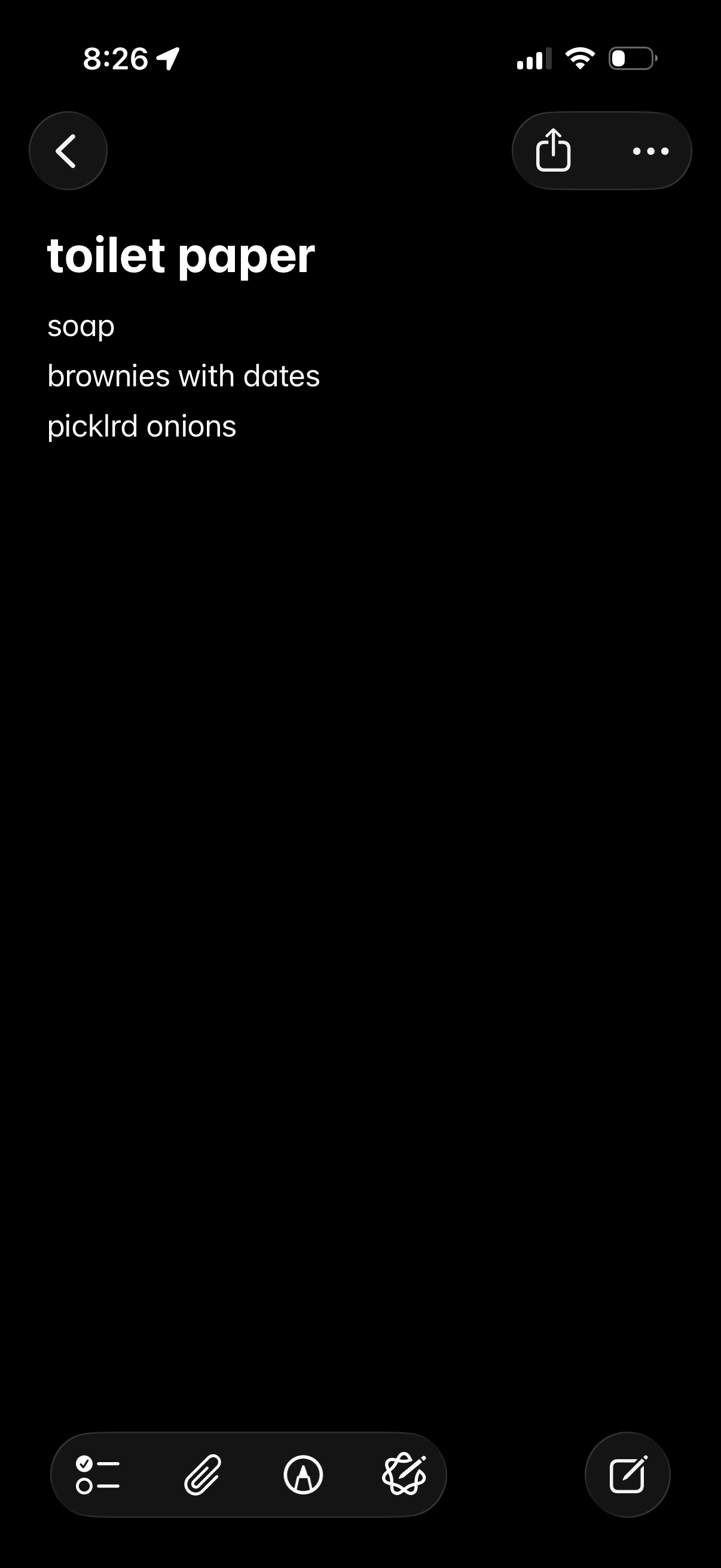
A note-taking app in edit mode showing a simple shopping list with a title and m
Raycast
Note-taking app edit screen showing a shopping list with formatting tools (text,
Raycast
Mobile note editor screen for a checklist-style shopping list, showing a note ti
Raycast
Dark-mode note editor showing a titled checklist-style note (shopping list) with
Raycast
Dark-mode note editor screen for creating a shopping list, showing a title and m
Raycast
Note editor screen in dark mode showing a simple grocery/shopping list with a ti
Raycast
Notes editor screen showing a simple shopping list with a title and multiple tex
Raycast
Dark-mode notes editor screen showing a grocery/shopping list with a large title
Raycast
Dark-mode note editor for a simple shopping list, showing multiple line items wi
Raycast
Dark-mode note or checklist screen showing a simple grocery/shopping list with m
Raycast
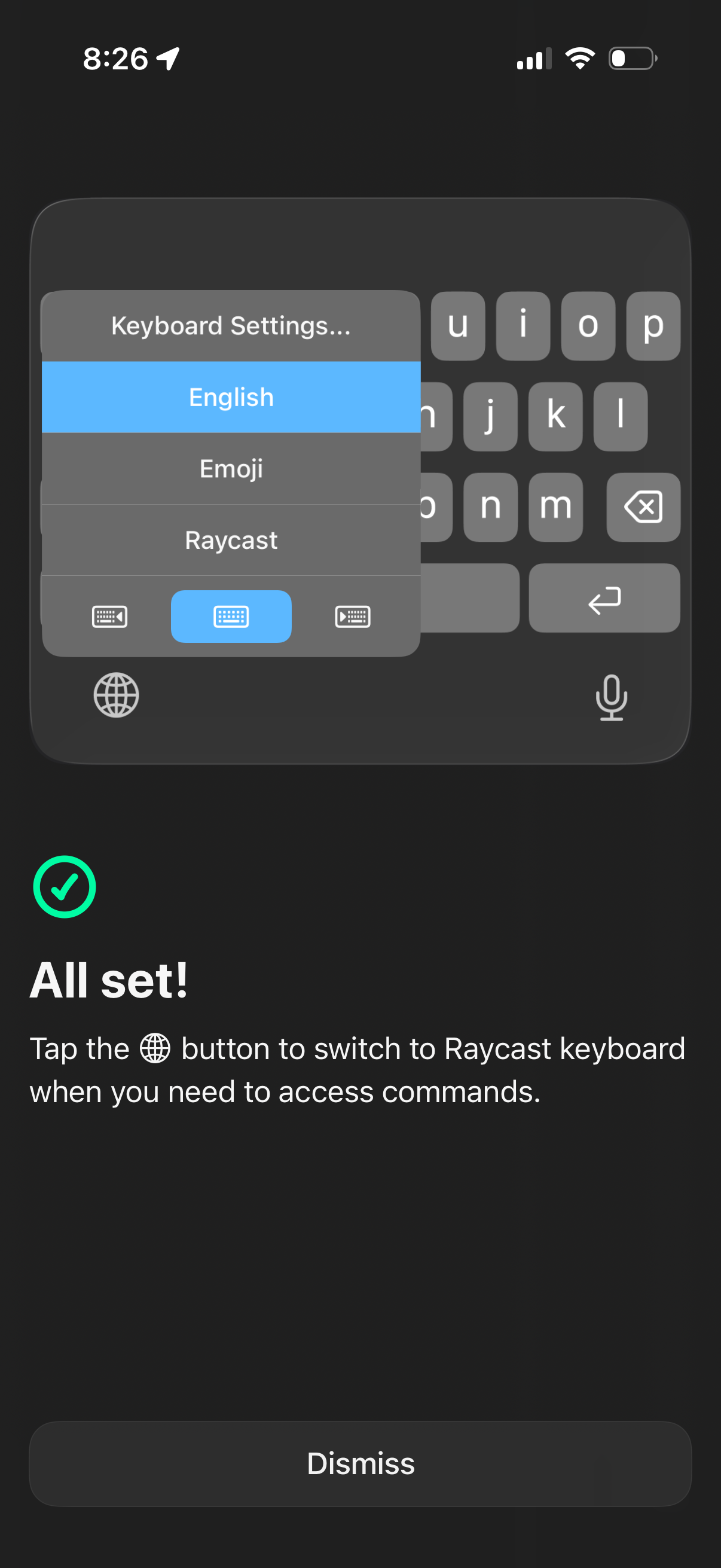
Confirmation screen for setting up a custom iOS keyboard extension, showing the
Raycast
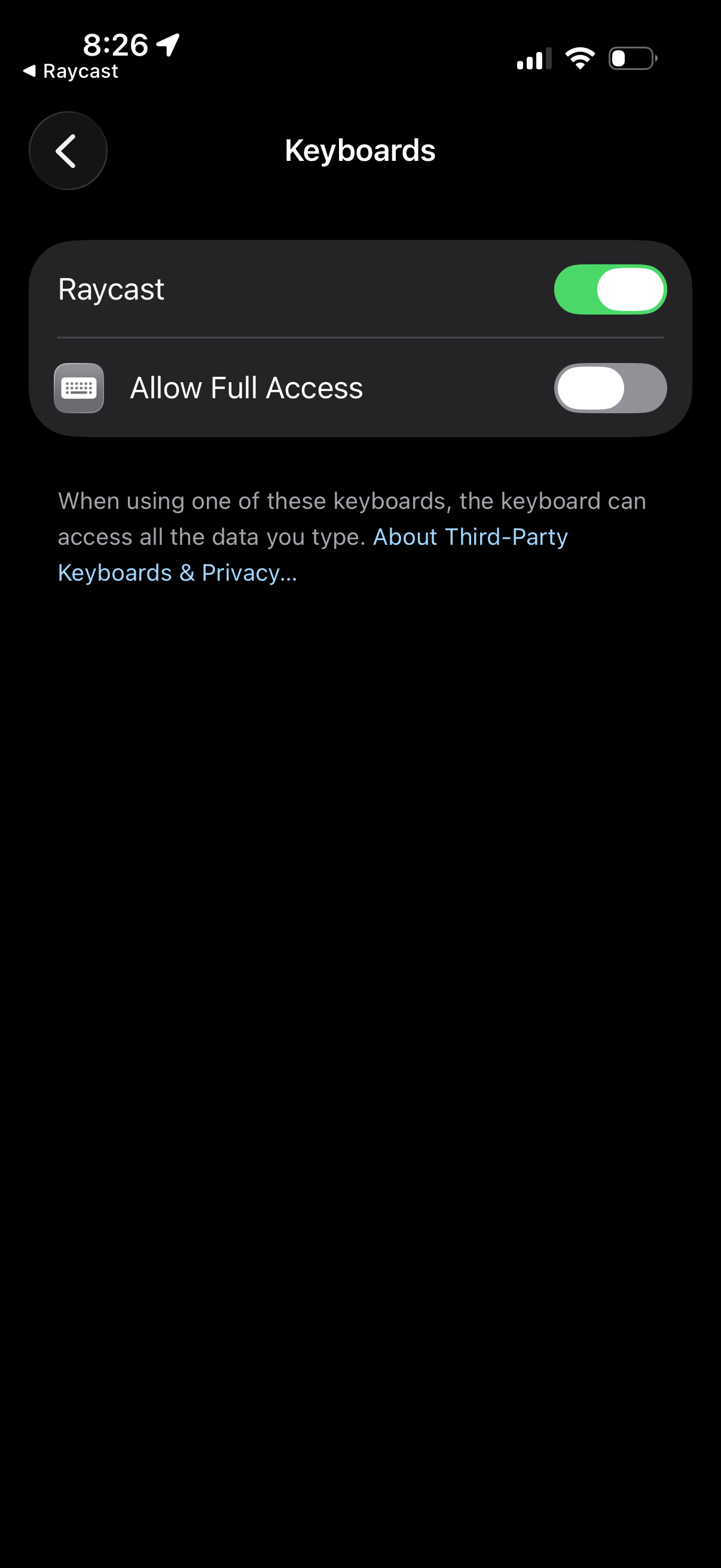
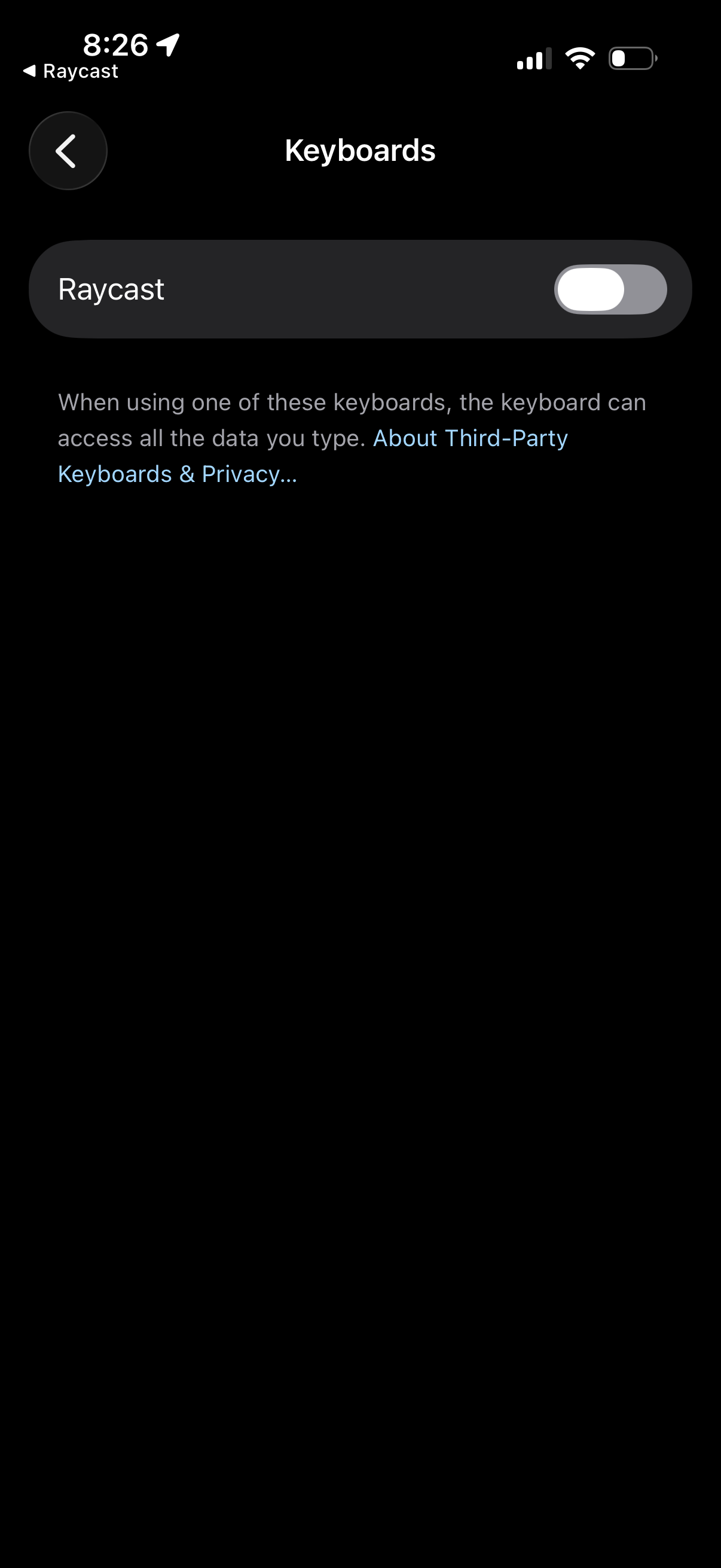
iOS Settings > Keyboards screen for a third-party keyboard, showing toggles to e
Raycast
iOS Settings third-party keyboard management screen where the user can enable or
Raycast
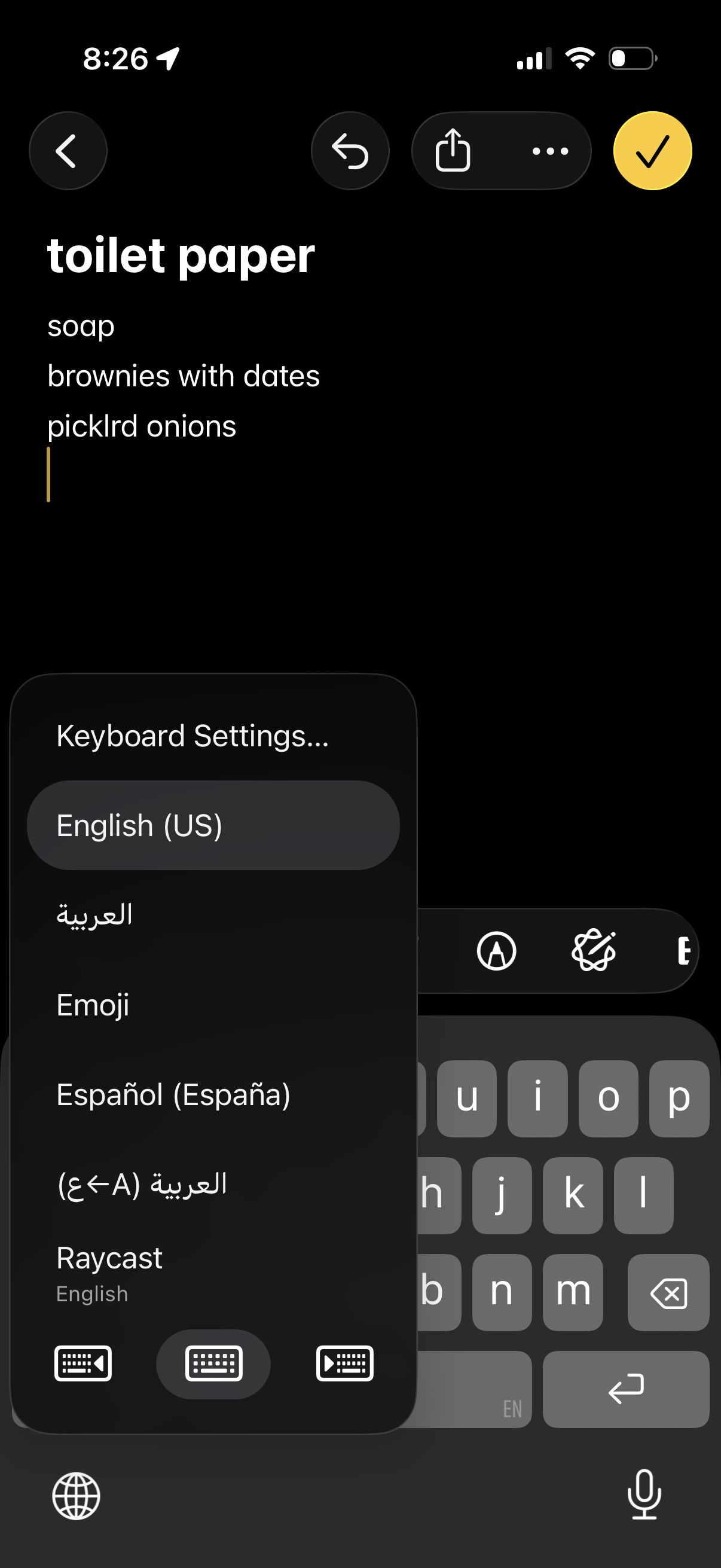
iOS Settings screen for managing third-party keyboards, showing a keyboard entry
Raycast
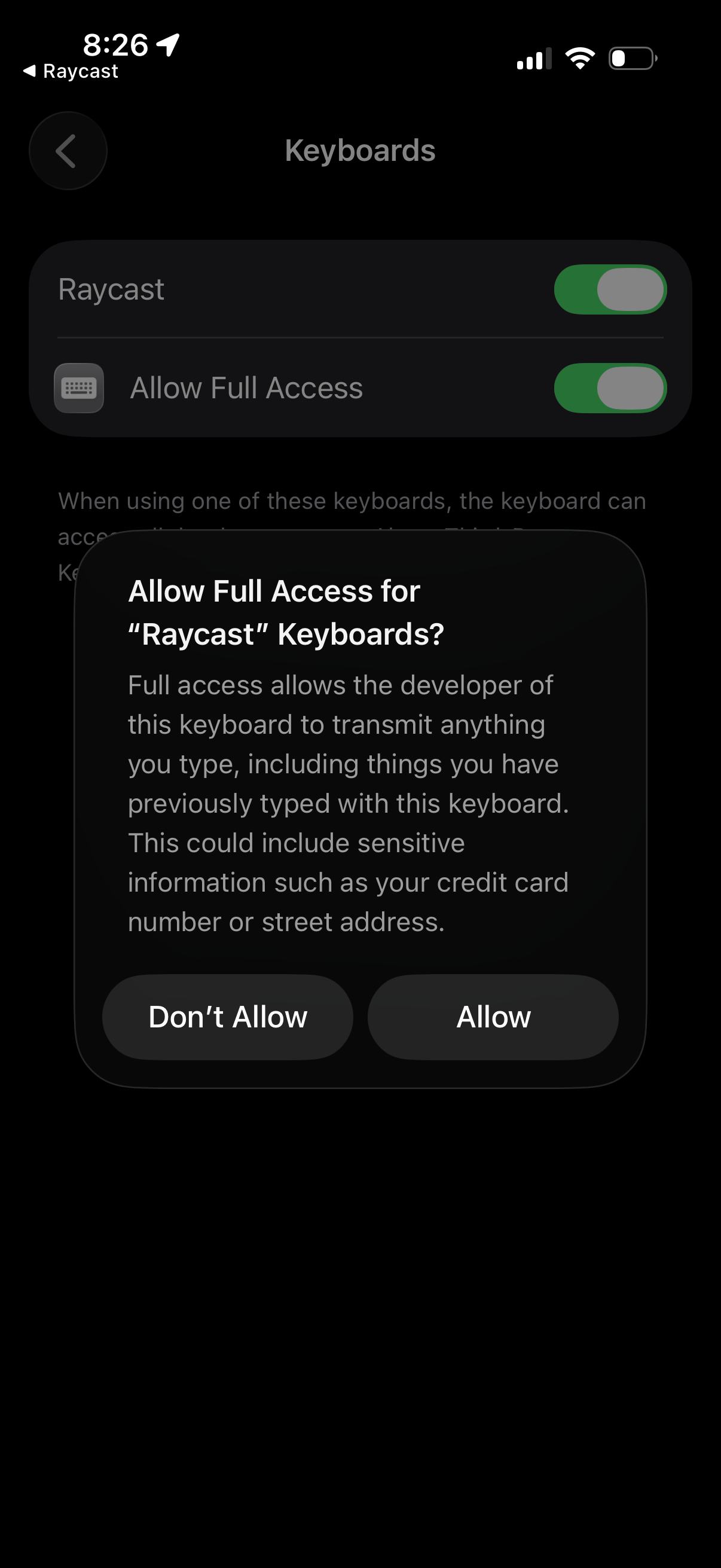
iOS app settings permissions screen for an app, showing “Allow [app] to Access”
Raycast
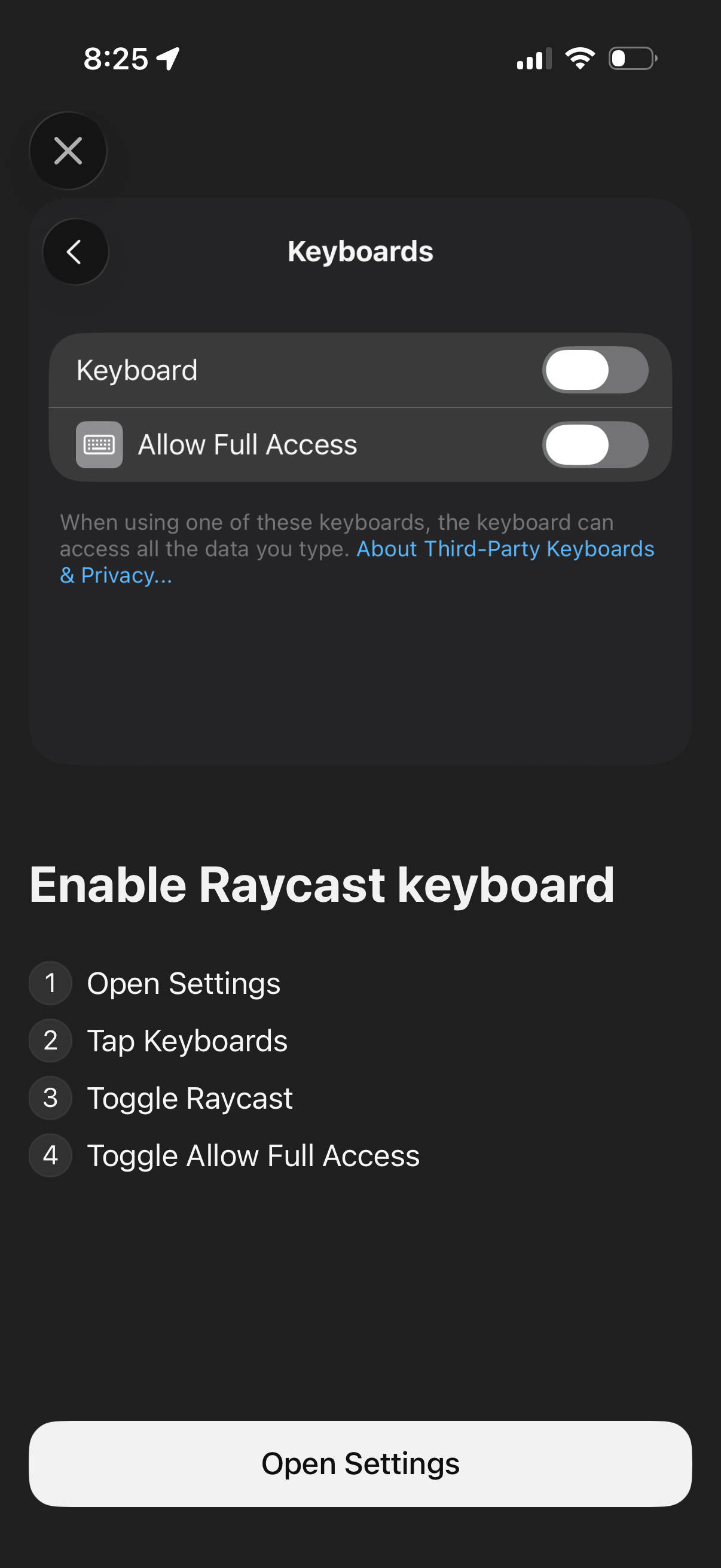
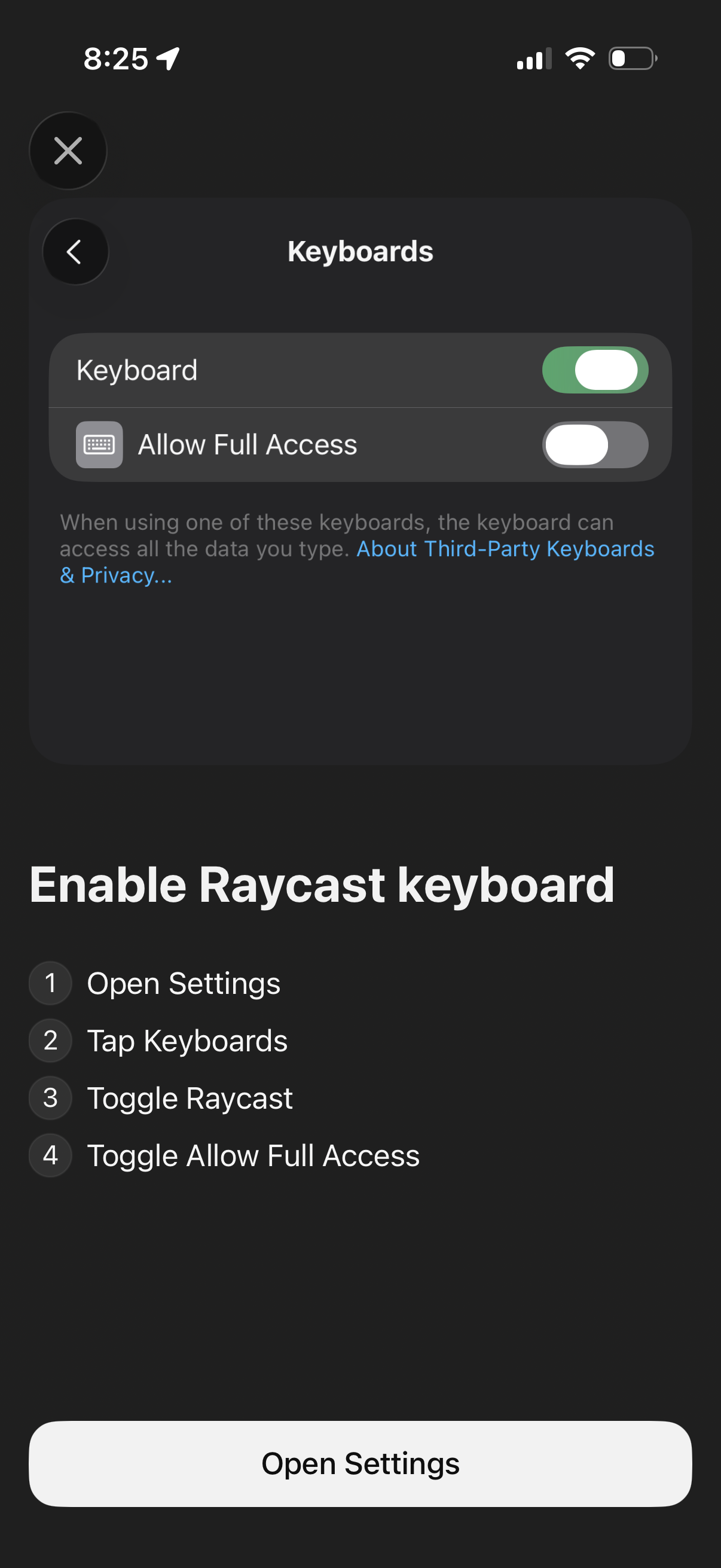
Onboarding permission screen prompting users to enable a third-party iOS keyboar
Raycast
Onboarding/setup screen prompting the user to enable a third-party keyboard in i
Raycast
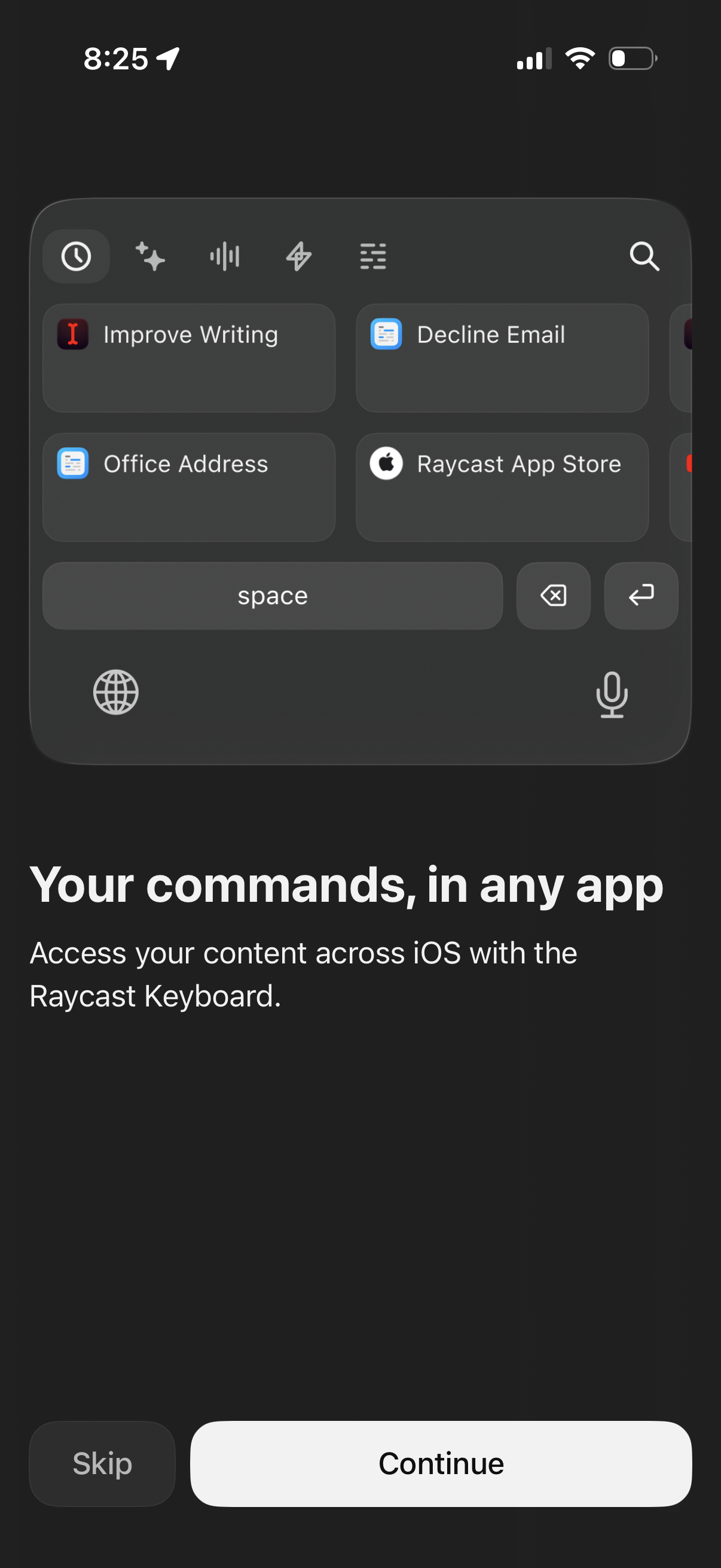
Onboarding screen introducing a custom iOS keyboard that lets users run saved co
Raycast
Mobile camera capture screen in photo mode with a live viewfinder, large shutter
Raycast
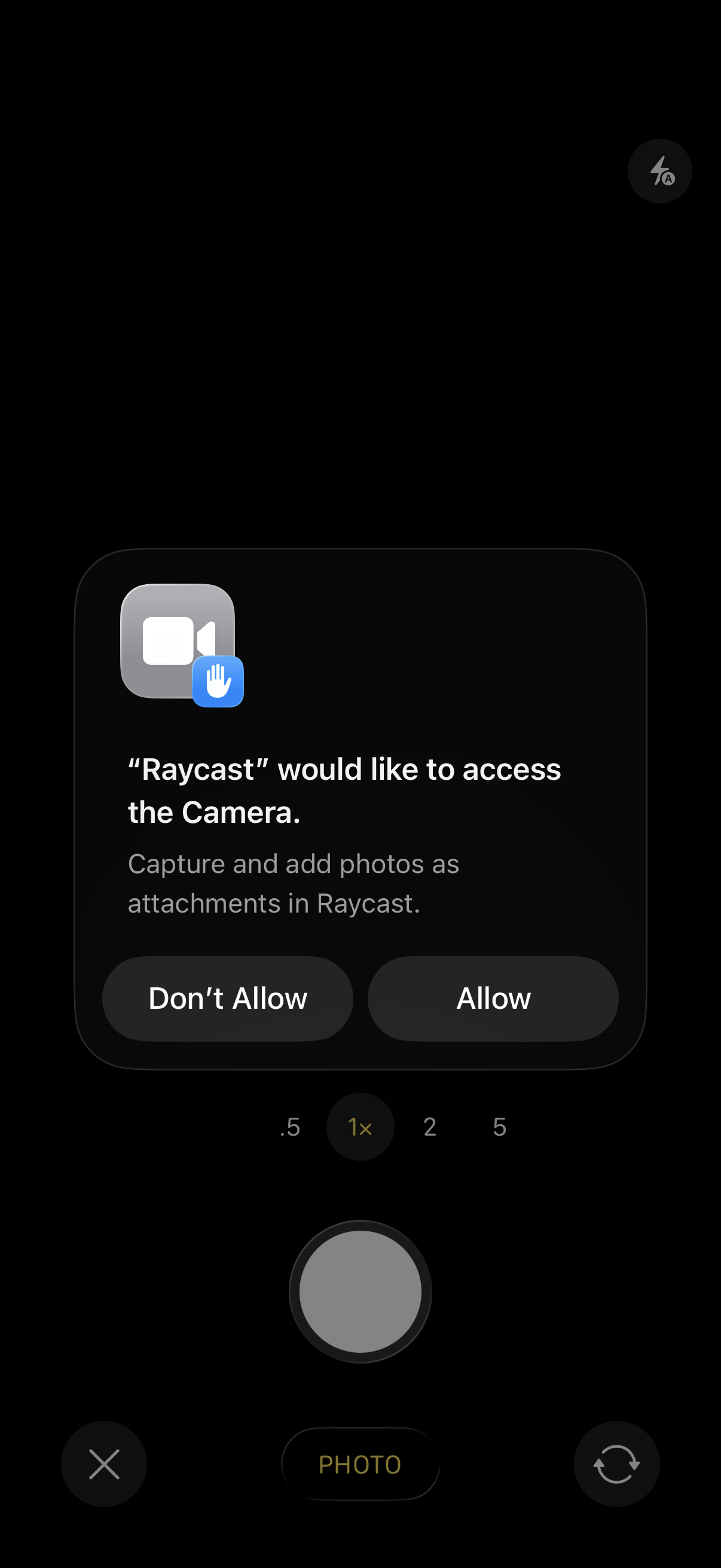
iOS system permission prompt asking to allow an app to access the device camera
Raycast
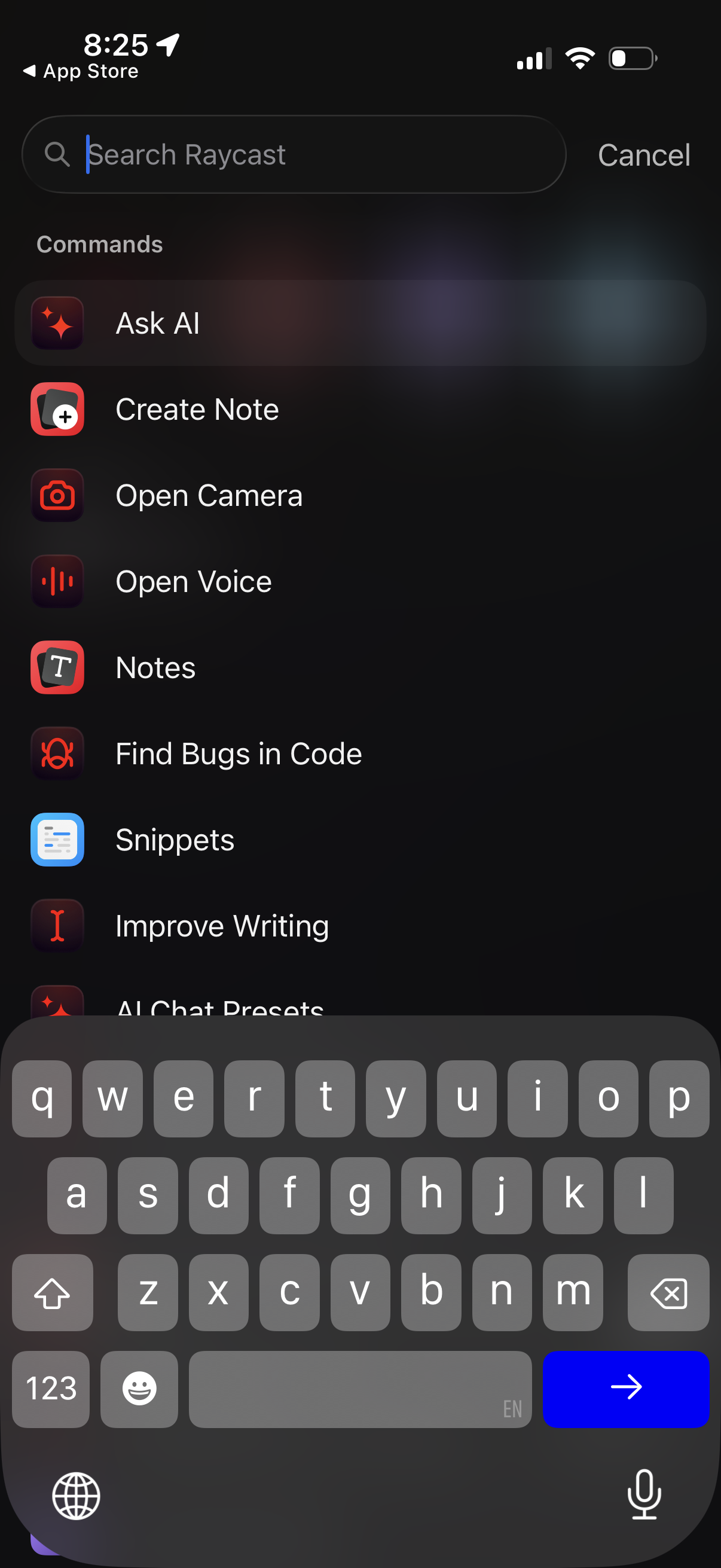
In-app search screen for Raycast showing a command palette with a search bar and
Raycast
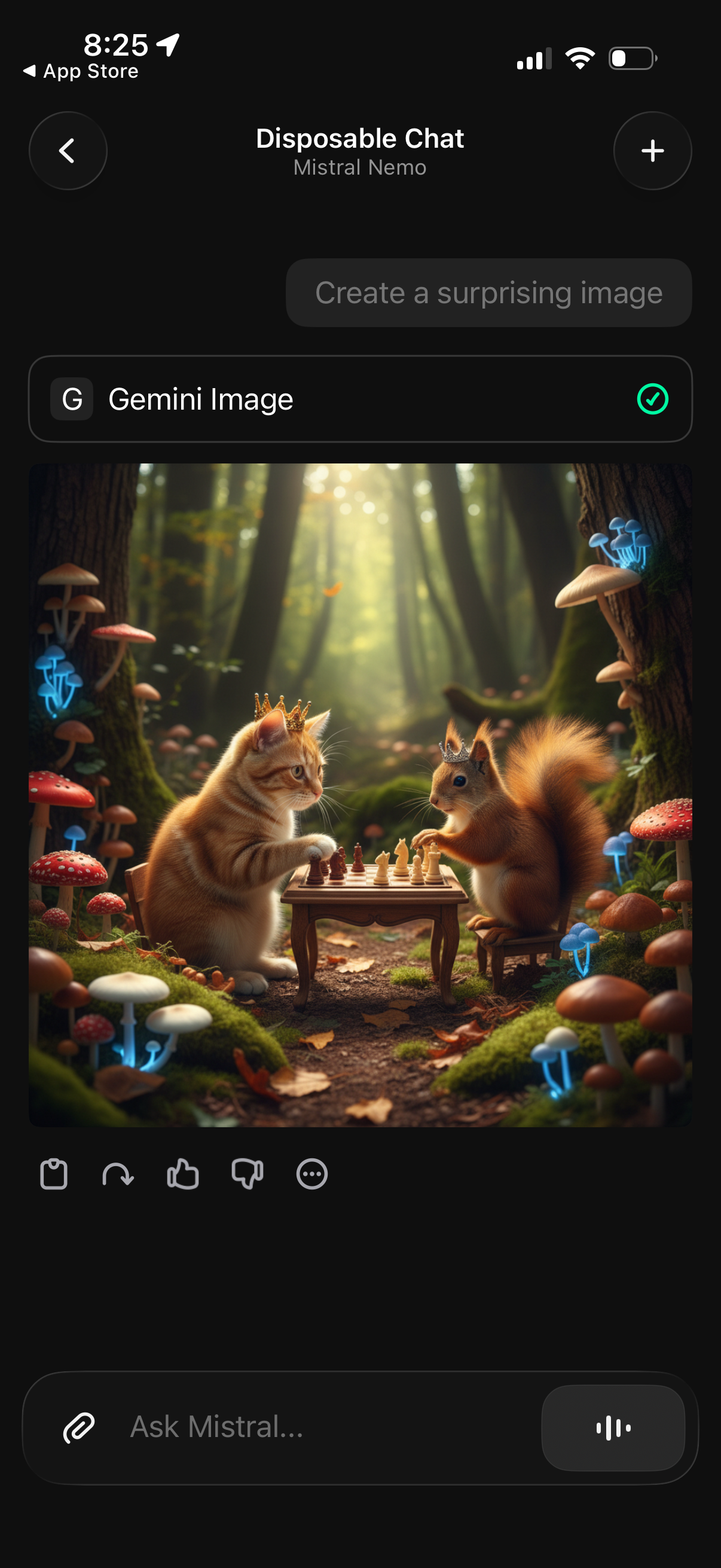
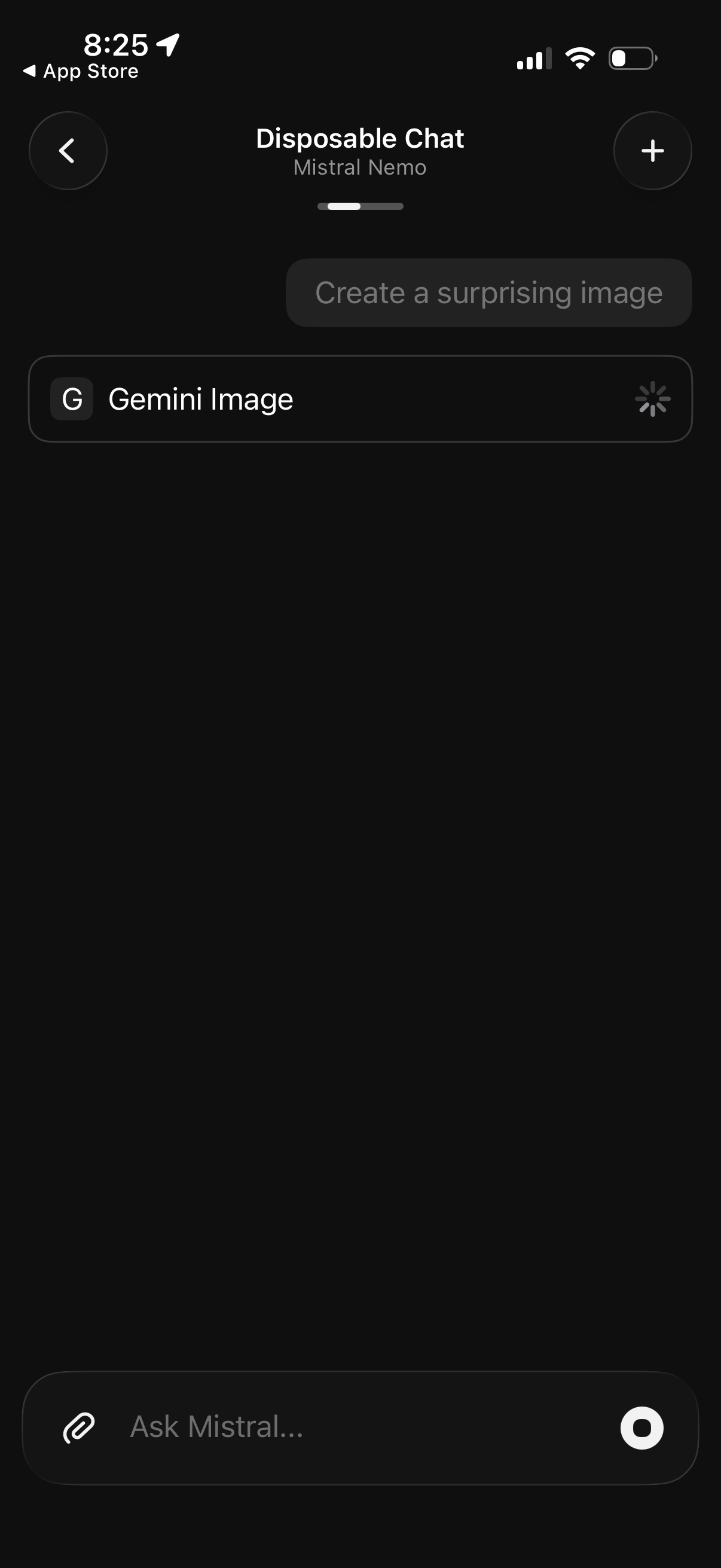
AI chat screen in a disposable conversation where the user selects the Gemini Im
Raycast
AI chat screen for a disposable conversation thread, showing a prompt suggestion
Raycast
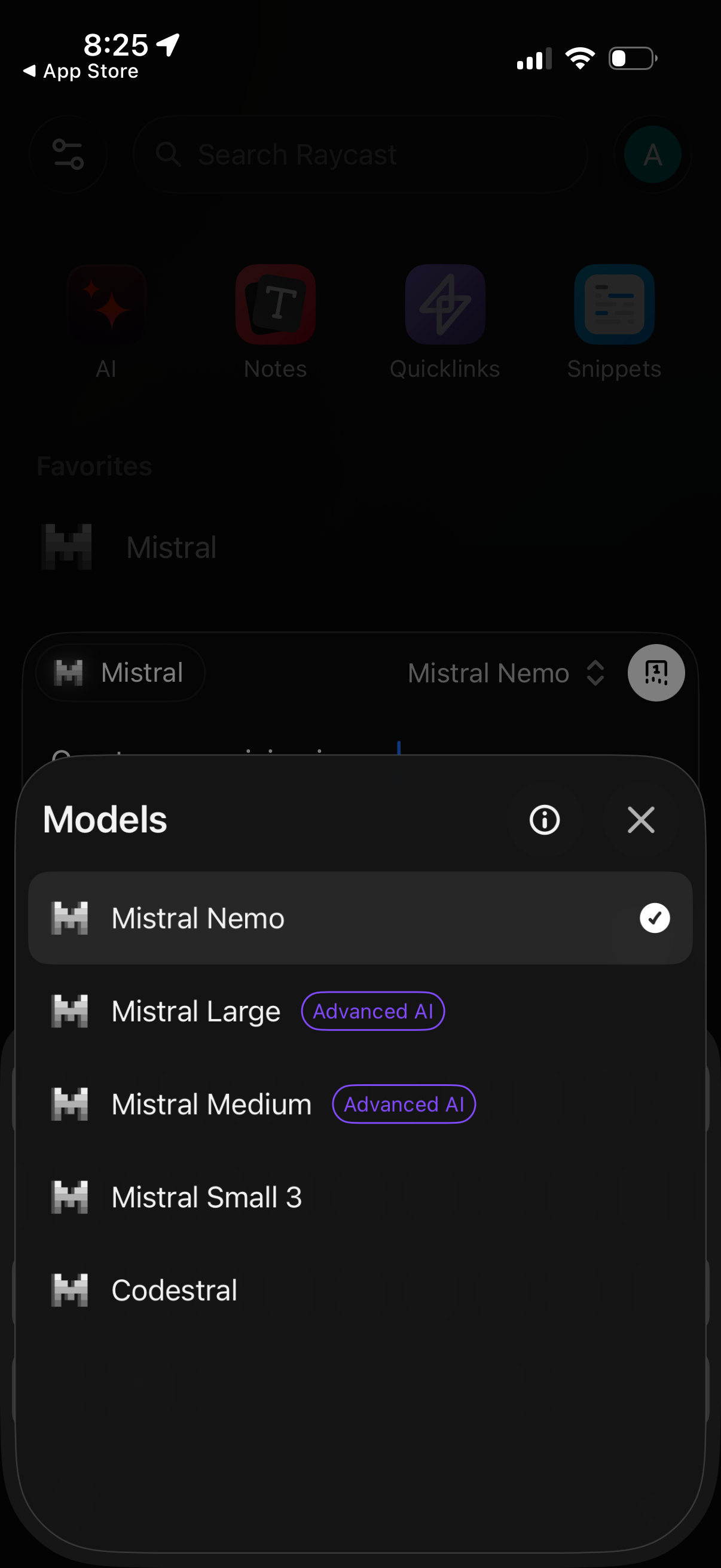
Bottom-sheet modal for selecting an AI model, showing a list of available models
Raycast
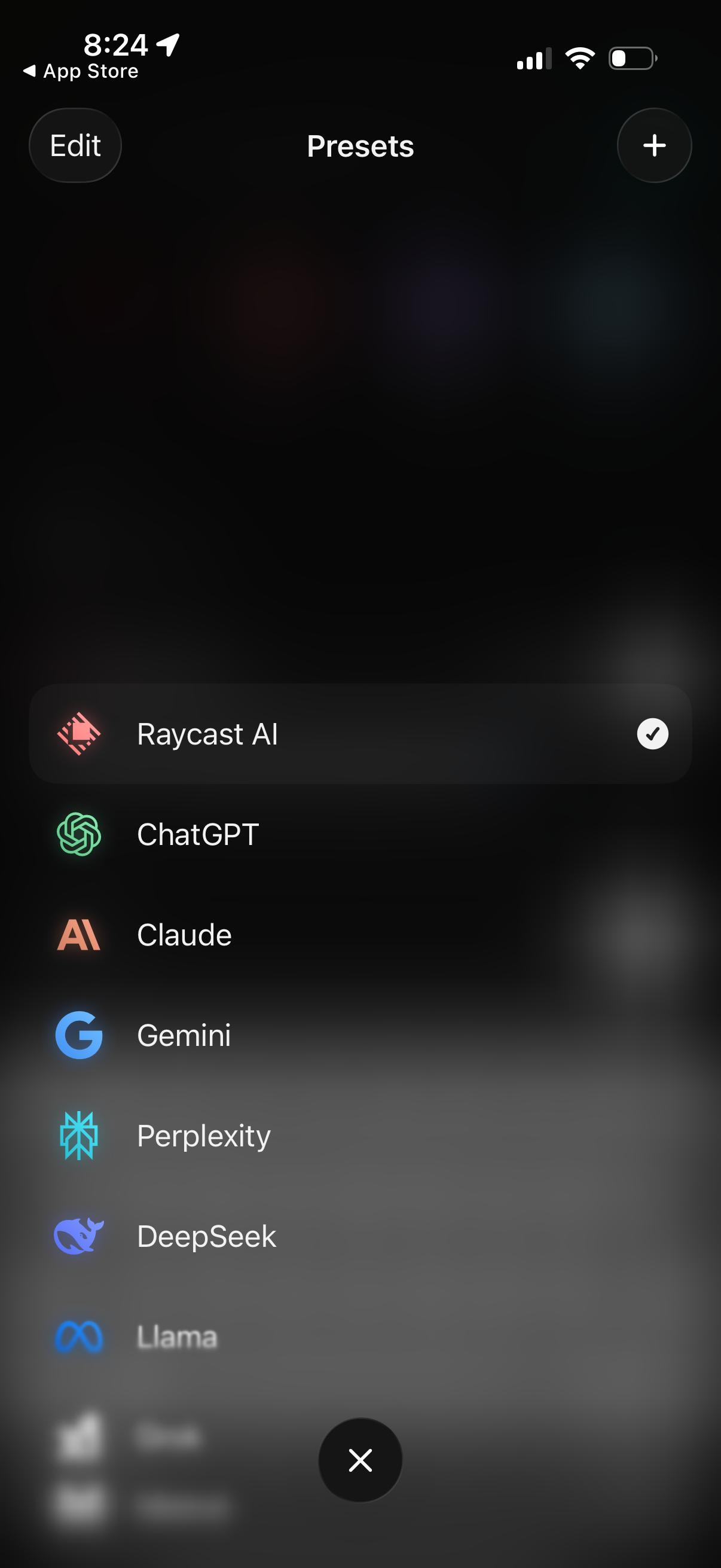
Preset selection screen showing a list of AI assistants/models with icons, where
Raycast
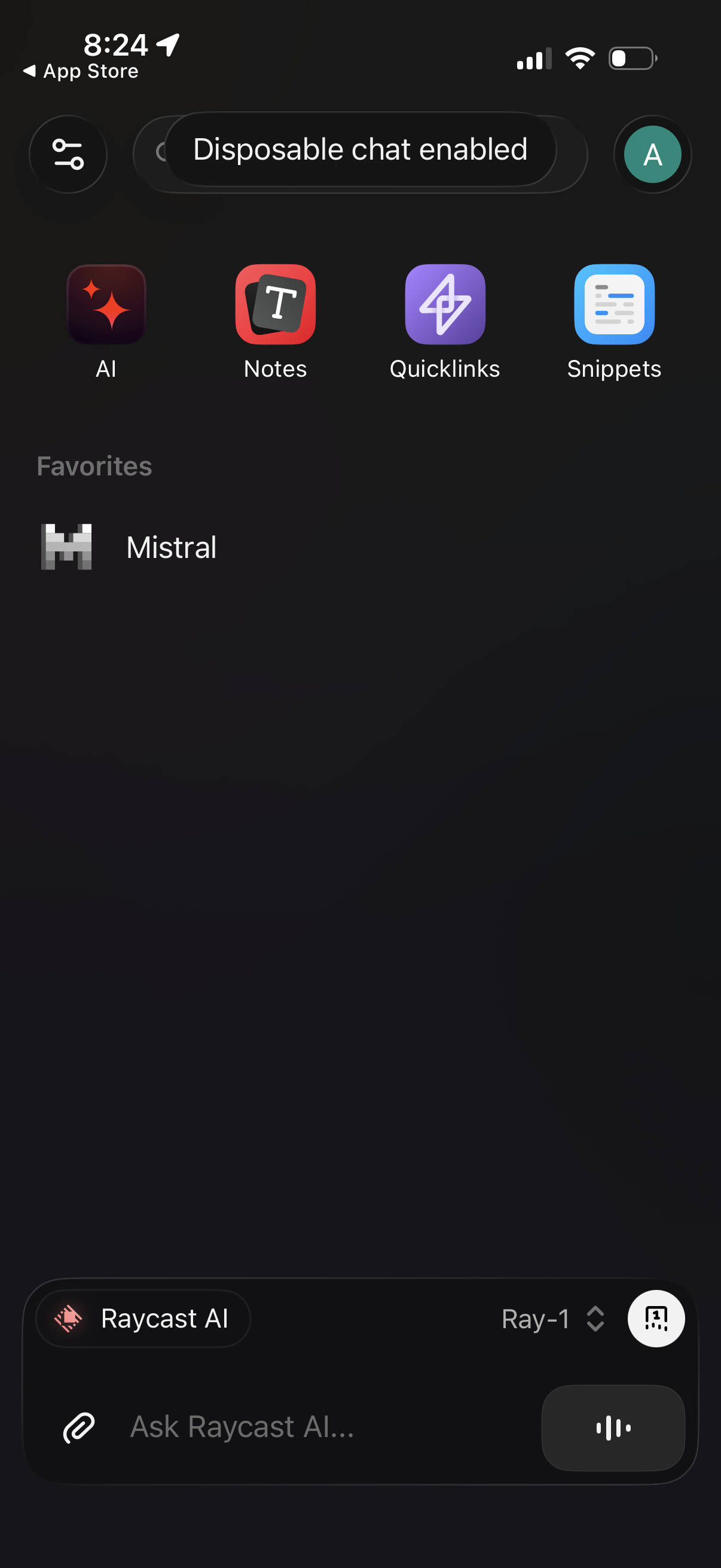
AI assistant home screen showing a “Disposable chat enabled” status, shortcuts t
Raycast
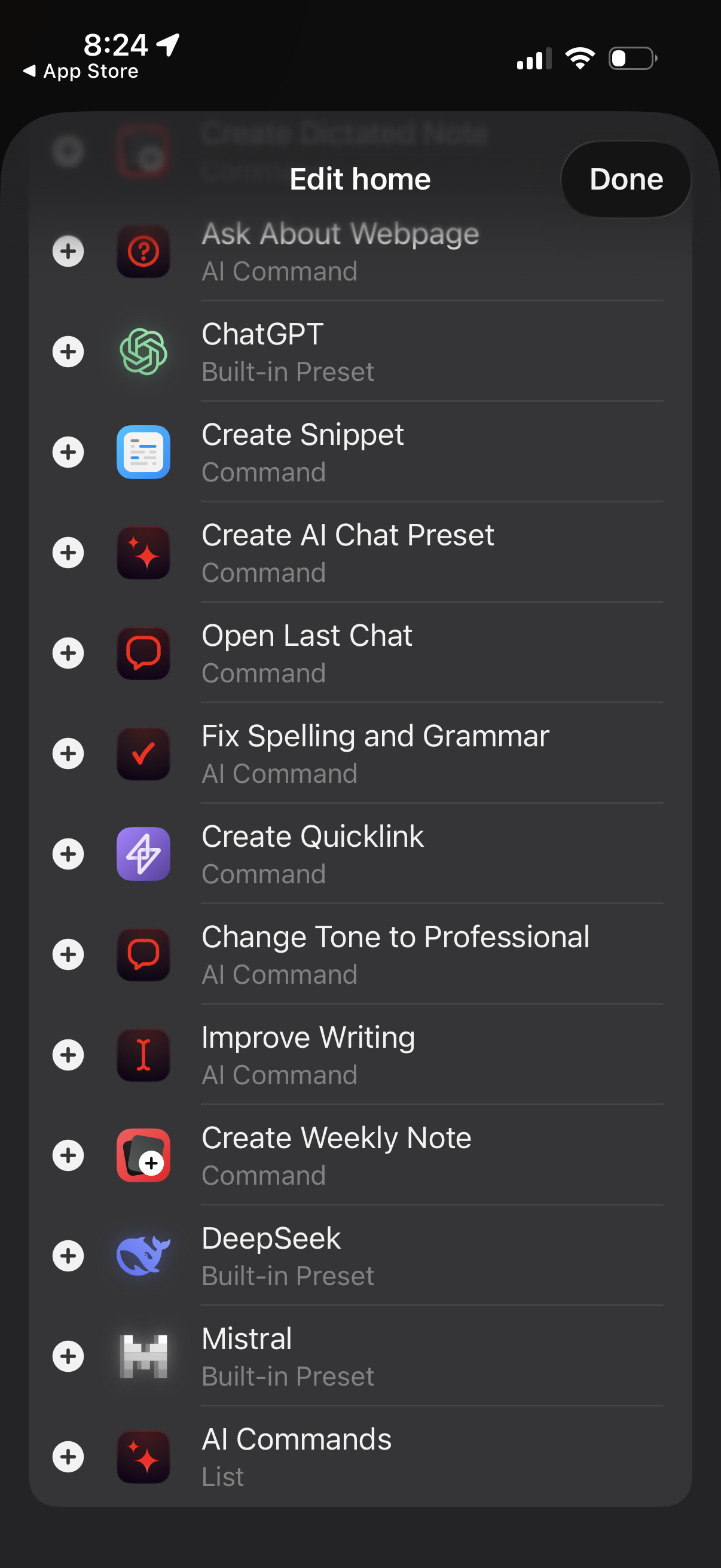
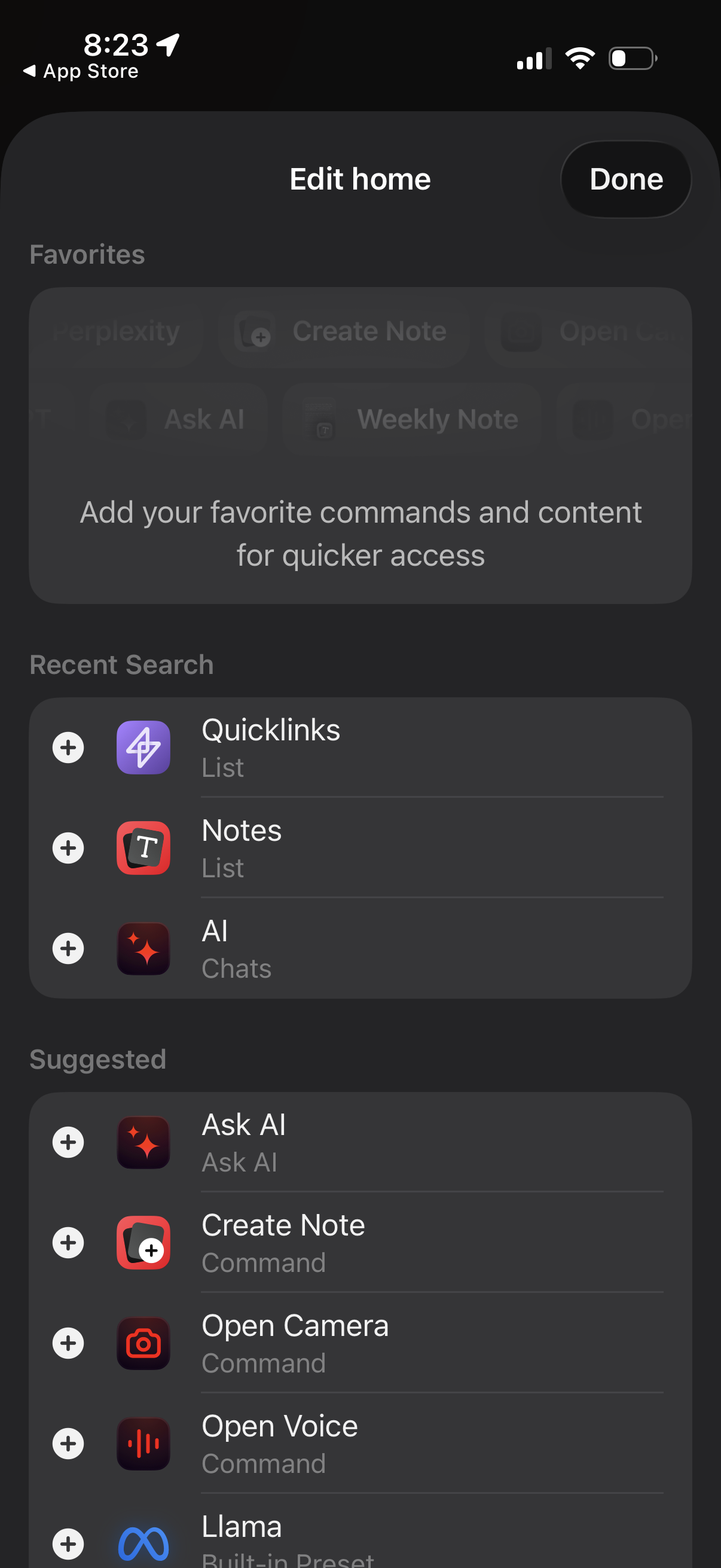
Home editing screen for an AI assistant app showing a list of available commands
Raycast
Edit home screen for a notes/AI app where users customize the home page by addin
Raycast
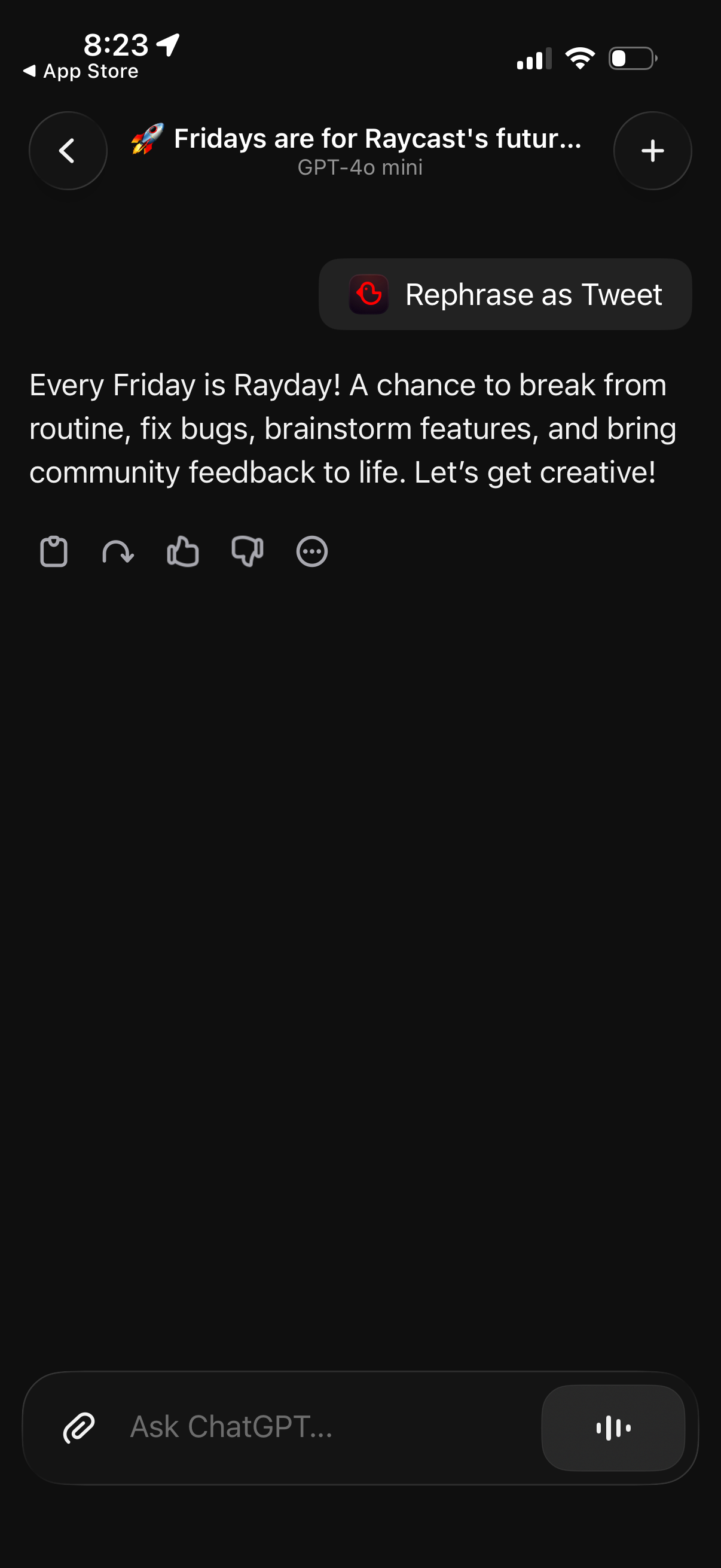
Chat-based AI conversation screen showing a generated message with an inline qui
Raycast
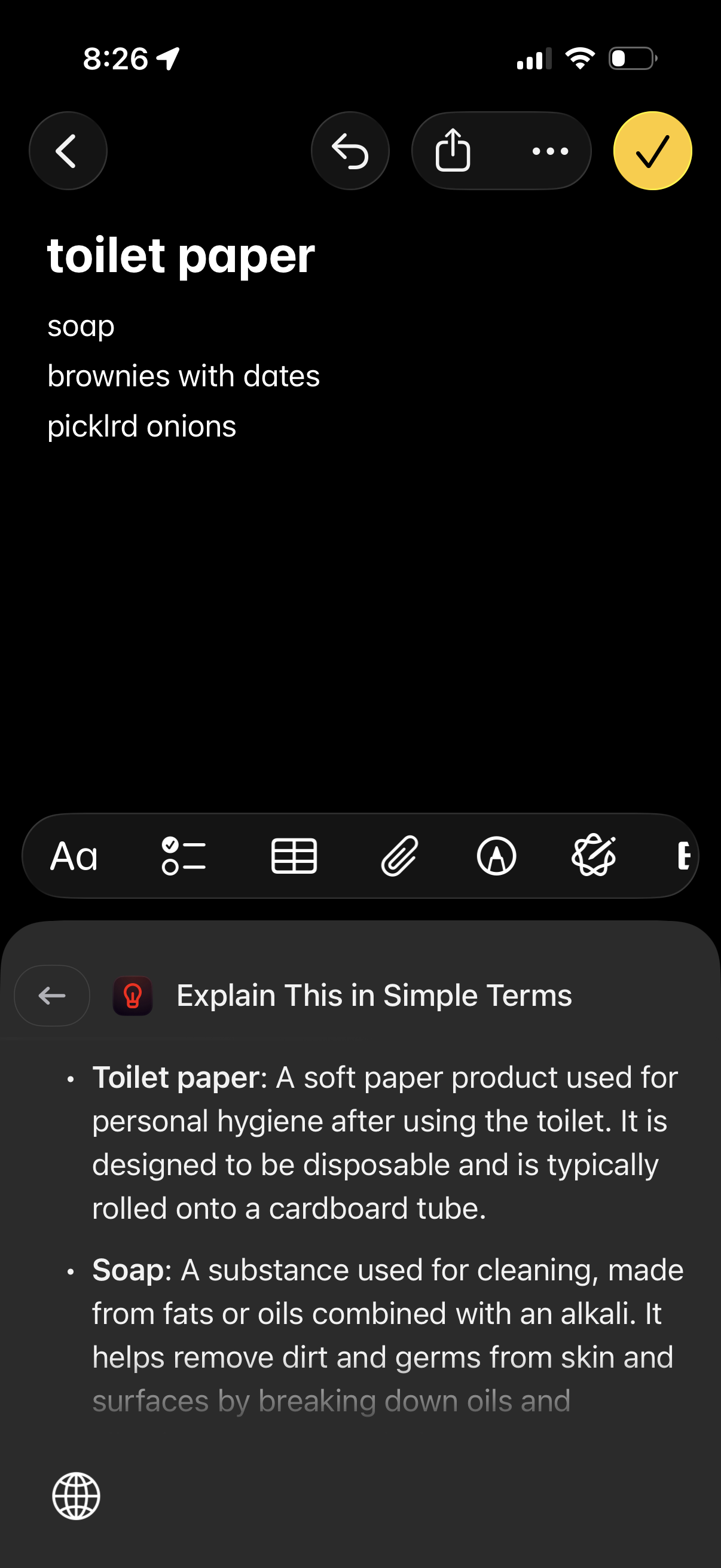
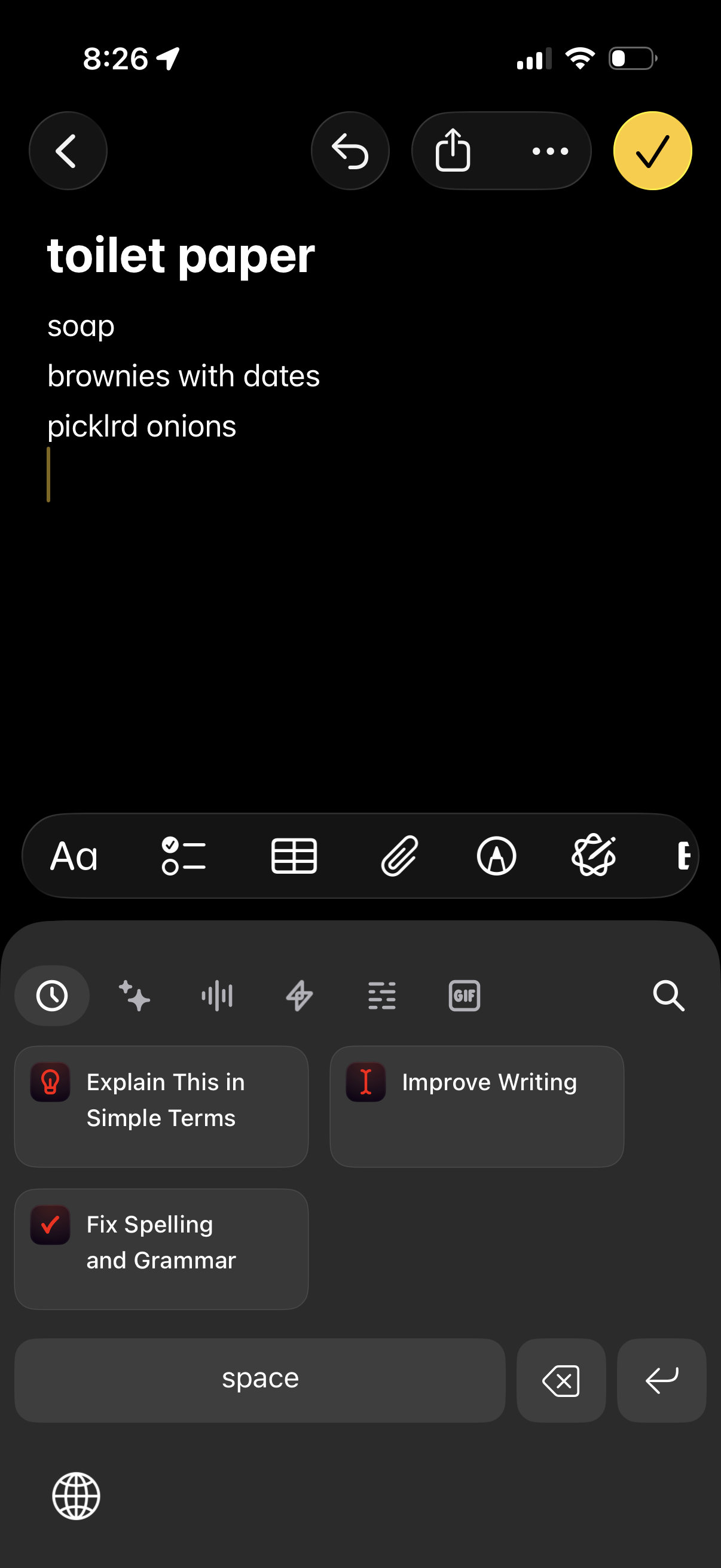
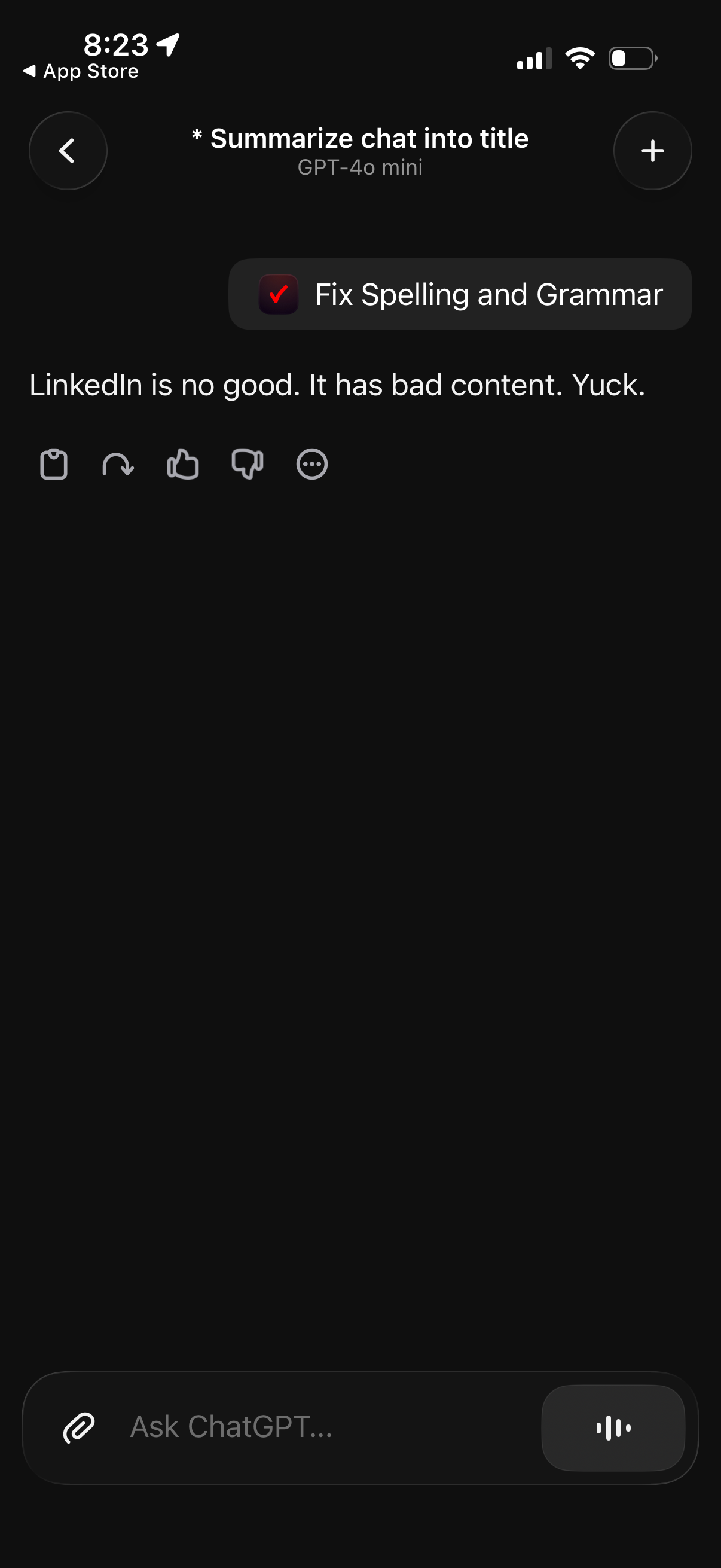
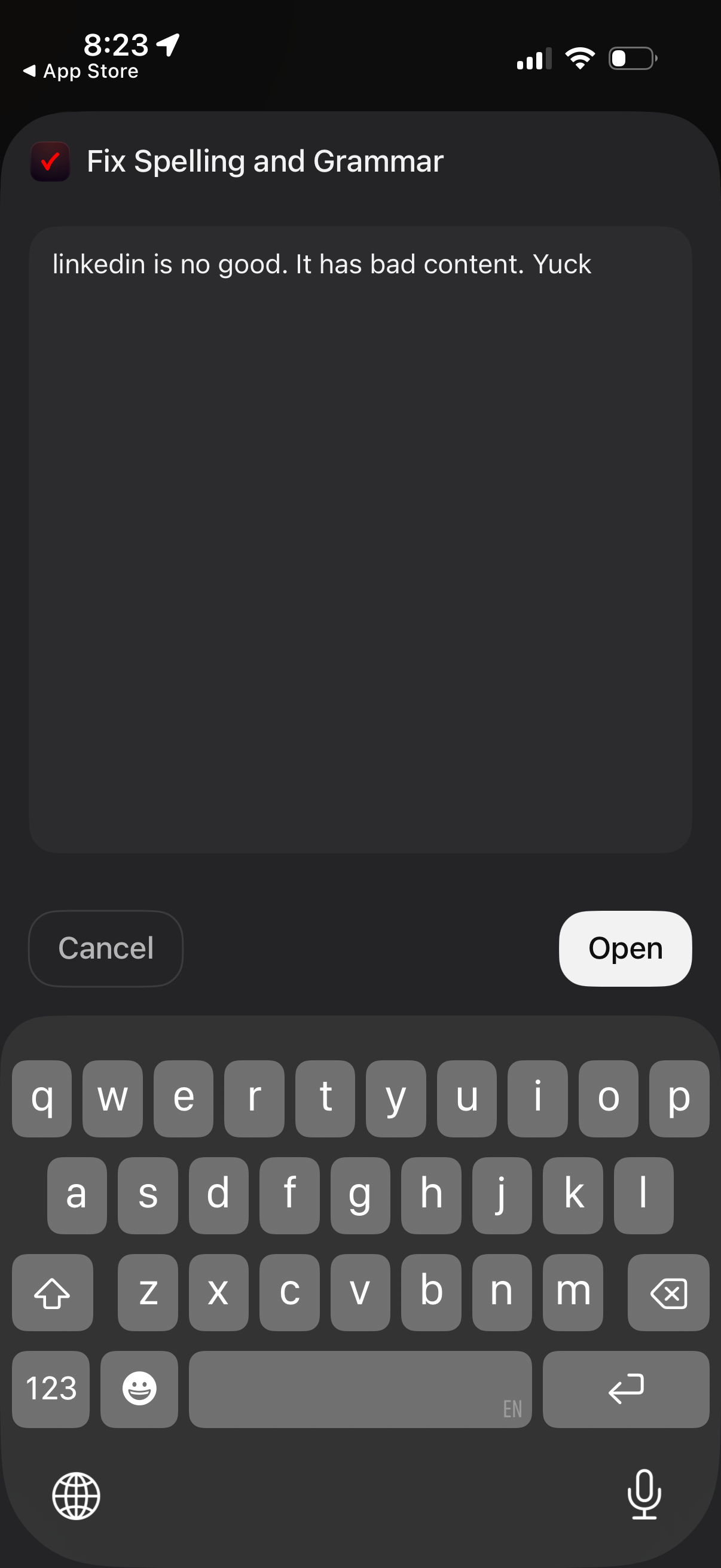
Dark-mode AI chat screen showing a message draft with a “Fix Spelling and Gramma
Raycast
A “Fix Spelling and Grammar” text editor modal that lets users paste or type con
Raycast
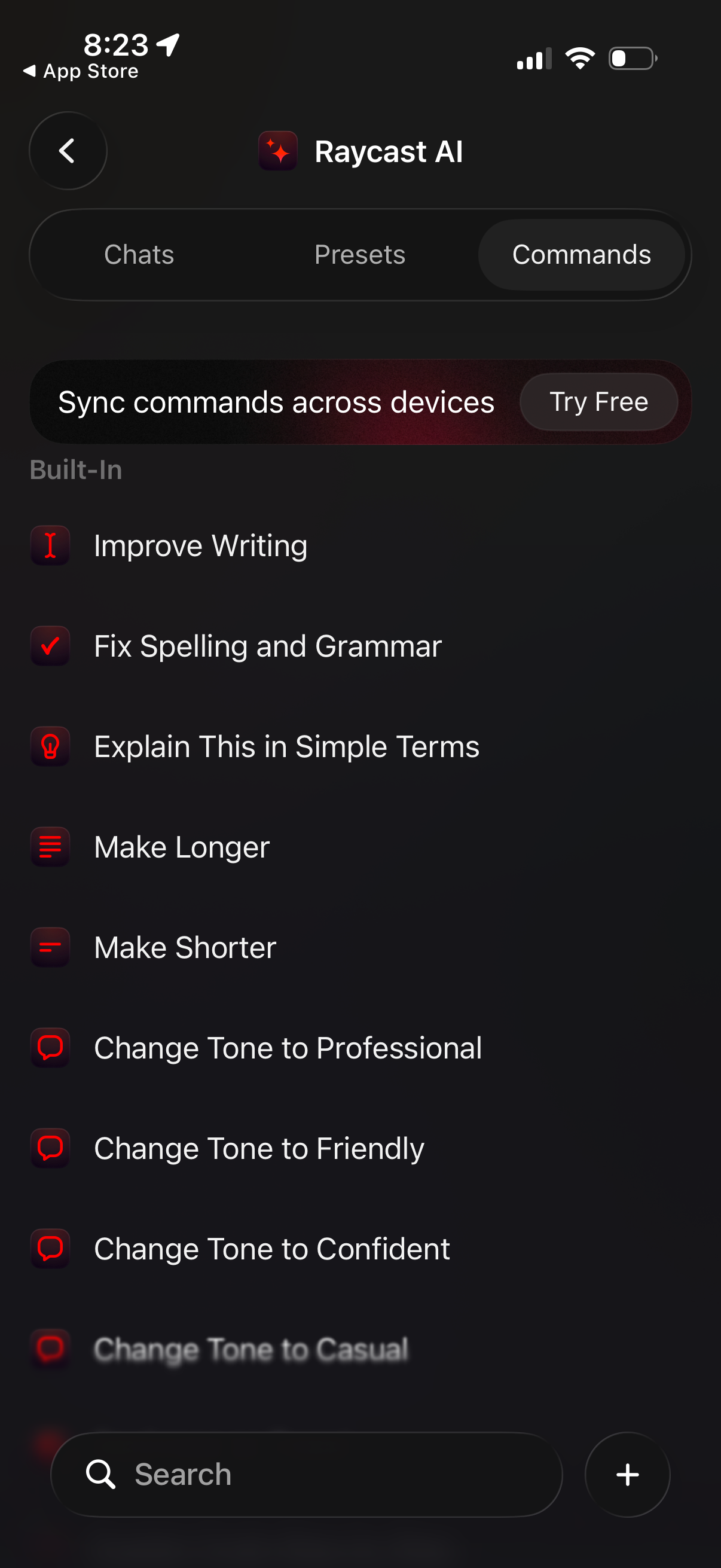
AI writing assistant commands library screen with tabs for Chats, Presets, and C
Raycast
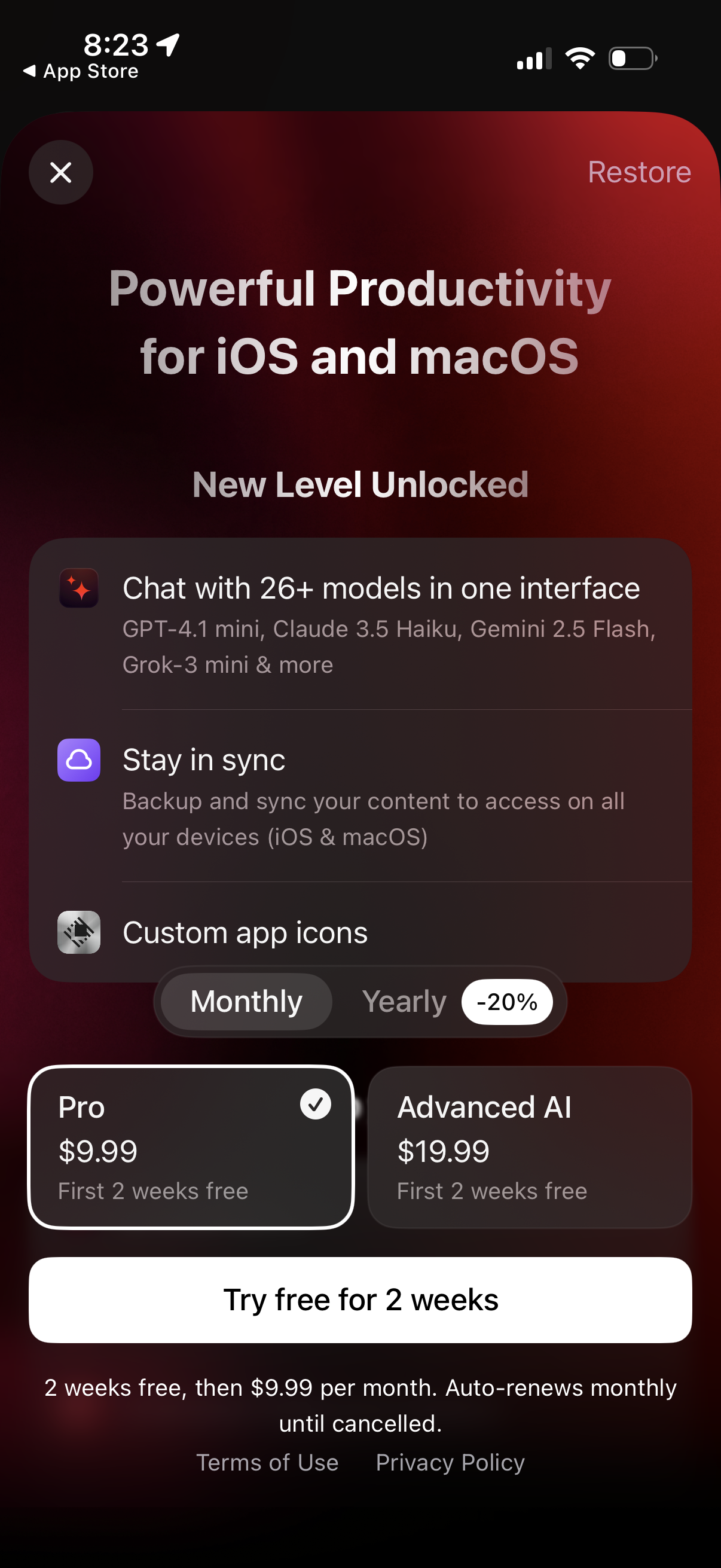
Subscription paywall for a productivity/AI app on iOS and macOS highlighting pre
Raycast
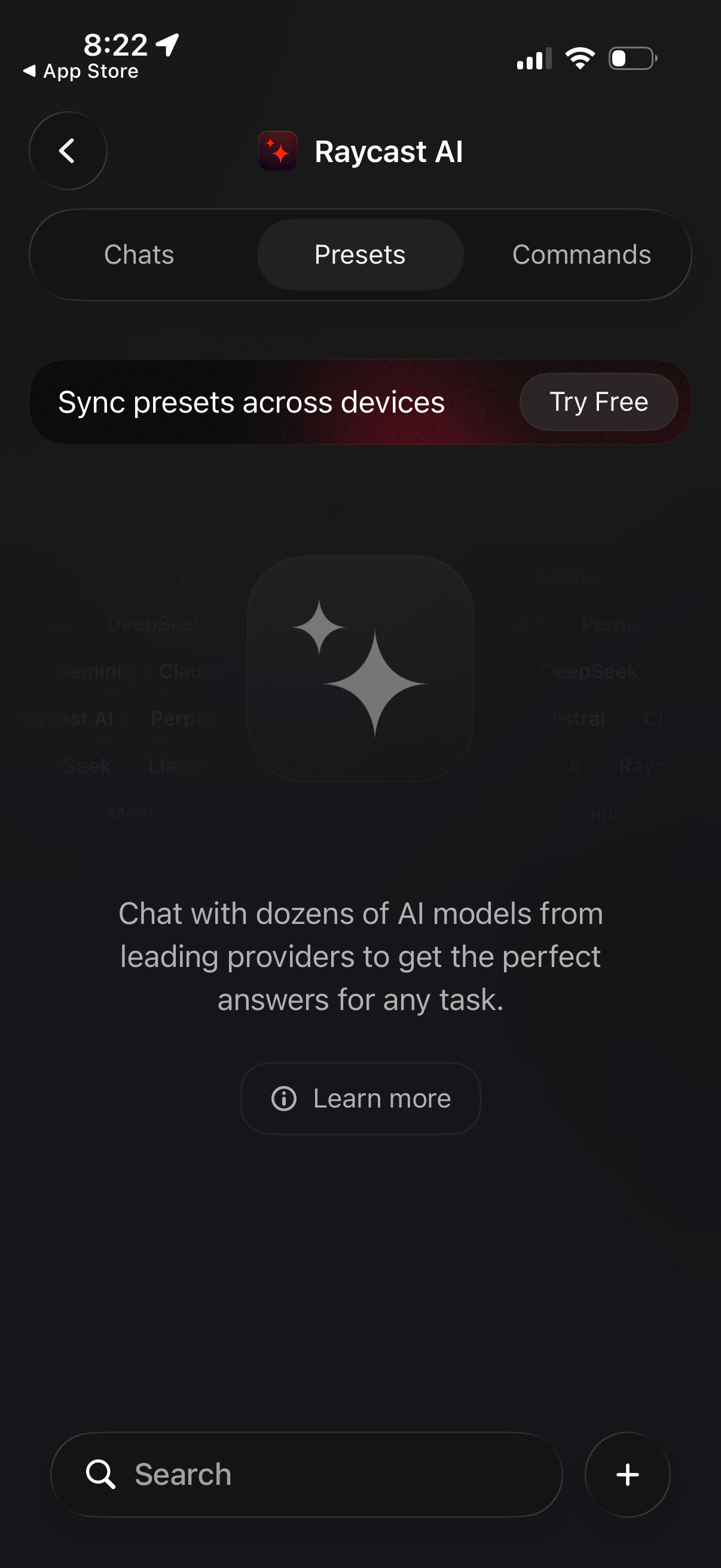
AI chat app home on the Presets tab with segmented navigation for Chats, Presets
Raycast
AI chat conversation screen showing a “Feedback submitted” status banner and a r
Raycast
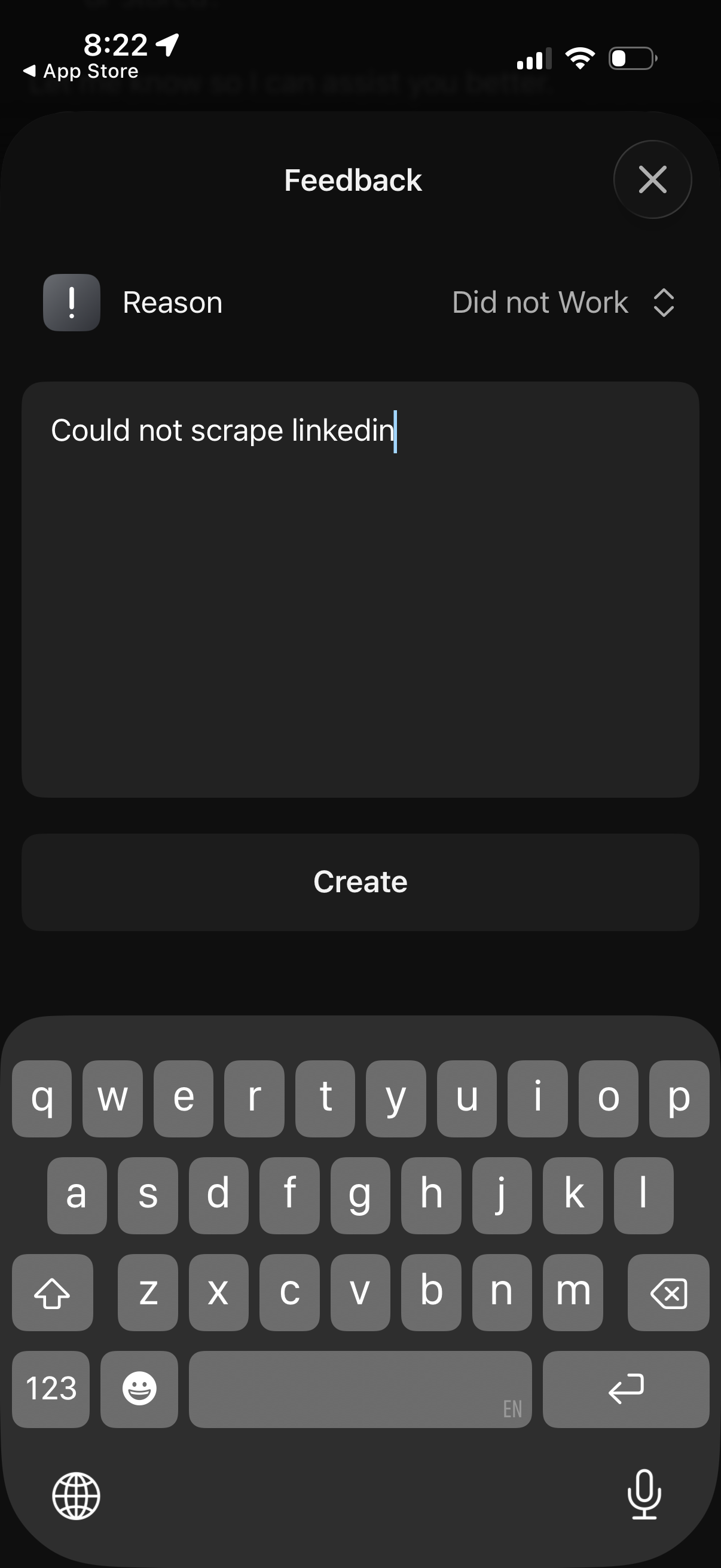
Modal feedback form overlay with a dropdown to select an issue reason (e. g.
Raycast
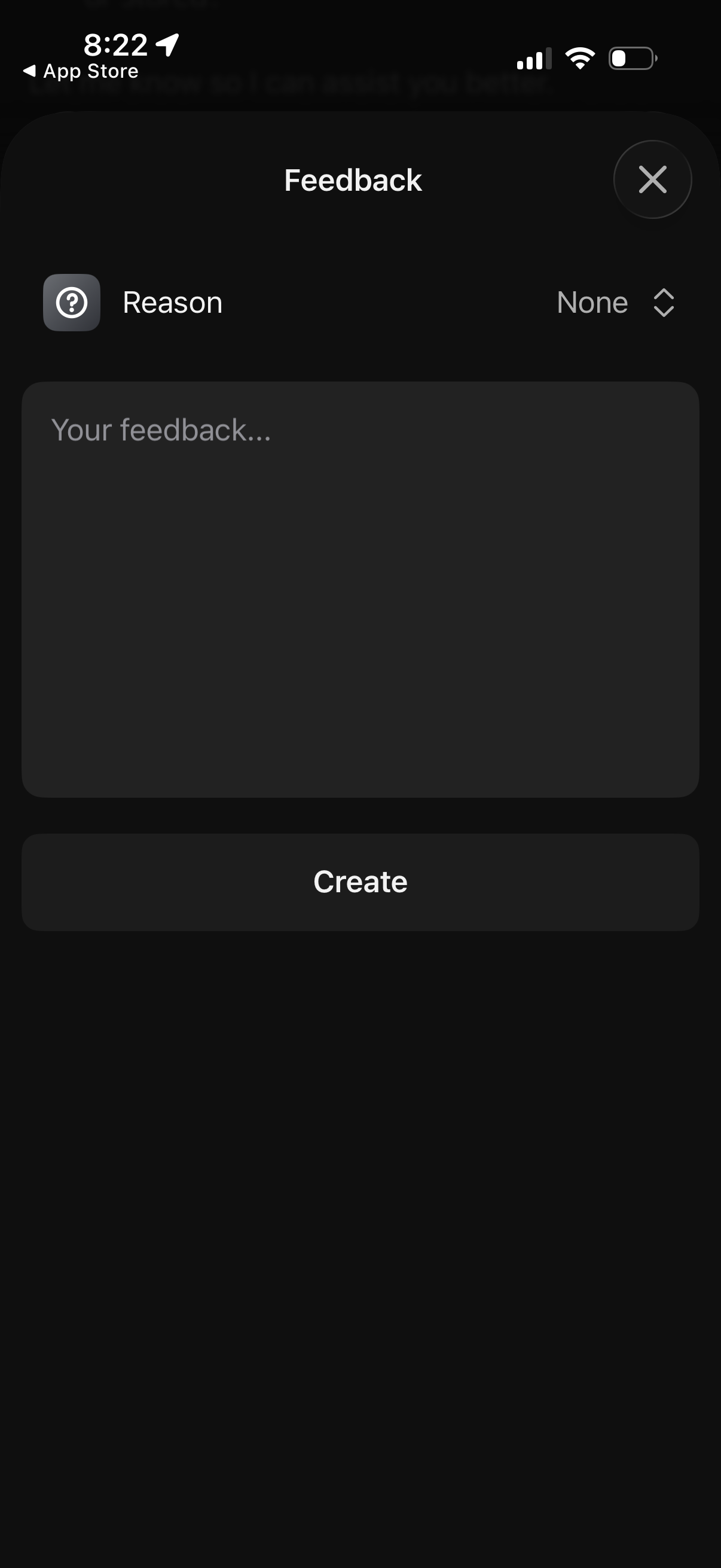
Modal feedback form overlay where users select a feedback reason from a dropdown
Raycast
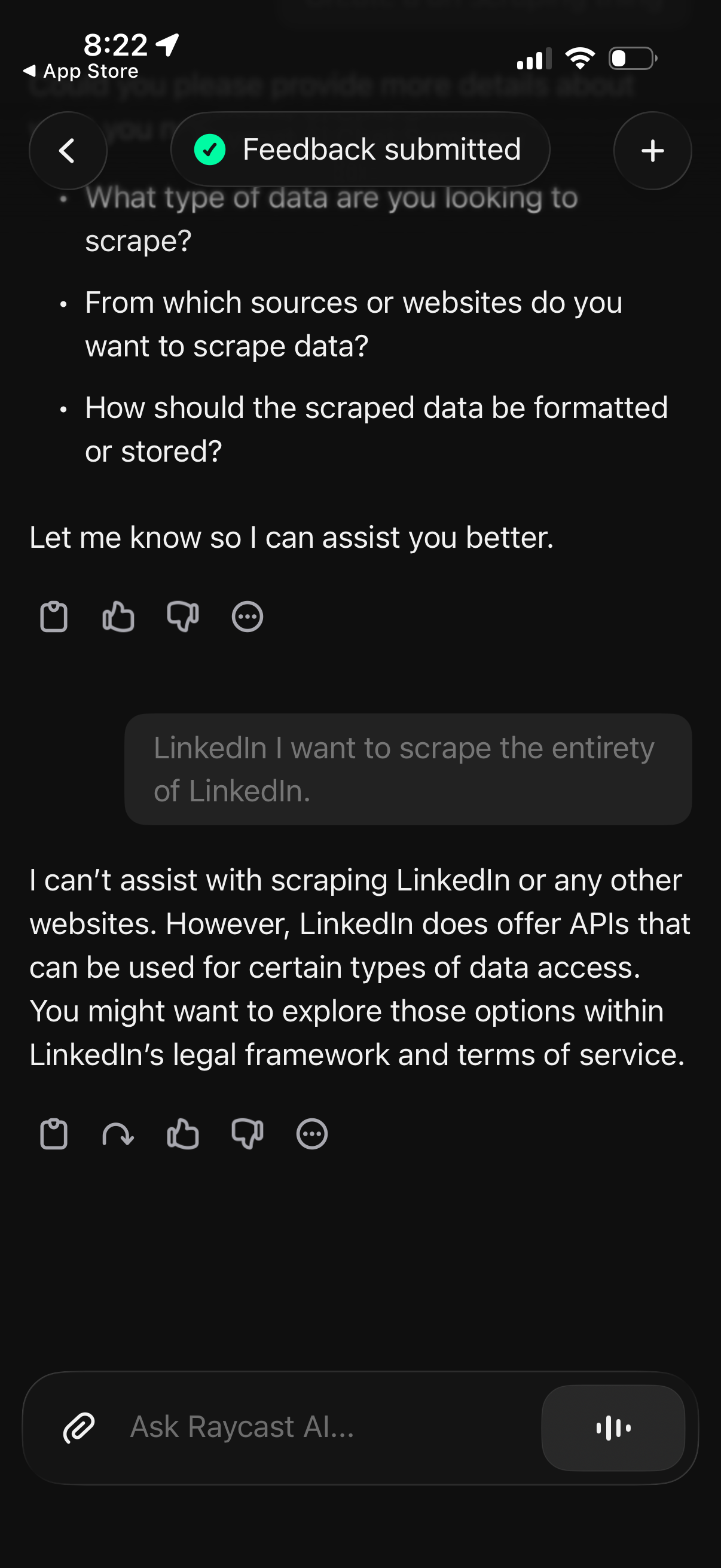
AI chat conversation screen showing a generated response with a refusal and guid
Raycast
AI chat conversation screen showing a generated summary with bullet-point follow
Raycast
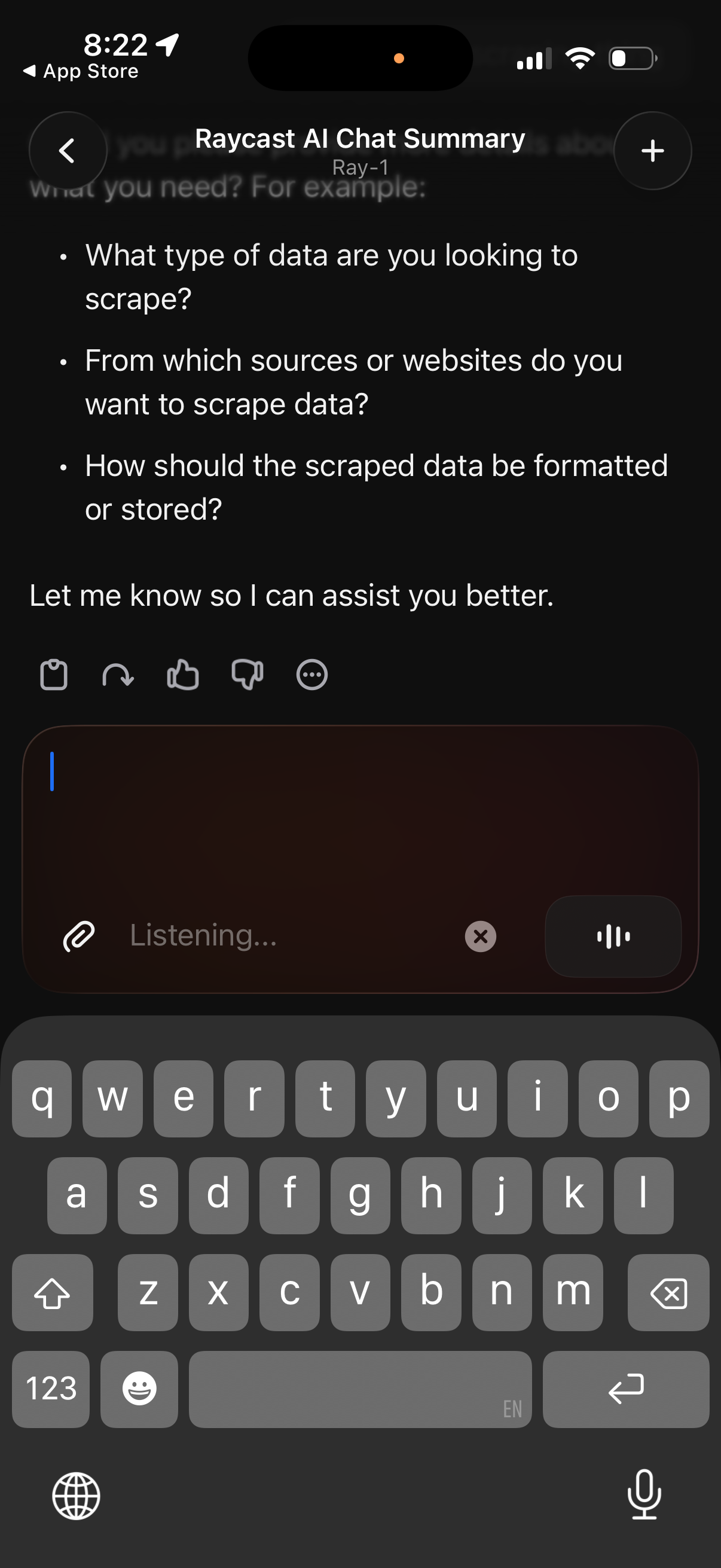
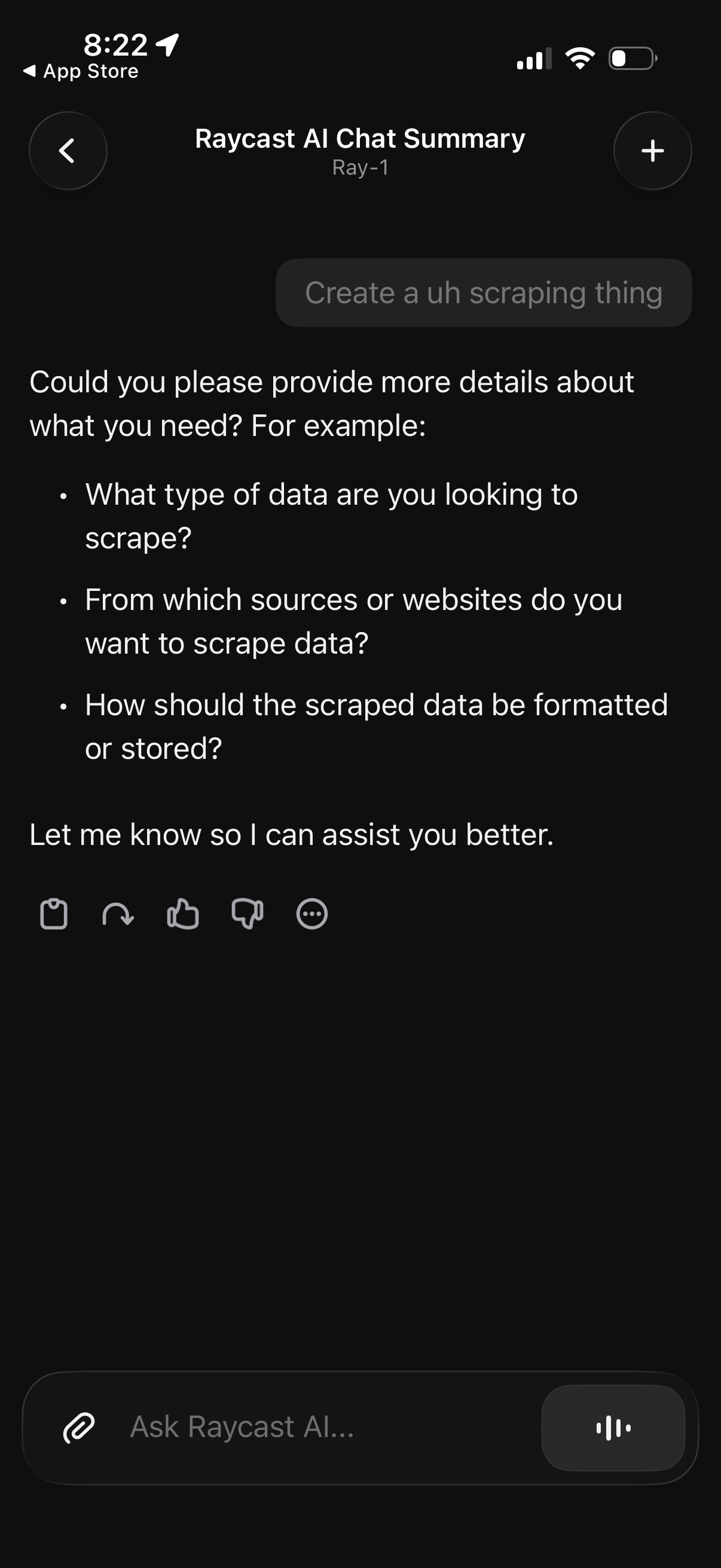
AI chat conversation screen showing the assistant asking follow-up questions to
Raycast
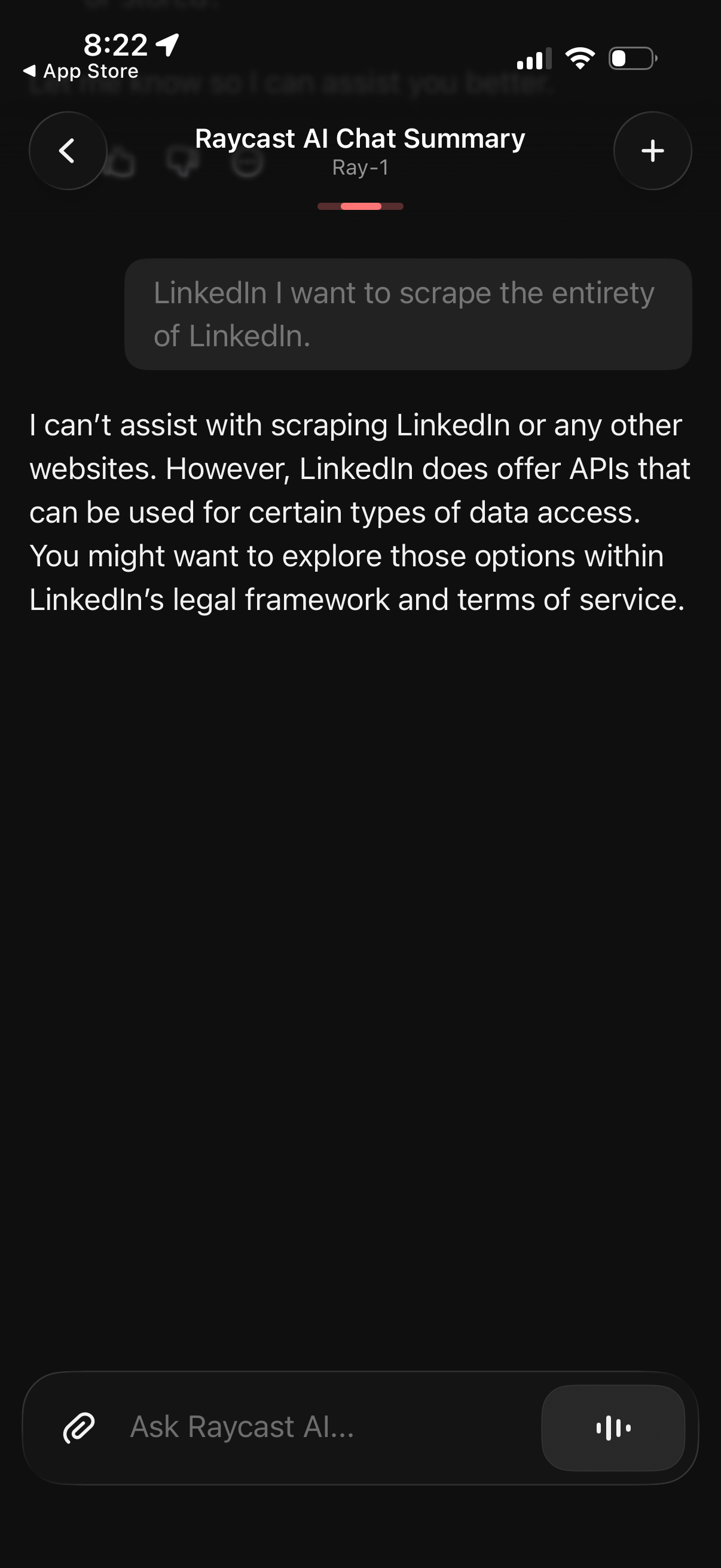
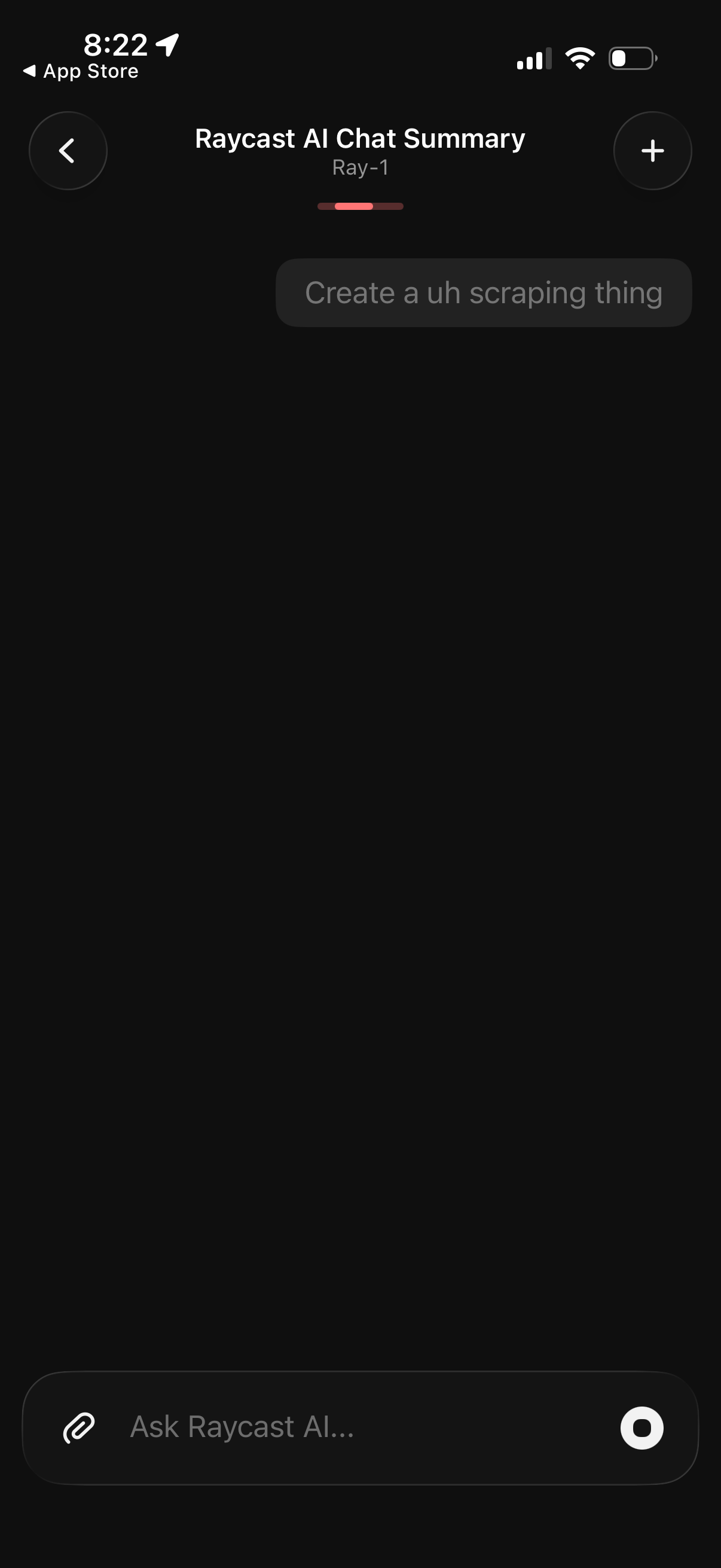
Dark-mode AI chat screen titled “Raycast AI Chat Summary” showing a summarized c
Raycast
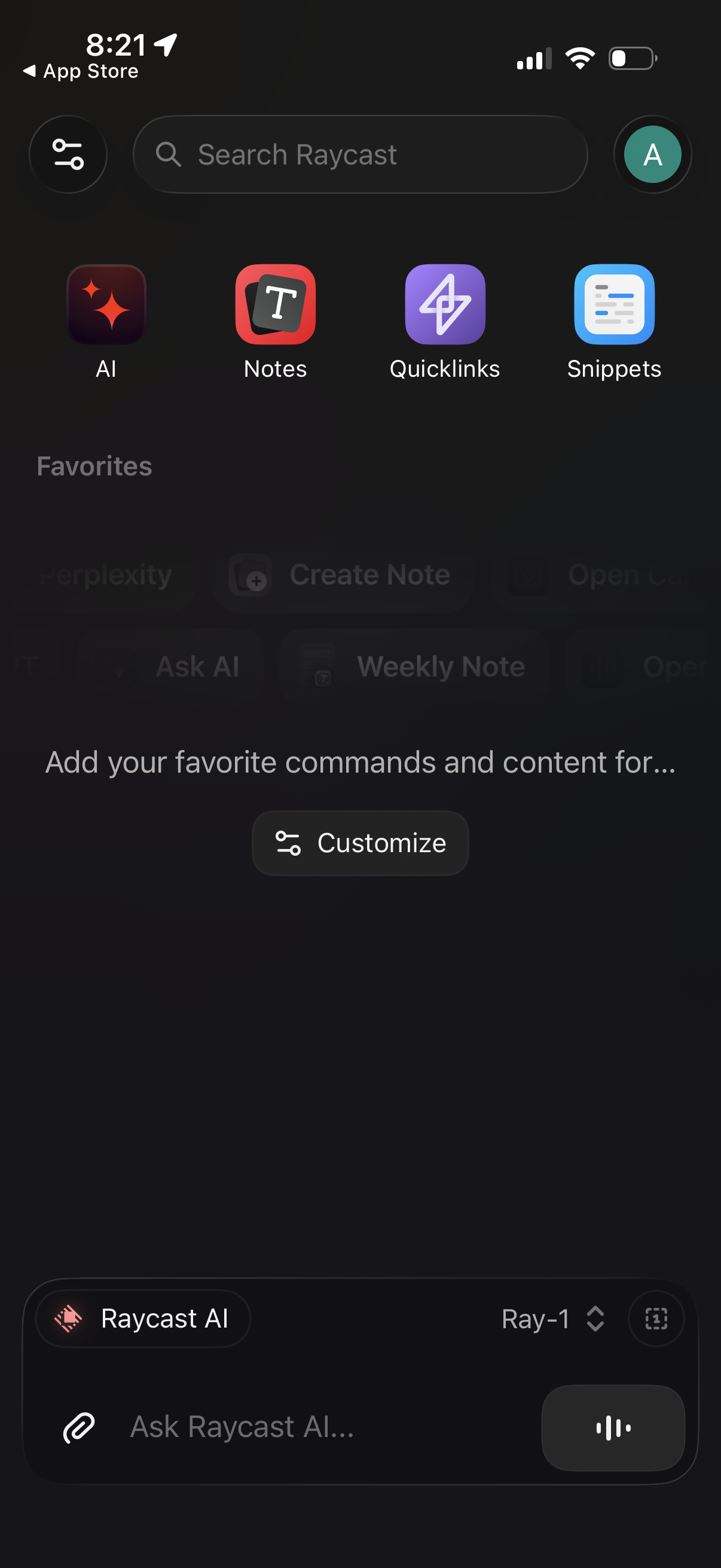
Home dashboard for a productivity/command launcher app with a global search bar
Raycast
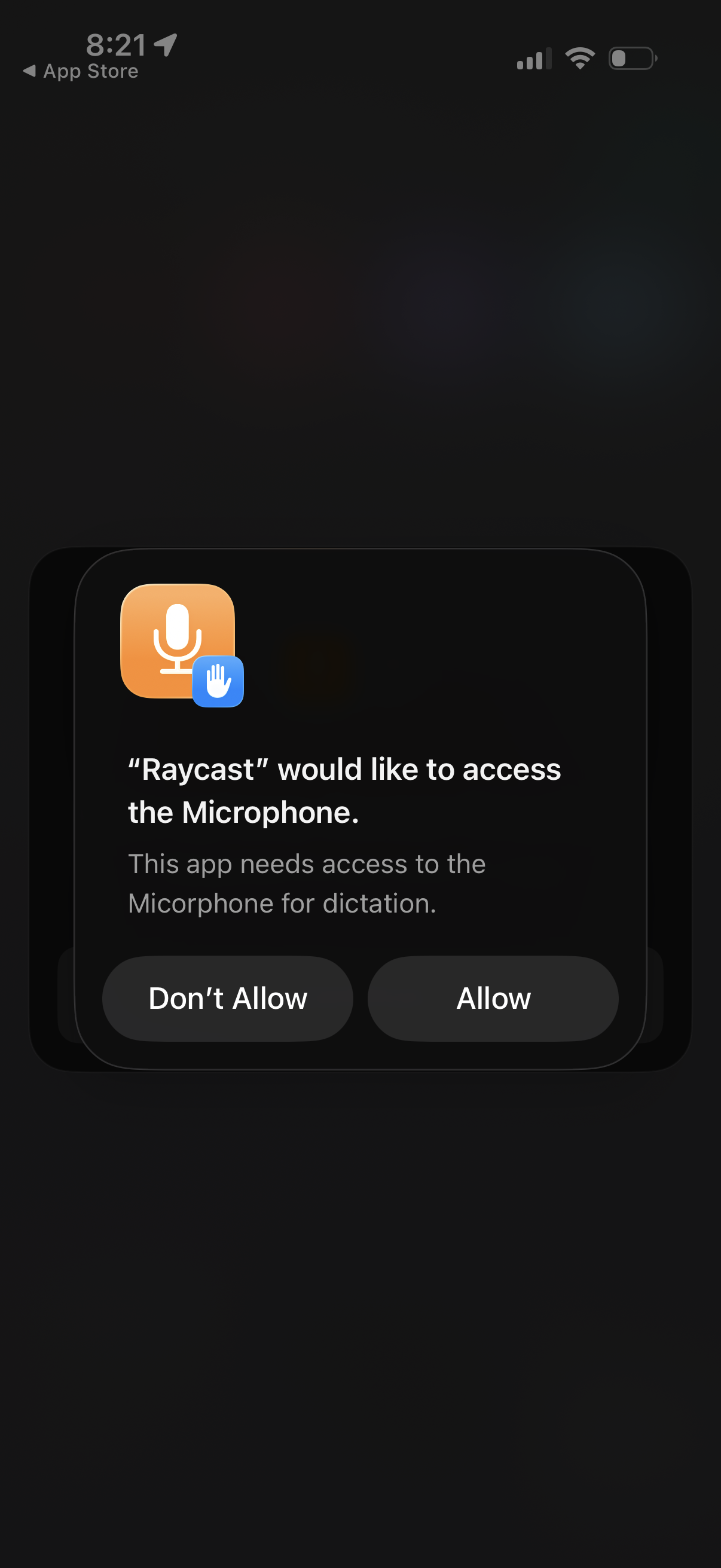
iOS system permission dialog requesting microphone access for an app to enable d
Raycast
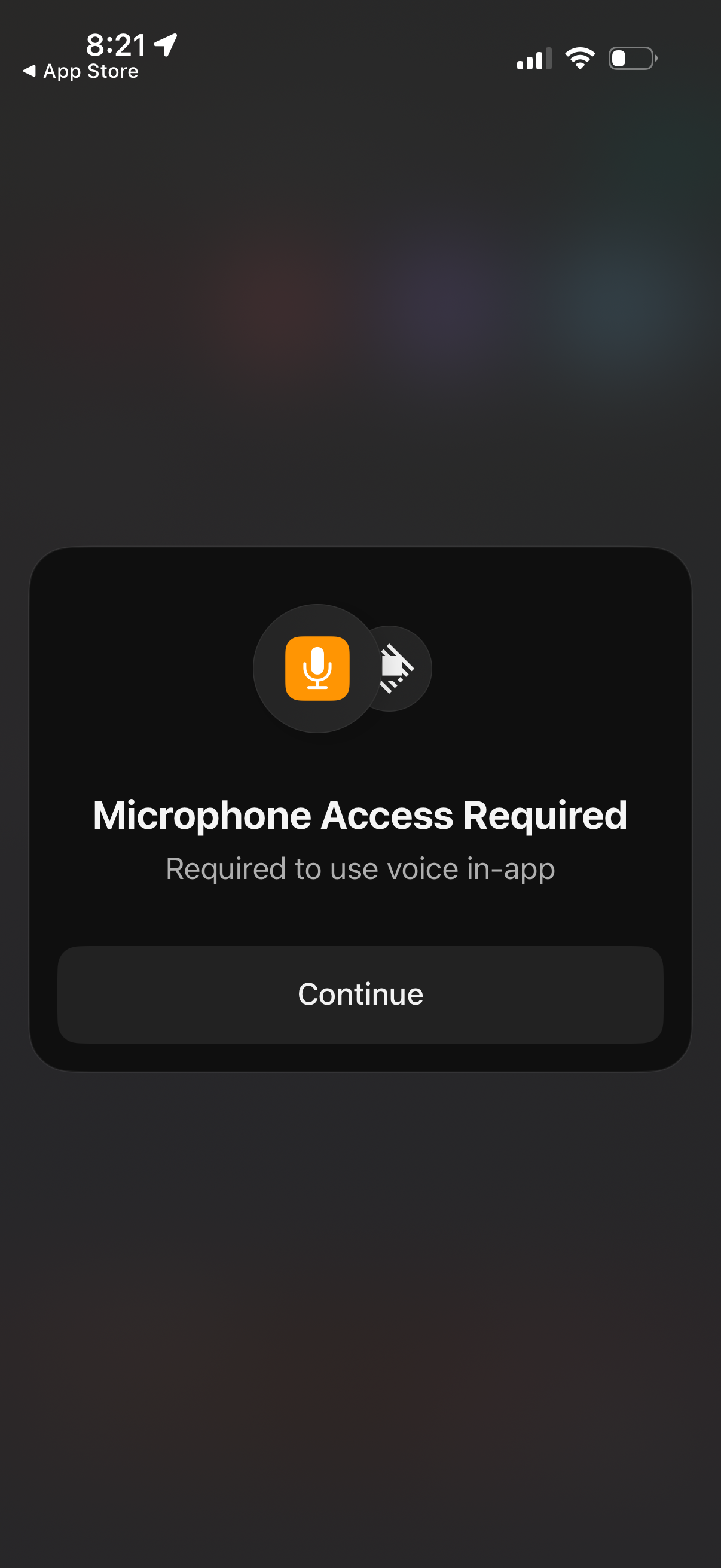
A modal permission prompt informs the user that microphone access is required to
Raycast
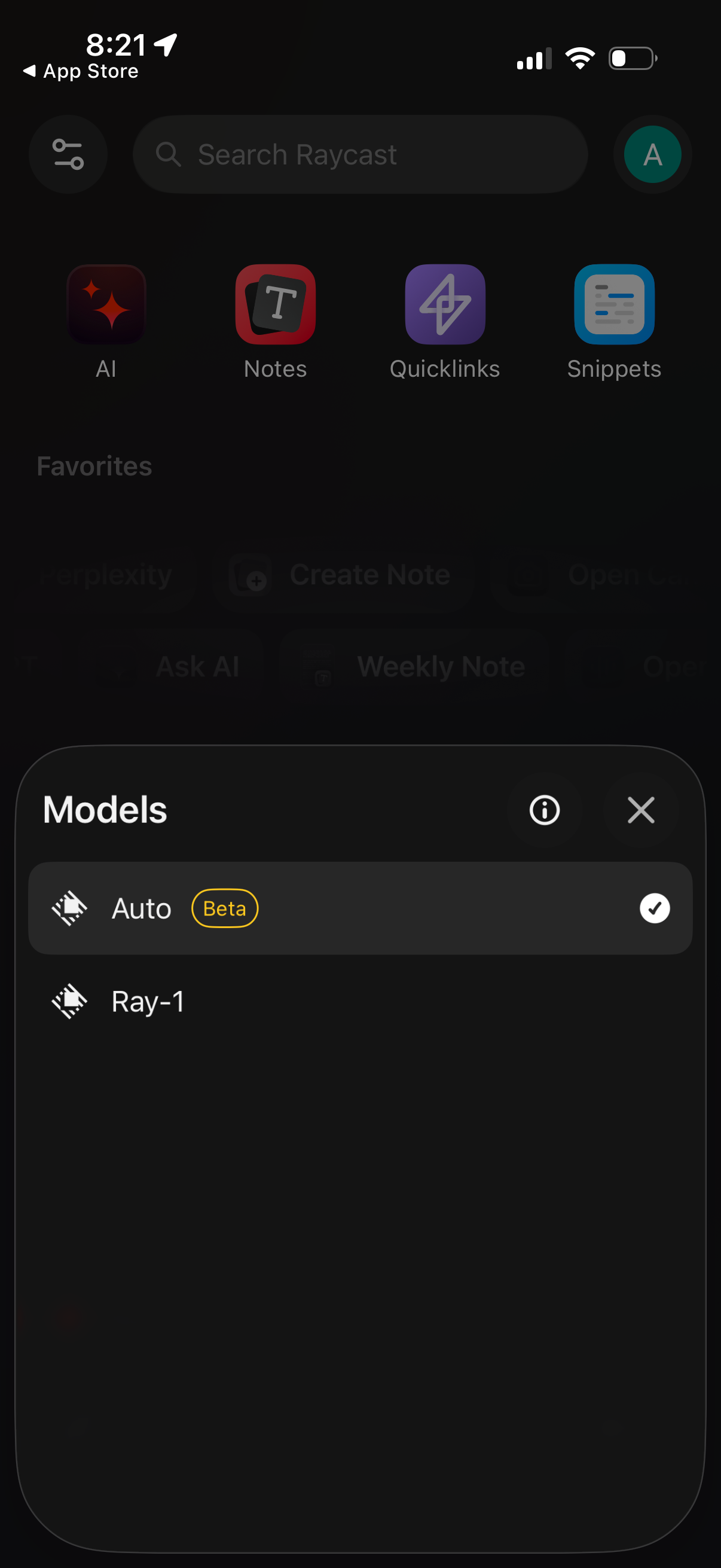
A bottom-sheet modal titled “Models” lets users choose an AI model for the app,
Raycast
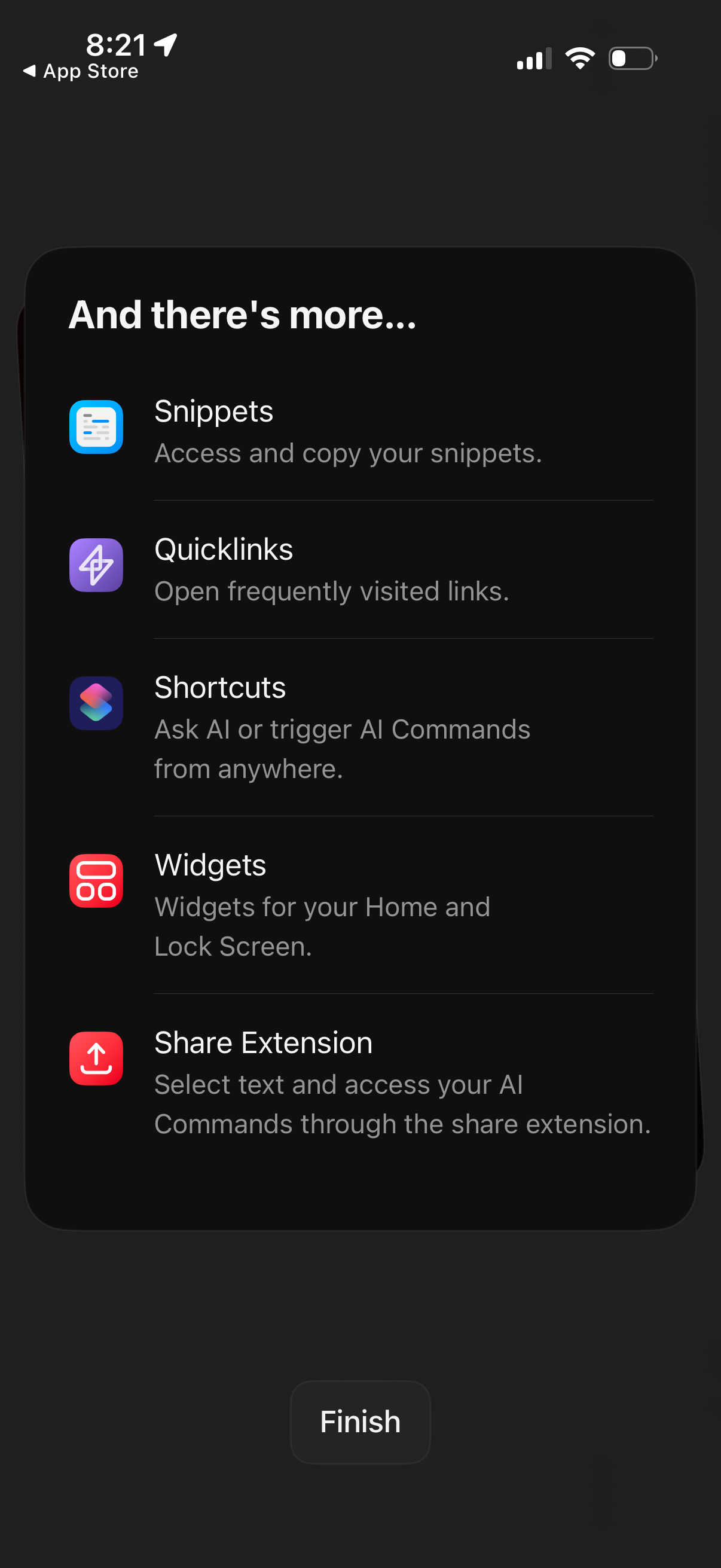
An onboarding/feature discovery screen listing additional app capabilities: Snip
Raycast
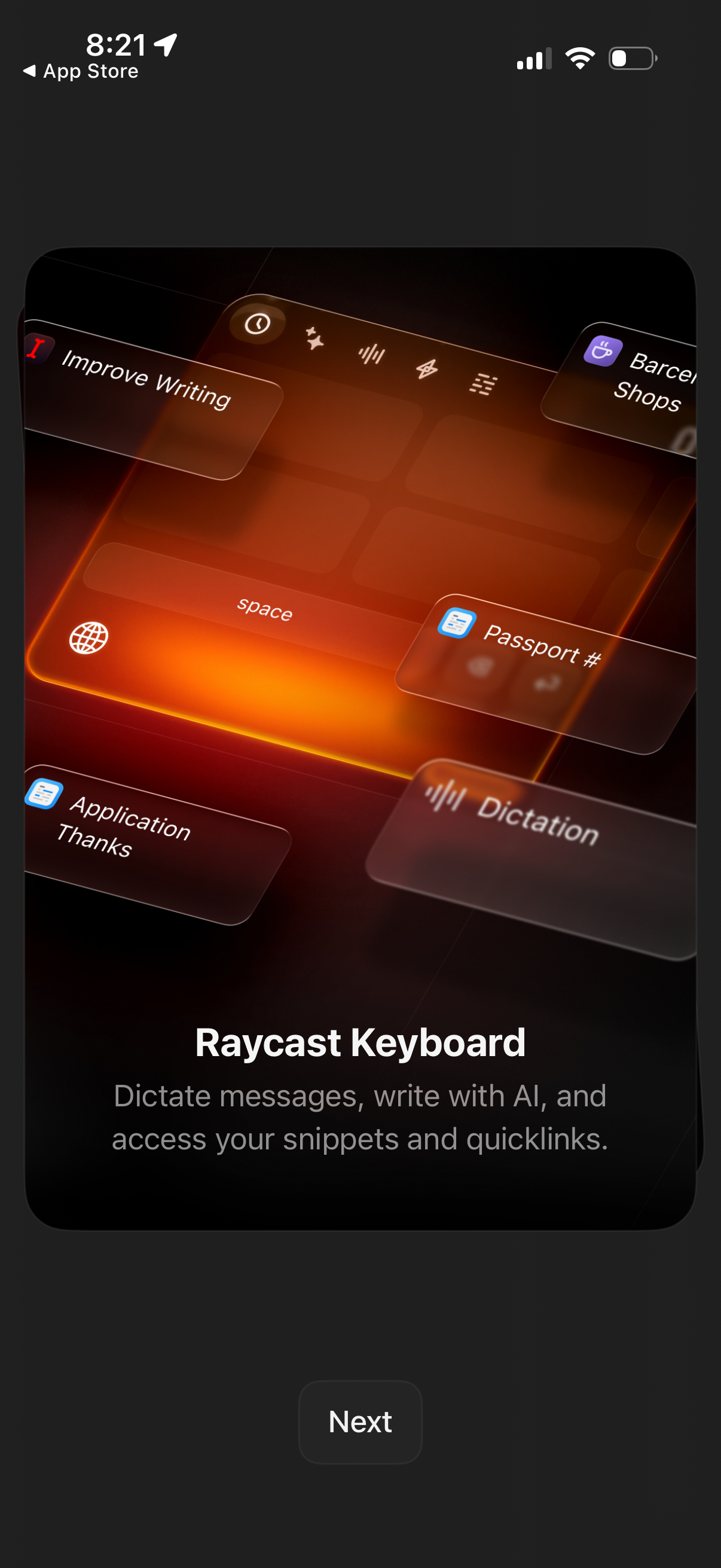
Onboarding feature introduction screen for an AI keyboard called “Raycast Keyboa
Raycast
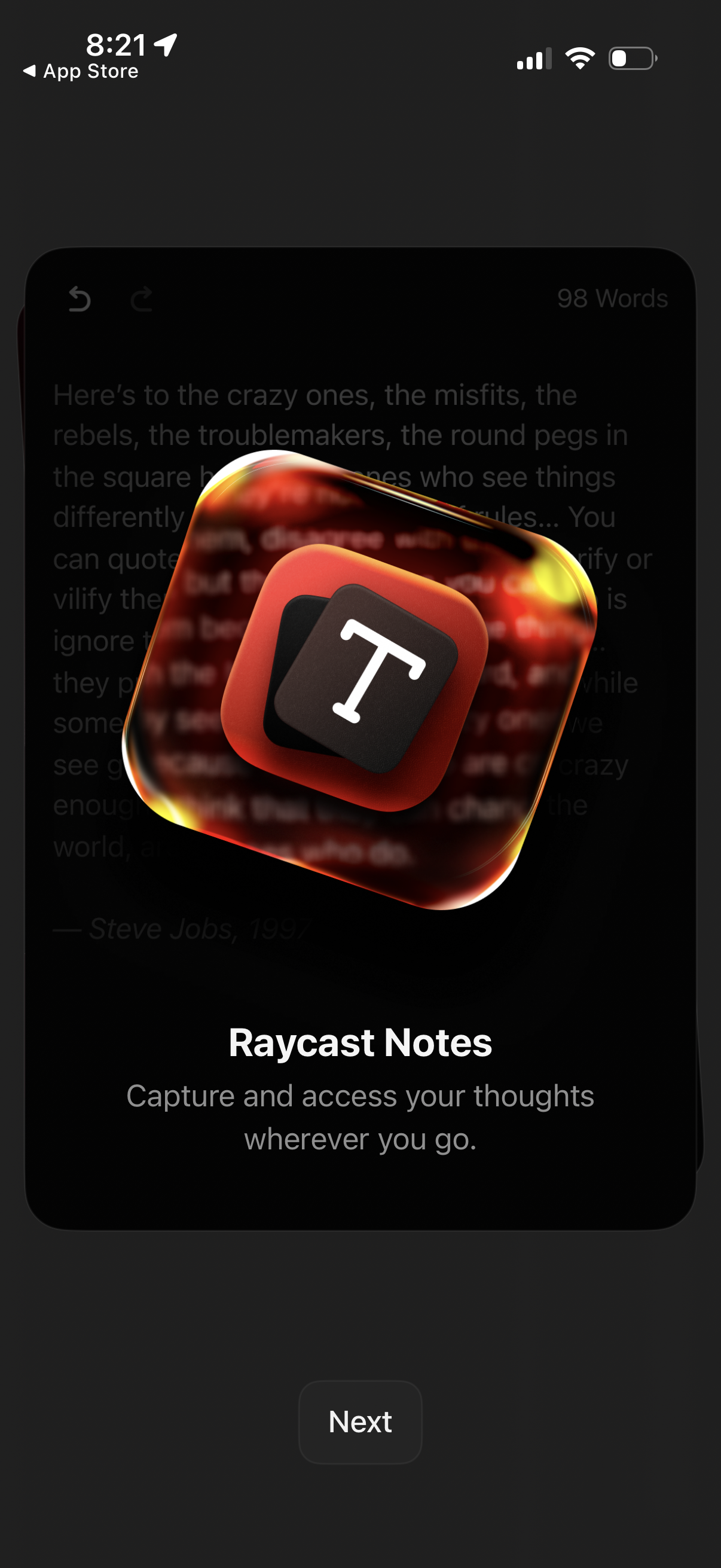
Intro/onboarding welcome screen for a notes app (Raycast Notes) highlighting the
Raycast
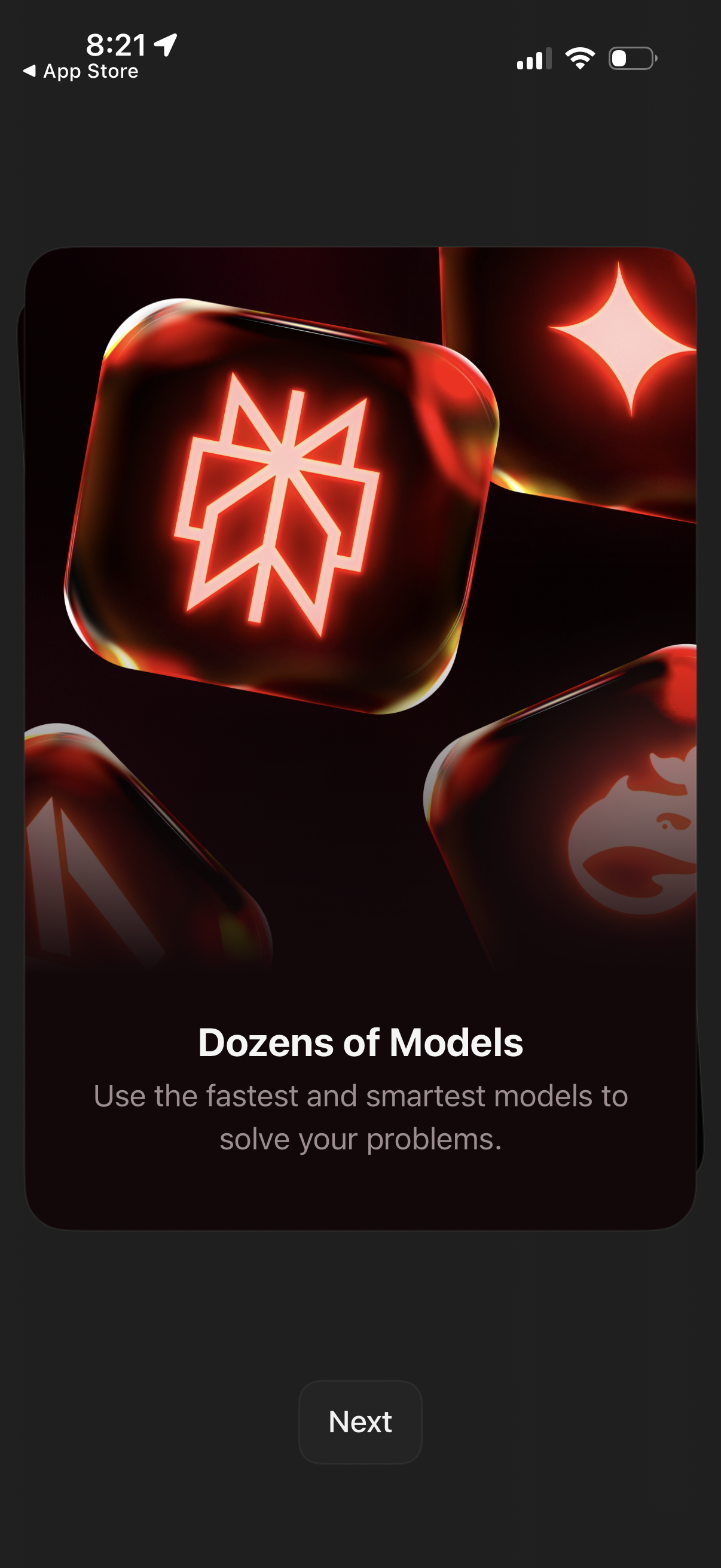
Onboarding/feature highlight screen promoting access to dozens of AI models, wit
Raycast
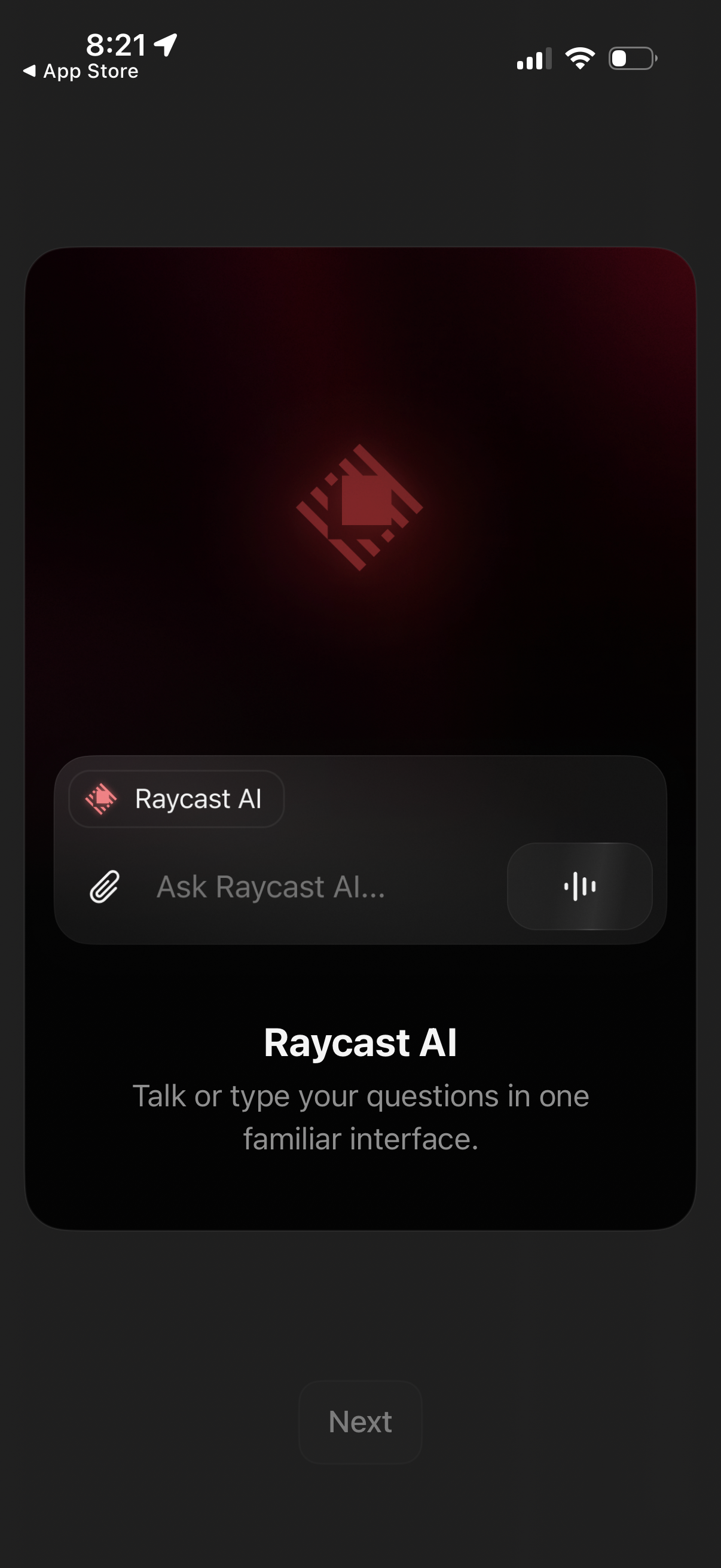
Onboarding screen introducing an AI assistant with a chat input that supports ty
Raycast
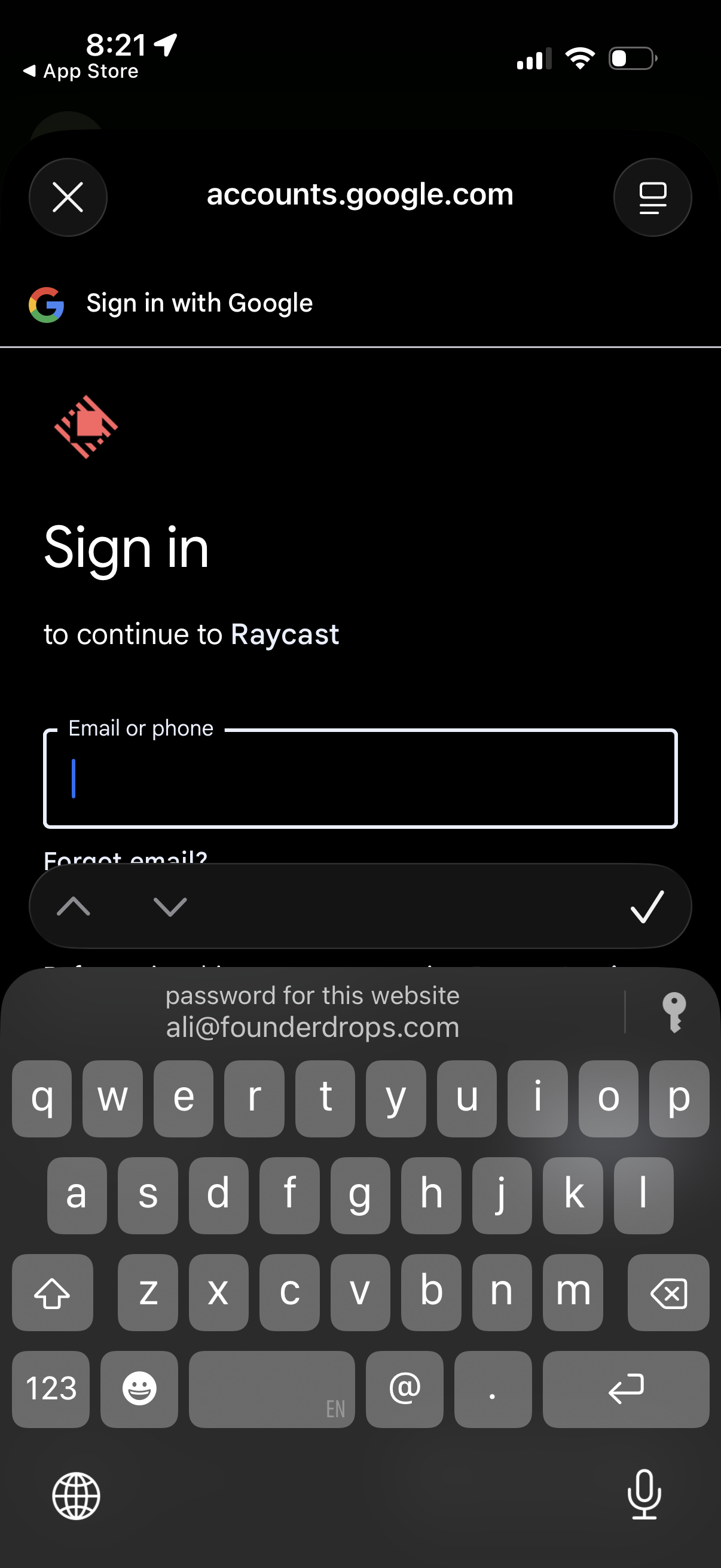
Google OAuth sign-in screen in an in-app browser prompting the user to sign in t
Raycast
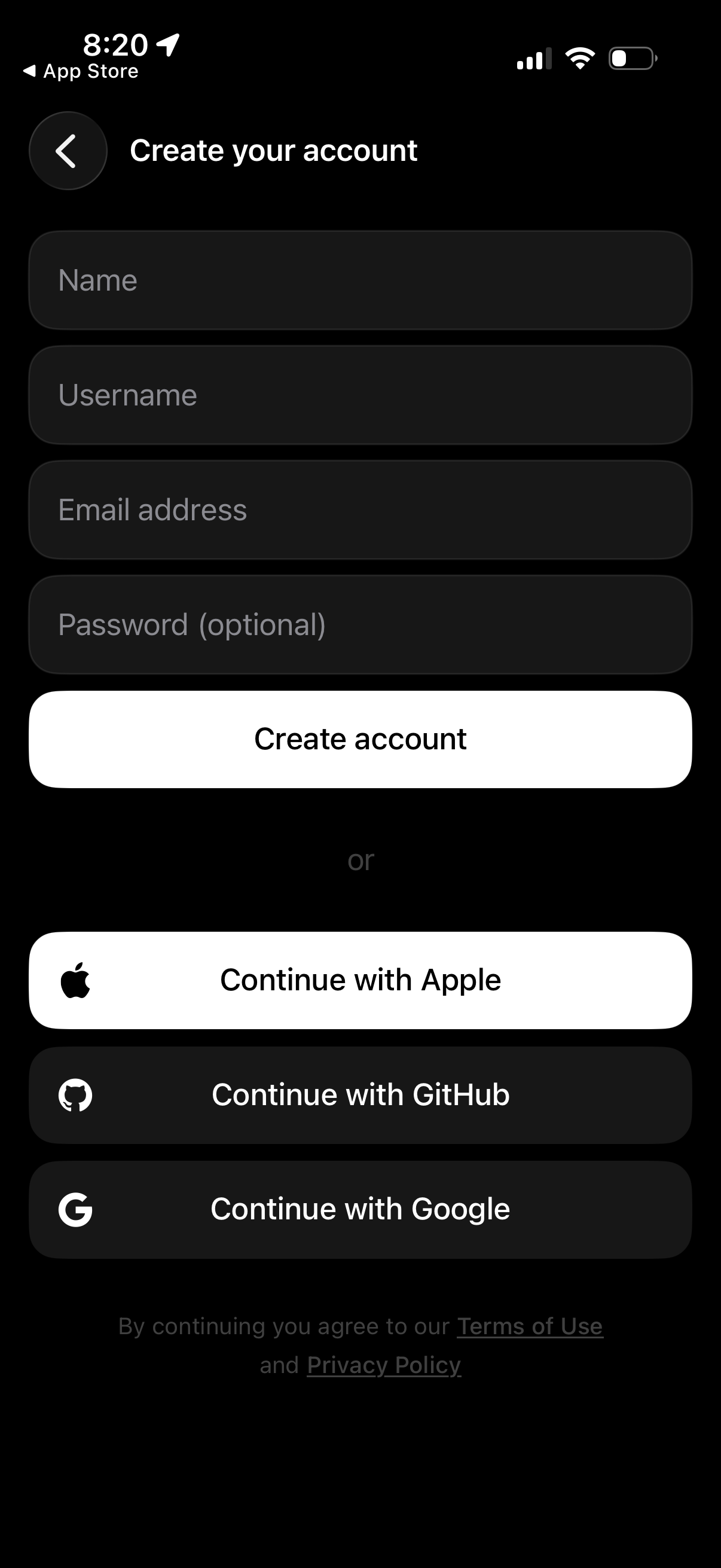
Account sign-up screen with a “Create your account” form to enter name, username
Raycast
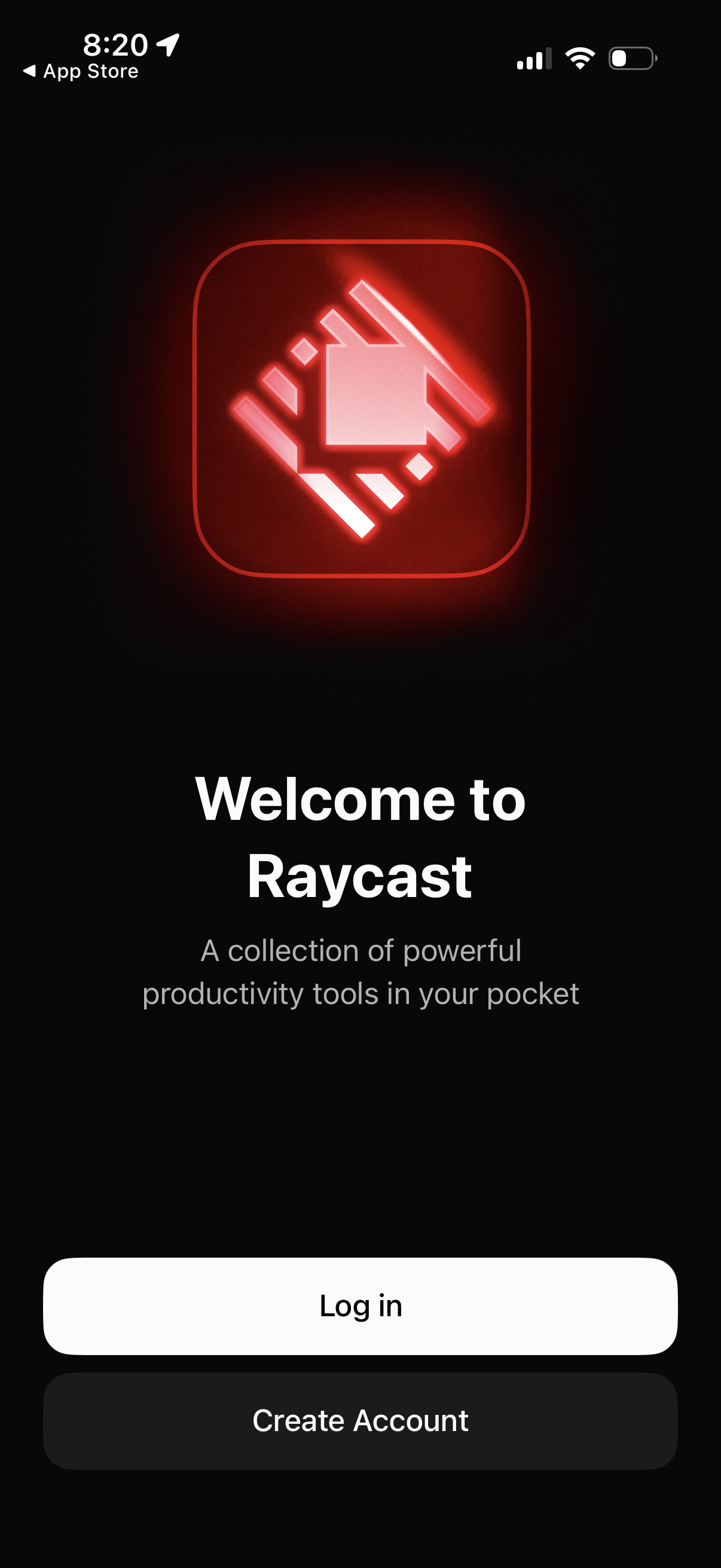
Welcome/onboarding screen for a productivity tools app with branding, a brief va
Raycast