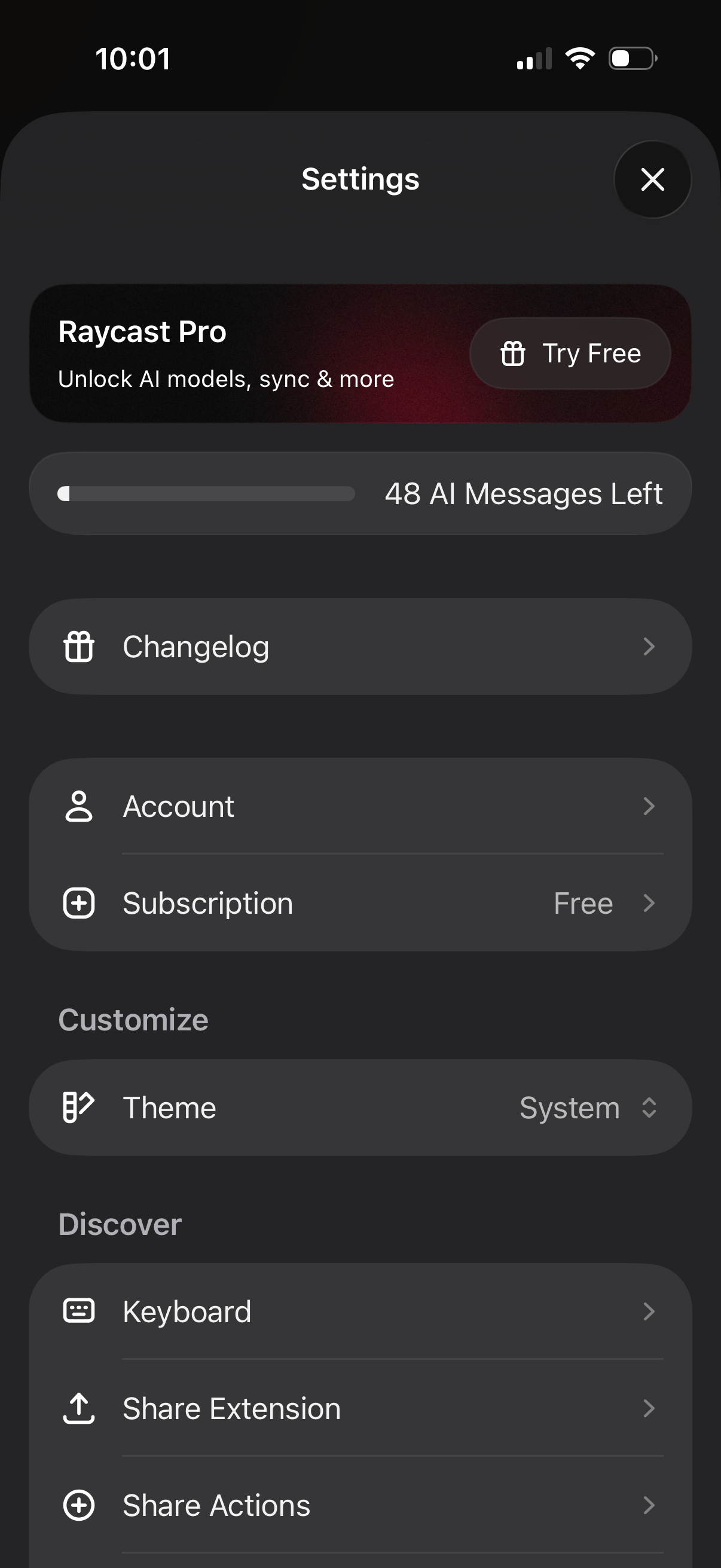
Settings screen for an AI app showing an upsell to a Pro plan with a “Try Free” CTA and an AI message quota indicator. Includes navigation to changelog, account and subscription management, theme selection, and discovery options like keyboard, share extension, and share actions.
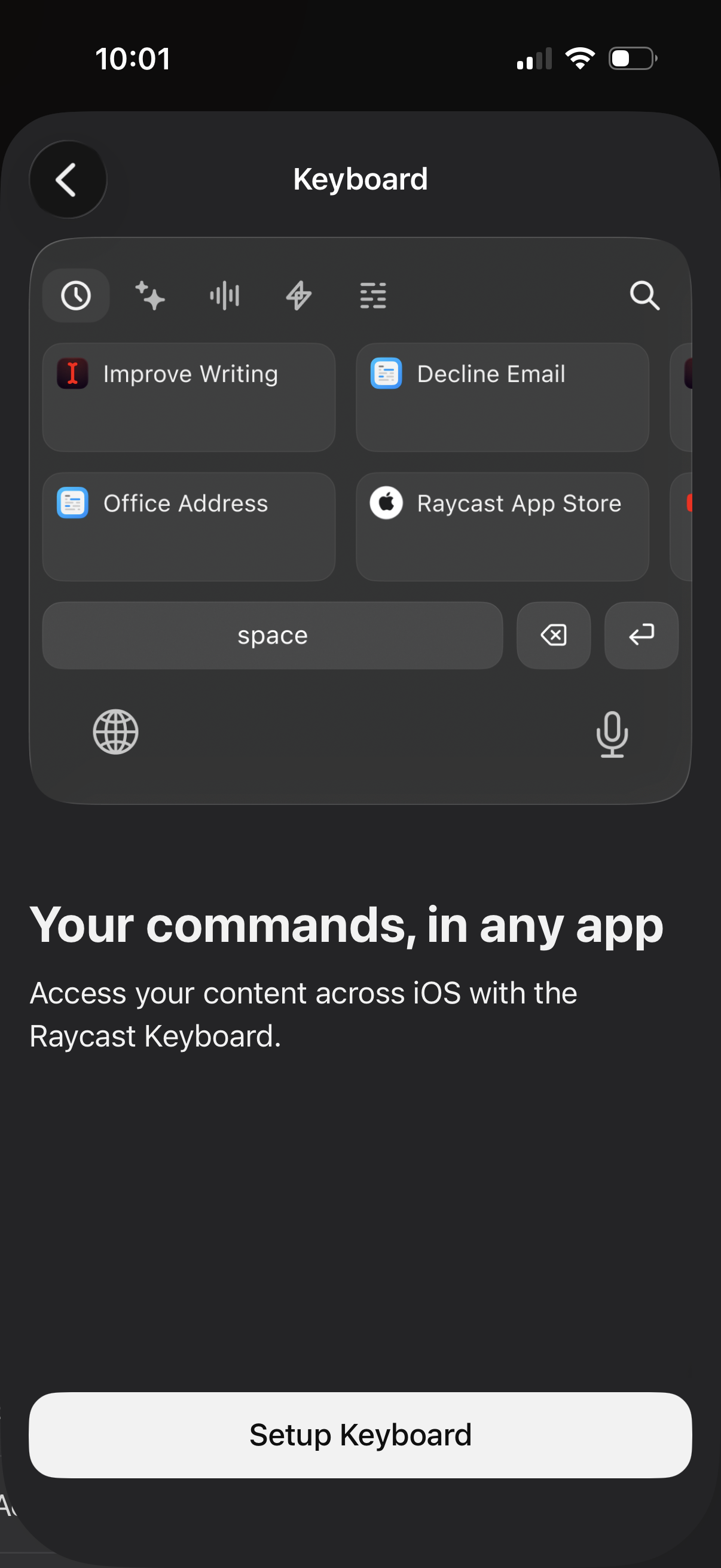
Keyboard feature onboarding screen previewing a custom iOS keyboard with quick command tiles and a search bar for inserting saved snippets and actions in any app. Includes explanatory text about accessing content across iOS and a primary “Setup Keyboard” button to enable the keyboard.
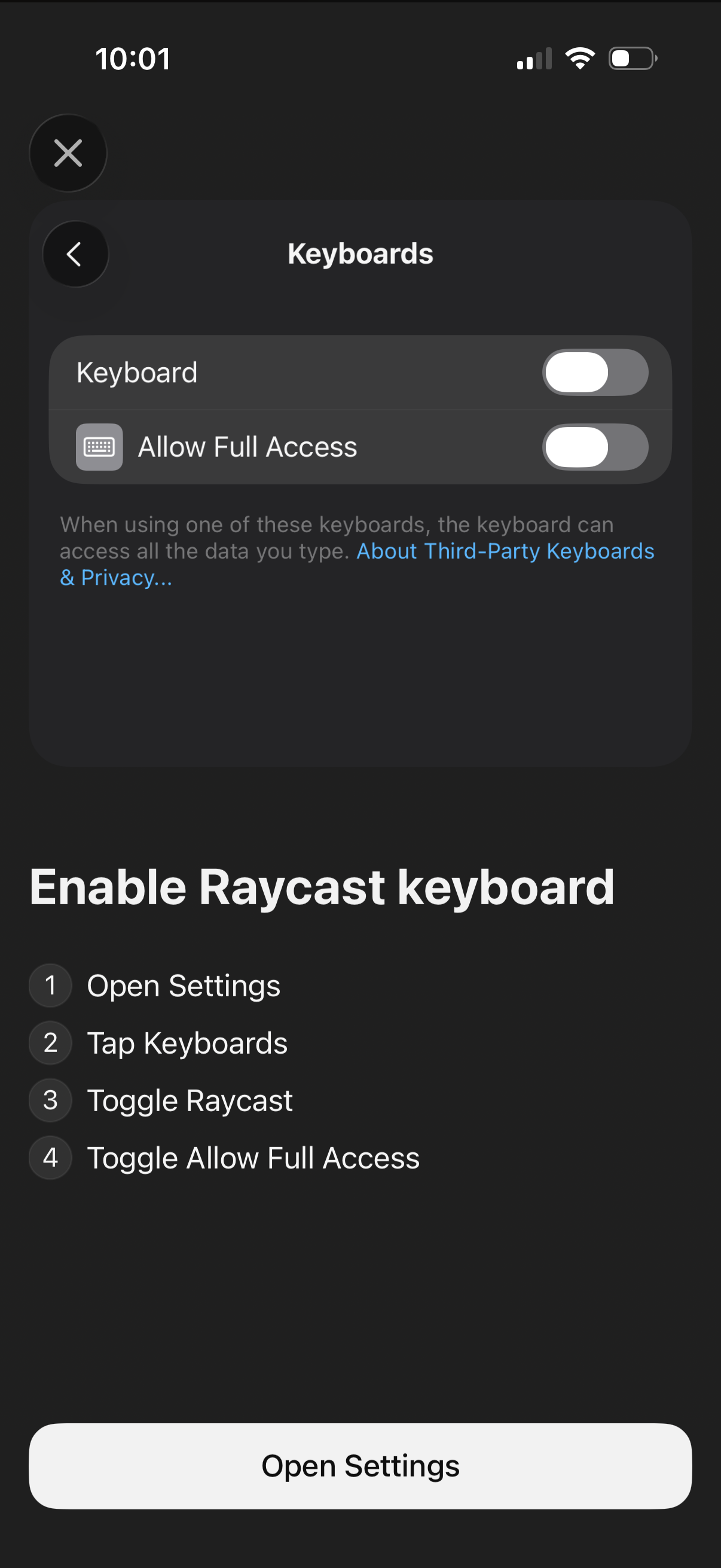
Onboarding screen prompting users to enable a third-party keyboard in iOS Settings, showing the Keyboards settings panel with toggles for the keyboard and “Allow Full Access. ” Provides step-by-step instructions (open Settings, go to Keyboards, enable the keyboard, enable full access) and a primary “Open Settings” button.