customize home shortcuts
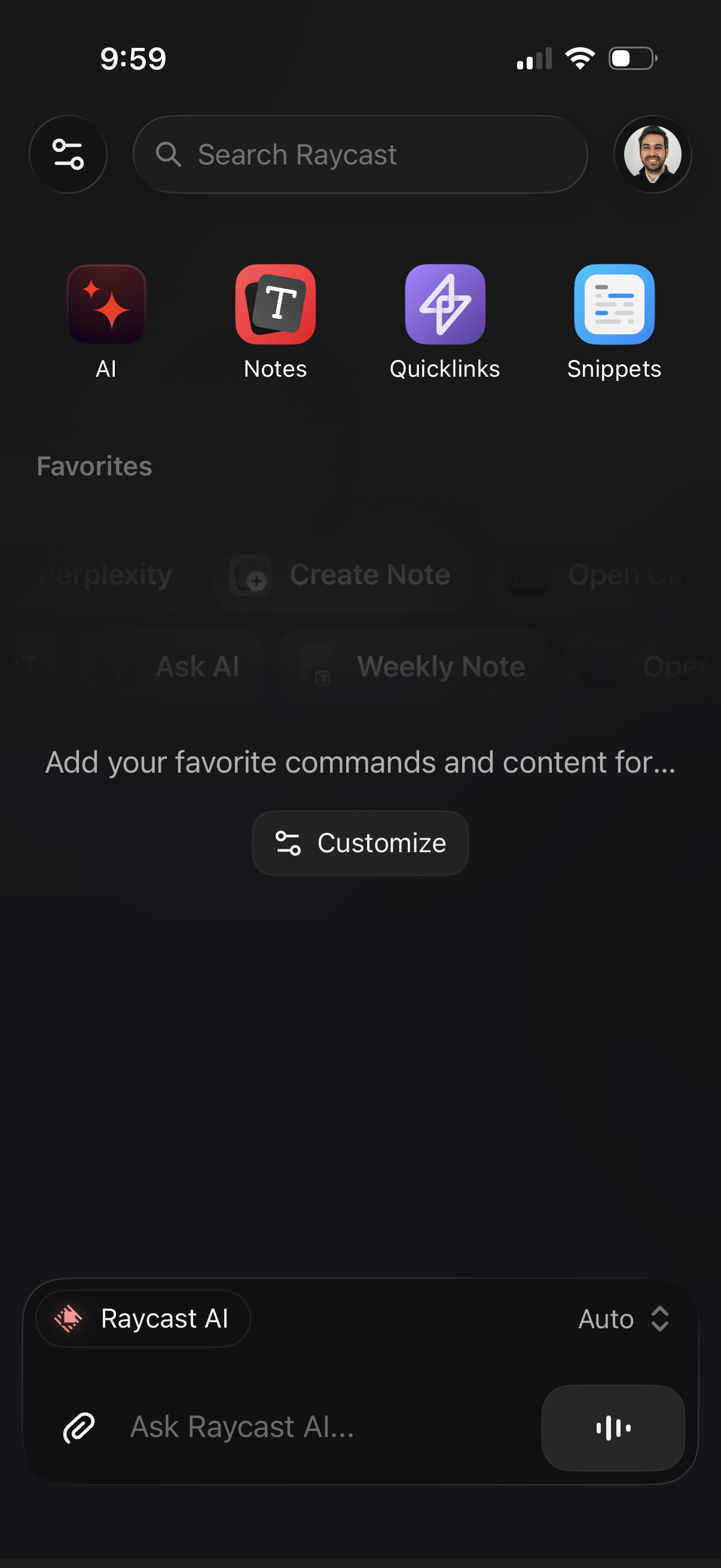
Home/dashboard screen for a productivity launcher app with a global search bar and quick-access tiles for AI, Notes, Quicklinks, and Snippets, plus a profile button and settings/filter icon. Includes an empty Favorites section with a “Customize” action and a bottom AI chat input (“Ask Raycast AI”) with attachment and voice controls.
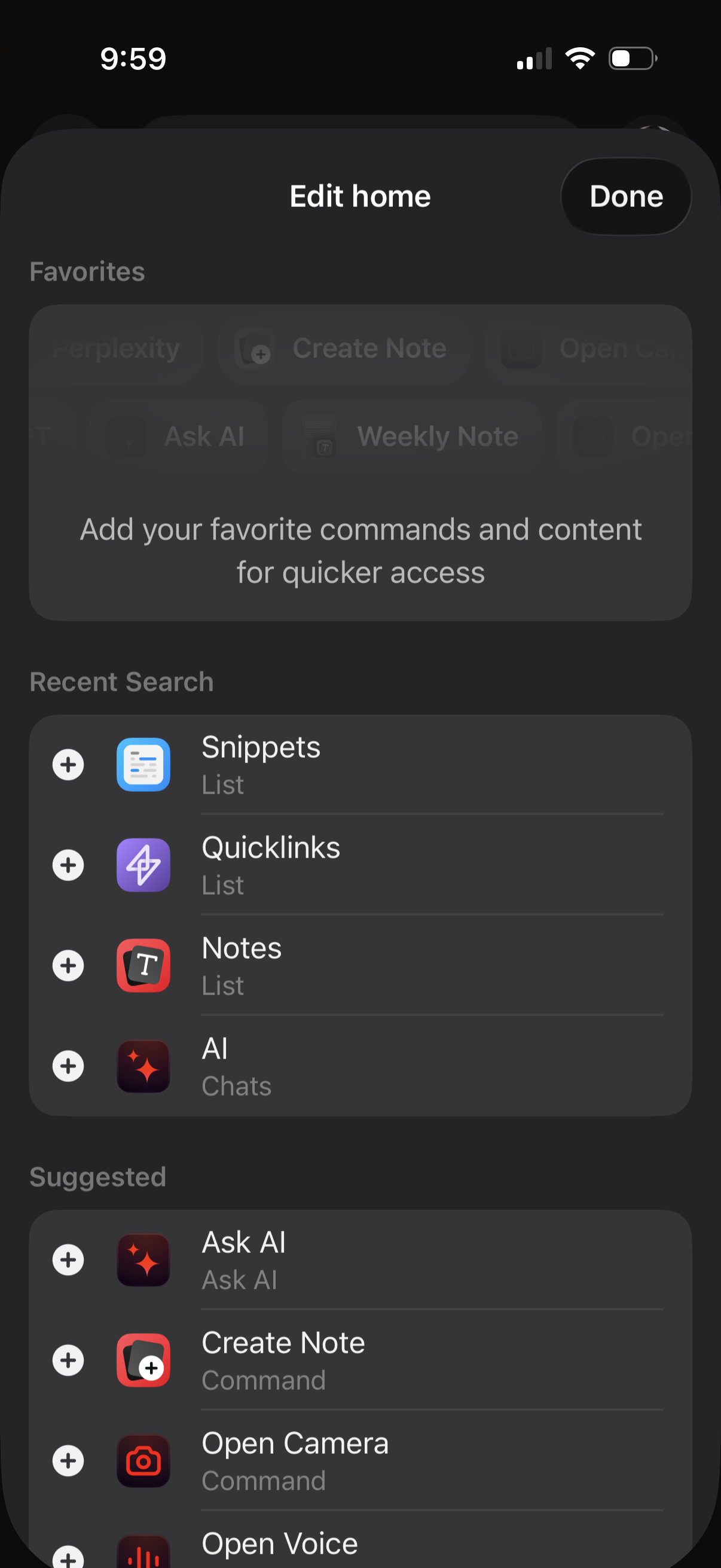
Home screen customization modal for adding favorites and quick-access commands, with a Done button to save changes. Shows lists of recent search items and suggested shortcuts (e.
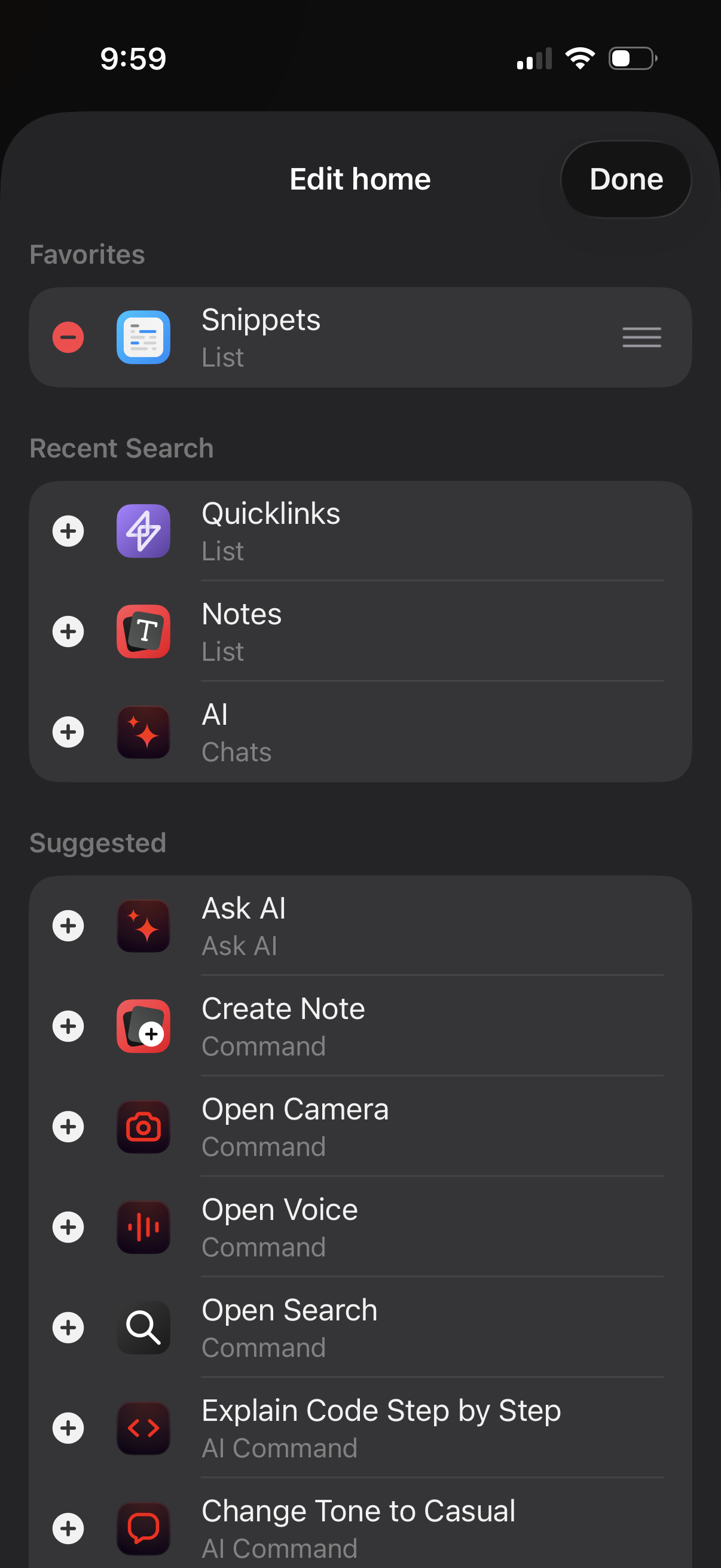
Home screen customization panel for a productivity app, letting users edit their home layout by adding/removing and reordering widgets or shortcuts across sections like Favorites, Recent Search, and Suggested. Each item has a plus/minus control and drag handle, with a Done button to save changes.
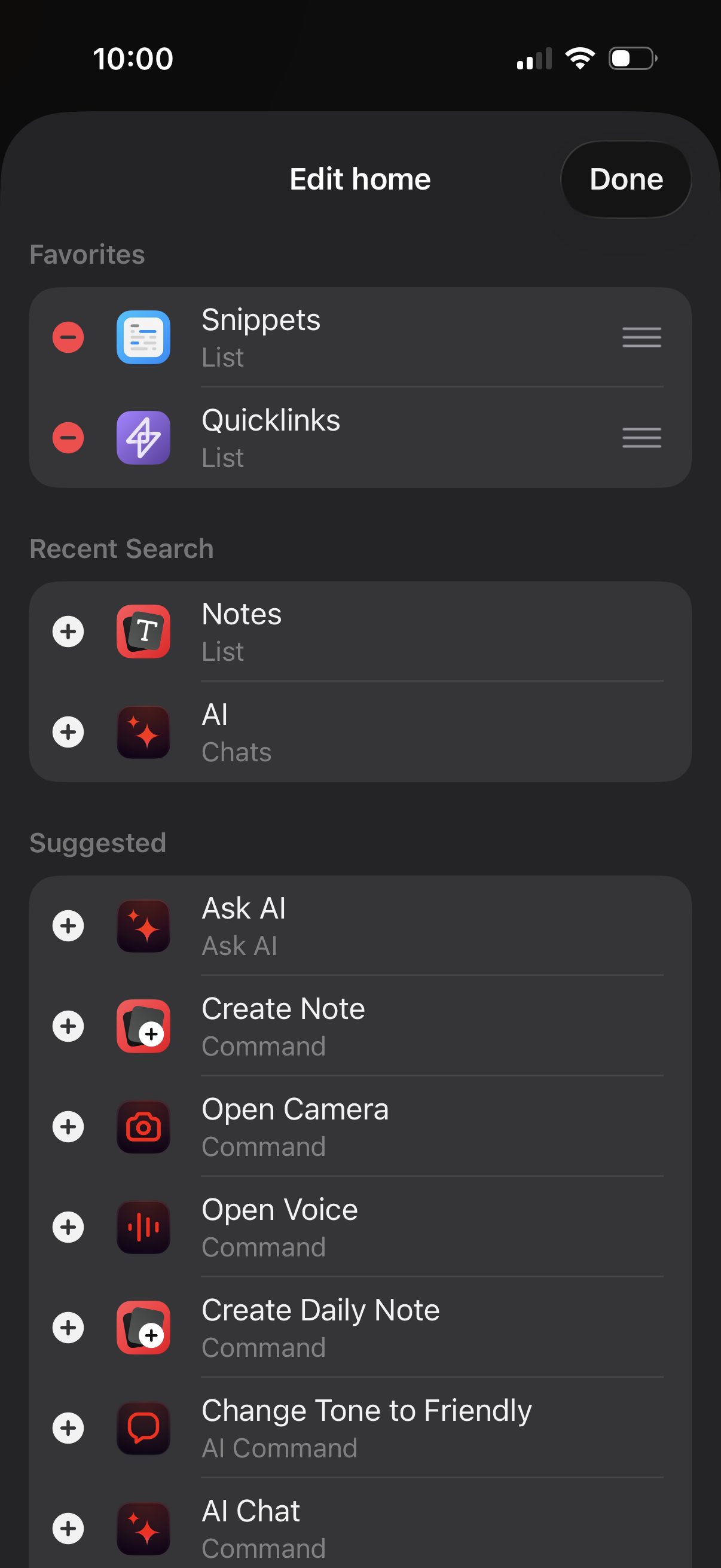
Home screen customization page showing a list of modules grouped by Favorites, Recent Search, and Suggested, where users can add items with a plus button, remove favorites with a minus button, and reorder sections via drag handles. Includes a top “Edit home” header with a Done action to save changes.
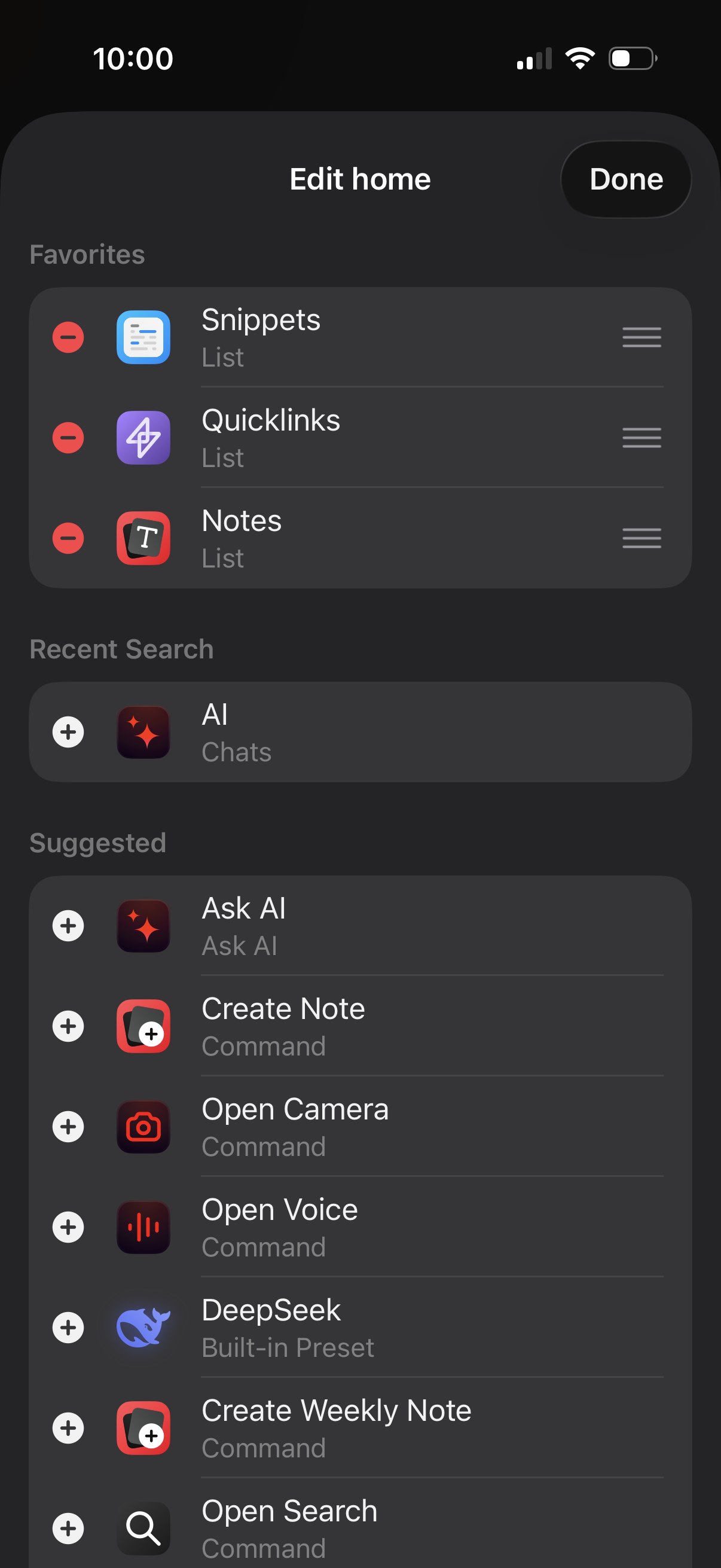
Home screen editing view showing a list of favorite items that can be removed or reordered via drag handles, with a Done button to save changes. Below, it surfaces recent search and suggested actions/modules with plus buttons to add them to the home dashboard (e.
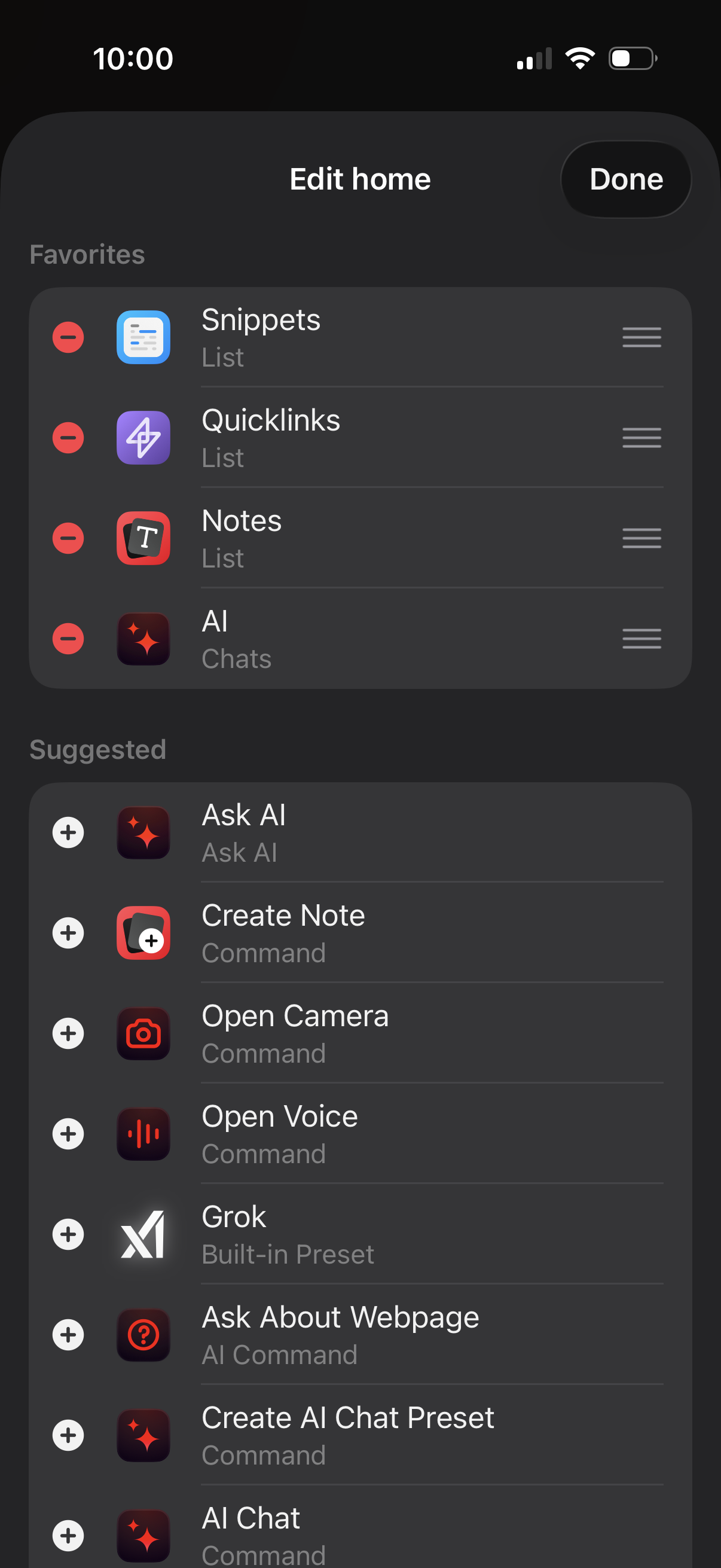
Home screen customization view for a productivity app showing a Favorites list where sections (snippets, quicklinks, notes, AI chats) can be reordered via drag handles or removed, plus a Suggested list of widgets/commands (Ask AI, create note, open camera/voice, presets) that can be added with plus buttons. A Done button saves changes.