log in with email
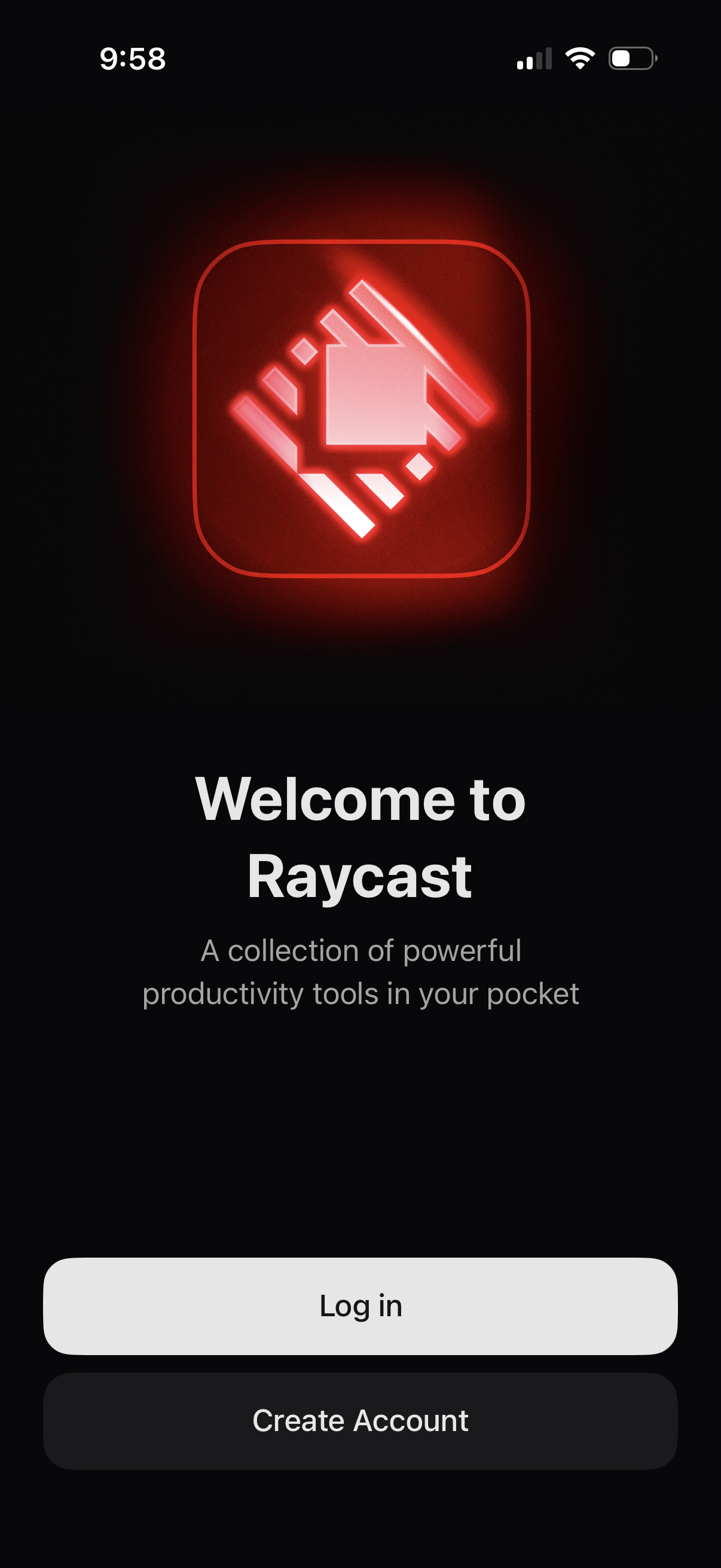
Welcome/onboarding screen for a productivity tools app with branding, a short value proposition tagline, and primary authentication actions to Log in or Create Account.
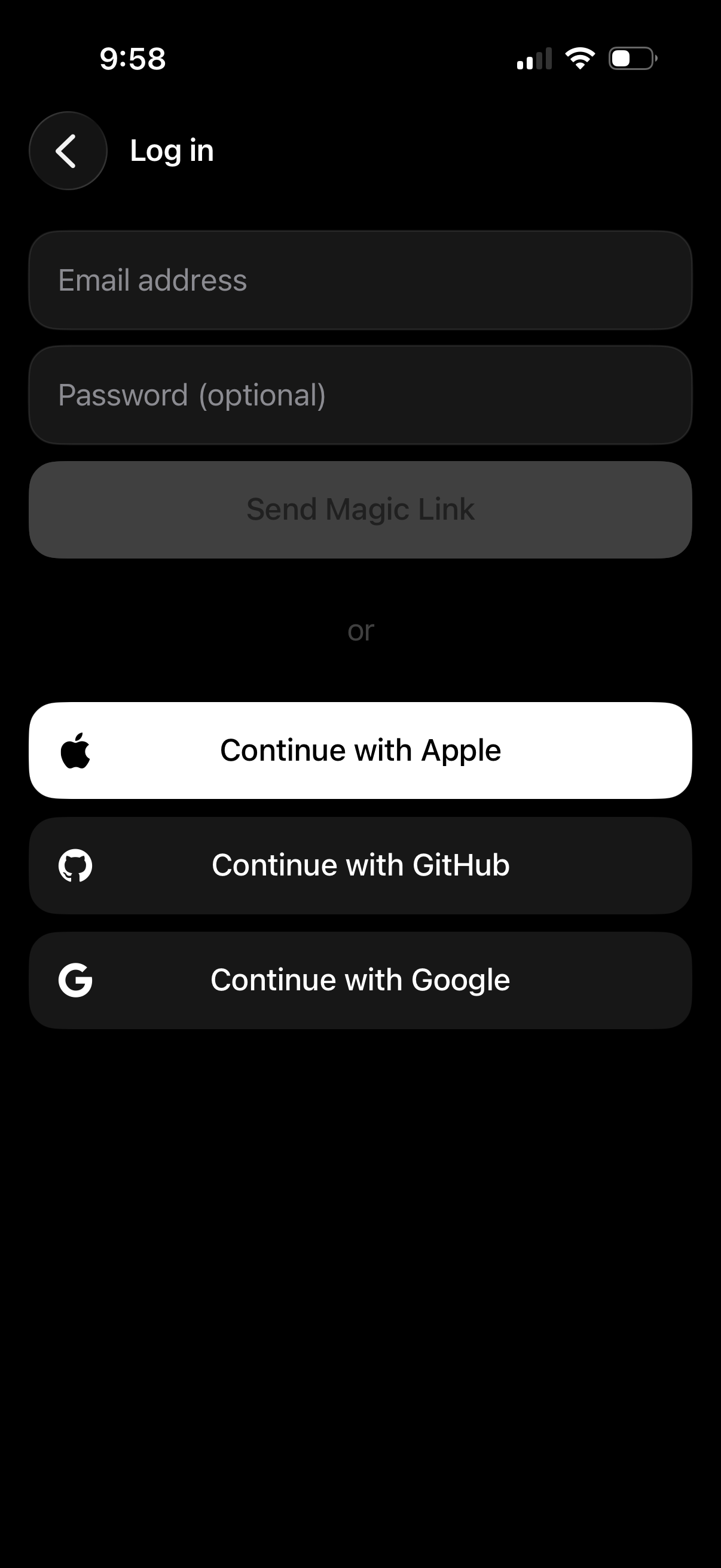
Dark-mode login screen with email address and optional password fields and a primary “Send Magic Link” button for passwordless sign-in. Provides alternative authentication options via social SSO buttons to continue with Apple, GitHub, or Google, plus a back navigation control.
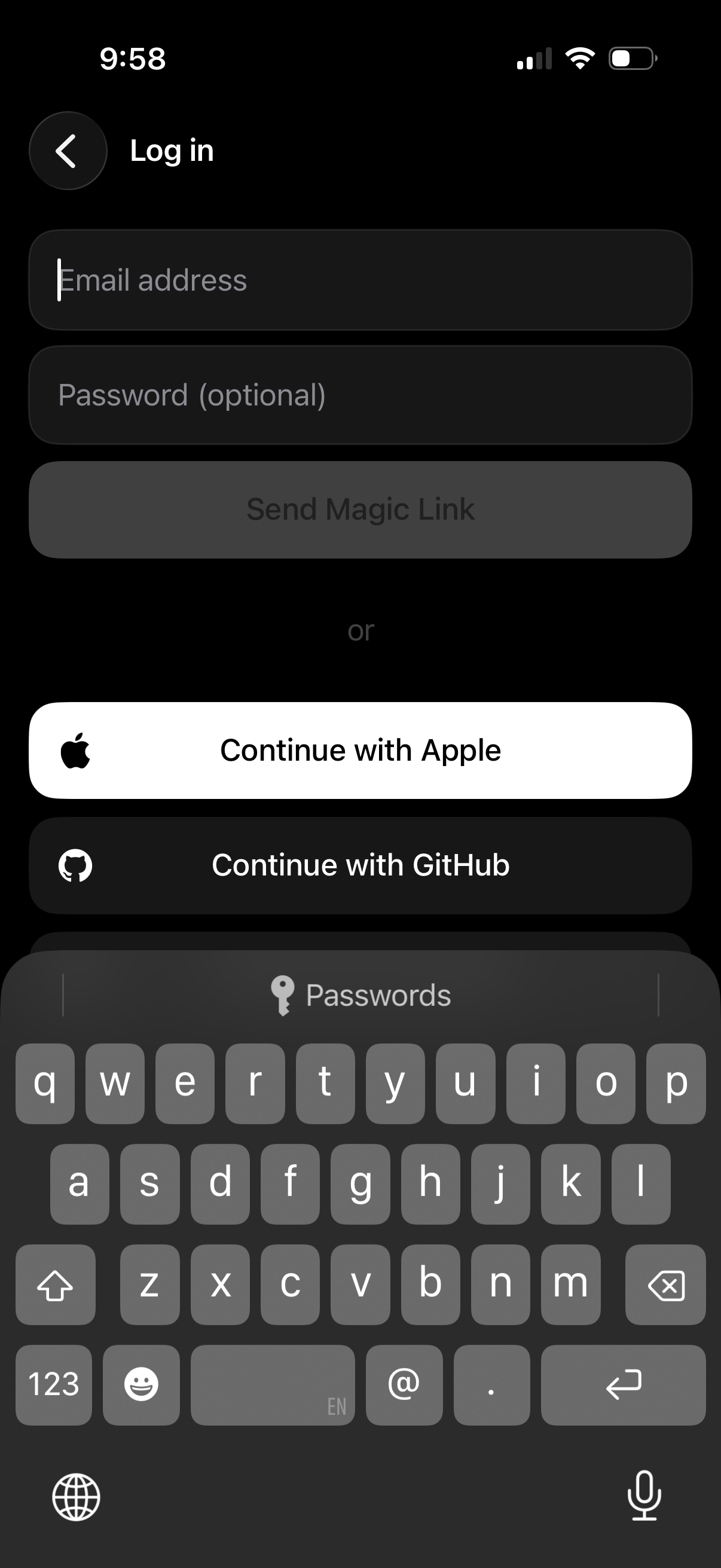
Mobile app login screen with email address and optional password fields, offering passwordless authentication via a “Send Magic Link” button. Includes alternative social sign-in options with “Continue with Apple” and “Continue with GitHub,” plus a back navigation icon.
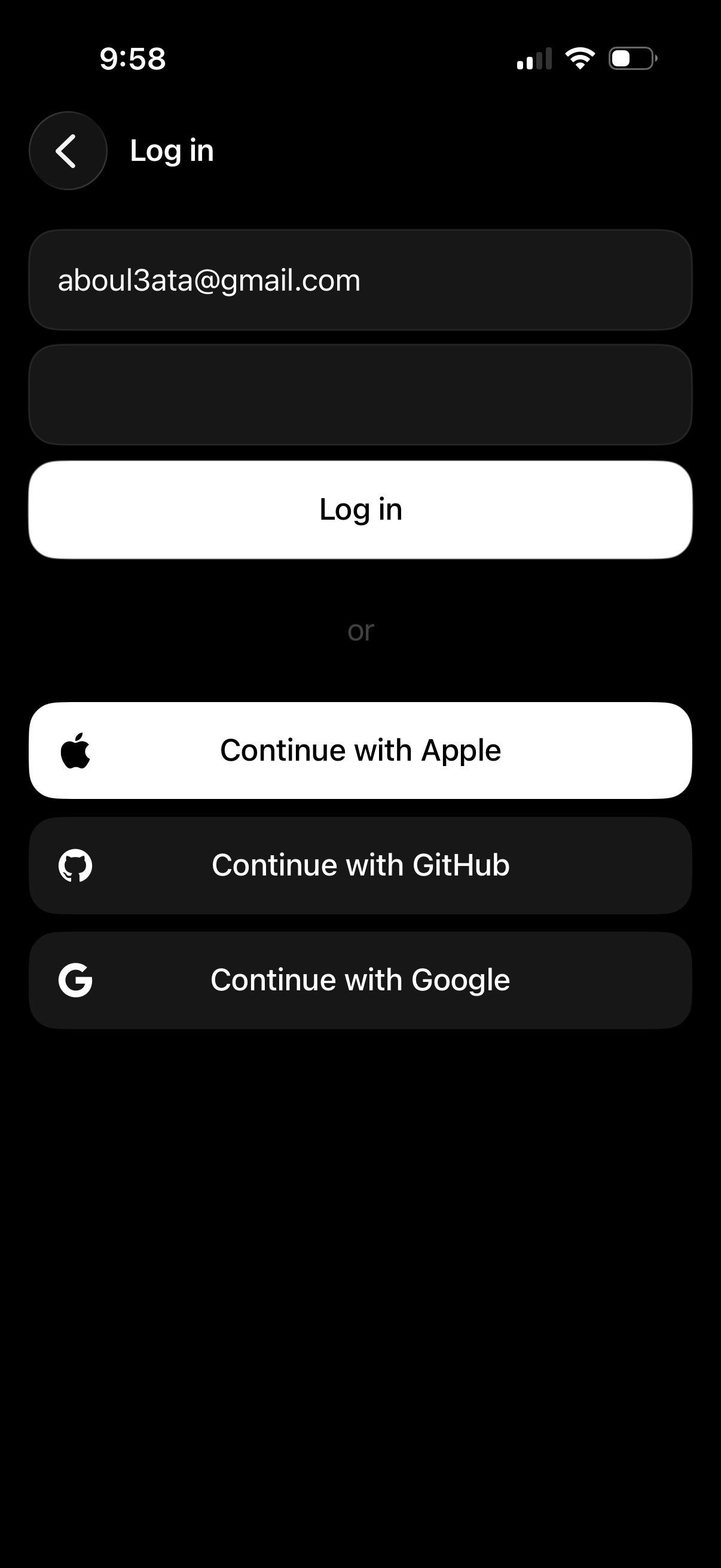
Mobile login screen with email and password input fields and a primary “Log in” button. Offers alternative sign-in options via Apple, GitHub, and Google with a back navigation control.
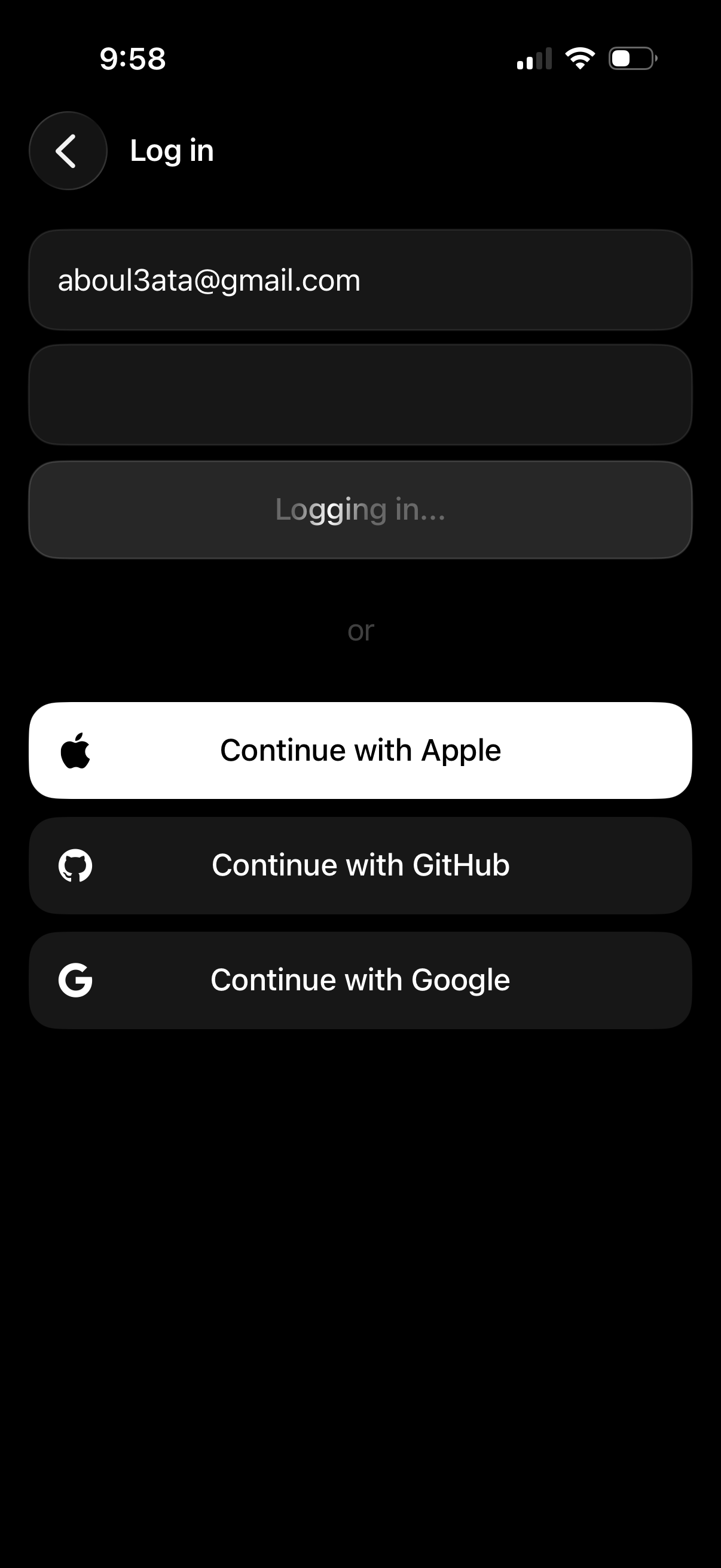
Dark-mode login screen with email and password fields and a primary login button showing a “Logging in…” loading state. Includes alternative sign-in options via Continue with Apple, GitHub, and Google, plus a back navigation control.
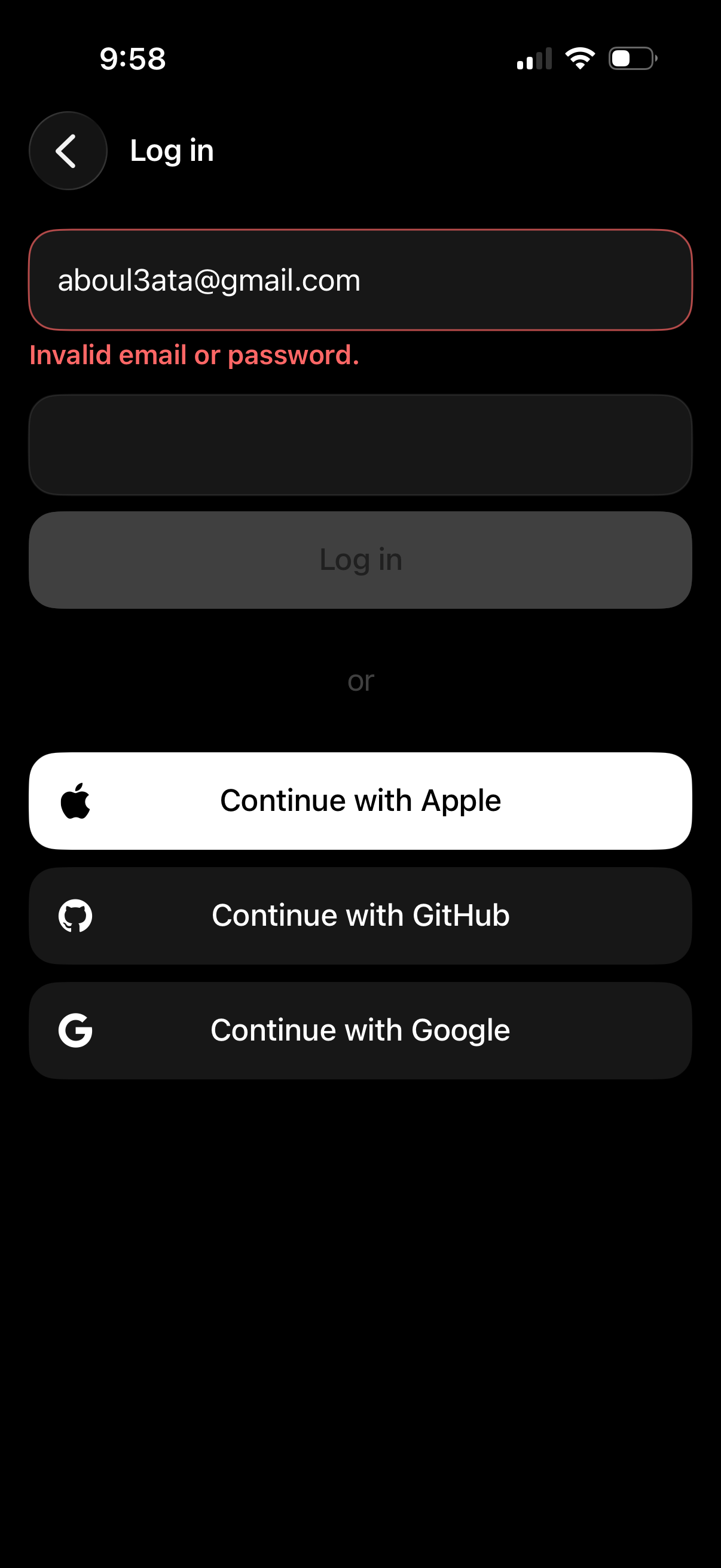
Dark-mode login screen with email and password fields showing an “Invalid email or password” inline error and a disabled Log in button. Provides alternative authentication options via social sign-in buttons for Apple, GitHub, and Google, plus a back navigation control.