open recipe scanner
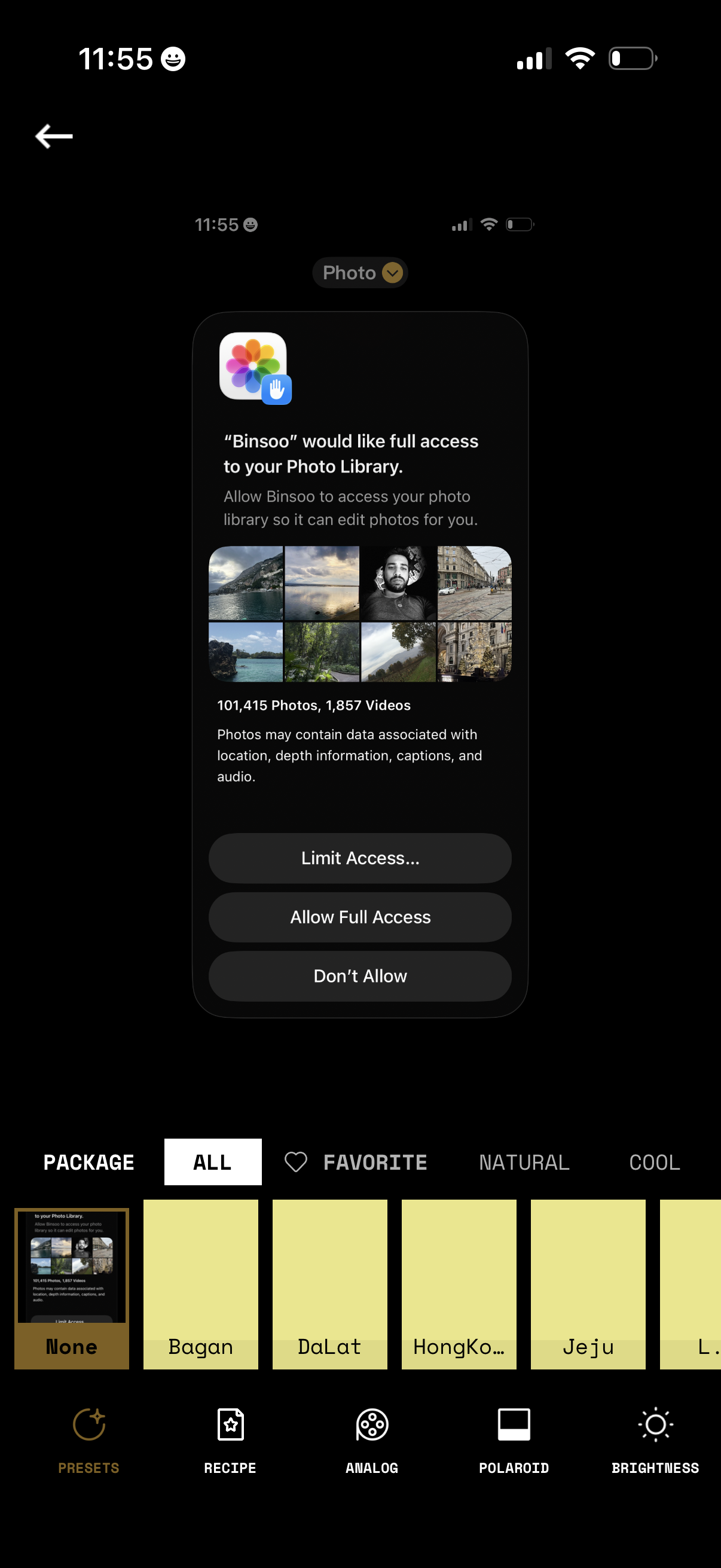
iOS permission modal requesting an app to access the user’s Photo Library for editing, showing a preview grid and photo/video counts. Primary actions let users choose Limit Access (select photos), Allow Full Access, or Don’t Allow while on a photo filter/preset editing screen.
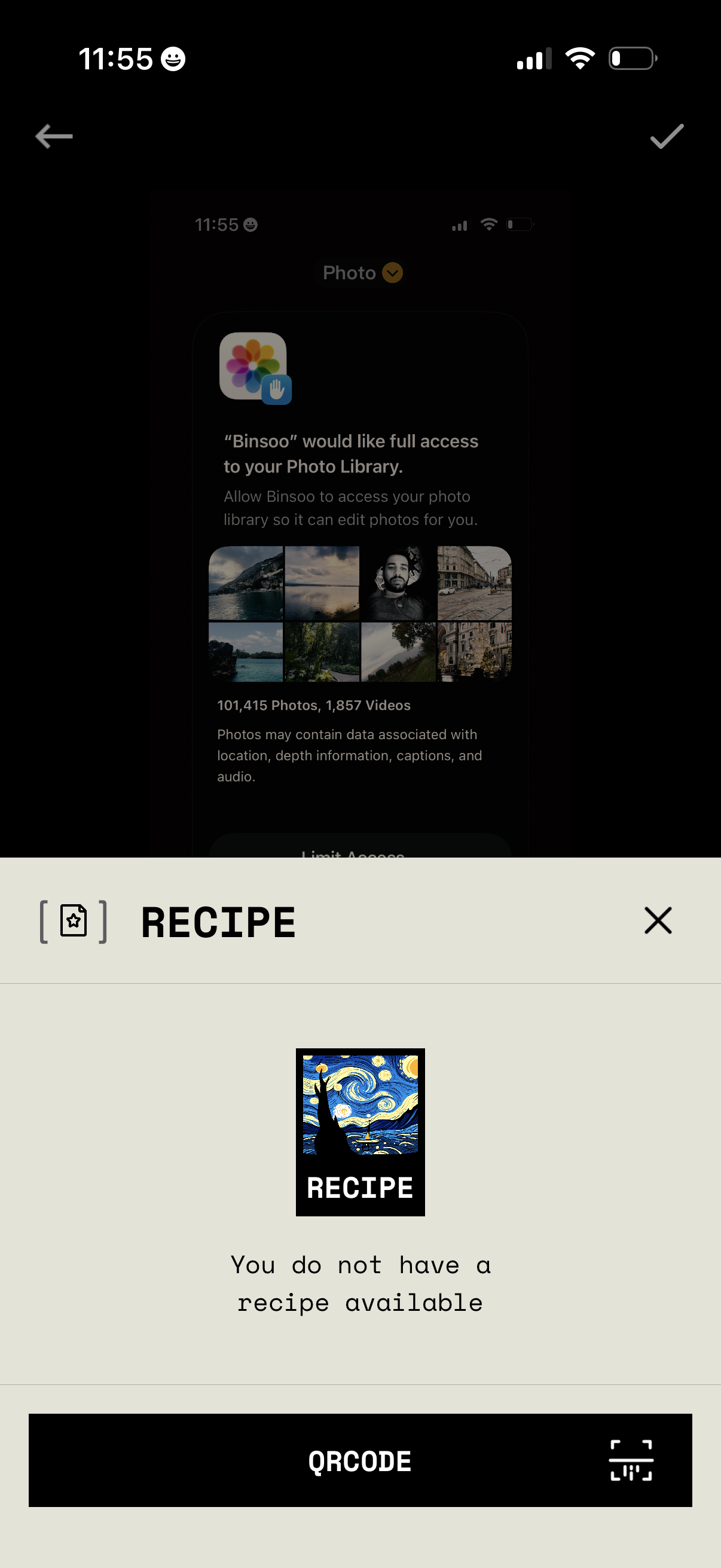
Modal “Recipe” screen showing an empty state message indicating no recipe is available, with a primary QR code action/button to scan or add a recipe and a close (X) control to dismiss the modal.
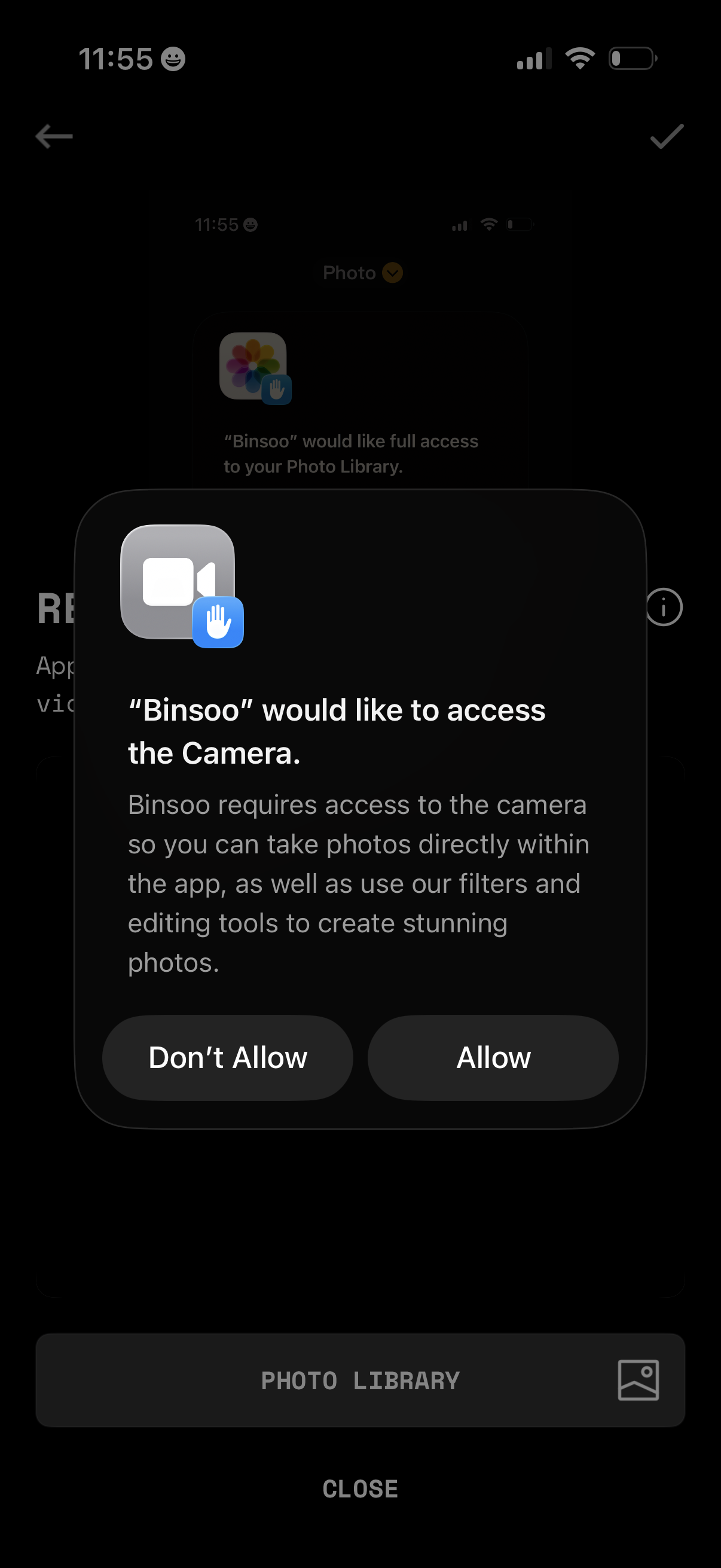
iOS app permission prompt asking to access the device camera, explaining it’s needed to take photos and use filters/editing tools. Modal provides primary actions to Allow or Don’t Allow camera access.
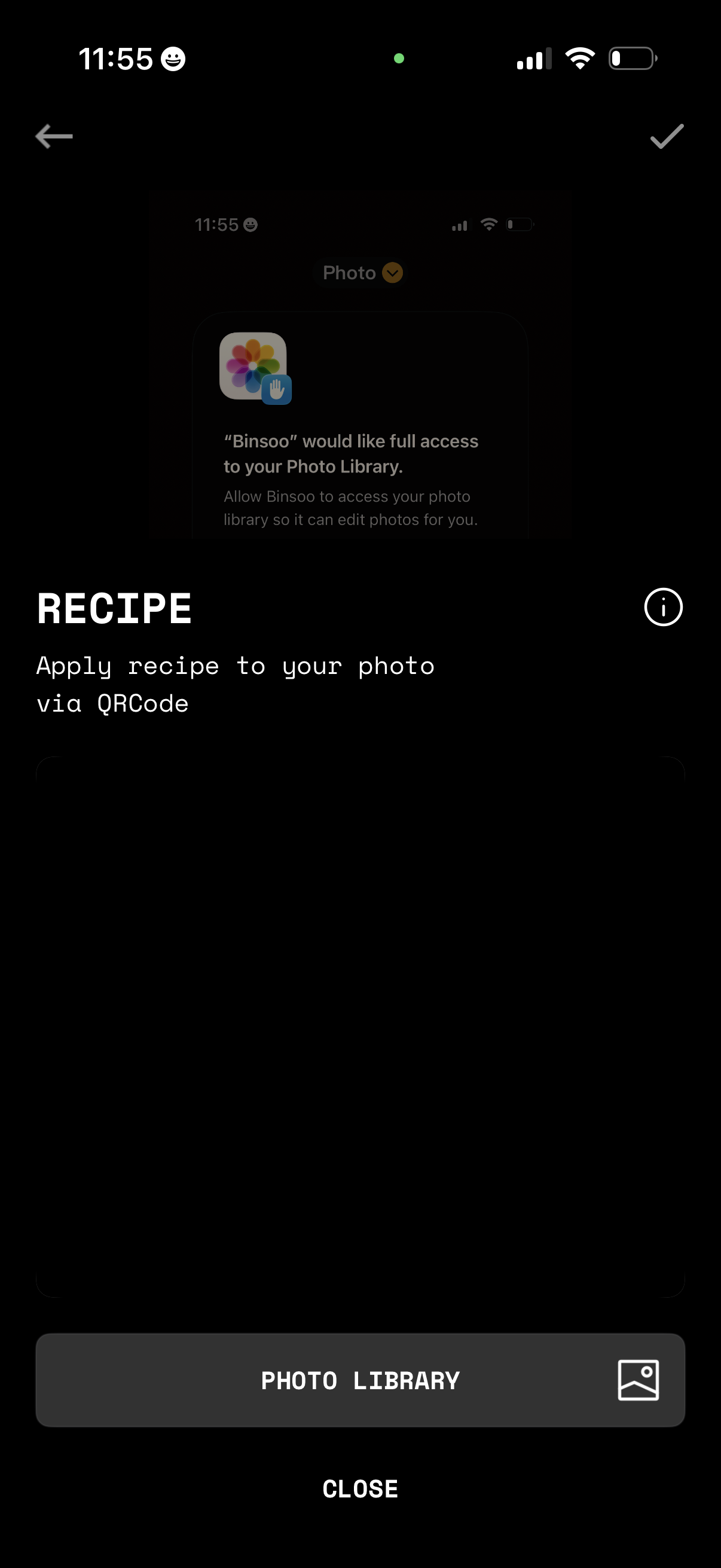
Screen for applying a photo editing “recipe” preset to an image via QR code, with an info icon and navigation controls. Primary action is to open the Photo Library to select an image, with a secondary option to close/cancel.