browse and apply presets
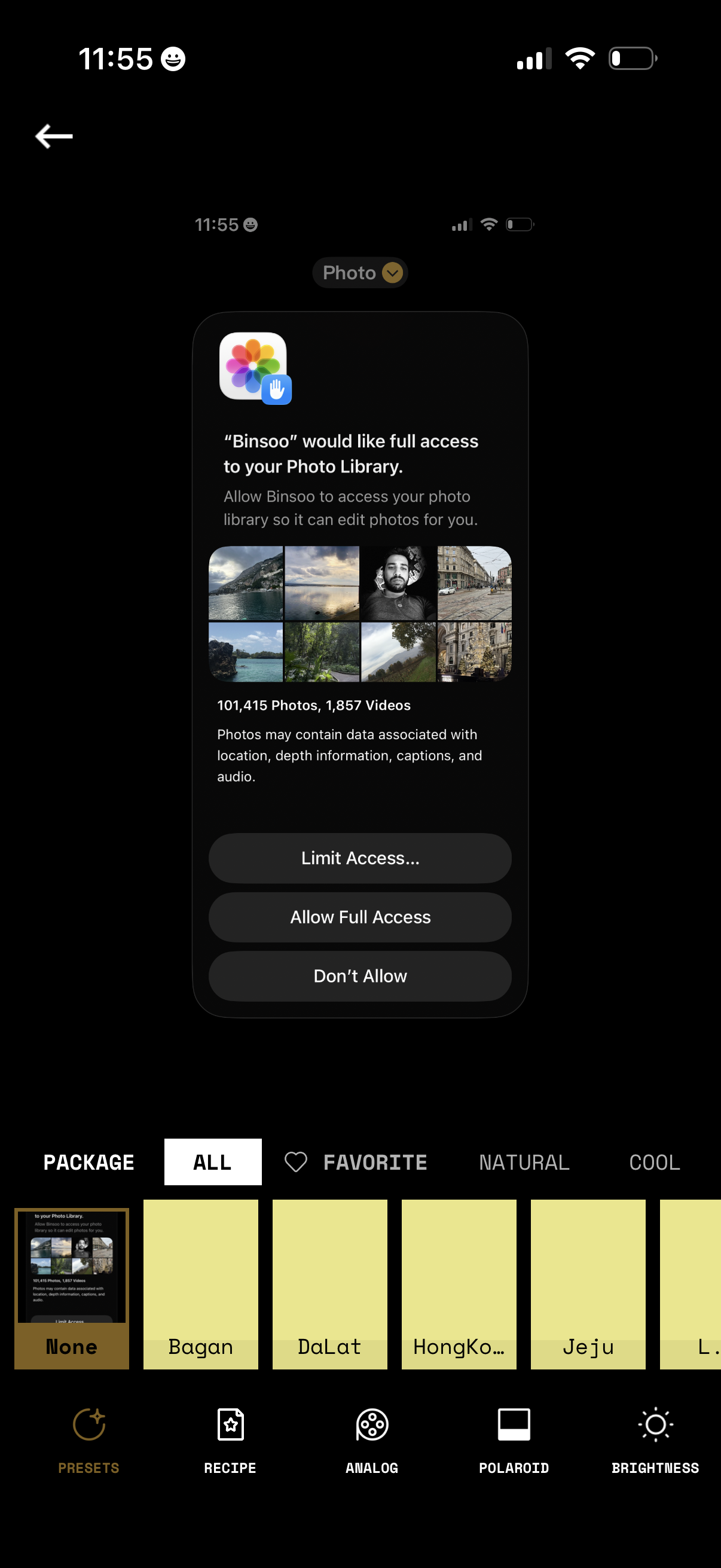
iOS permission modal requesting an app to access the user’s Photo Library for editing, showing a preview grid and photo/video counts. Primary actions let users choose Limit Access (select photos), Allow Full Access, or Don’t Allow while on a photo filter/preset editing screen.
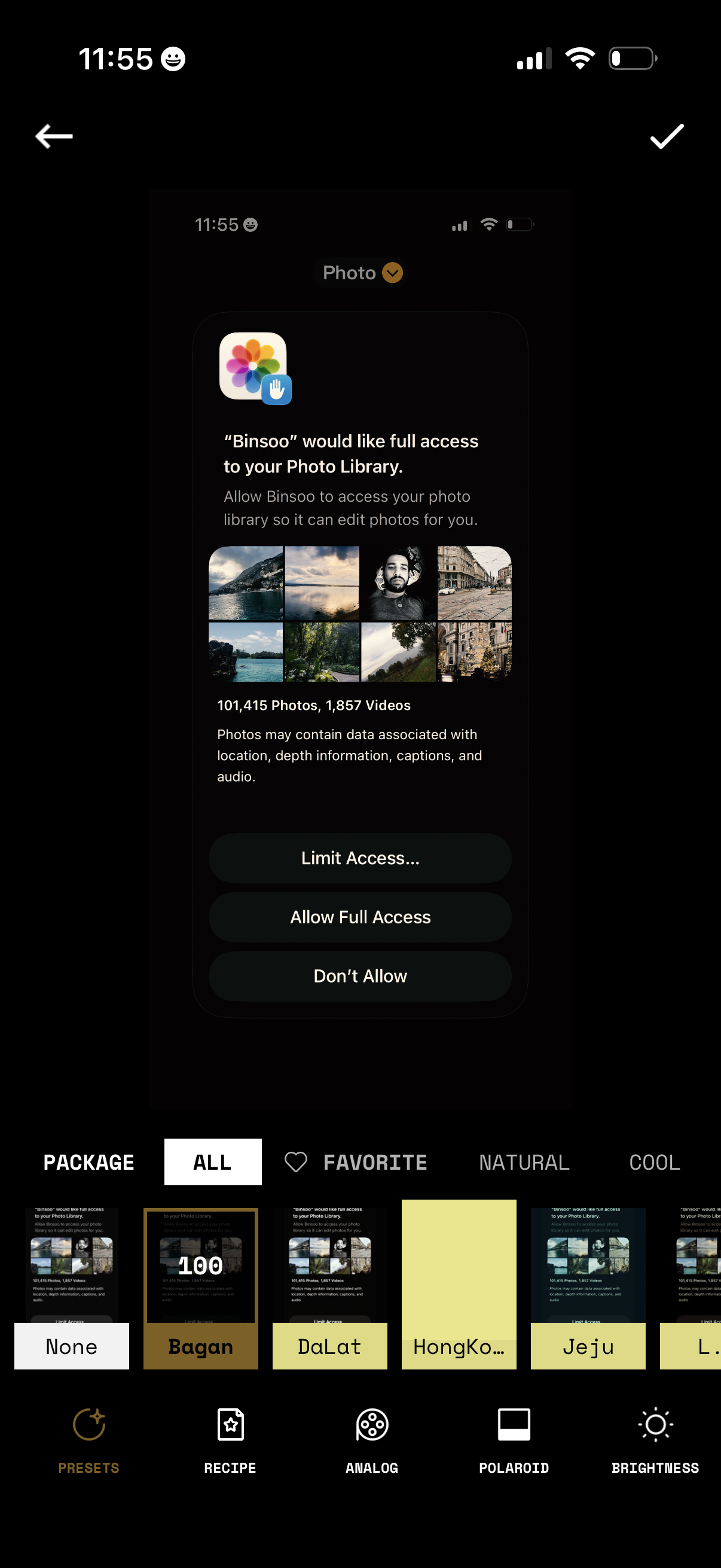
iOS photo library permission prompt shown over a photo editing app, requesting full access to the user’s Photo Library so the app can edit photos. Primary actions are to Limit Access, Allow Full Access, or Don’t Allow while remaining on the editor screen with preset/filter options in the background.
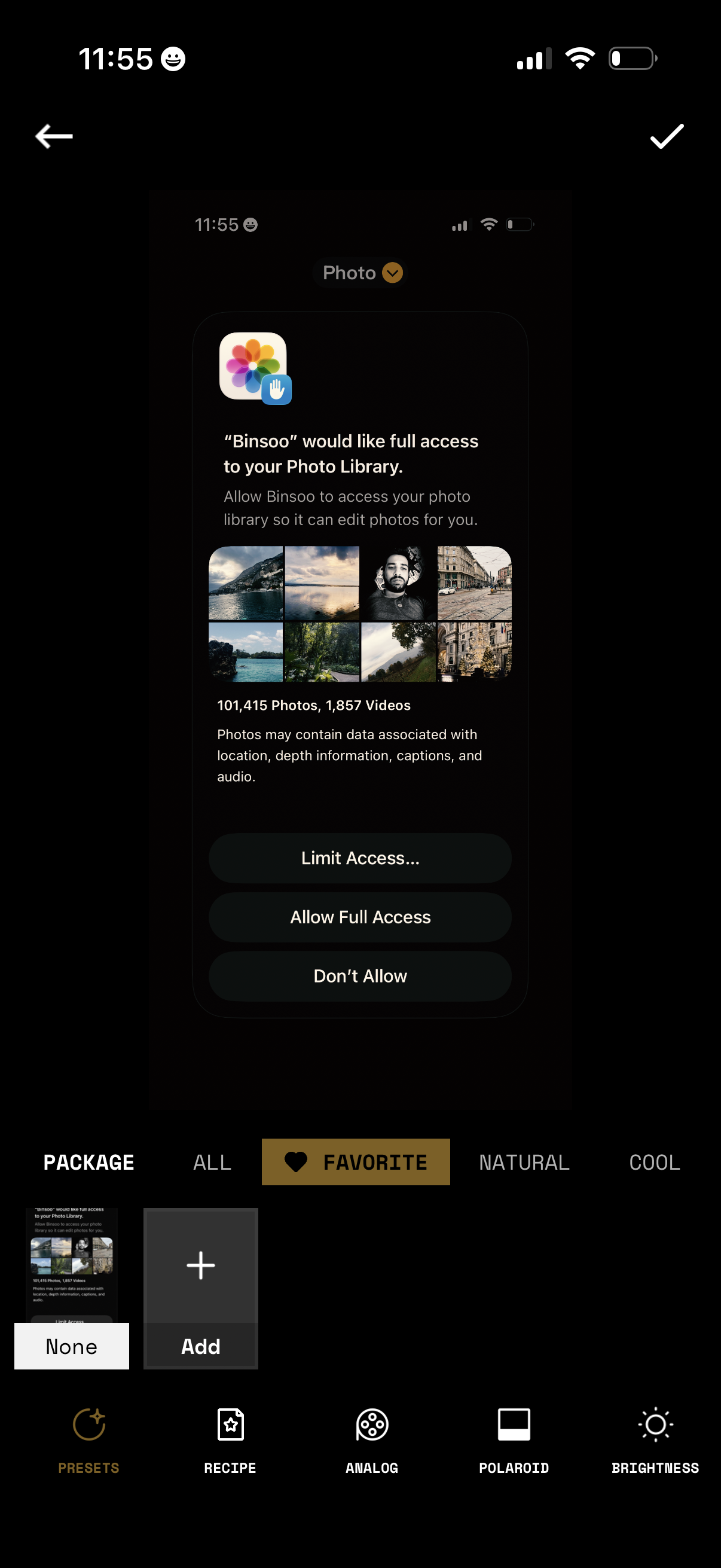
iOS photo library permission prompt shown within a photo editing app, requesting full access to the user’s Photo Library so the app can edit photos. The modal offers actions to limit access, allow full access, or deny access while the background shows photo filter/preset editing controls.
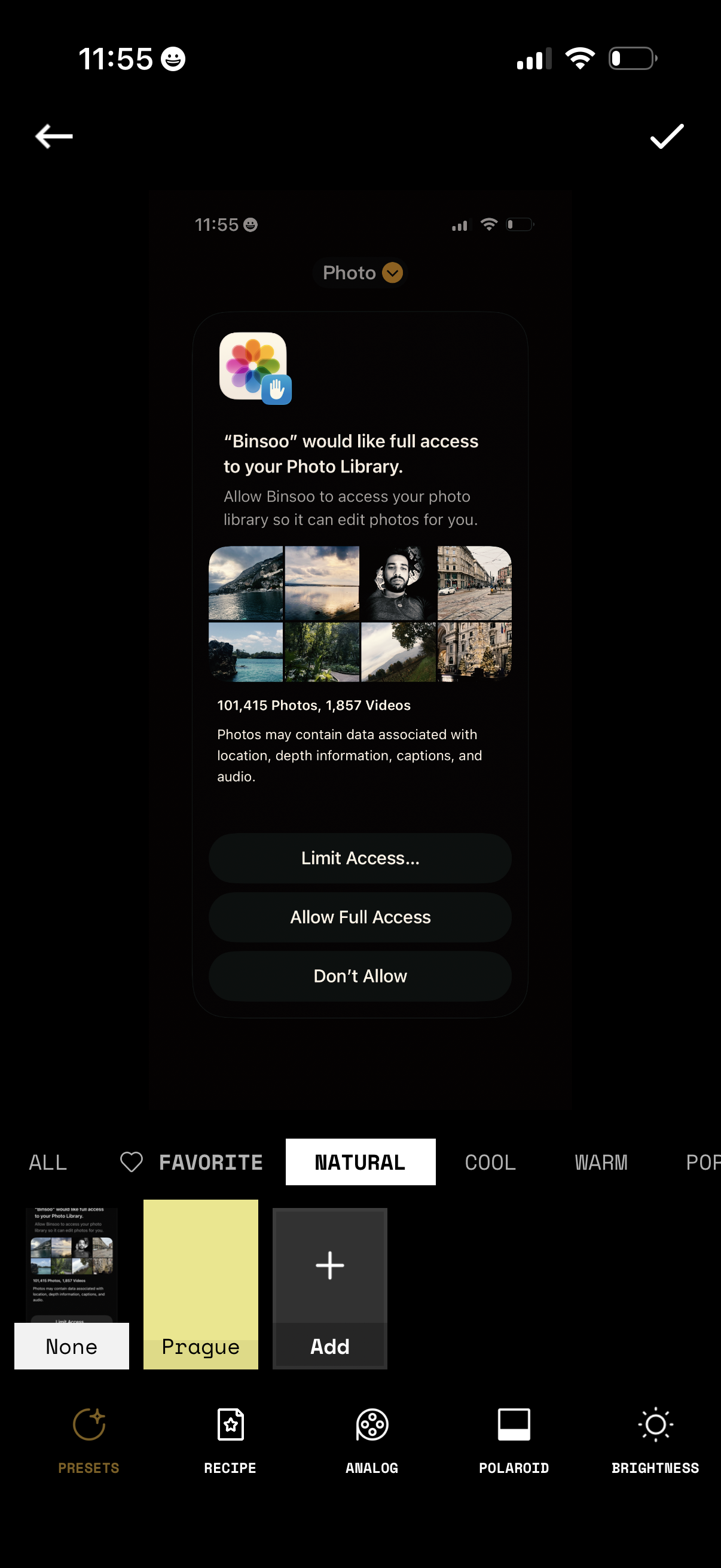
iOS photo-editing app screen showing a system permission prompt requesting full access to the user’s Photo Library so the app can edit photos, with options to Limit Access, Allow Full Access, or Don’t Allow. The background shows the editor’s filter/preset selection and adjustment toolbar while the permission modal is displayed.
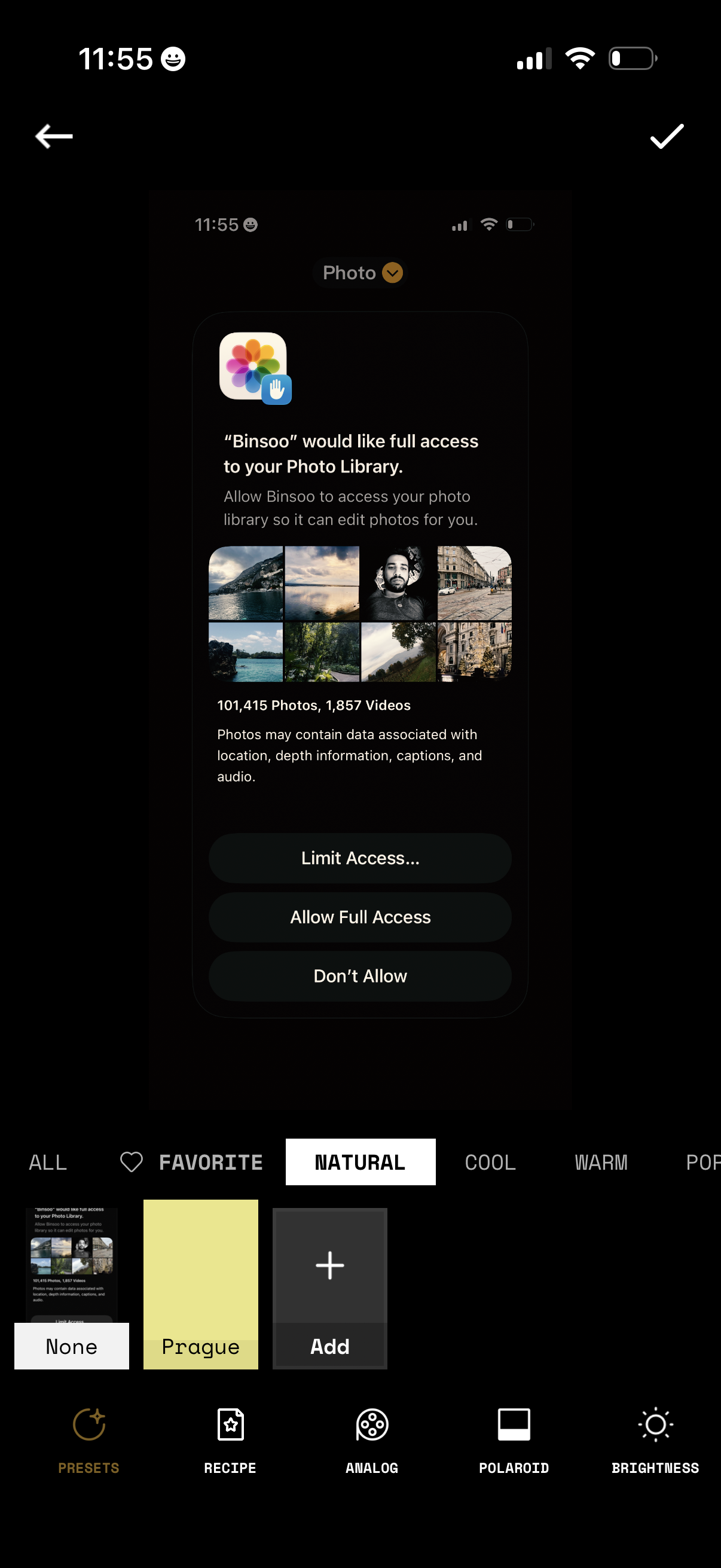
iOS photo access permission prompt shown within a photo editing app, requesting full access to the user’s Photo Library so the app can edit photos. The modal offers actions to Limit Access, Allow Full Access, or Don’t Allow while the underlying screen shows filter/preset categories and editing tools.
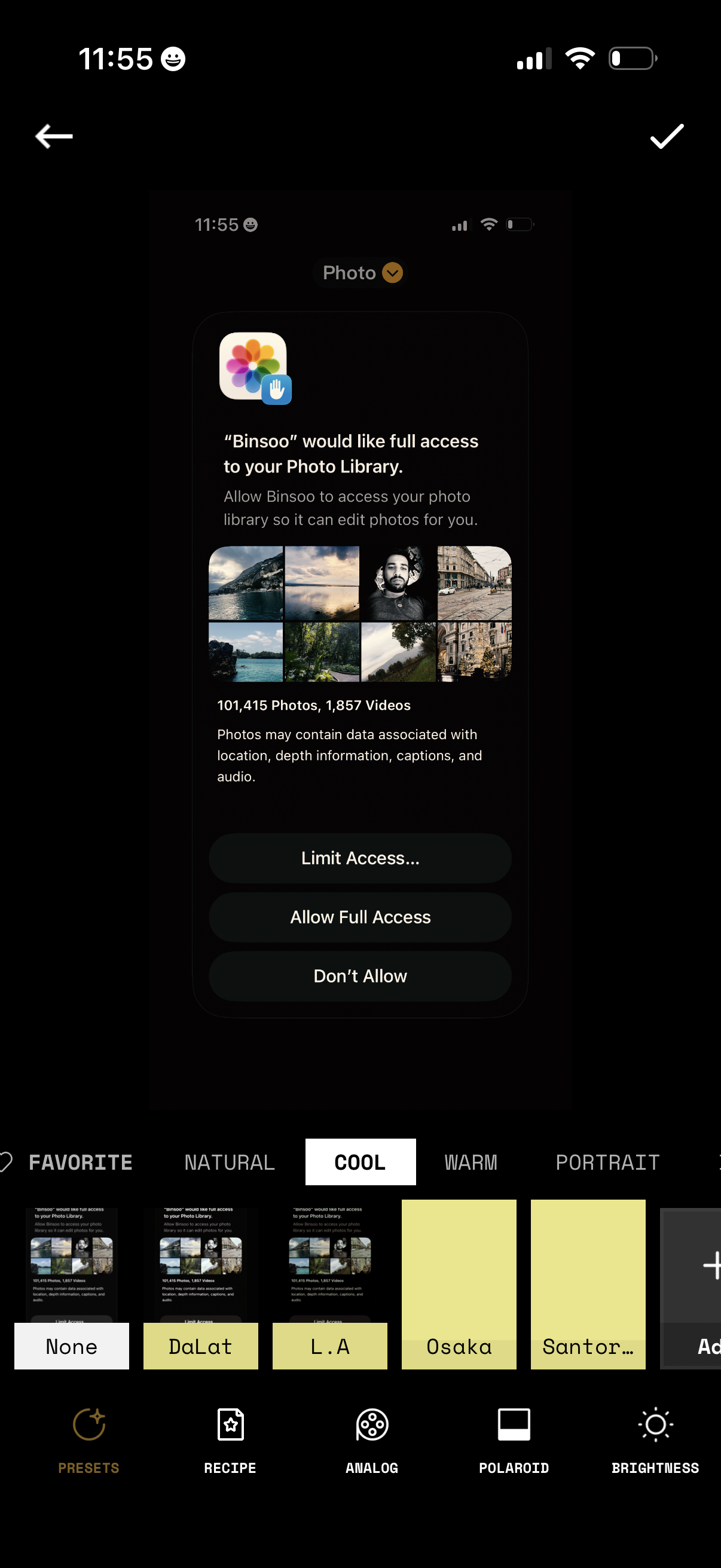
iOS photo editing screen showing a system permission dialog requesting full access to the user’s Photo Library so the app can edit photos, with options to Limit Access, Allow Full Access, or Don’t Allow. The underlying editor includes preset filters and editing tools with a filmstrip of preset thumbnails and a confirm checkmark to apply changes.
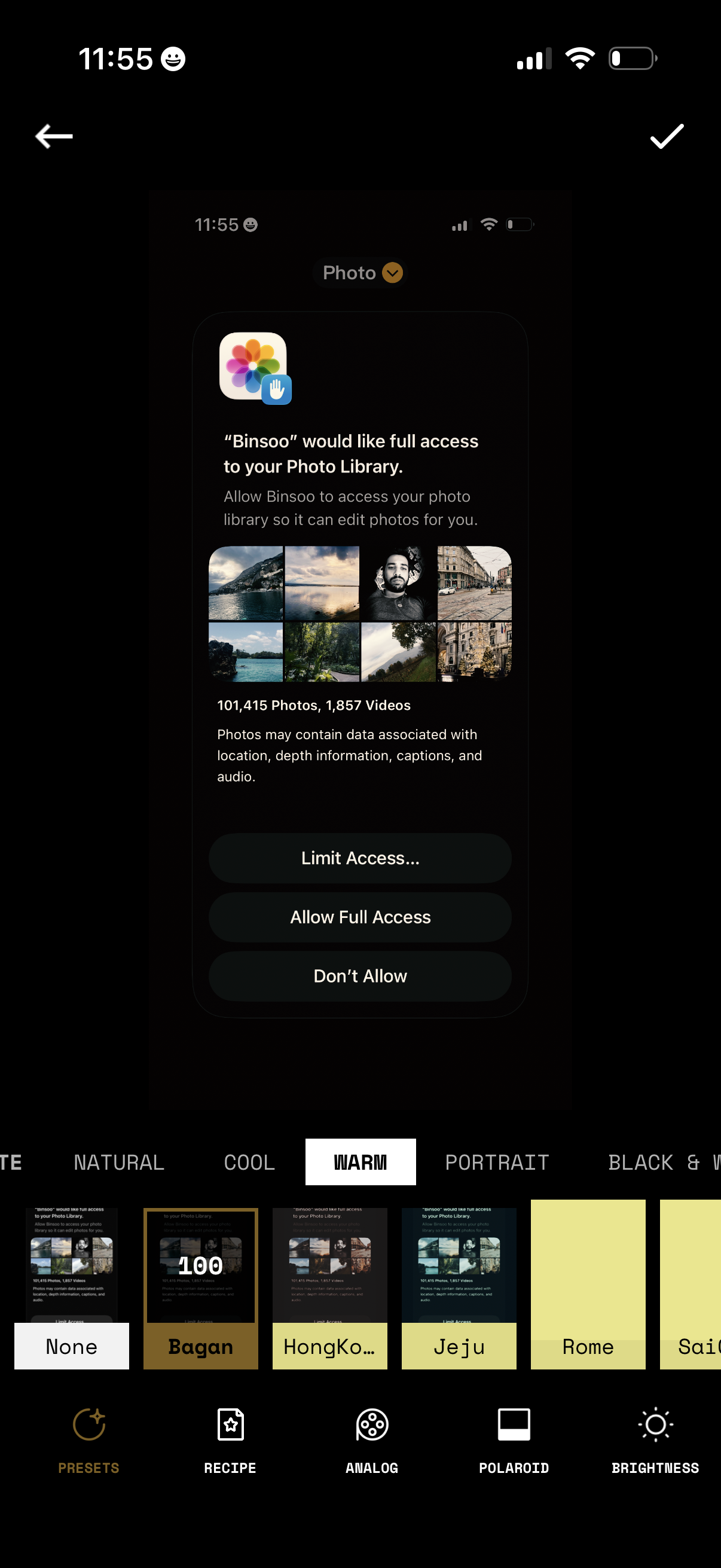
iOS photo library permission prompt asking to grant an app access to the user’s photo library so it can edit photos, with actions to Limit Access, Allow Full Access, or Don’t Allow. The prompt appears over a photo editing screen where the user is selecting a color preset/filter (e.
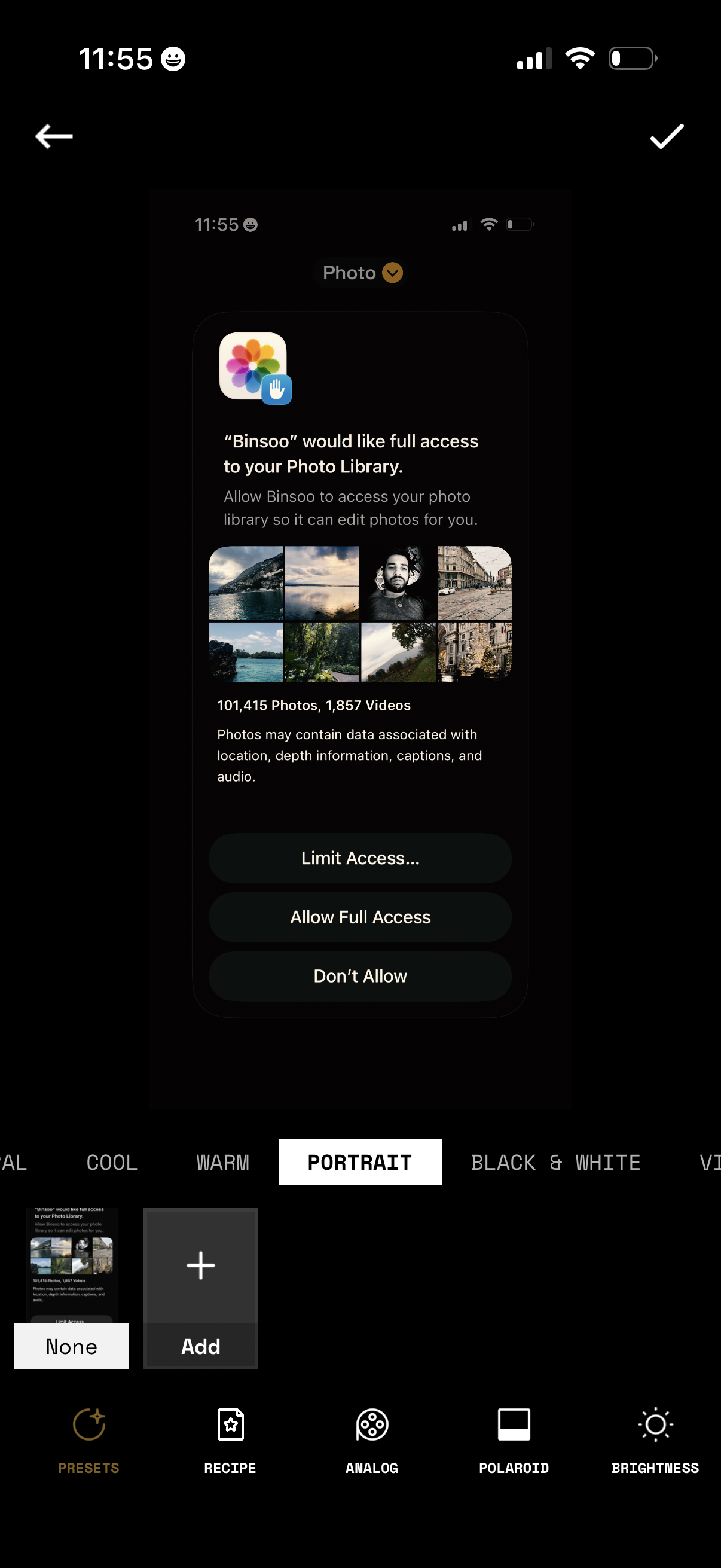
iOS photo editing screen showing a system permission prompt requesting full access to the user’s photo library so the app can edit photos, with a preview grid of images and options to Limit Access, Allow Full Access, or Don’t Allow. The underlying editor includes a preset/filter selector (e.
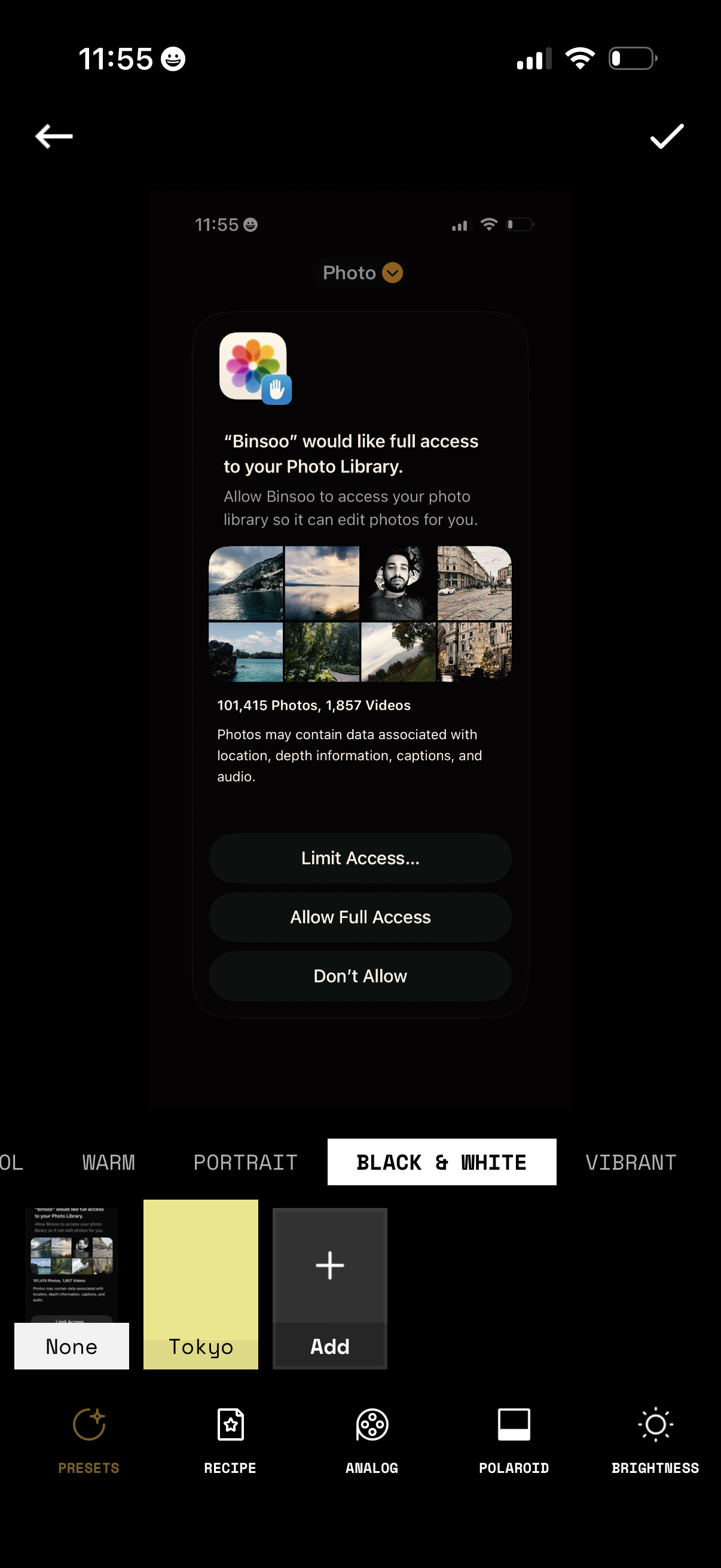
A photo editing screen showing an iOS permission prompt requesting full access to the user’s Photo Library so the app can edit photos. The modal offers actions to limit access, allow full access, or don’t allow, while the editor UI in the background displays filter/preset selection and adjustment tools like black & white, recipe, analog, polaroid, and brightness.
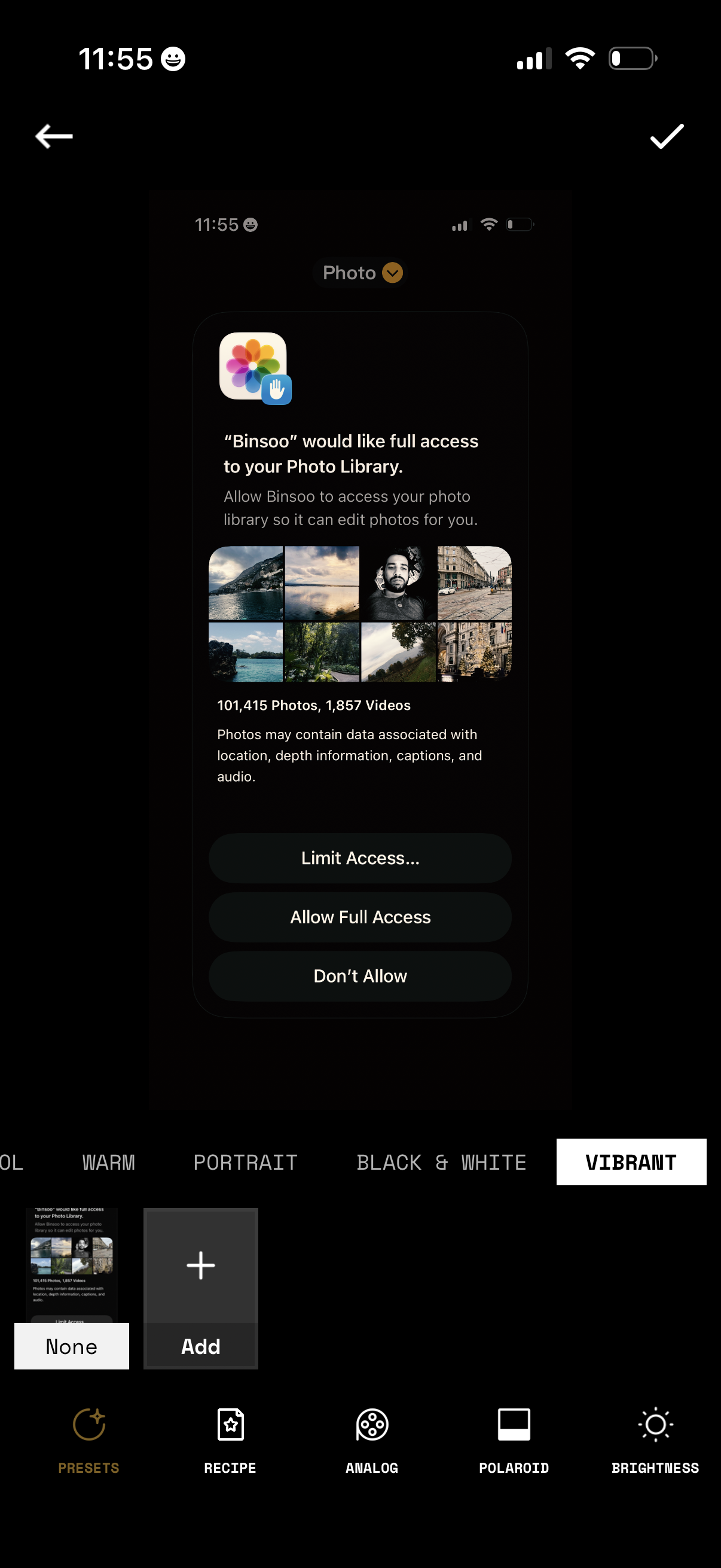
An iOS system permission prompt requesting full access to the user’s Photo Library so the app can edit photos, showing a preview grid and photo/video counts. Primary actions let the user choose Limit Access, Allow Full Access, or Don’t Allow while in a photo editing screen with filter/preset options.