import photo for recipe
1
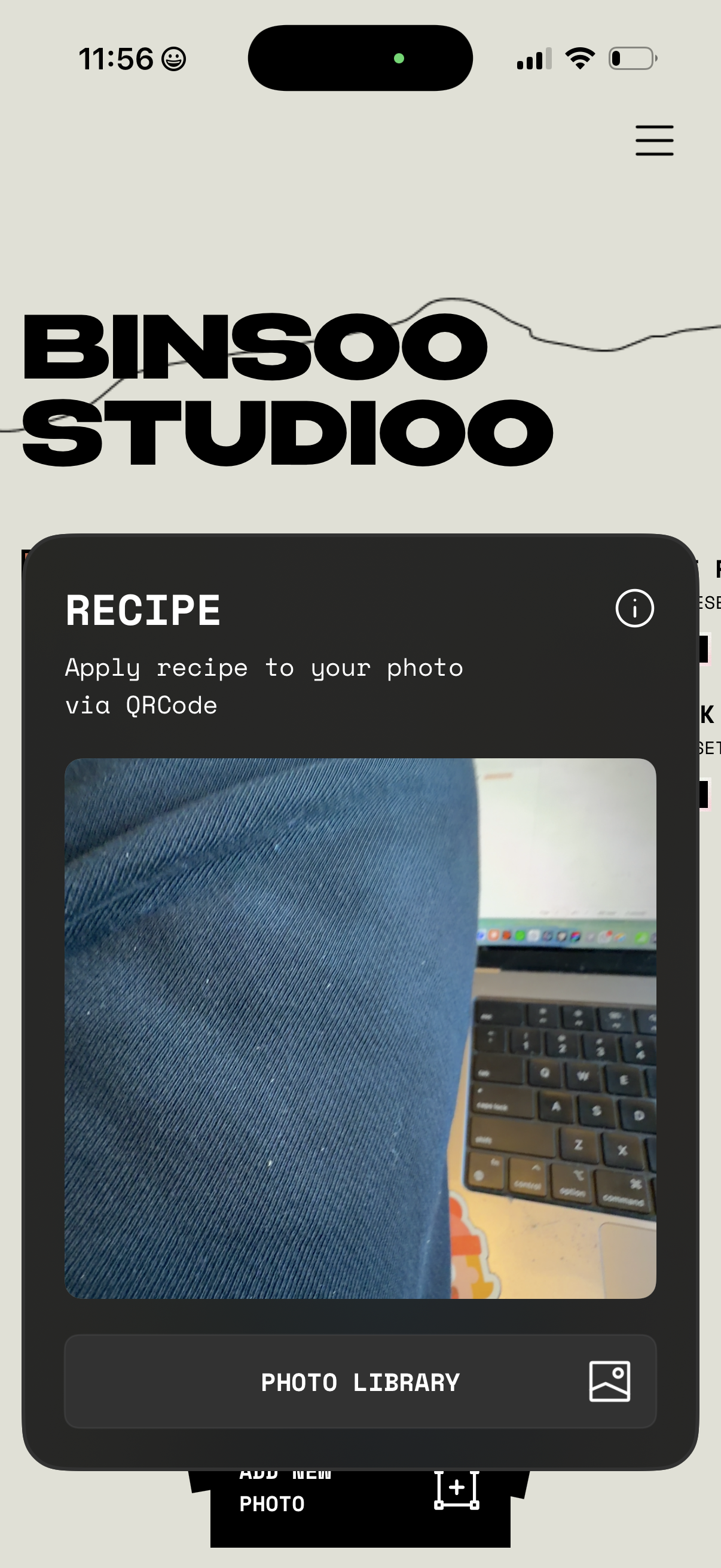
Screen for applying a photo editing “recipe” to an image via QR code, showing a preview area with an info icon for details. Primary action is selecting an image from the Photo Library (with options to add a new photo and access a menu).
2

Minimal photo picker/gallery screen showing a “Recents” album dropdown for switching folders and an X button to close or cancel the selection.
3
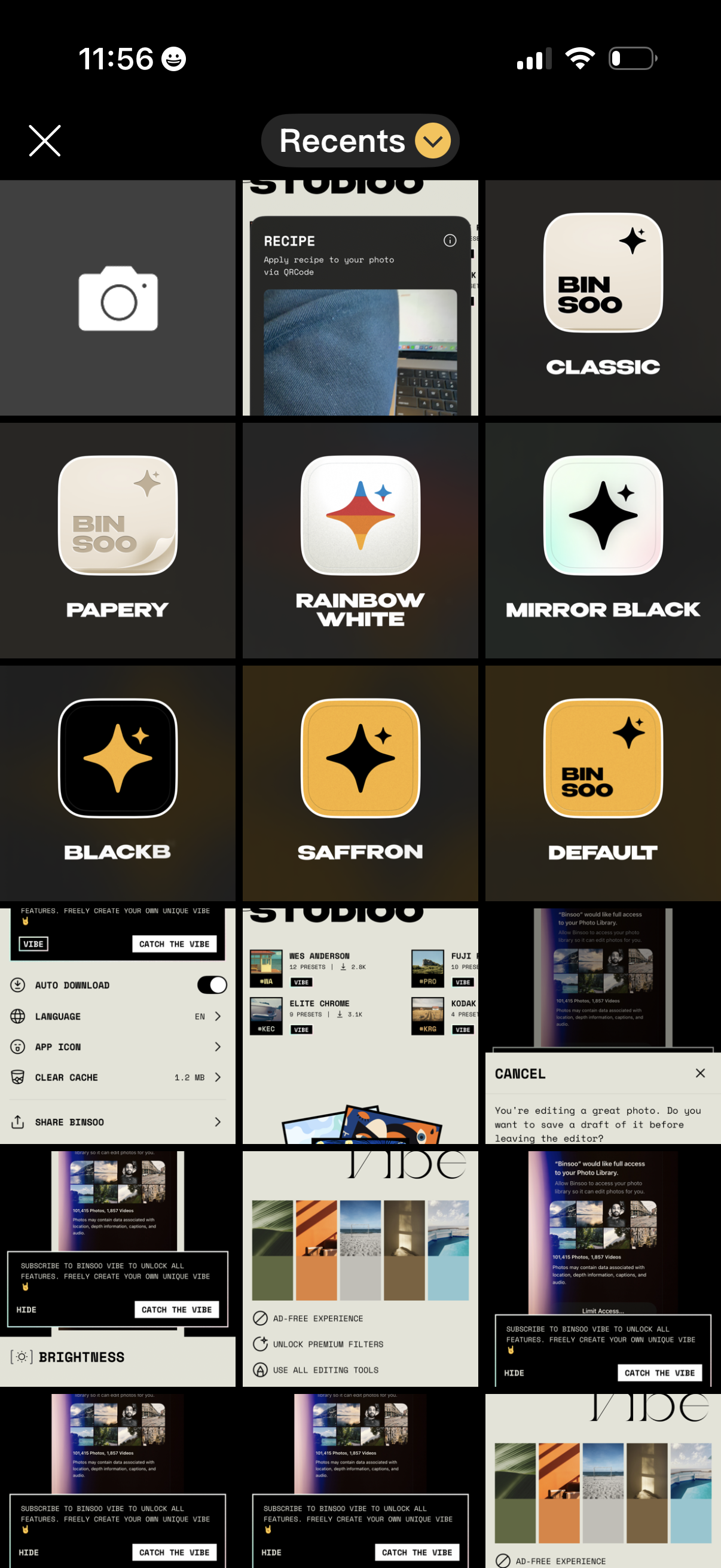
Photo editor preset selection screen showing a grid of filter/preset thumbnails (e. g.