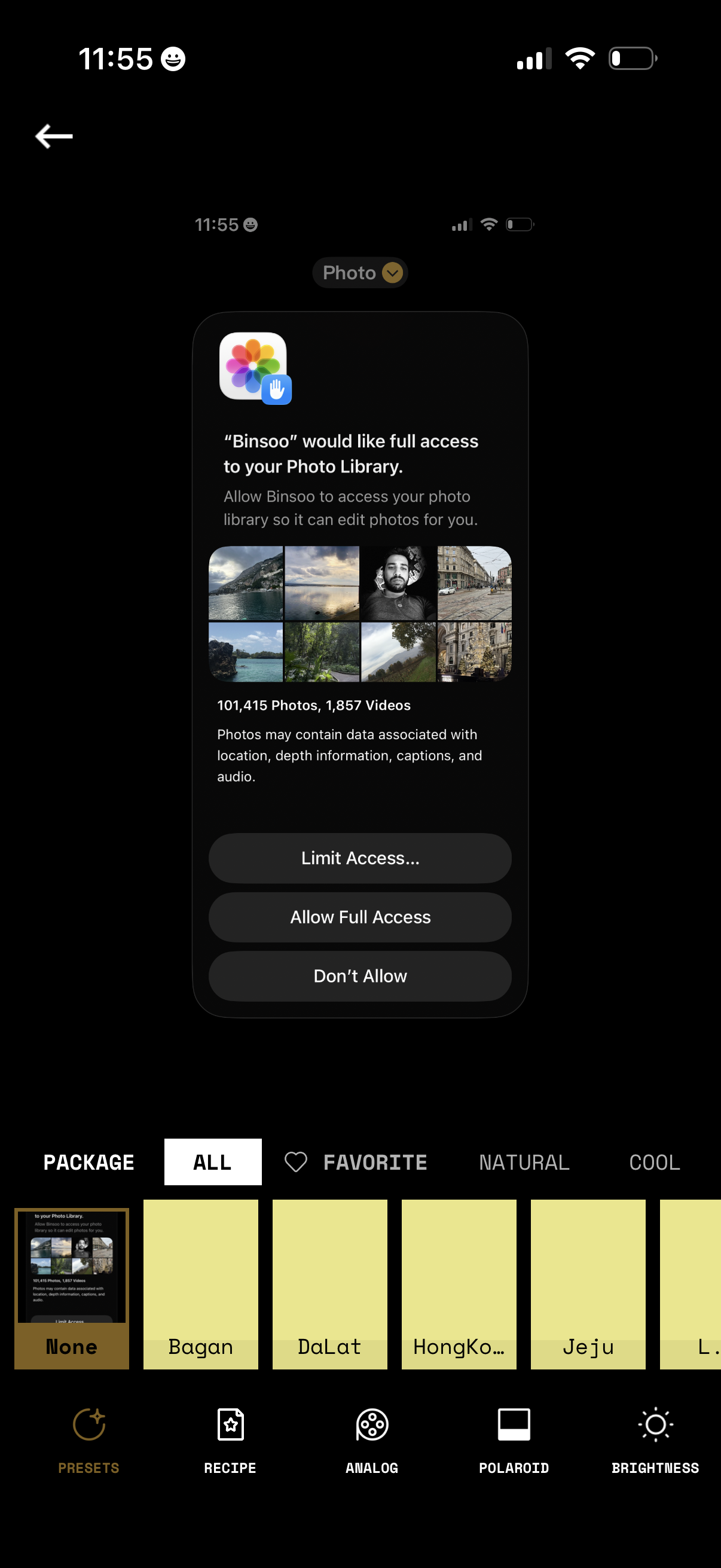
iOS permission modal requesting an app to access the user’s Photo Library for editing, showing a preview grid and photo/video counts. Primary actions let users choose Limit Access (select photos), Allow Full Access, or Don’t Allow while on a photo filter/preset editing screen.
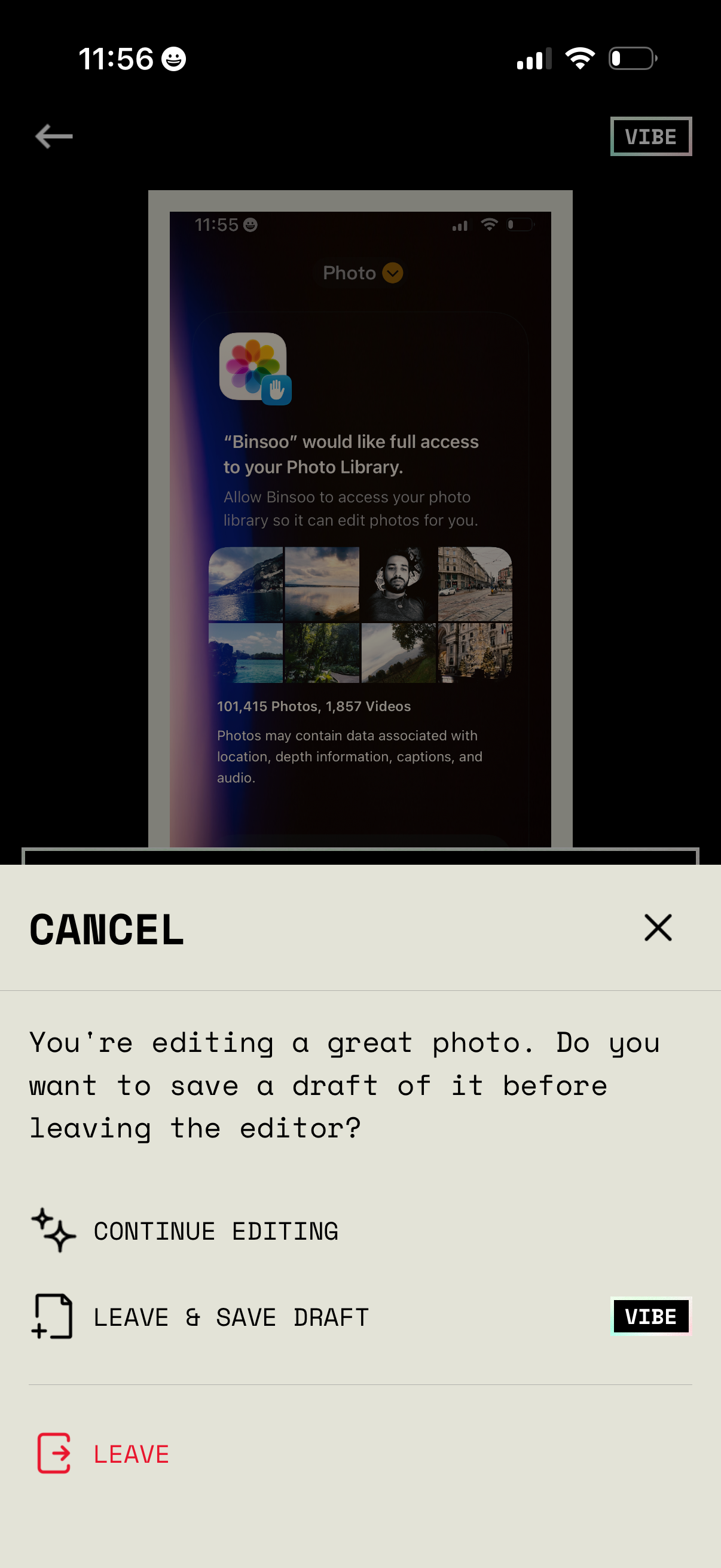
Confirmation bottom sheet shown when attempting to exit a photo editor, asking whether to save a draft before leaving. Provides actions to continue editing, leave and save draft, or leave without saving, with cancel/close controls.
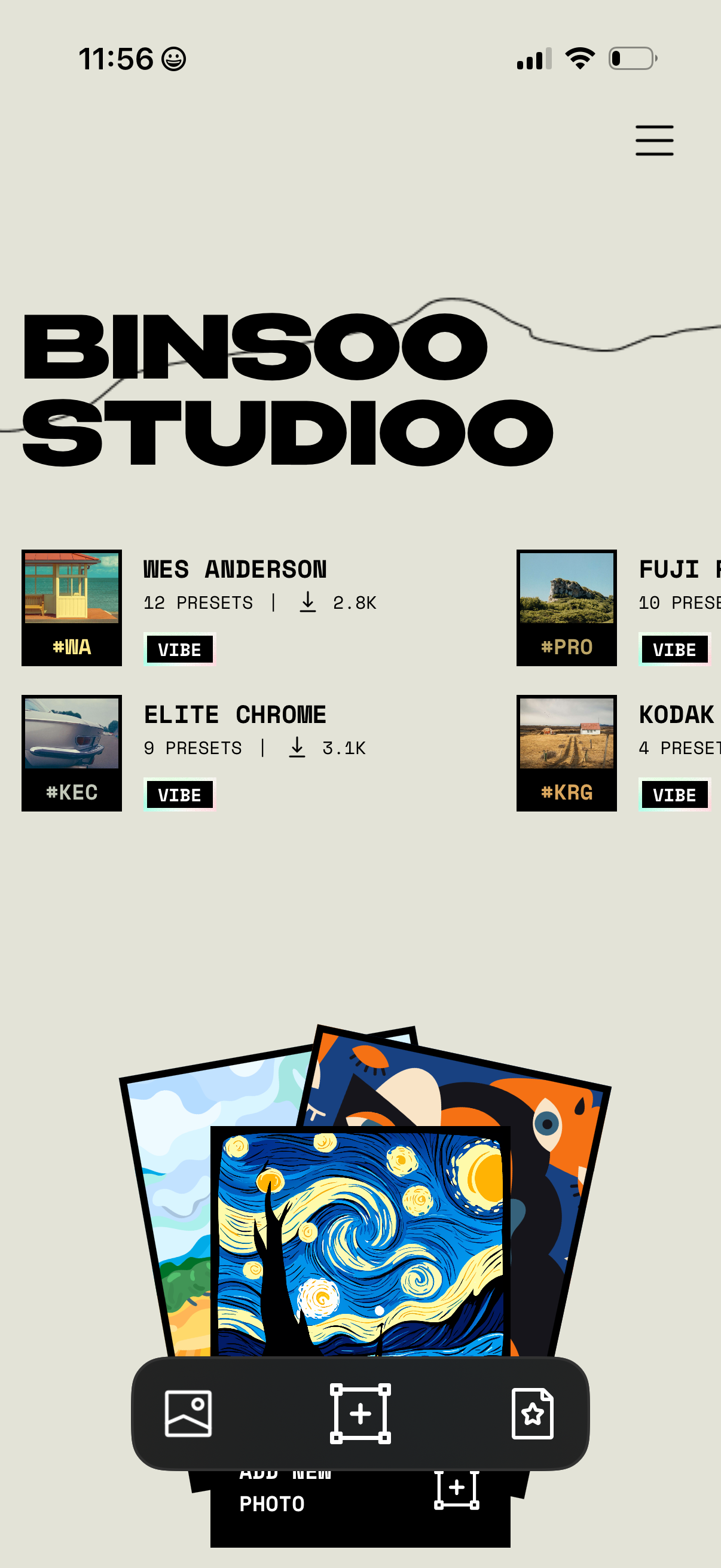
Home screen of a photo editing/preset marketplace showing a grid/list of preset packs with thumbnail previews, pack names, number of presets, and download counts, plus a hamburger menu for navigation. A bottom action bar enables selecting an image from the gallery, adding a new photo, and viewing saved/favorites.