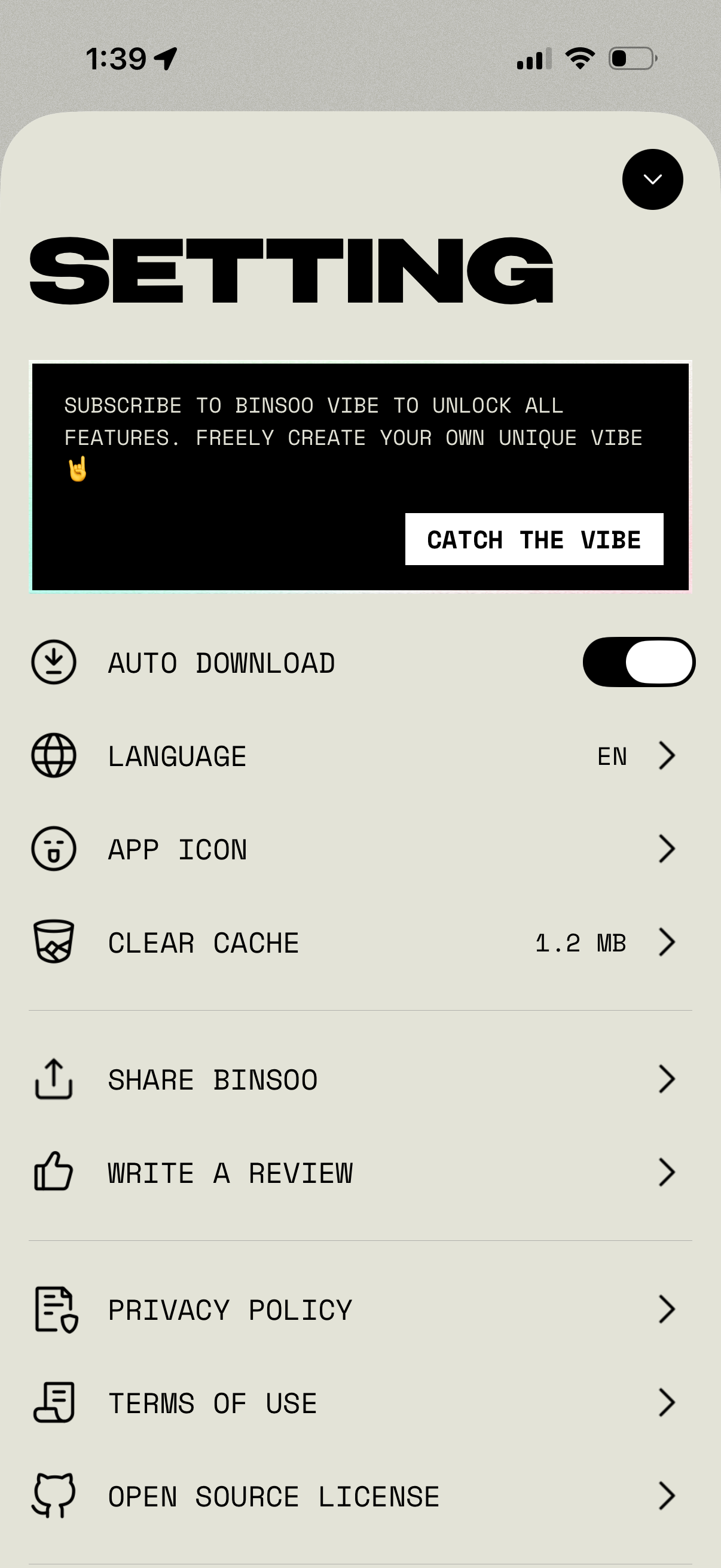
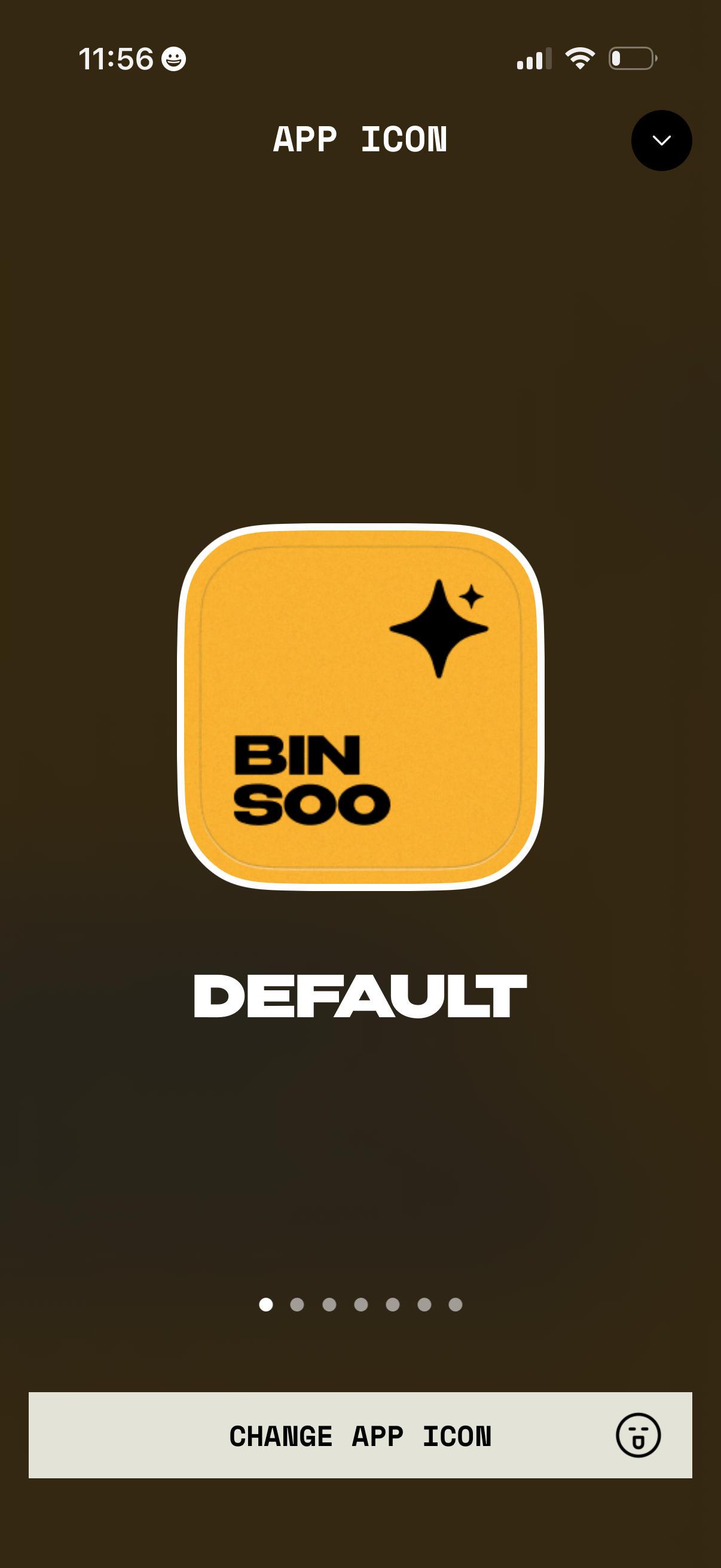
Settings screen for customizing the app icon, showing a large preview of the currently selected “Default” icon with pagination dots to browse other options. Includes a primary “Change app icon” button and a dropdown/close control to exit the icon selection view.
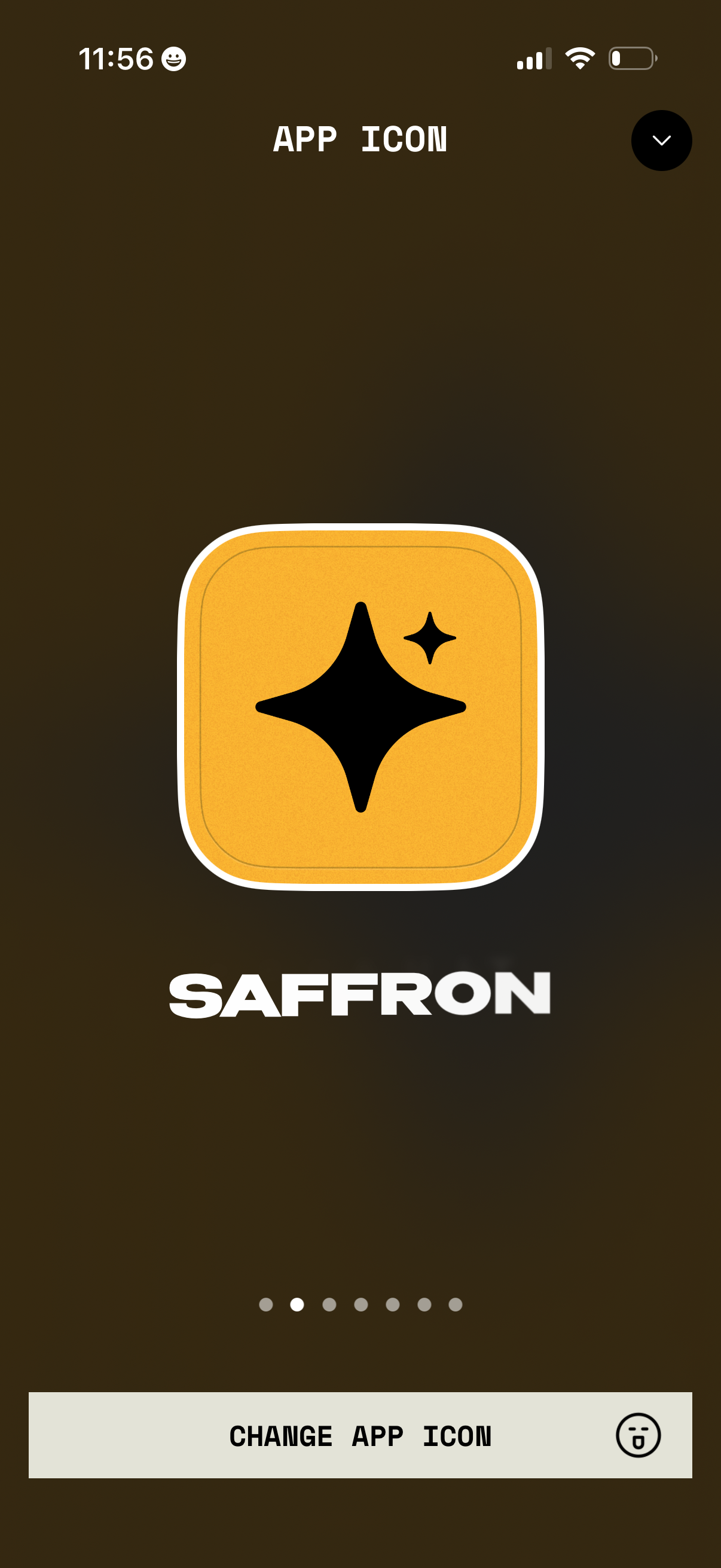
Settings screen for customizing the app icon, showing a large preview of the selected icon and app name with pagination dots to browse other icon options. Primary action is a “Change App Icon” button to apply the selected alternate icon, with a close/dismiss control in the header.
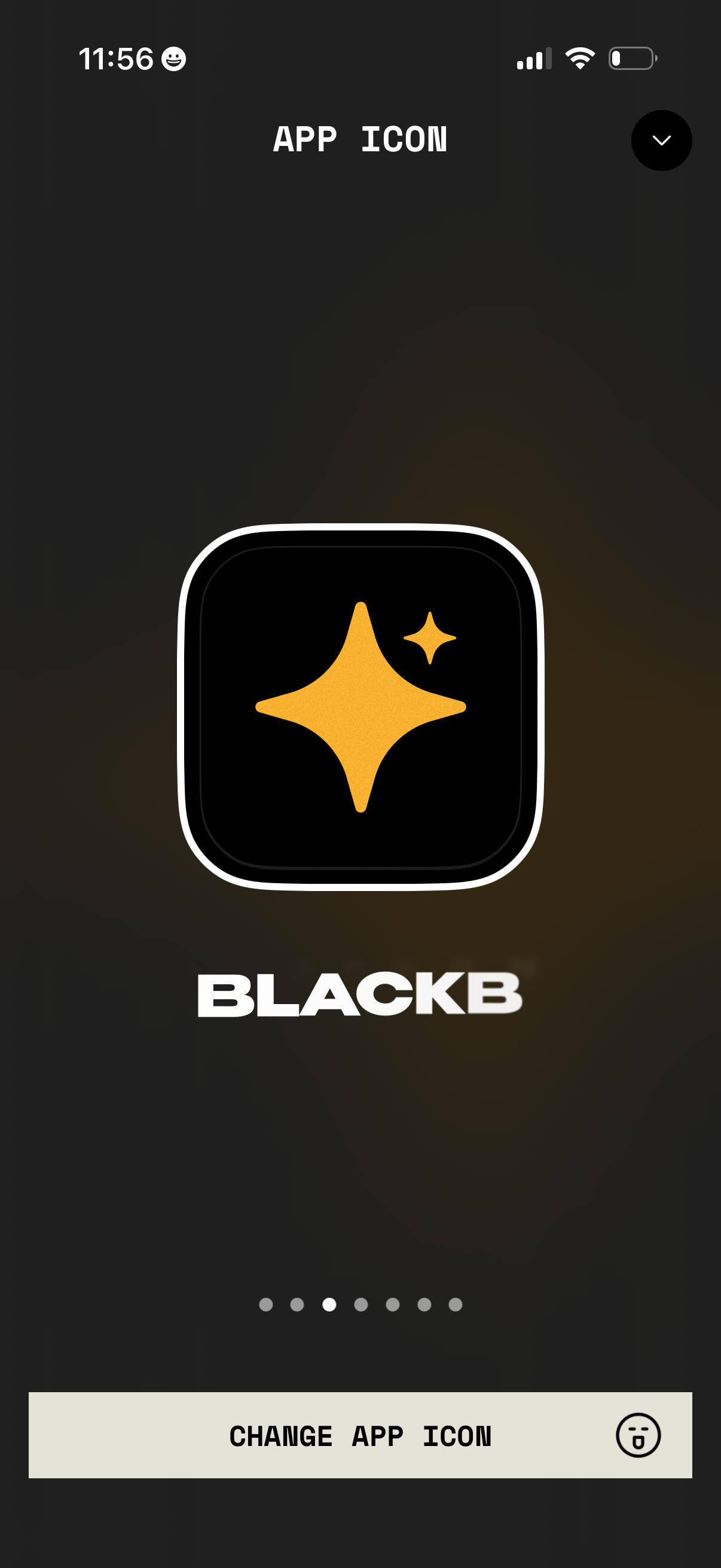
Screen for customizing the app icon, showing a large preview of the selected icon and app name with a pager indicator for browsing multiple icon options. Primary action button lets the user change/apply the app icon, with a close/back control in the top corner.
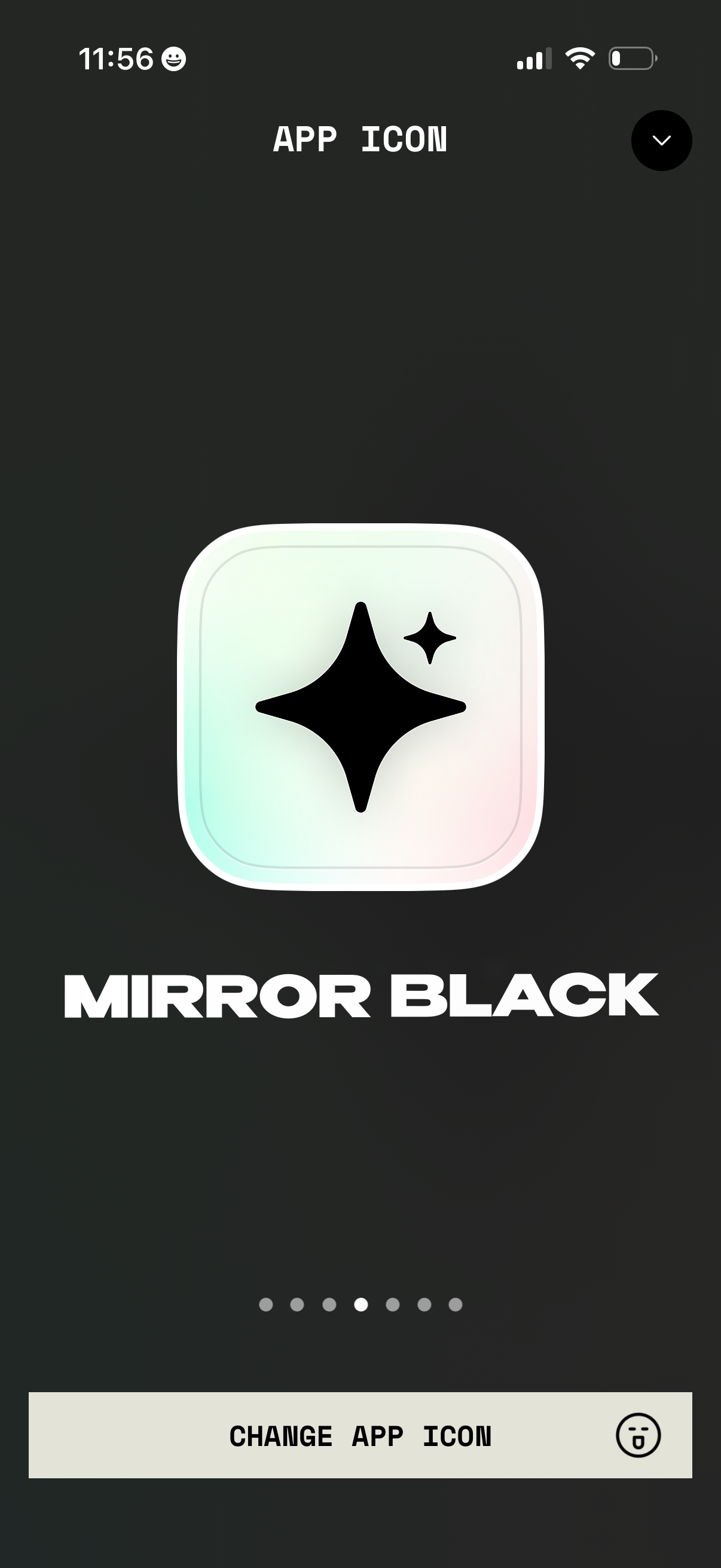
Settings screen for customizing the app icon, showing a preview of the selected icon style (“Mirror Black”) with a carousel/page indicator to browse icon options. Primary action button lets the user change/apply the app icon, with a close/dismiss control in the header.
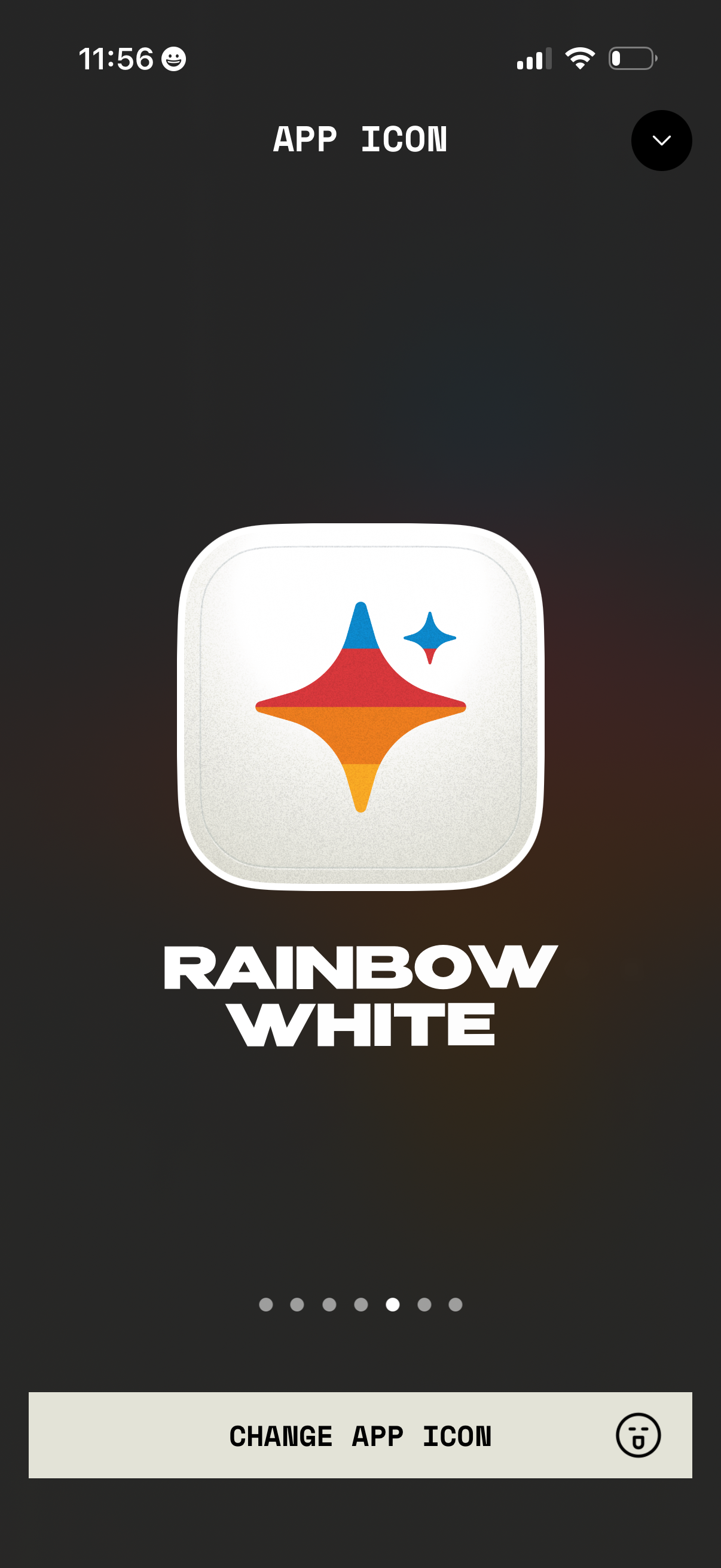
App settings screen for customizing the app icon, showing a large preview of the currently selected icon style (“Rainbow White”) with pagination dots to browse other options and a primary “Change App Icon” button to apply a new icon.
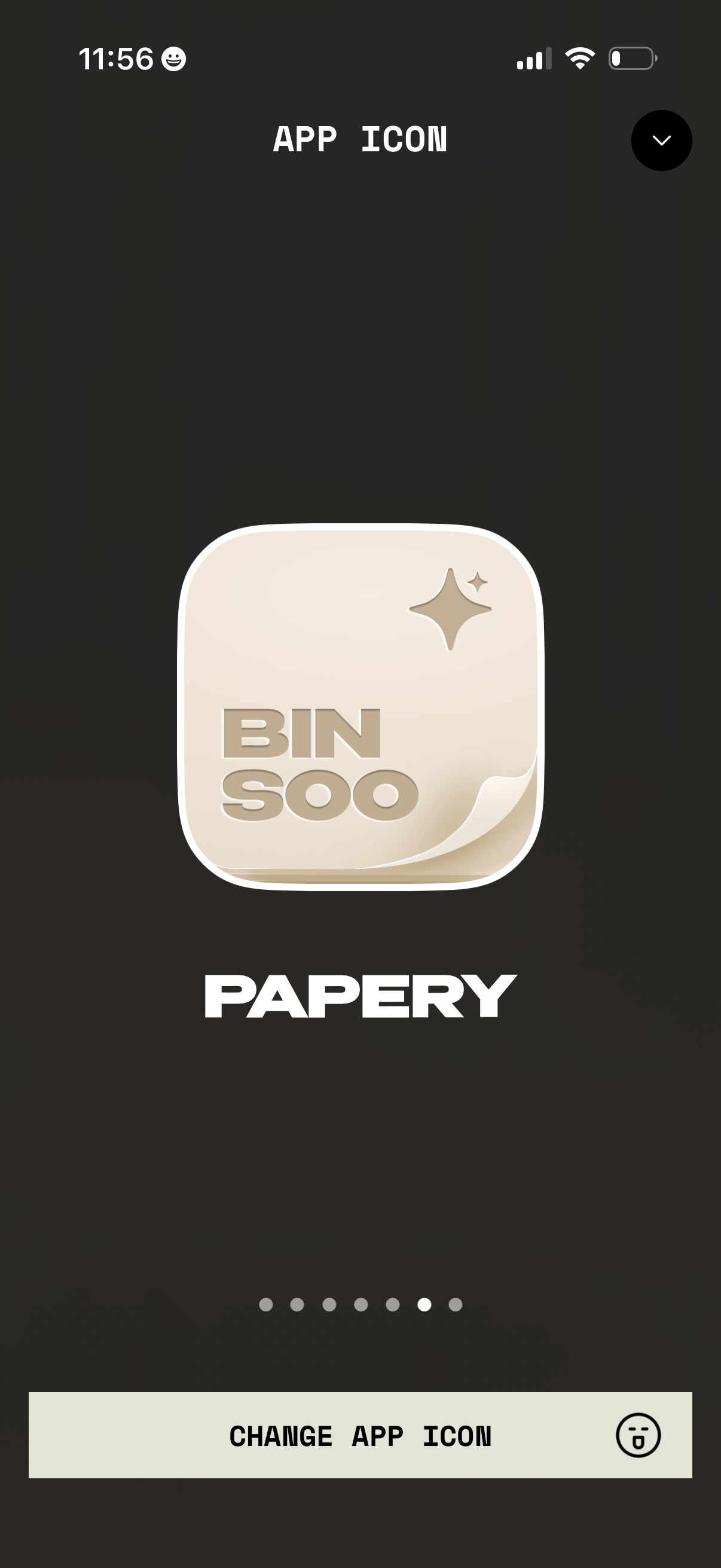
App settings screen for customizing the app icon, showing a large preview of the selected icon style with a page indicator carousel. Primary action button lets users change/select a different app icon, with a close control to exit.
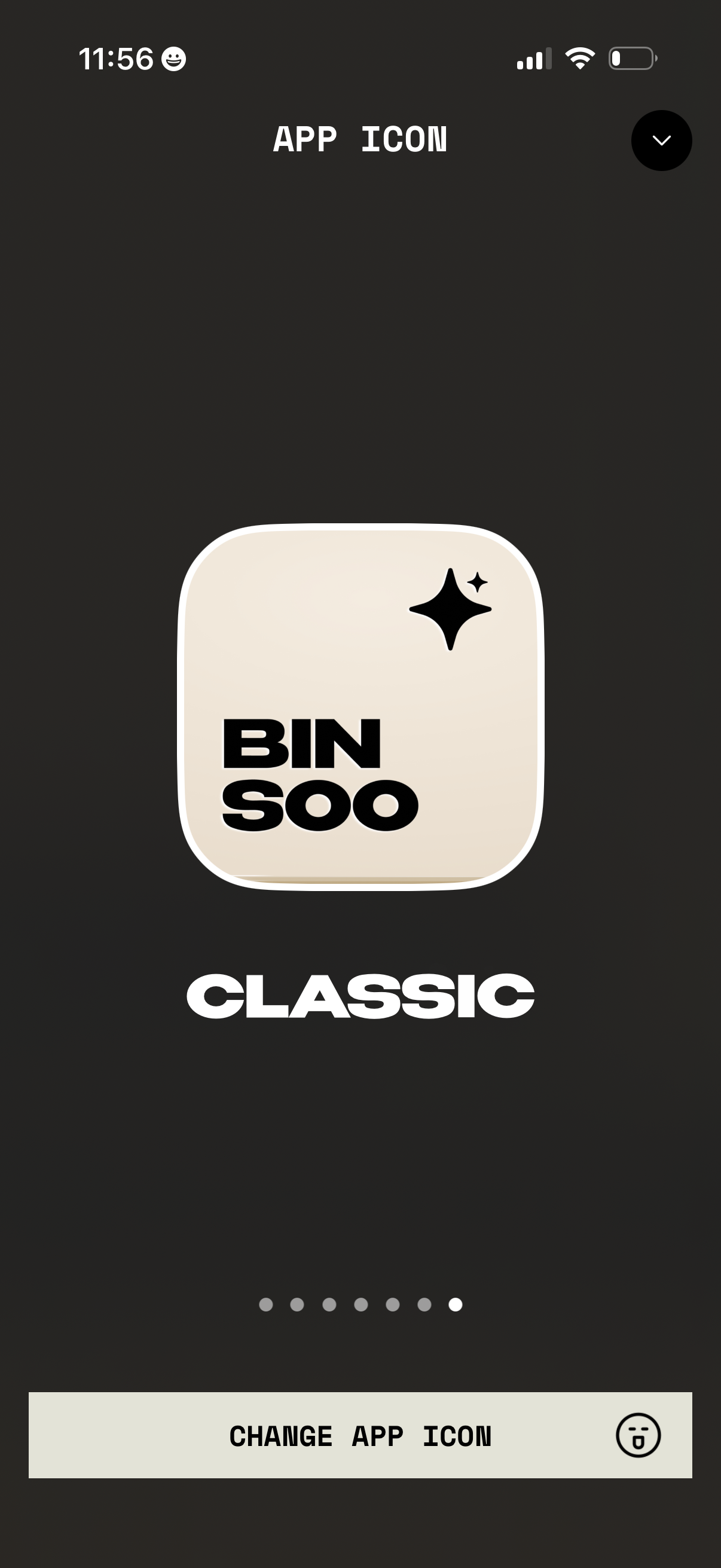
App icon customization screen showing a preview of the currently selected icon style (e. g.