adjust tool settings
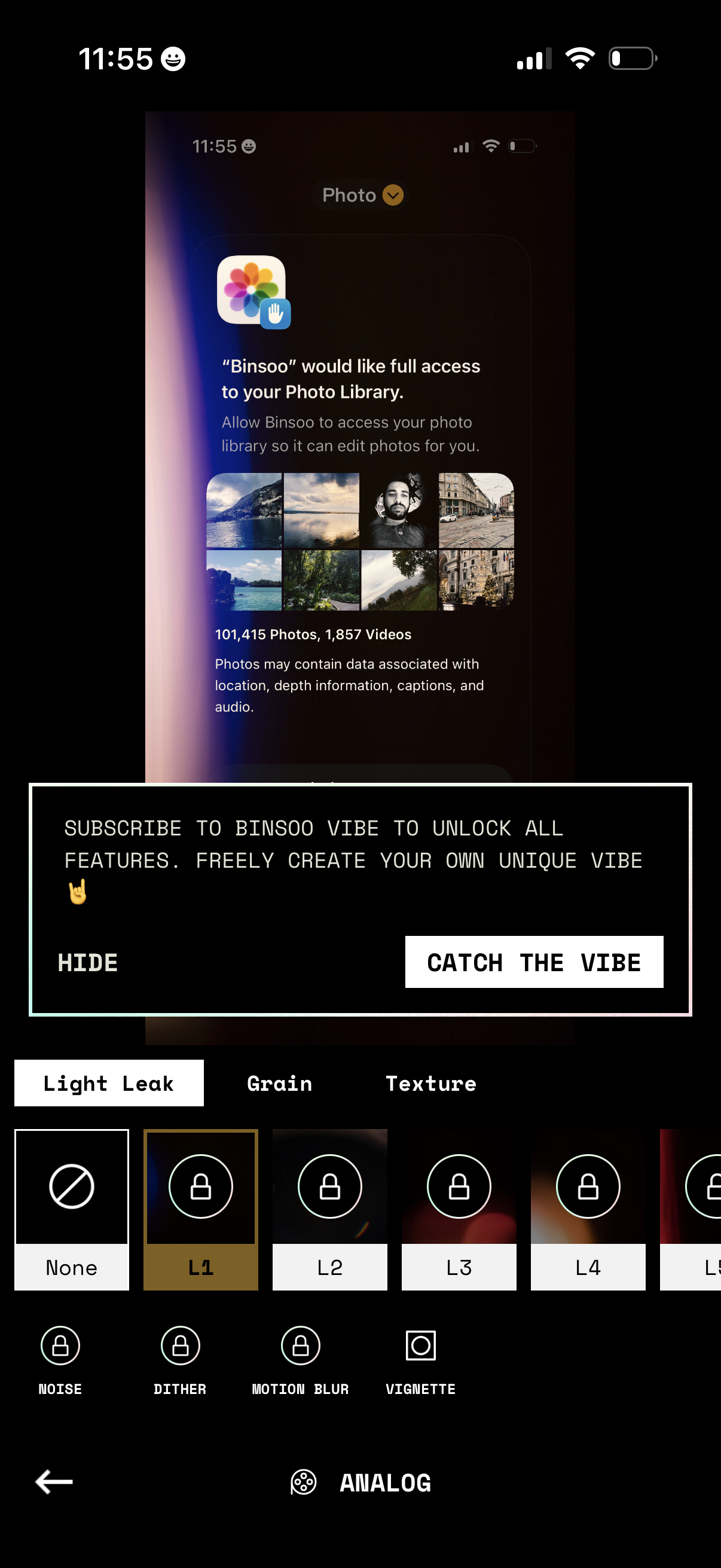
Photo editing filter screen showing an iOS permission prompt requesting full access to the user’s photo library so the app can edit photos. The editor focuses on analog effects with tabs like Light Leak, Grain, and Texture, a carousel of effect presets (some locked), and a subscription upsell banner with actions to hide or “Catch the vibe” to unlock all features.
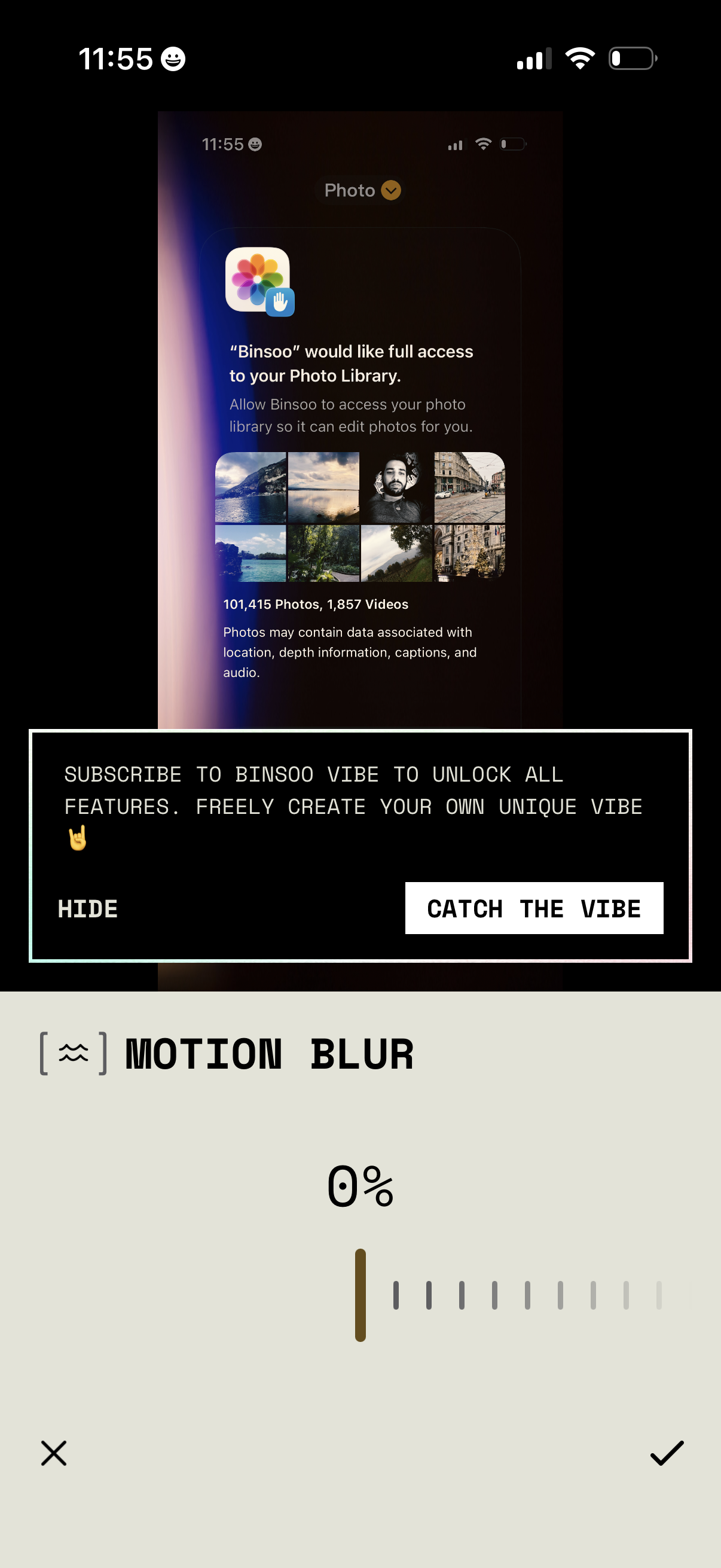
A photo editing screen showing a Motion Blur effect slider with percentage and cancel/confirm controls, overlaid by a paywall prompt to subscribe to unlock all features with options to hide or “Catch the Vibe. ” The screen also displays an iOS system permission dialog requesting full access to the user’s Photo Library for editing.
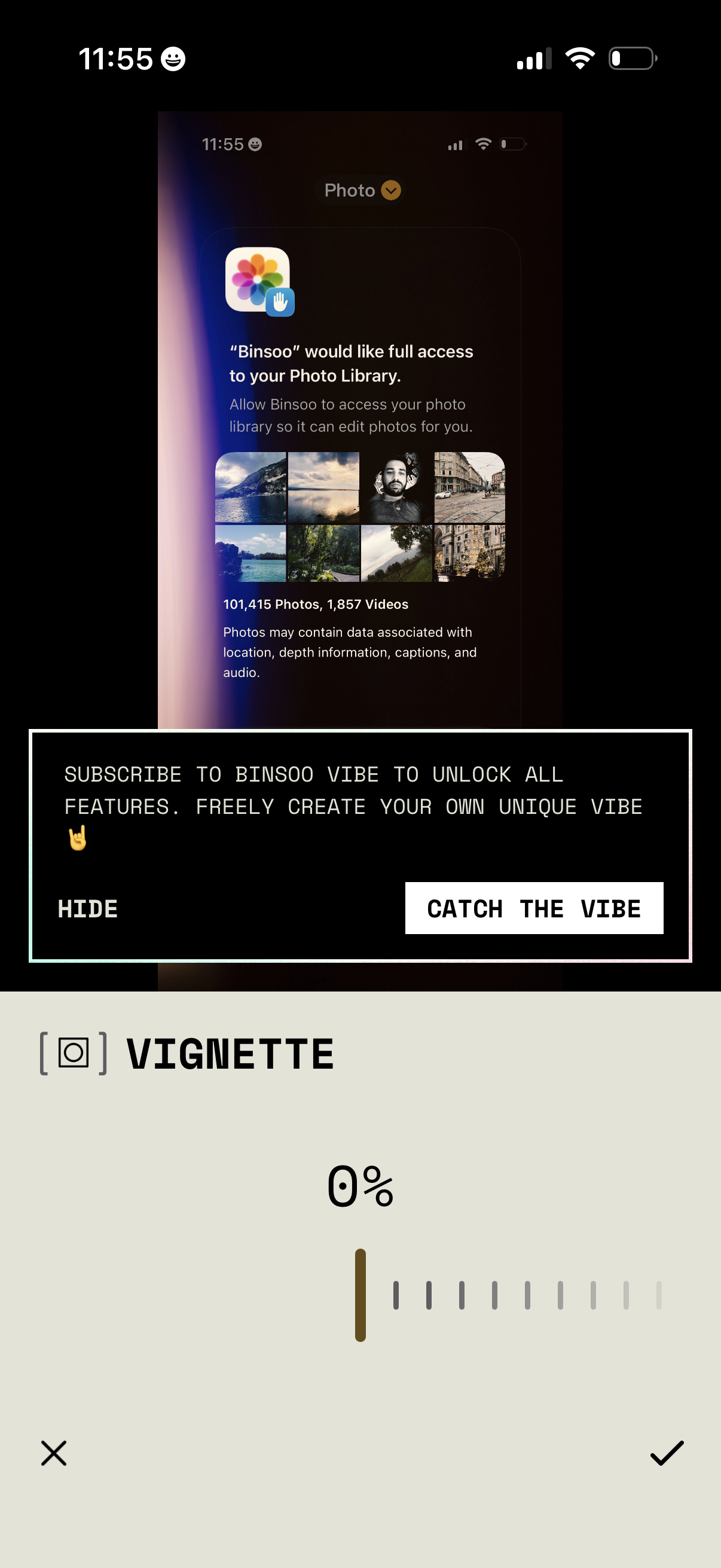
Photo editing screen showing a vignette adjustment slider with cancel and apply controls, overlaid by a subscription upsell banner prompting the user to subscribe/unlock features with options to hide or “Catch the Vibe. ” An iOS system permission prompt is visible requesting full access to the user’s Photo Library for editing.
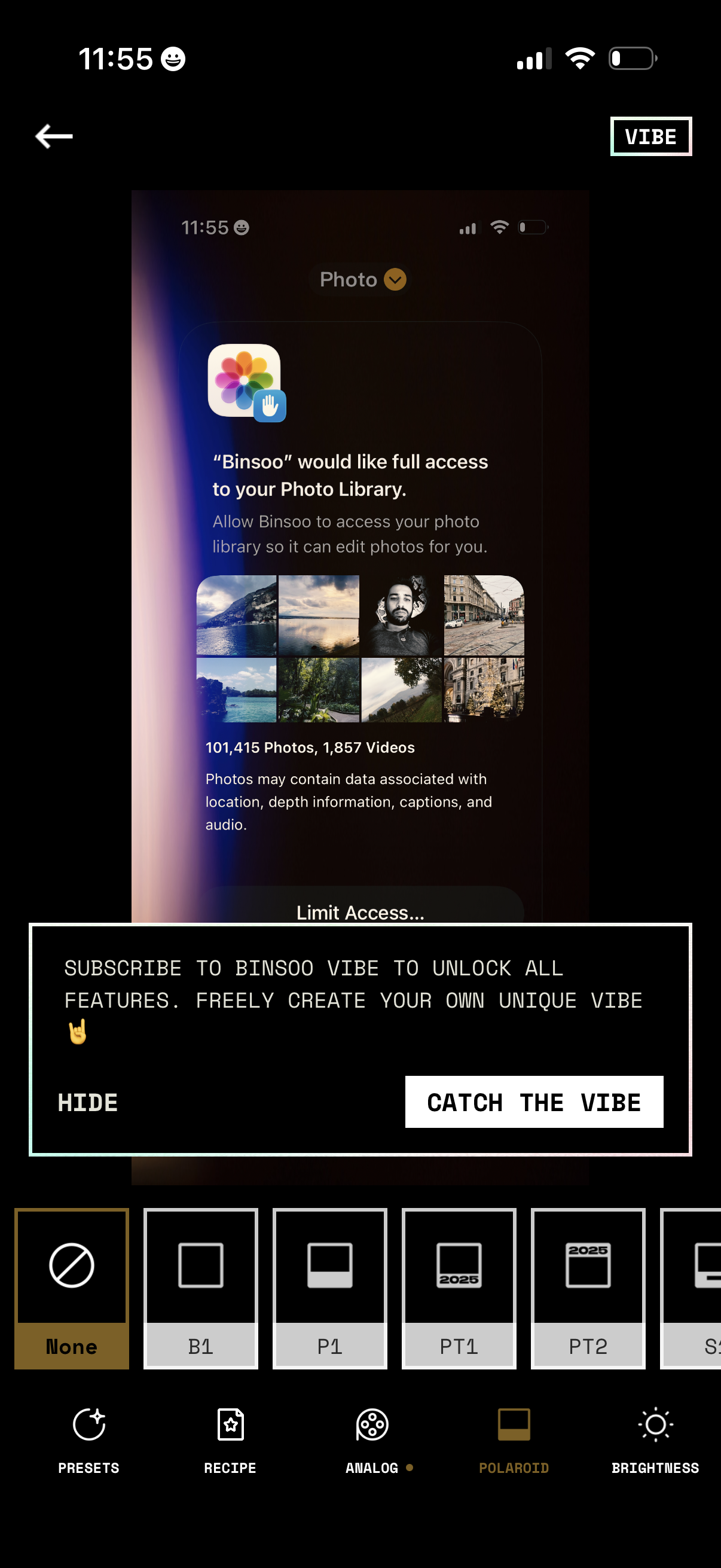
Photo editing screen showing iOS photo library permission request (full access vs limited access) while the user is applying filters/presets with a bottom carousel and editing tools like recipe, analog, polaroid, and brightness. A promotional paywall banner overlays the editor prompting the user to subscribe to unlock all features with actions to hide or “Catch the vibe.
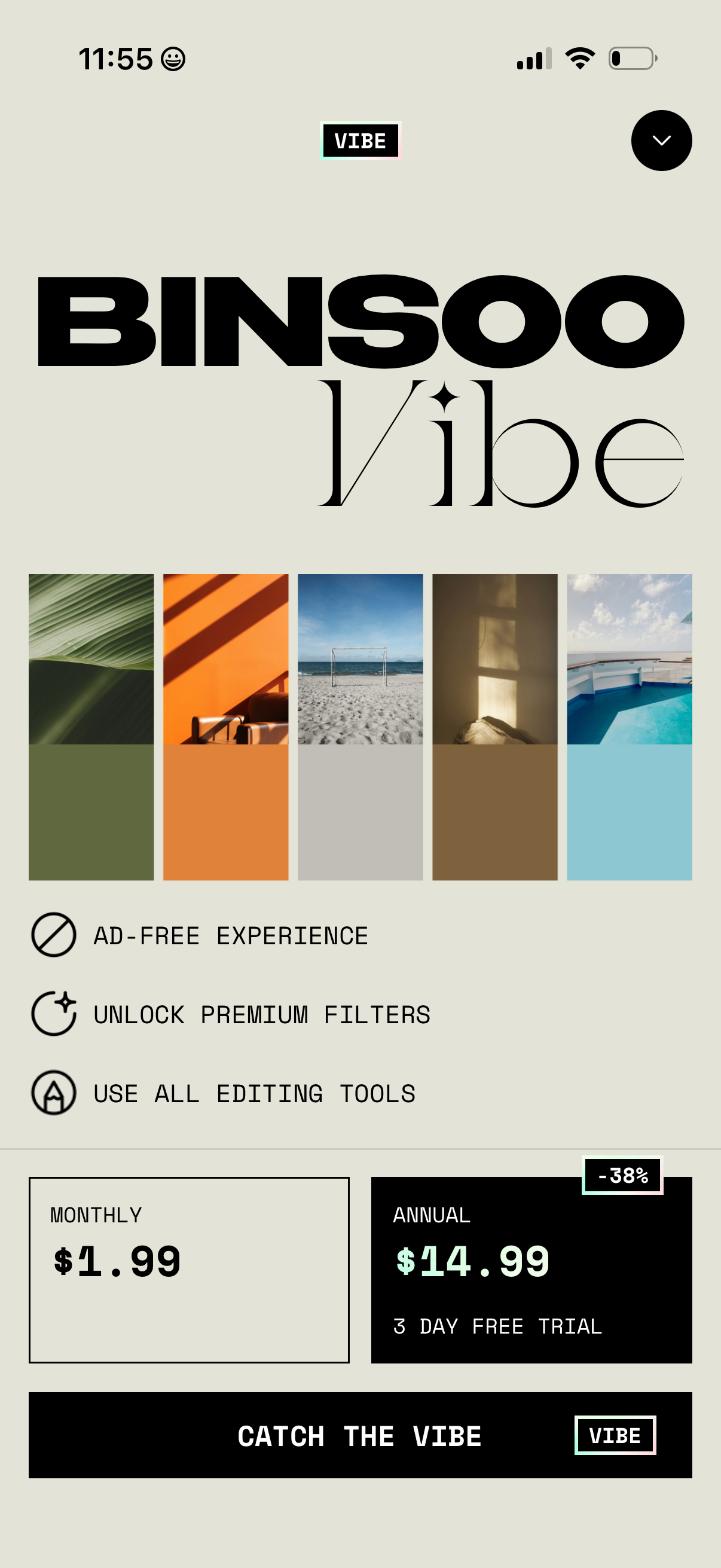
Premium subscription paywall for a photo editing app, showcasing a “vibe” filter pack with sample color palettes and benefits like ad-free experience, premium filters, and full editing tools. Users can choose between monthly or annual plans (with free trial/discount) and tap a primary CTA to subscribe, with an option to dismiss/close the screen.
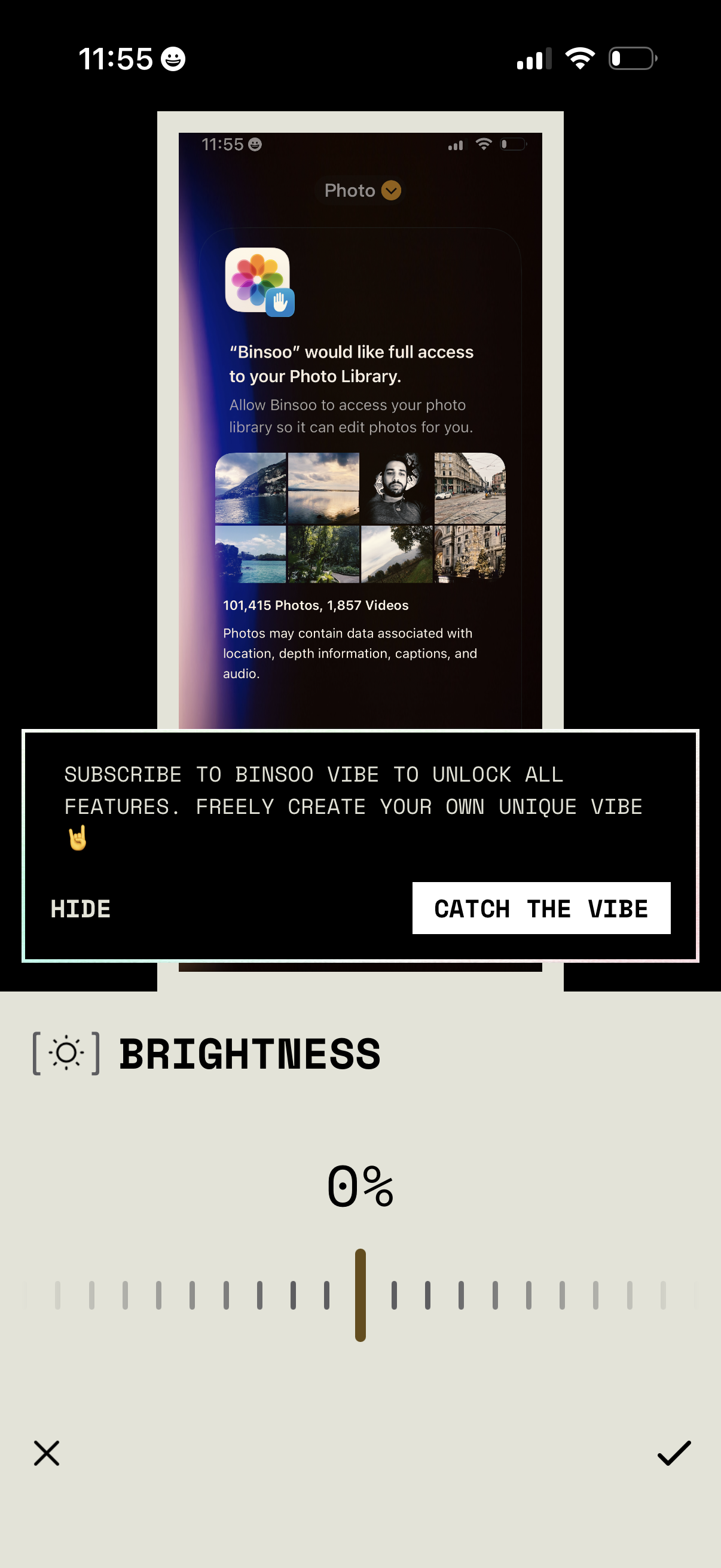
An app upsell modal prompts users to subscribe to unlock all features, offering actions to hide or proceed (“Catch the Vibe”). In the background is a system photo library permission request and a brightness adjustment screen with a slider and confirm/cancel controls.