adjust analog effects
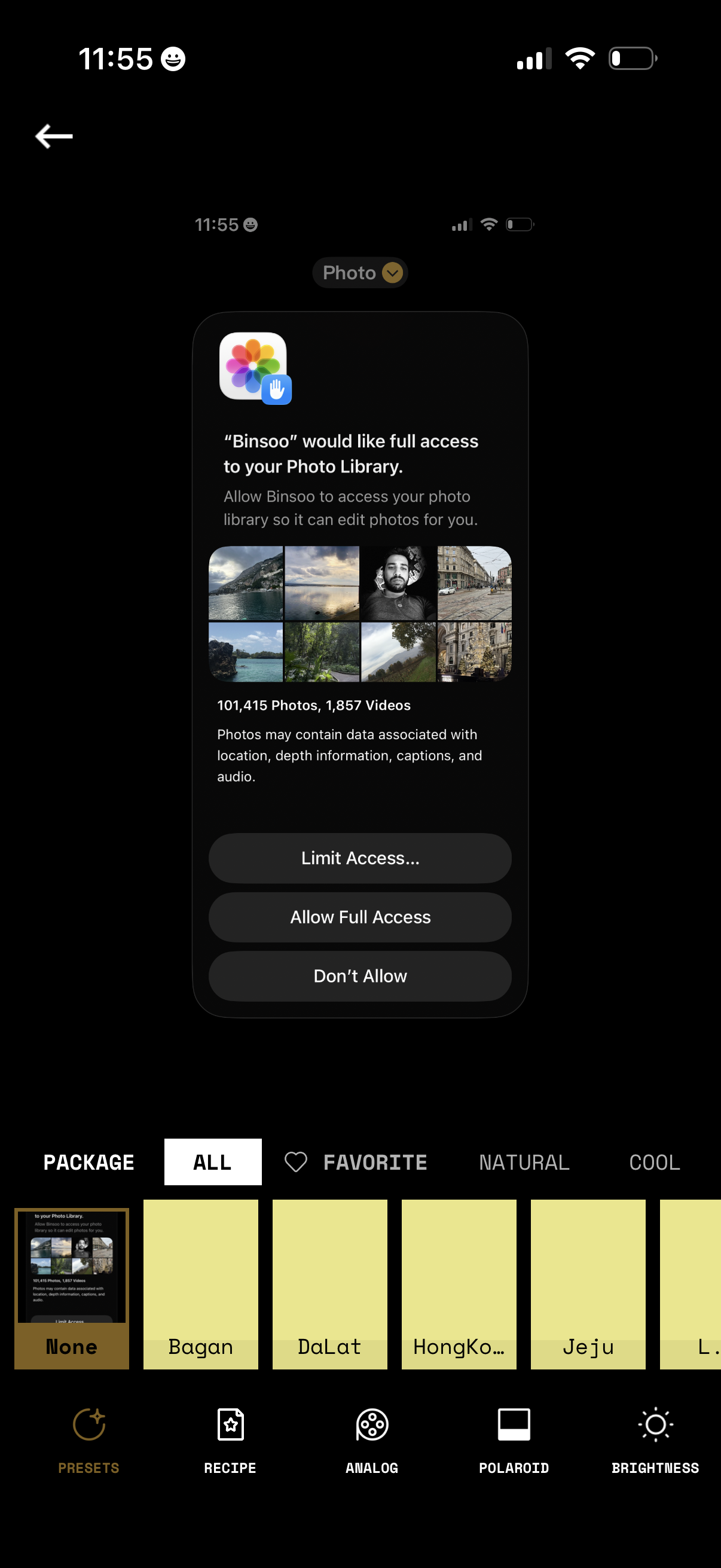
iOS permission modal requesting an app to access the user’s Photo Library for editing, showing a preview grid and photo/video counts. Primary actions let users choose Limit Access (select photos), Allow Full Access, or Don’t Allow while on a photo filter/preset editing screen.
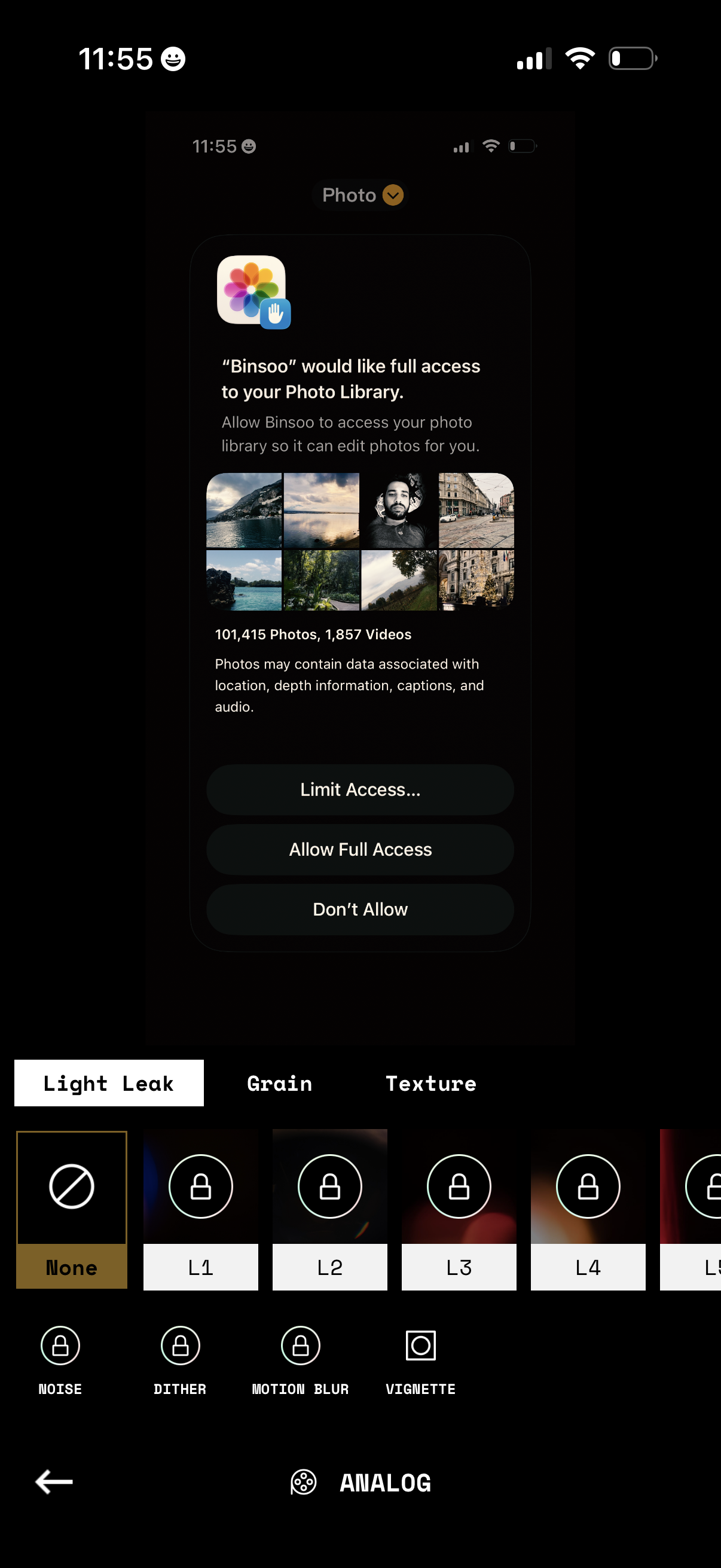
An iOS system permission modal requests full access to the user’s Photo Library for a photo editing app, offering actions to Limit Access, Allow Full Access, or Don’t Allow while showing example photo thumbnails and the total number of photos/videos. The underlying screen is a photo editor with an “Analog” effects panel where users can select Light Leak, Grain, and Texture presets (some locked) and toggles for noise, dither, motion blur, and vignette.
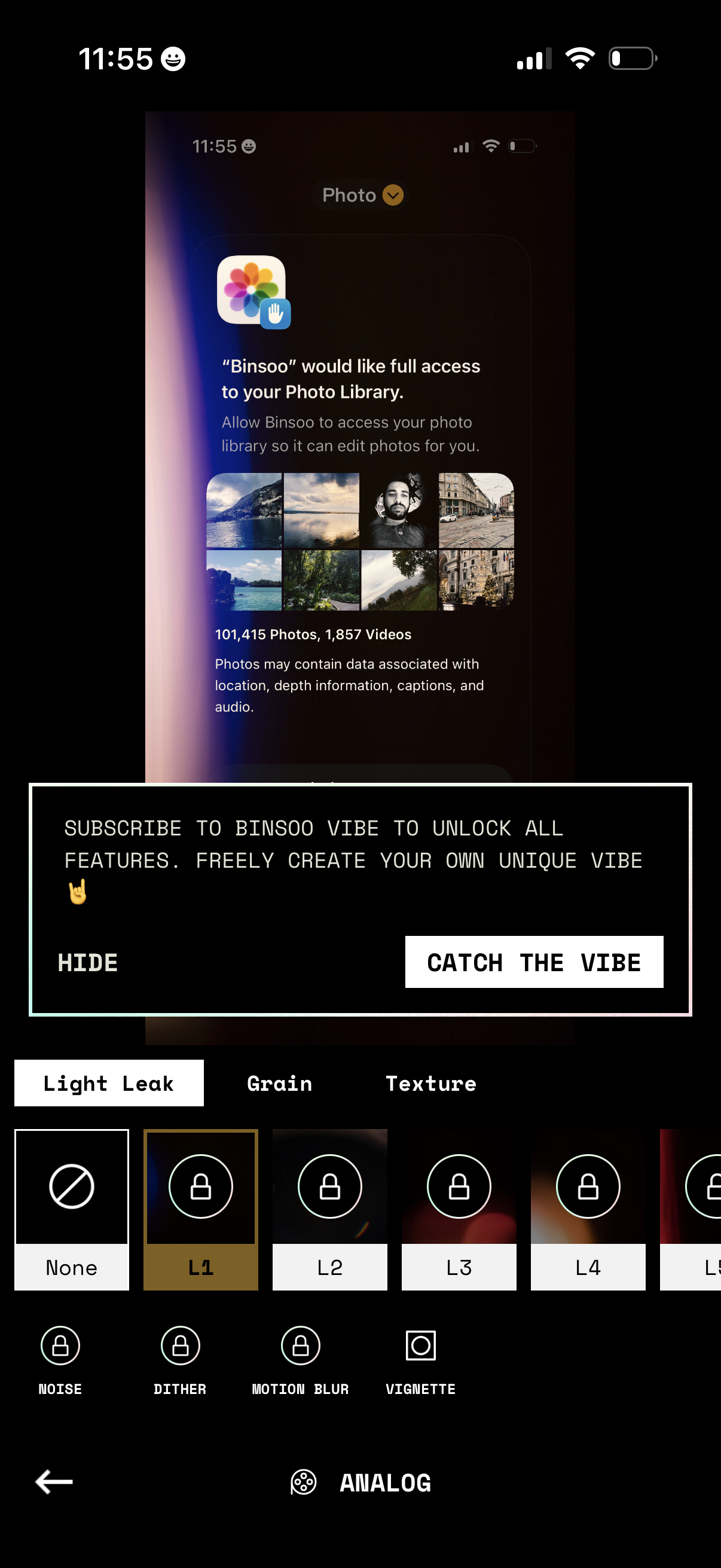
Photo editing filter screen showing an iOS permission prompt requesting full access to the user’s photo library so the app can edit photos. The editor focuses on analog effects with tabs like Light Leak, Grain, and Texture, a carousel of effect presets (some locked), and a subscription upsell banner with actions to hide or “Catch the vibe” to unlock all features.