log espresso shot
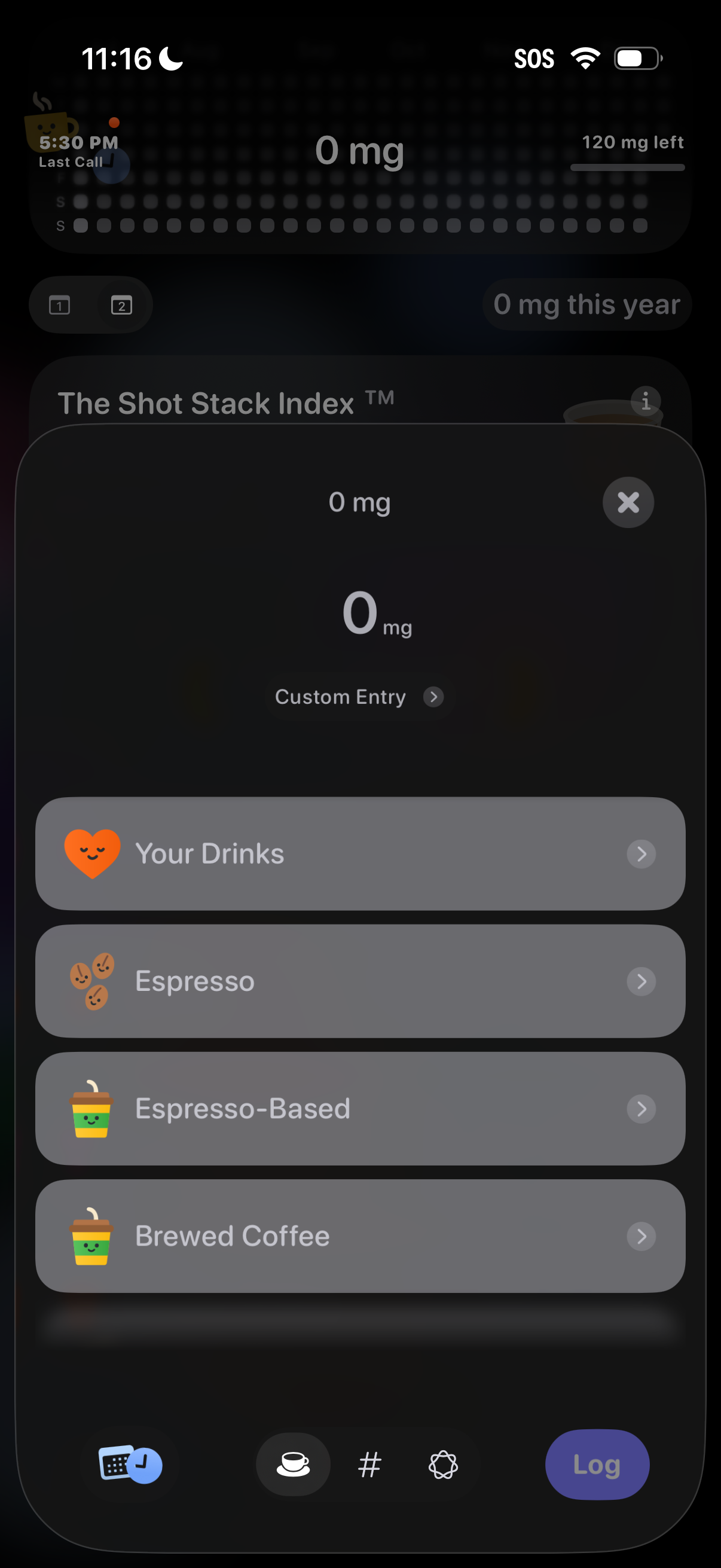
Modal sheet for logging caffeine intake, showing current dose (0 mg) with a custom entry option and selectable drink categories like Your Drinks, Espresso, Espresso-Based, and Brewed Coffee. Includes a close button and a bottom Log action to add the selected beverage.
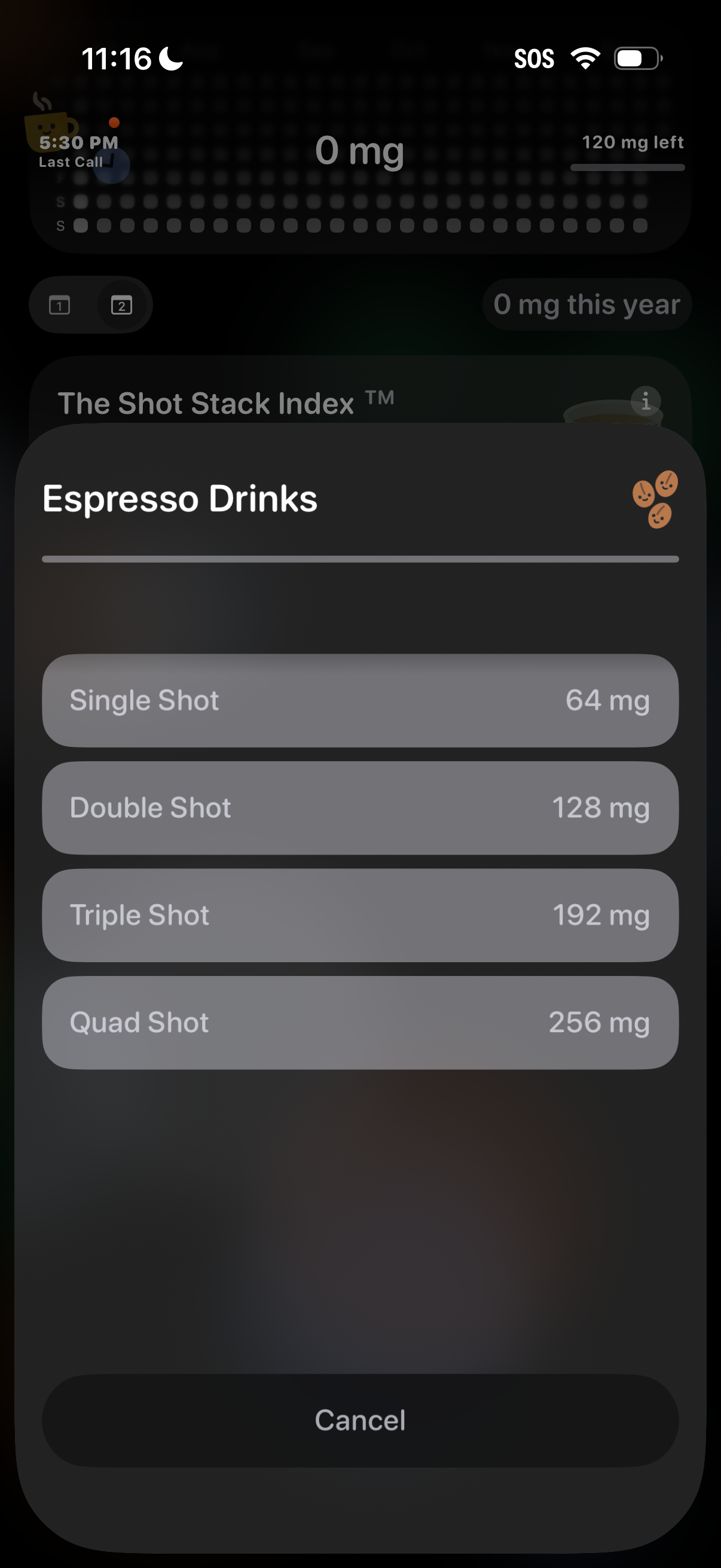
Modal bottom sheet for logging caffeine intake from espresso drinks, listing single/double/triple/quad shots with their caffeine amounts in mg to select. Includes an info icon and a Cancel button to dismiss the selection.
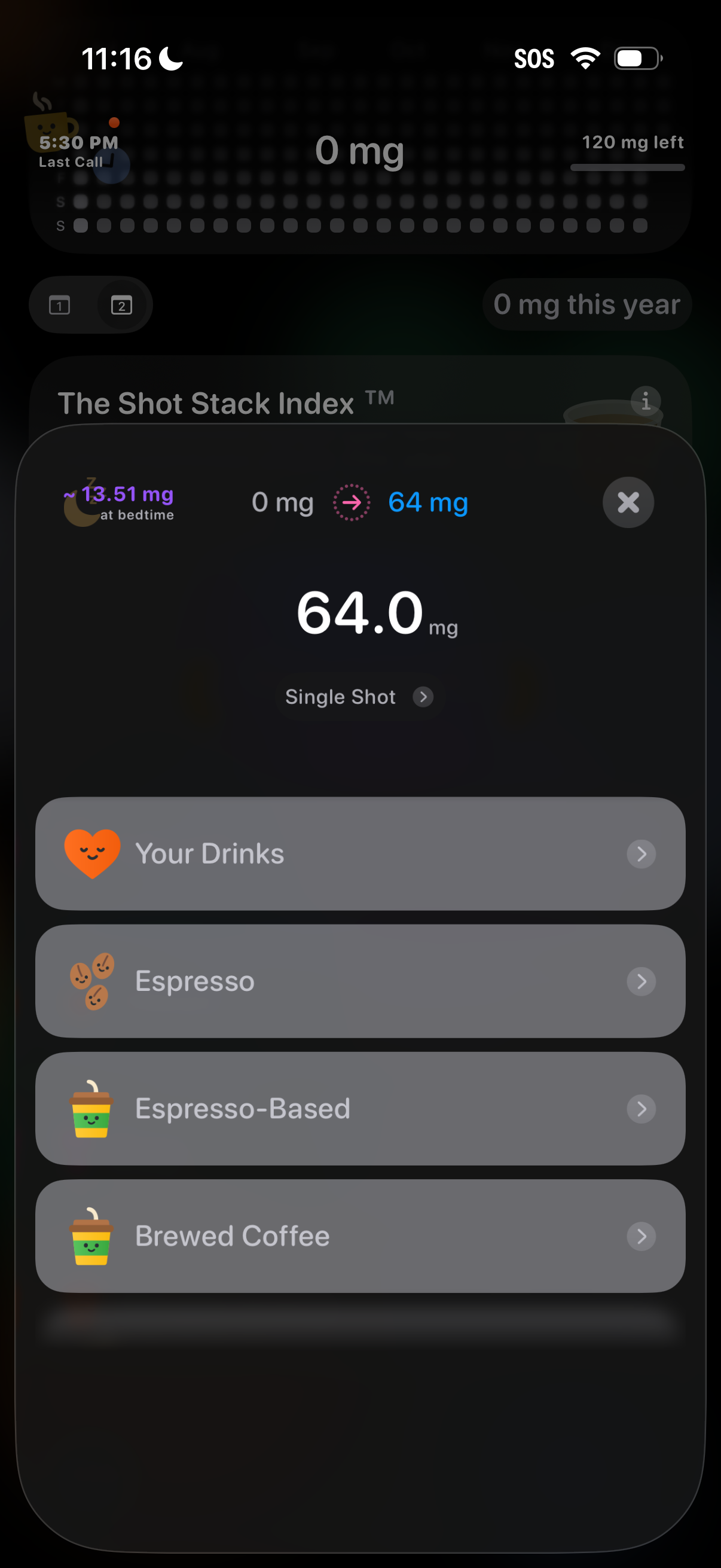
Caffeine tracking add-drink modal showing the selected caffeine amount (64 mg) for a “Single Shot” and allowing the user to log a beverage by choosing from categories like Your Drinks, Espresso, Espresso-Based, and Brewed Coffee. It also displays bedtime caffeine estimate and a running total/progress toward a daily remaining limit, with a close button to dismiss.