browse drink categories
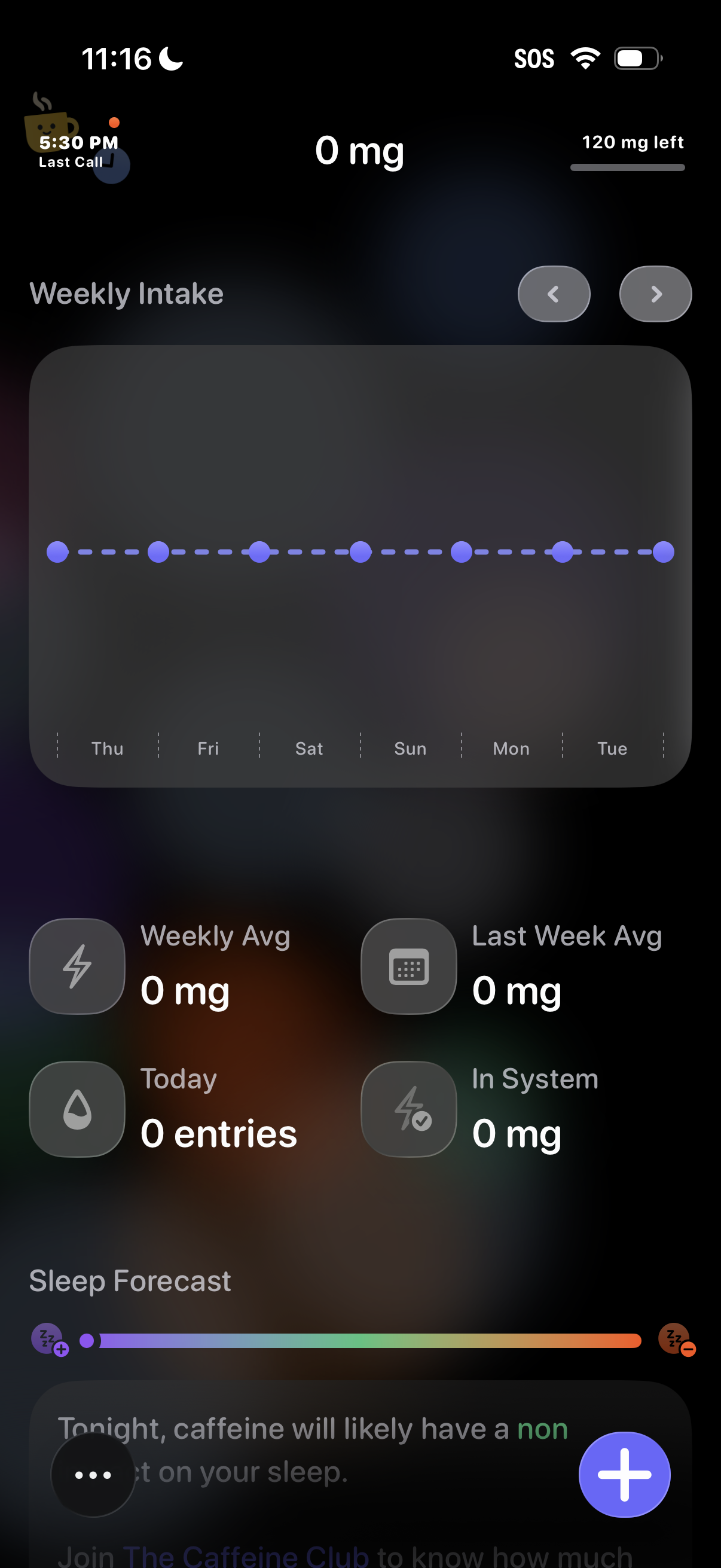
Caffeine tracking dashboard showing current intake in mg, remaining daily limit, and a weekly intake chart by day with navigation arrows to switch weeks. Summary stats display weekly average, last week average, today’s entries, and caffeine in system, plus a sleep forecast section and a floating action button to add a new caffeine entry.
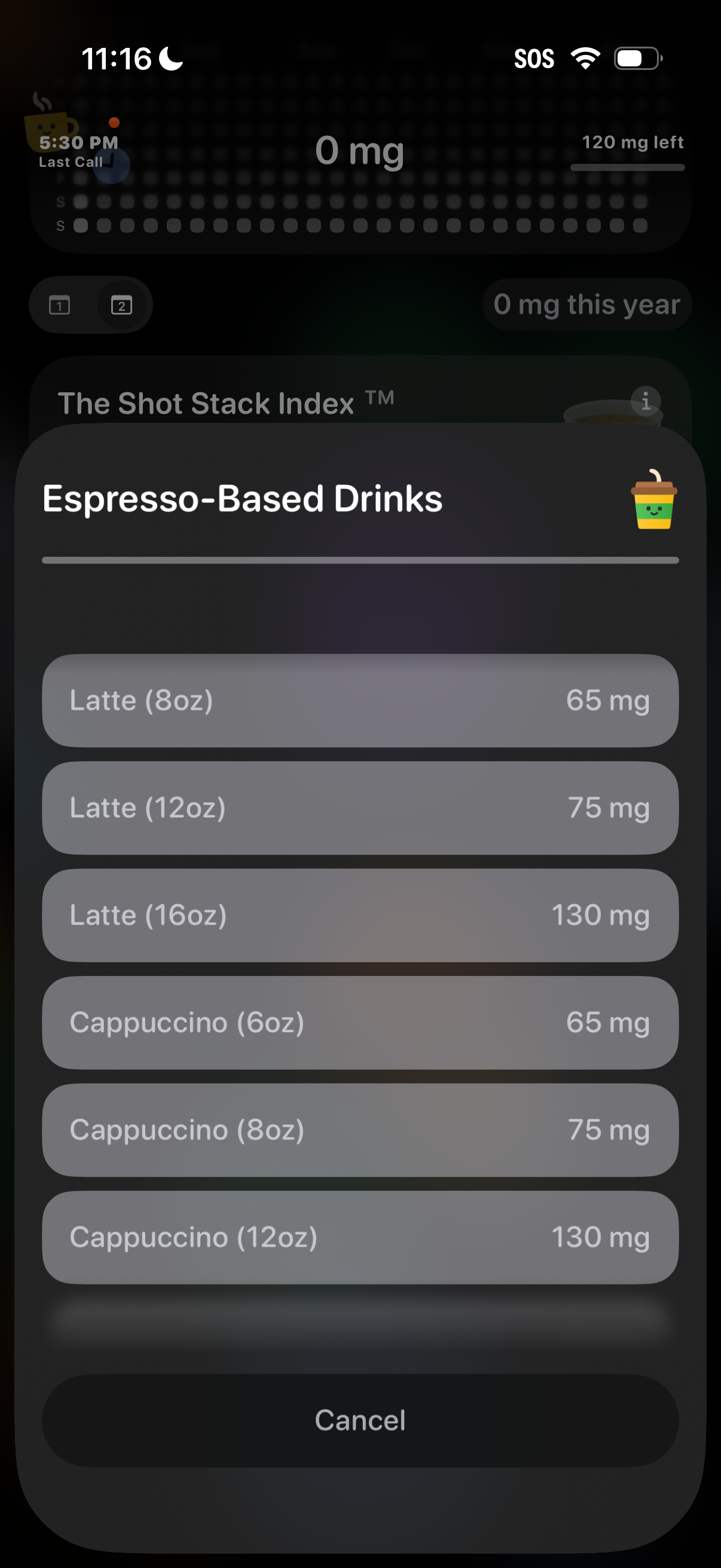
A caffeine tracking app shows a bottom-sheet selector for “Espresso-Based Drinks,” listing drink types and sizes (latte, cappuccino) with their caffeine amounts in mg for quick logging. Users can tap an option to add it to their intake or cancel to close the modal.
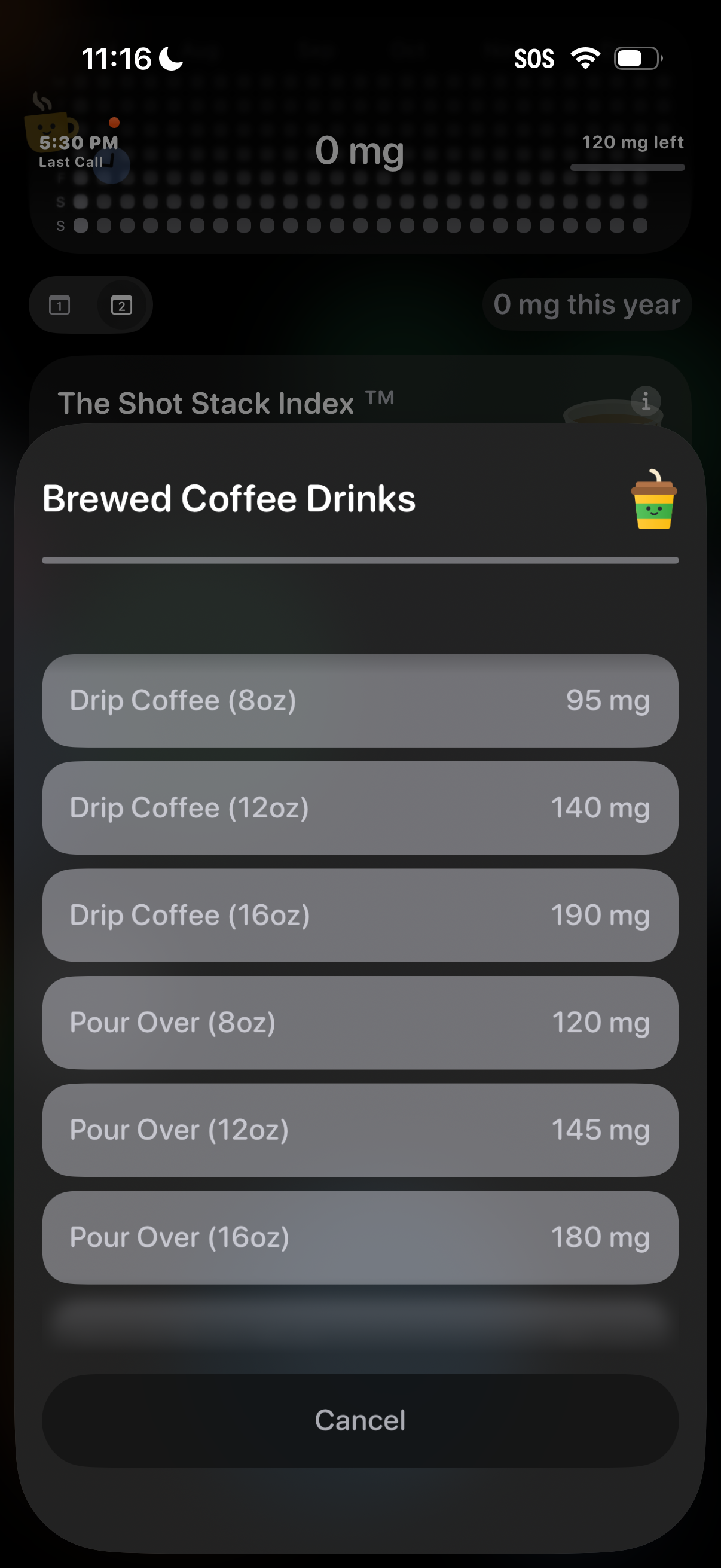
Modal bottom sheet for logging caffeine intake shows a list of brewed coffee drink options by type and serving size (e. g.
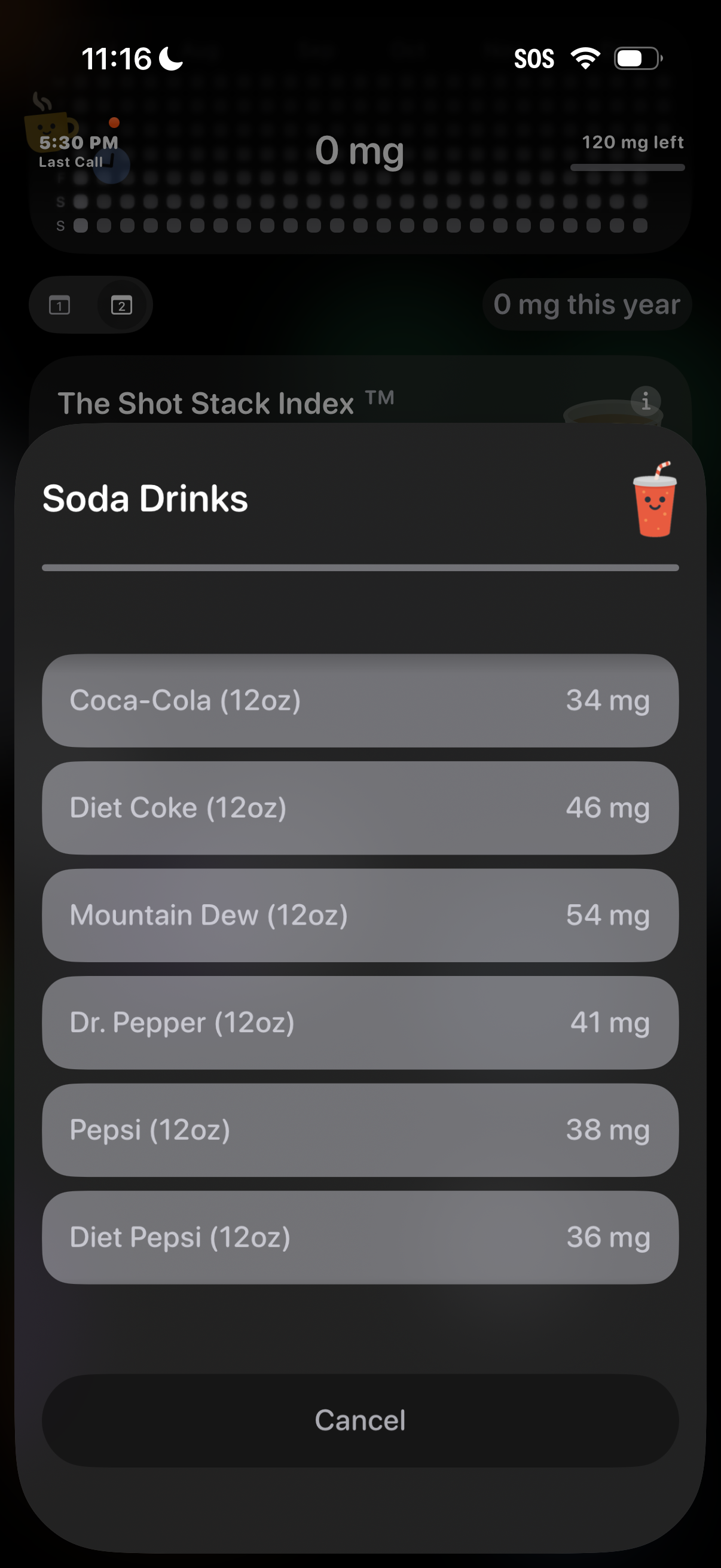
Bottom-sheet picker in a caffeine tracking app that lets users select a soda drink from a categorized list, showing each beverage’s serving size and caffeine amount in mg for quick logging. Includes a cancel action to dismiss without adding an entry.