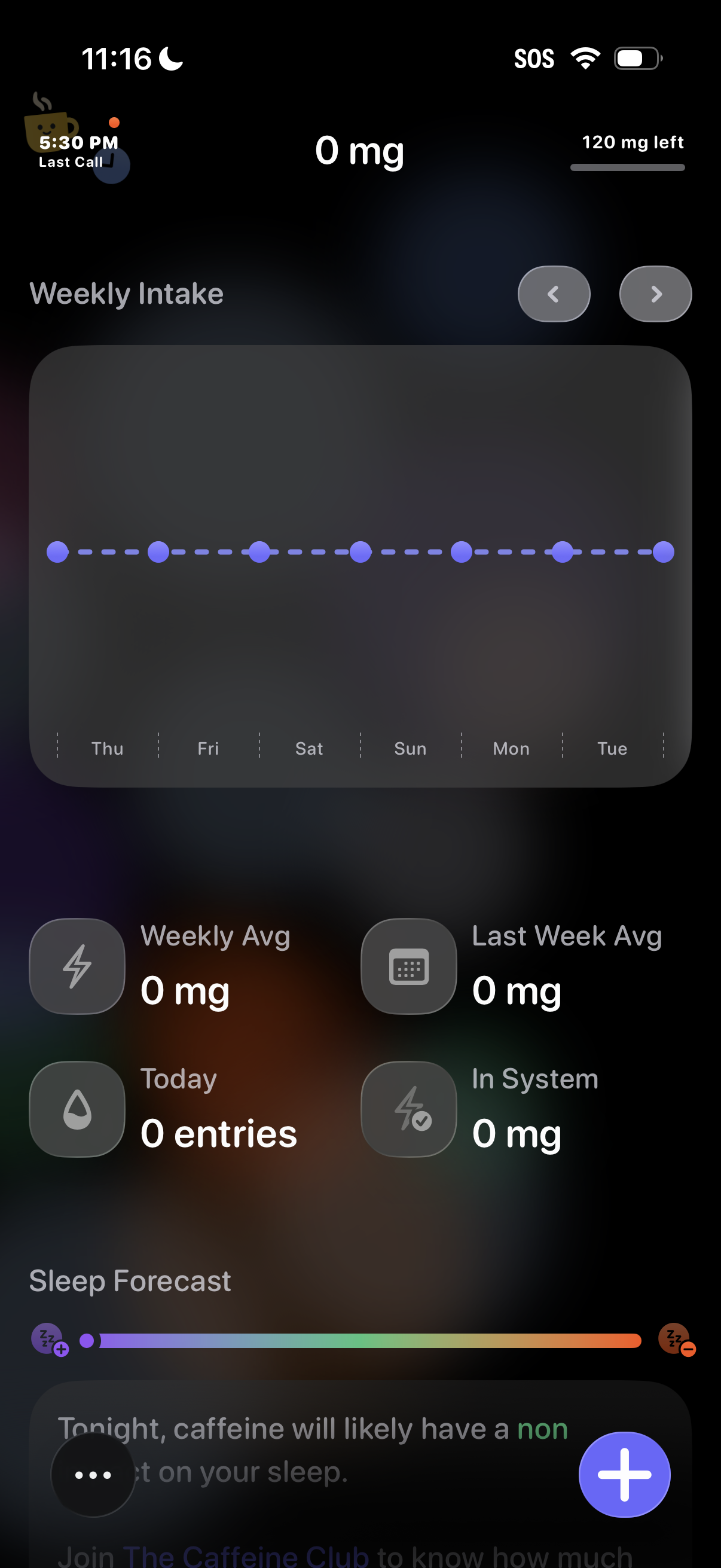
Caffeine tracking dashboard showing current intake in mg, remaining daily limit, and a weekly intake chart by day with navigation arrows to switch weeks. Summary stats display weekly average, last week average, today’s entries, and caffeine in system, plus a sleep forecast section and a floating action button to add a new caffeine entry.
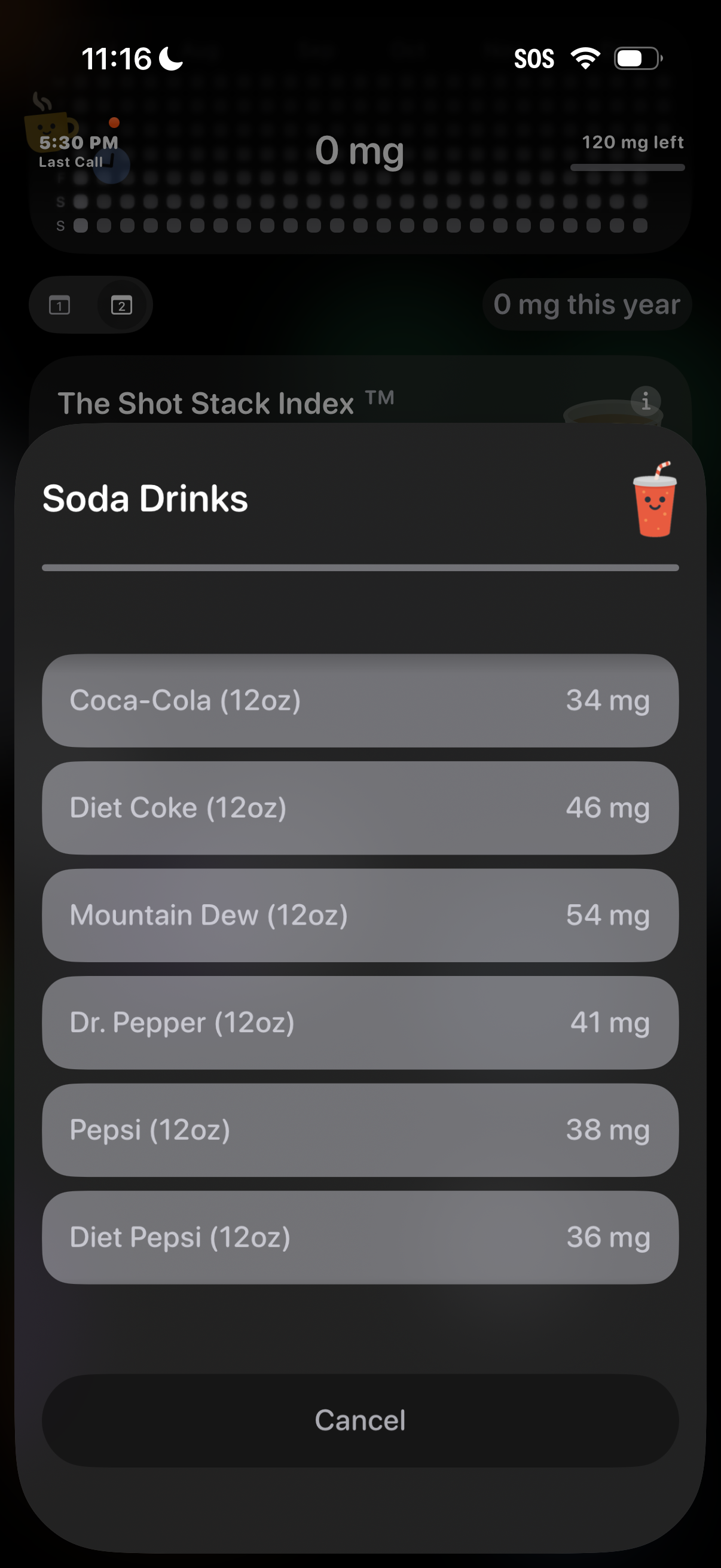
Bottom-sheet picker in a caffeine tracking app that lets users select a soda drink from a categorized list, showing each beverage’s serving size and caffeine amount in mg for quick logging. Includes a cancel action to dismiss without adding an entry.
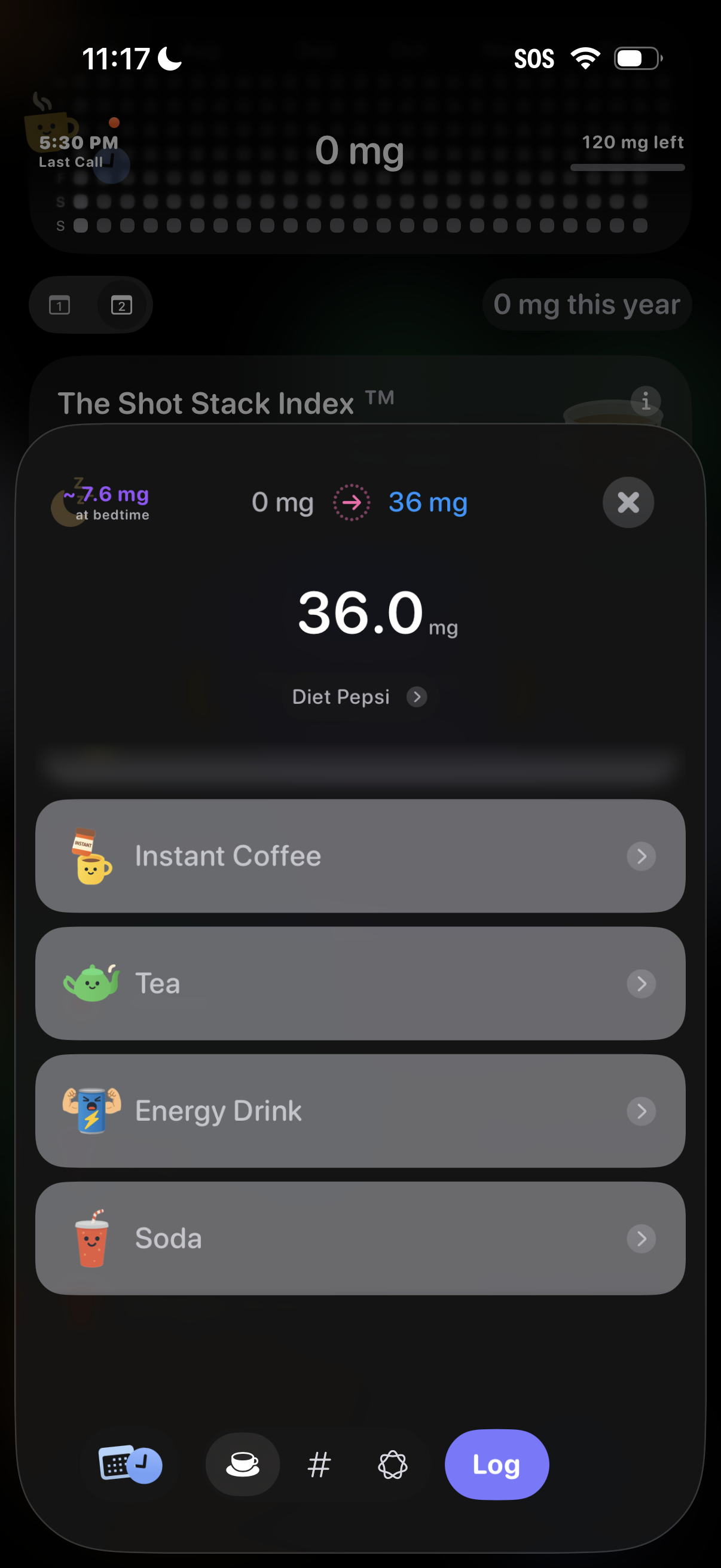
Caffeine tracker logging screen showing a selected drink (e. g.
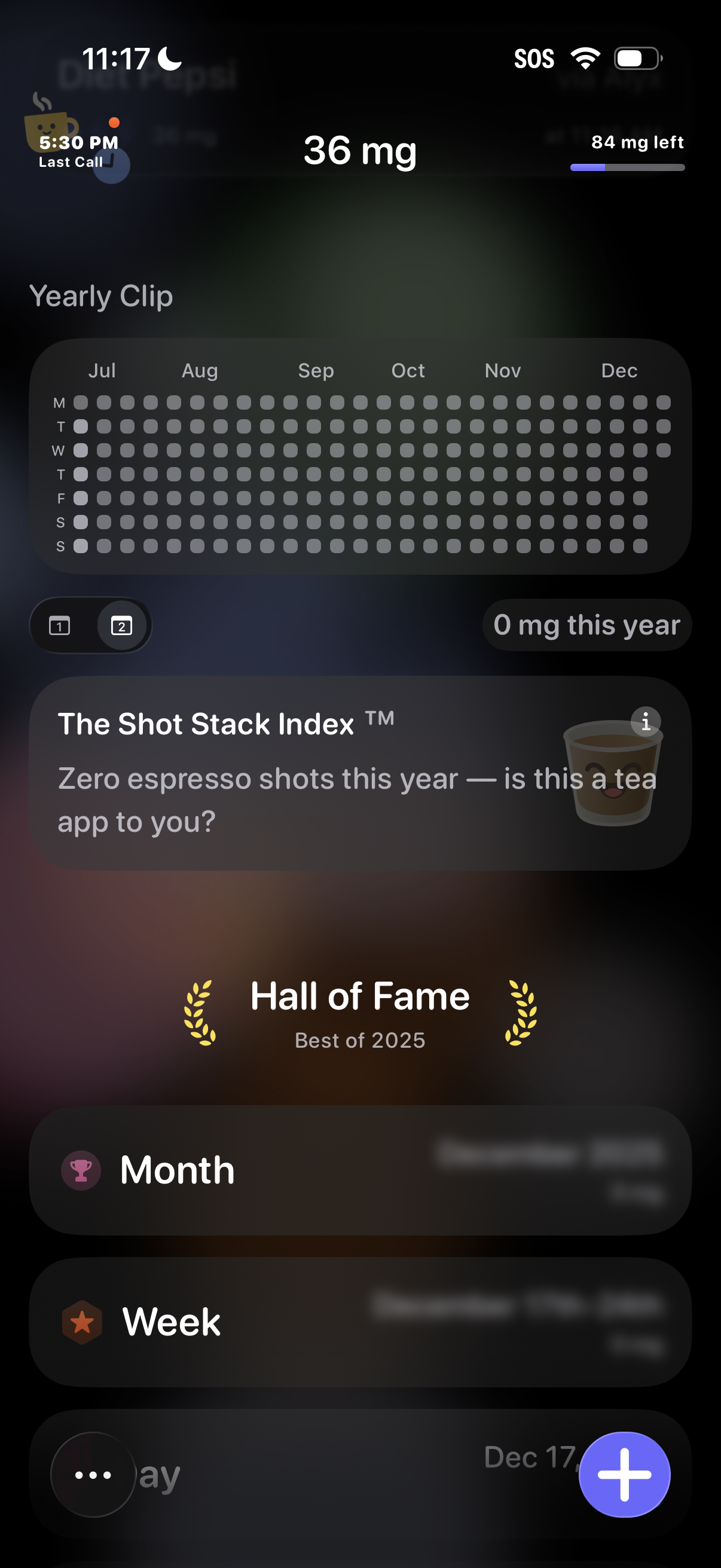
Caffeine/espresso tracking dashboard showing today’s intake in mg with remaining allowance, a yearly heatmap calendar of logged days, and stats like “mg this year. ” Includes motivational cards (shot stack index, hall of fame) and navigation to Month/Week views with a floating plus button to add a new shot entry.