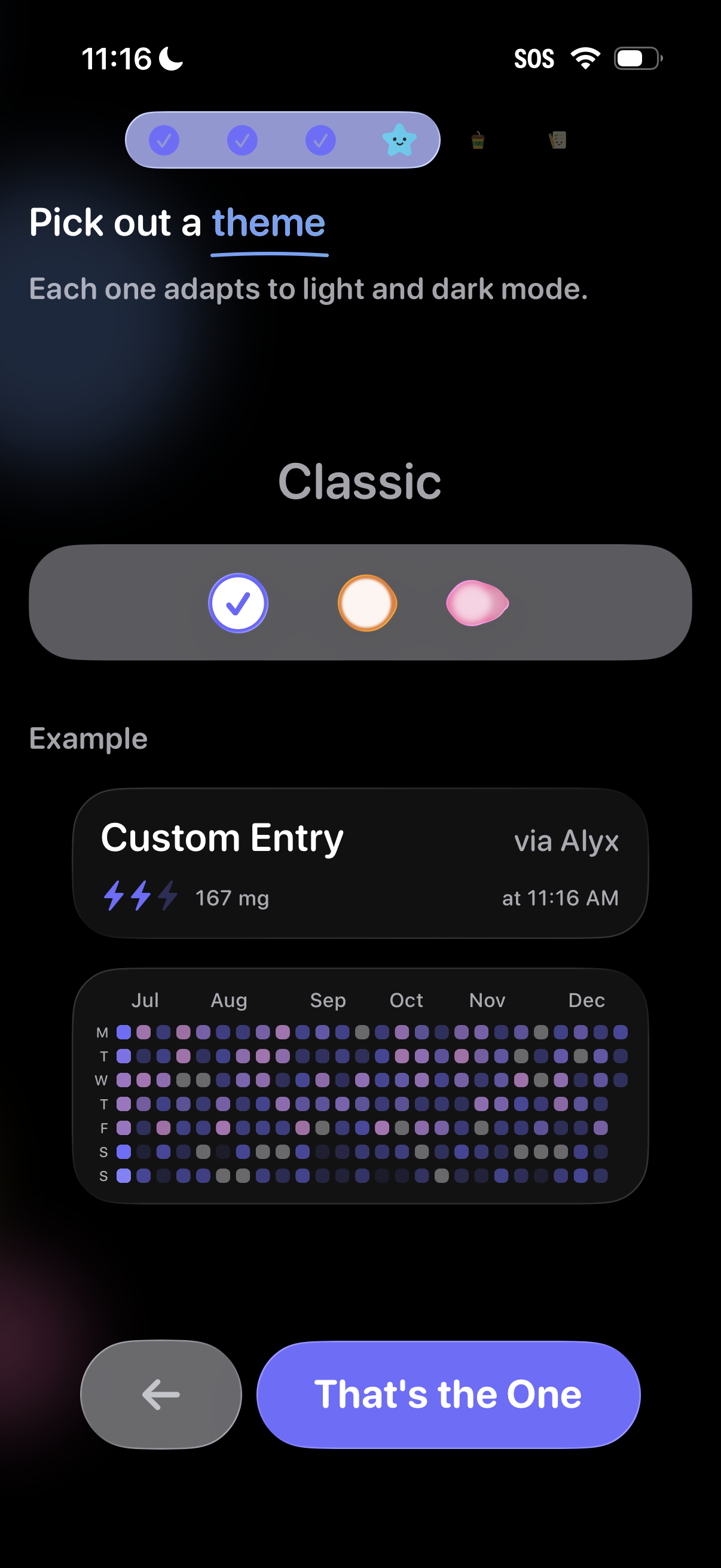
Theme selection step in an onboarding flow where users pick a visual style that adapts to light and dark mode, with segmented options and a live preview of the app UI. Includes back navigation and a primary confirmation button to apply the chosen theme.
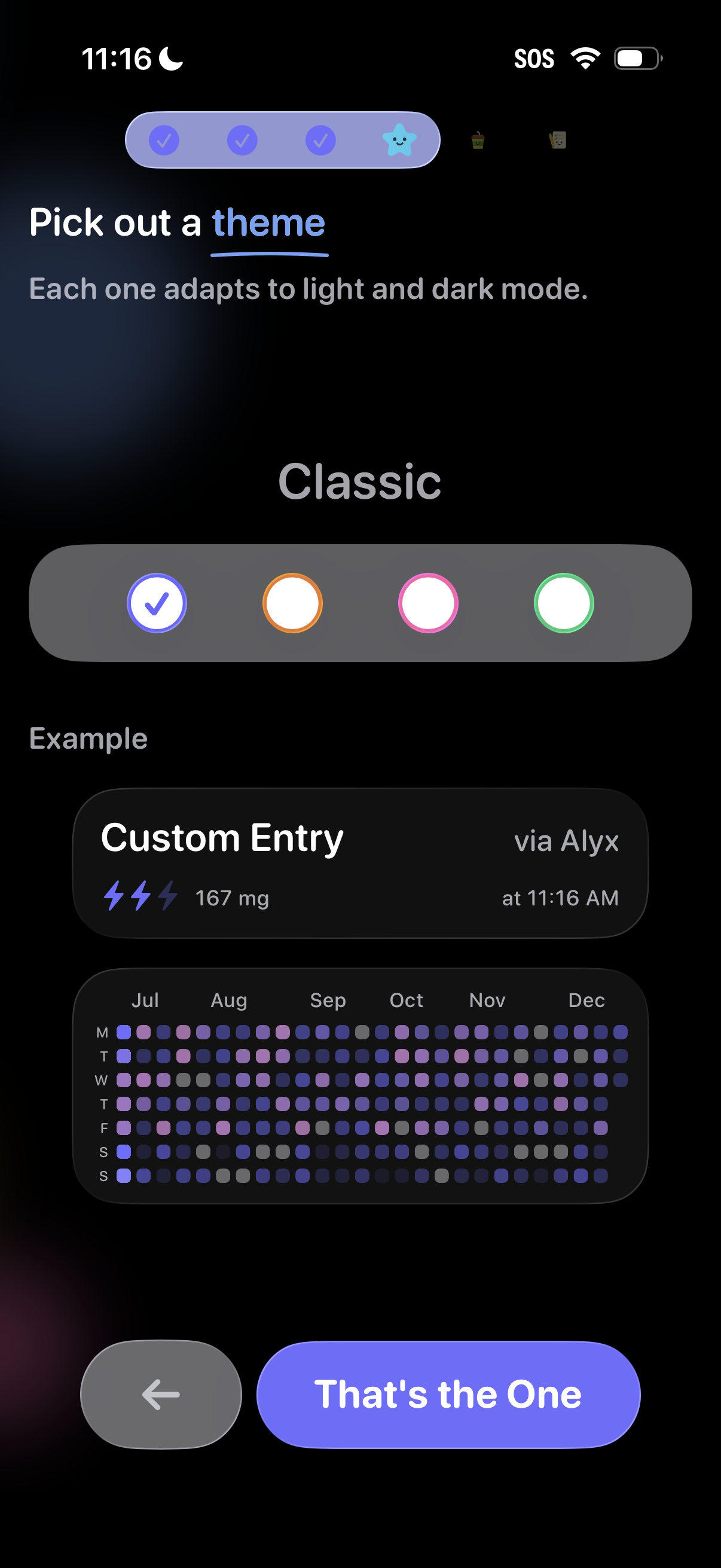
Onboarding customization screen for picking an app theme that adapts to light and dark mode, with a color selector for the “Classic” theme and a live preview of how entries and a calendar heatmap will look. Bottom navigation includes a back button and a primary “That’s the One” confirmation action to apply the selected theme.
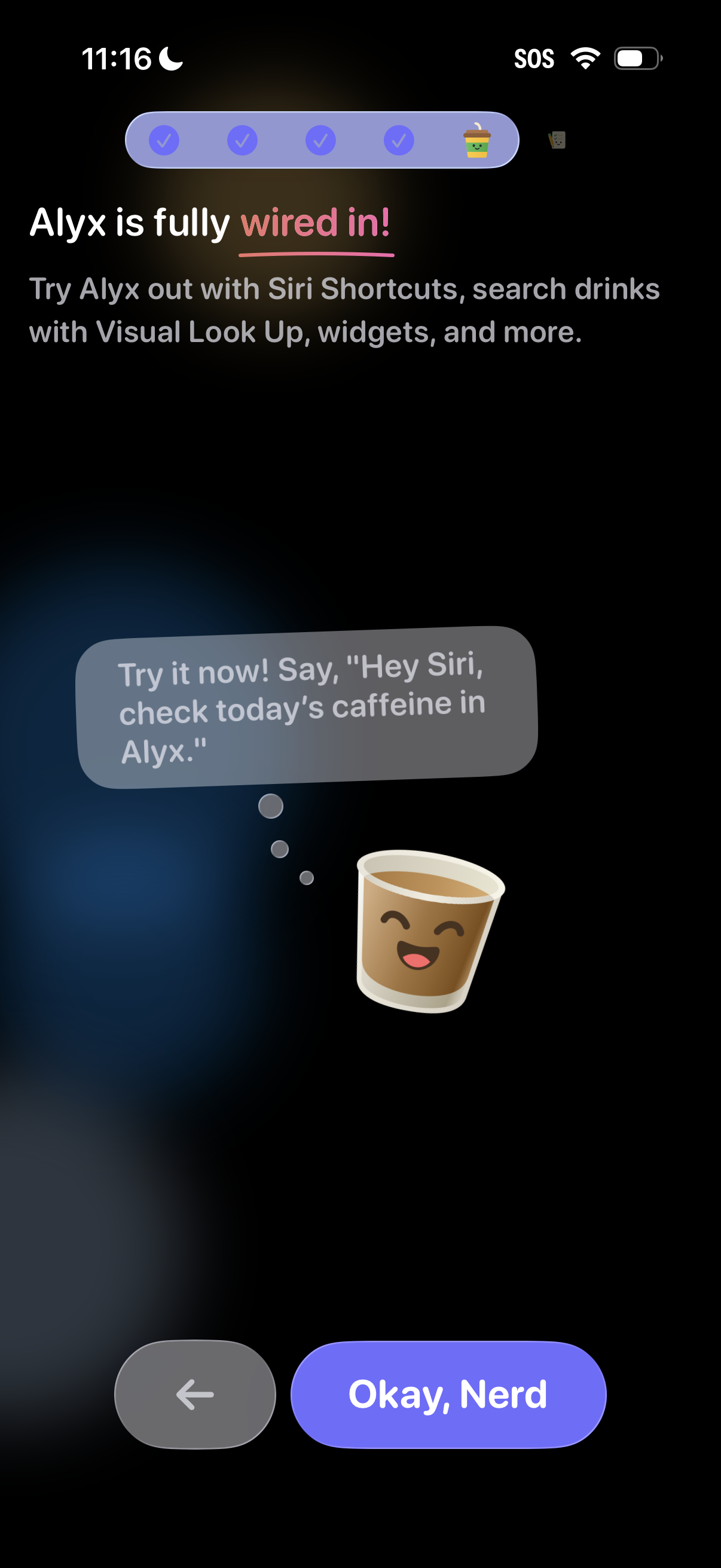
Onboarding completion screen confirming the app is fully set up and highlighting integrations like Siri Shortcuts, Visual Look Up, and widgets to search drinks and track caffeine. Includes a suggested voice command example and a primary “Okay” button to finish, with a back button for navigation.