toggle notifications
1
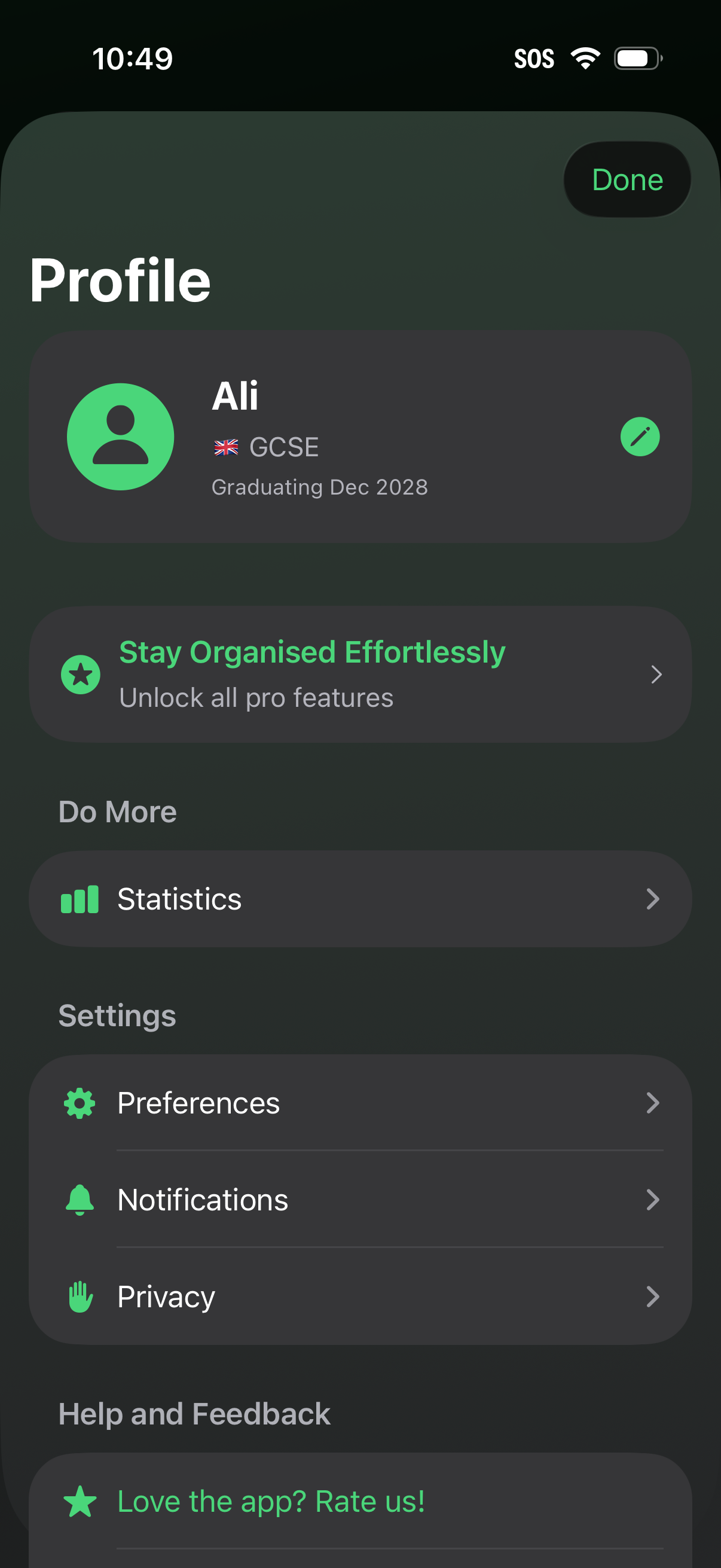
User profile and settings screen showing account details with an edit profile action, plus a CTA to upgrade to pro features. Provides navigation to statistics, preferences, notifications, privacy controls, and a help/feedback option to rate the app, with a Done button to exit.
2
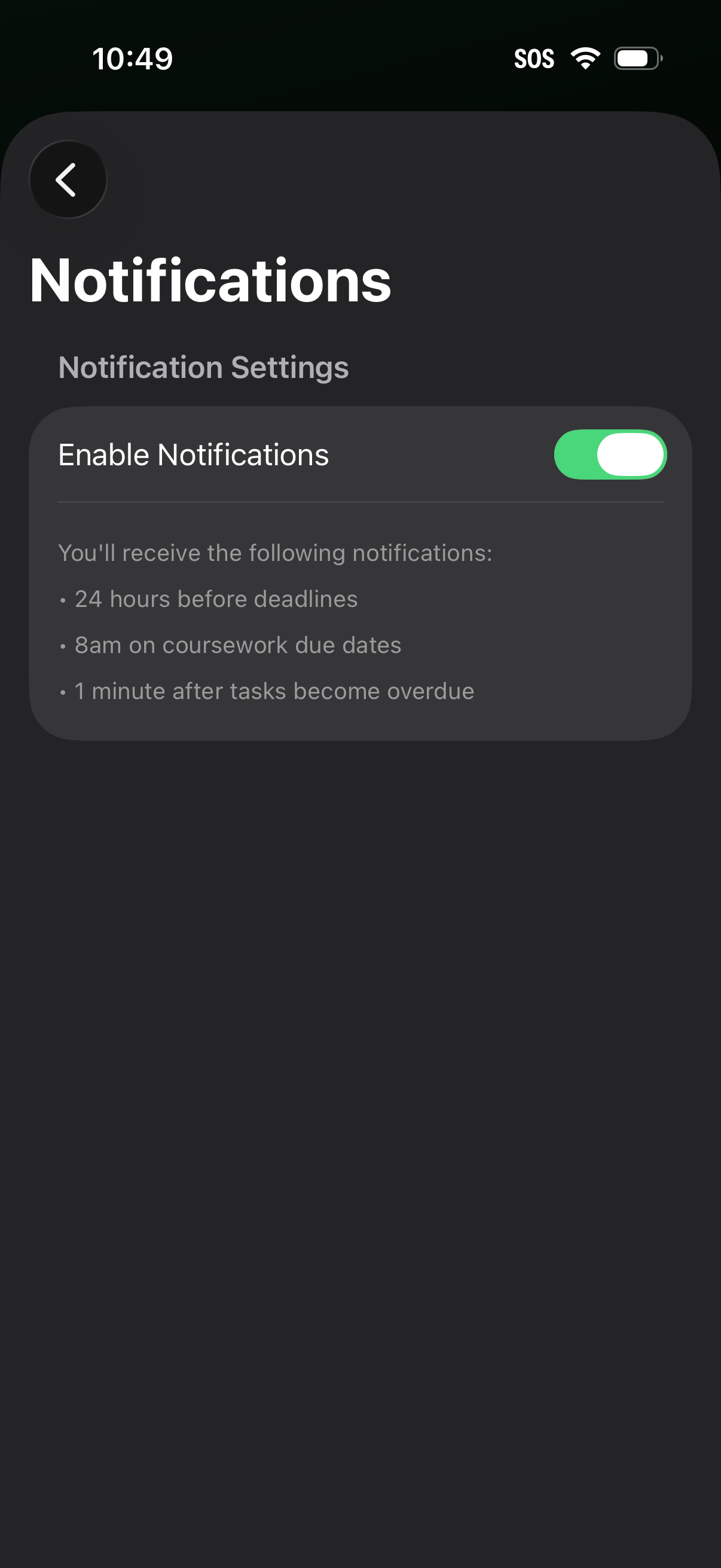
Notification settings screen with a back button and a primary toggle to enable or disable notifications. Includes explanatory text listing when alerts will be sent, such as reminders before deadlines, on due dates, and after tasks become overdue.