1
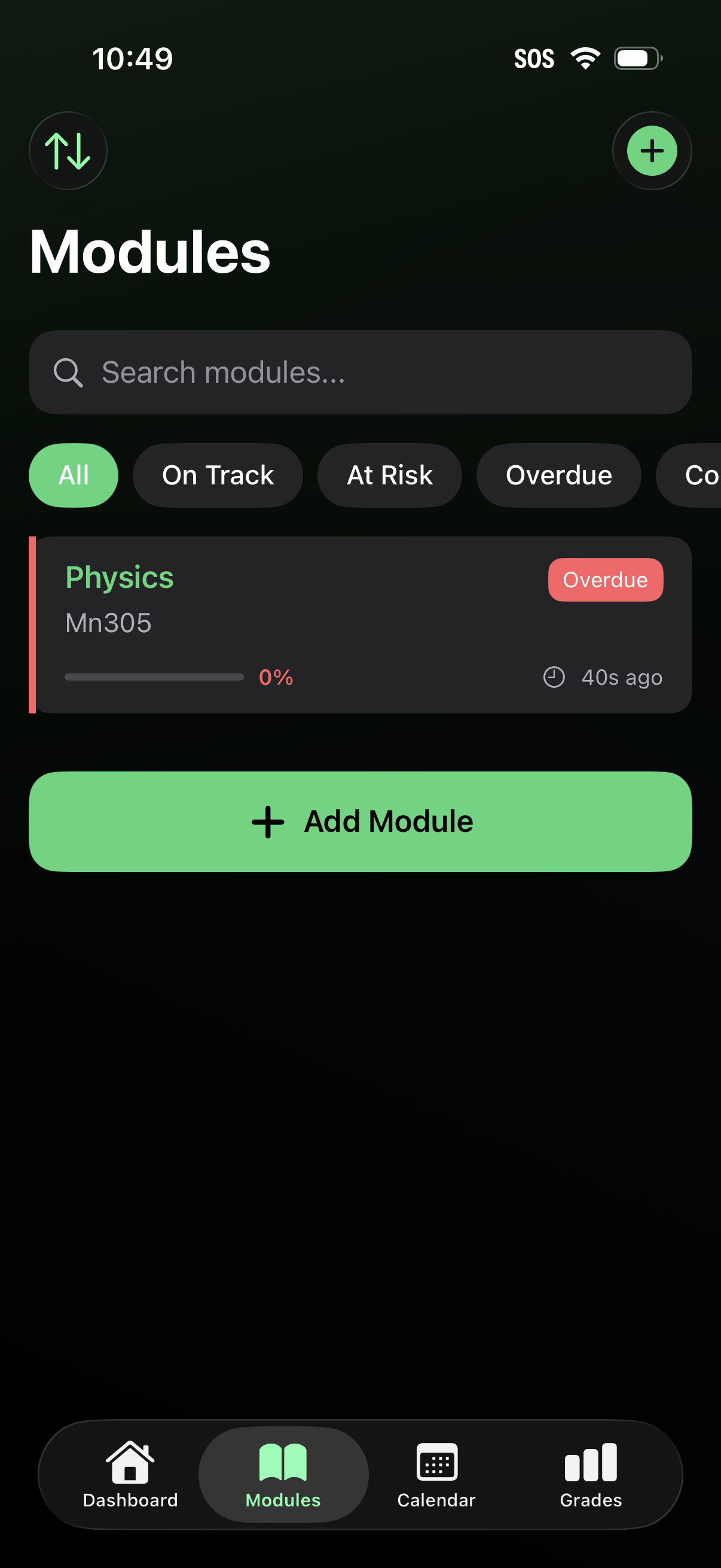
Modules list screen for a student/course tracking app with a search bar and status filters (All, On Track, At Risk, Overdue) to browse classes. Each module card shows course name/code, progress percentage, last updated time, and an overdue tag, with prominent actions to add a new module via a plus button or “Add Module” CTA and bottom navigation to Dashboard, Modules, Calendar, and Grades.
2
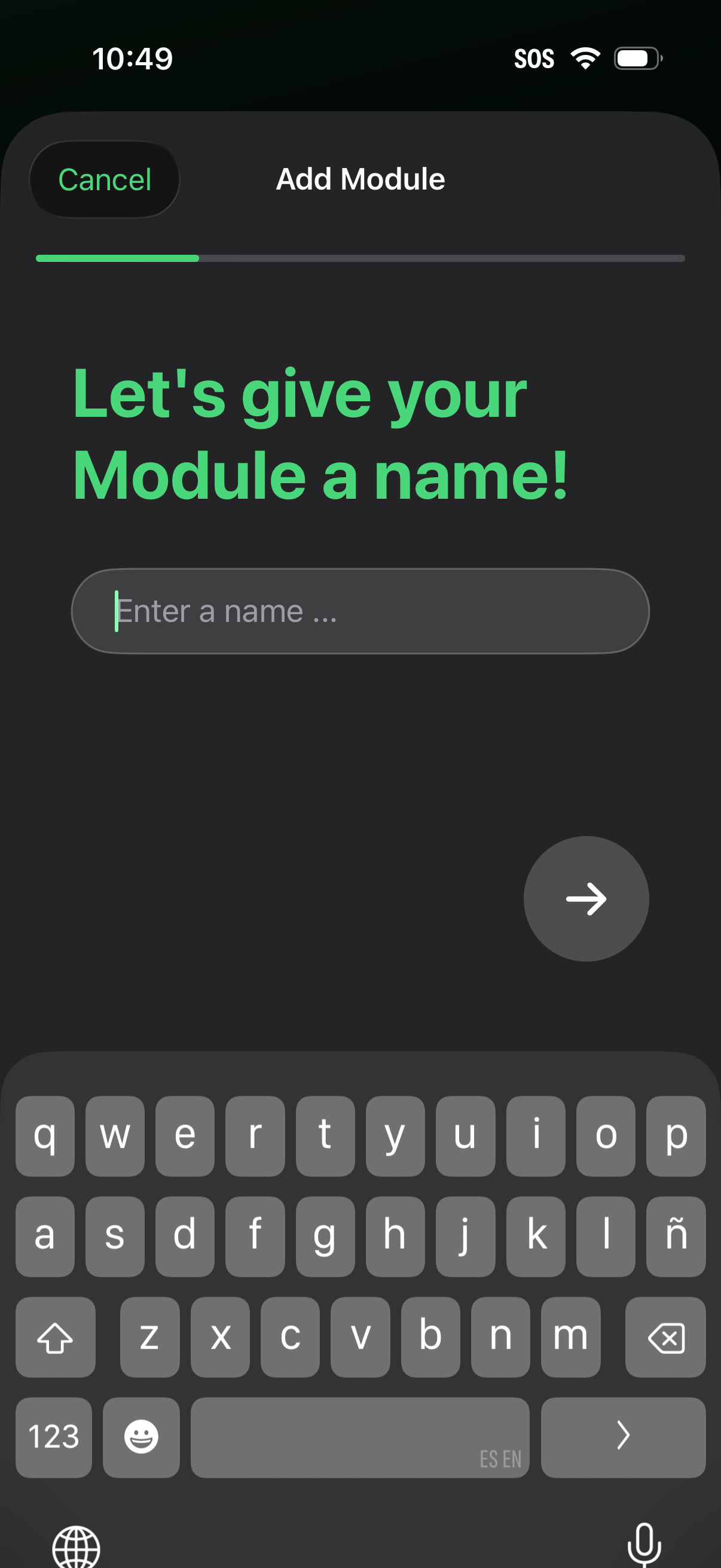
Module creation onboarding step asking the user to name a new module, with a text input field, progress indicator, cancel option, and a next/continue arrow button to proceed.