add module from dashboard
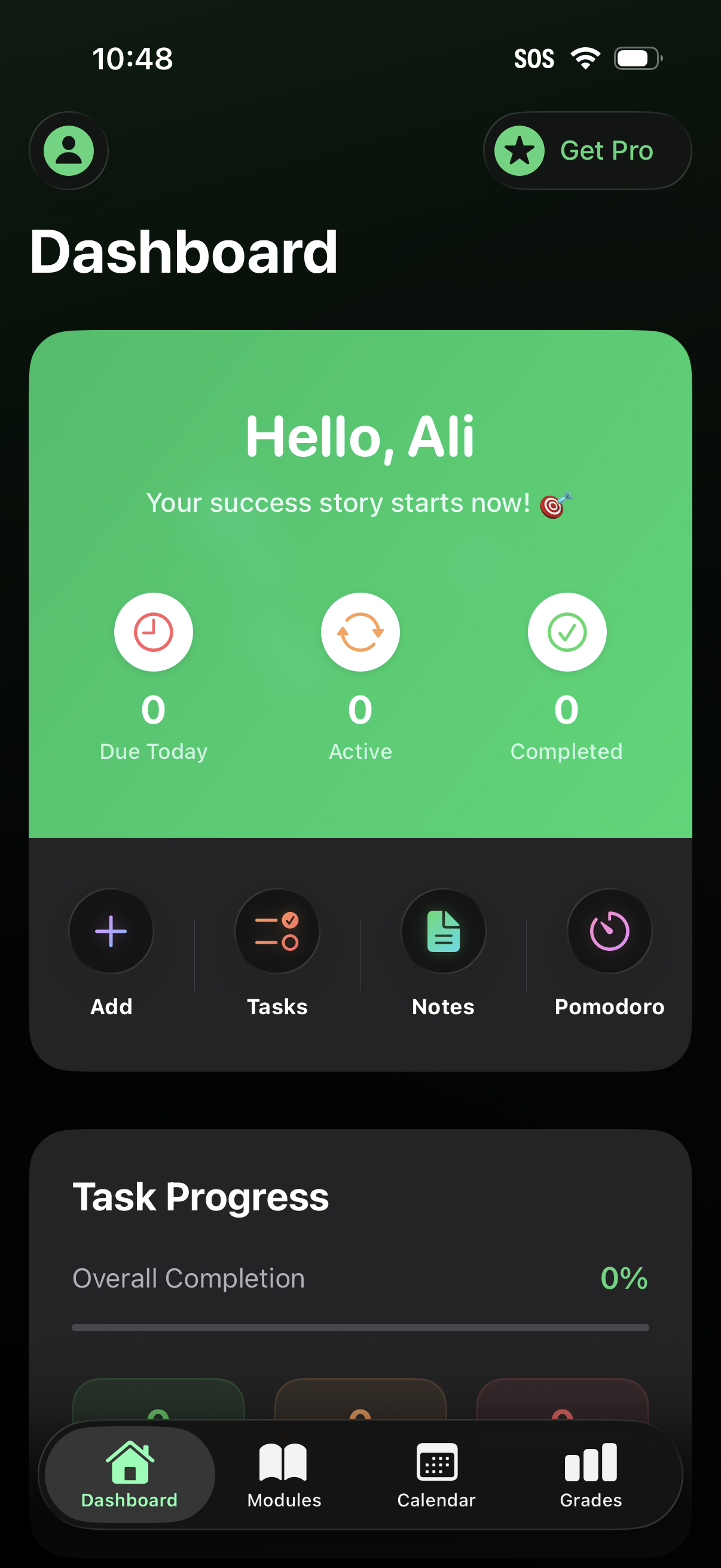
Productivity dashboard home screen showing a greeting card with task stats (due today, active, completed) and quick actions to add items, view tasks, take notes, and start a Pomodoro timer, plus a task progress section and bottom navigation for dashboard, modules, calendar, and grades with an upsell to Get Pro.
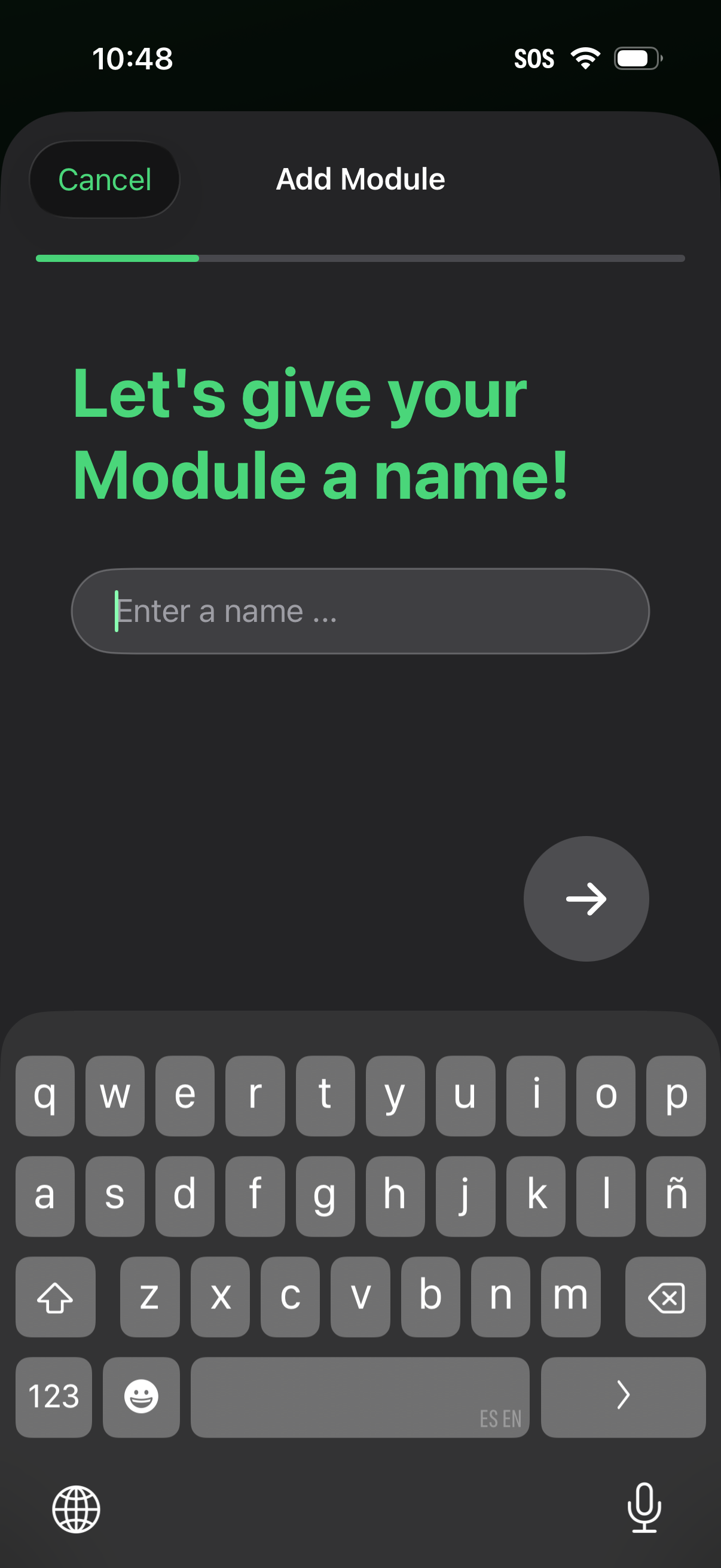
Onboarding step for adding a new module, prompting the user to enter a module name in a text field. Includes a cancel button, progress indicator, and a forward arrow button to continue to the next step.
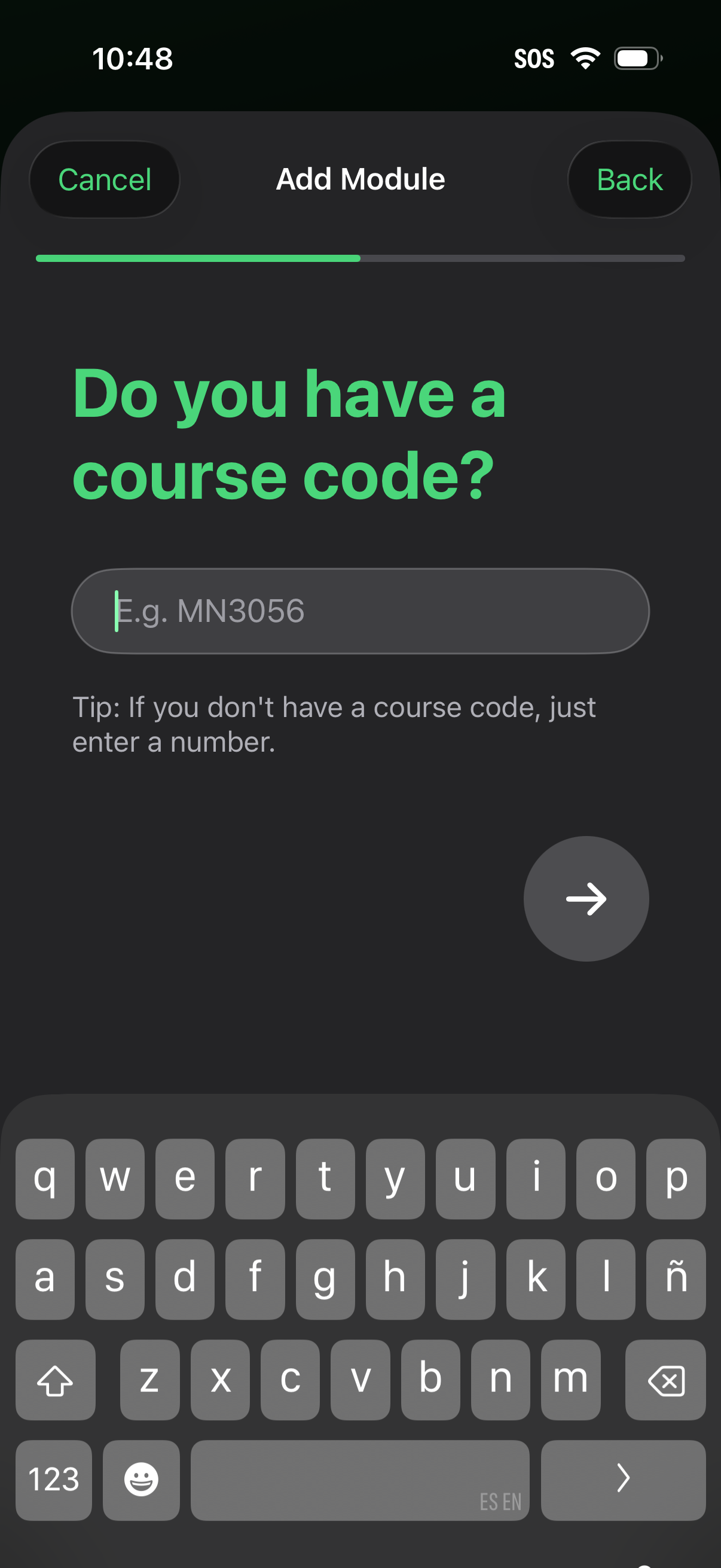
Module setup screen asking the user to enter a course code in a text field (with example placeholder) as part of an “Add Module” flow, including a progress indicator, Cancel/Back navigation, and a next arrow button to continue. A tip explains that if no course code is available, the user can enter a number instead.
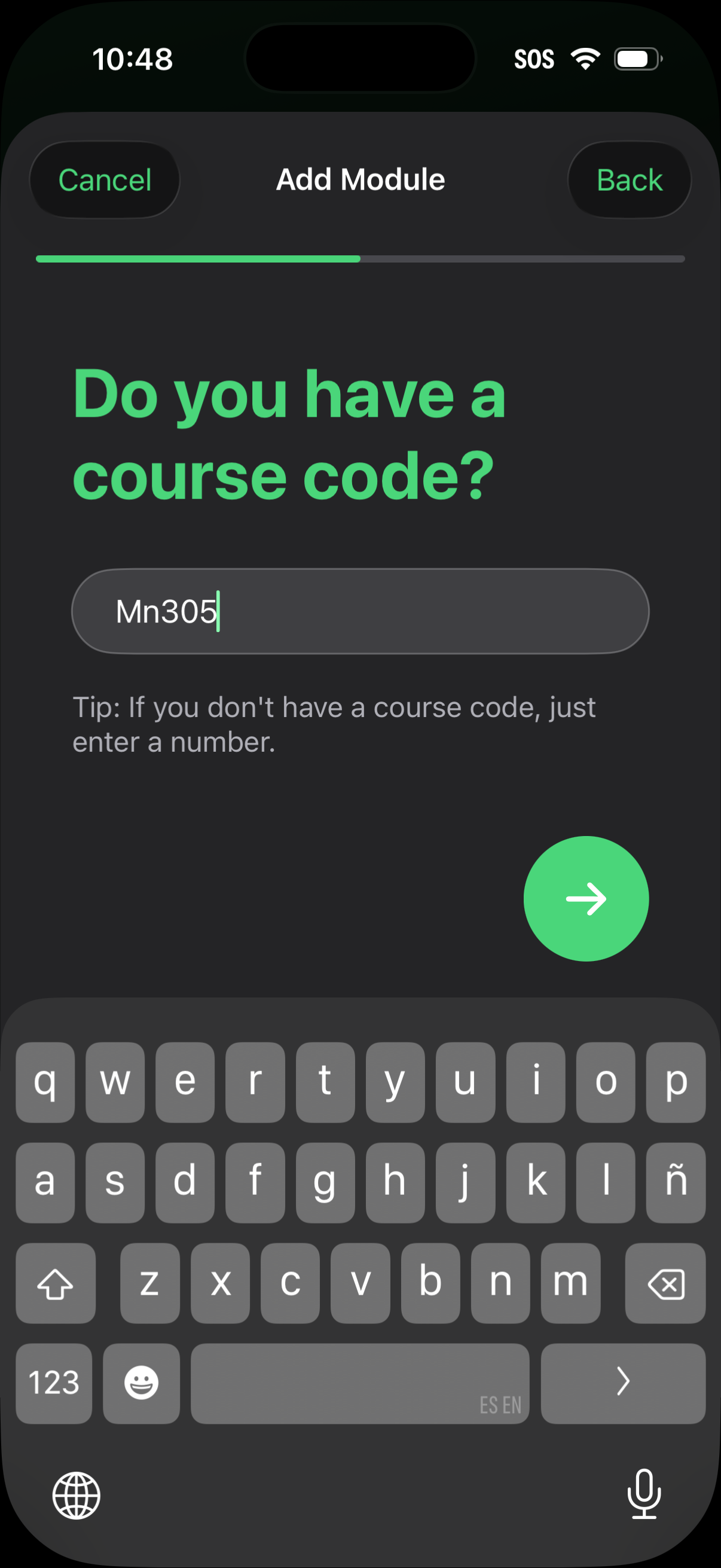
Onboarding step for adding a module that asks the user to enter a course code, with a text input field, a tip for users without a code, and a forward arrow button to continue. Top navigation includes Cancel and Back with a progress indicator showing the current step.
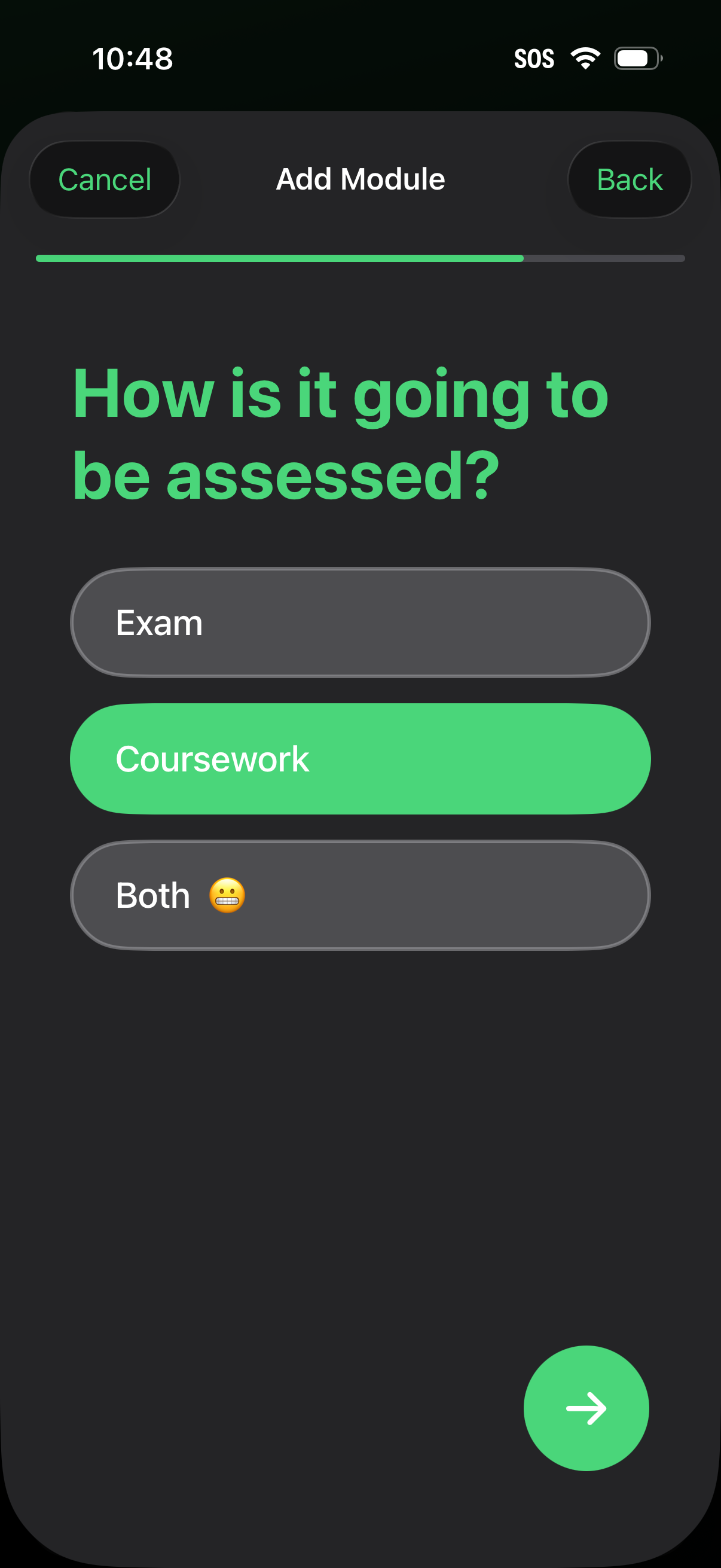
Step in an “Add Module” onboarding flow asking how a course/module will be assessed, offering selectable options for Exam, Coursework, or Both with a highlighted choice. Includes a progress indicator, Cancel/Back navigation, and a next arrow button to continue.
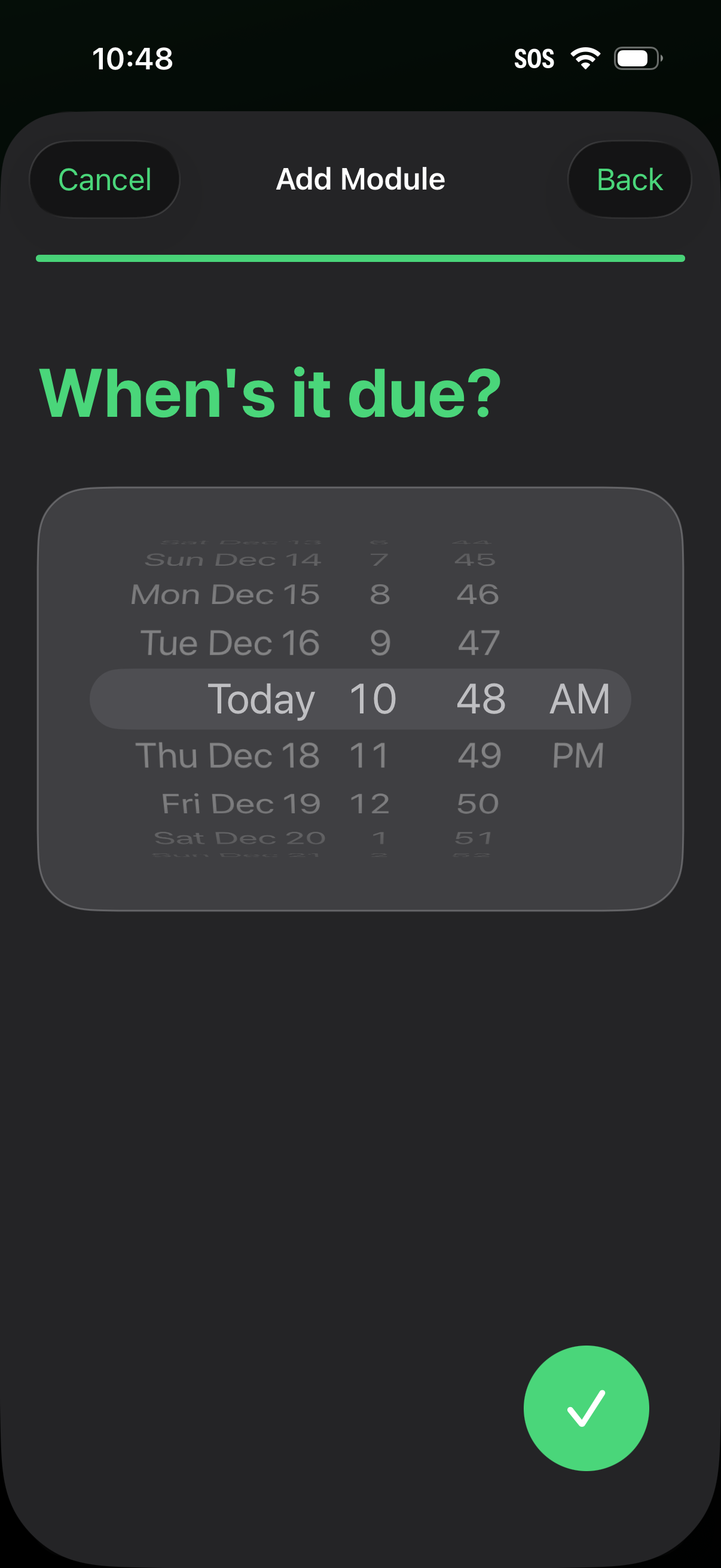
Task creation “Add Module” step asking “When’s it due? ” with a wheel-style date and time picker to set a due date, including Cancel/Back navigation and a confirm checkmark button to save the selection.