
Your landing page’s weakest score is Mobile web.
How Adminer ranks
62Growth scoreupdated
category scores
category scoresShowHide
Mobile web
54FairThe phone experience as a first-class citizen.
 1234
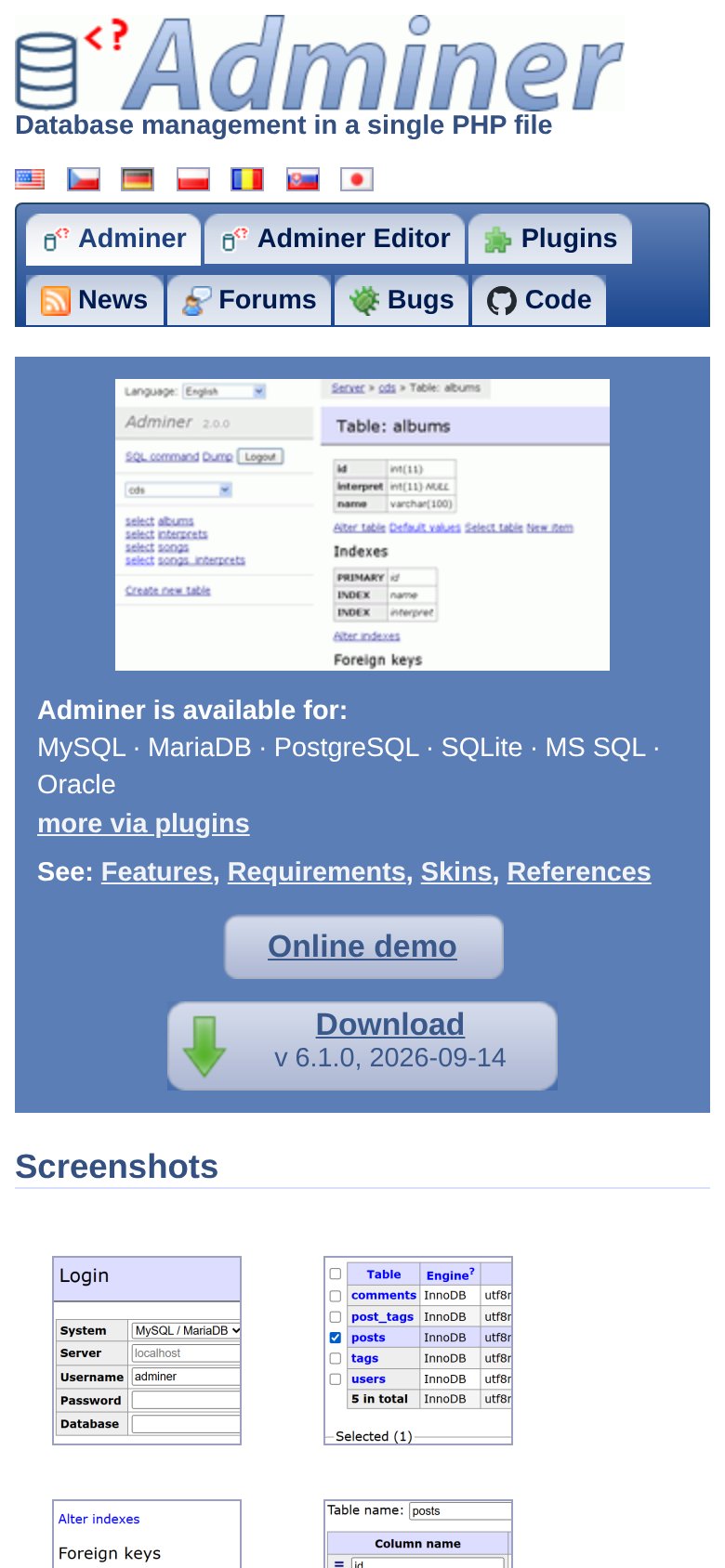
1234- Double-decker nav rows — Seven tab links stacked in two full-width rows instead of a hamburger, eating a big slice of the first viewport.
- Download button below fold — The primary 'Download' CTA sits roughly two screens down, pushed out of the first viewport by the nav and screenshot.
- Desktop screenshot in hero — A dense, unreadable desktop UI screenshot dominates the fold and communicates nothing at phone scale.
- Flag language row — Seven tiny flag icons form cramped, hard-to-tap targets directly above the nav.
Information hierarchy
58FairDoes the design help or inhibit what the page is trying to say?
 1234
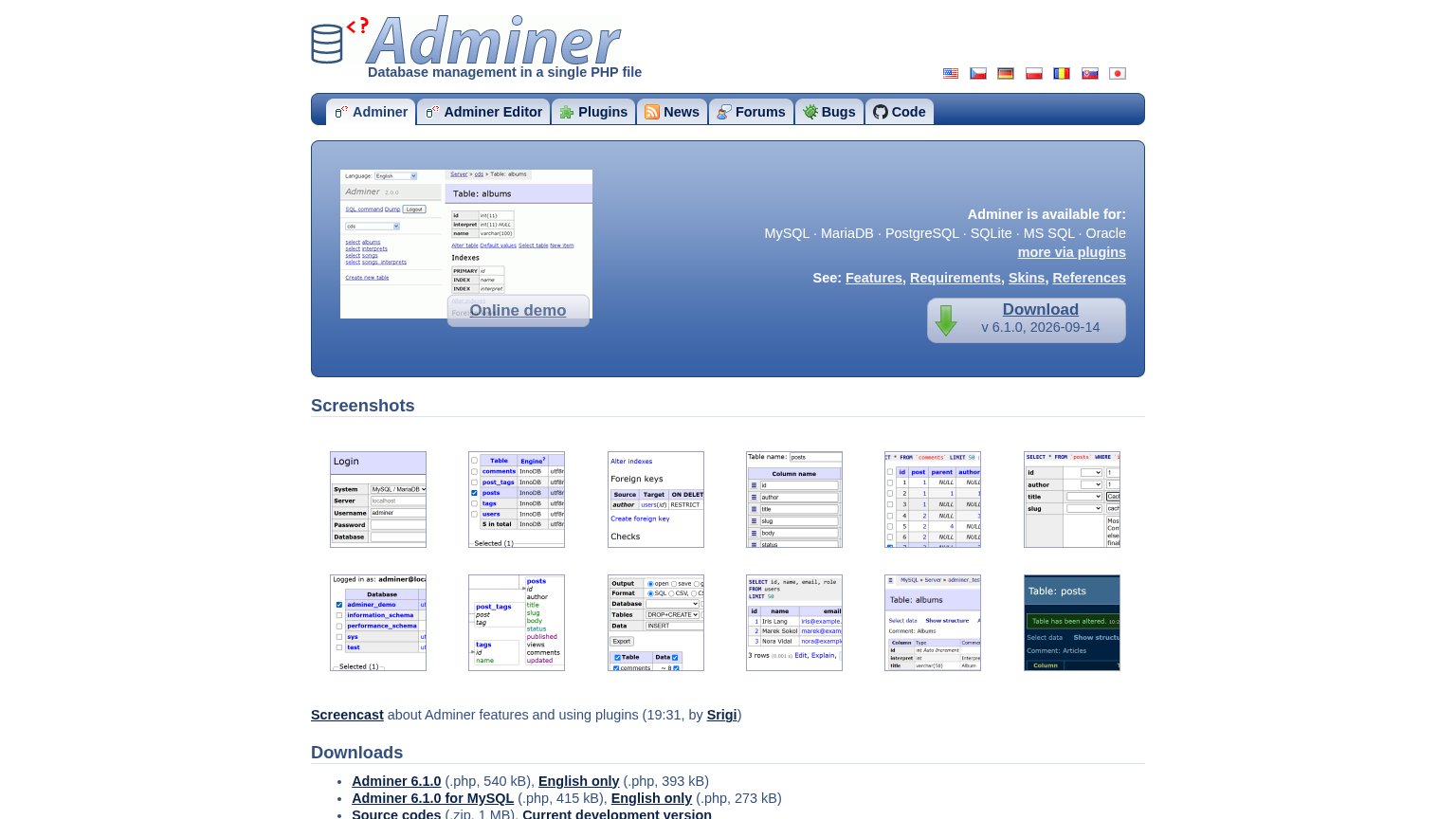
1234- See links row — Four equal-weight underlined links (Features, Requirements, Skins, References) sit directly above the Download CTA, siphoning attention at the decision point.
- Seven-tab nav bar — Seven same-weight tabs plus an outbound GitHub Code link give attention as much exit surface as the conversion path.
- Online demo button — Styled at nearly the same weight as Download, so two beveled buttons compete for the primary action.
- Screenshot thumbnail grid — Twelve tiny same-size thumbnails read as an undifferentiated wall with no captions or focal order.
Trust
58FairProof that the product is real, competent, and safe to try.
How Adminer compares
Trust read
Value props
68FairTitle, subtitle, hero — do they sell the product's true value?
Adminer’s headline
Adminer
Database management in a single PHP file
Working
Could improve
CTA
72FairCopy, size, verb, cost-feel — does the primary CTA earn the click?
How Adminer compares
Recommended rewrites