view upgrade offer
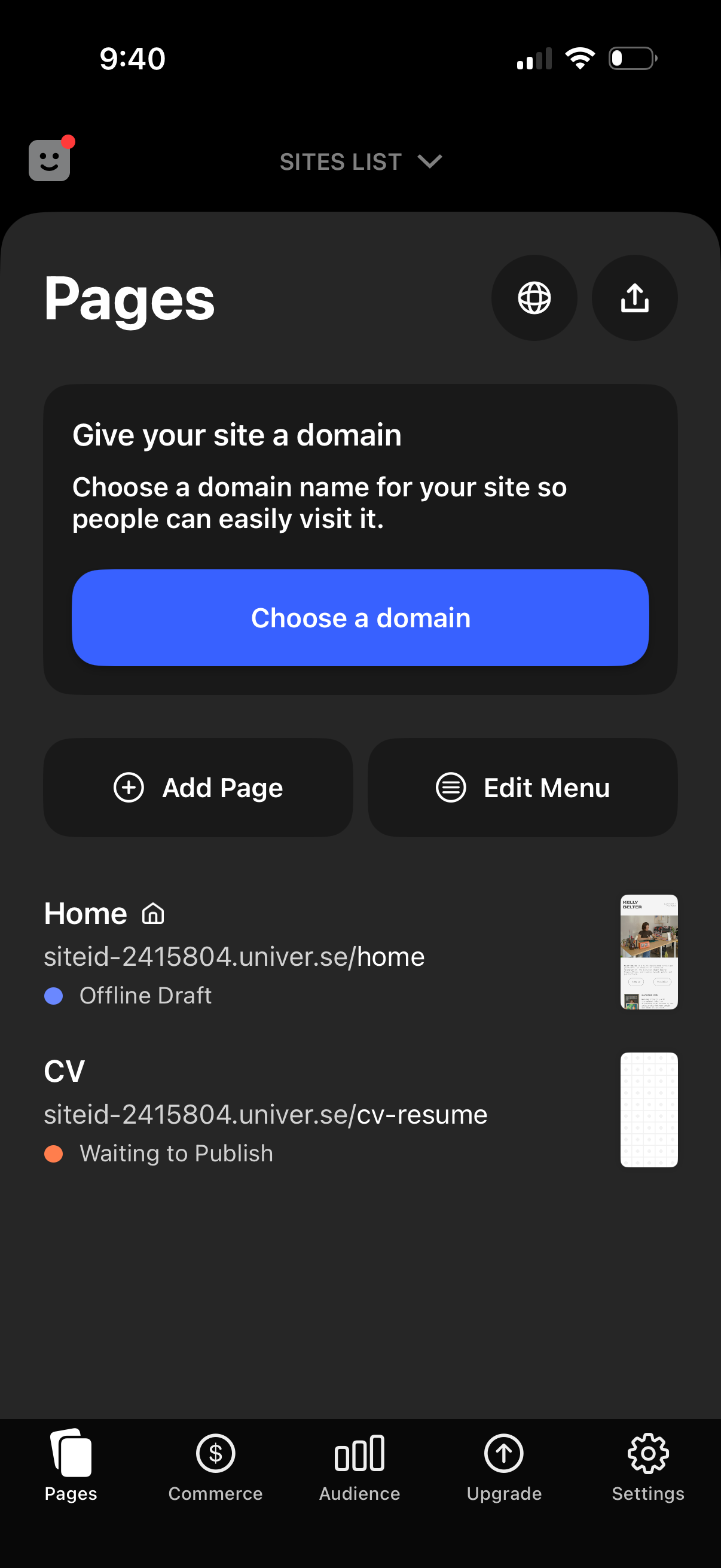
Website builder “Pages” management screen showing a prompt to choose and connect a custom domain, with primary actions to choose a domain, add a new page, and edit the navigation menu. Below, a list of existing pages displays page URLs, thumbnail previews, and publishing status indicators (e.
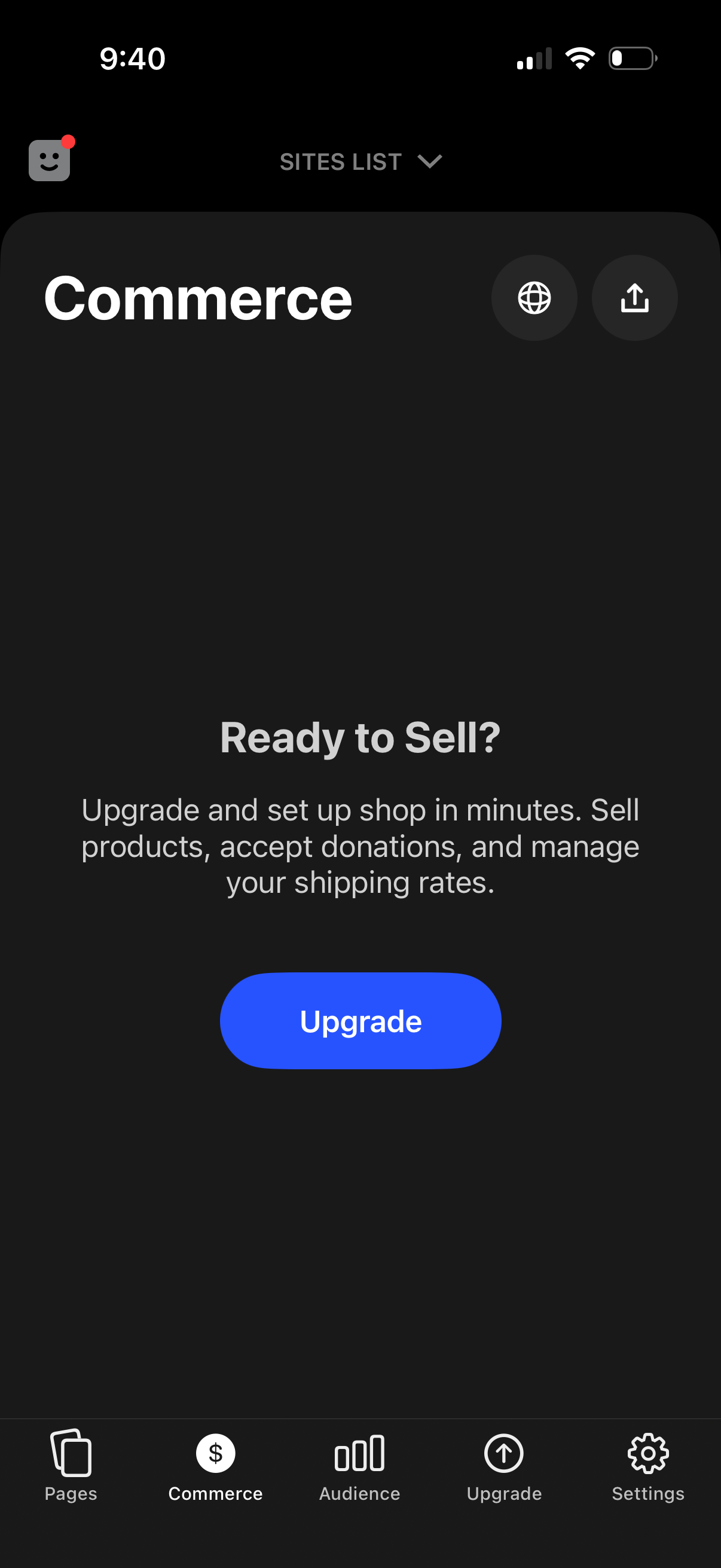
Commerce feature onboarding screen in a website builder that prompts users to upgrade to start selling, highlighting the ability to sell products, accept donations, and manage shipping rates. Primary action is a prominent “Upgrade” button with bottom navigation tabs for Pages, Commerce, Audience, Upgrade, and Settings.
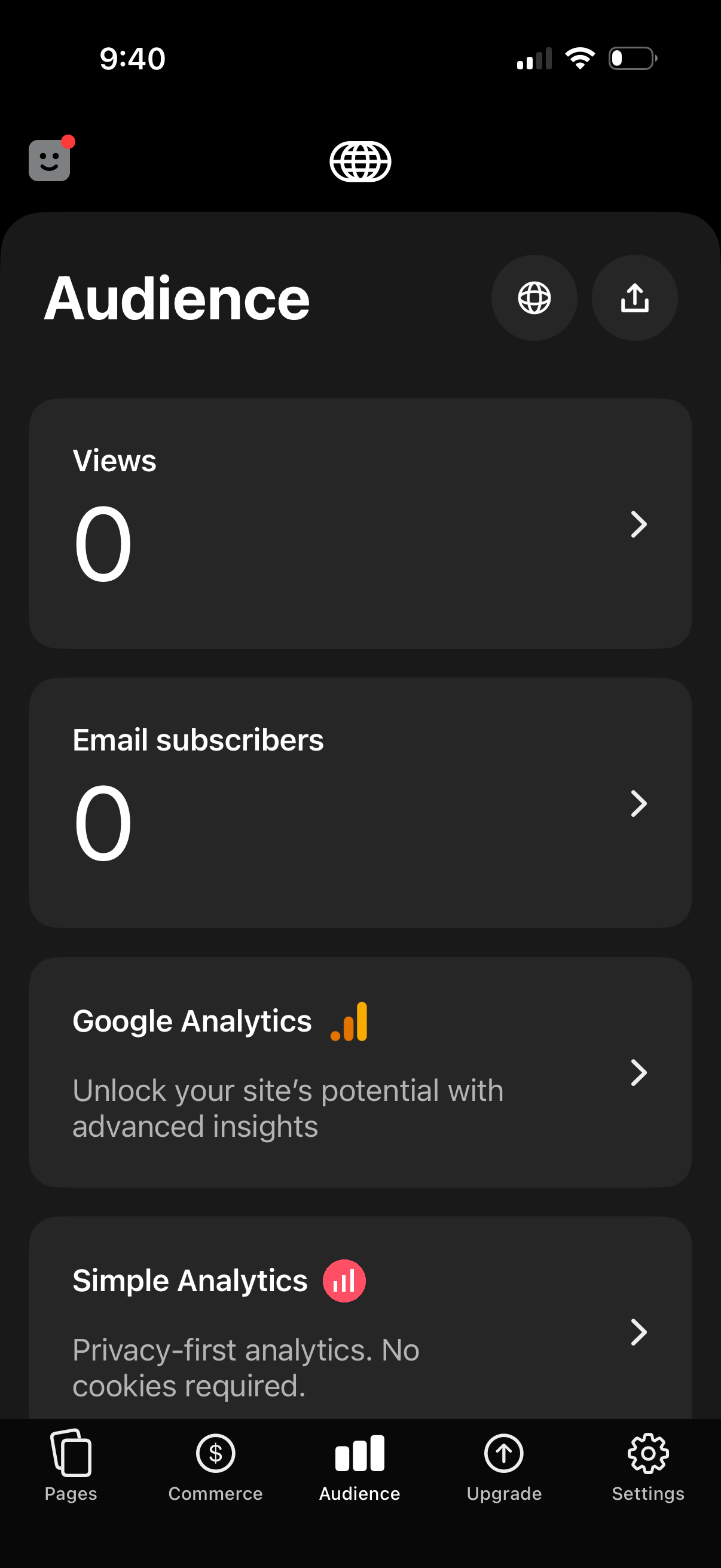
Audience analytics dashboard in a website builder app showing key metrics like total views and email subscribers, each opening detailed reports. Includes options to connect third‑party analytics tools (Google Analytics, Simple Analytics), a share/publish shortcut, and bottom navigation to Pages, Commerce, Audience, Upgrade, and Settings.