1
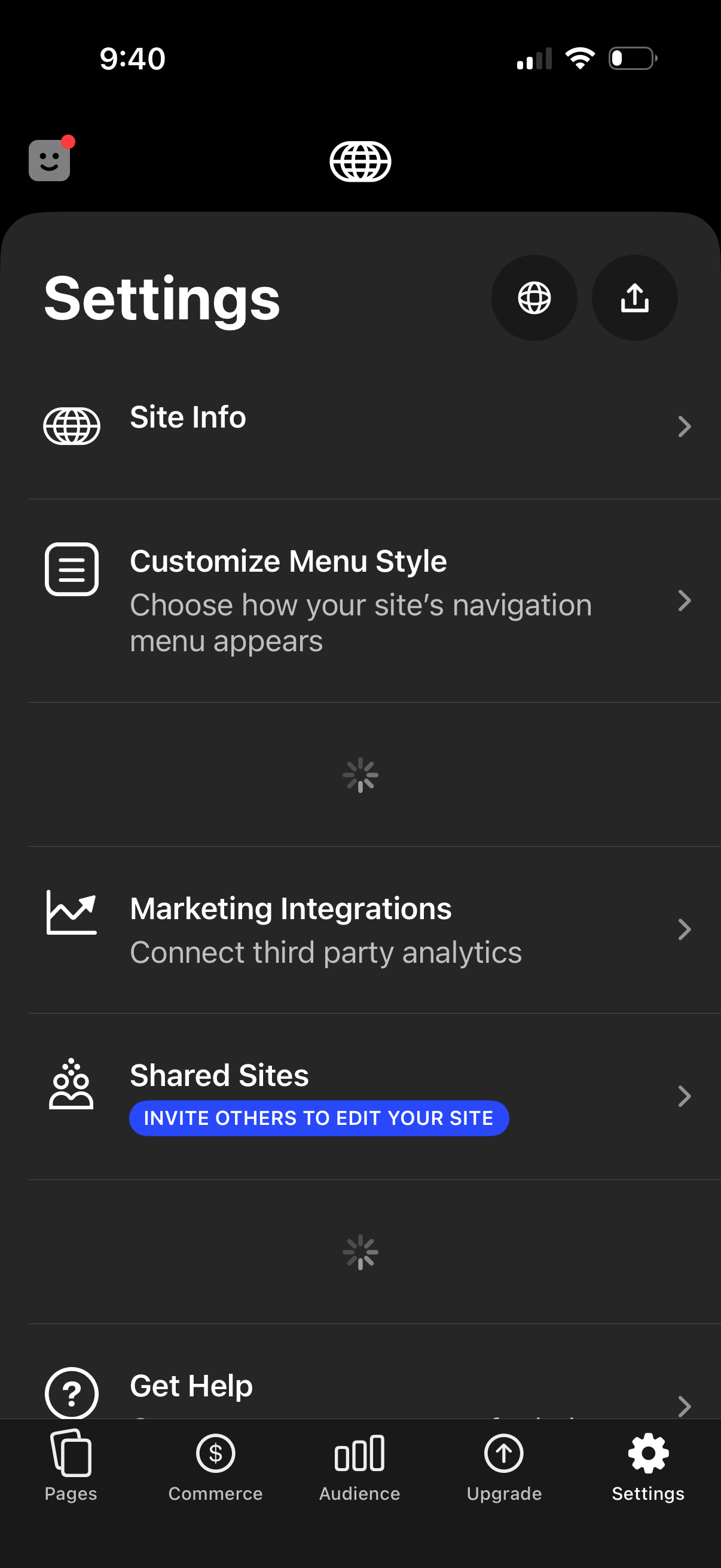
Settings screen for a website builder app showing options to view site info, customize the navigation menu style, connect marketing/analytics integrations, and manage shared site access by inviting others to edit. Includes quick actions in the header and a bottom tab bar for navigating between pages, commerce, audience, upgrade, and settings.
2
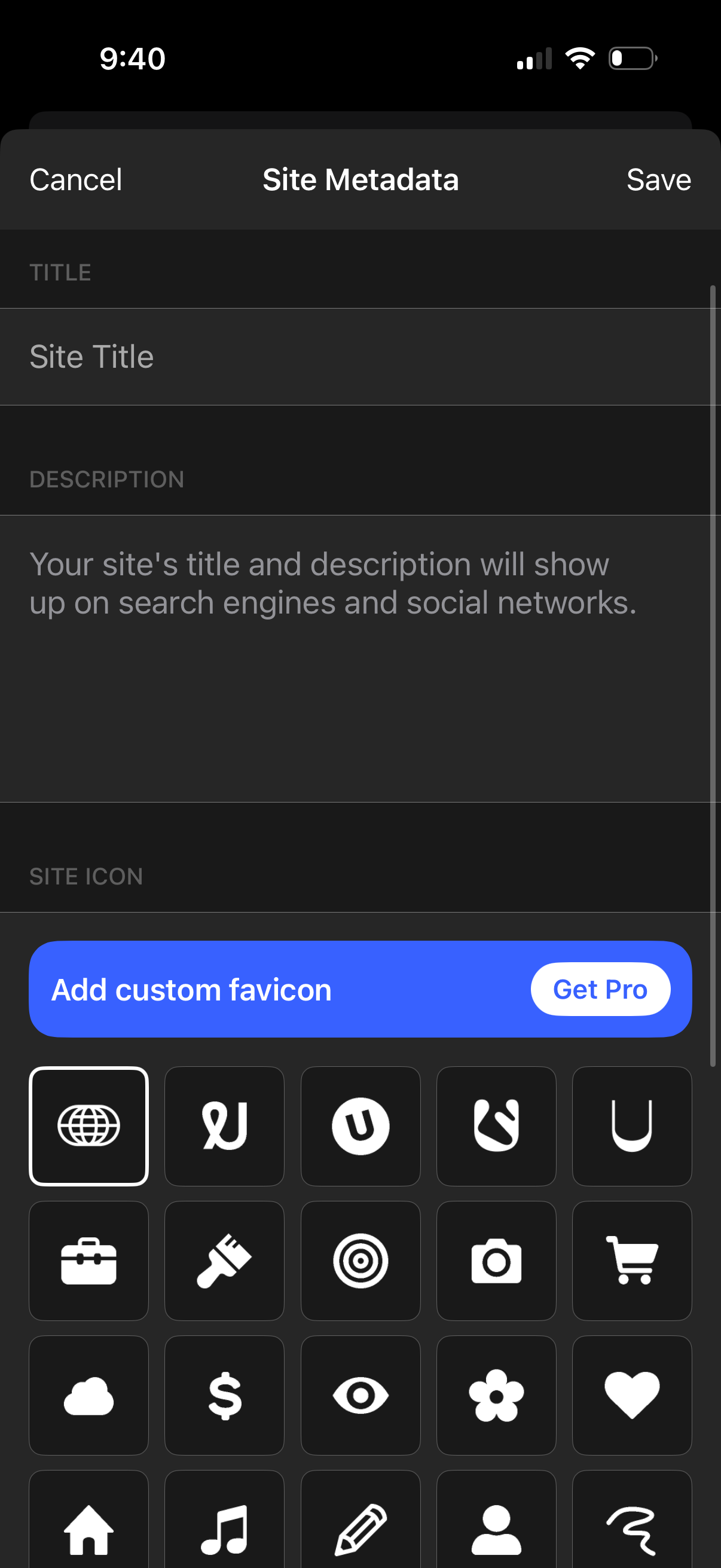
Mobile “Site Metadata” settings screen for editing a website’s SEO and social preview information, with fields to enter a site title and description and actions to Cancel or Save. Includes a section to choose a site icon/favion with a selectable icon grid and an upsell prompt to add a custom favicon via Pro.