Your agent can search this library too. Lazyweb CLI →
1 Step 1

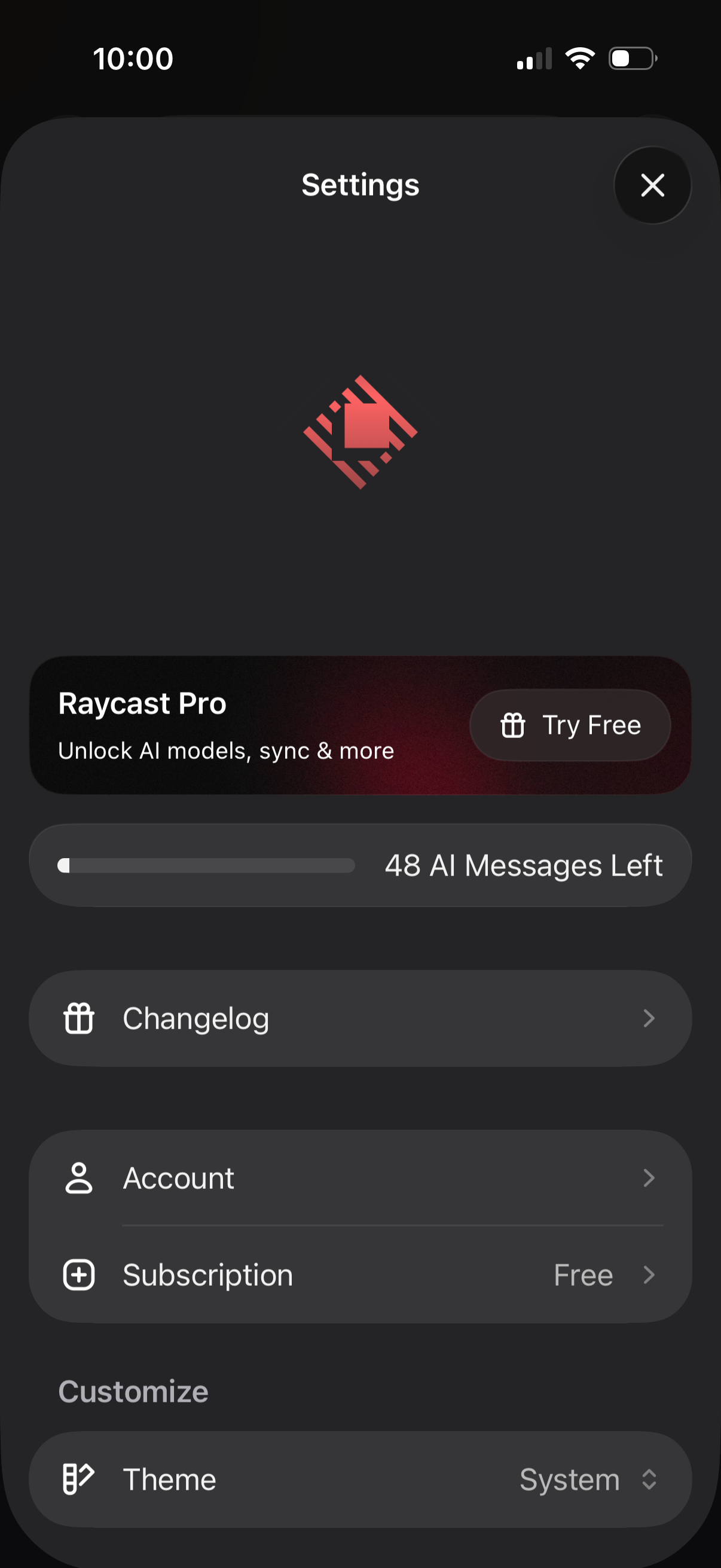
Mobile app settings screen for an AI assistant app showing a Pro upsell with “Try Free,” a usage meter for remaining AI messages, and navigation links to Changelog and Account/Subscription details. Includes customization options such as selecting the app theme (system) and a close button to dismiss settings.

2 Step 2
Subscription paywall screen promoting a productivity/AI app upgrade for iOS and macOS, highlighting premium benefits like chatting with 26+ AI models, cloud sync across devices, and custom app icons. Users can restore purchases, toggle monthly vs yearly billing with a discount, choose between Pro and Advanced AI plans with pricing and a 2‑week free trial, then tap “Try free for 2 weeks.

3 Step 3

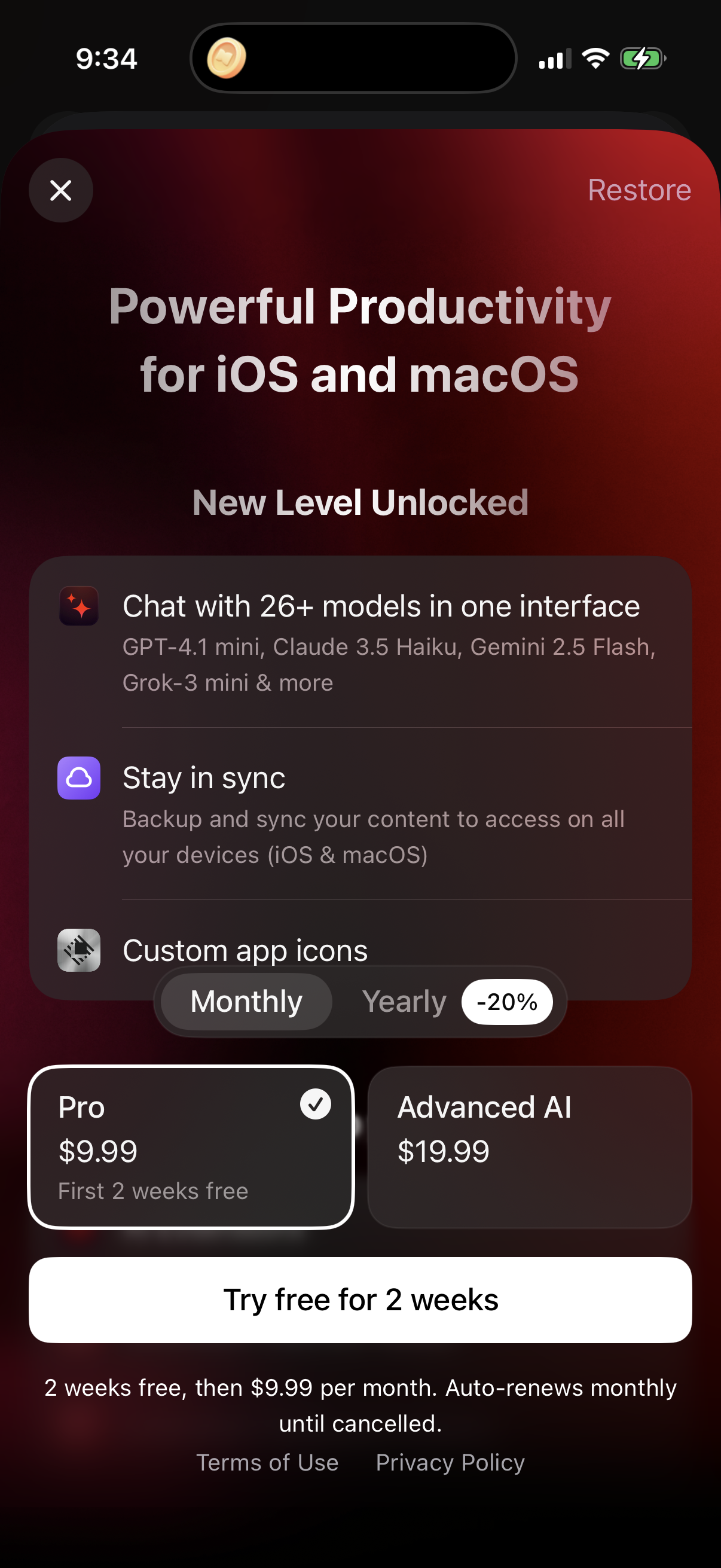
Subscription paywall screen promoting a productivity app upgrade for iOS and macOS, highlighting premium features like access to multiple AI chat models, device sync/backup, and custom app icons. Users can restore purchases, toggle monthly vs yearly billing with a discount, choose between Pro and Advanced AI plans with pricing, and start a 2‑week free trial.

4 Step 4

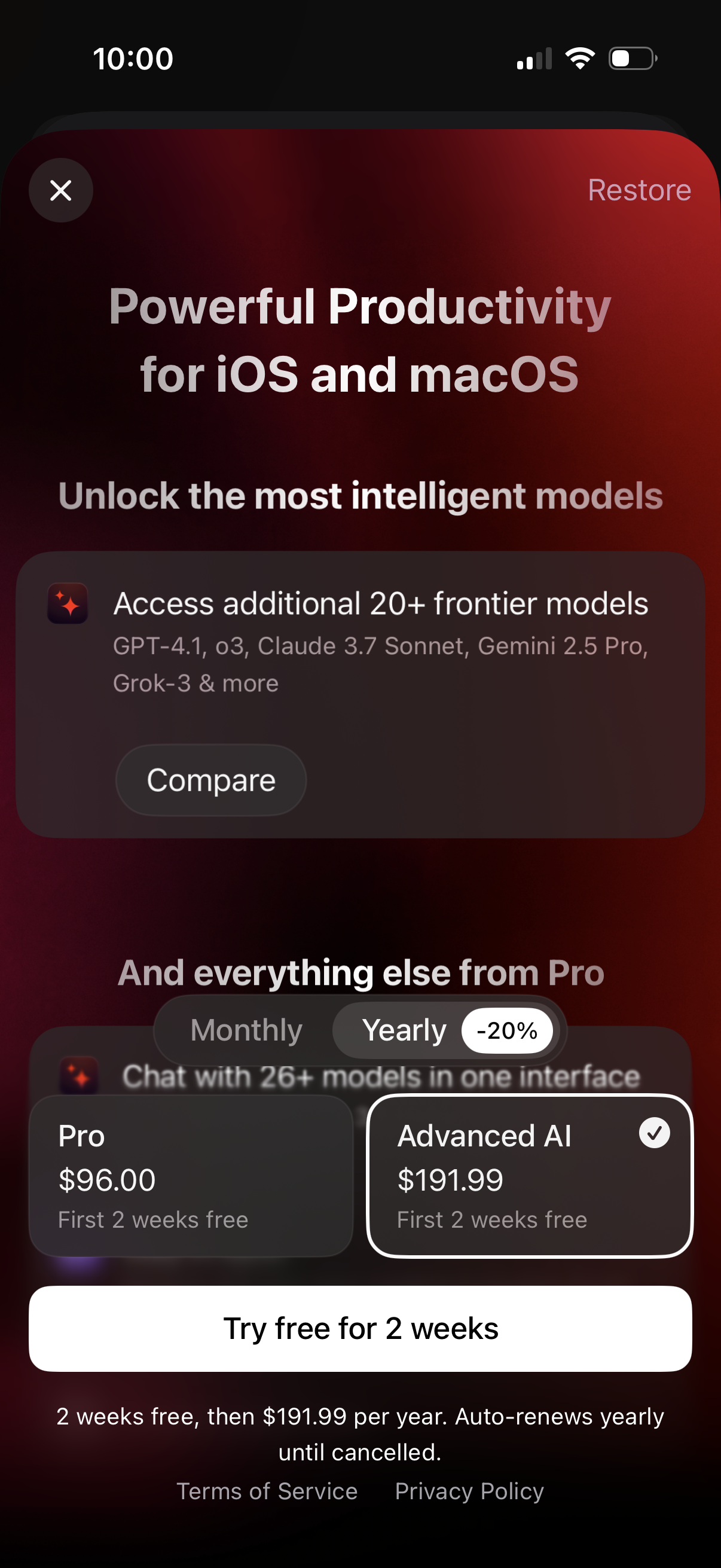
Subscription paywall screen promoting a productivity/AI app for iOS and macOS, highlighting access to additional “frontier” AI models with a Compare option. Users can toggle monthly vs yearly billing, choose between Pro and Advanced AI plans with a 2‑week free trial, restore purchases, and start the trial via a primary CTA.