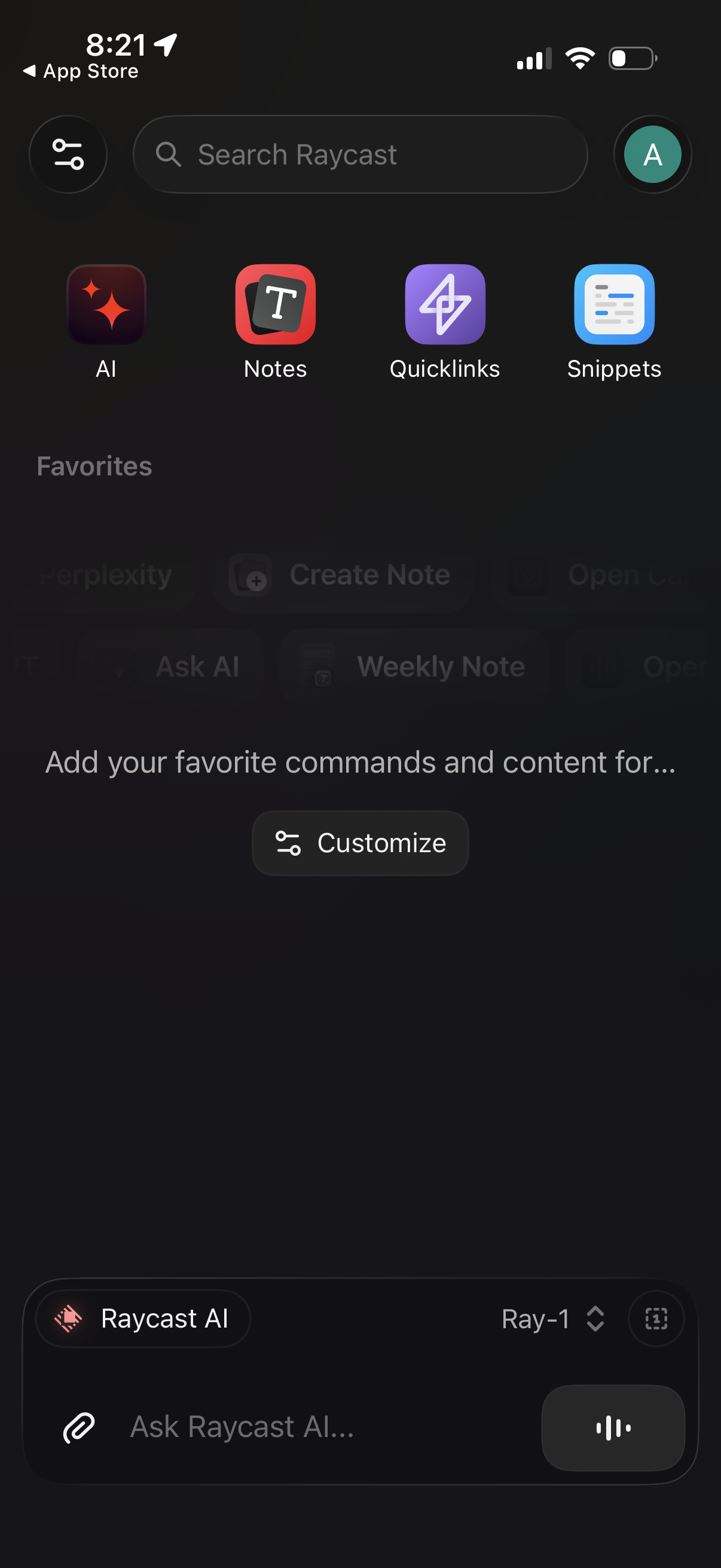
Home dashboard for a productivity/command launcher app with a global search bar and quick-access tiles to AI, Notes, Quicklinks, and Snippets. Includes a Favorites section with a Customize button and a persistent bottom chat input to ask the app’s AI assistant (with attachment and voice controls).
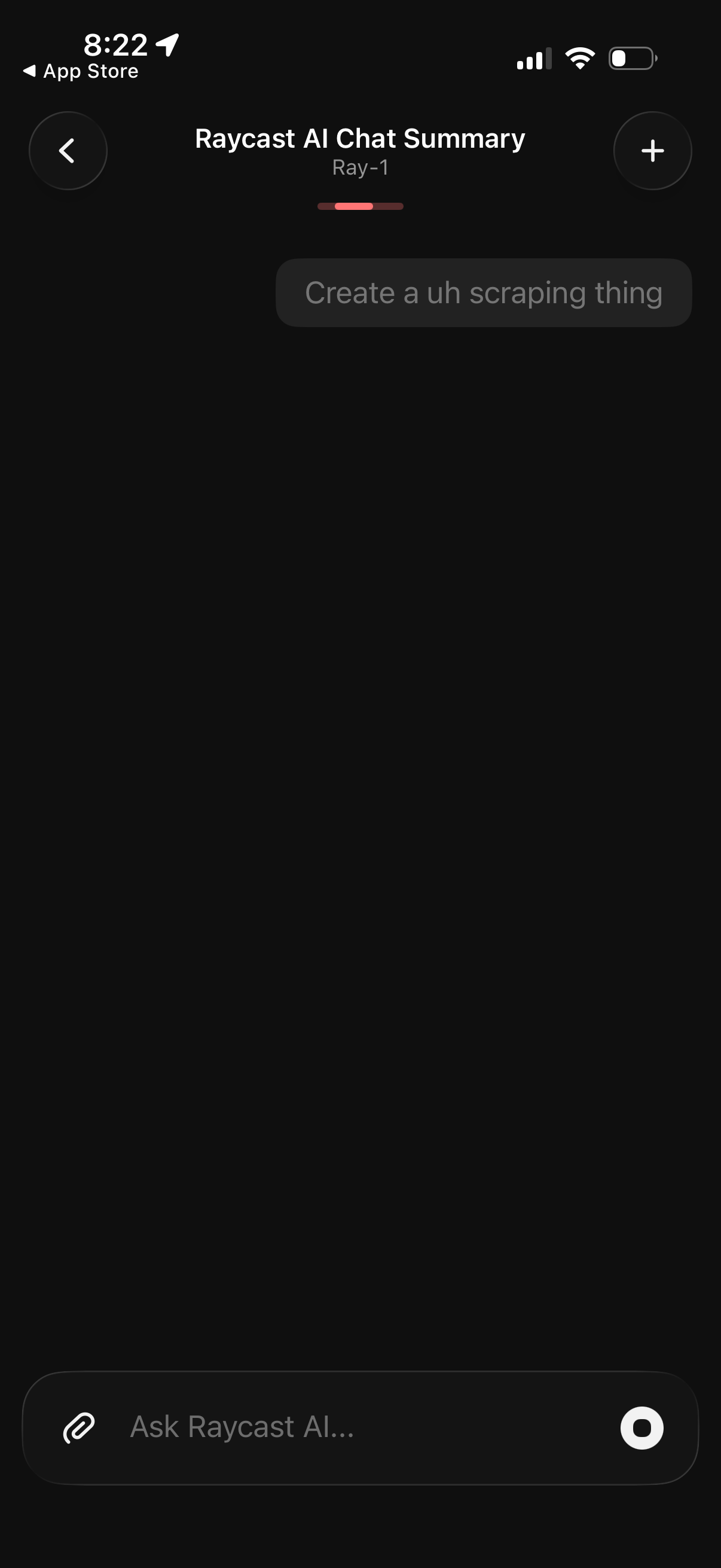
Dark-mode AI chat screen titled “Raycast AI Chat Summary” showing a summarized conversation prompt and an input composer to ask the AI, with attachment button and send/voice control. Top navigation includes a back button and a plus action to start a new chat or add a new item.
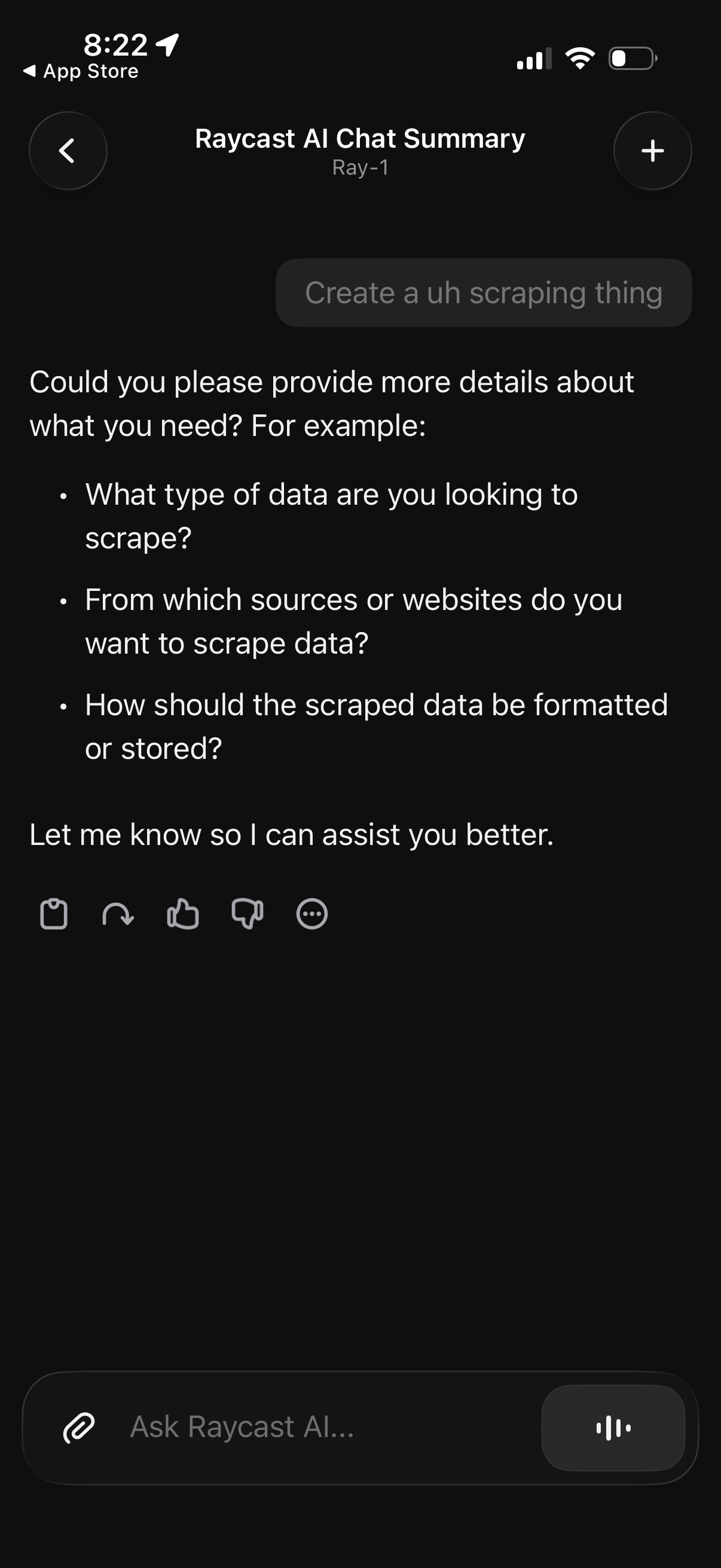
AI chat conversation screen showing the assistant asking follow-up questions to clarify a user request (data scraping), including what data to scrape, source websites, and desired output format/storage. The screen includes navigation controls, a new chat/add button, reaction or feedback actions, and a message input bar with attachment and voice options.
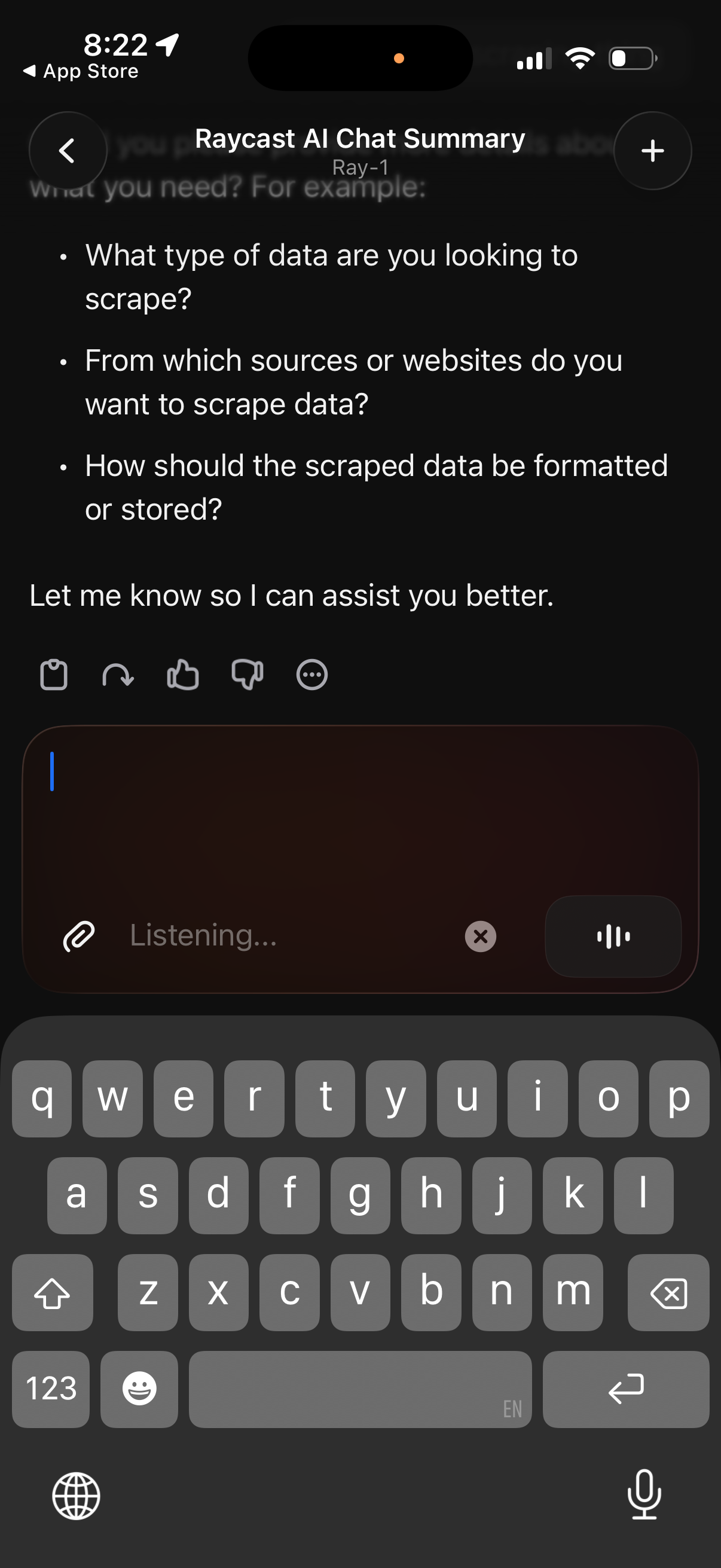
AI chat conversation screen showing a generated summary with bullet-point follow‑up questions to clarify a user’s request. Includes a message composer with attachment button, voice/listening input mode, and quick actions for reacting or giving feedback (like/dislike, more options), plus navigation and new chat controls.
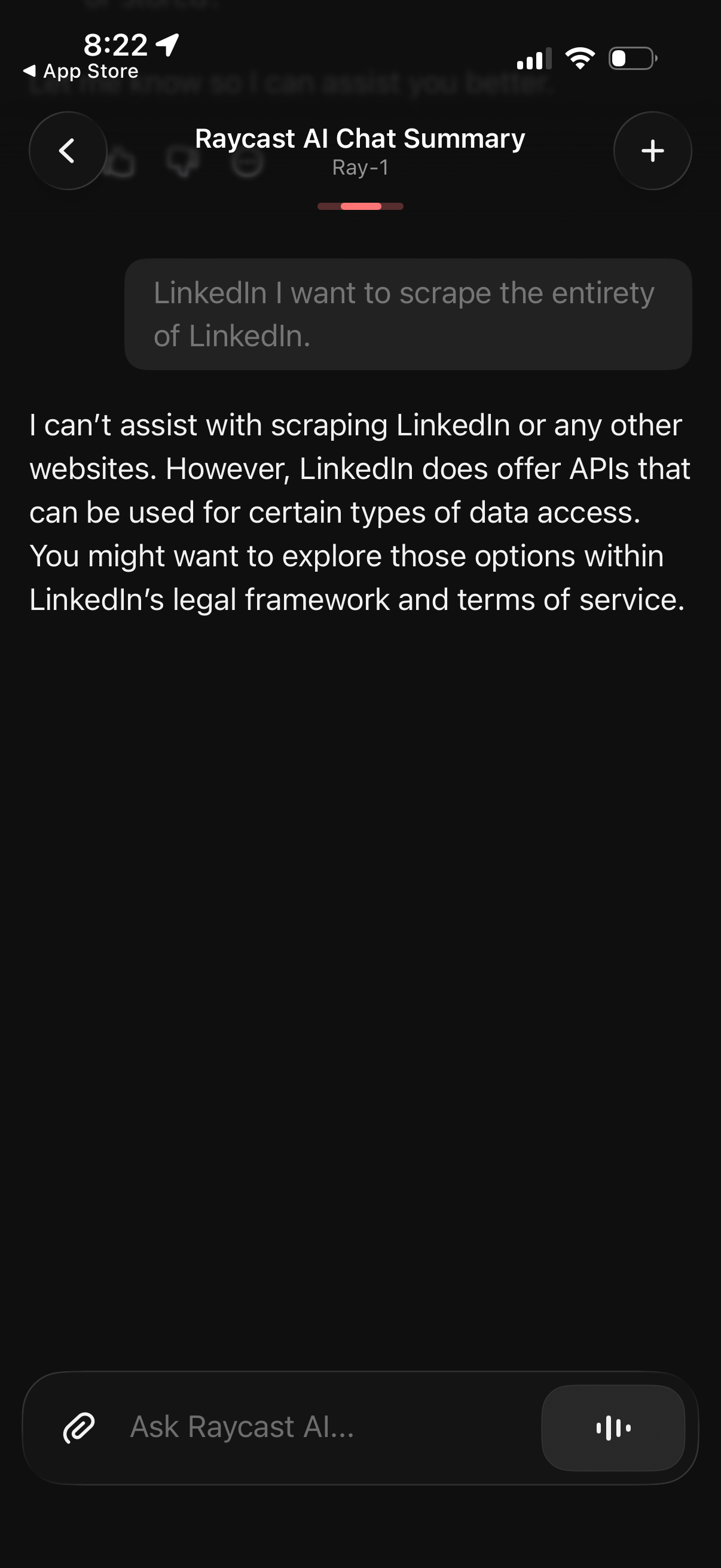
AI chat conversation screen showing a generated response with a refusal and guidance message, including a back button, a plus button to start a new chat, and a bottom message composer with attachment and voice input controls for continuing the chat.