Keyboard Commands
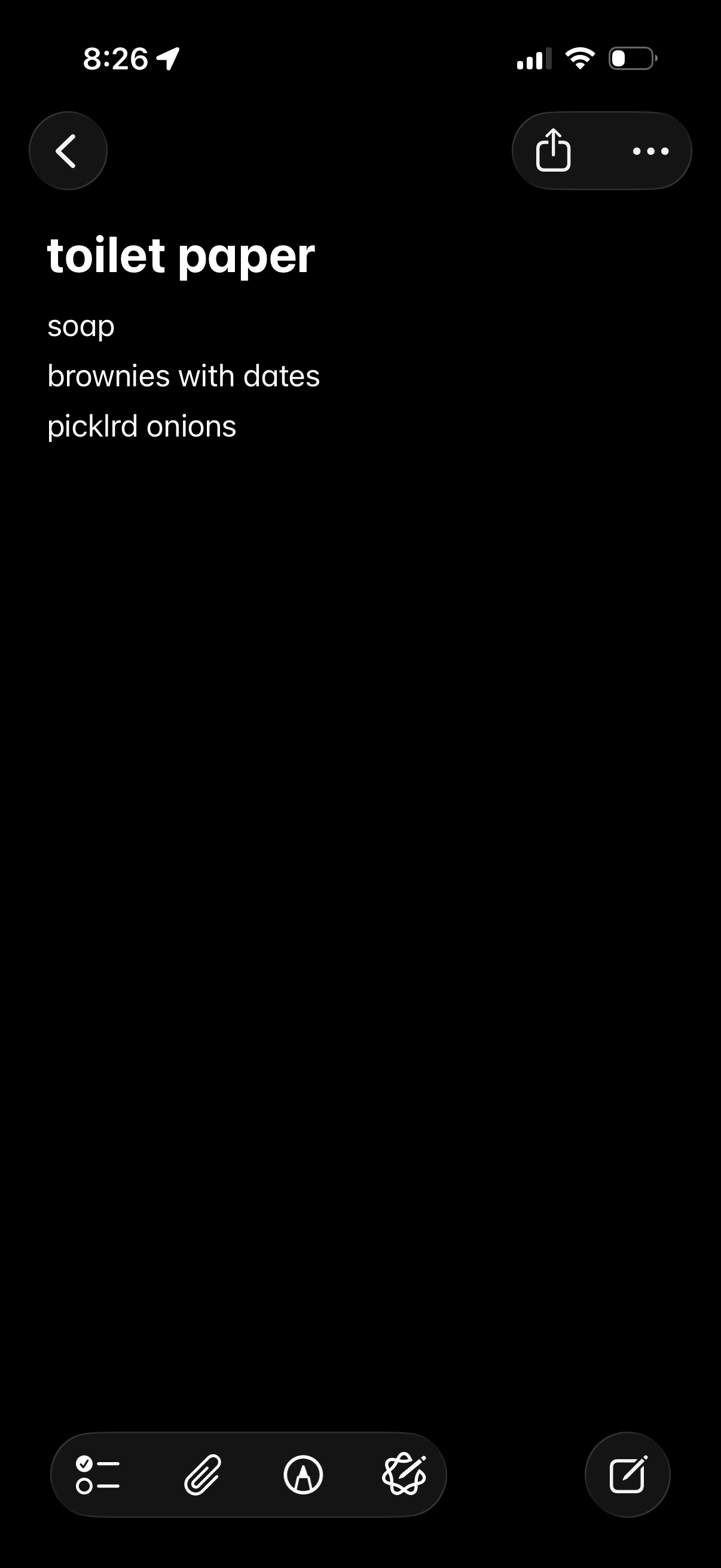
Dark-mode note or checklist screen showing a simple grocery/shopping list with multiple items, with navigation back plus share and overflow menu actions. Bottom toolbar provides options like formatting/checklist, attachments, and drawing tools, with an edit/compose button for updating the note.
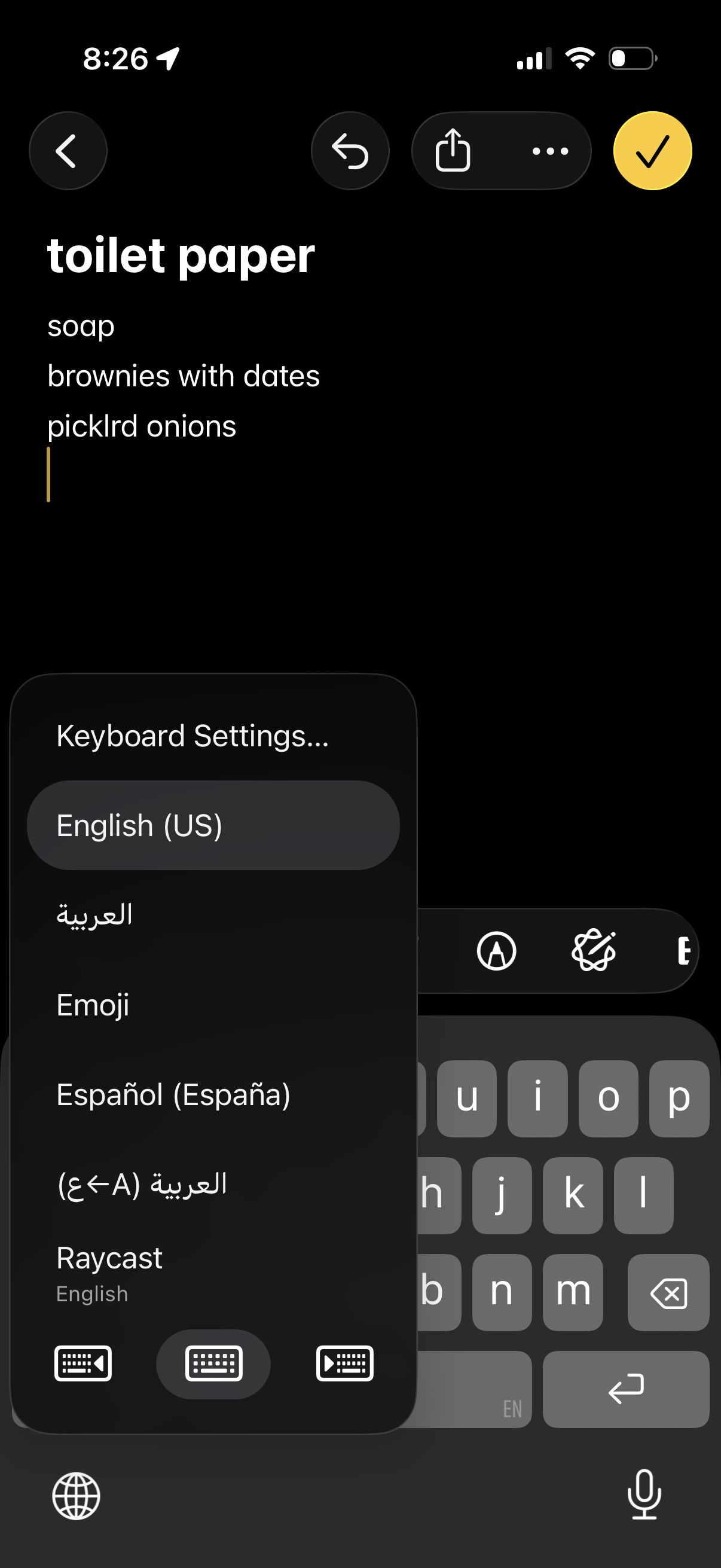
Dark-mode note editor for a simple shopping list, showing multiple line items with a text cursor and on-screen keyboard for editing. Top navigation includes back, undo, share, more options, and a checkmark to save/confirm, with a keyboard settings/language switcher overlay visible.
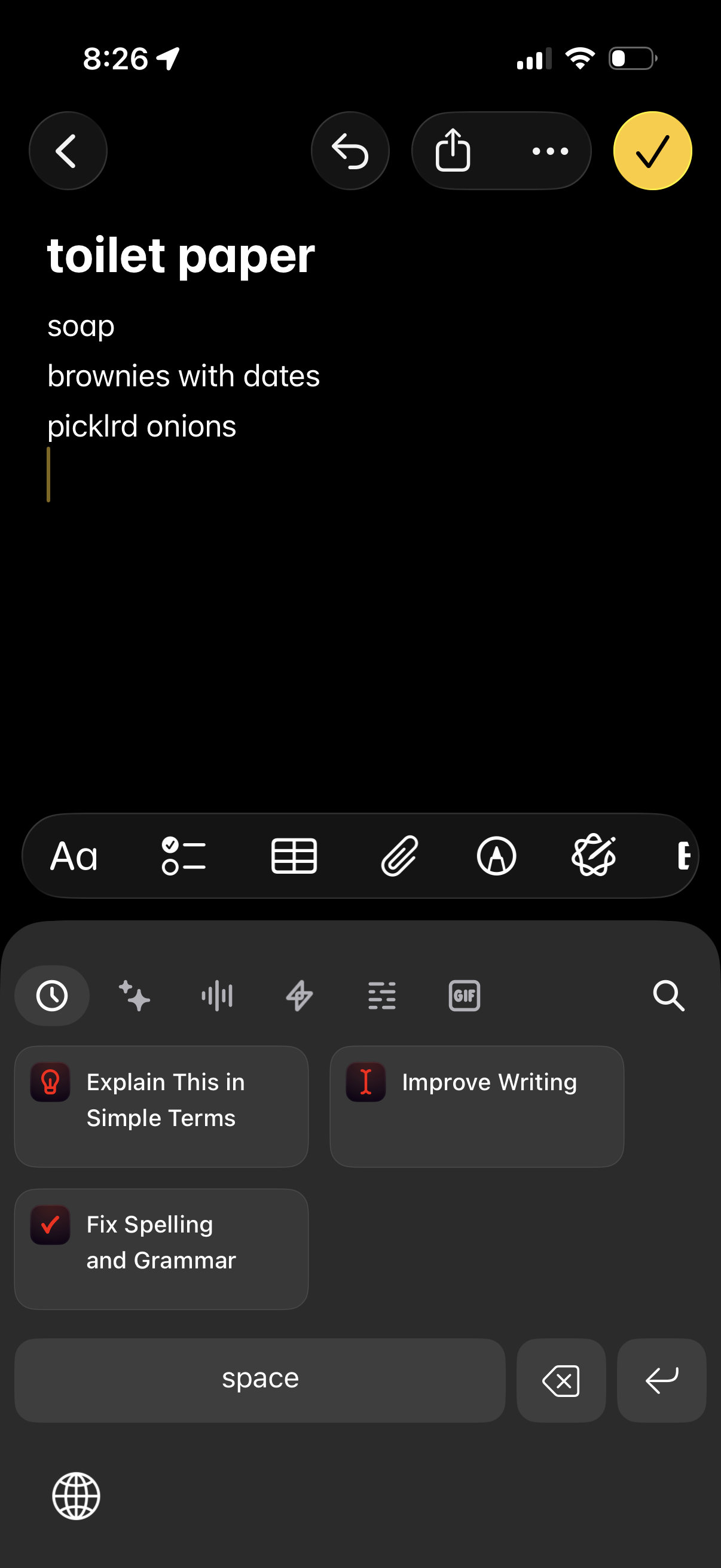
Dark-mode notes editor screen showing a grocery/shopping list with a large title and multiple line items being typed, with actions for share, more options, and save/confirm. An editing toolbar and keyboard with writing assistance suggestions (improve writing, explain, fix spelling/grammar) supports formatting and note editing.
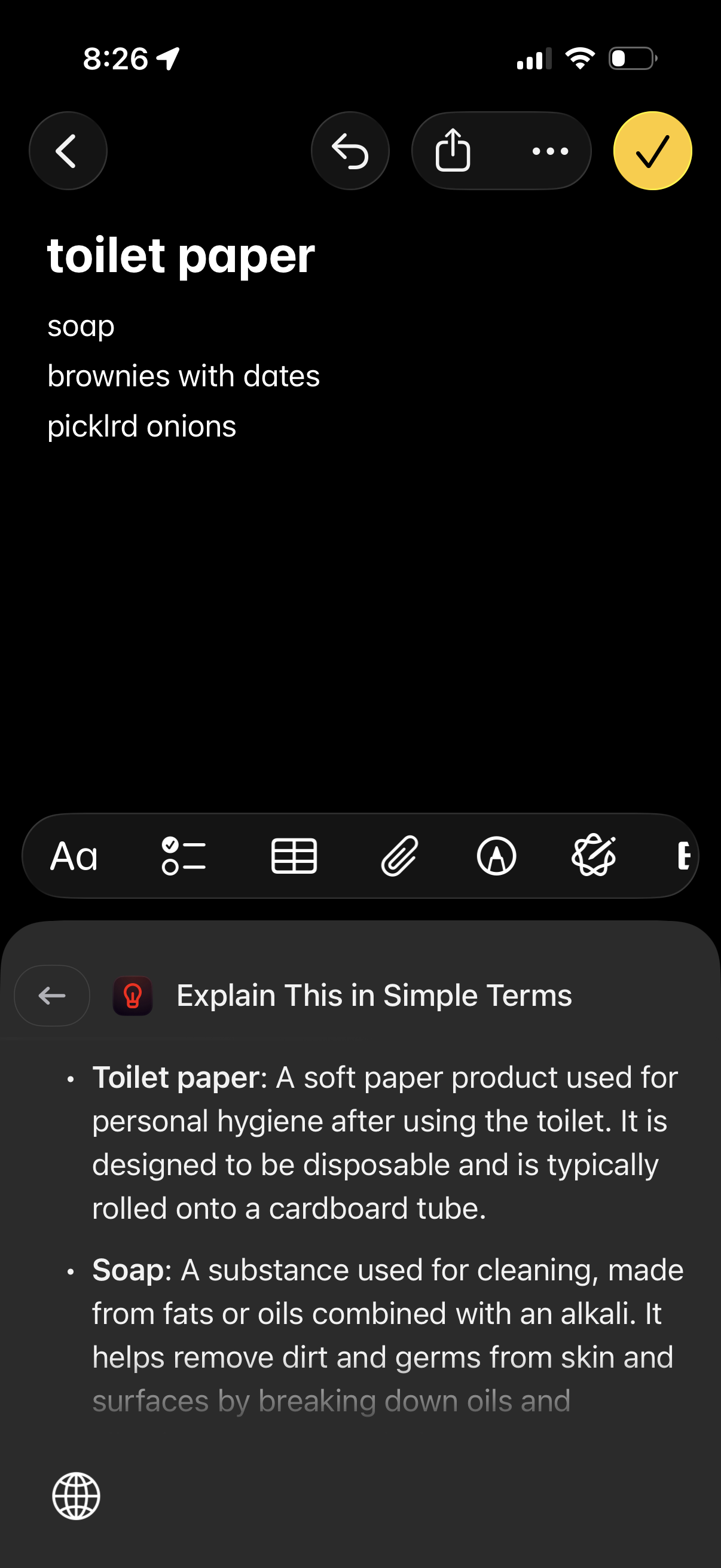
Notes editor screen showing a simple shopping list with a title and multiple text items, with actions to go back, undo, share, open more options, and save/complete. A bottom AI assistant panel provides “Explain this in simple terms” definitions for the listed items, alongside a formatting toolbar for text styling and attachments.