Commands (fix spelling)
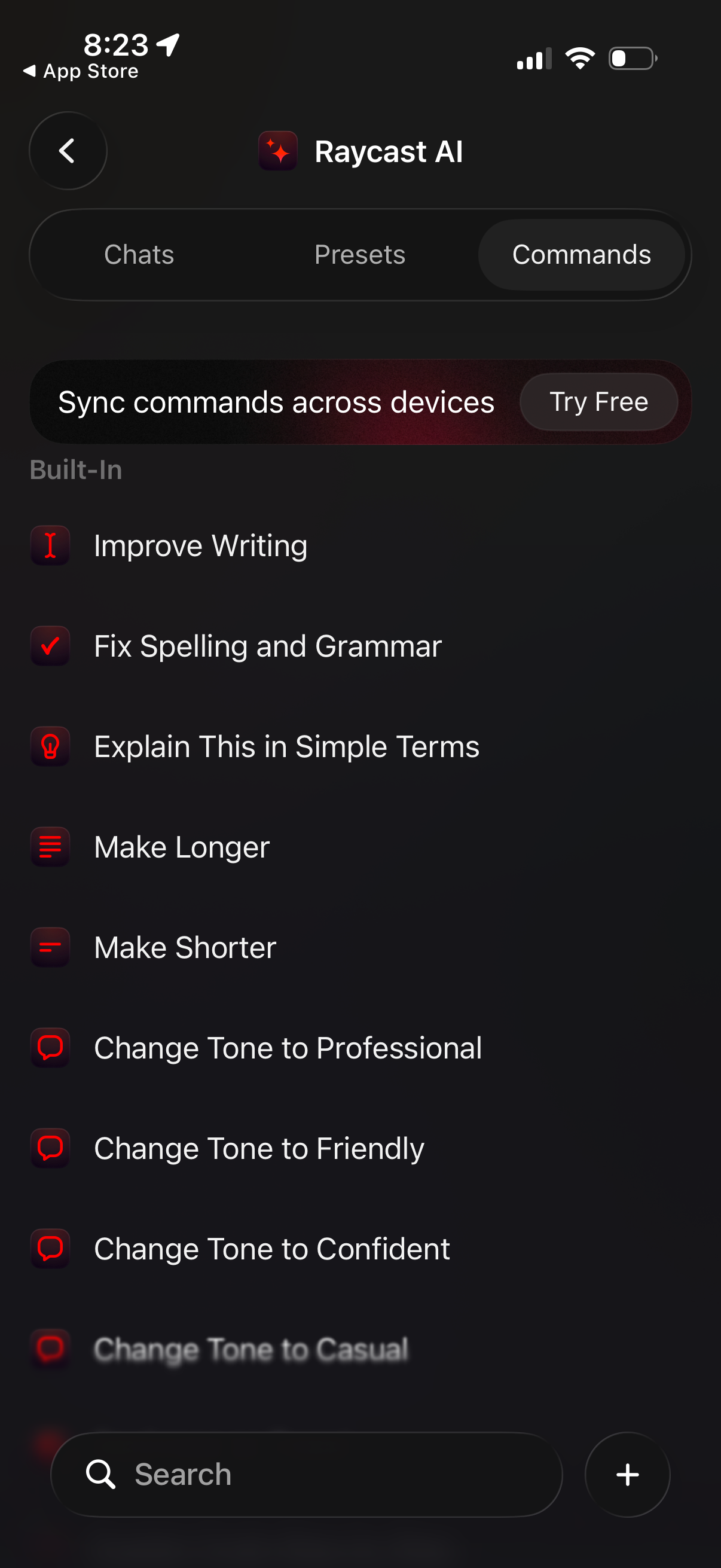
AI writing assistant commands library screen with tabs for Chats, Presets, and Commands, featuring a searchable list of built-in text transformation actions. Users can select commands like improve writing, fix spelling/grammar, explain in simple terms, make longer/shorter, and change tone (professional, friendly, confident), with an option to sync commands across devices via a “Try Free” prompt and a plus button to add new commands.
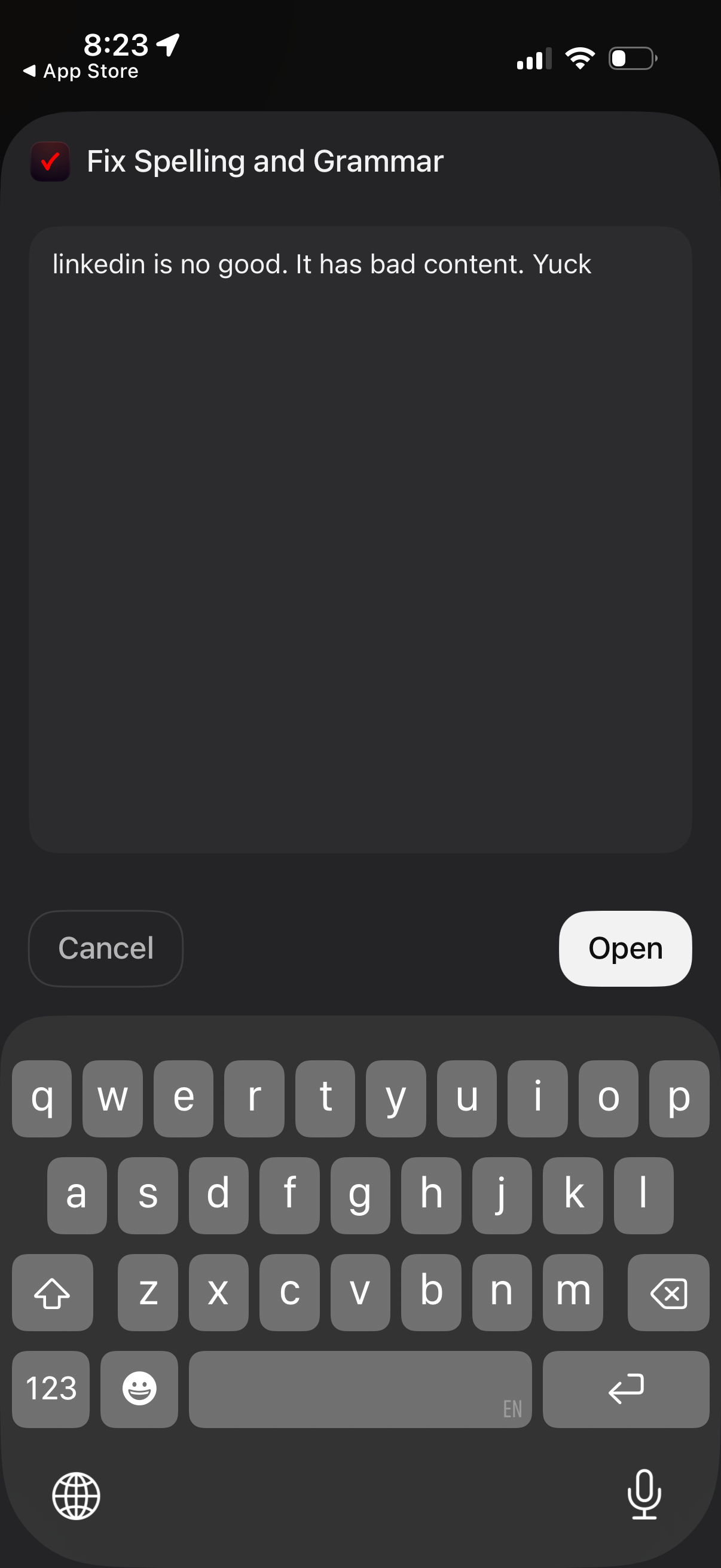
A “Fix Spelling and Grammar” text editor modal that lets users paste or type content for proofreading and correction. Includes a large text field with on-screen keyboard and primary actions to Cancel or Open/apply the fix in another app.
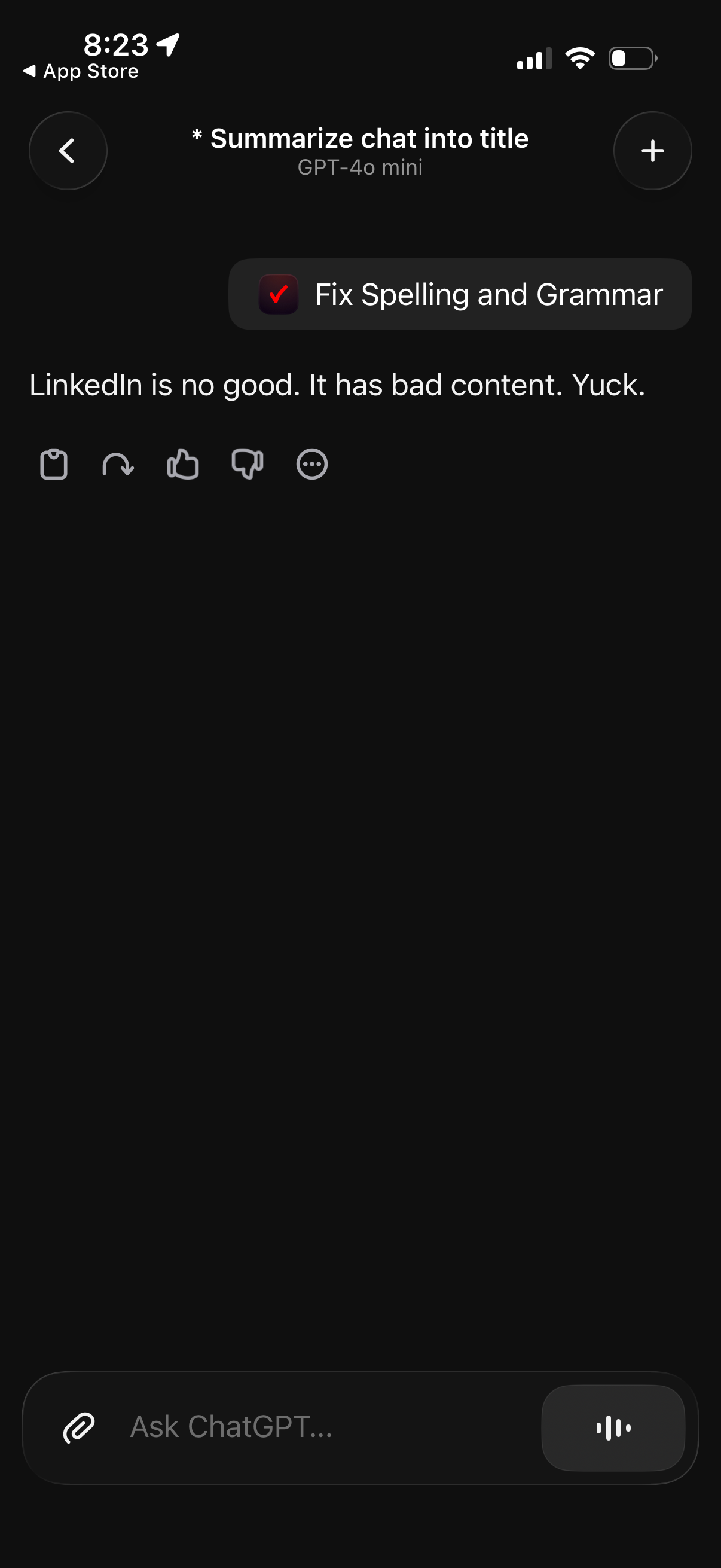
Dark-mode AI chat screen showing a message draft with a “Fix Spelling and Grammar” quick action to rewrite text. Includes chat controls for copy/redo, like or dislike feedback, and a text input field to continue the conversation.