1
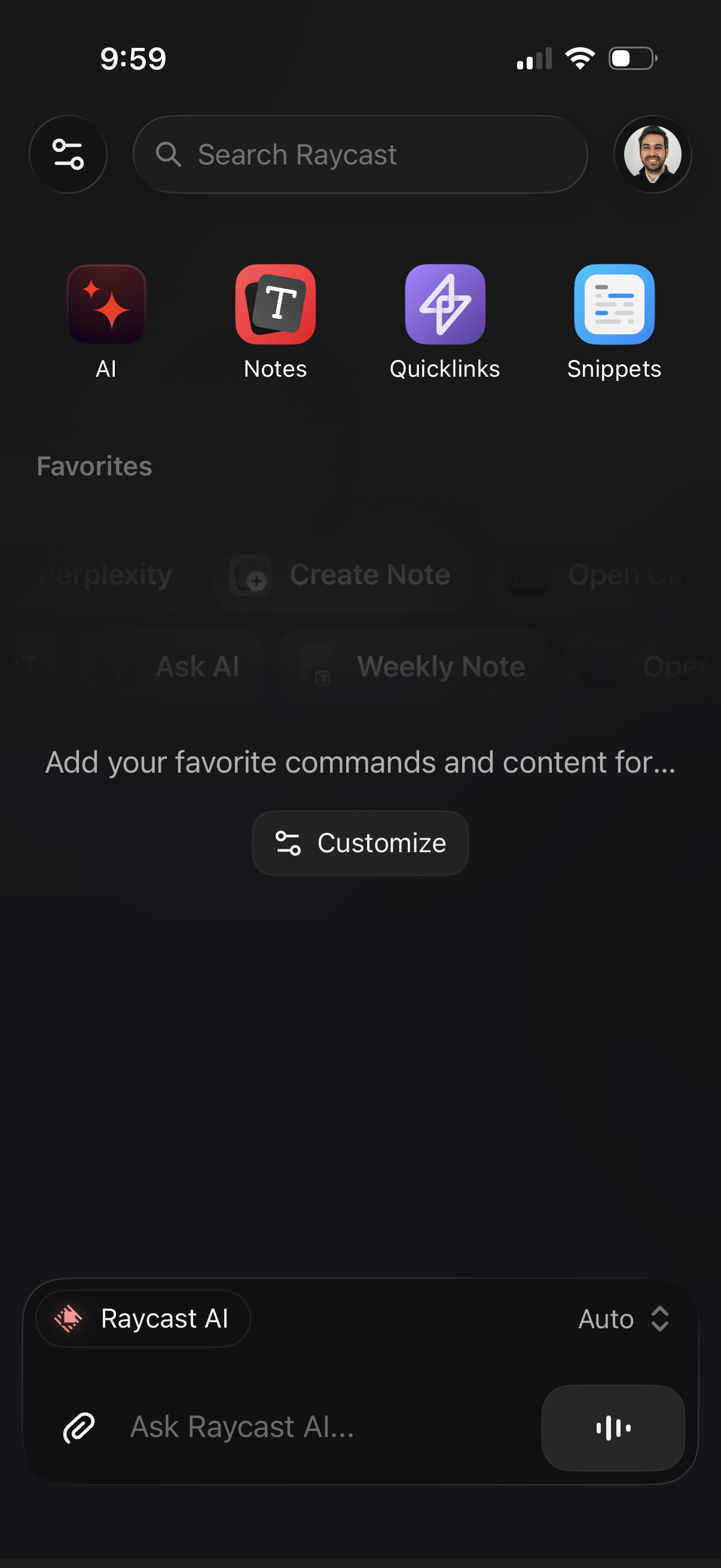
Home/dashboard screen for a productivity launcher app with a global search bar and quick-access tiles for AI, Notes, Quicklinks, and Snippets, plus a profile button and settings/filter icon. Includes an empty Favorites section with a “Customize” action and a bottom AI chat input (“Ask Raycast AI”) with attachment and voice controls.
2
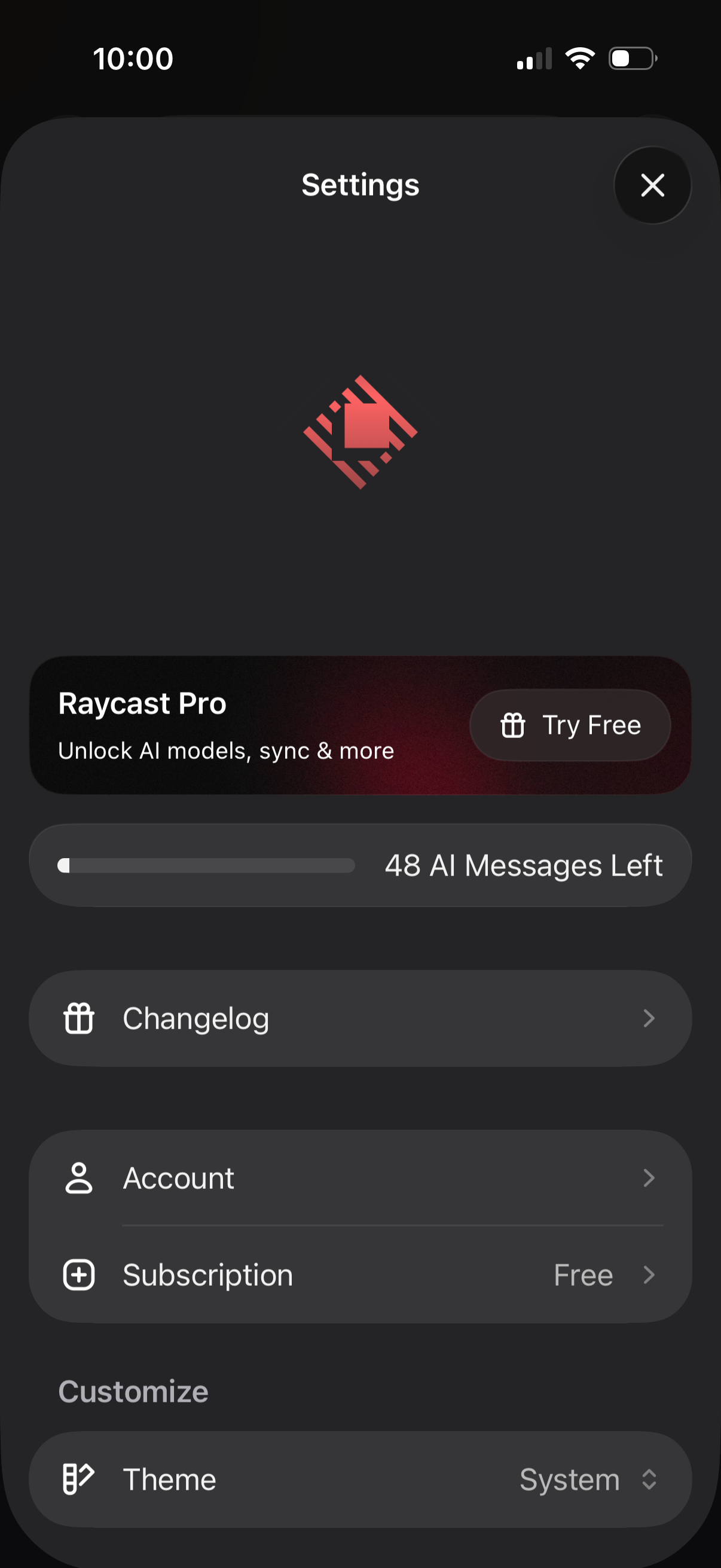
Mobile app settings screen for an AI assistant app showing a Pro upsell with “Try Free,” a usage meter for remaining AI messages, and navigation links to Changelog and Account/Subscription details. Includes customization options such as selecting the app theme (system) and a close button to dismiss settings.