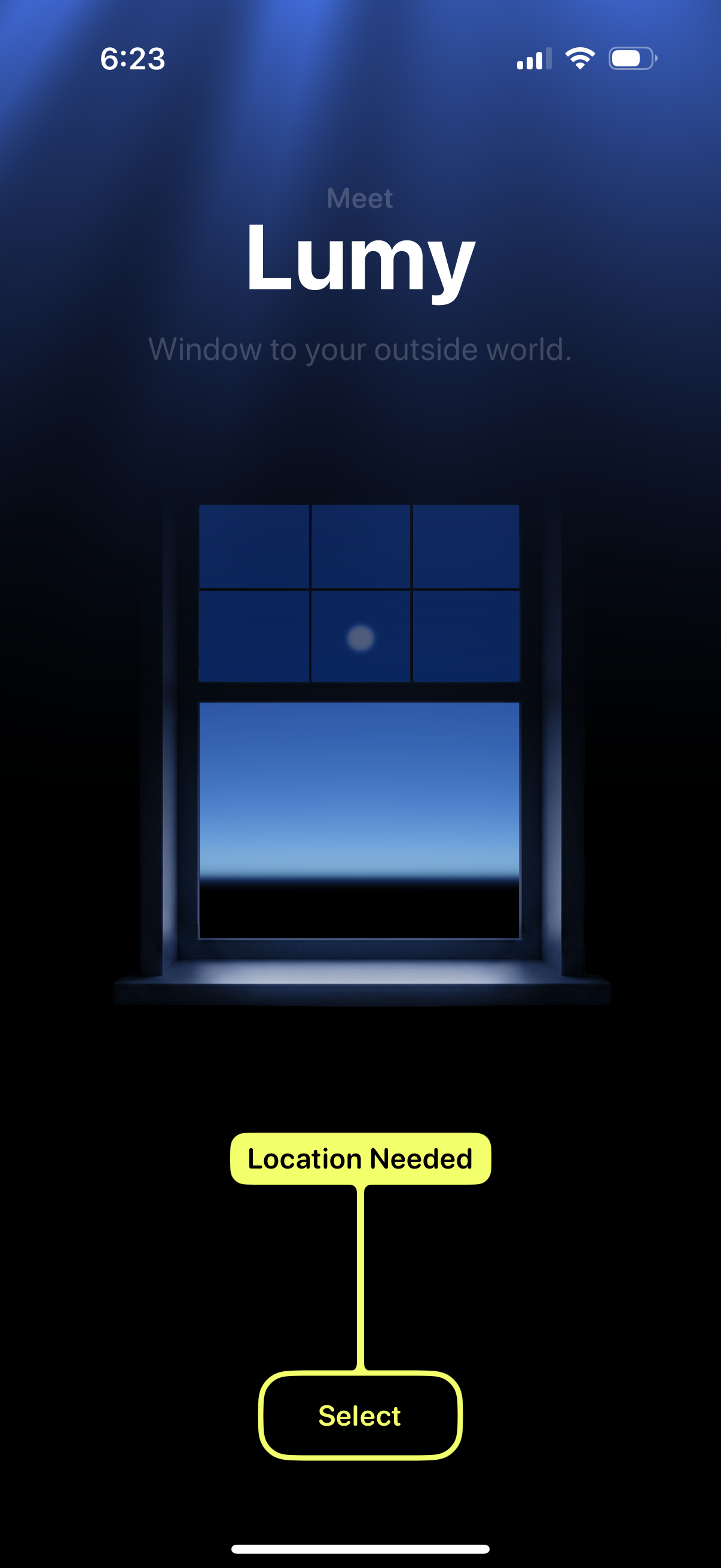
Onboarding welcome screen introducing the Lumy app with a tagline and illustration, prompting the user to provide location access. Primary action is a “Select” button under “Location Needed” to choose/enable location for personalized outside-world or daylight information.
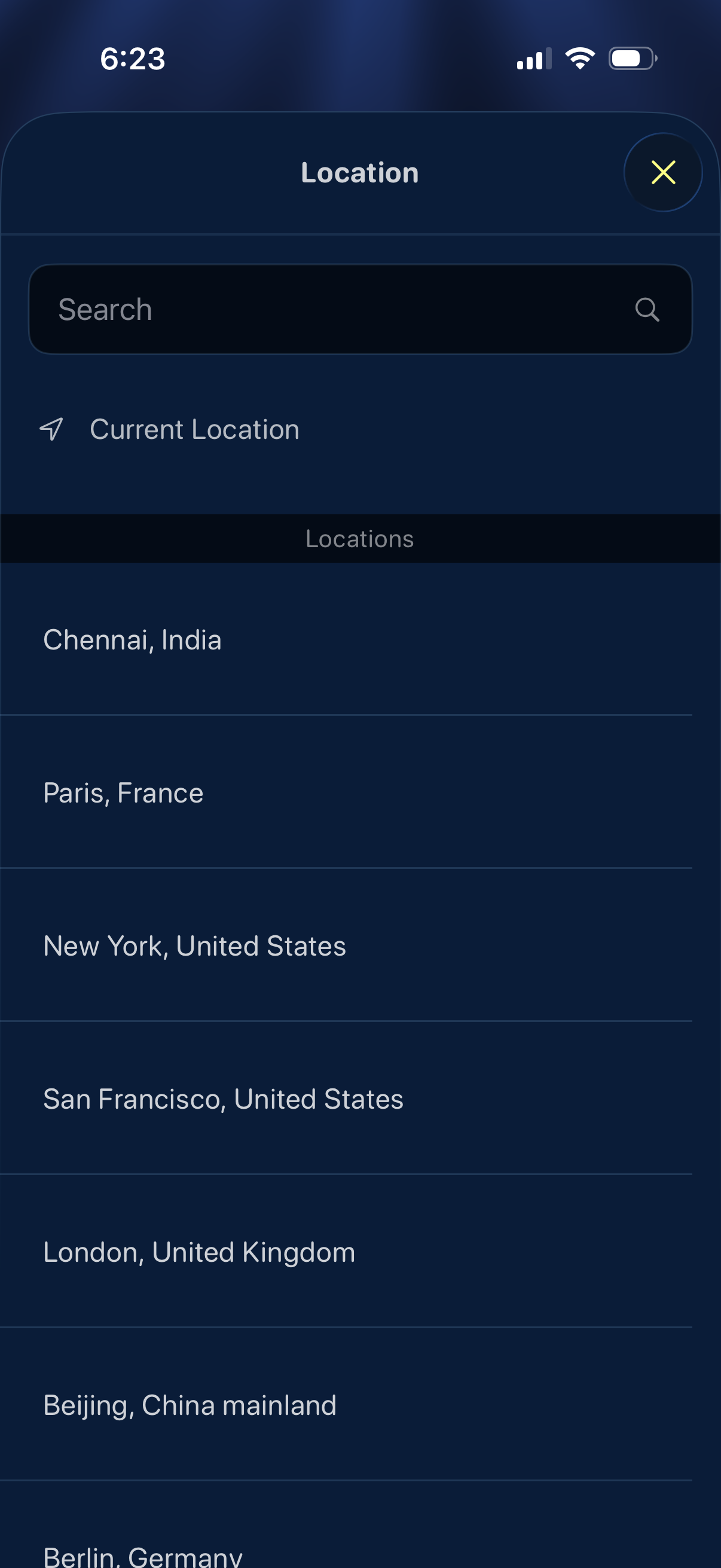
Location picker modal with a search field, a “Current Location” option, and a scrollable list of cities/countries to select from, with a close button to dismiss the sheet. Used for choosing or changing the app’s location setting.
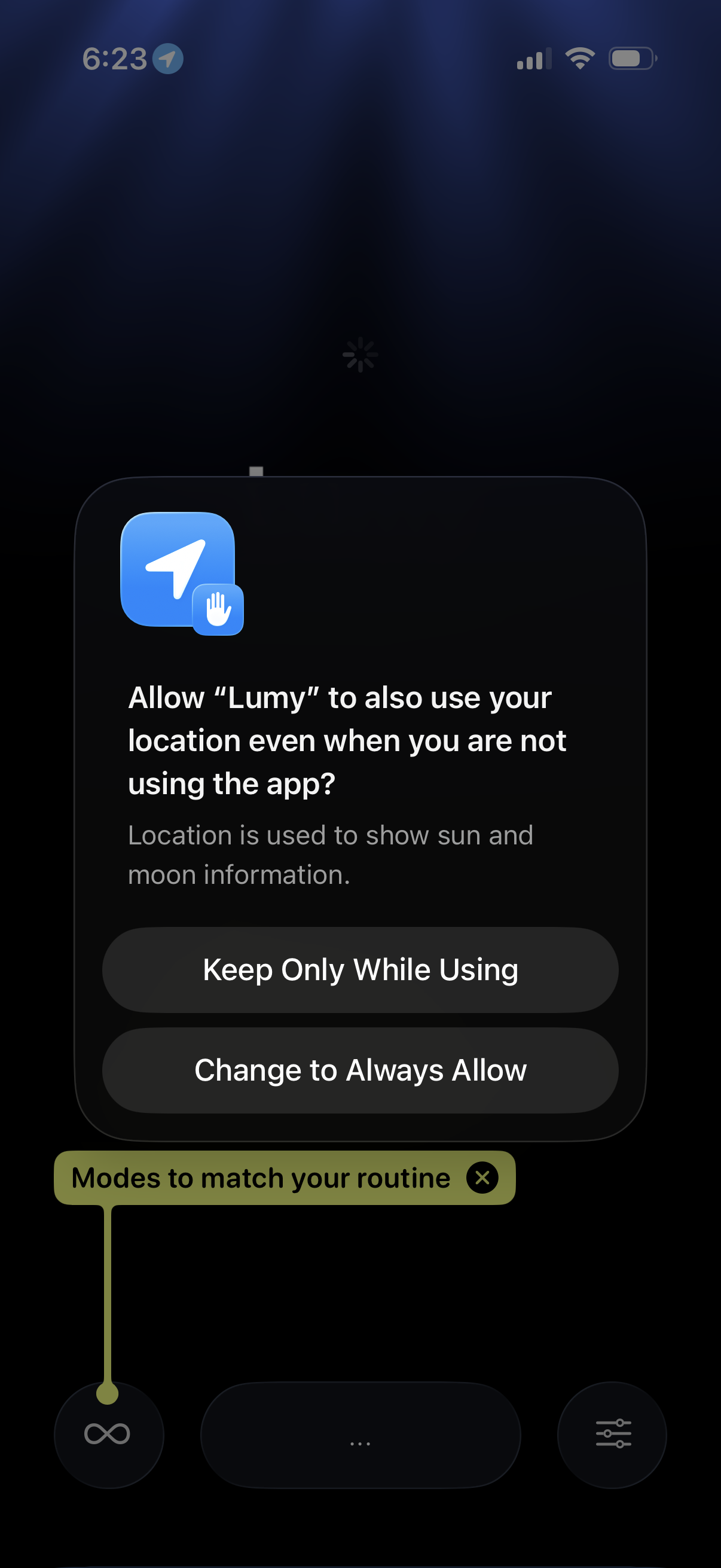
iOS system permission prompt asking the user to allow an app to access location even when not using the app, explaining the purpose and offering actions to keep location access only while using the app or change to always allow. The underlying app screen is dimmed with a brief tip tooltip visible behind the modal.
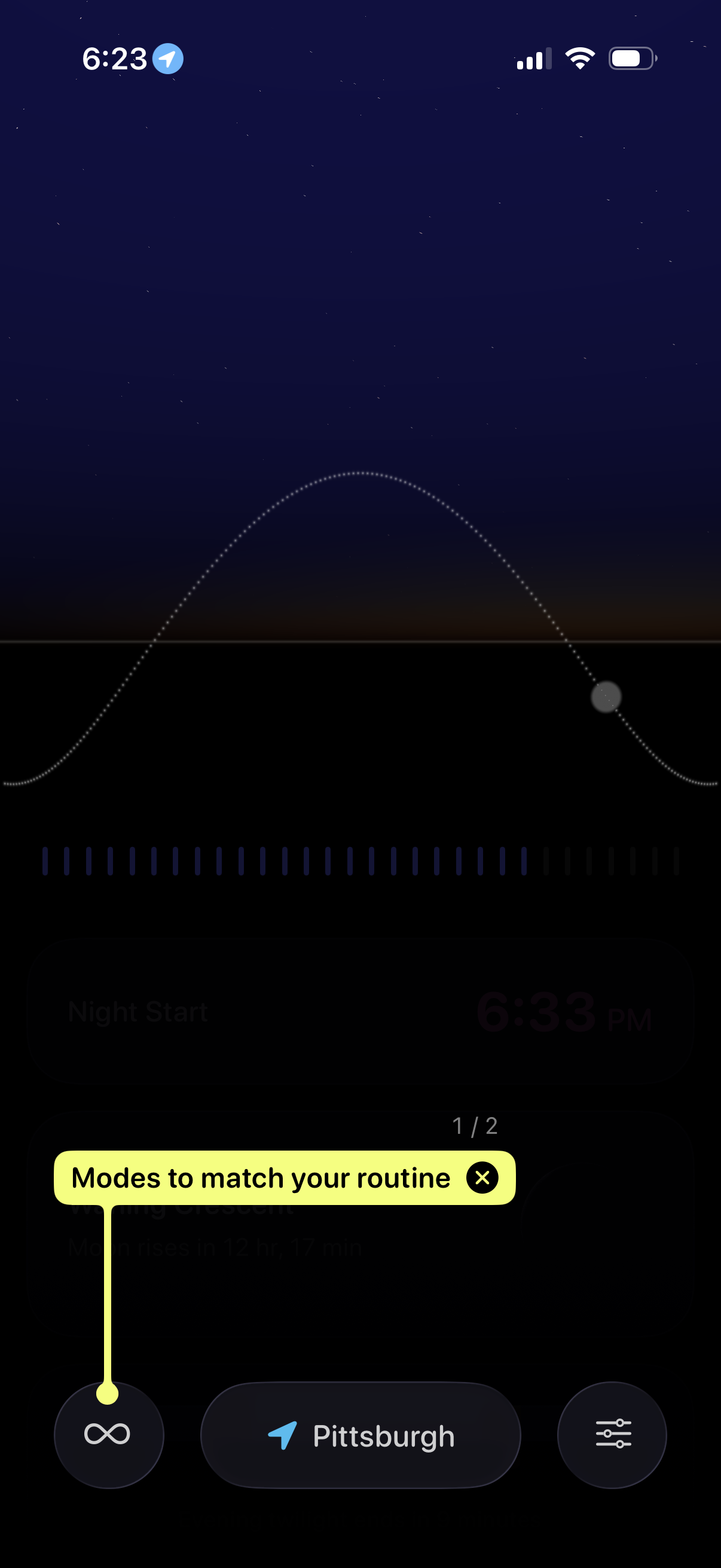
Weather app astronomical timeline screen showing a day/night curve with a draggable scrubber to view times for events like night start, with a tutorial tooltip introducing “modes to match your routine. ” Bottom controls include mode toggle, current location selector, and settings/options button.