enable health access
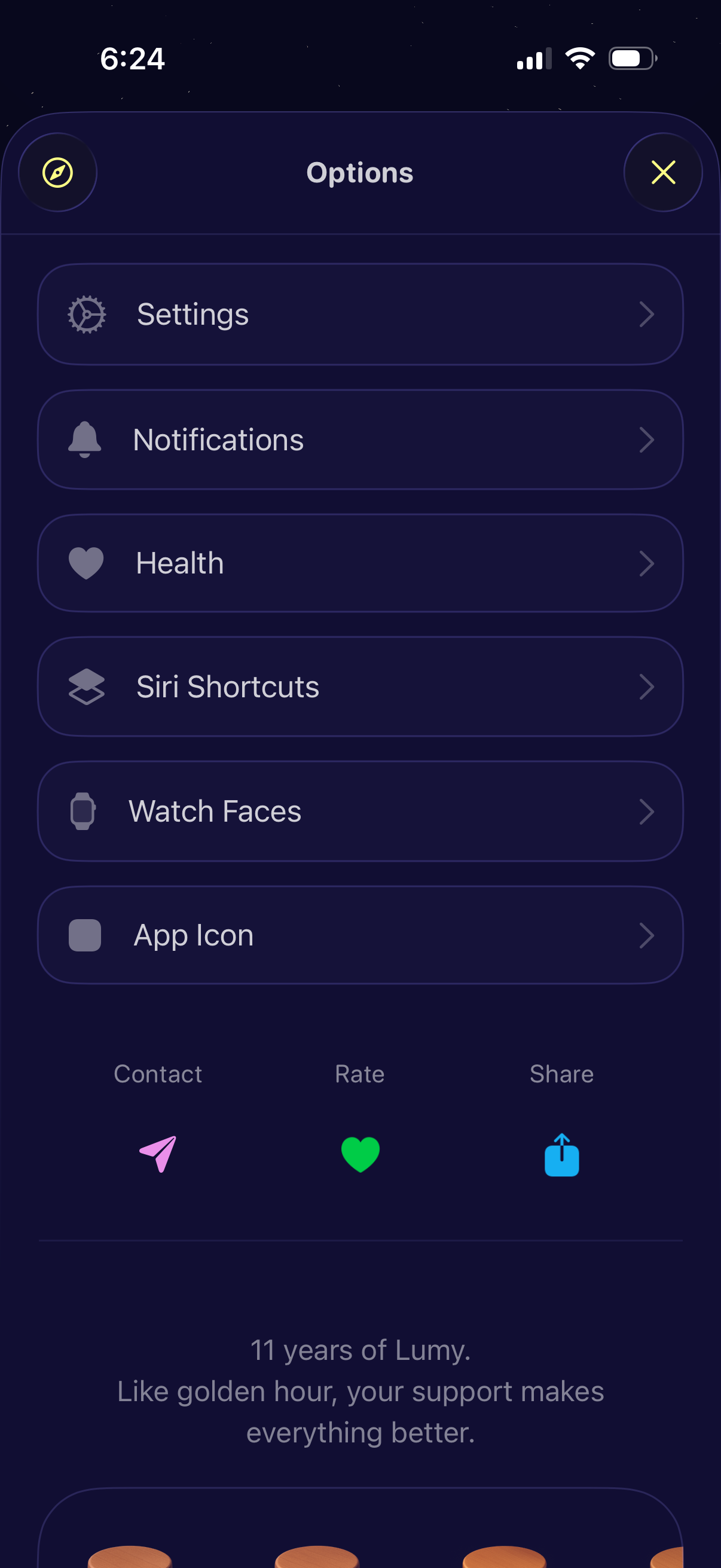
An app options menu modal showing a list of navigable settings sections like Settings, Notifications, Health, Siri Shortcuts, Watch Faces, and App Icon. The screen also provides quick actions to contact support, rate the app, share, and a close button to dismiss the menu.
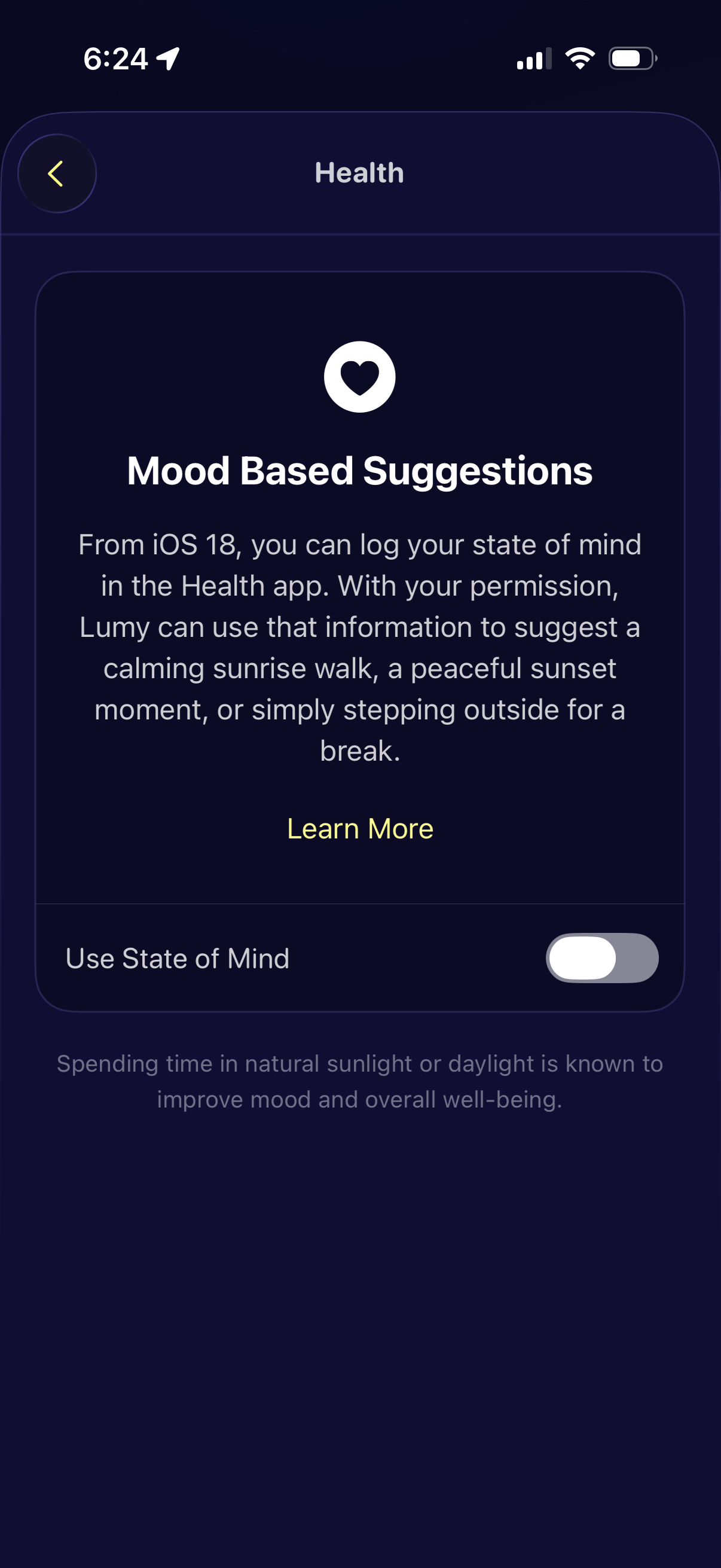
Health settings screen explaining “Mood Based Suggestions,” describing how the app can use a logged “State of Mind” from iOS Health to recommend calming activities. Includes a Learn More link and a toggle to enable or disable using State of Mind data.
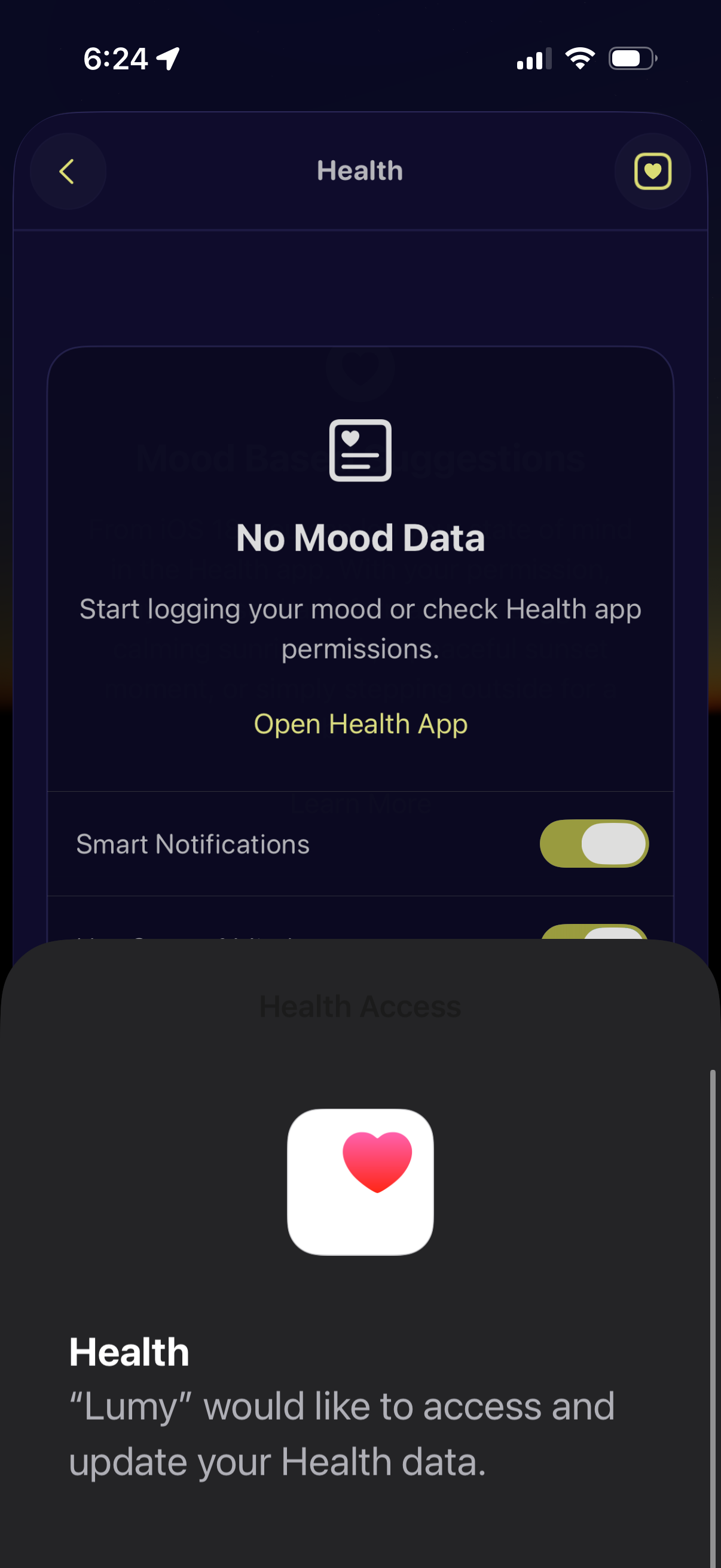
Health integration screen for a mood tracker showing an empty state “No Mood Data” with guidance to start logging mood or check permissions and a primary action to open the Apple Health app. An iOS Health access permission sheet is displayed to allow the app to access and update Health data, alongside a toggle for smart notifications.
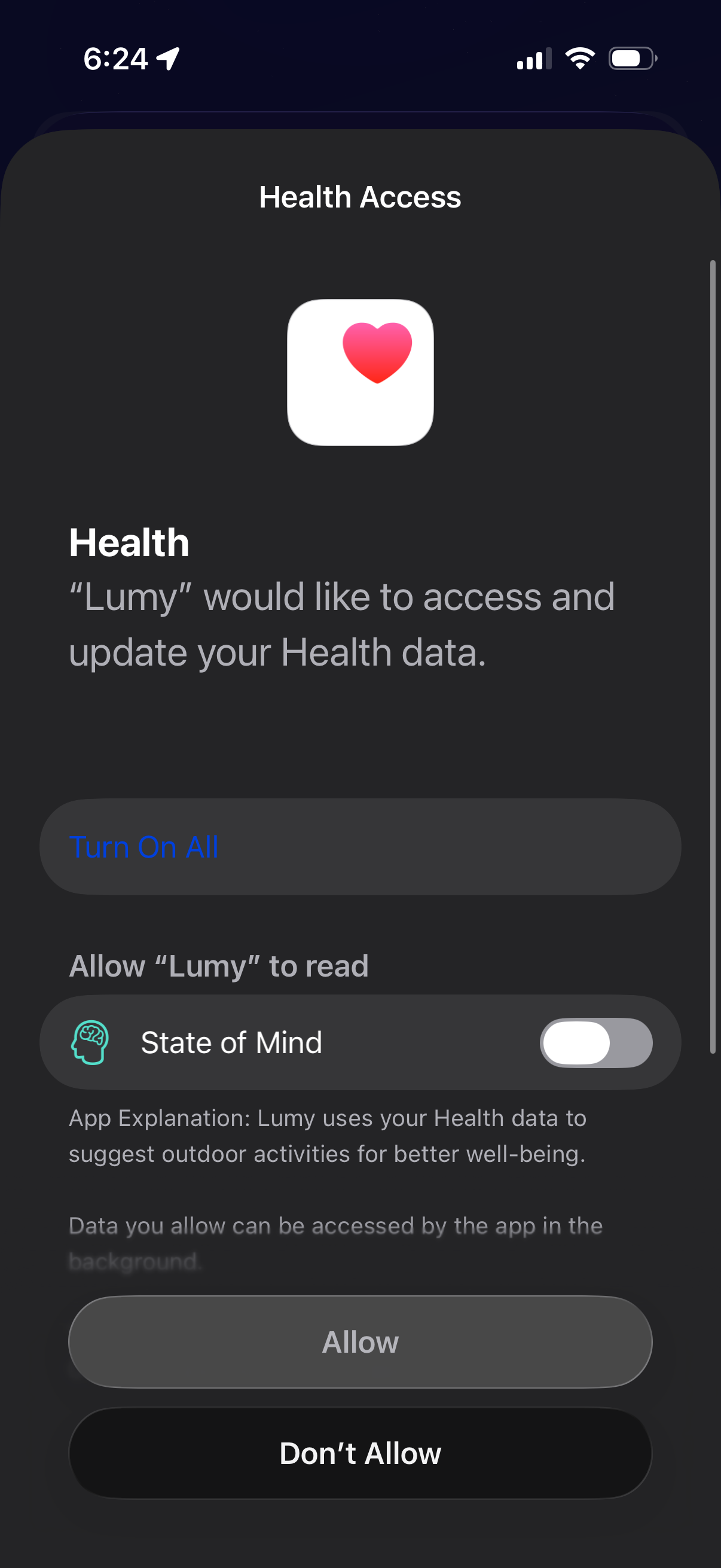
iOS Health Access permission sheet asking to allow an app to access and update Apple Health data, with a “Turn On All” option and individual toggles (e. g.
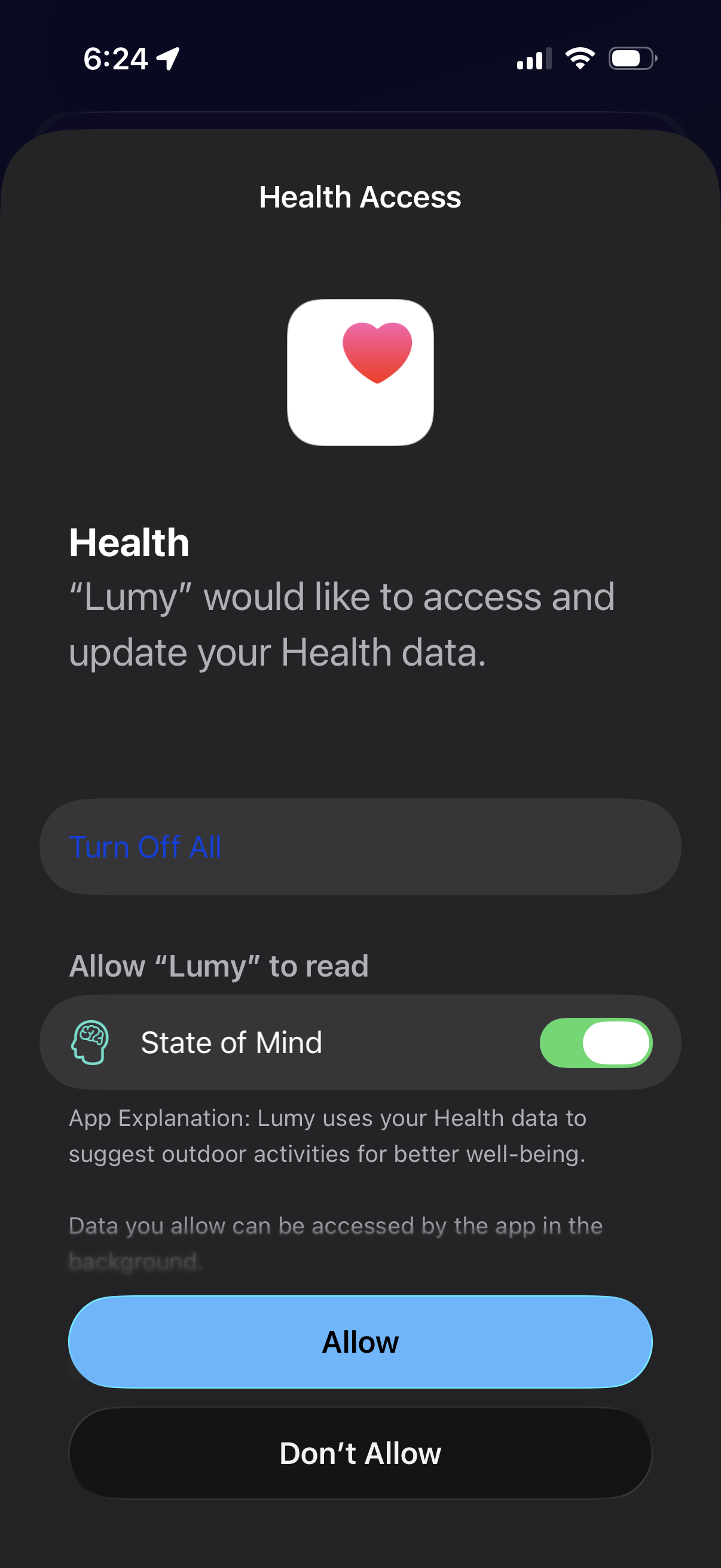
iOS Health Access permission prompt asking to allow an app to access and update Apple Health data, showing a toggle for a specific data type (State of Mind) plus a “Turn Off All” option. Primary actions are “Allow” or “Don’t Allow” to grant or deny HealthKit read access.