switch to photography mode
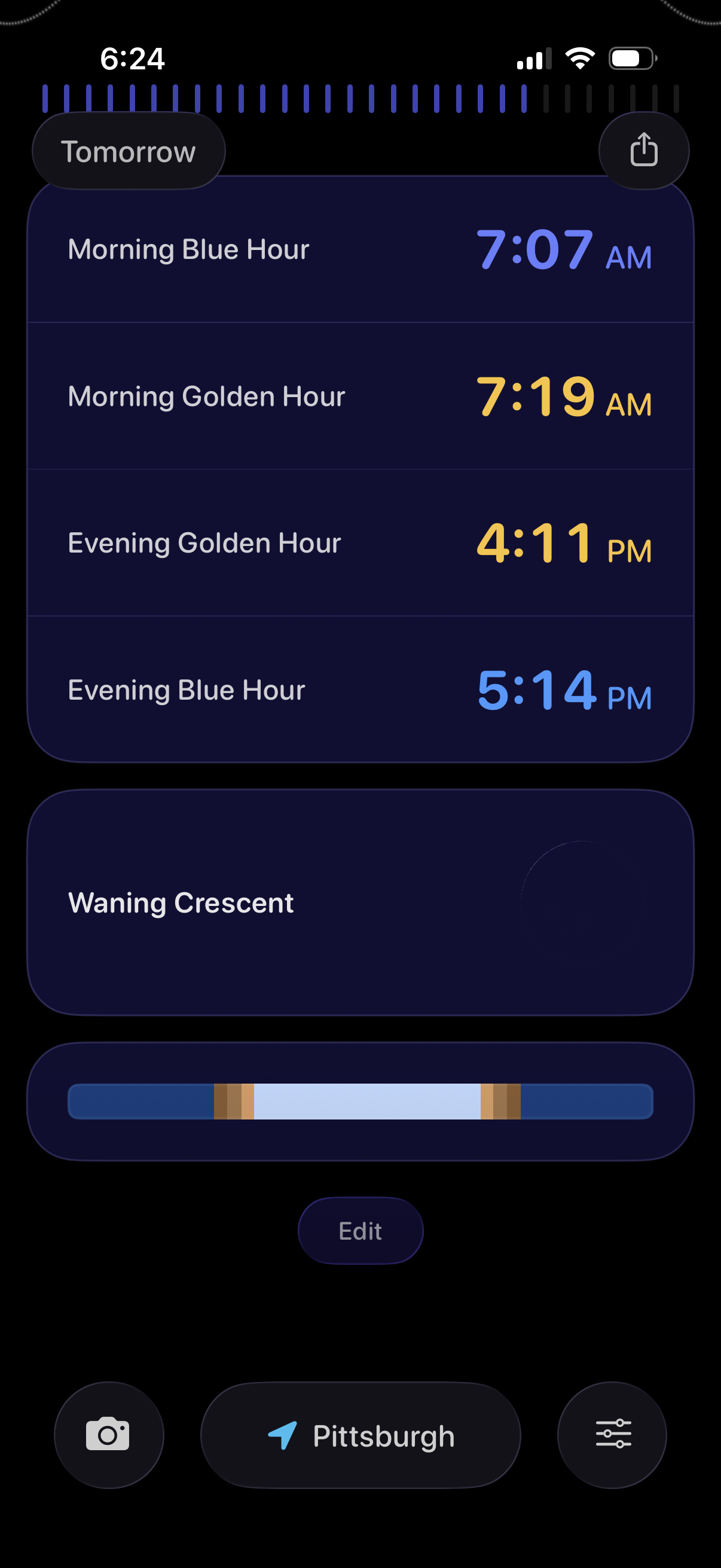
Dark-themed astronomy/photography planner showing tomorrow’s light conditions with a timeline and a list of key times for Morning Blue Hour, Morning Golden Hour, Evening Golden Hour, and Evening Blue Hour. Includes moon phase info with an illumination slider, plus controls to share, edit, choose location, and access camera/settings.
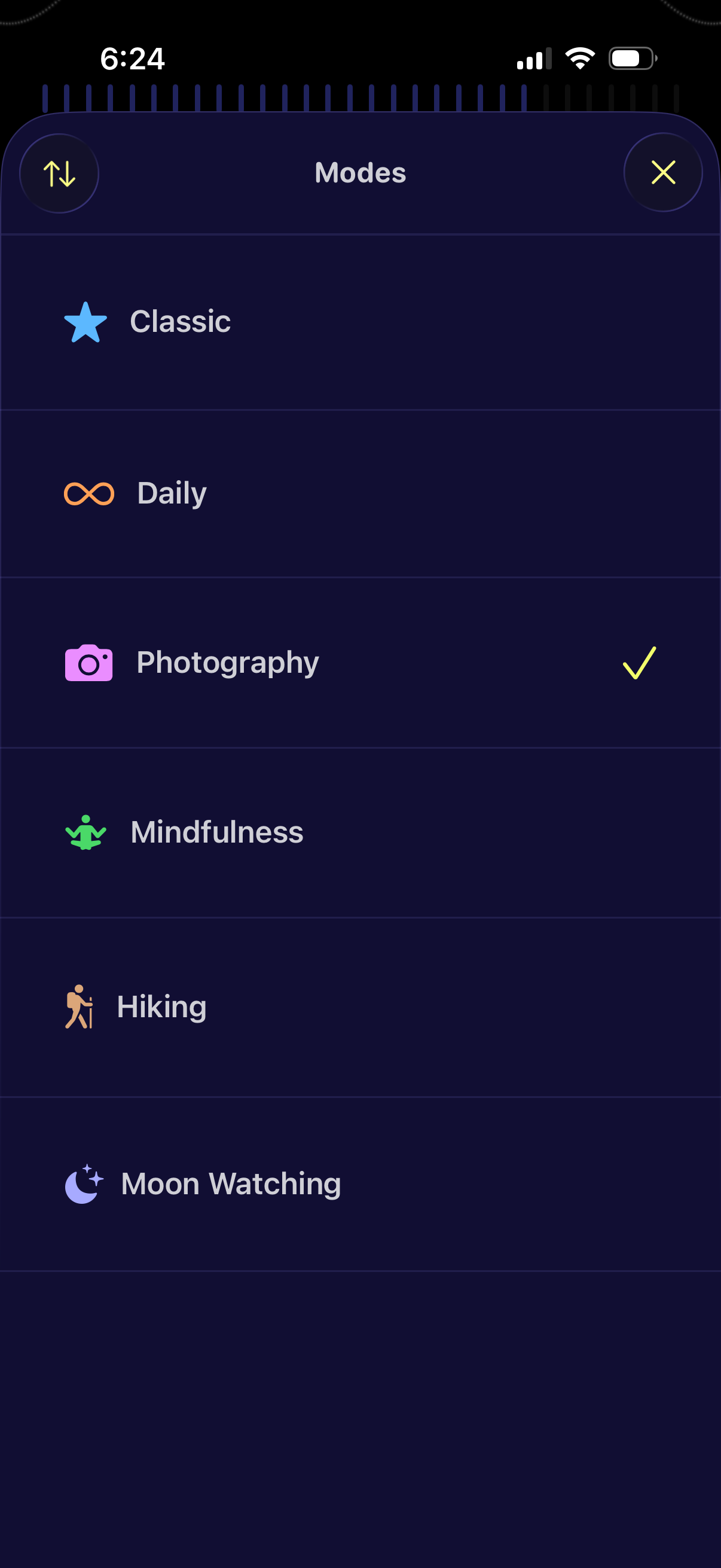
A “Modes” selection screen showing a list of activity/preset modes (Classic, Daily, Photography, Mindfulness, Hiking, Moon Watching) with icons and a checkmark indicating the currently selected mode. Users can switch modes from this list and close the panel via an X button.
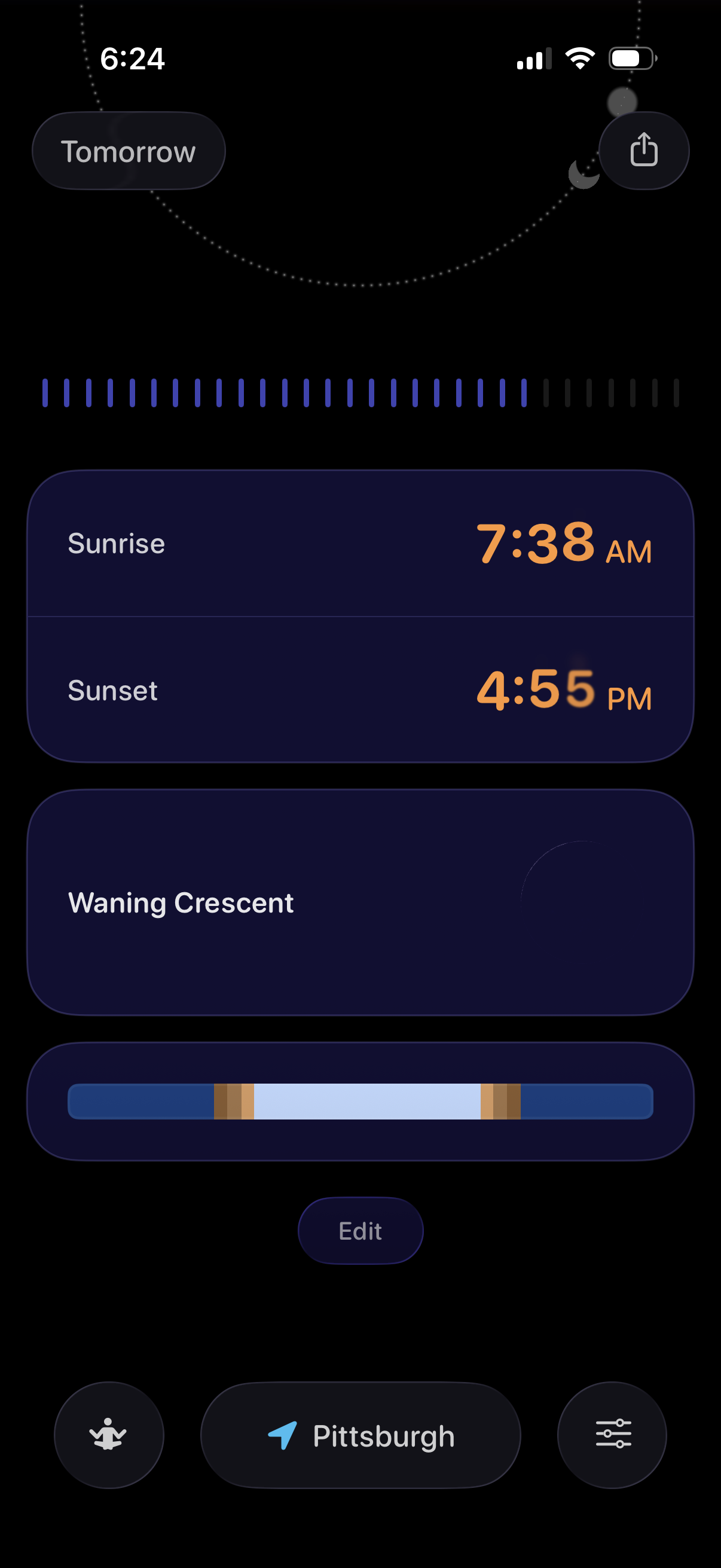
Astronomy/weather details screen showing tomorrow’s sun and moon info, including sunrise and sunset times, current moon phase (waning crescent), and a visual daylight/night duration bar. Provides actions to share the view, edit settings, and change location.