customize view
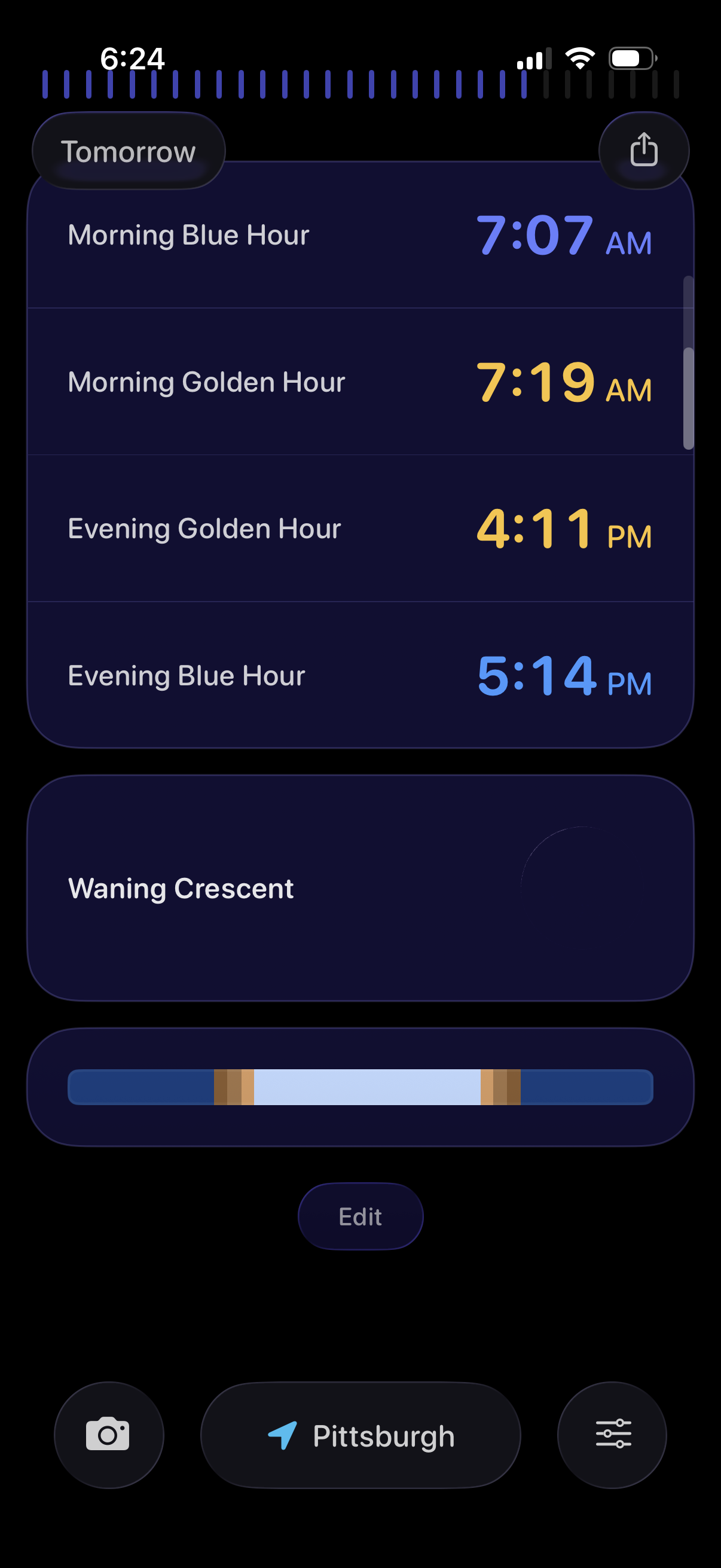
Astronomy/photography planner screen showing tomorrow’s key light times in a list, including morning/evening blue hour and golden hour with exact start times and a share button. Below, it displays the current moon phase with a visual timeline bar and an Edit action, plus bottom controls for camera mode, location selection, and settings/filters.
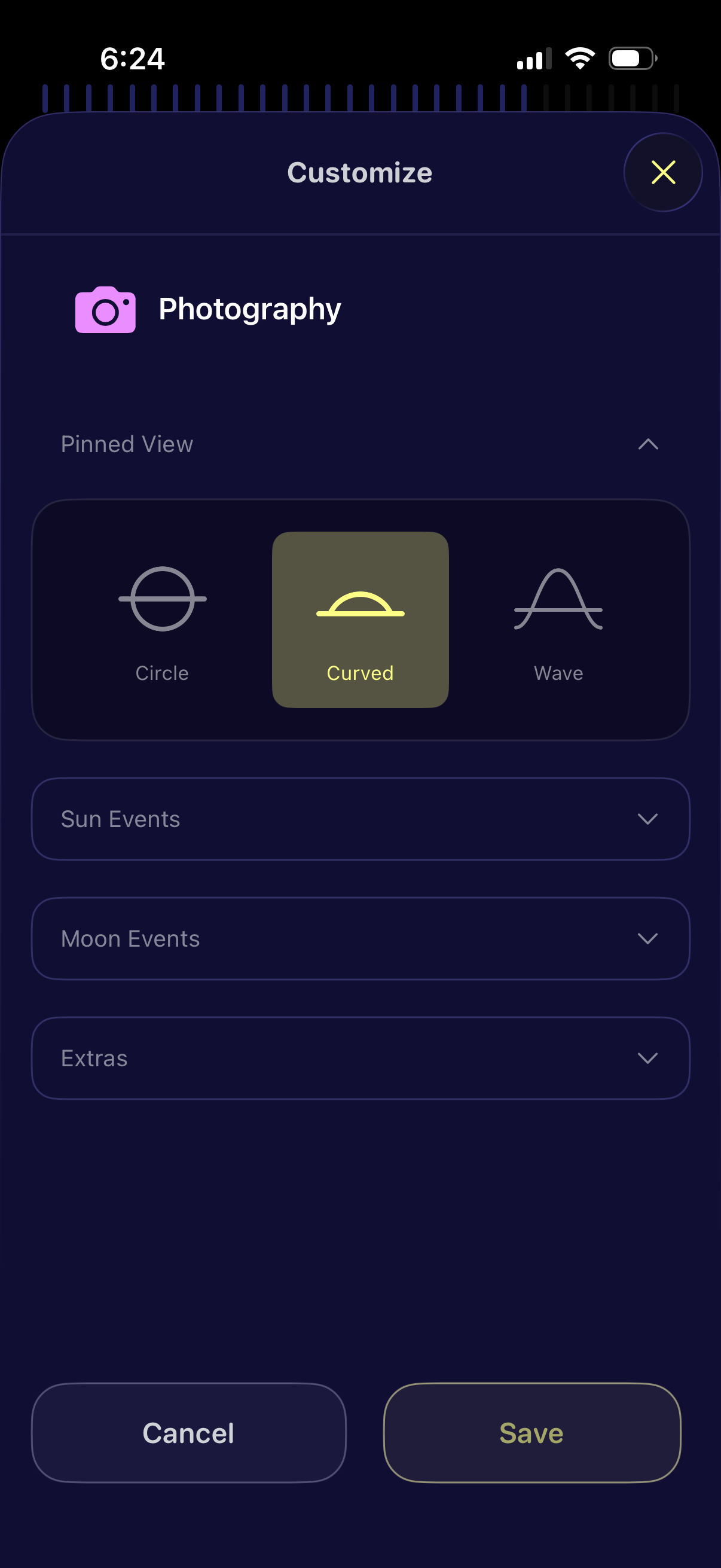
Customization settings screen for a photography app where the user selects a pinned view style (Circle, Curved, or Wave) and can expand sections for Sun Events, Moon Events, and Extras. Includes Cancel and Save actions plus a close button to dismiss the modal.
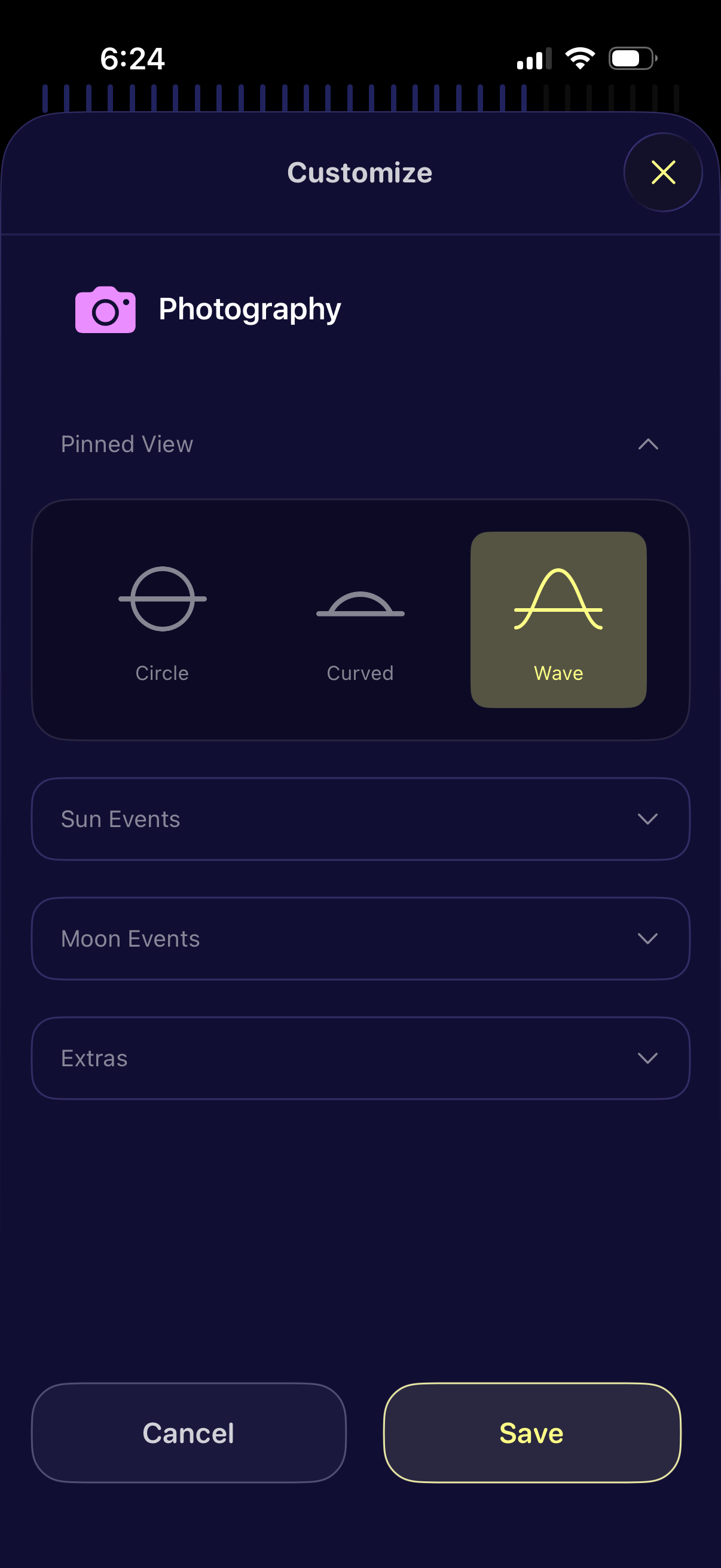
Customization screen for a photography feature that lets users choose a pinned view style (Circle, Curved, or Wave) and configure additional options via expandable sections for Sun Events, Moon Events, and Extras. Includes primary actions to Cancel or Save changes and a close button.
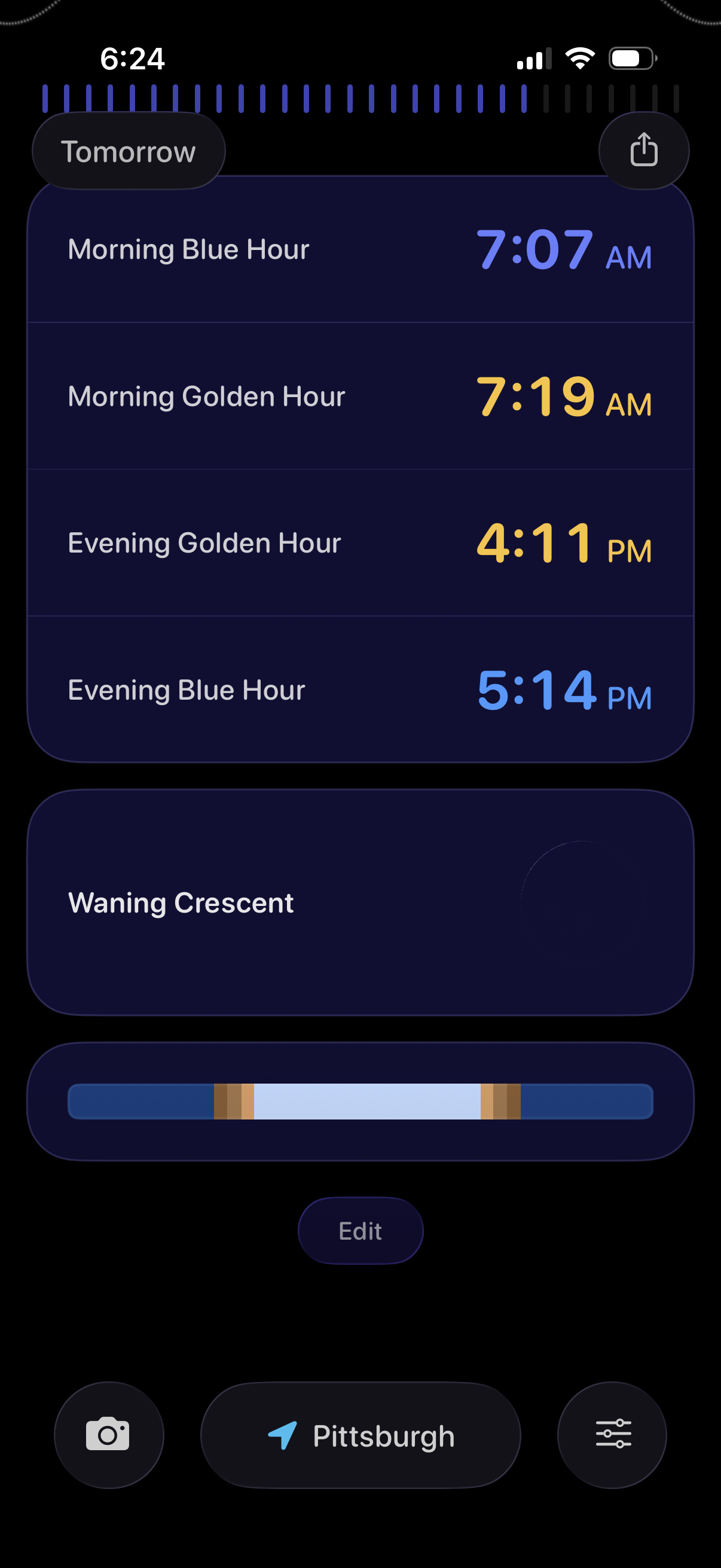
Dark-themed astronomy/photography planner showing tomorrow’s light conditions with a timeline and a list of key times for Morning Blue Hour, Morning Golden Hour, Evening Golden Hour, and Evening Blue Hour. Includes moon phase info with an illumination slider, plus controls to share, edit, choose location, and access camera/settings.