export and share video
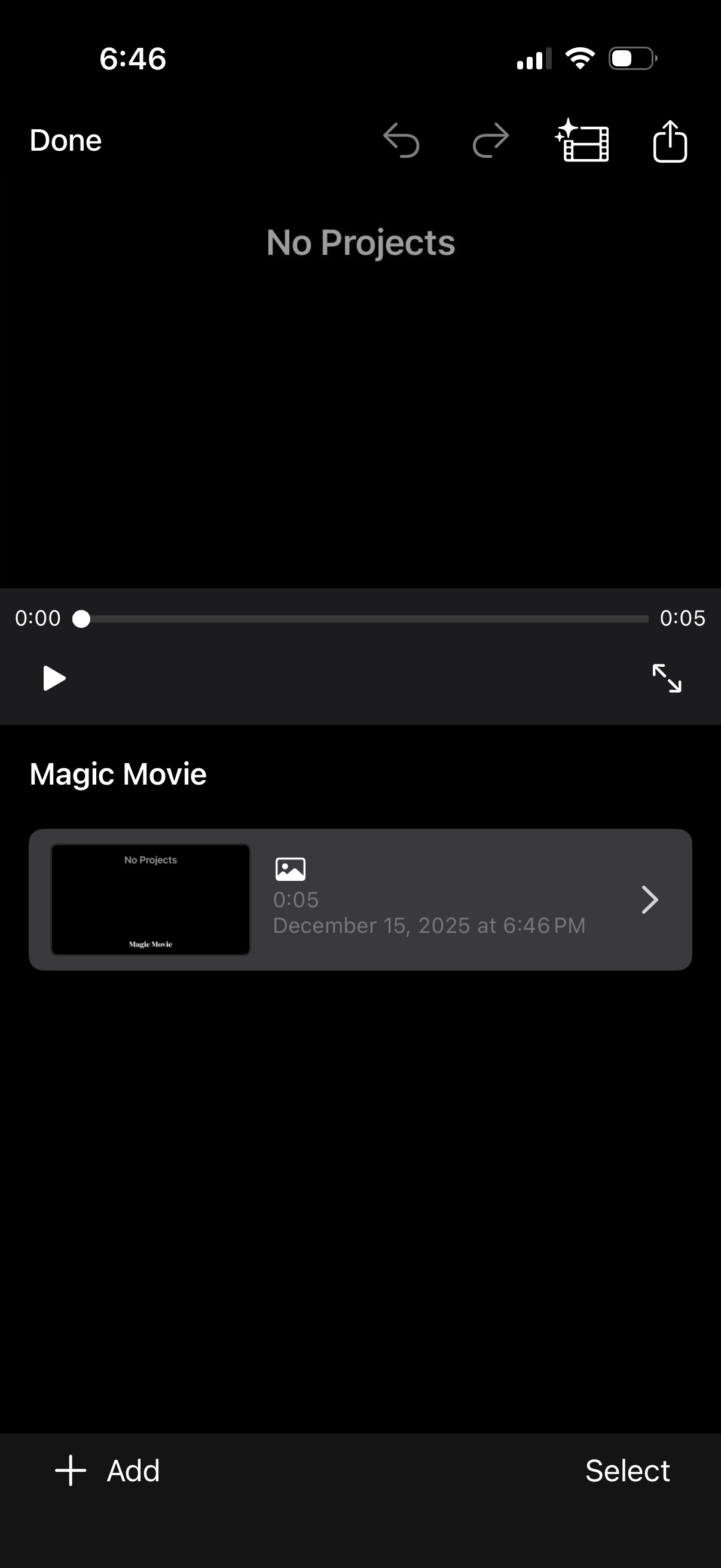
Video editor project library screen showing an empty state (“No Projects”) with a preview player and timeline scrubber, plus actions for undo/redo, effects, share/export, and play/fullscreen. Below is a “Magic Movie” section listing an existing clip/project with thumbnail and duration, with bottom controls to Add a new project or Select items for management.
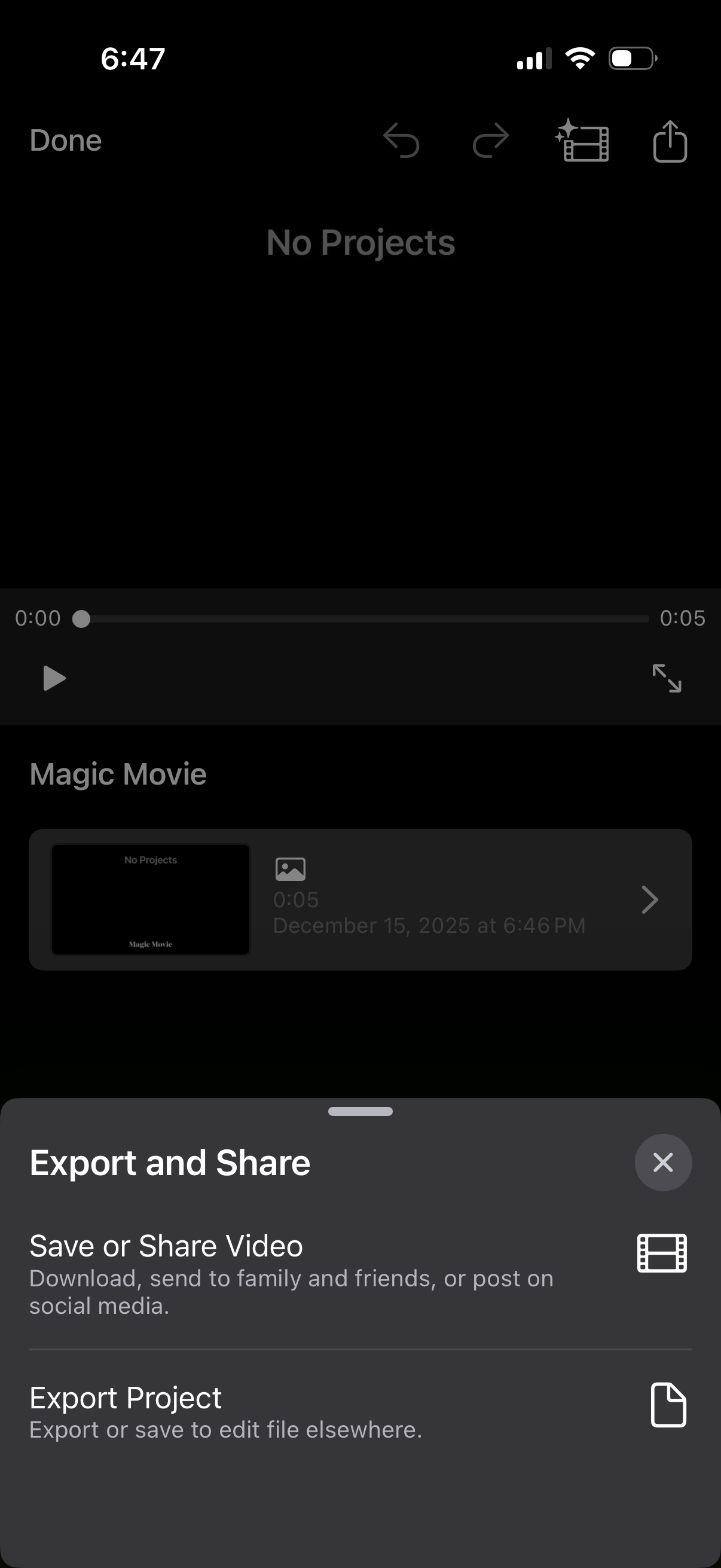
Video editing app project screen showing a short movie preview with playback timeline and an Export and Share bottom sheet. The action sheet offers options to save or share the video for download/social posting or export the project file for editing elsewhere, with controls to close or finish.
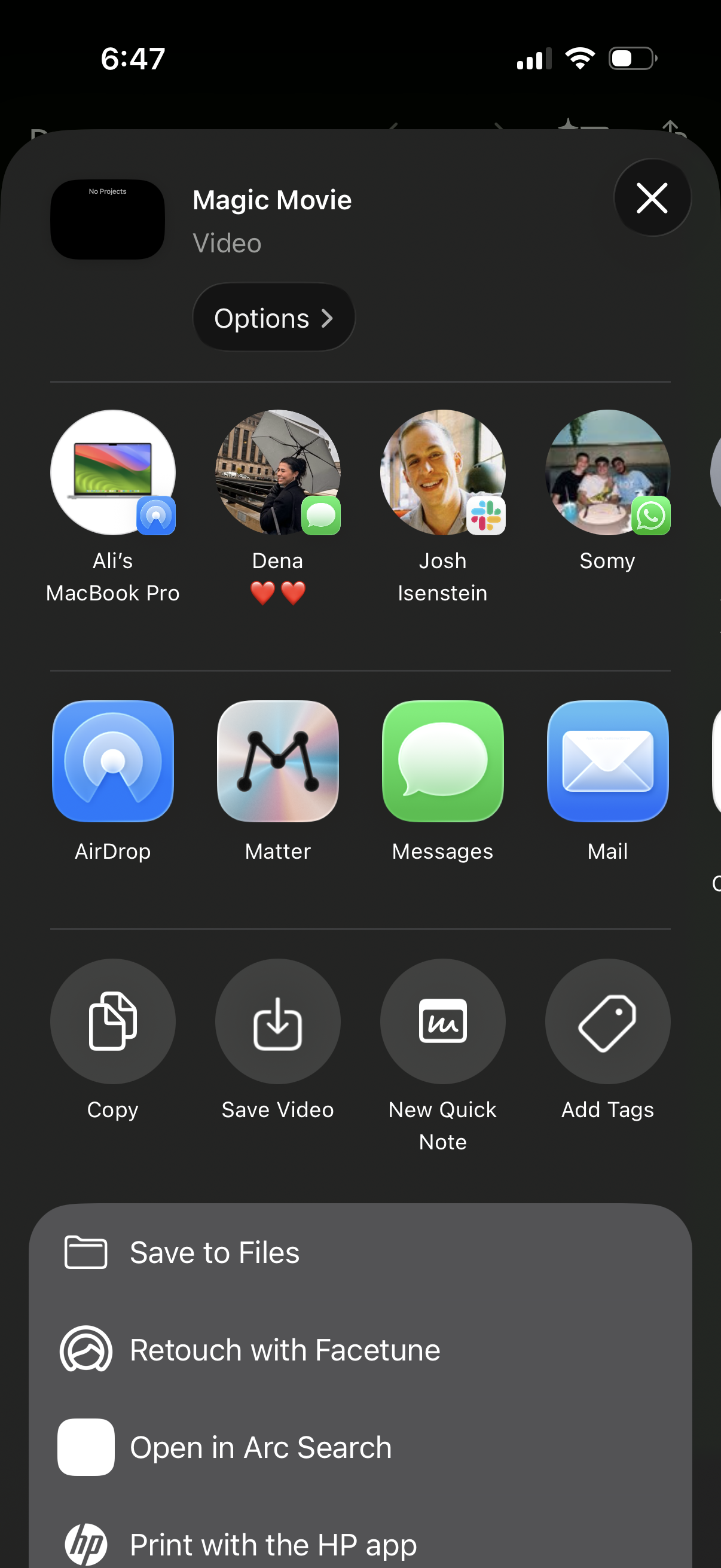
iOS share sheet for a video file, showing sharing targets (AirDrop to devices/contacts and apps like Messages and Mail) plus quick actions such as Copy, Save Video, New Quick Note, and Add Tags. Includes an Options button for share settings and a list of additional actions like Save to Files and Open in another app.