create magic movie
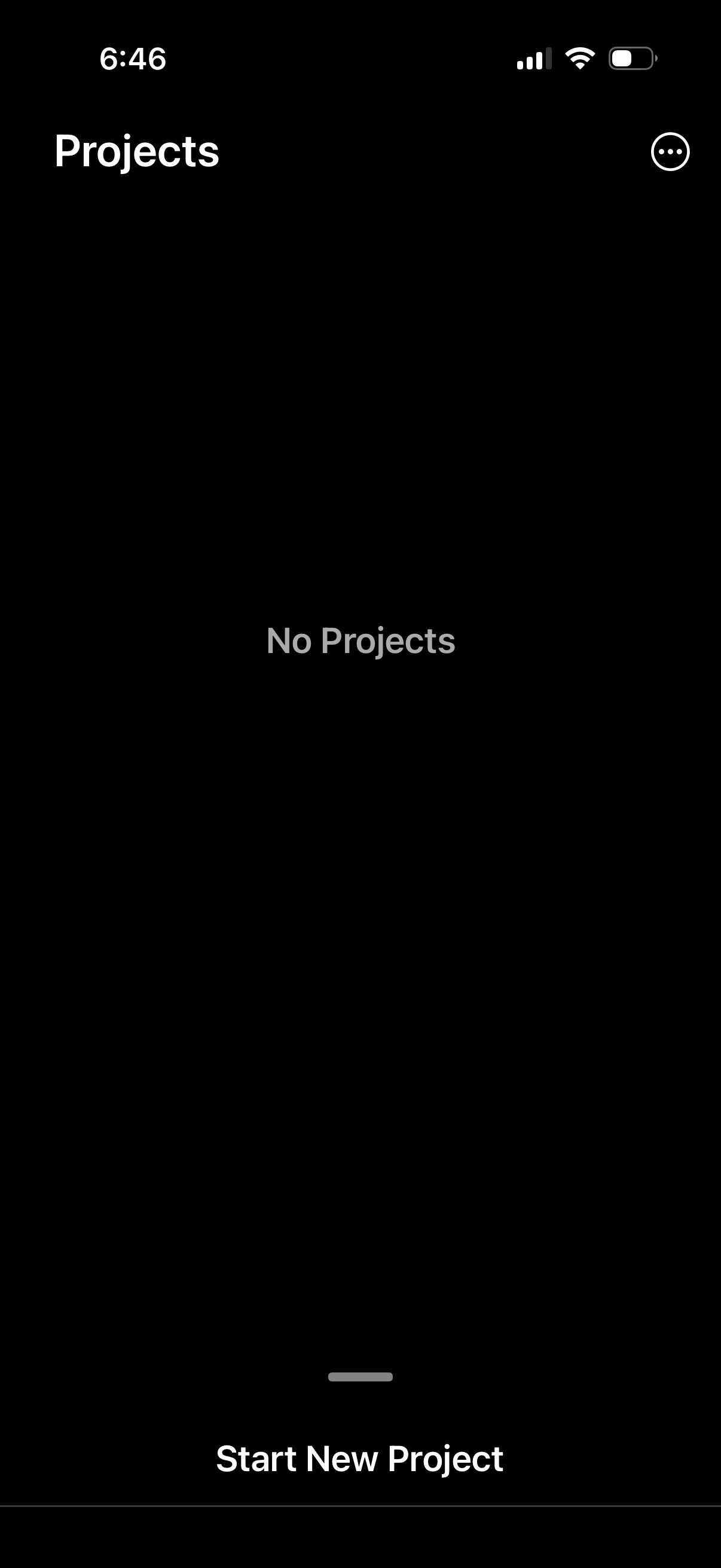
Projects list screen in an app showing an empty state message “No Projects” with an overflow menu in the header. A primary bottom action button lets the user start and create a new project.
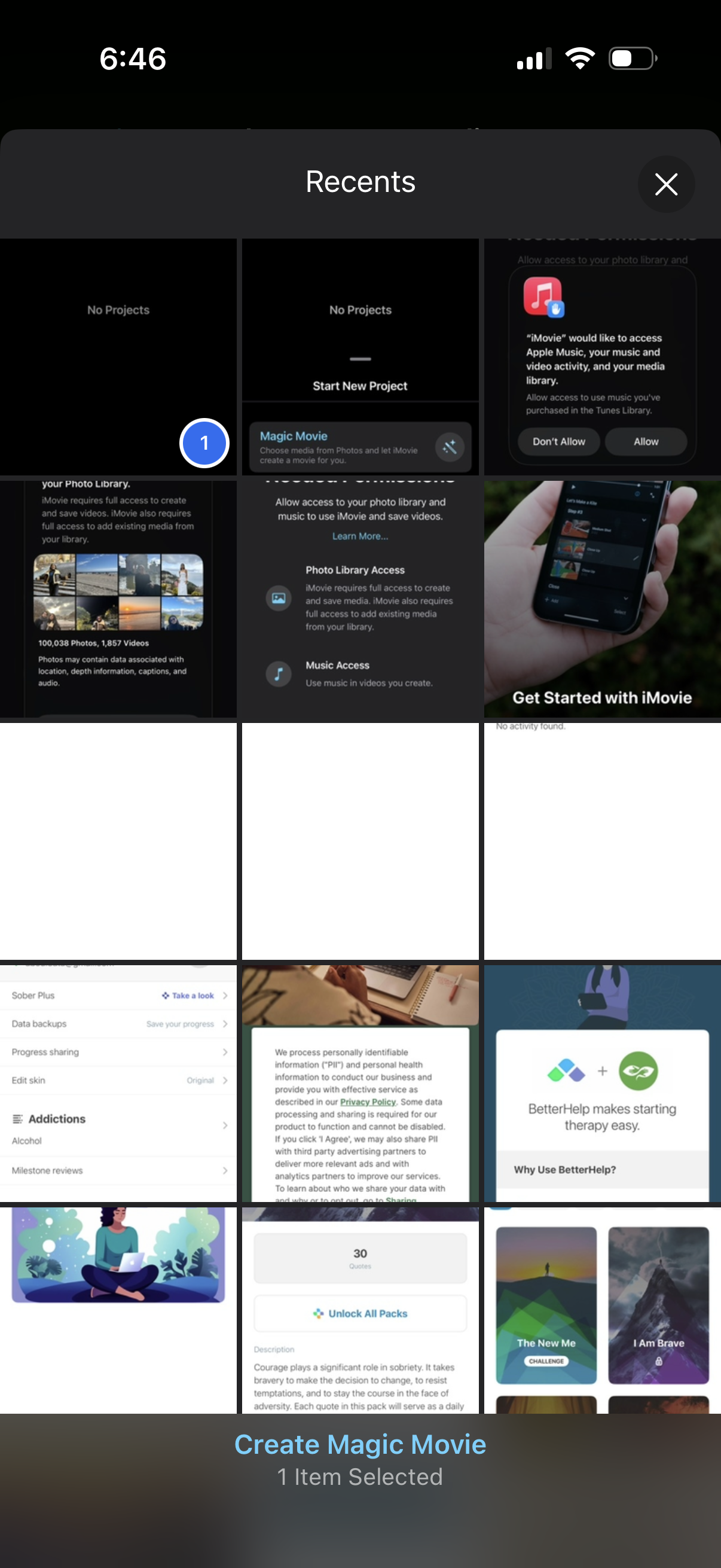
A recents media picker screen showing a grid of recently captured screenshots/photos with a close button, allowing the user to select items for a video project. A bottom action bar confirms the selection count and provides a primary CTA to “Create Magic Movie” from the chosen media.
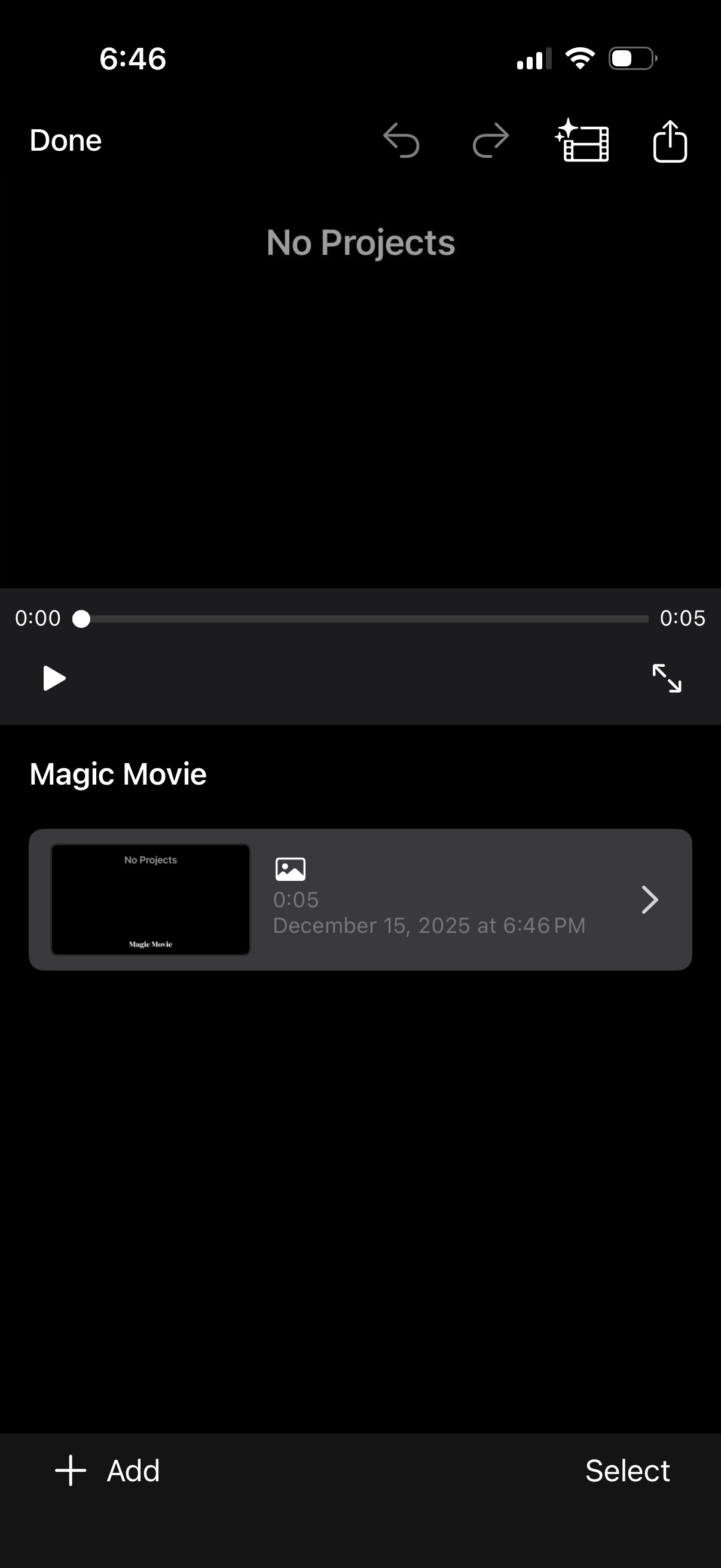
Video editor project library screen showing an empty state (“No Projects”) with a preview player and timeline scrubber, plus actions for undo/redo, effects, share/export, and play/fullscreen. Below is a “Magic Movie” section listing an existing clip/project with thumbnail and duration, with bottom controls to Add a new project or Select items for management.