complete setup permissions
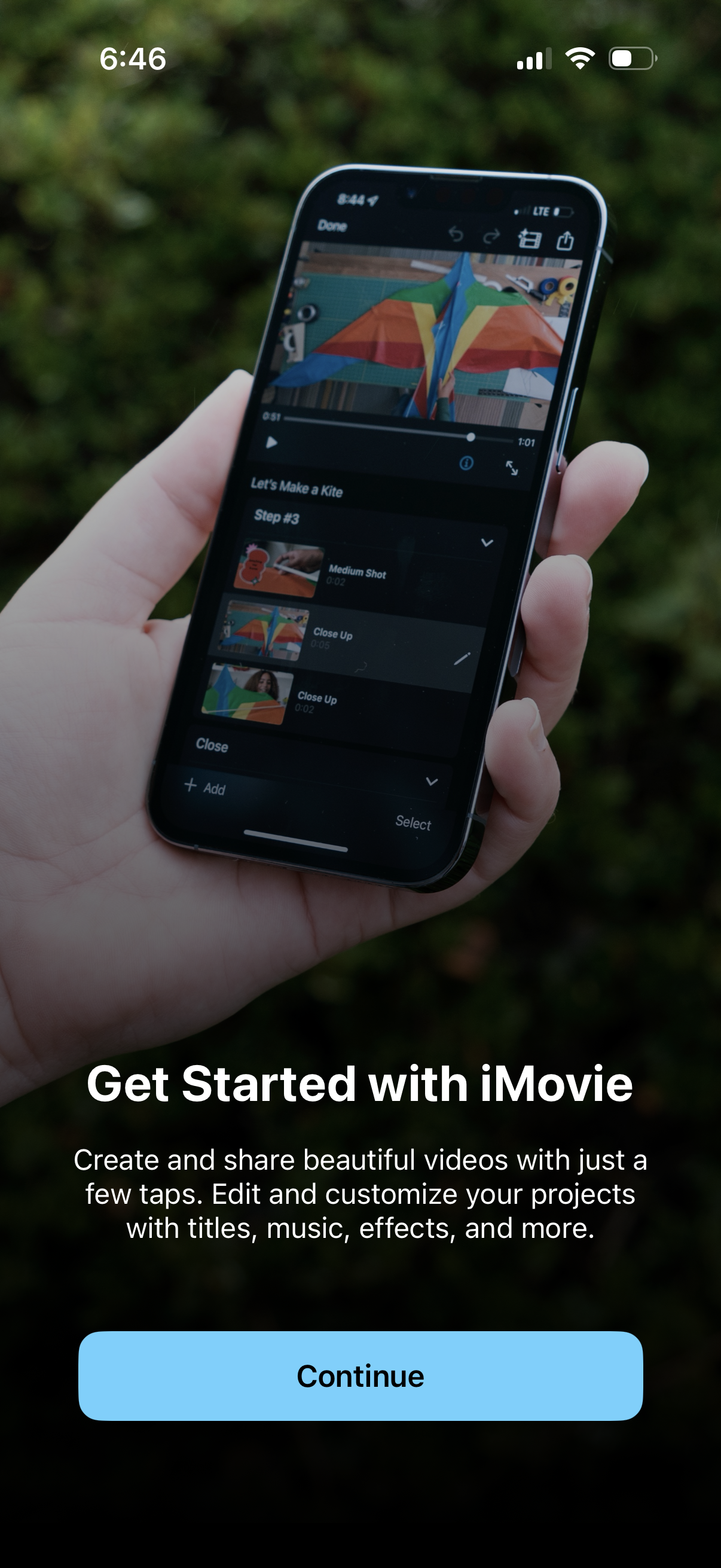
Onboarding welcome screen for a video editing app (iMovie) highlighting creating and customizing videos with titles, music, and effects, shown with an example editing interface preview. Primary action is a large “Continue” button to proceed with setup/get started.
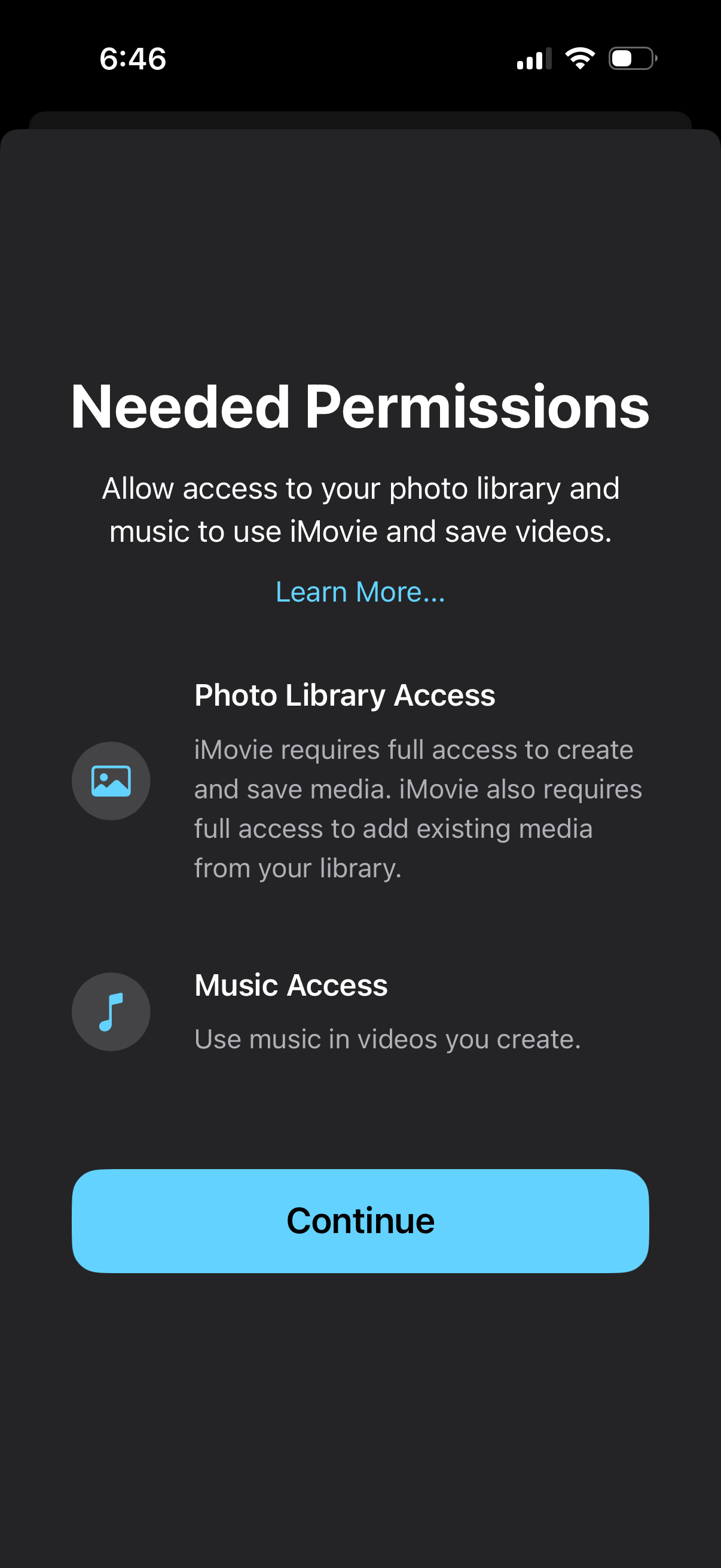
Permissions onboarding screen explaining required access for a video editor, requesting full Photo Library access to create/save media and Music access to use songs in videos. Includes a “Learn more” link and a primary “Continue” button to proceed to the system permission prompts.
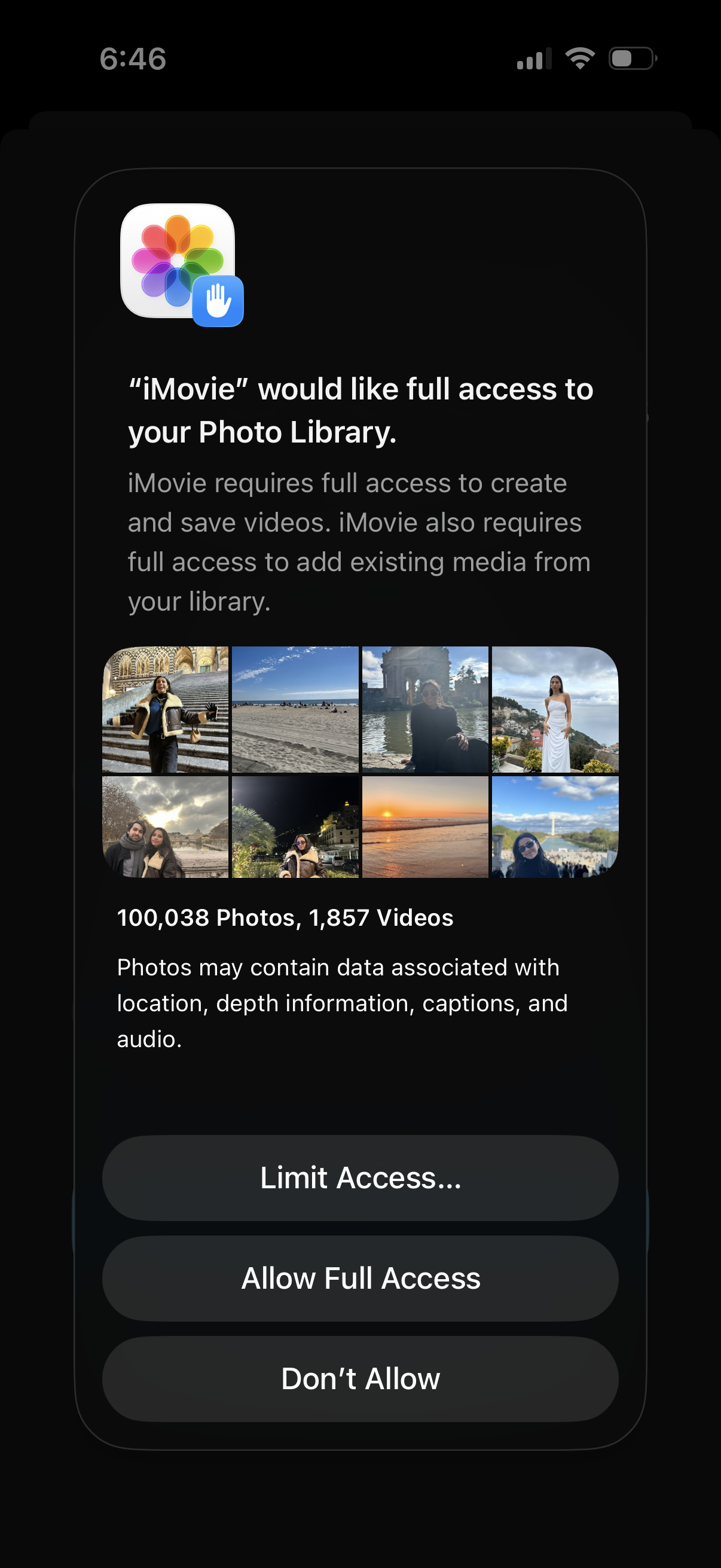
iOS system permission prompt requesting an app’s full access to the user’s Photo Library to create/save videos and import existing media, showing a preview grid and total photo/video counts. Primary actions are Limit Access, Allow Full Access, or Don’t Allow.
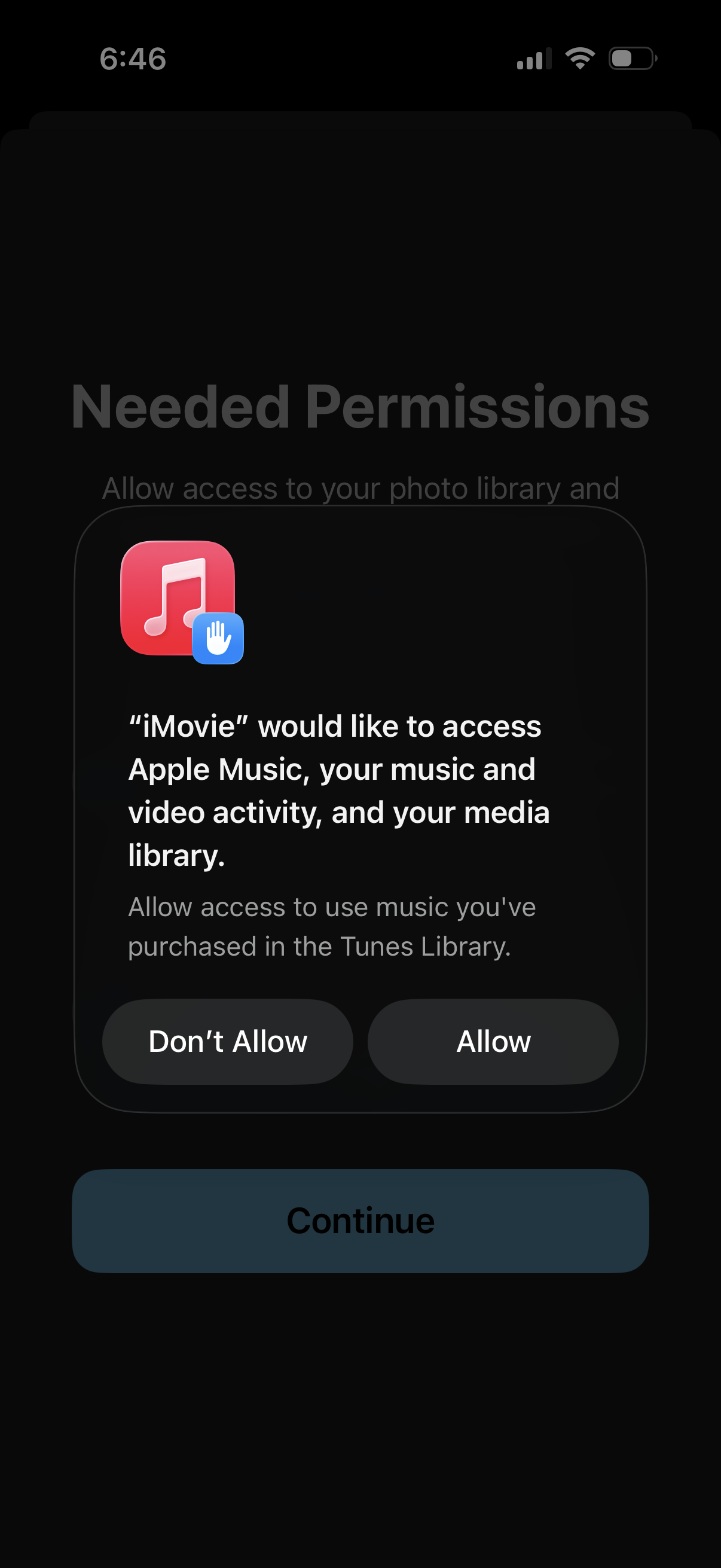
Permissions request screen showing an iOS system dialog asking to allow an app to access Apple Music and the user’s media library, with primary actions to Allow or Don’t Allow. The underlying “Needed Permissions” onboarding step includes a Continue button to proceed after granting access.
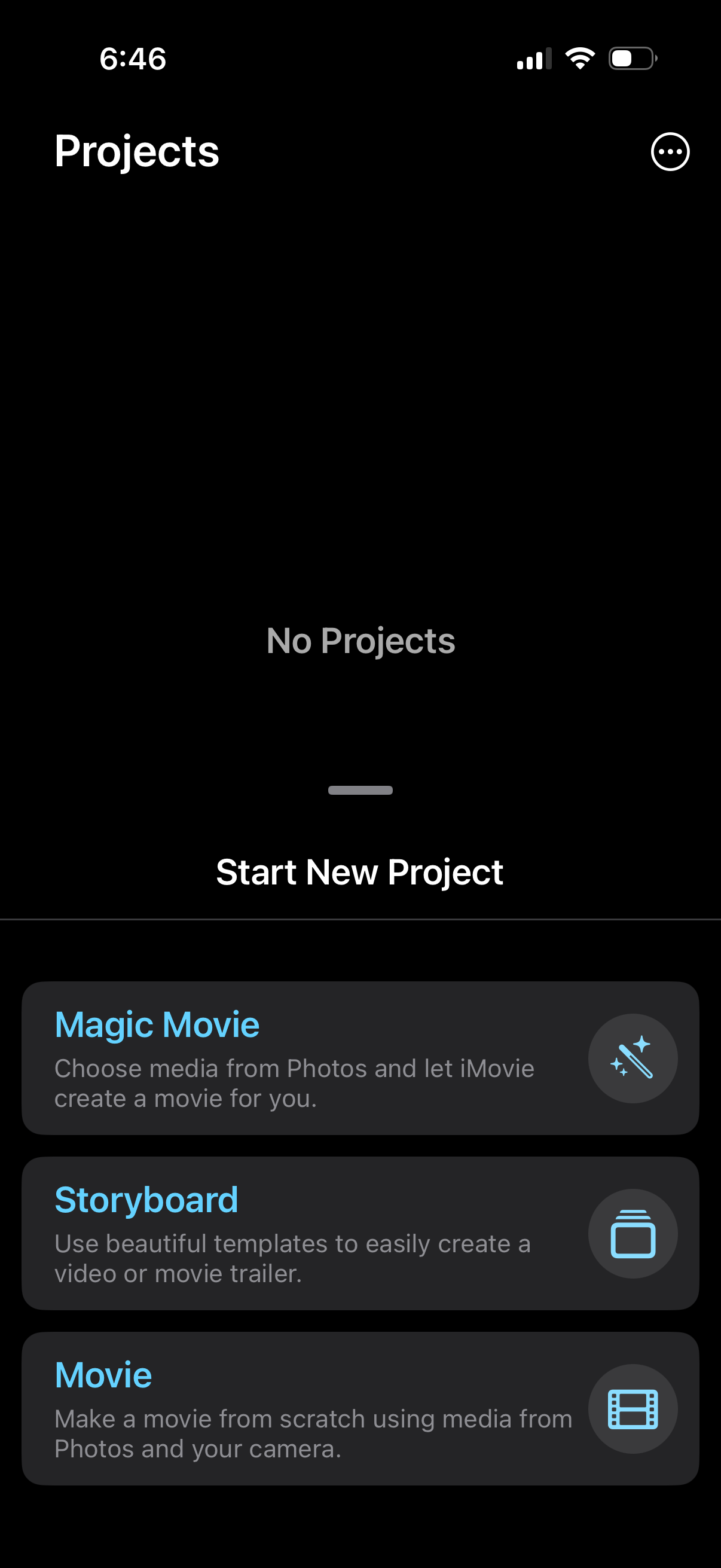
Empty state projects dashboard in a video editing app showing “No Projects” and a primary “Start New Project” action. A bottom sheet lets users choose the type of new project to create, including Magic Movie, Storyboard template, or Movie from scratch.