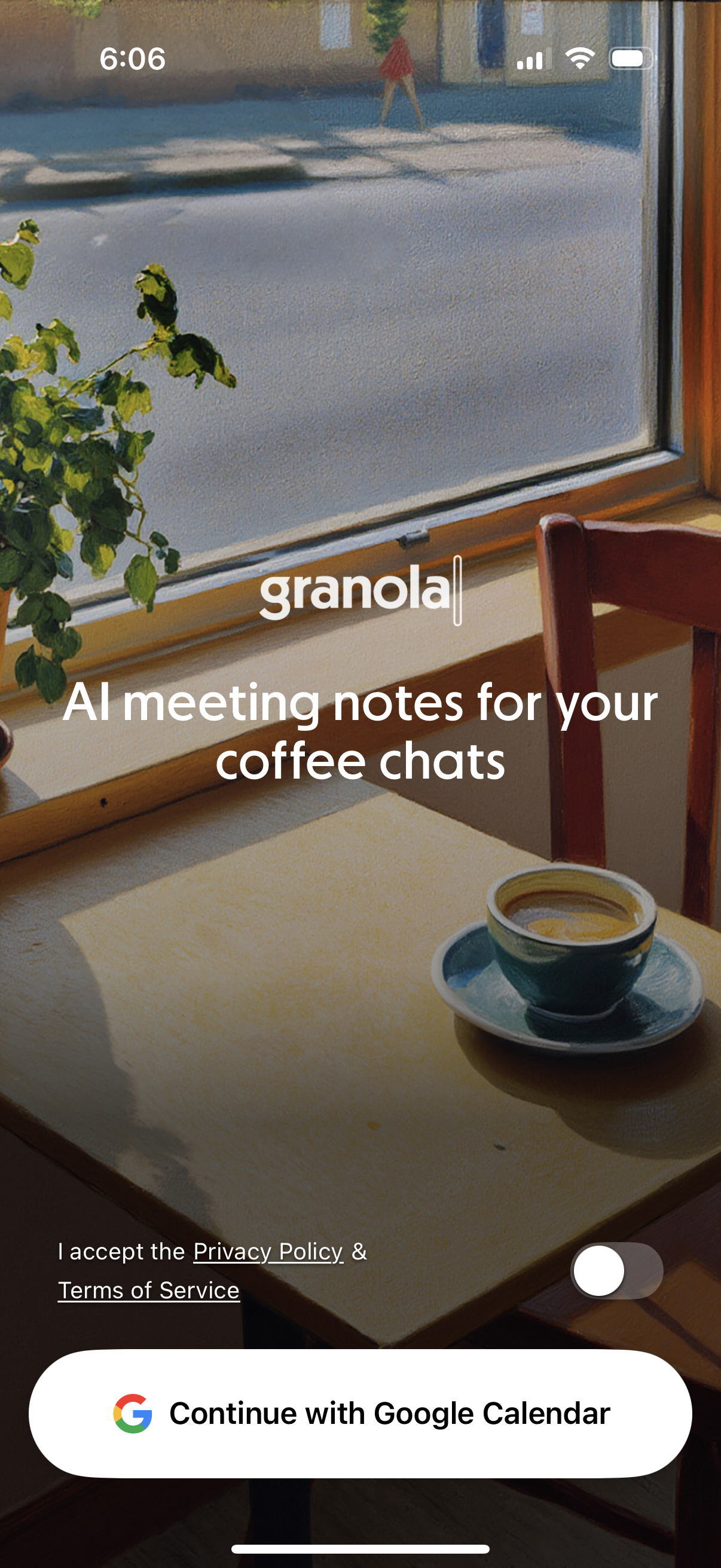
Onboarding/sign-in welcome screen for an AI meeting notes app, introducing the product value (“AI meeting notes for your coffee chats”). Includes a consent toggle for accepting Privacy Policy and Terms of Service and a primary CTA button to “Continue with Google Calendar” for account setup and calendar integration.
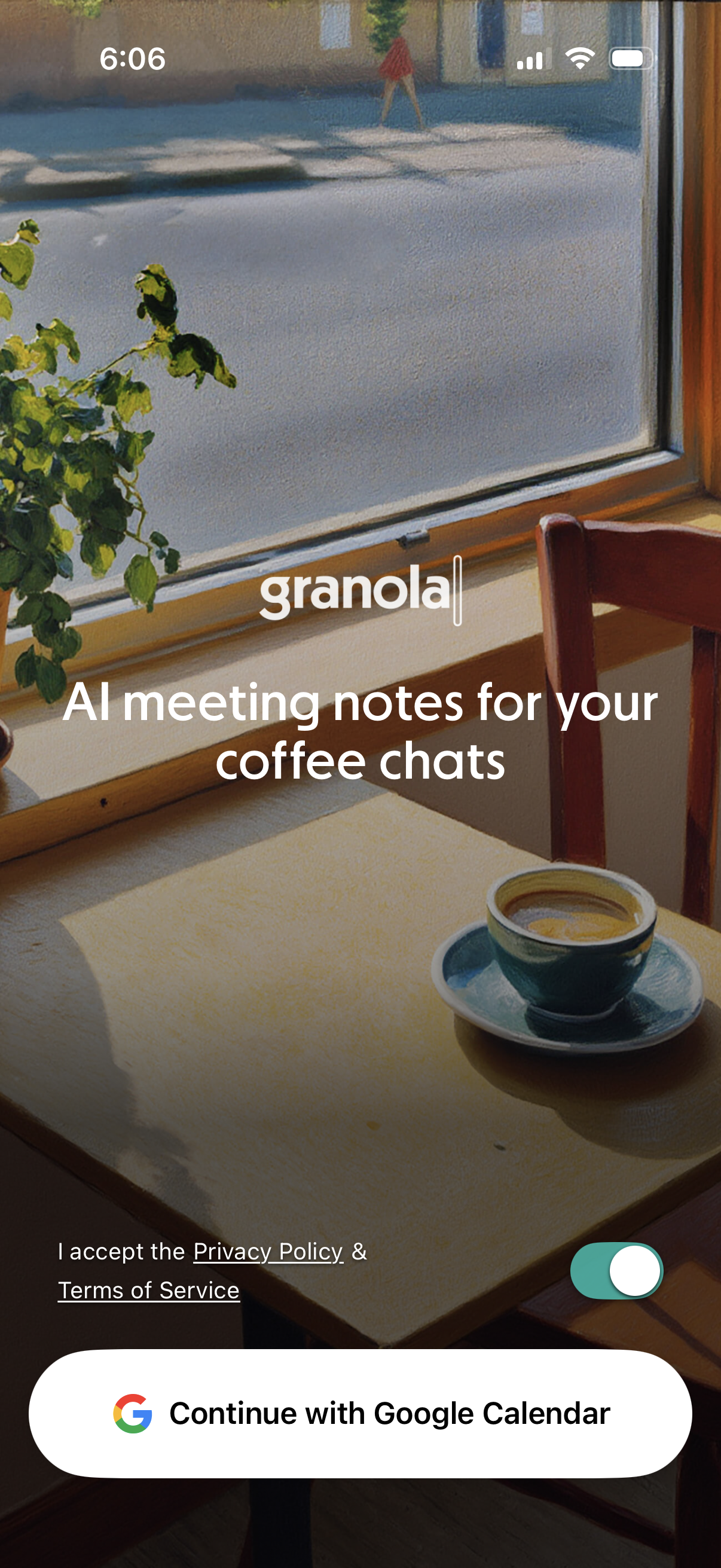
Onboarding/login welcome screen for an AI meeting notes app, introducing the product and asking the user to accept Privacy Policy and Terms of Service via a toggle. Primary action is a single sign-in button to continue with Google Calendar integration.
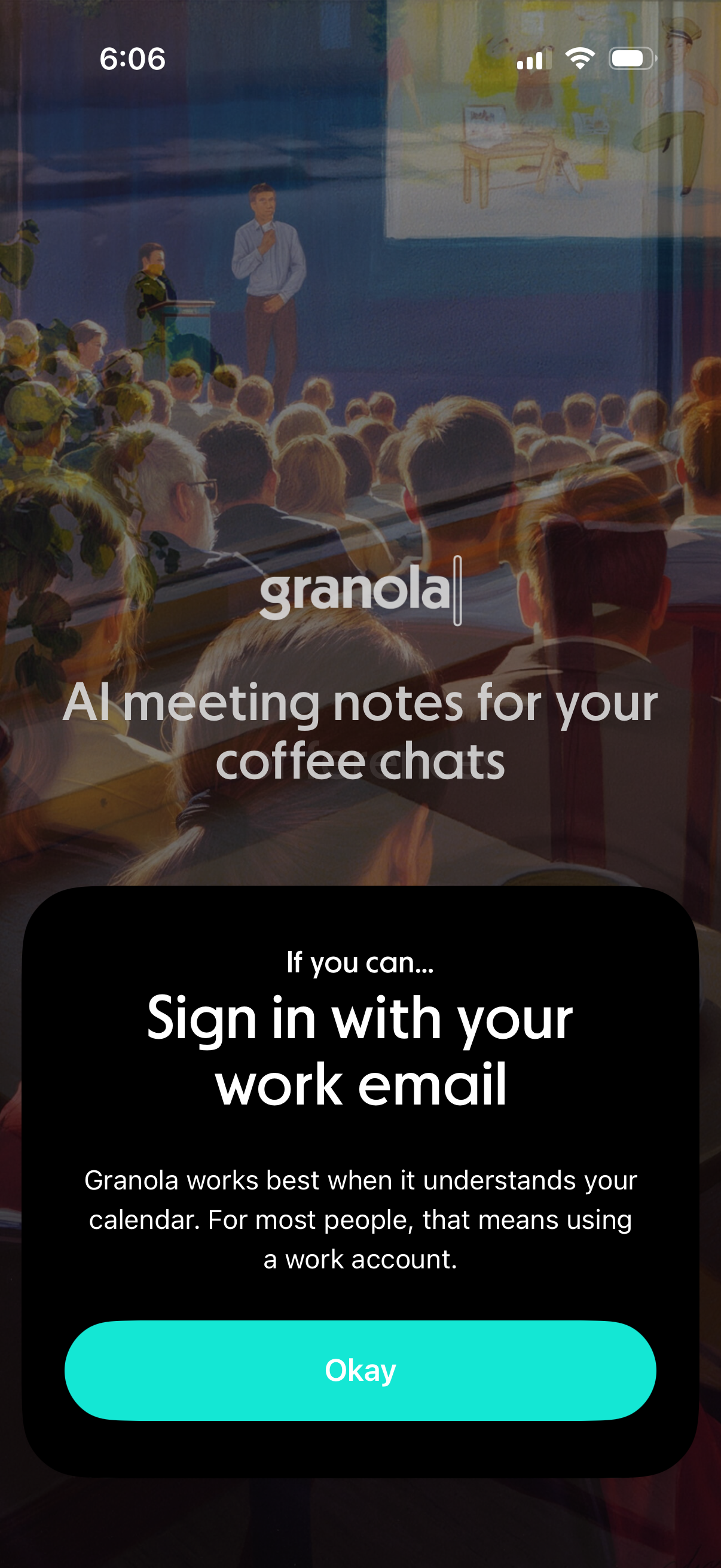
Onboarding/login prompt for an AI meeting notes app asking the user to sign in with a work email to connect their calendar for better meeting understanding. A modal explains why a work account is recommended and provides a primary “Okay” button to proceed.
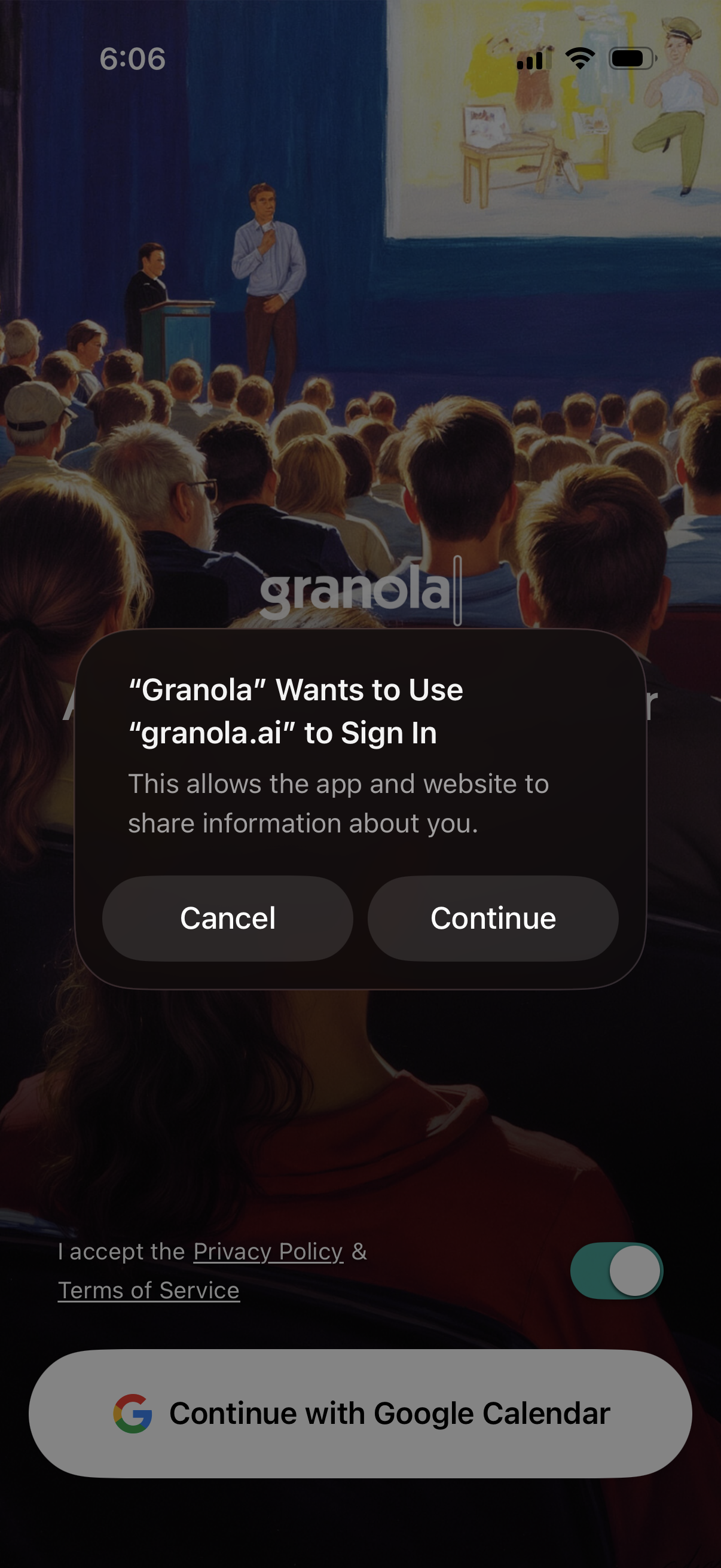
iOS authentication permission dialog asking to let the Granola app use granola. ai to sign in, with primary actions to Cancel or Continue.
In-app browser web authentication/loading screen showing the auth. granola.
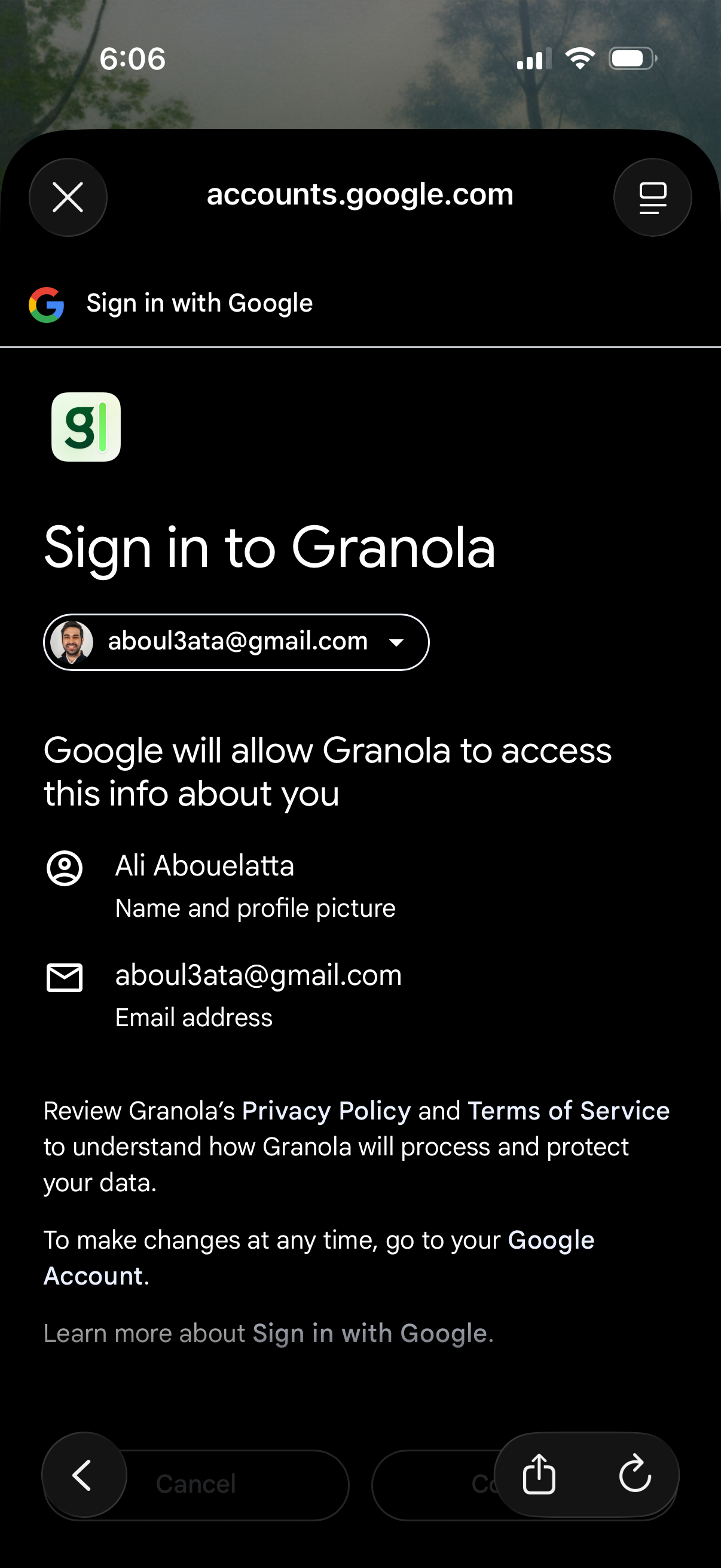
OAuth consent screen for “Sign in with Google” to log in to an app, showing the selected Google account and the permissions/data the app will access (name, profile picture, email). Includes actions to continue or cancel and links to review the app’s privacy policy and terms.
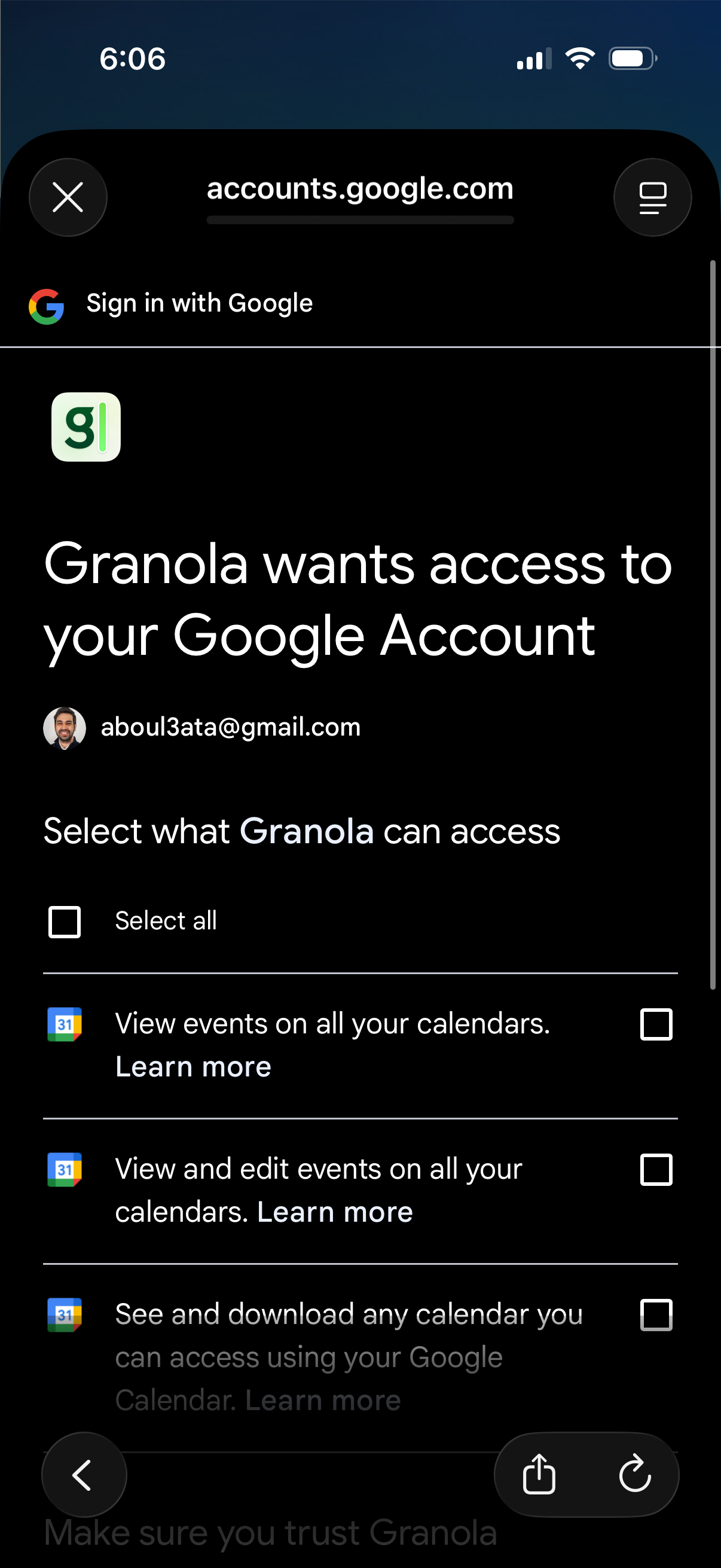
Google OAuth consent screen in a mobile web view where a third‑party app requests access to the user’s Google Account, showing the selected Google account and a list of permission scopes with checkboxes (including select all) for calendar access such as viewing and editing events.

A full-screen authentication loading state showing a spinner and the message “Signing you in…” while the app processes user login. Minimal UI indicates a blocking progress screen during sign-in.
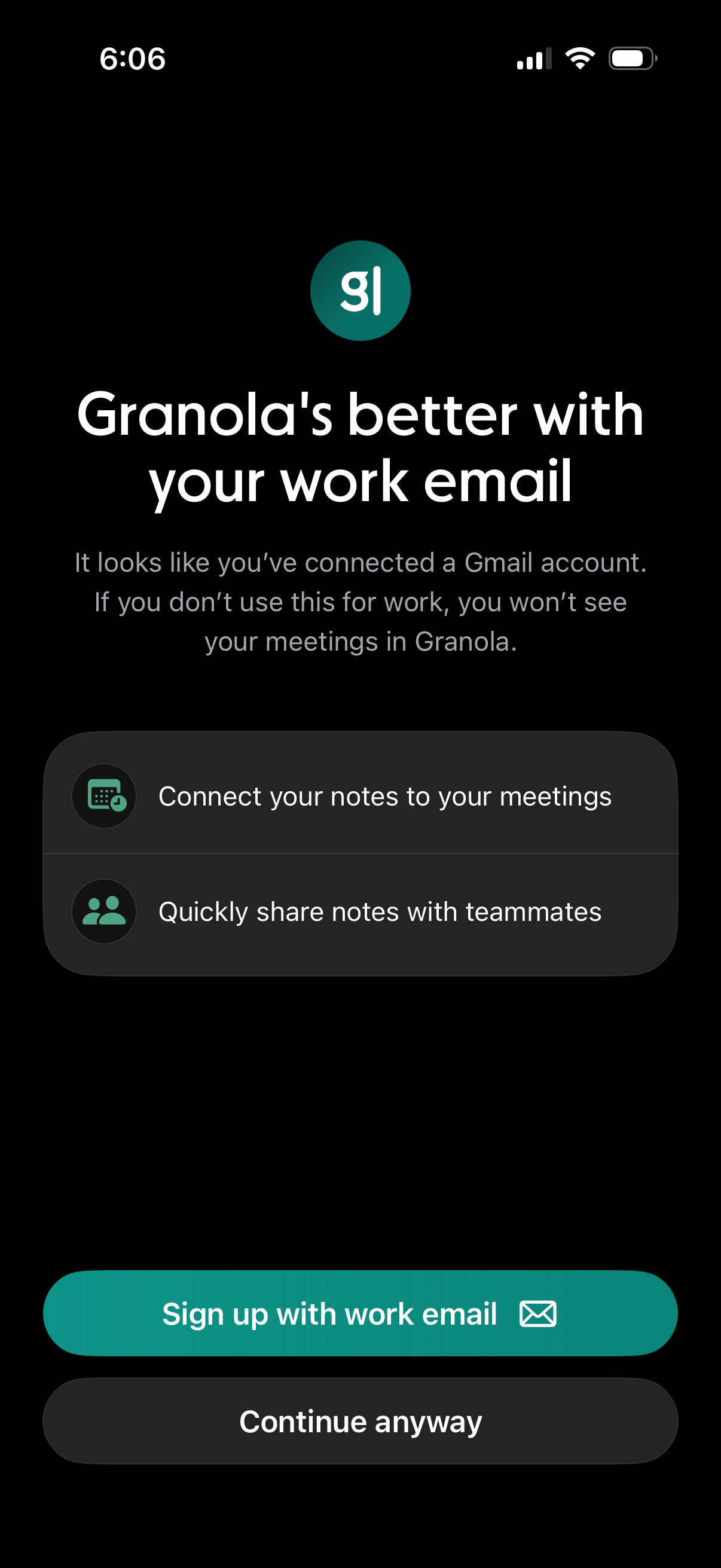
Onboarding prompt encouraging users to sign up with a work email instead of a personal Gmail so the app can sync meetings, connect notes to calendar events, and enable easy note sharing with teammates. Primary actions are “Sign up with work email” and “Continue anyway.
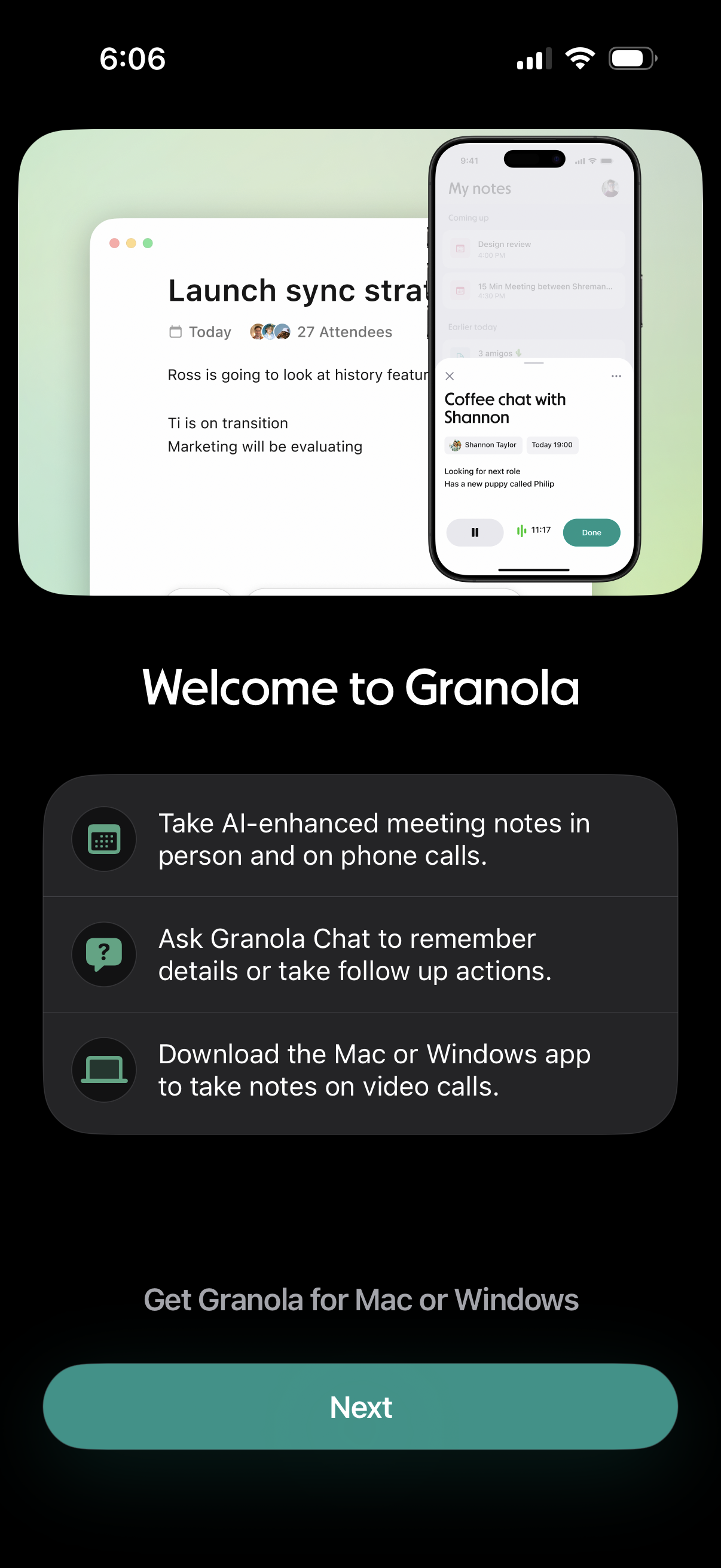
Onboarding welcome screen for an AI meeting notes app explaining key features like AI-enhanced notes for in-person and phone calls, chat-based recall and follow-up actions, and downloading the Mac/Windows desktop app for video call note-taking. Includes a primary “Next” button to continue setup/get the desktop app.