enable microphone access
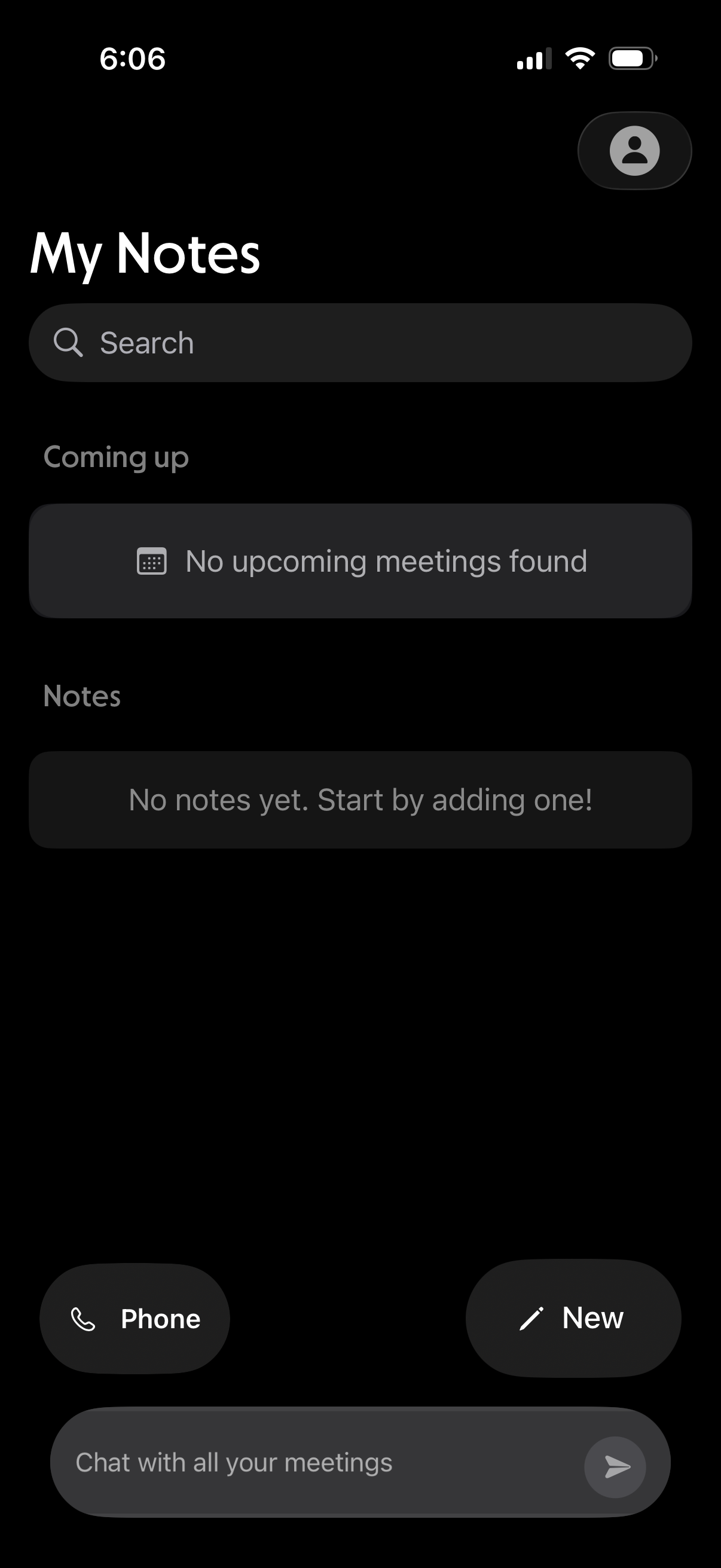
Notes home screen with a search bar, sections for upcoming meetings and saved notes, and empty-state messaging when nothing is found. Provides quick actions to start a phone call, create a new note, and open a chat to message about meetings.
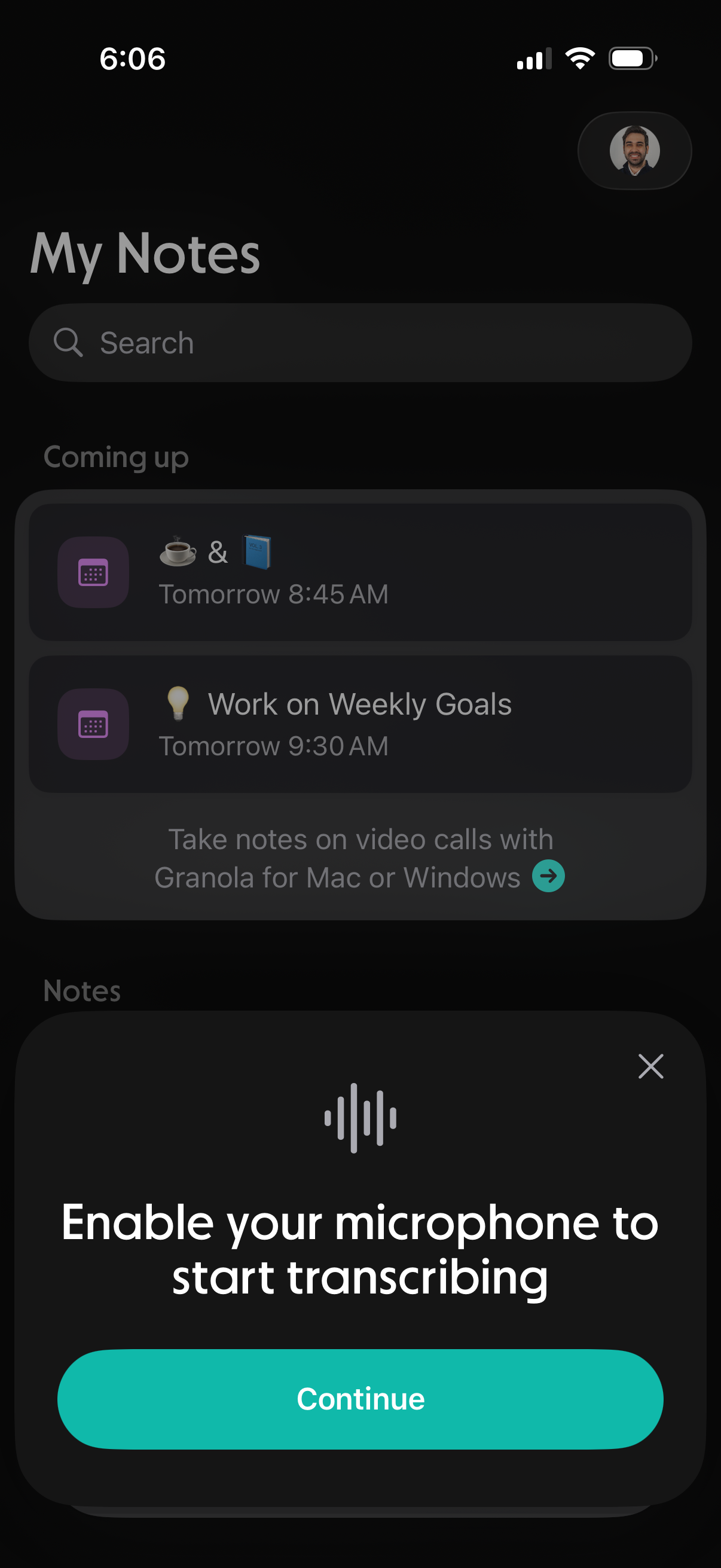
Notes app home screen with a search bar, a “Coming up” section showing scheduled note reminders, and a list of notes. A bottom permission modal prompts the user to enable the microphone to start transcribing, with a primary Continue button and close icon.
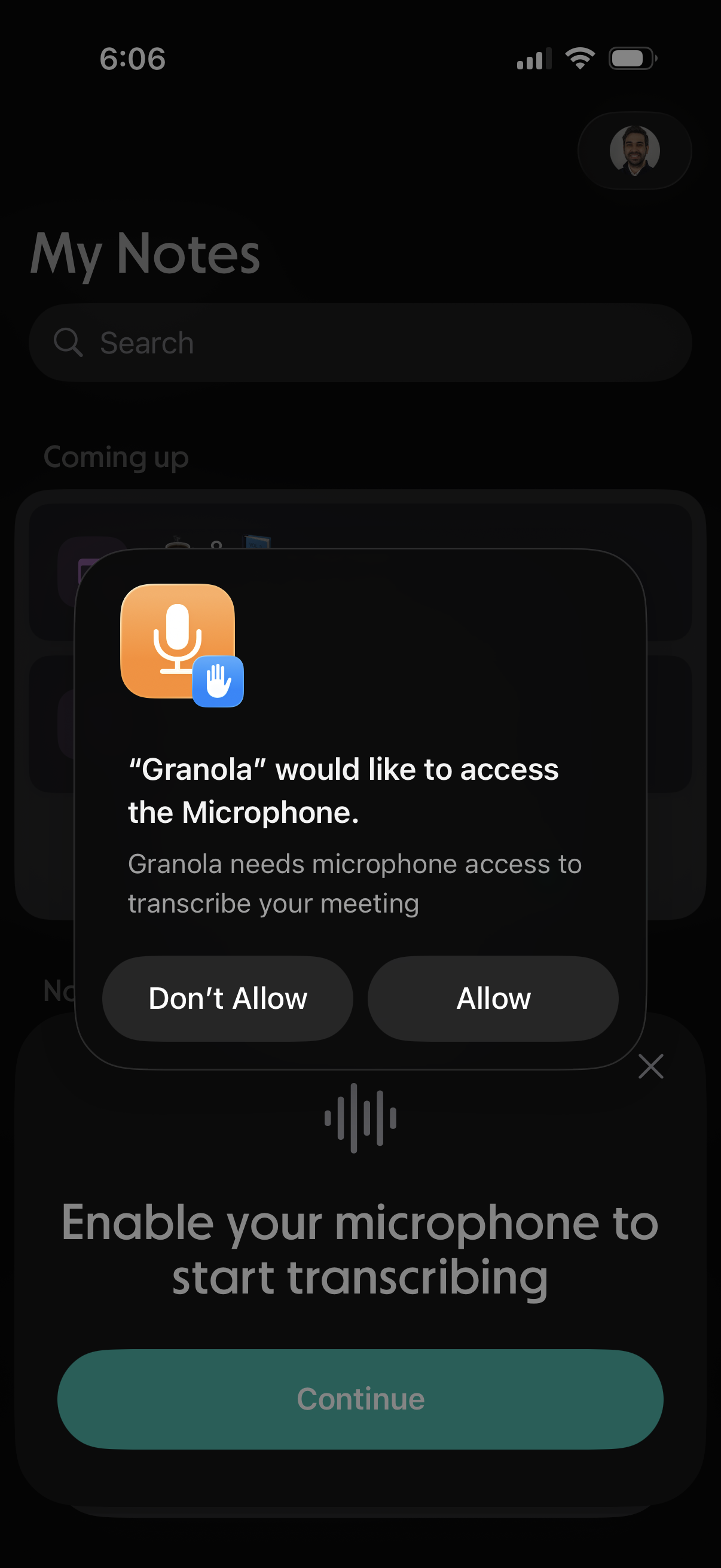
iOS app screen showing a system permission modal requesting microphone access for a meeting transcription feature, with primary actions to Allow or Don’t Allow. The underlying onboarding prompt asks users to enable the microphone to start transcribing and continue.
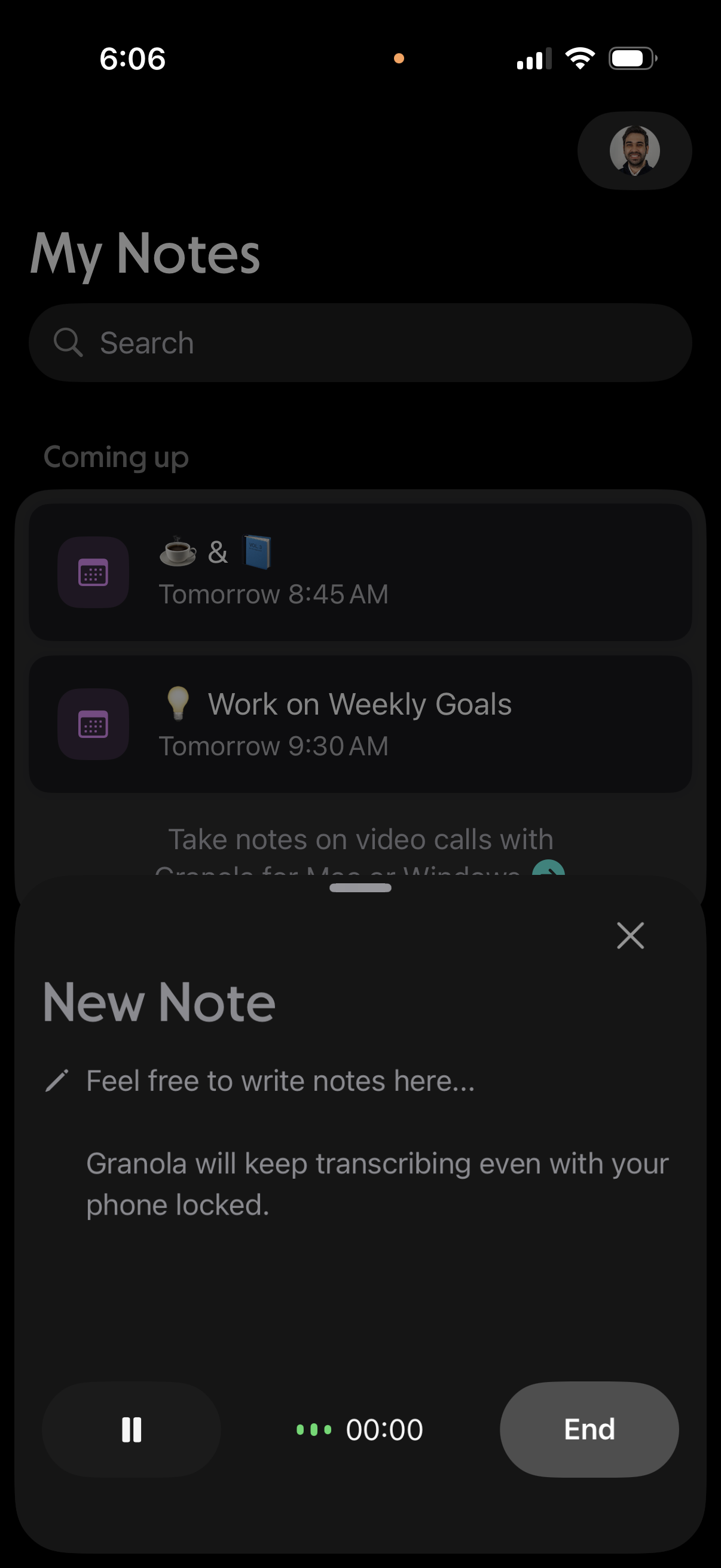
Notes app home screen with a search bar and a “Coming up” list of scheduled notes/tasks, while a bottom sheet “New Note” composer is open for writing a note during an active call with audio transcription/recording controls (pause, timer, end). The modal can be dismissed with an X and indicates transcription continues even when the phone is locked.