connect contacts for calling
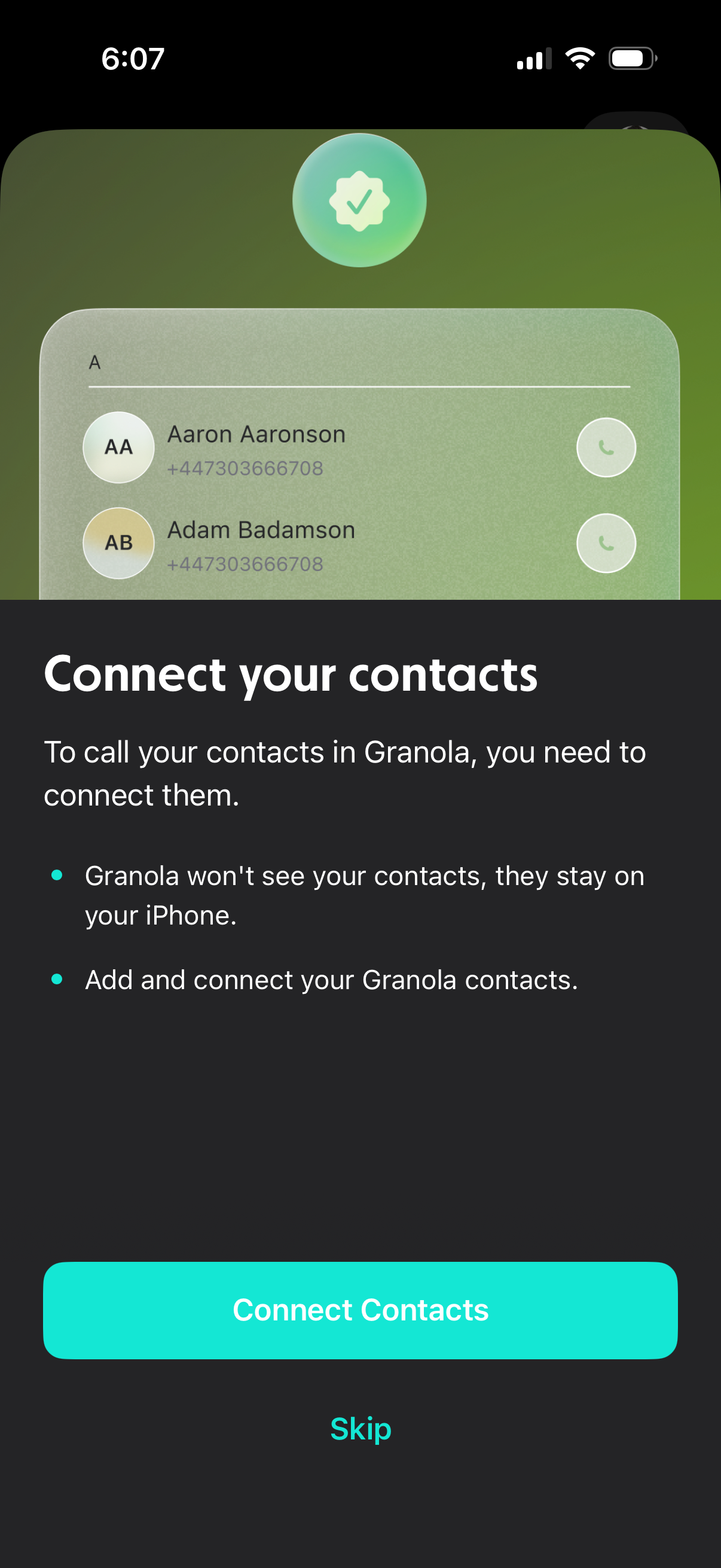
Onboarding permission screen prompting users to connect and sync their phone contacts so they can call contacts in the app, with privacy reassurance that contacts stay on the device. Primary action button to “Connect Contacts” and a secondary “Skip” option.
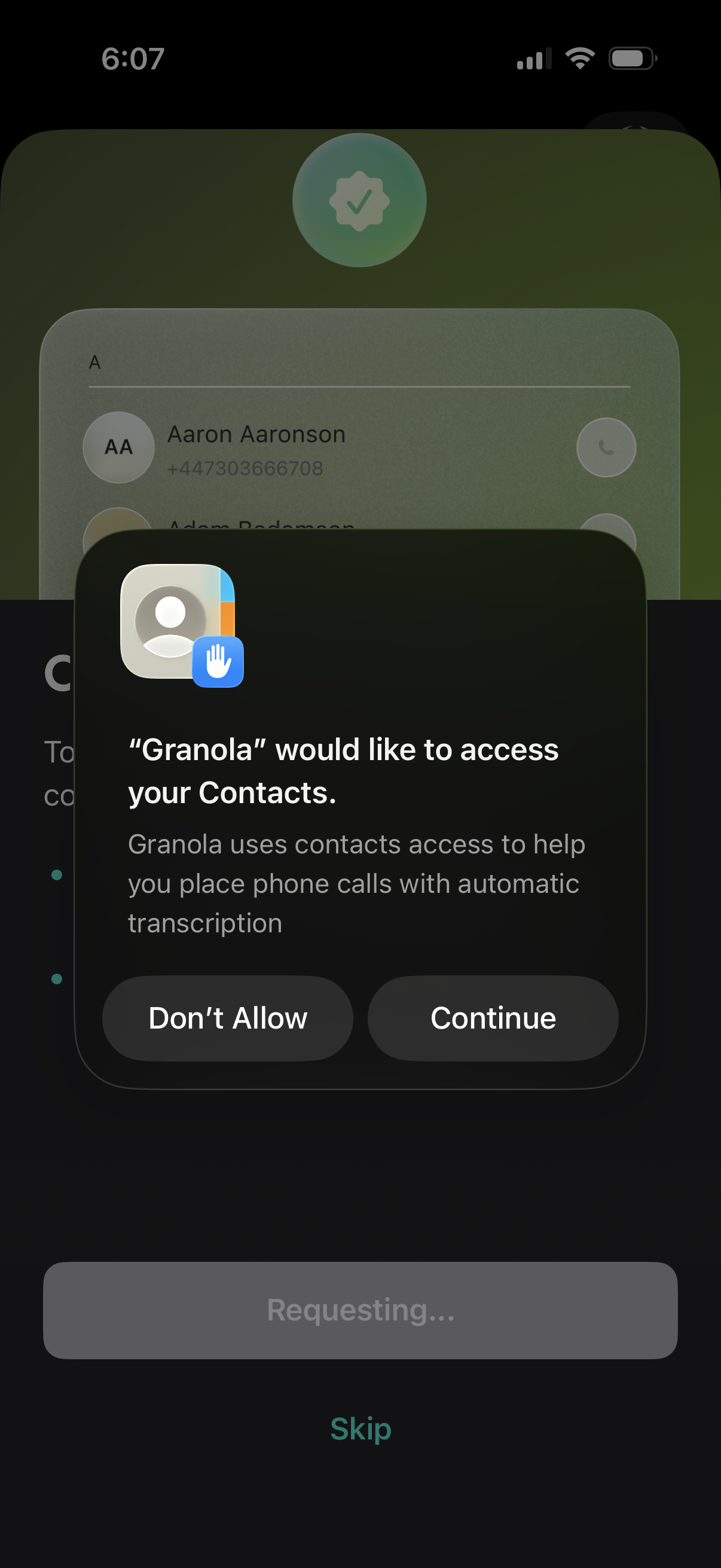
iOS system permission prompt requesting an app to access the user’s Contacts, explaining the reason (help place phone calls with automatic transcription) and offering primary actions to Continue or Don’t Allow. The permission modal appears over a contacts/calling setup screen with a skip option in the background.
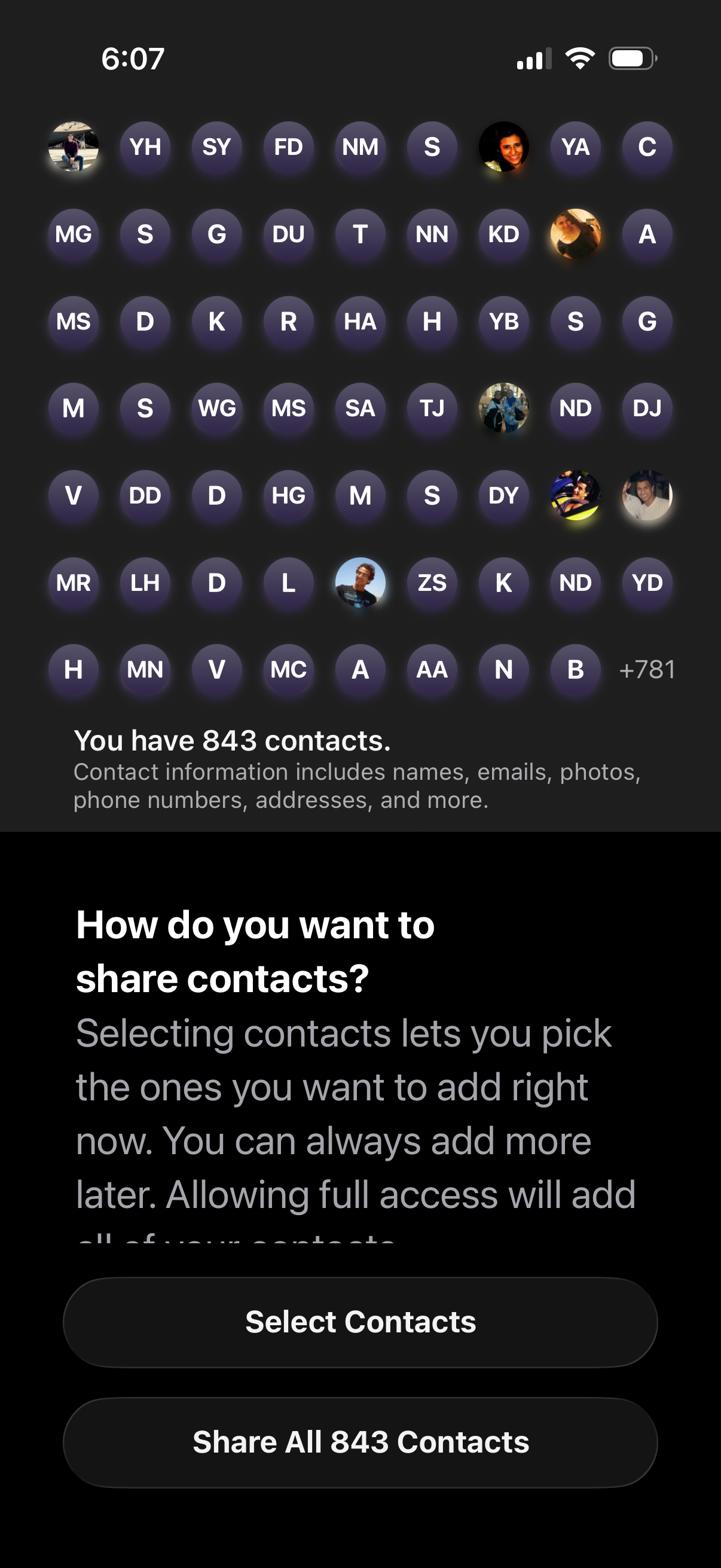
Contacts access permission screen asking how the user wants to share their address book, showing a preview grid of contact avatars/initials and the total number of contacts. Primary actions let the user either select specific contacts to share or grant full access by sharing all contacts.
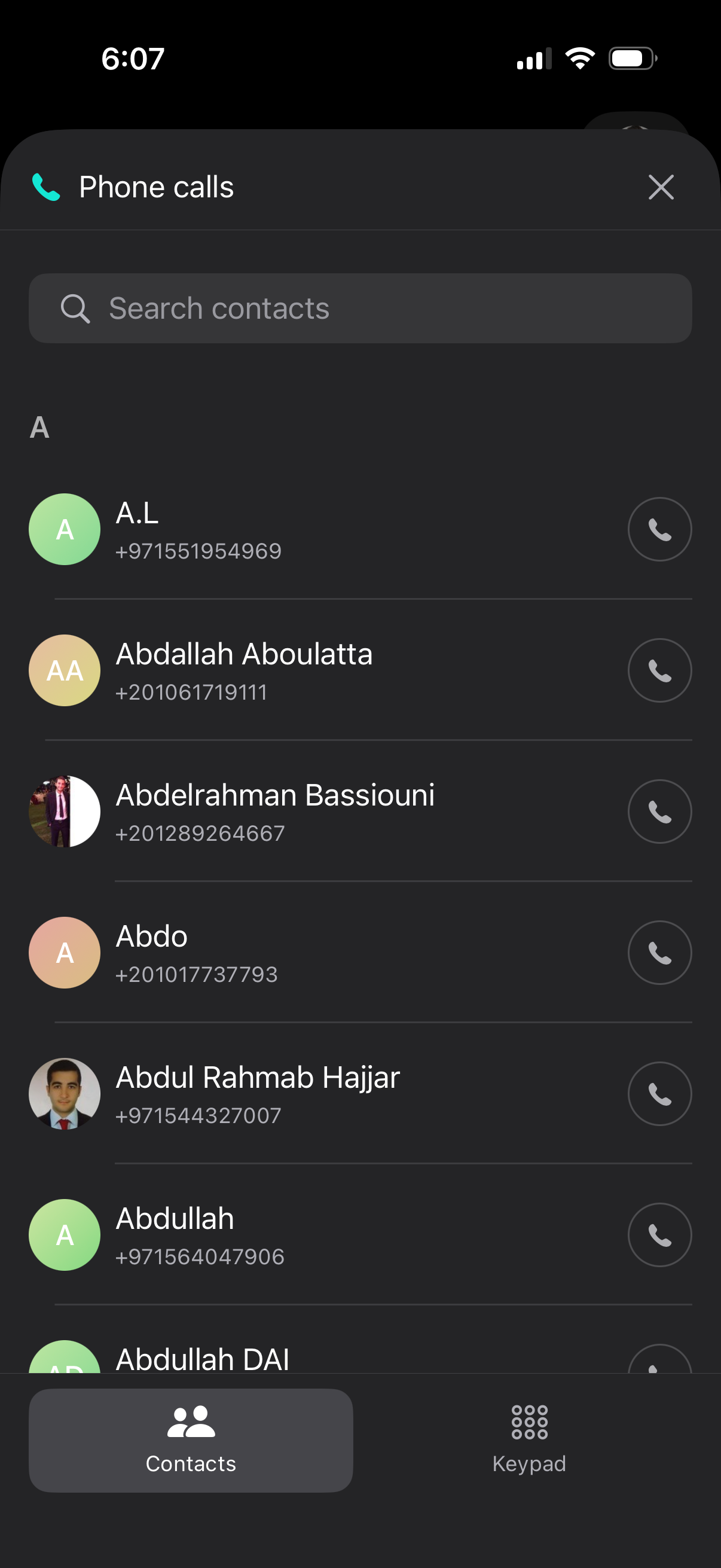
Phone calls contact picker screen with a search bar to find contacts, an alphabetical list showing contact avatars and phone numbers, and a call button on each row to dial. Bottom navigation lets users switch between Contacts and Keypad, with a close icon to dismiss the modal.