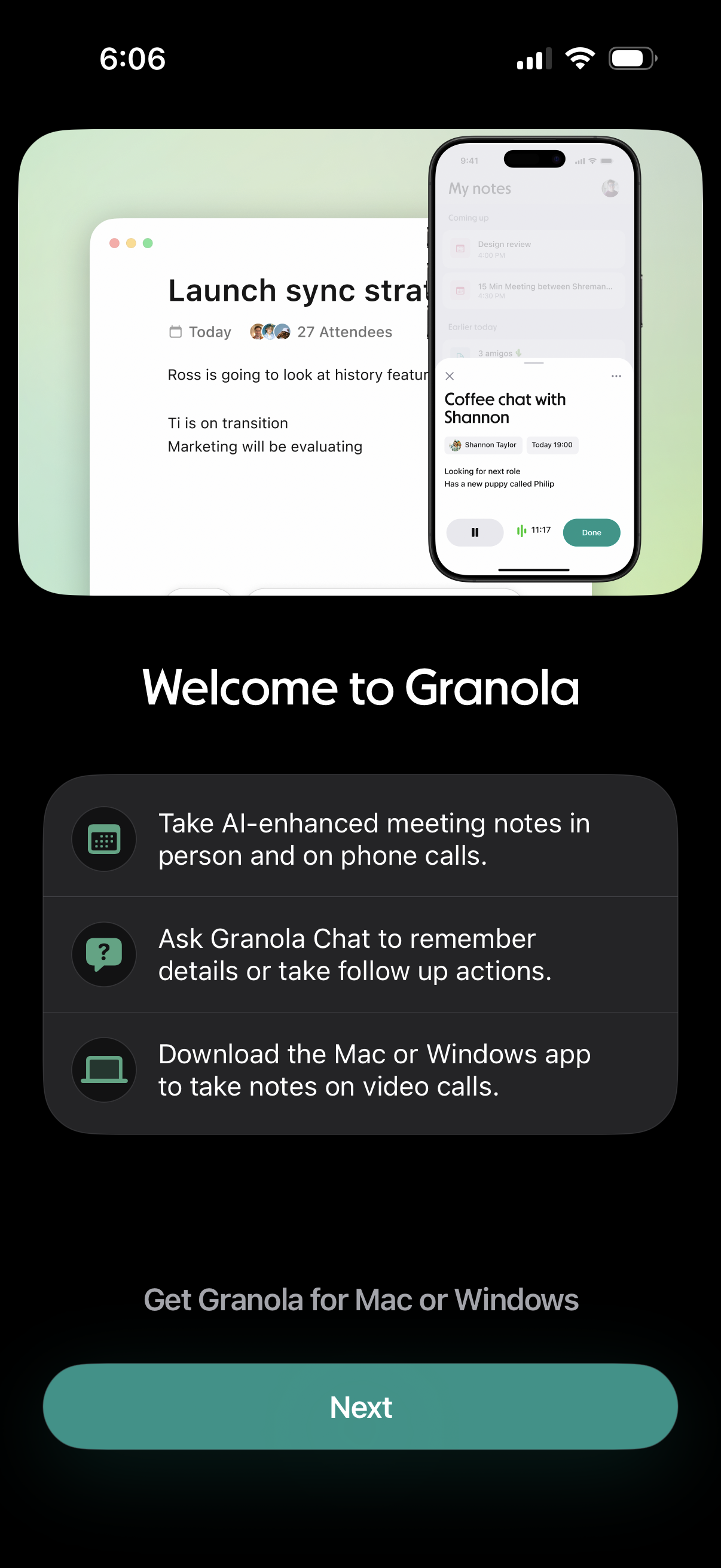
Onboarding welcome screen for an AI meeting notes app explaining key features like AI-enhanced notes for in-person and phone calls, chat-based recall and follow-up actions, and downloading the Mac/Windows desktop app for video call note-taking. Includes a primary “Next” button to continue setup/get the desktop app.
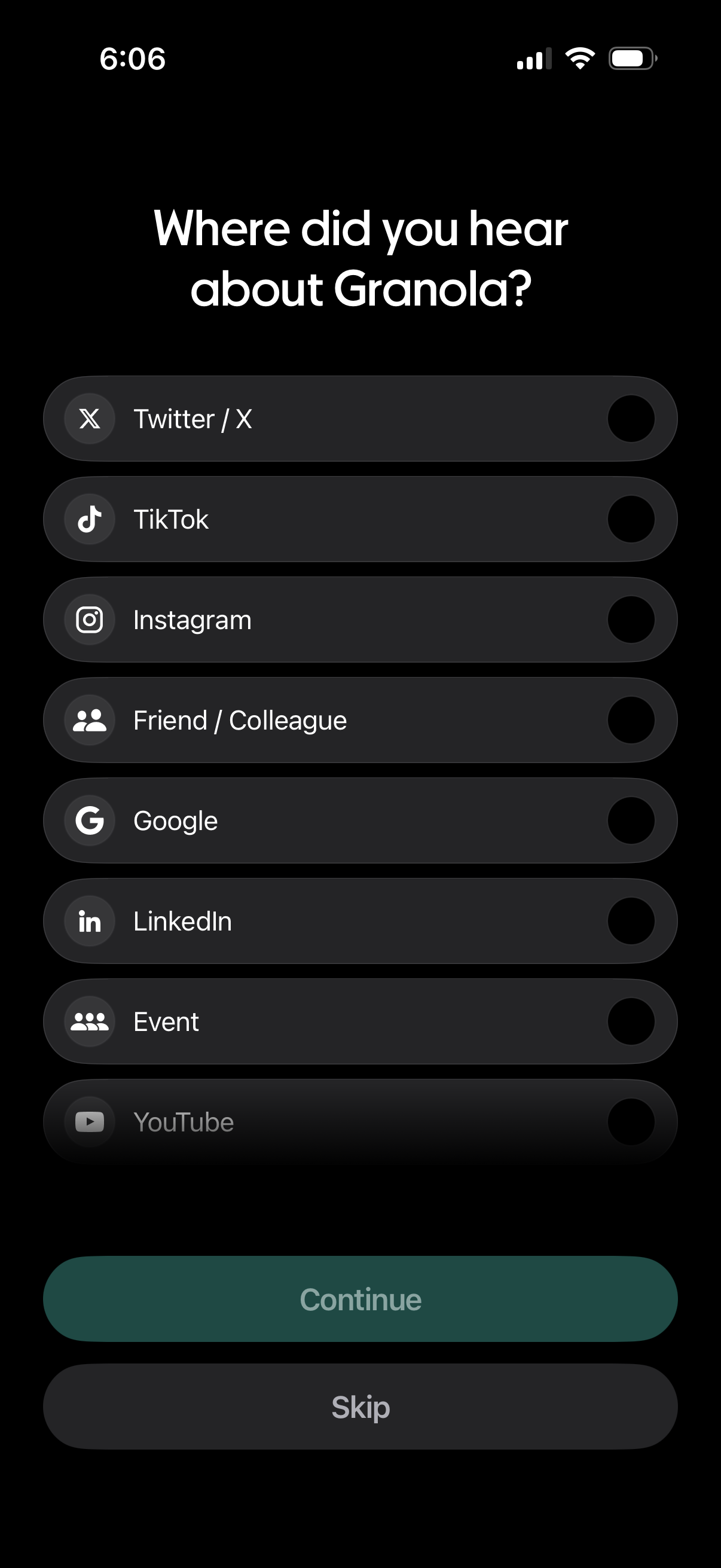
Onboarding survey screen asking users how they heard about the app, with a single-select list of acquisition sources (e. g.
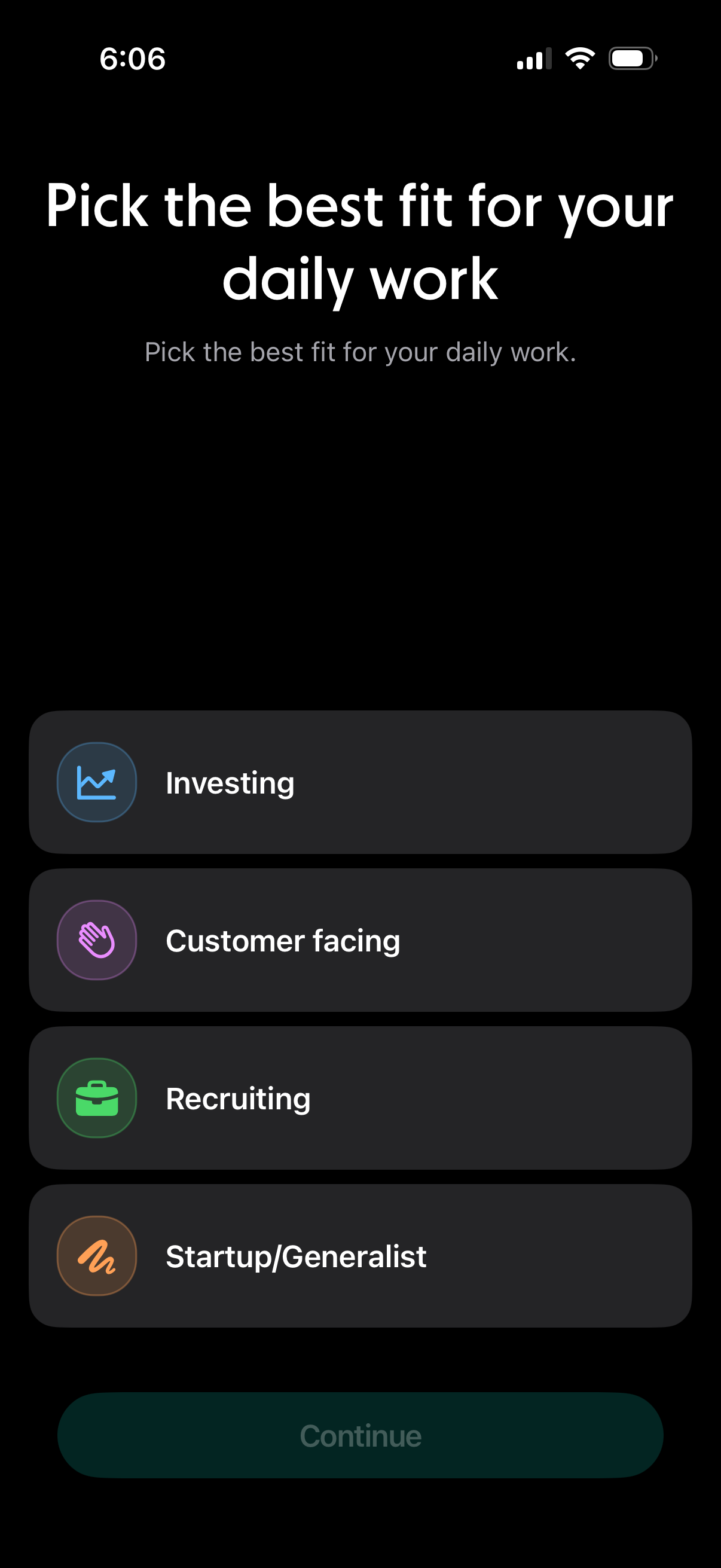
Onboarding preference selection screen asking the user to choose the best fit for their daily work from role categories like Investing, Customer facing, Recruiting, and Startup/Generalist. Users tap an option and proceed via a Continue button.
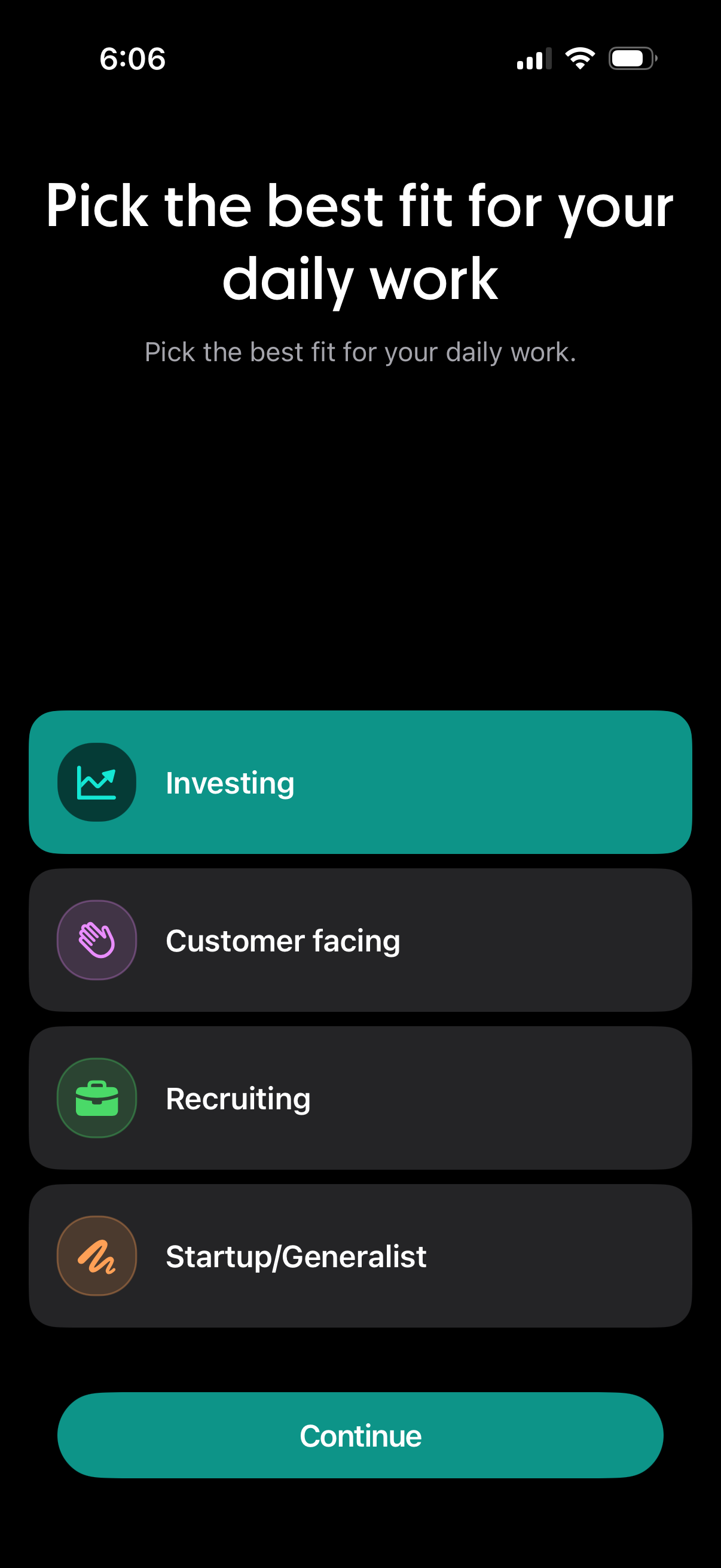
Onboarding preference selection screen asking the user to pick the best fit for their daily work, with large selectable role categories (Investing, Customer facing, Recruiting, Startup/Generalist) and a primary Continue button to proceed.
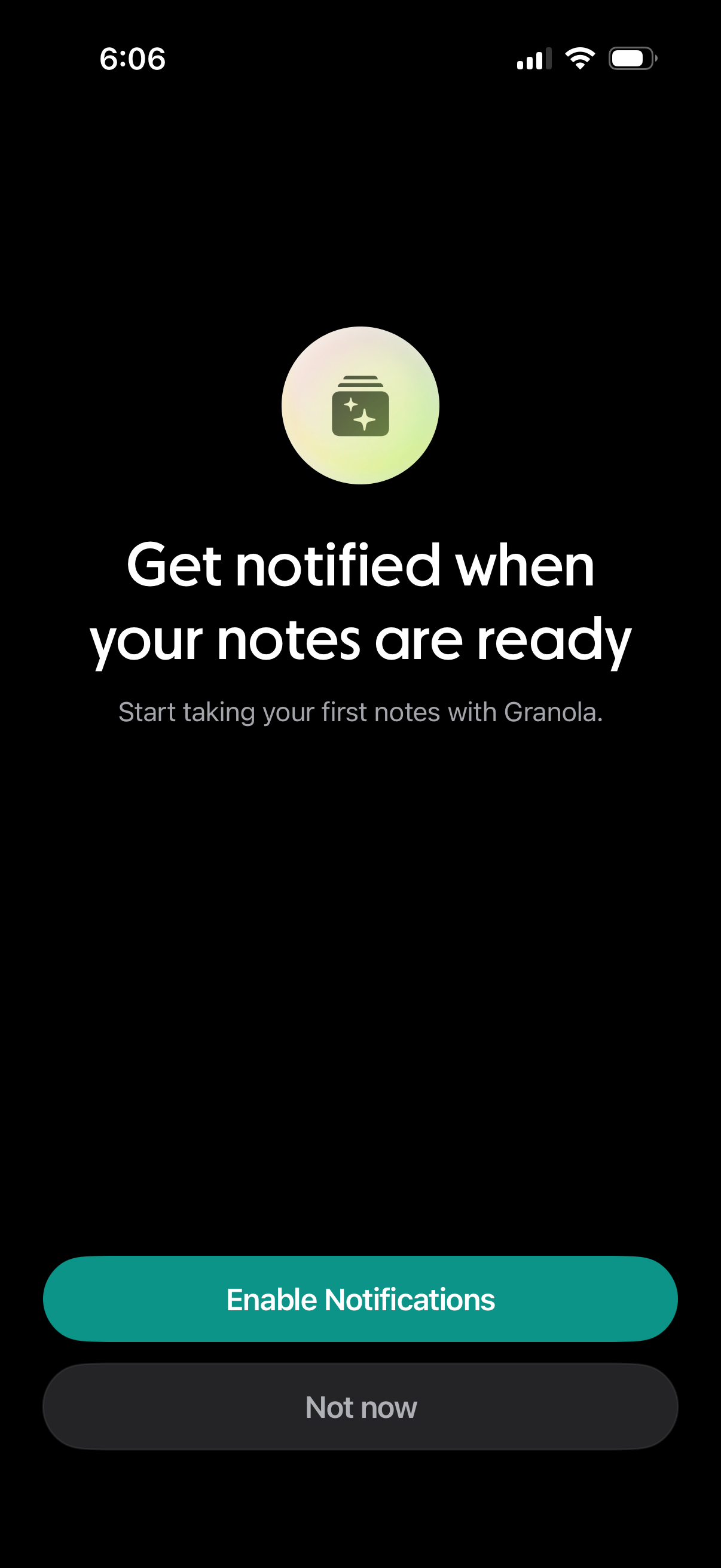
Notification permission prompt for a note-taking app, asking users to enable push notifications to be alerted when their notes are ready. Provides primary action to Enable Notifications and secondary option Not now.
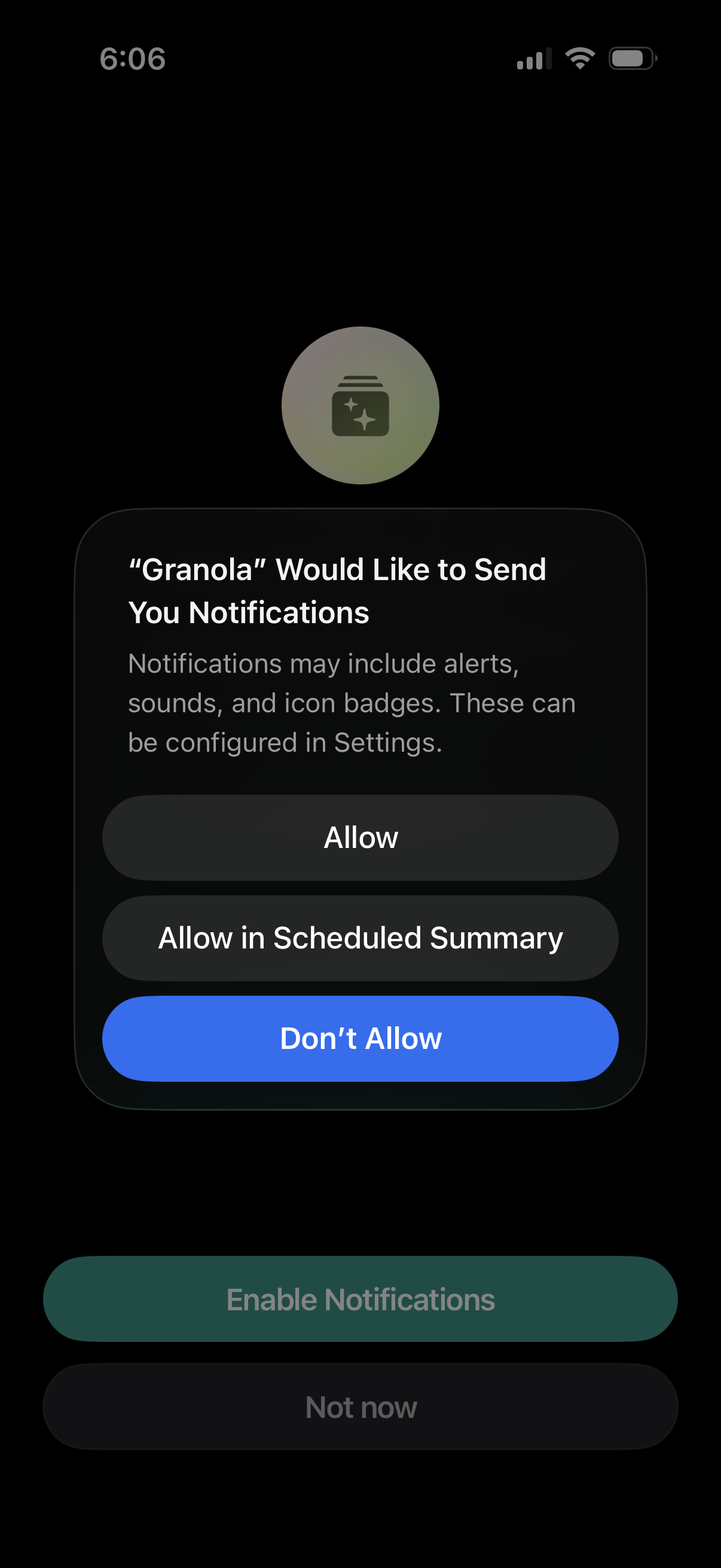
iOS system permission modal asking to enable push notifications for an app, explaining alerts/sounds/badges and that settings can be changed later. Primary actions include Allow, Allow in Scheduled Summary, or Don’t Allow, with an underlying onboarding prompt offering Enable Notifications or Not now.
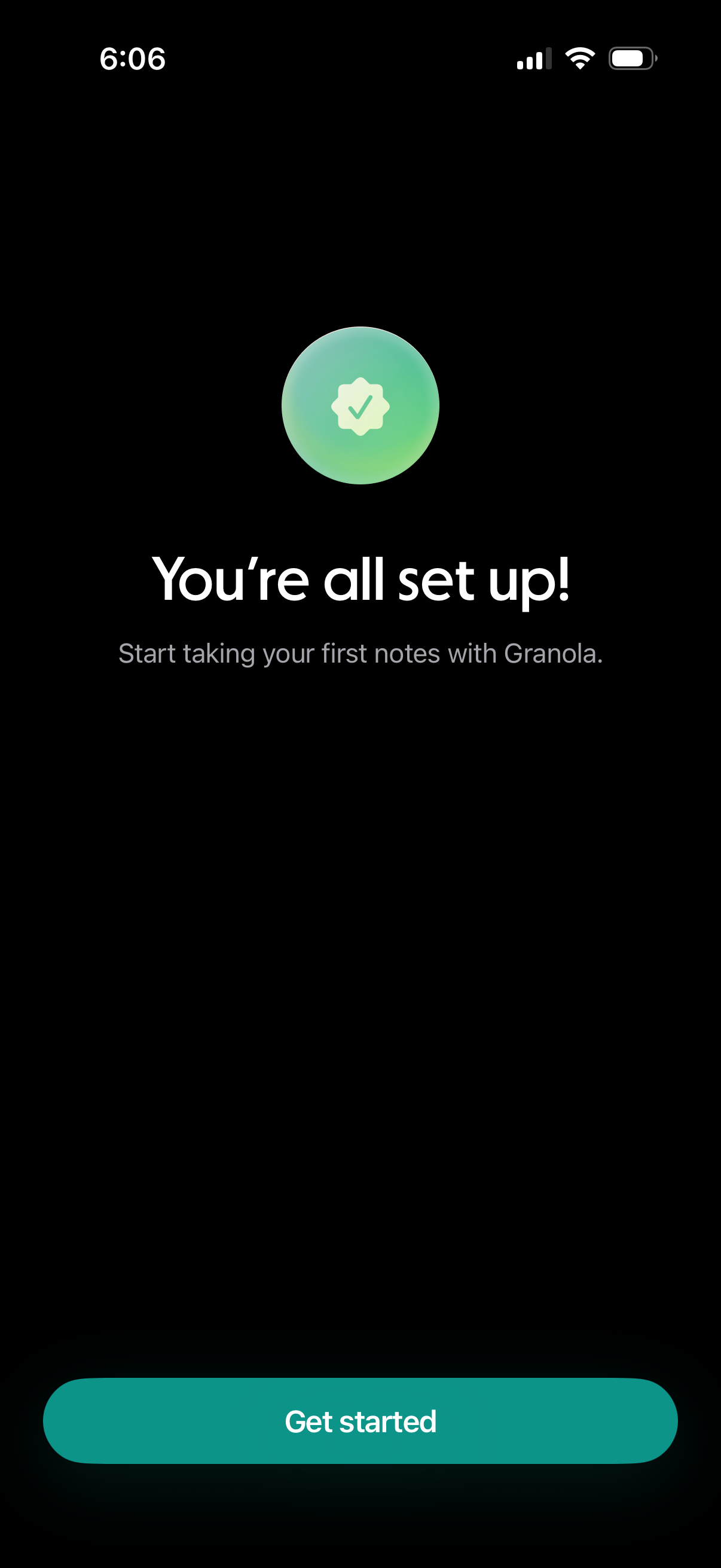
Onboarding completion confirmation screen for a note-taking app, showing a success checkmark with the message “You’re all set up! ” and prompting the user to start taking notes.
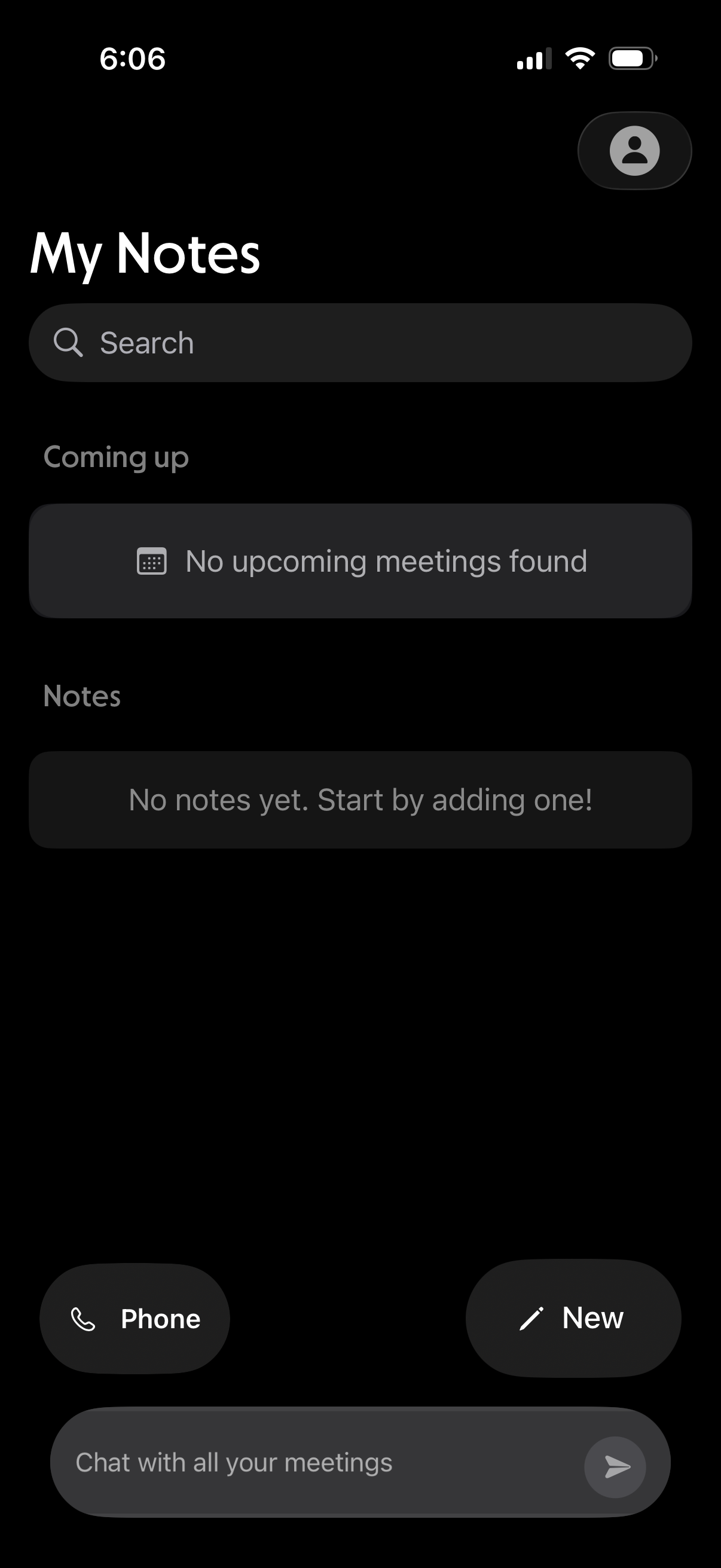
Notes home screen with a search bar, sections for upcoming meetings and saved notes, and empty-state messaging when nothing is found. Provides quick actions to start a phone call, create a new note, and open a chat to message about meetings.