update stay preferences
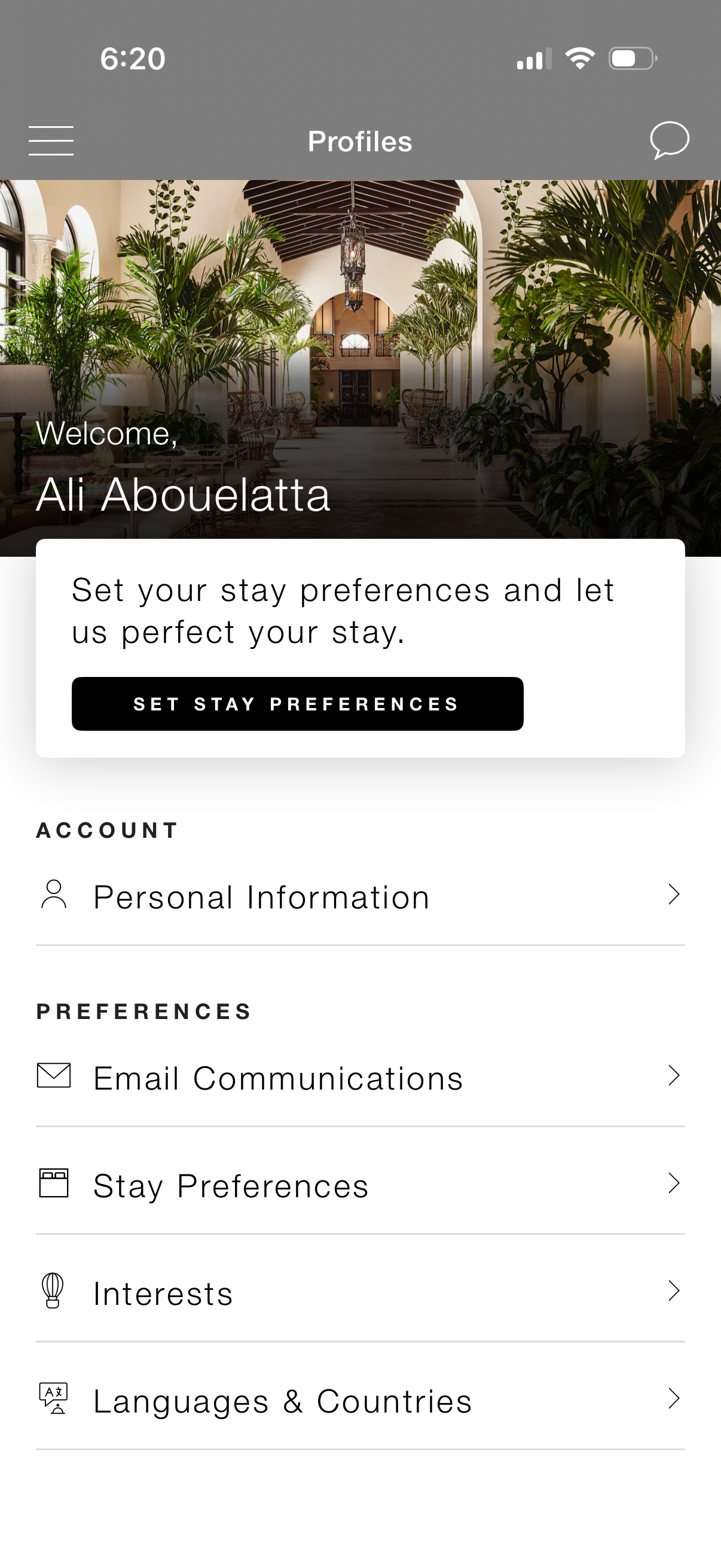
Profile/account hub screen for a hospitality or travel app with a welcome header and a prominent call-to-action to set stay preferences. Provides navigable settings sections for personal information and preferences such as email communications, stay preferences, interests, and languages/countries, with menu and messaging icons in the top bar.
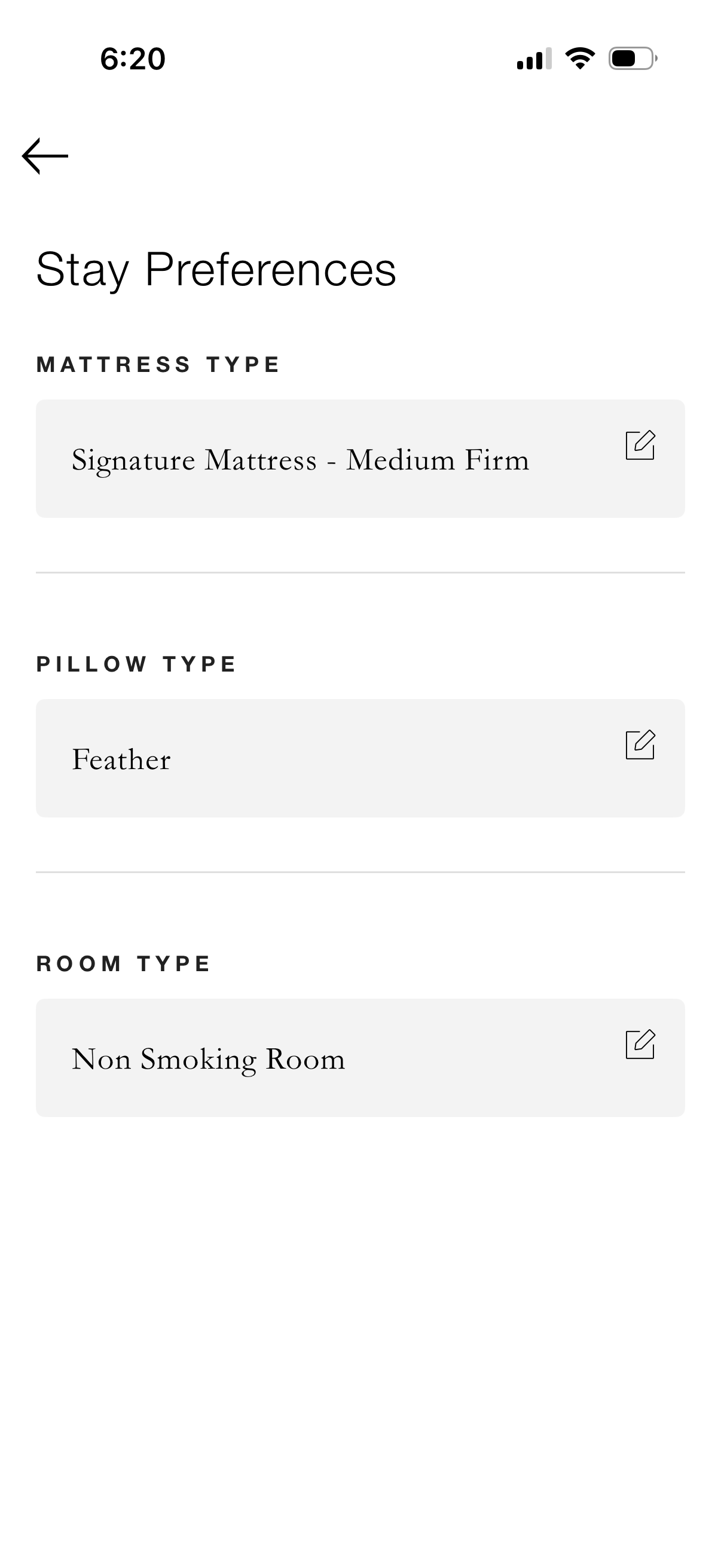
Hotel stay preferences settings screen where a guest can view and edit room comfort options, including mattress type, pillow type, and room type (e. g.

Email communication preferences settings screen where users manage marketing subscription options with toggle switches for general communications, offers and promotions, private residences updates, and market research surveys. Includes a back navigation arrow and a primary “Update” button to save changes.
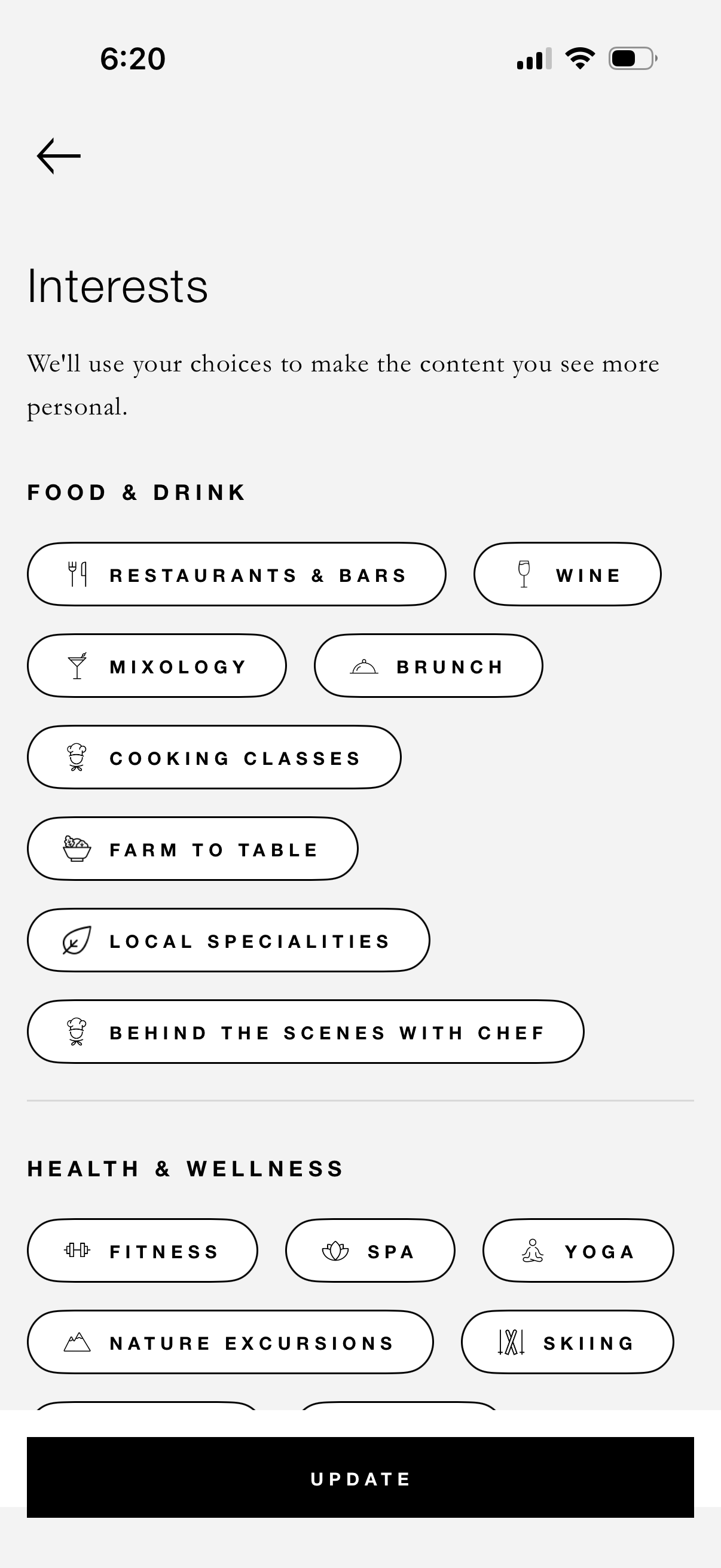
Interest selection screen for personalizing app content, showing categorized selectable chips for topics like Food & Drink and Health & Wellness (e. g.

Settings screen for managing language and regional preferences, with editable fields to set the app display language, a separate preferred language for email communications, and the user’s country/region. Includes inline explanations clarifying that changing preferred email language does not affect the app language.