complete first time setup

iOS system permission modal requesting to allow the app to find and connect to nearby Bluetooth devices for a Mobile Key feature, showing a preview of detected devices and a privacy note about location profiling. Primary actions are “Don’t Allow” or “Allow” Bluetooth access.

iOS system permission modal asking the user to enable push notifications for an app, explaining alerts/sounds/badges and that settings can be changed later. Primary actions include Allow, Allow in Scheduled Summary, or Don’t Allow.
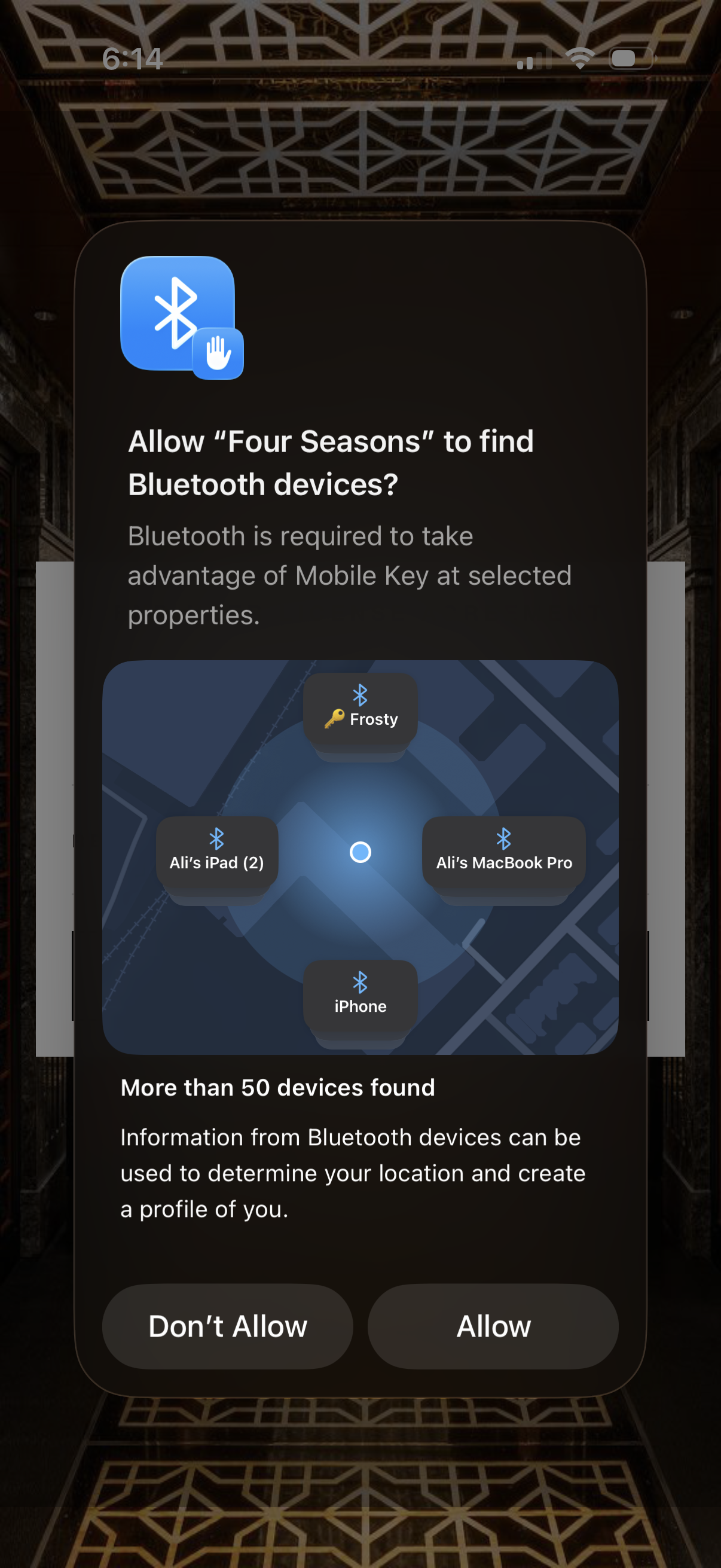
iOS system permission prompt asking to allow an app to find and connect to nearby Bluetooth devices for features like a mobile key, showing a device discovery illustration and privacy notice about location profiling. Primary actions are “Don’t Allow” or “Allow” to grant Bluetooth scanning access.

End User License Agreement consent modal prompting the user to accept the app’s terms and conditions before continuing. Includes a “Read terms” link plus primary Accept and secondary Decline buttons.

Onboarding welcome screen introducing the app’s navigation and encouraging users to start exploring. Includes a prominent “Get Started” primary CTA and a close (X) button to dismiss the intro.

Onboarding tutorial overlay explaining app navigation, showing a swipe gesture prompt to navigate horizontally through the menu. Includes a close (X) button and page indicator (1/2) for the multi-step walkthrough.

App onboarding tutorial overlay explaining navigation, showing a horizontal swipe gesture to move through a bottom icon menu. Includes replay, step indicator (1/2), and Back/Next buttons with an option to close the tutorial.
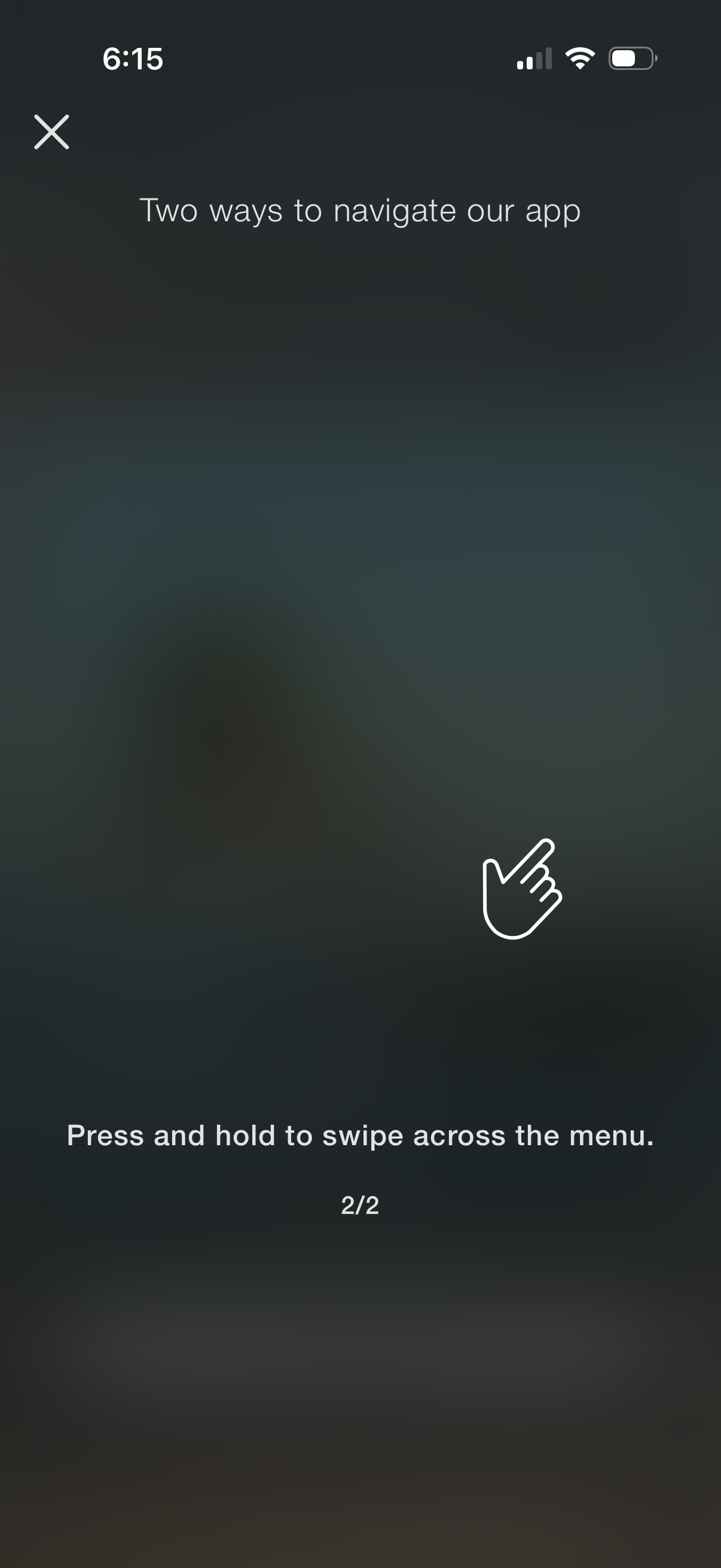
Onboarding tutorial overlay explaining app navigation gestures, showing a tip to press and hold then swipe across the menu. Includes a close (X) button and pagination indicator (2/2) with a hand icon illustrating the gesture.
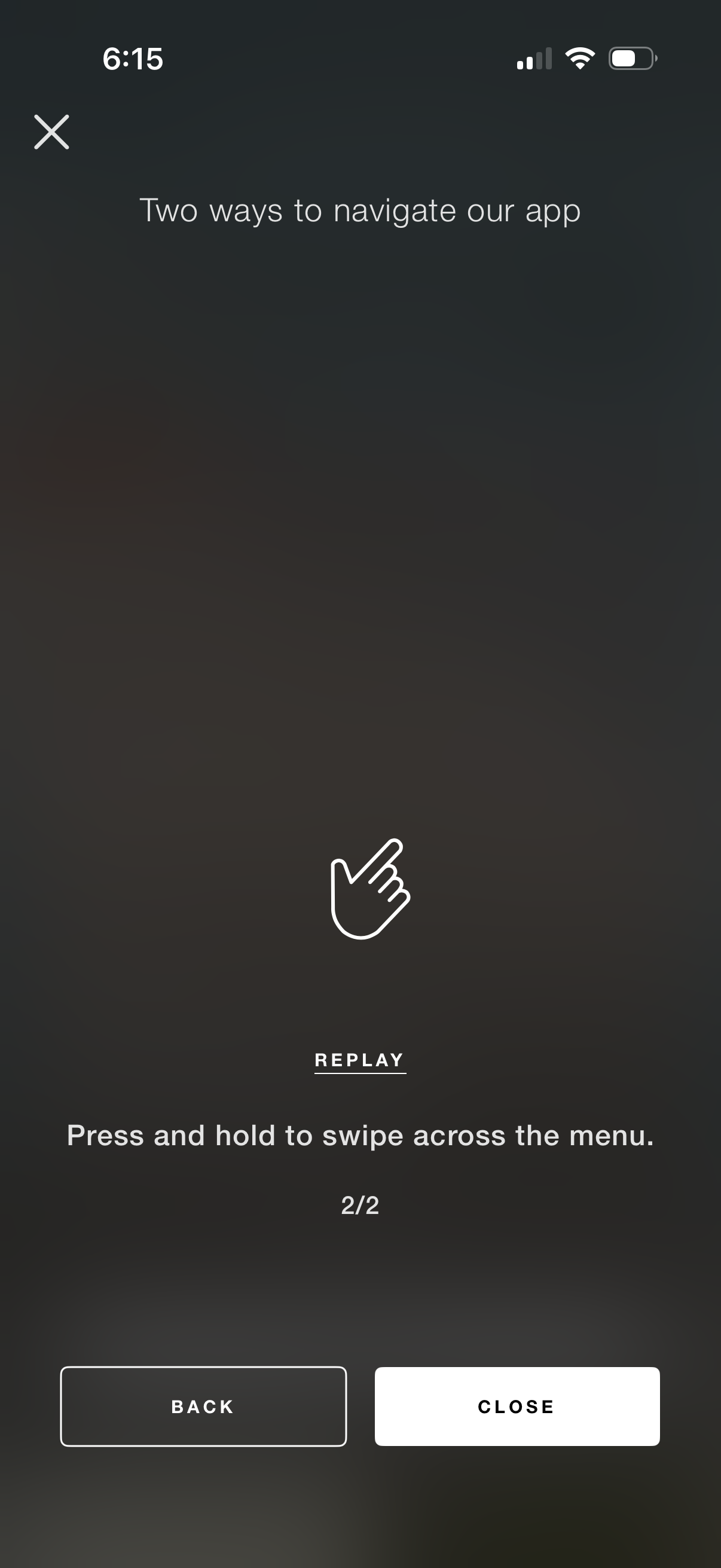
App onboarding tutorial overlay explaining navigation gestures, showing an instruction to press and hold then swipe across the menu with a replay option. Includes step indicator (2/2) and controls to go back or close/exit the tutorial.

Travel and hospitality home screen with a top search bar for destinations, menu and chat icons, and a welcome prompt to sign in or create a profile for a personalized experience. Large promotional card highlights “Hotels & Resorts” with primary actions to Book Now or Discover.