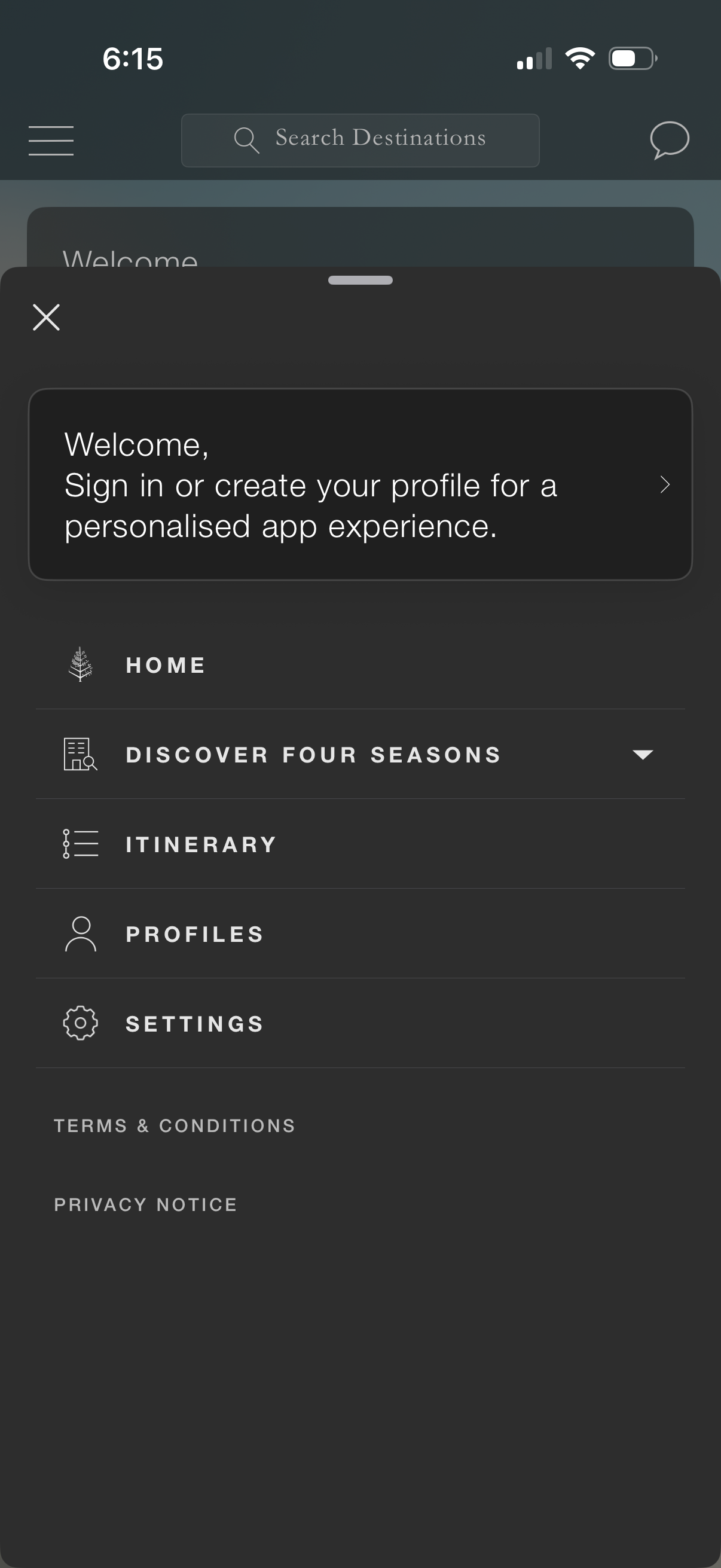
Side navigation drawer overlay in a travel/hospitality app prompting users to sign in or create a profile for a personalized experience. Menu provides quick links to Home, Discover property/destination section, Itinerary, Profiles, and Settings, plus Terms & Conditions and Privacy Notice.
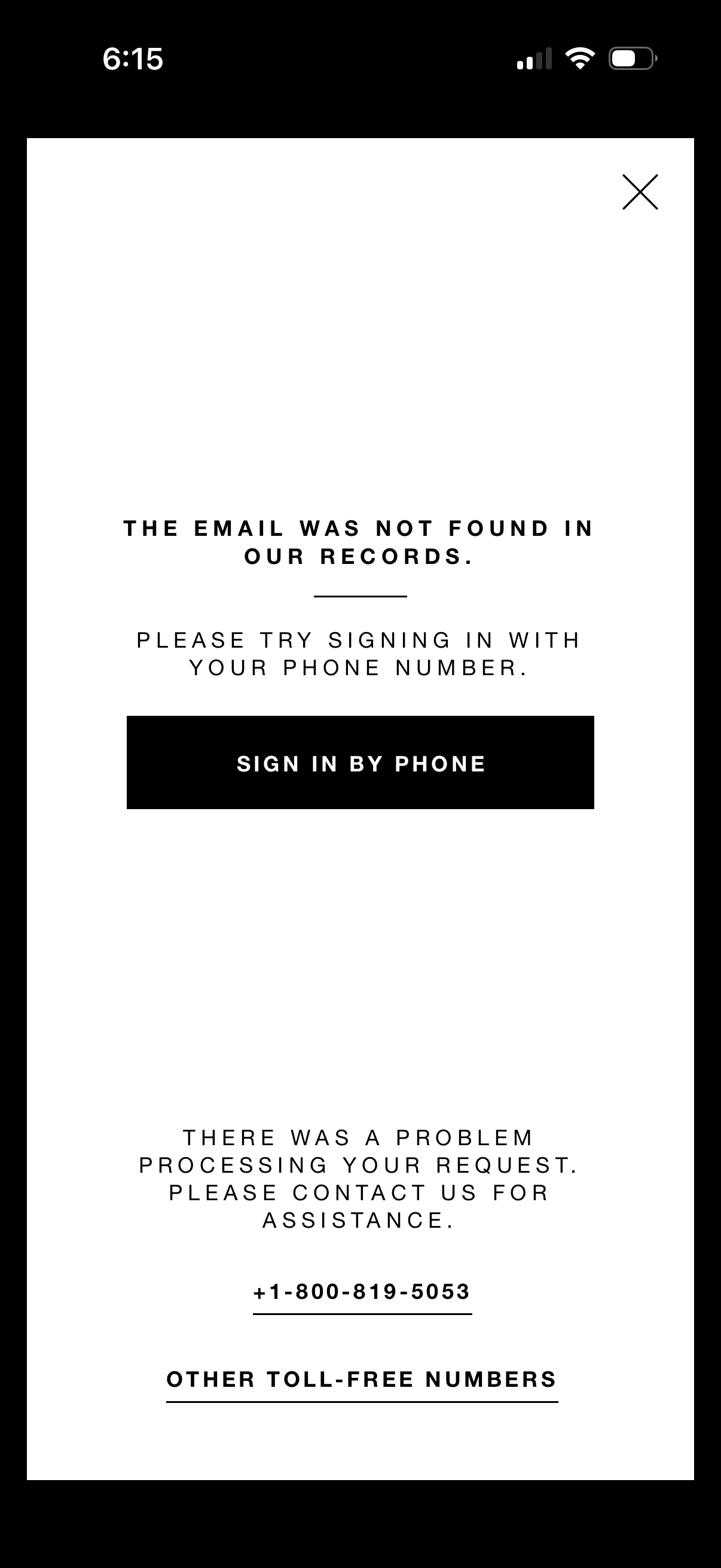
Error modal during authentication stating the email was not found and prompting the user to sign in with their phone number, with a primary “Sign in by phone” CTA and a close icon. Includes fallback support messaging with contact phone number and link to view other toll-free numbers.
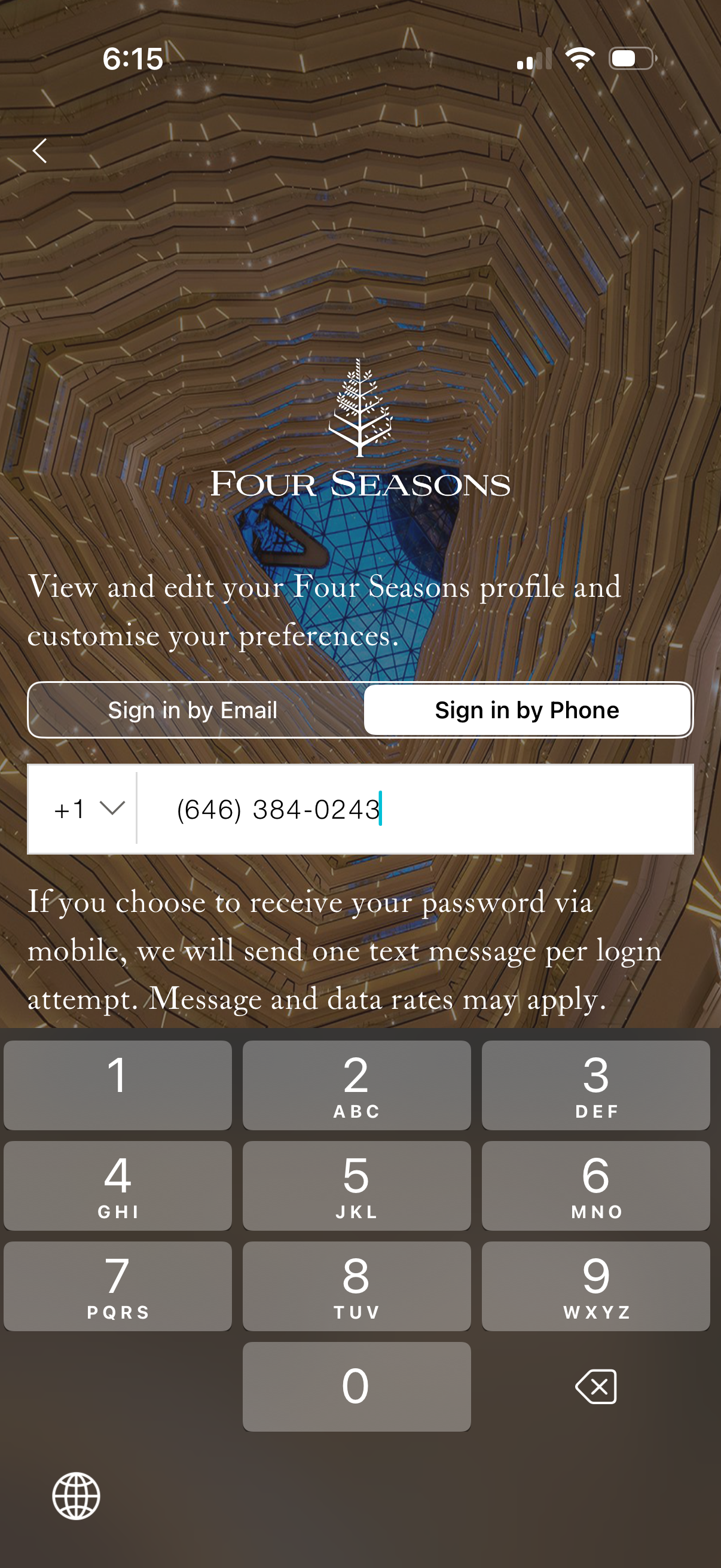
Hotel app login screen for Four Seasons allowing users to sign in to view/edit their profile and customize preferences, with a toggle between sign in by email or by phone. Includes country code selector, phone number input for SMS password/verification, and a back navigation control.

Error message screen shown during login indicating the phone number was not found, prompting the user to sign in with email instead. Provides a primary “Sign in by email” button plus customer support contact options with a toll-free phone number and link to other numbers, and a close icon to dismiss.

Sign up onboarding screen asking whether the user has an upcoming reservation, with two primary choice buttons (Yes/No) to branch the registration flow and a back navigation arrow.
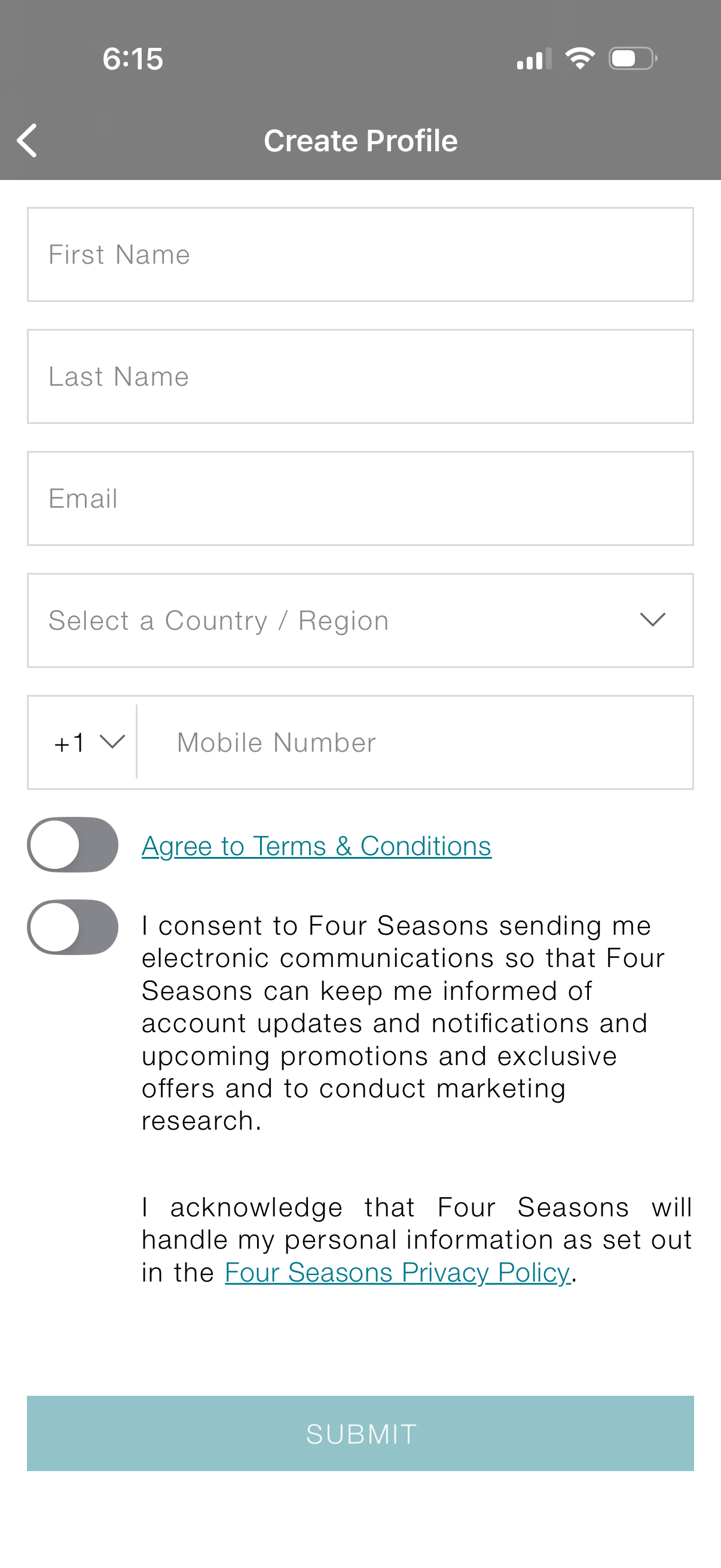
Create profile sign-up form collecting first name, last name, email, country/region selection, and mobile number with country code. Includes toggle switches to agree to terms and conditions and opt in to marketing communications/privacy policy acknowledgment, with a primary Submit button.

Hotel loyalty app authentication screen asking where to send a verification code, with a toggle to choose sign in by email or by phone and a primary Next button to continue the login/OTP flow. A back arrow allows returning to the previous step.
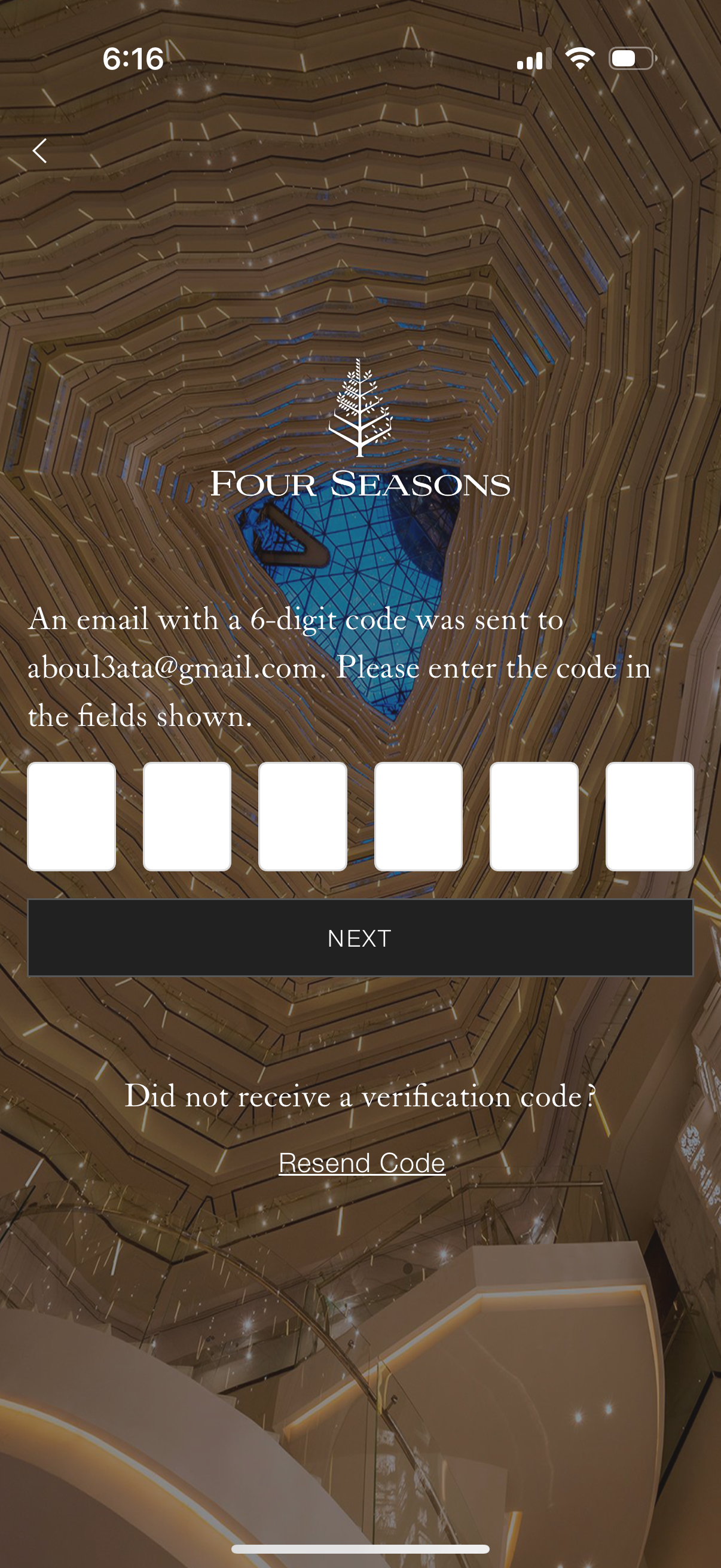
Email verification OTP screen for account sign-in or registration, prompting the user to enter a 6-digit code sent to their email using six separate input fields. Includes a primary Next button to continue and a Resend Code link for when the verification code wasn’t received, with a back arrow for navigation.

Welcome and consent screen for a travel/hotel app explaining that the app may use select app information to personalize recommendations and tailor advertising, with a link to the privacy notice and a primary Continue button to proceed.