
Mobile banking login screen with profile selector, username and password fields (with show/hide password), a “Remember me” toggle, and Face ID biometric sign-in. Includes links for switching profiles, recovering username/password, setting up online access, help, security/privacy, product offerings, and language selection (Spanish).

A blank loading screen showing a centered spinner/progress indicator on a white background, indicating the app is fetching data or transitioning between screens. Minimal UI with no actions available while content loads.
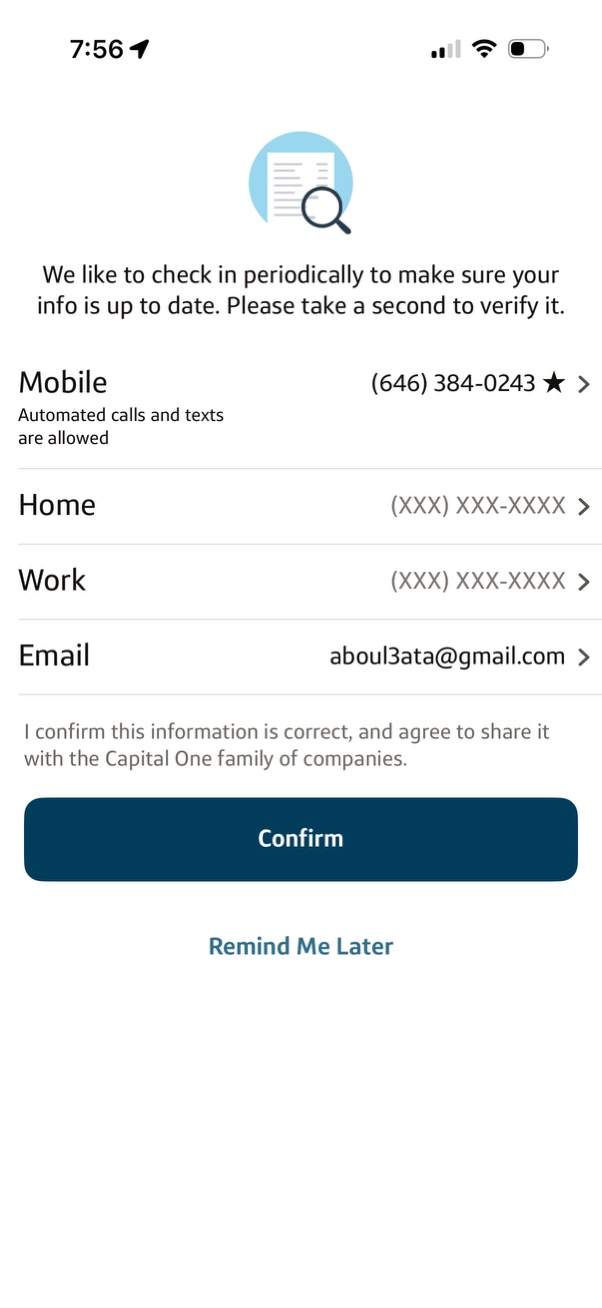
Account information verification screen prompting the user to review and update contact details (mobile with automated calls/texts toggle, home/work phone, and email) with editable list rows. Includes a consent confirmation statement with primary “Confirm” button and secondary “Remind Me Later” option.

Mobile banking account overview showing checking and savings balances with a banner for tax forms and a debit card management link. A bottom sheet modal prompts the user to activate a replacement debit card before the old one expires, with primary “Activate debit card” and secondary “Dismiss” actions.