1
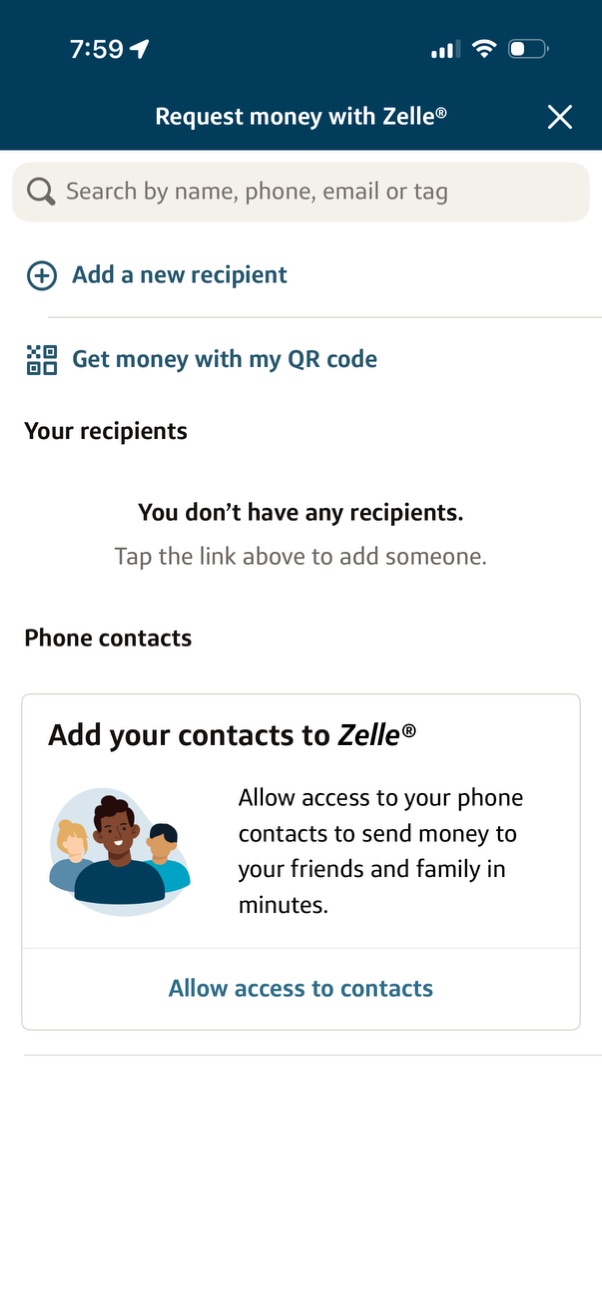
Zelle “Request money” recipient selection screen with a search field to find people by name, phone, email, or tag, plus actions to add a new recipient or request money via your QR code. Shows an empty recipients state and a prompt to allow access to phone contacts with a button to enable contacts permissions.
2
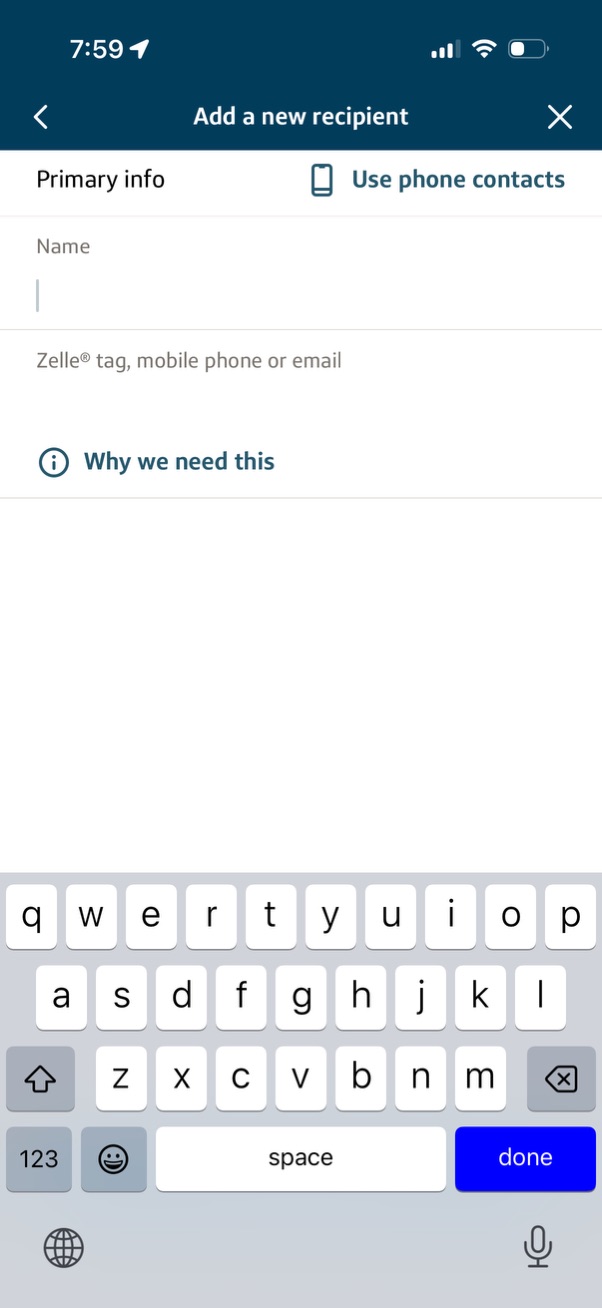
Form screen to add a new payment recipient, with fields for recipient name and Zelle tag/mobile phone/email, plus an option to import details from phone contacts. Includes an info link explaining why the information is needed and navigation controls to cancel or go back.