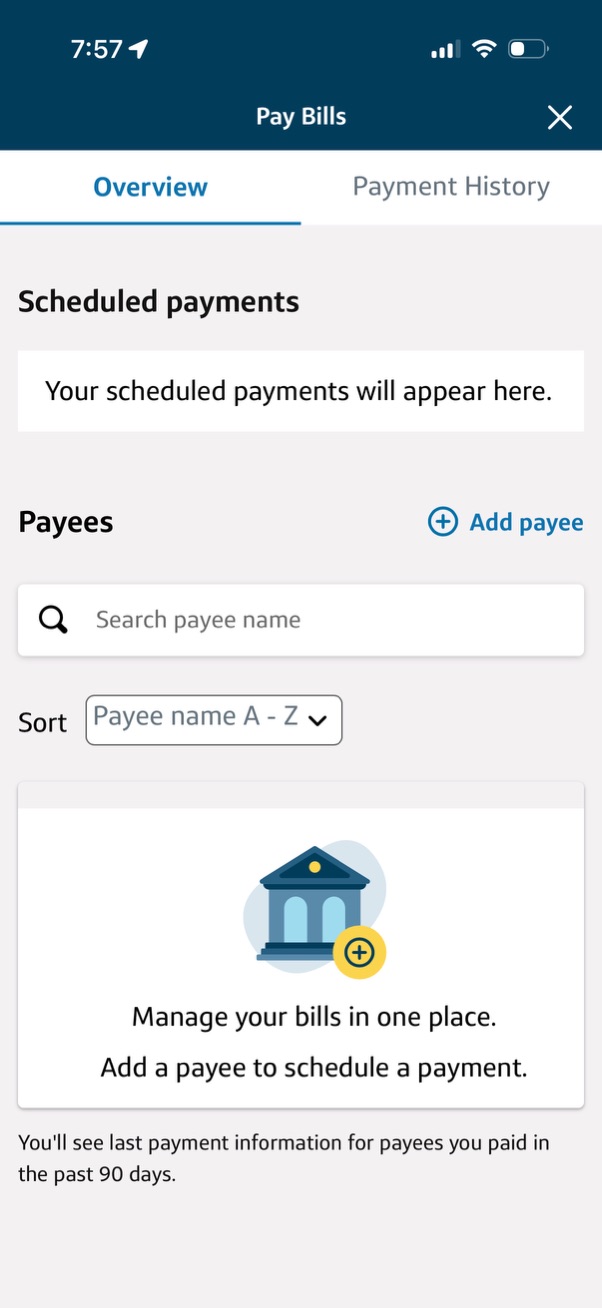
Bill pay overview screen showing an empty state for scheduled payments and a payees section with a search field, sort dropdown (A–Z), and an “Add payee” action to set up and schedule bill payments. Includes tabs to switch between Overview and Payment History and messaging prompting users to add a payee to manage bills in one place.
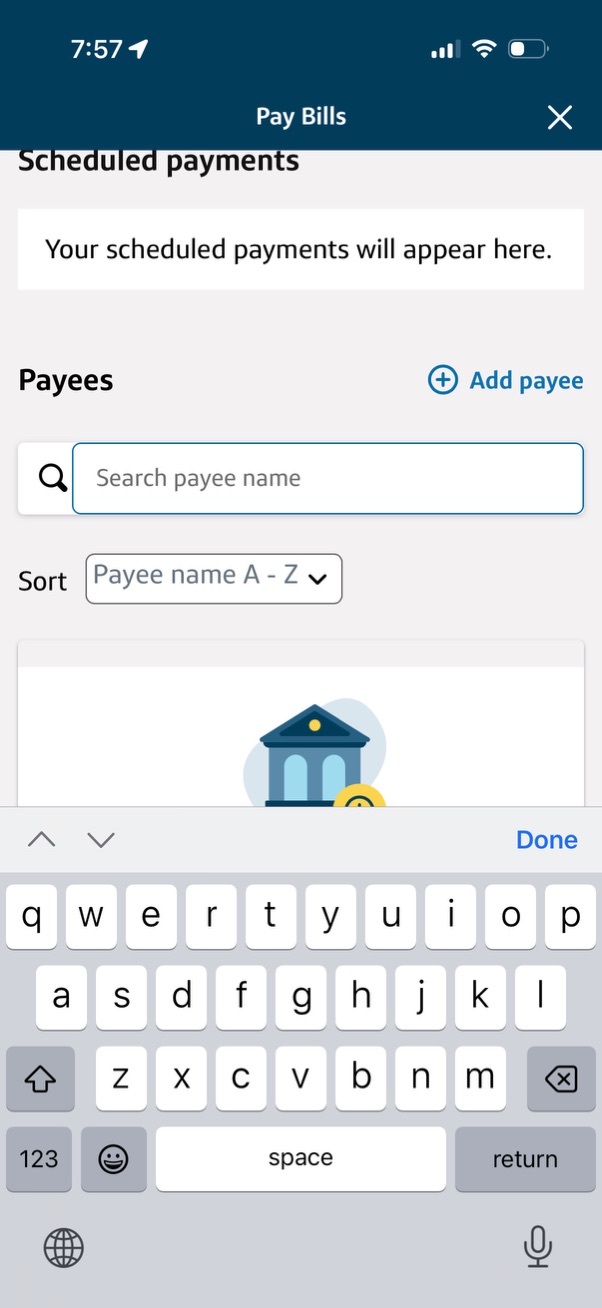
Bill pay screen for managing scheduled payments and payees, showing an empty scheduled payments area and a payee list section with a search field to find payees by name. Includes actions to add a new payee and sort the payee list alphabetically.
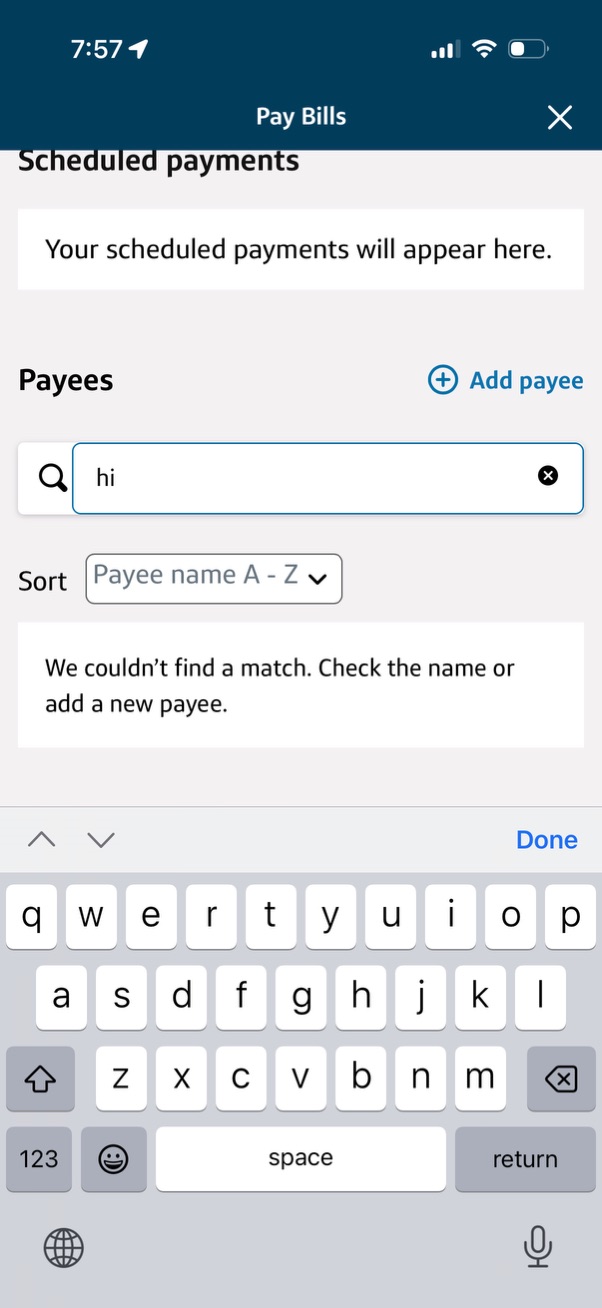
Bill pay screen showing scheduled payments and a payees section where users can search for an existing payee, sort the payee list alphabetically, and add a new payee. The empty-state message appears when no payee matches the search query.