grant health access
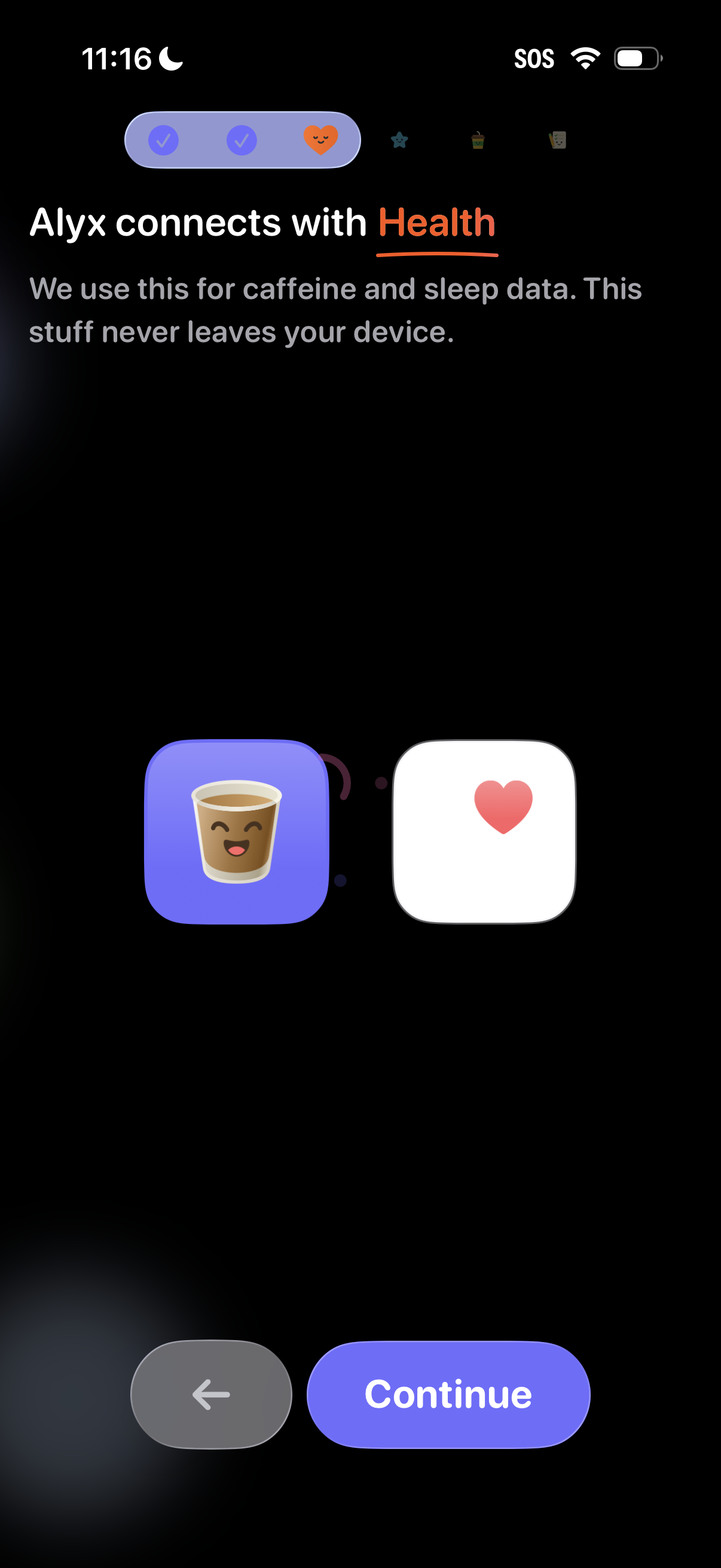
Onboarding permission screen prompting the user to connect the app with Apple Health to access caffeine and sleep data, with a privacy note that data stays on-device. Includes back navigation and a primary Continue button to proceed with the Health integration.
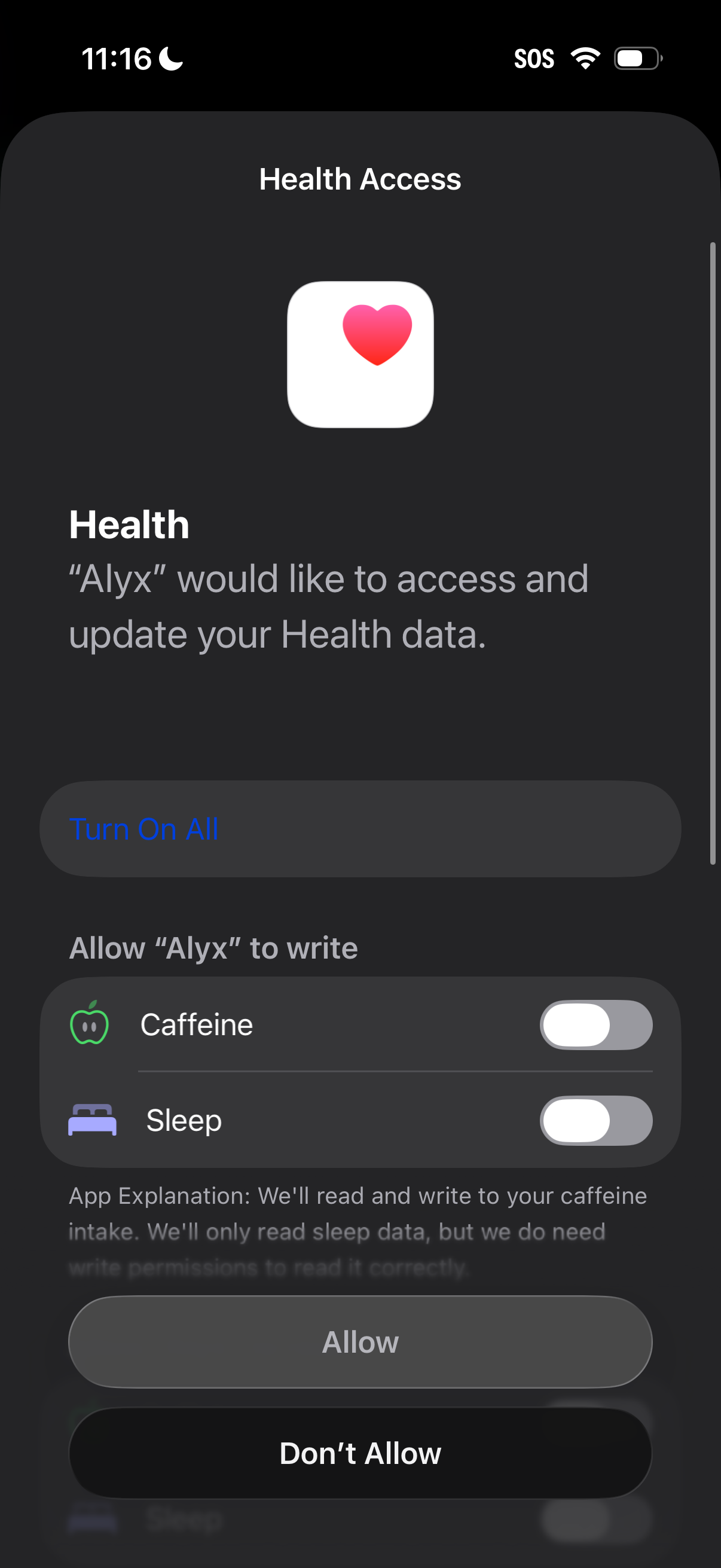
iOS Health Access permission screen asking the user to allow an app to access and update Health data, with a “Turn On All” option and individual toggles for specific data types like caffeine and sleep. Primary actions are to grant access via Allow or deny via Don’t Allow.
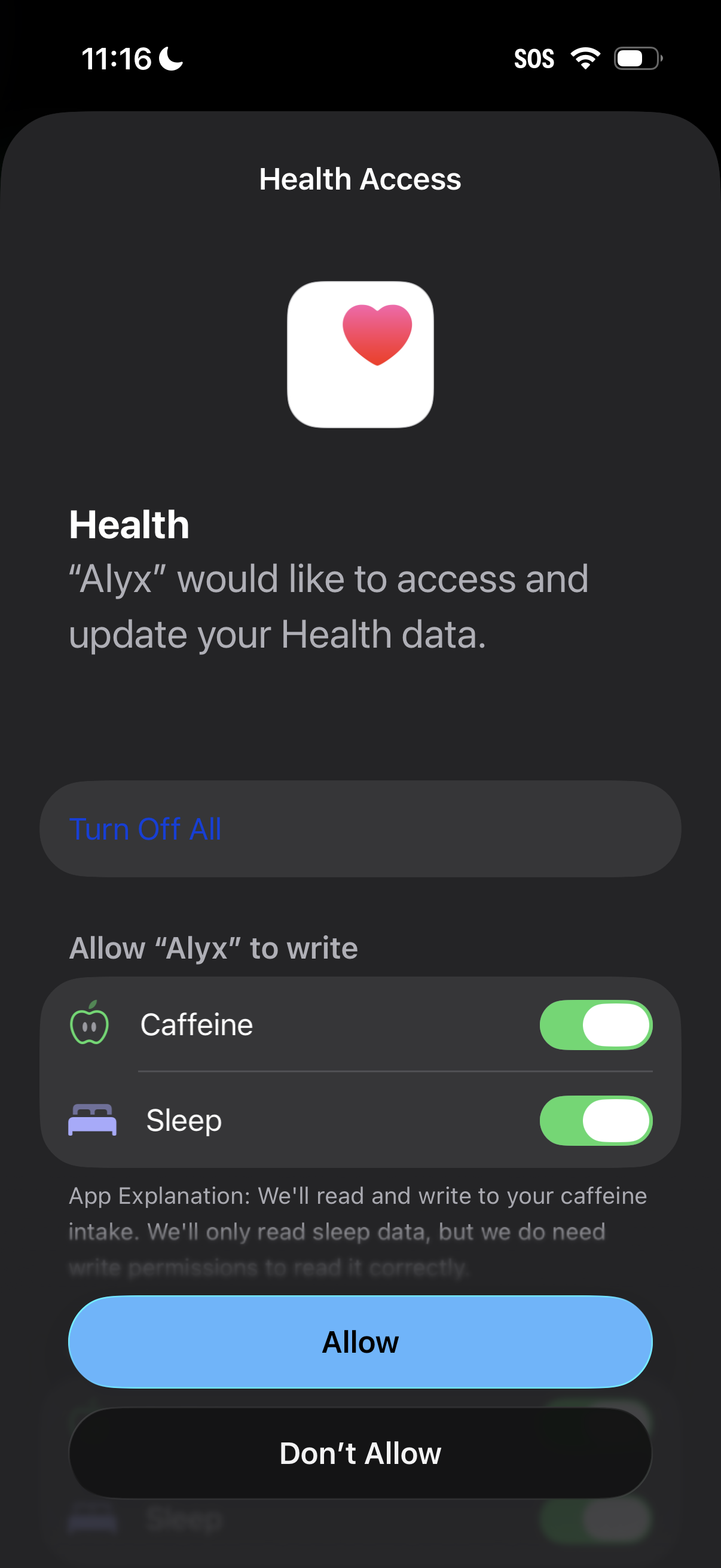
iOS Health Access permission prompt where an app requests access to read and update Apple Health data, with granular toggles for categories like caffeine and sleep plus a “Turn Off All” option. Users can confirm or deny sharing via primary actions “Allow” or “Don’t Allow.
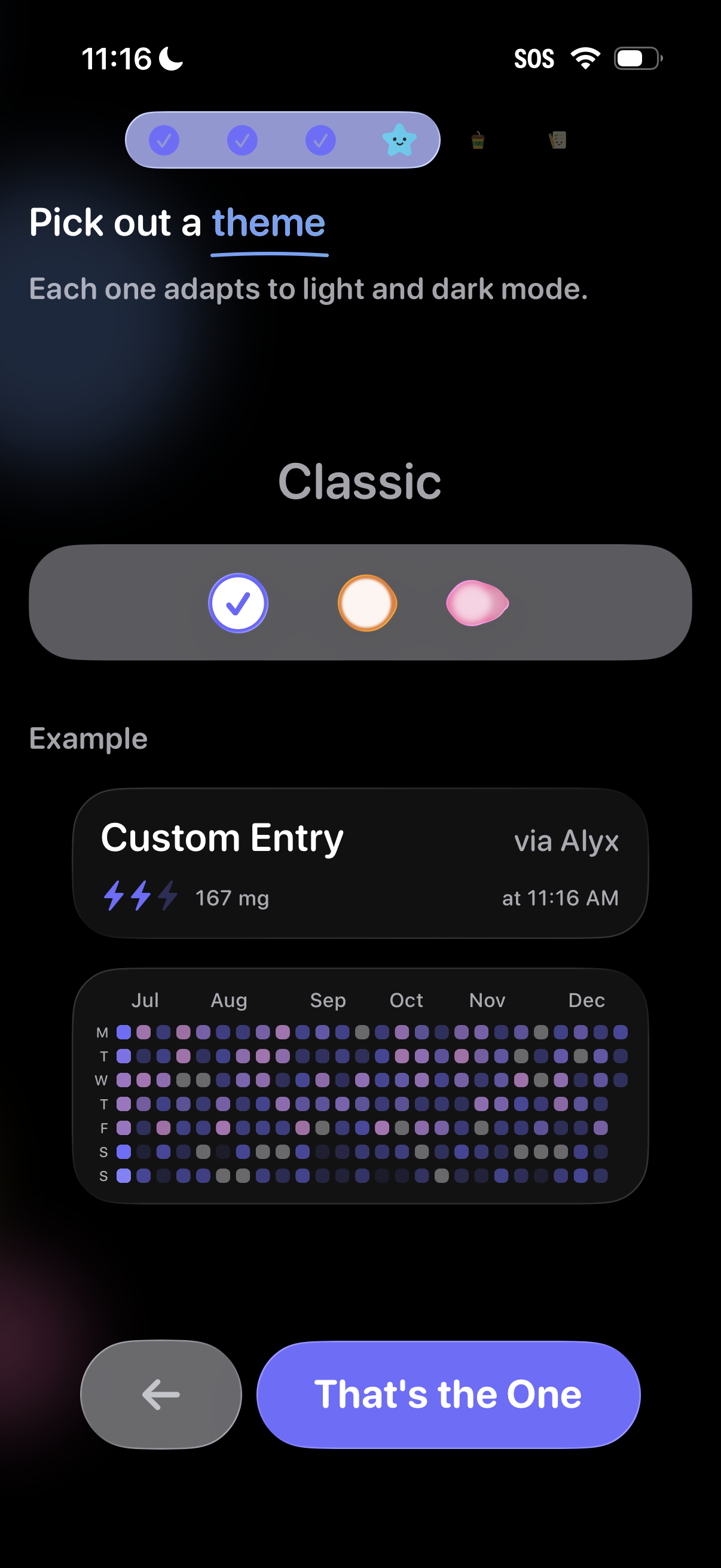
Theme selection step in an onboarding flow where users pick a visual style that adapts to light and dark mode, with segmented options and a live preview of the app UI. Includes back navigation and a primary confirmation button to apply the chosen theme.