Your agent can search this library too. Lazyweb CLI →
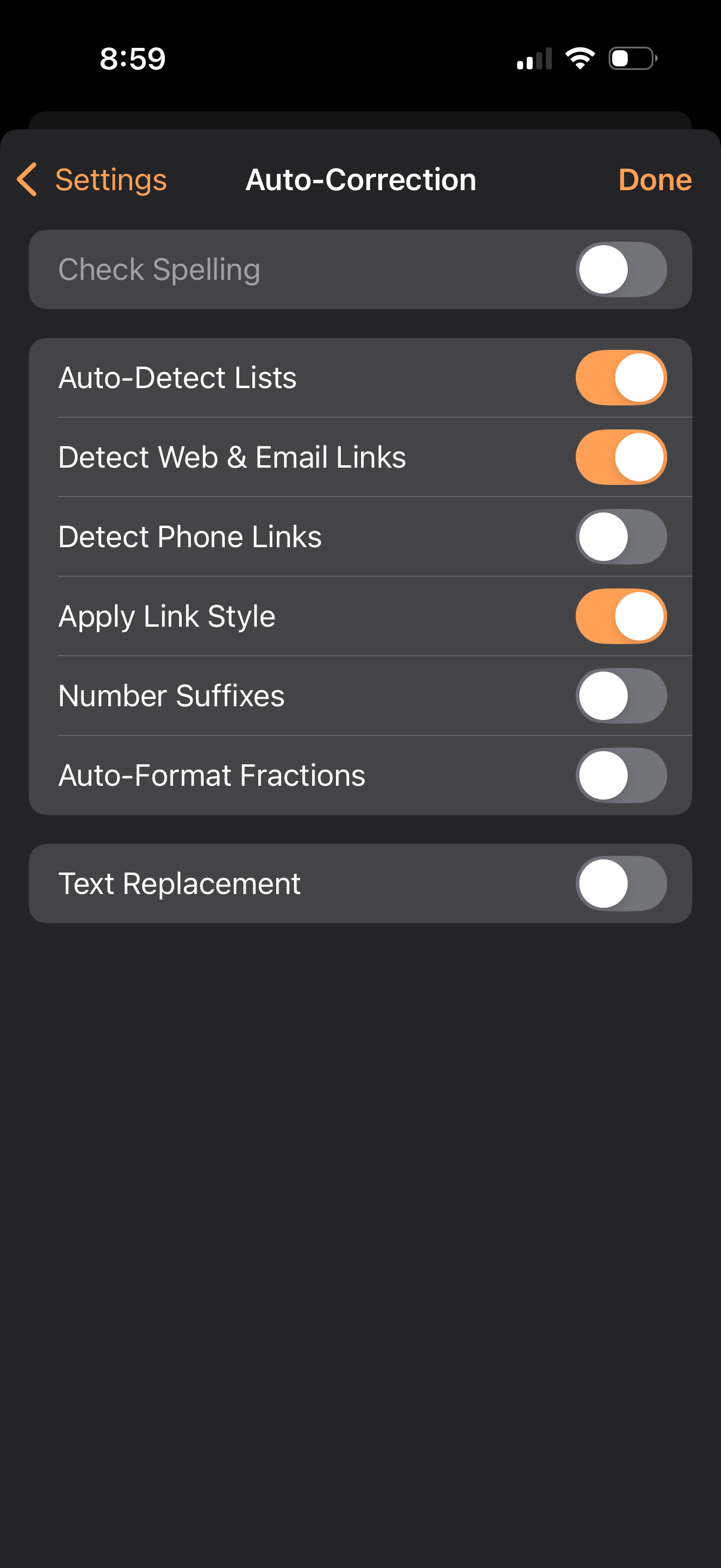
Auto-Correction settings screen for a text editor showing toggle switches to ena
pages
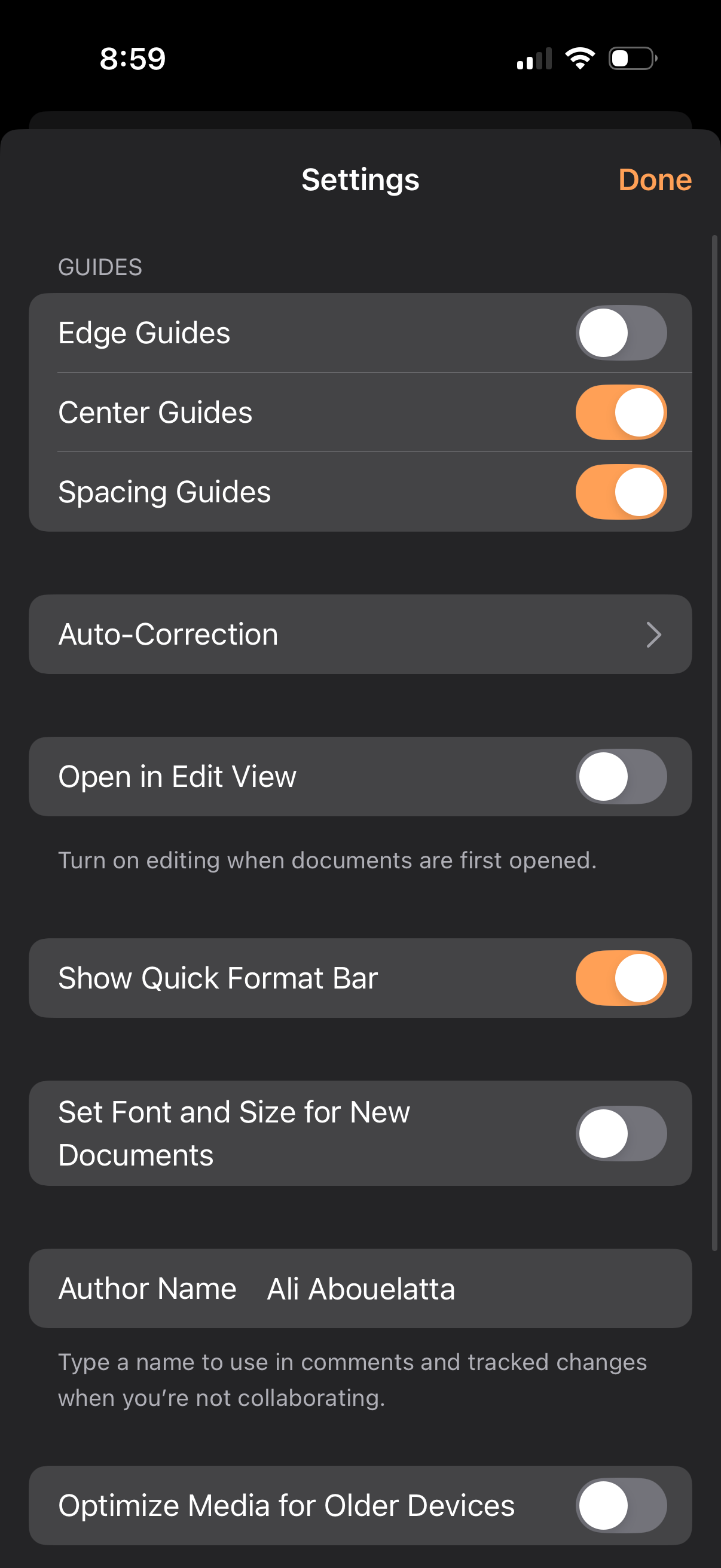
A document editor settings screen with toggles and options to customize editing
pages
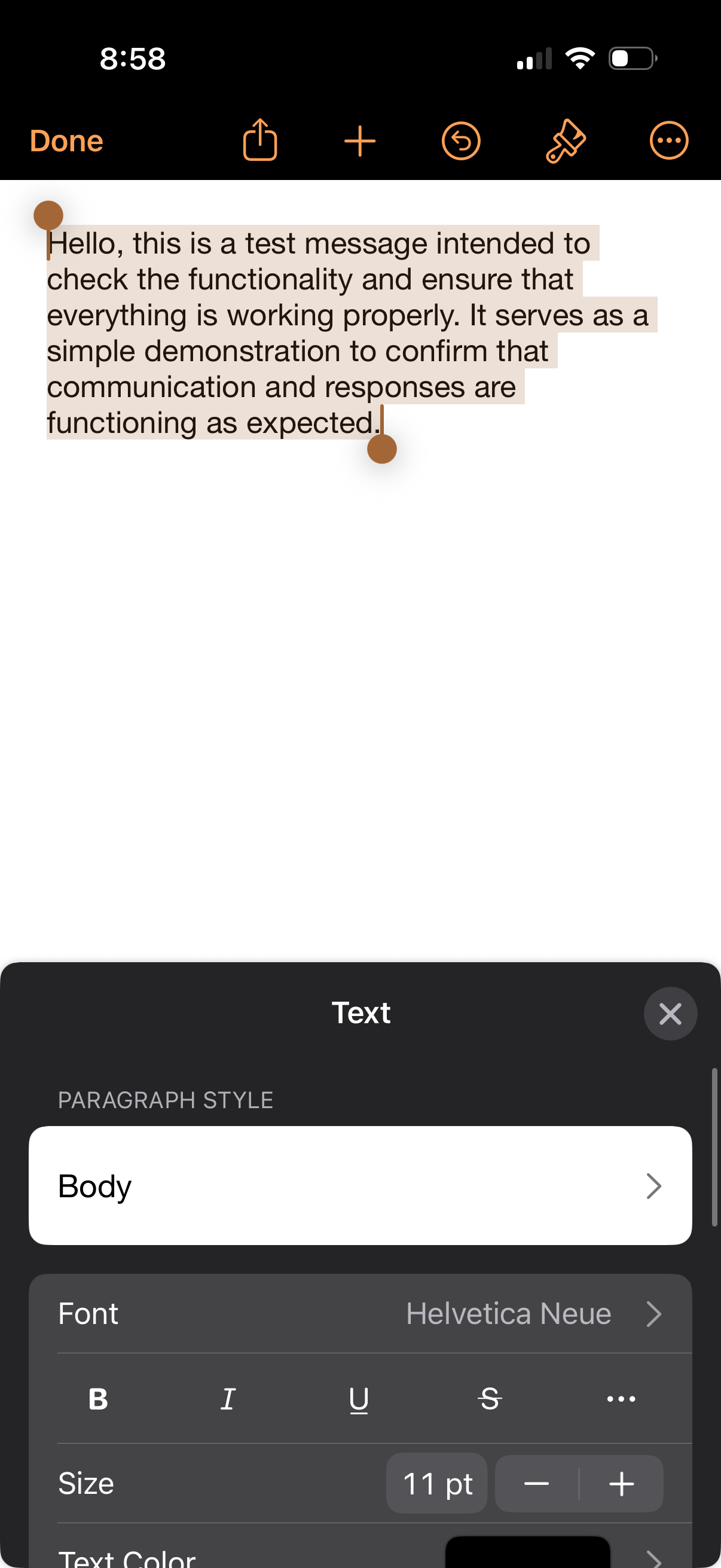
Mobile document editor with a text page and formatting toolbar open, showing an
pages
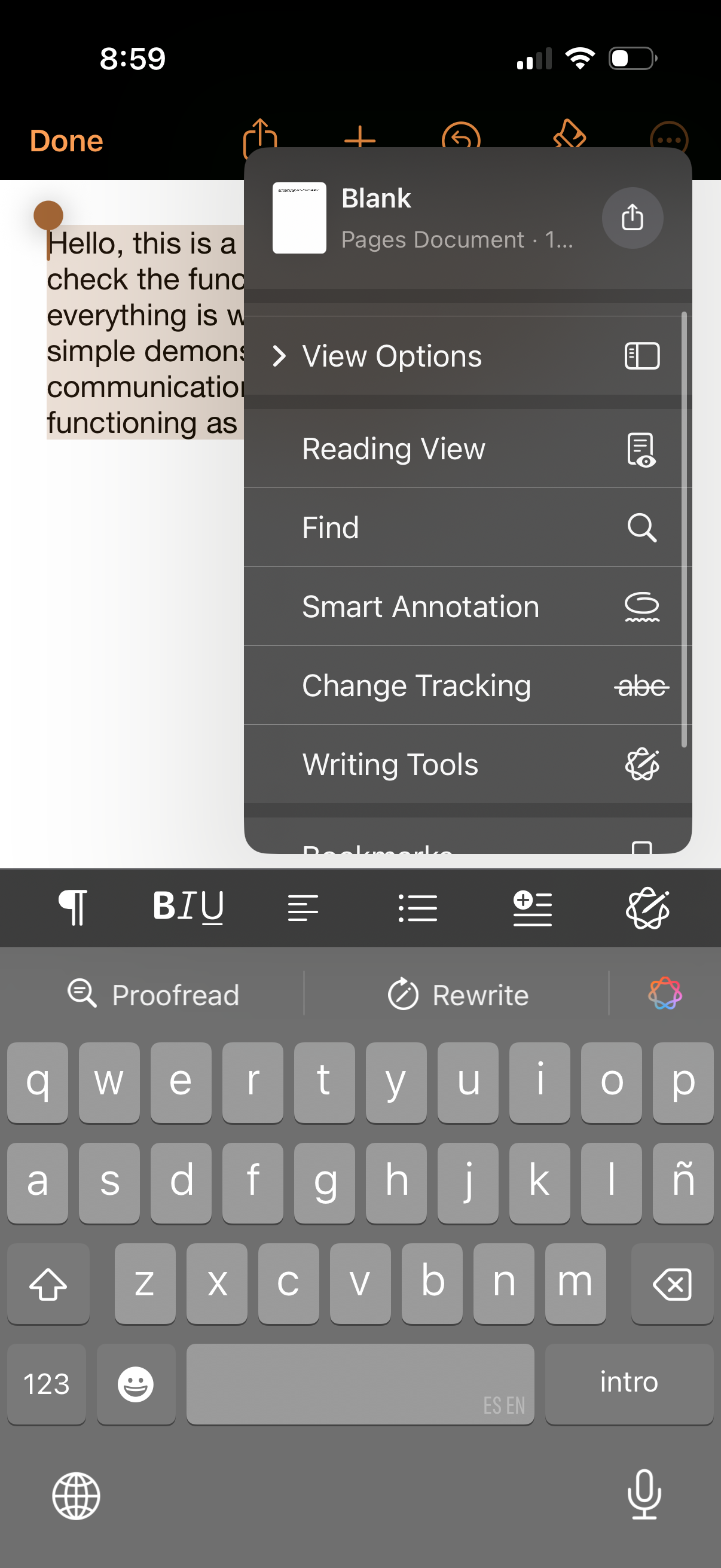
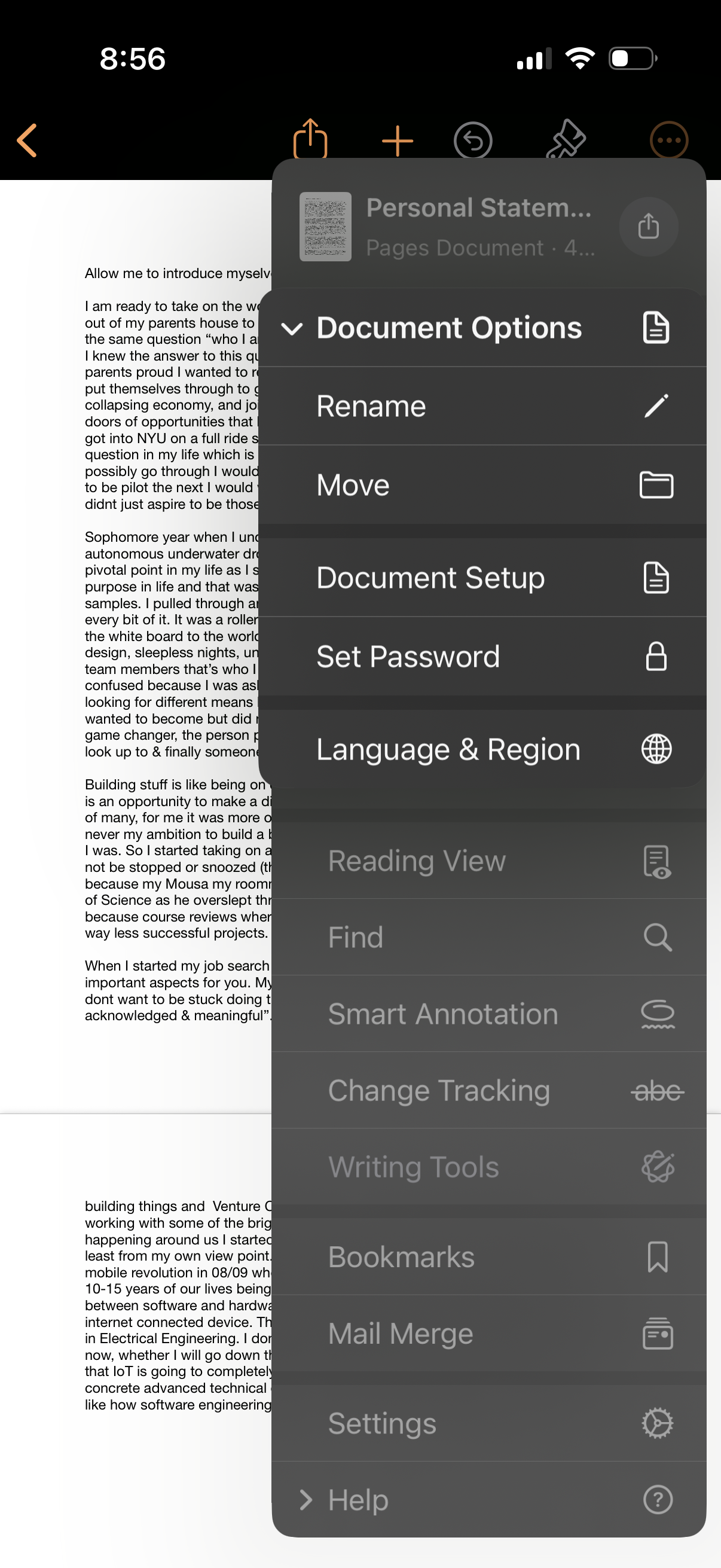
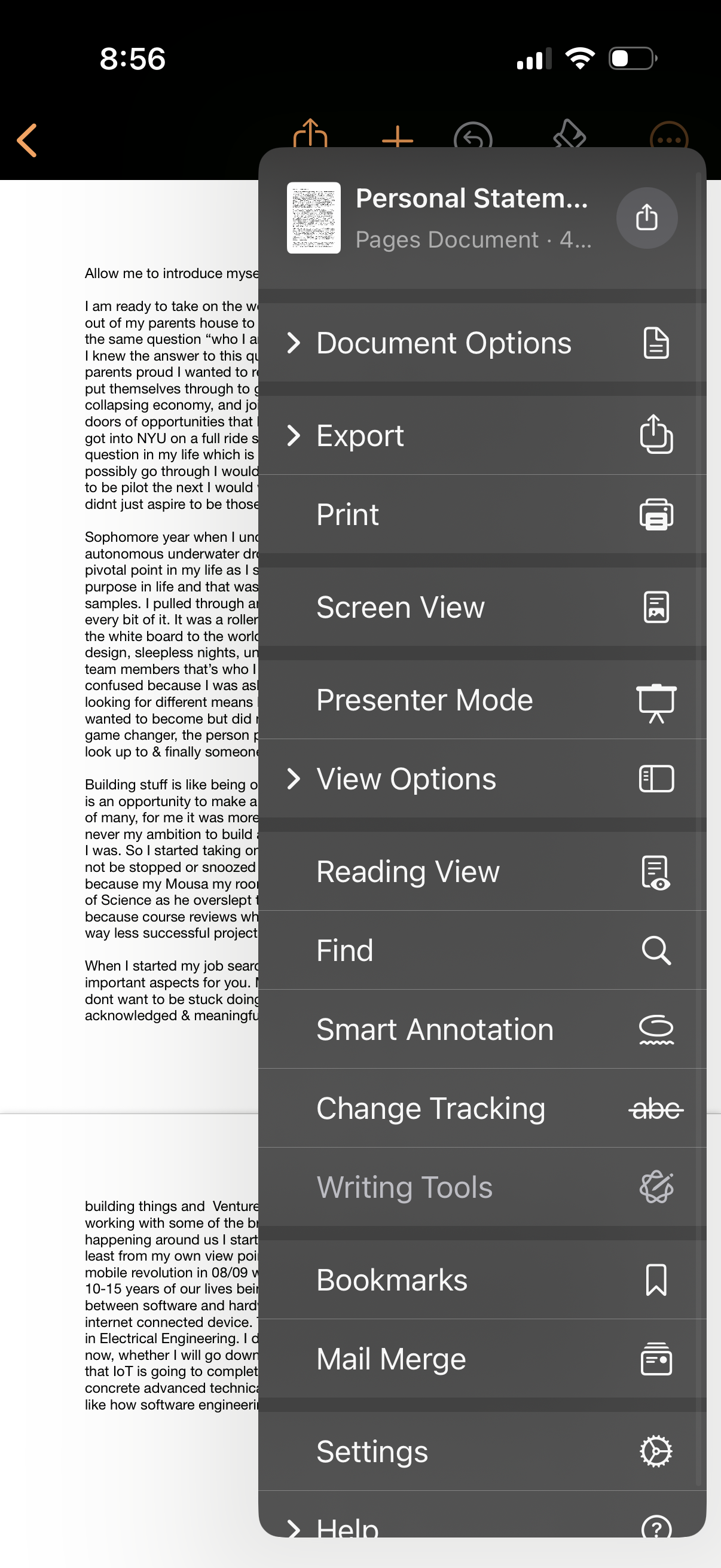
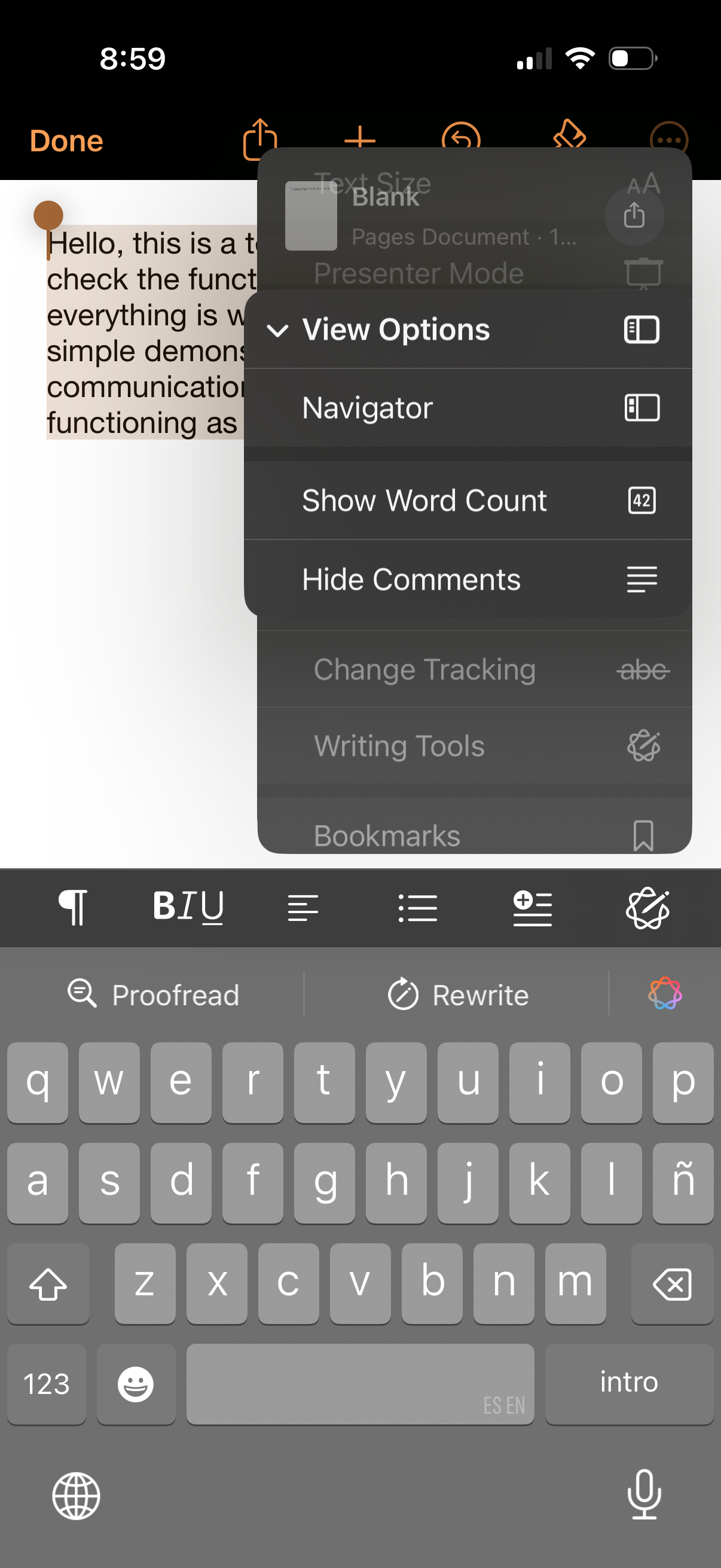
Mobile document editor screen showing a Pages document with an overflow menu ope
pages
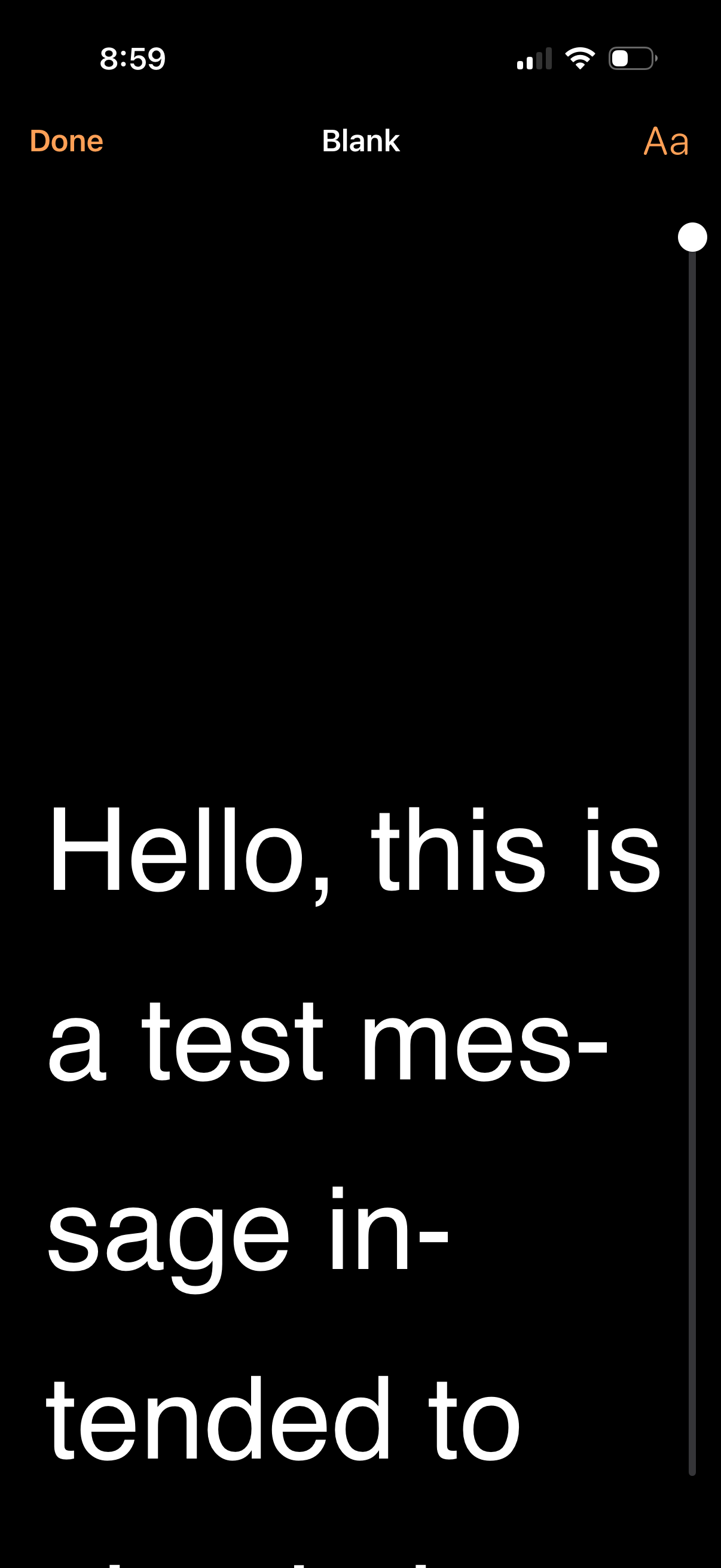
Text editing screen in a dark theme showing a blank document with large body tex
pages
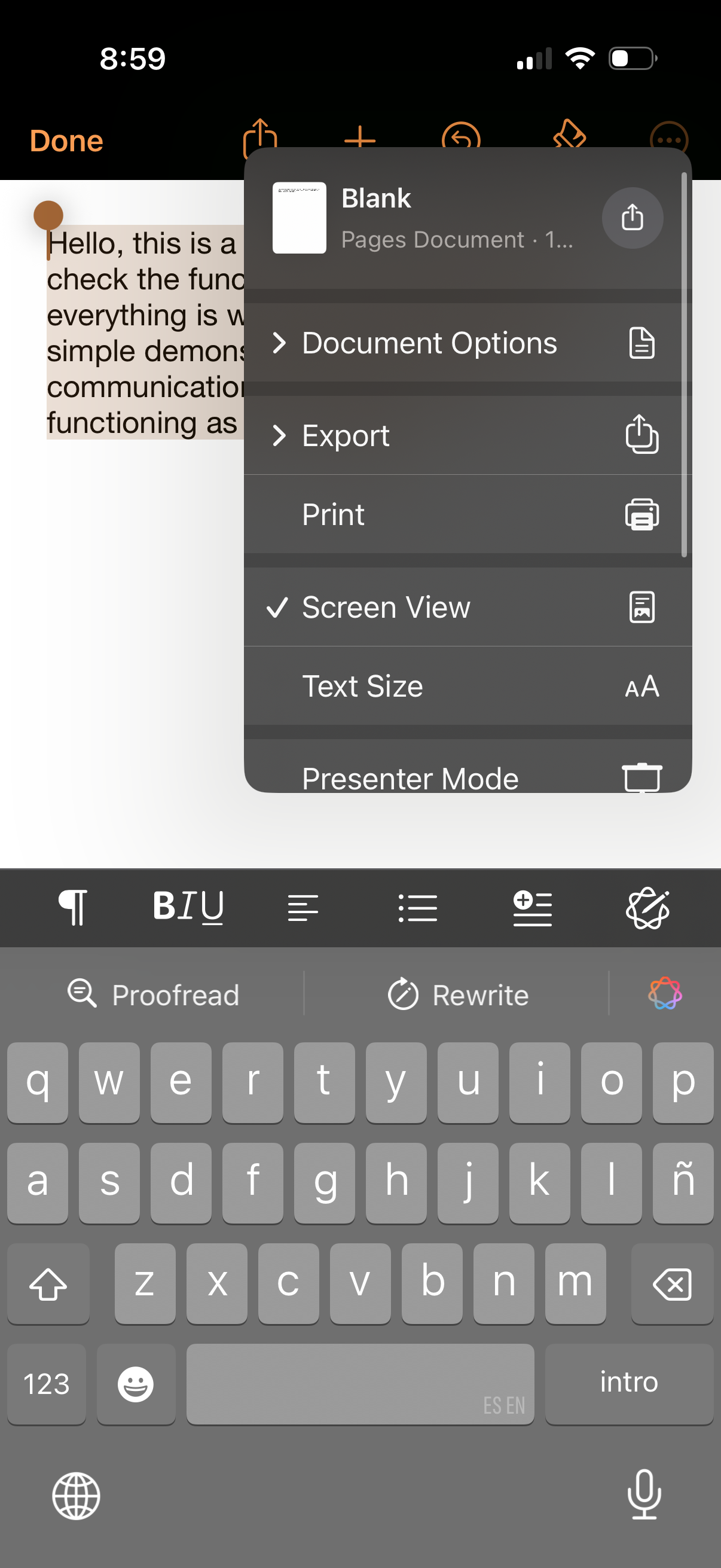
Mobile document editor screen with a text document open and an overflow options
pages
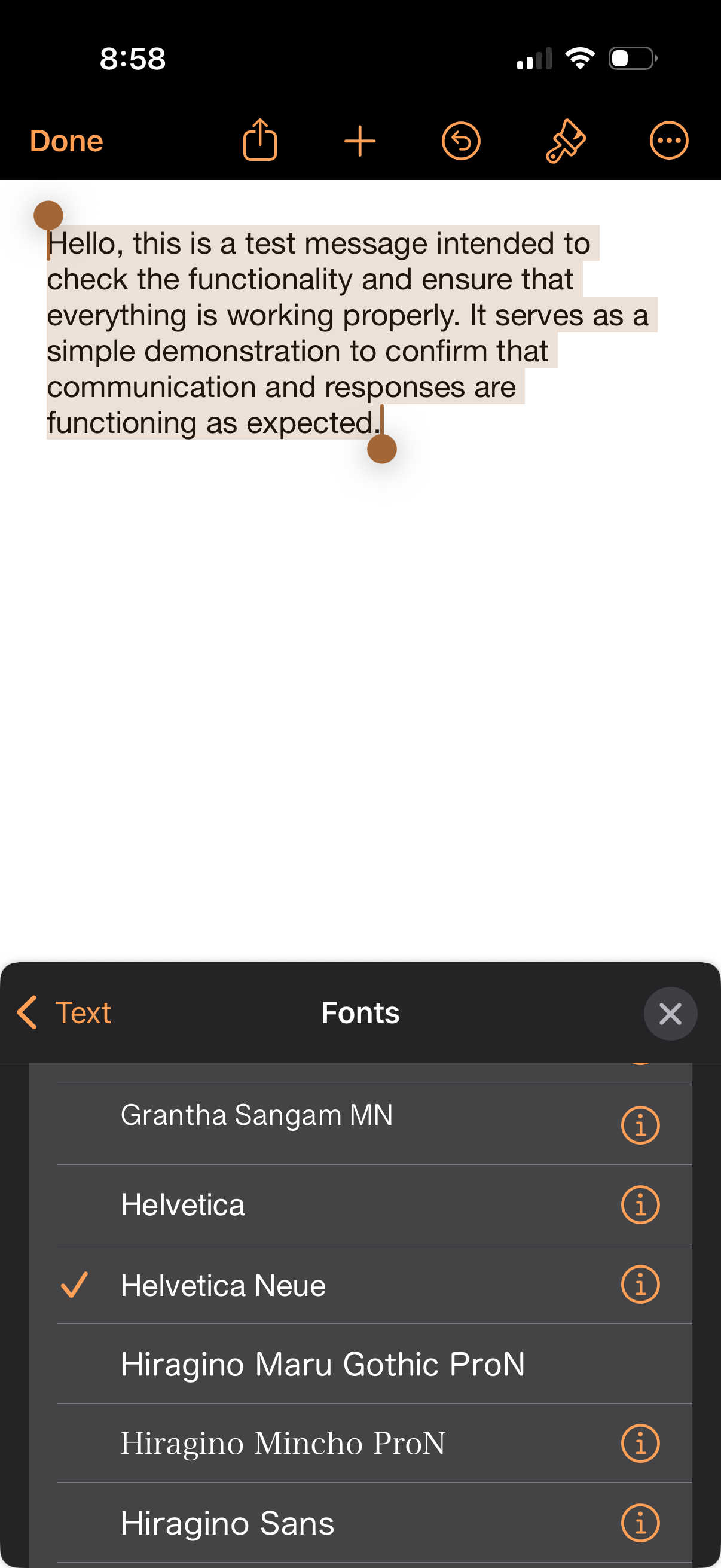
Text editing screen for a note or document where a block of text is selected and
pages
Photo markup editor screen with a selected text box overlay that can be resized
pages
Text note editor screen with a large blank writing area and top actions for done
pages
Mobile note editing screen with selected text and a top toolbar for done, share,
pages
Mobile note editing screen with a text cursor and selection handles for writing
pages
Text editing screen with a selected text snippet and top toolbar actions for Don
pages
A note-taking text editor screen with selected text and a top toolbar for done,
pages
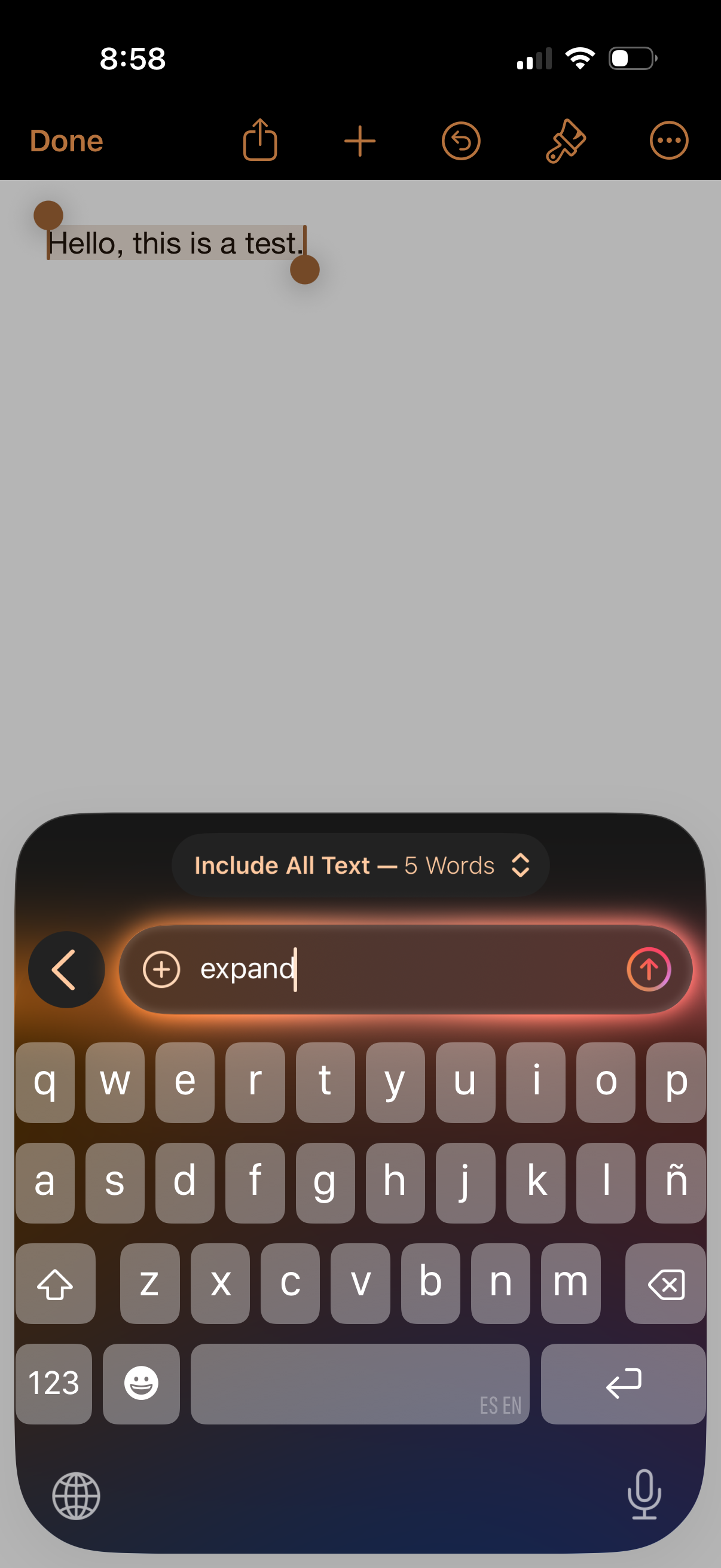
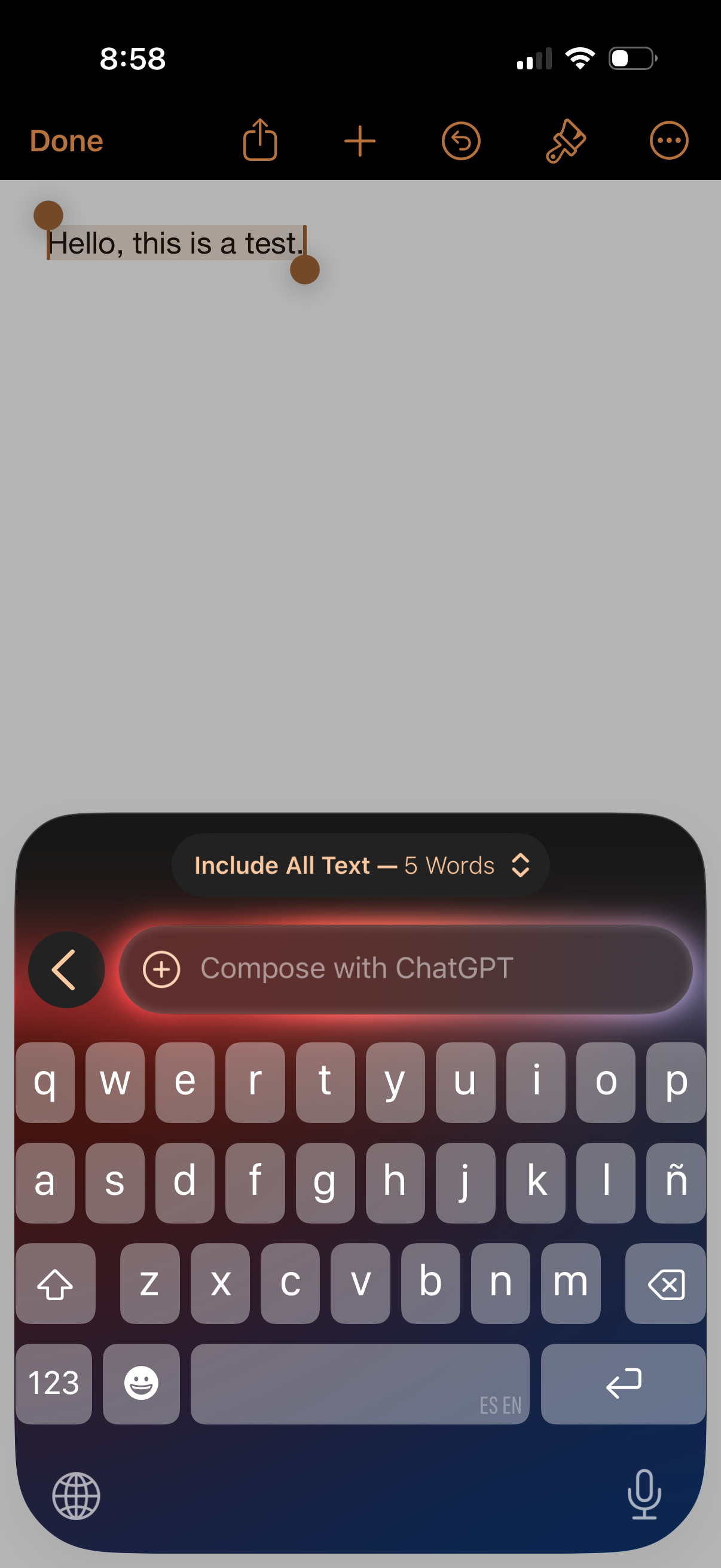
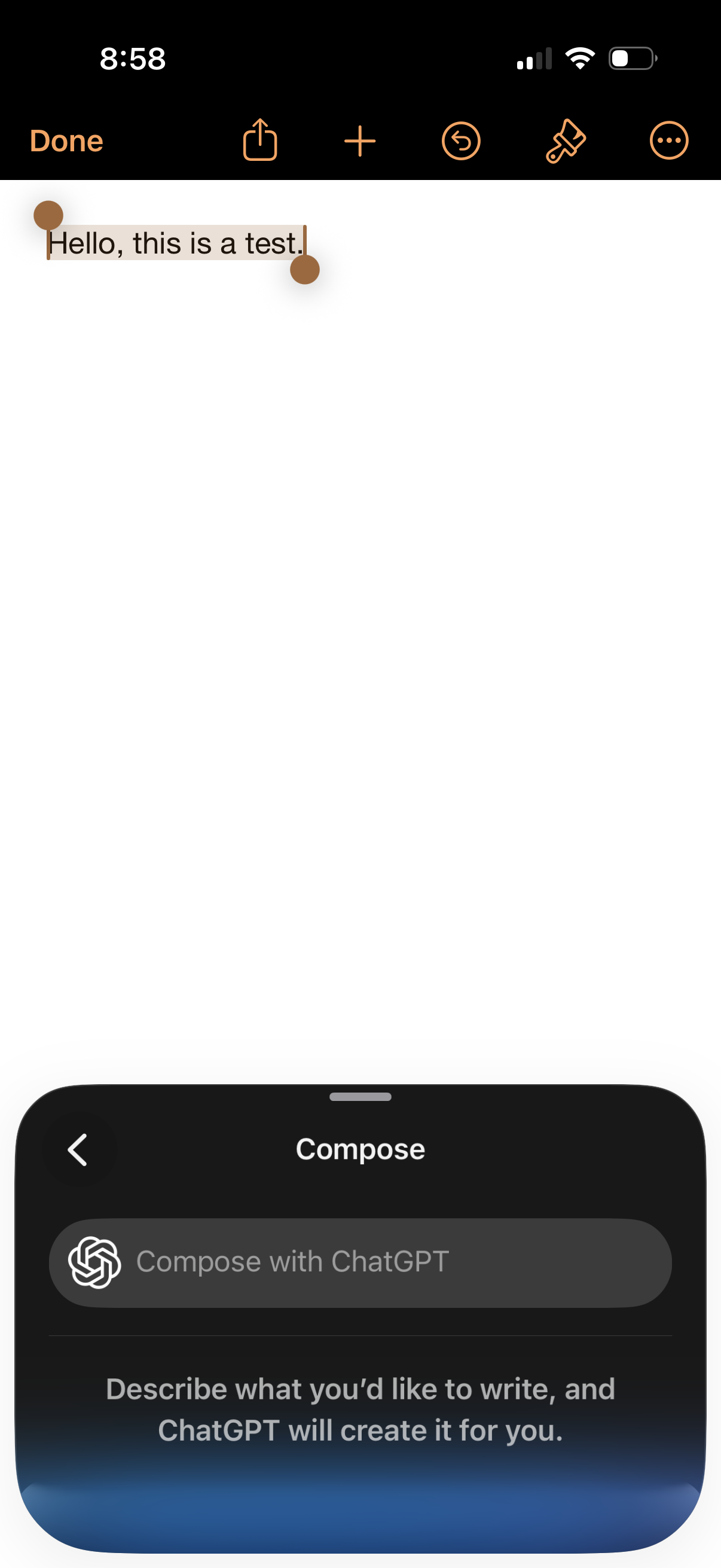
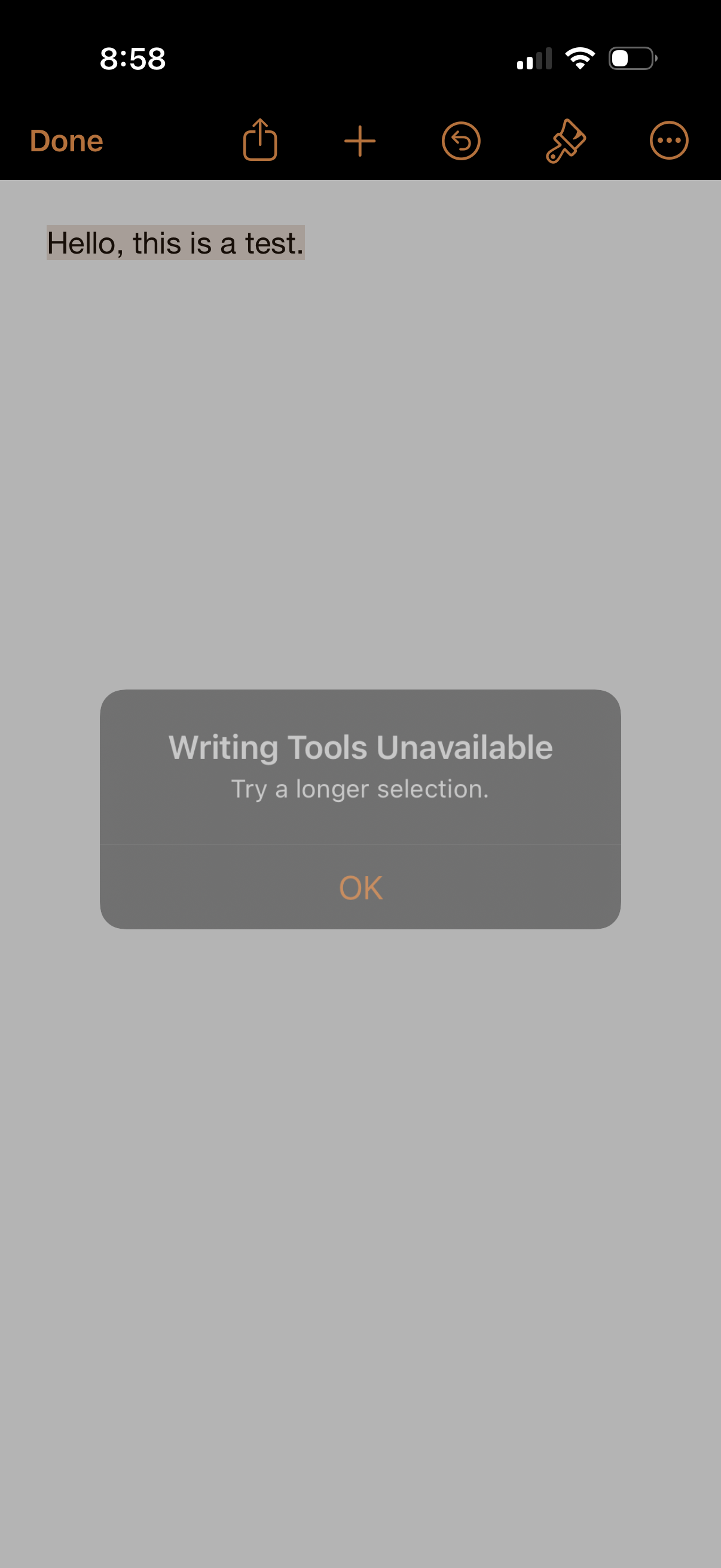
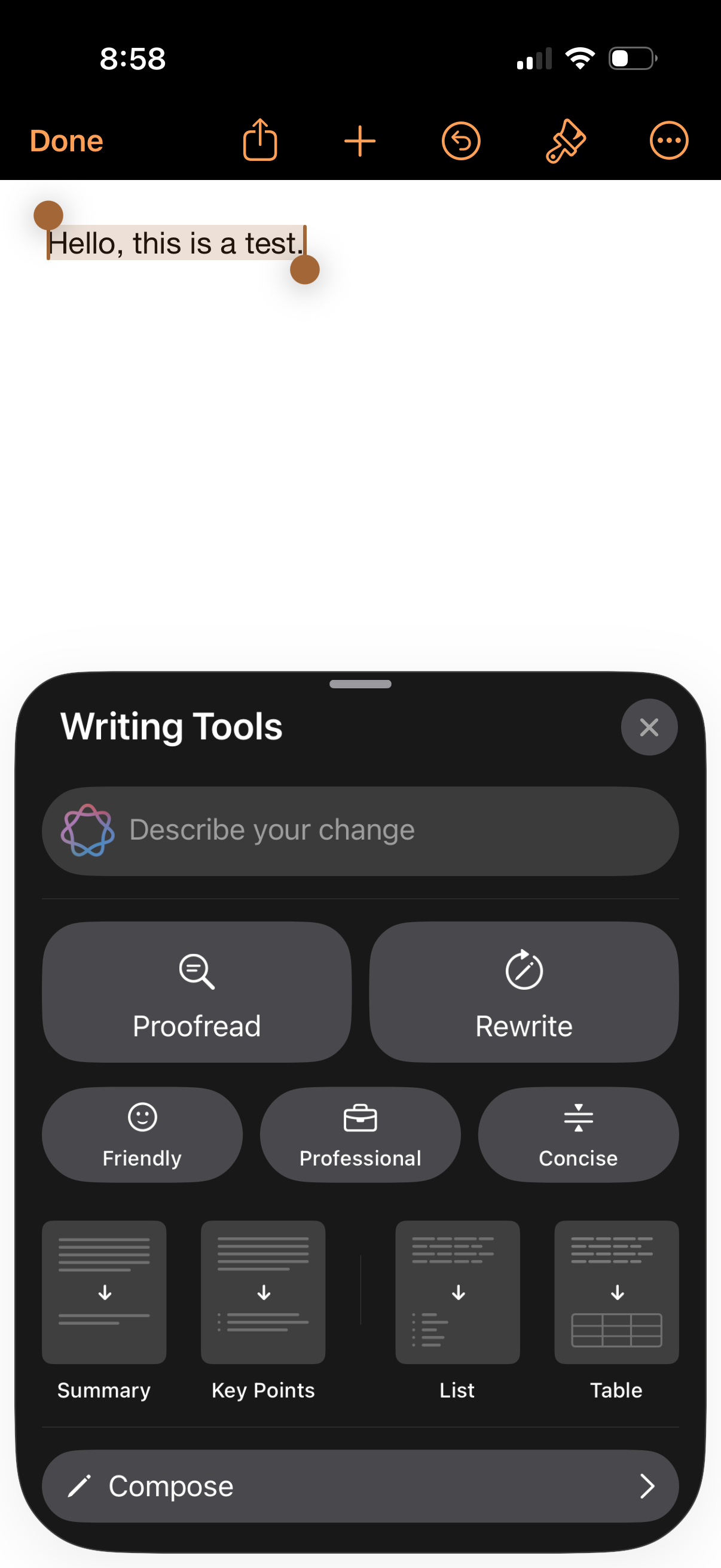
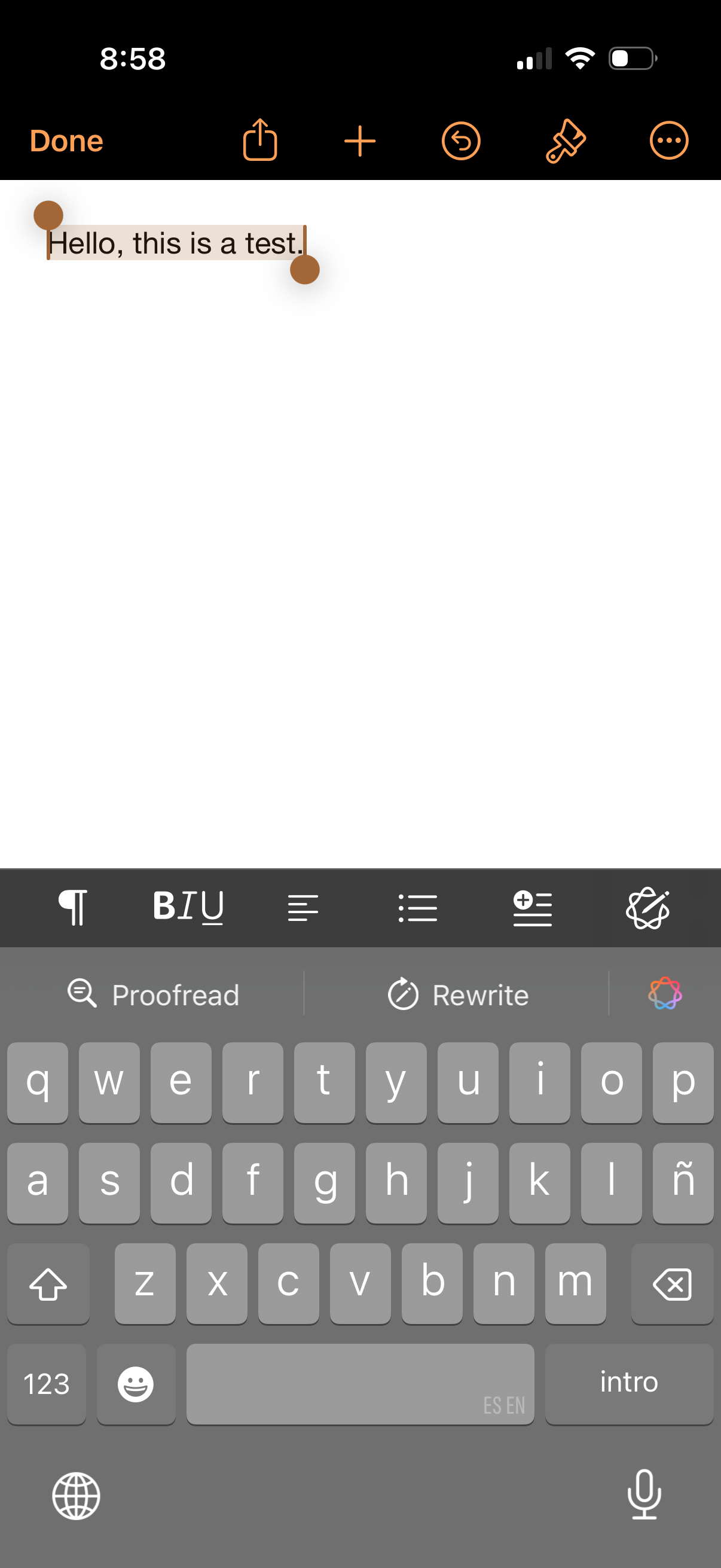
Text editor screen with selected text and a Writing Tools bottom sheet for AI-as
pages
Email compose editor showing a draft message with a top toolbar for done, share,
pages
Text editor or notes screen with a single note open, showing a top toolbar for d
pages
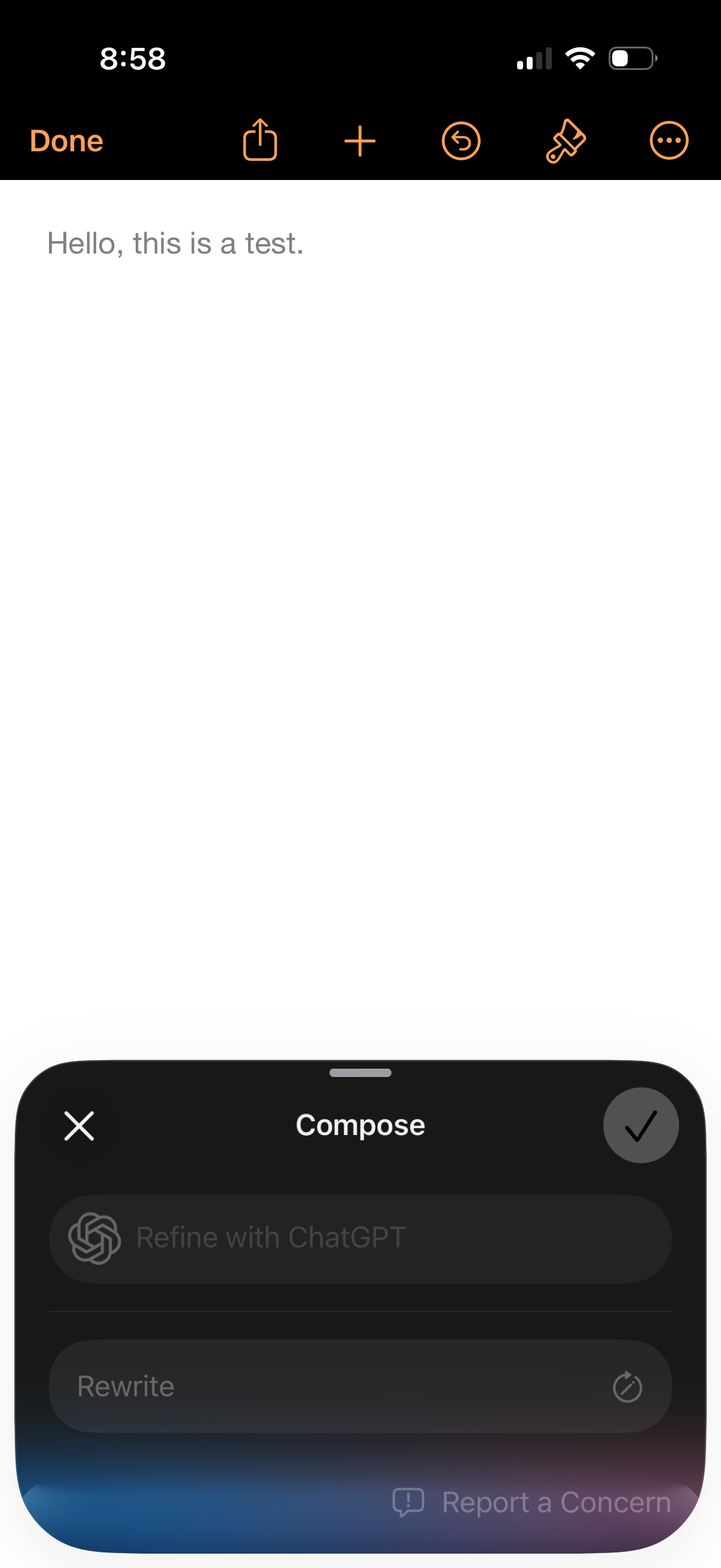
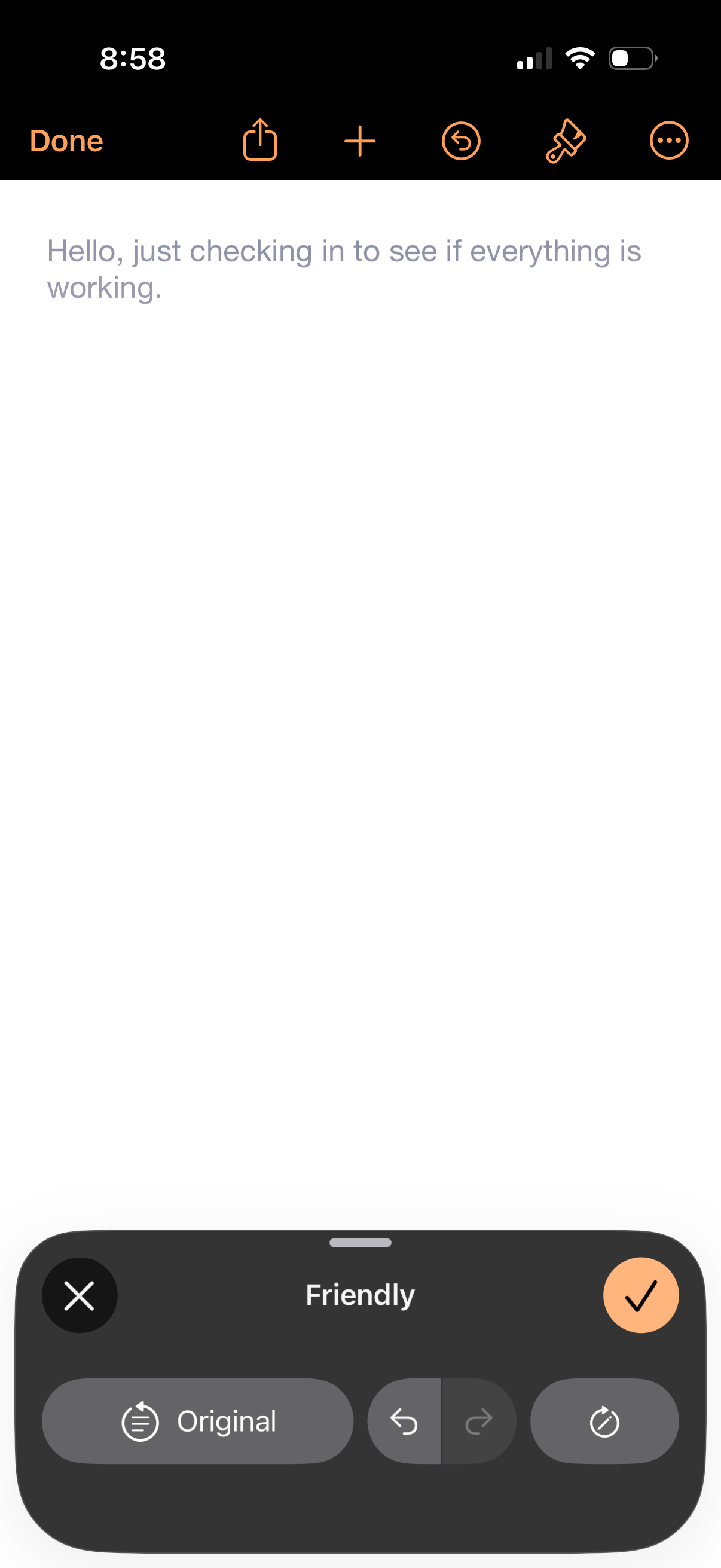
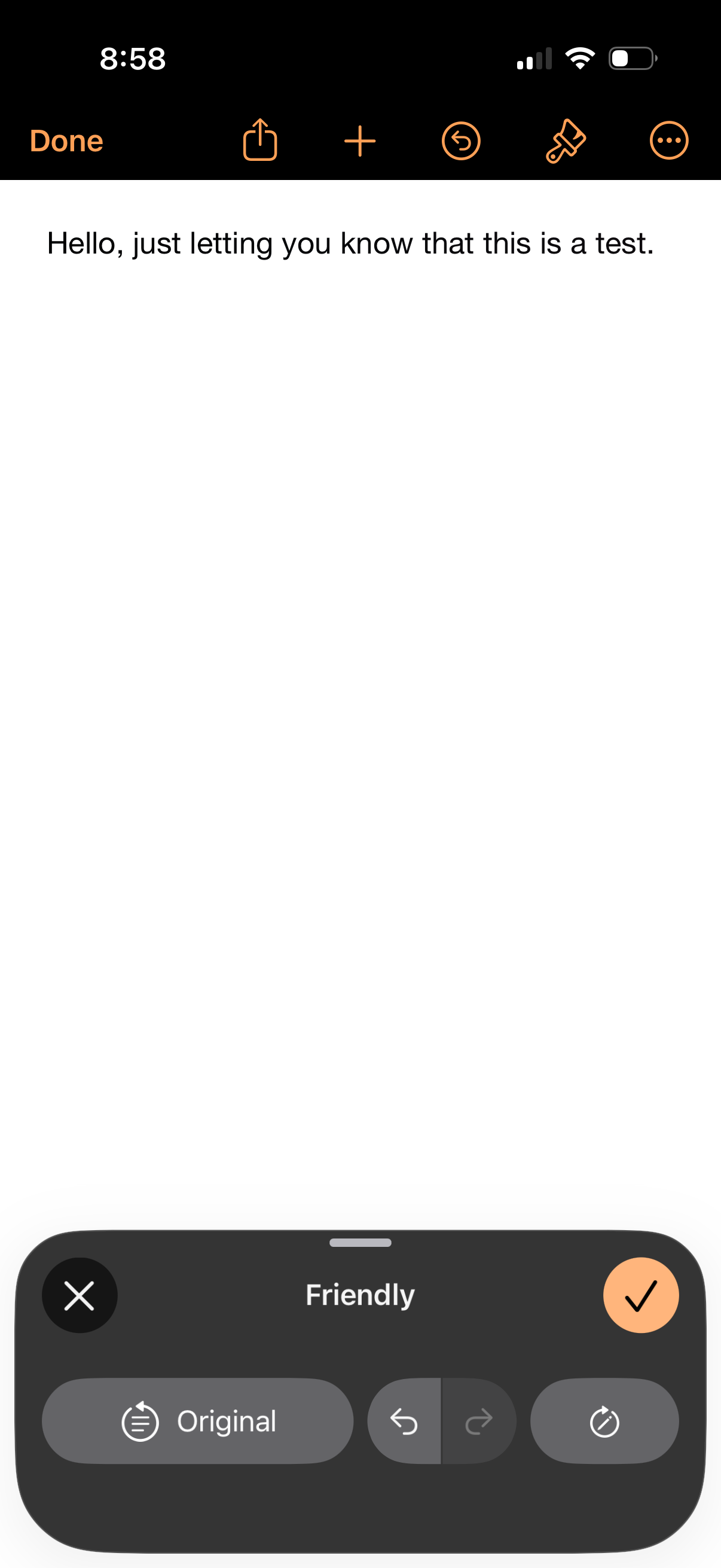
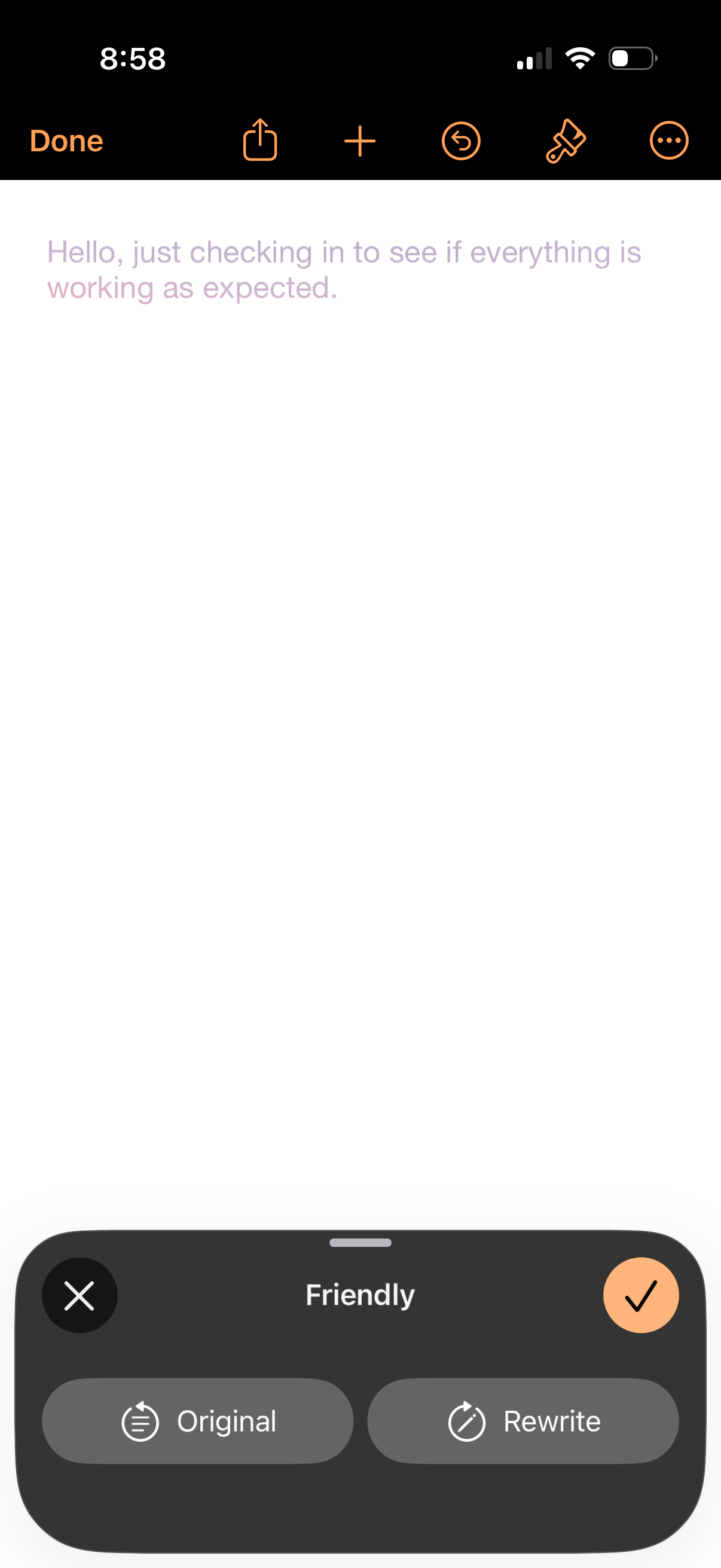
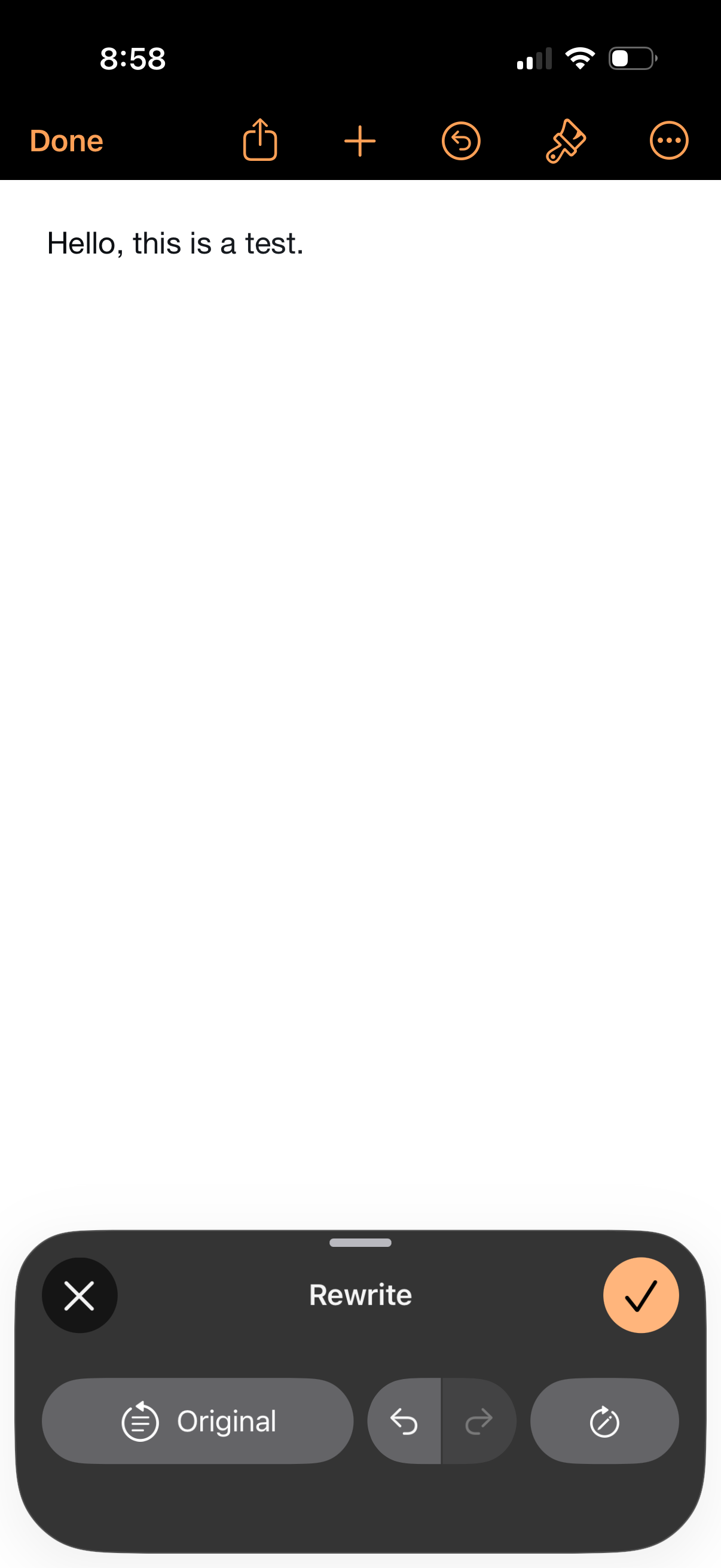
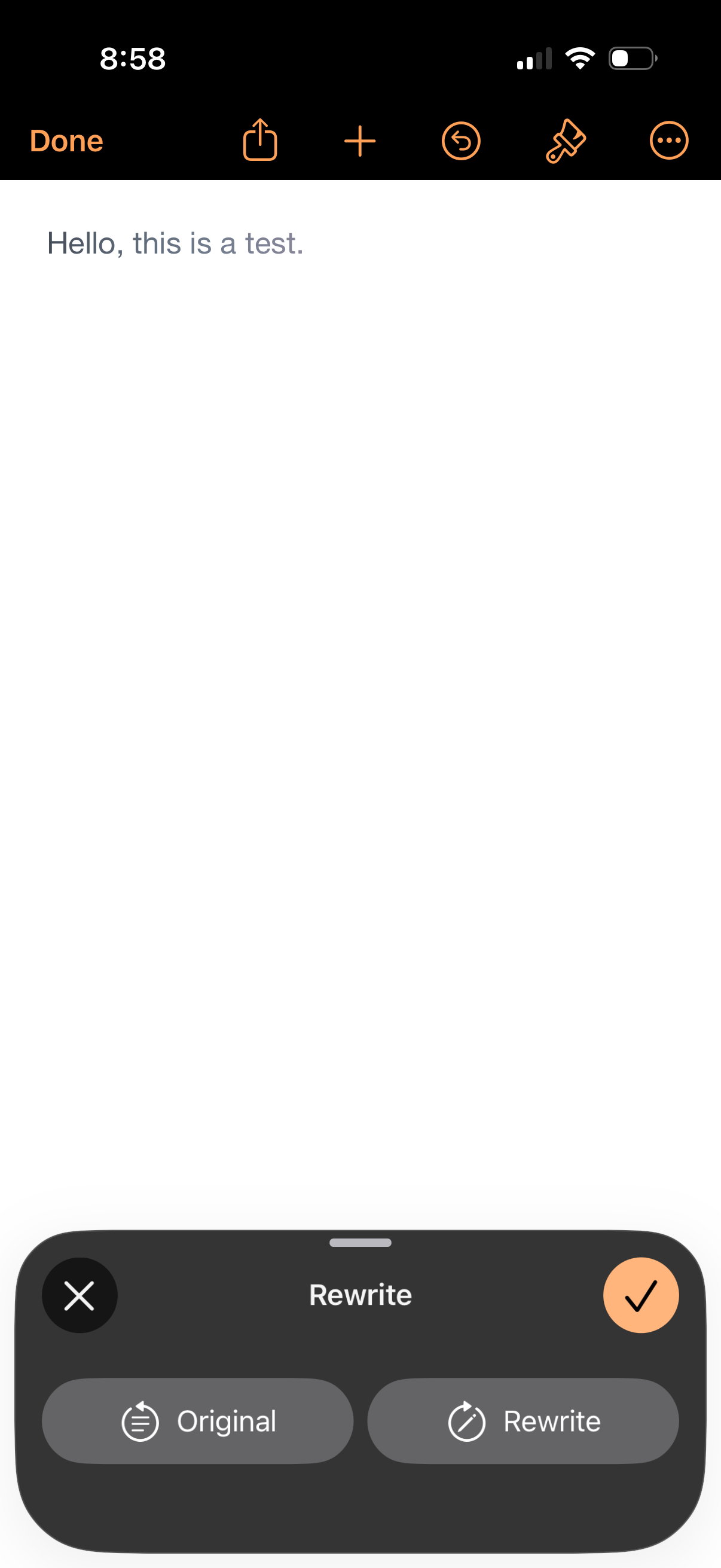
Mobile text editor screen with a writing assistant rewrite panel that lets the u
pages
Mobile document editor screen with a text selection handle on a blank page, offe
pages
Text note editor screen showing a simple note with a top toolbar for done, share
pages
Mobile note editor with a text field and a toolbar for done, share, add, undo, f
pages
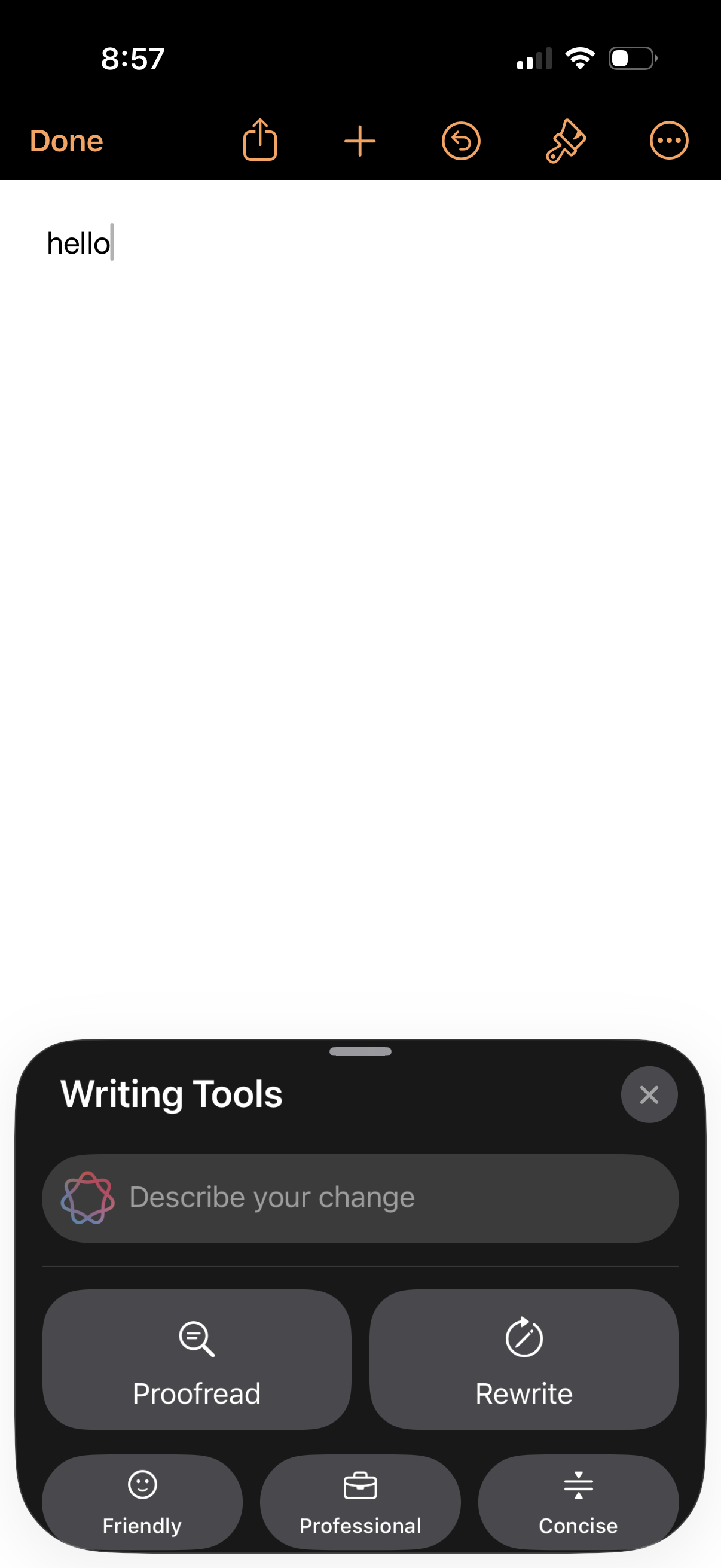
A mobile notes text editor screen with a simple note in progress and a bottom sh
pages
A note-editing screen with a text entry area and top toolbar actions (done, shar
pages
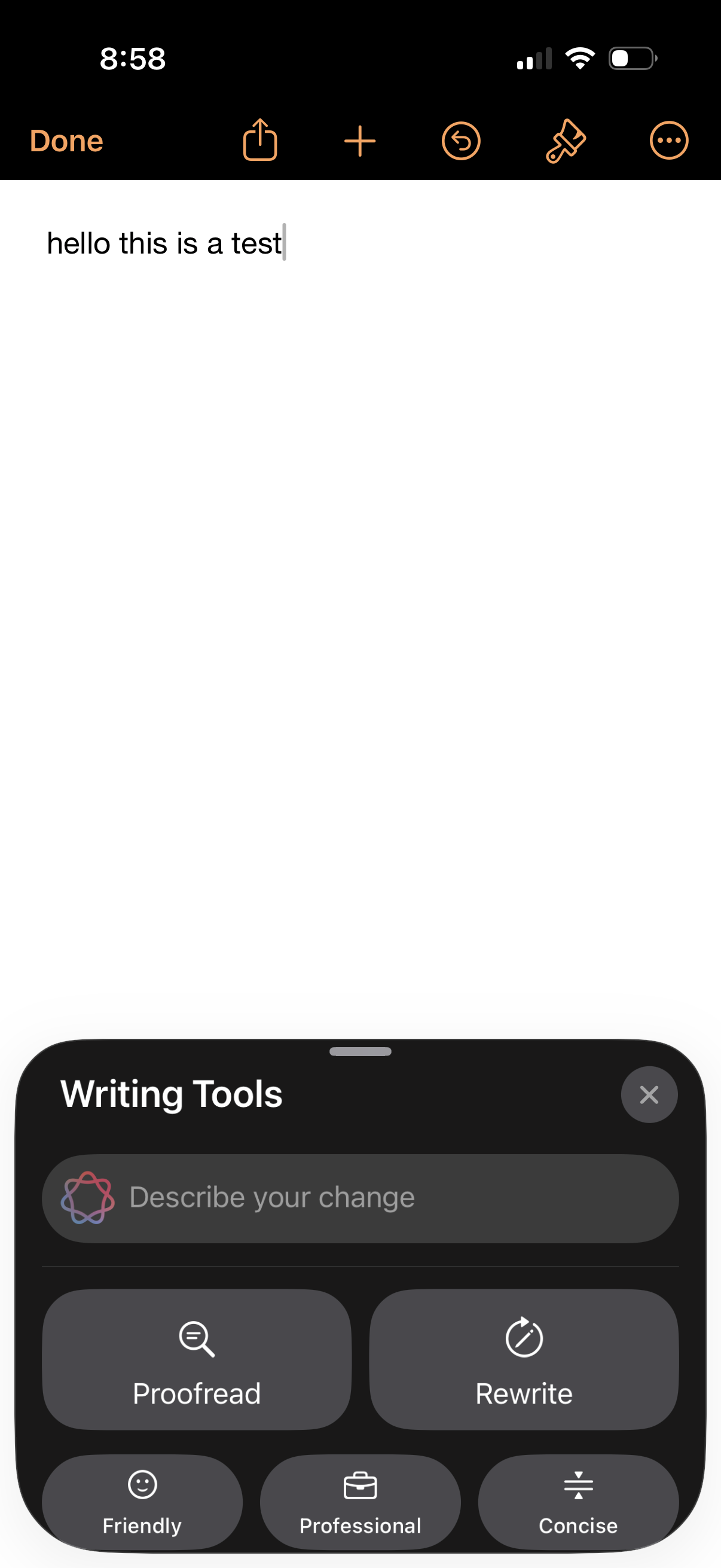
A note editor screen with a text cursor and a bottom-sheet “Writing Tools” panel
pages
Blank note editor screen for typing a new note with a top toolbar to finish (Don
pages
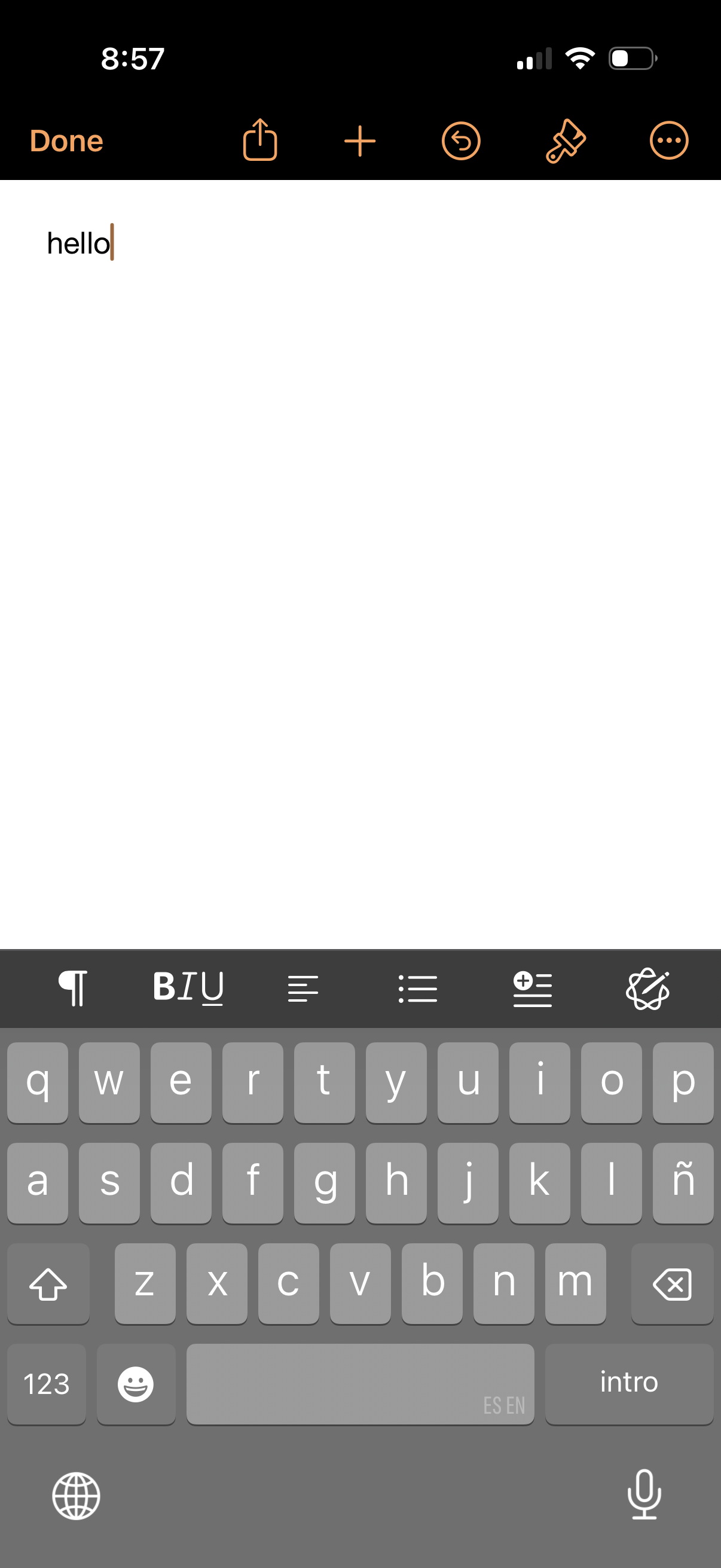
Blank note editor screen with a rich-text formatting toolbar above the keyboard,
pages
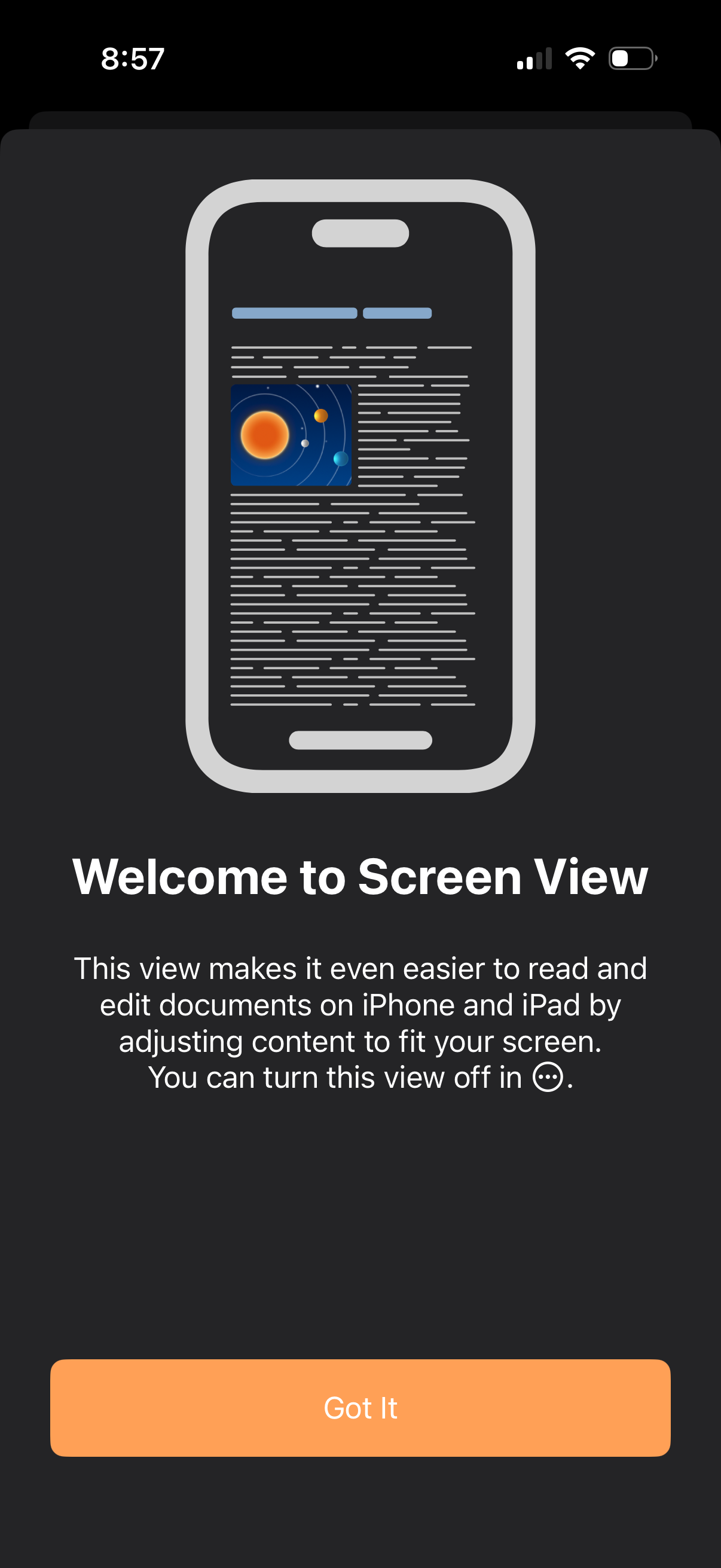
Onboarding pop-up introducing “Screen View” for a document editor, explaining th
pages
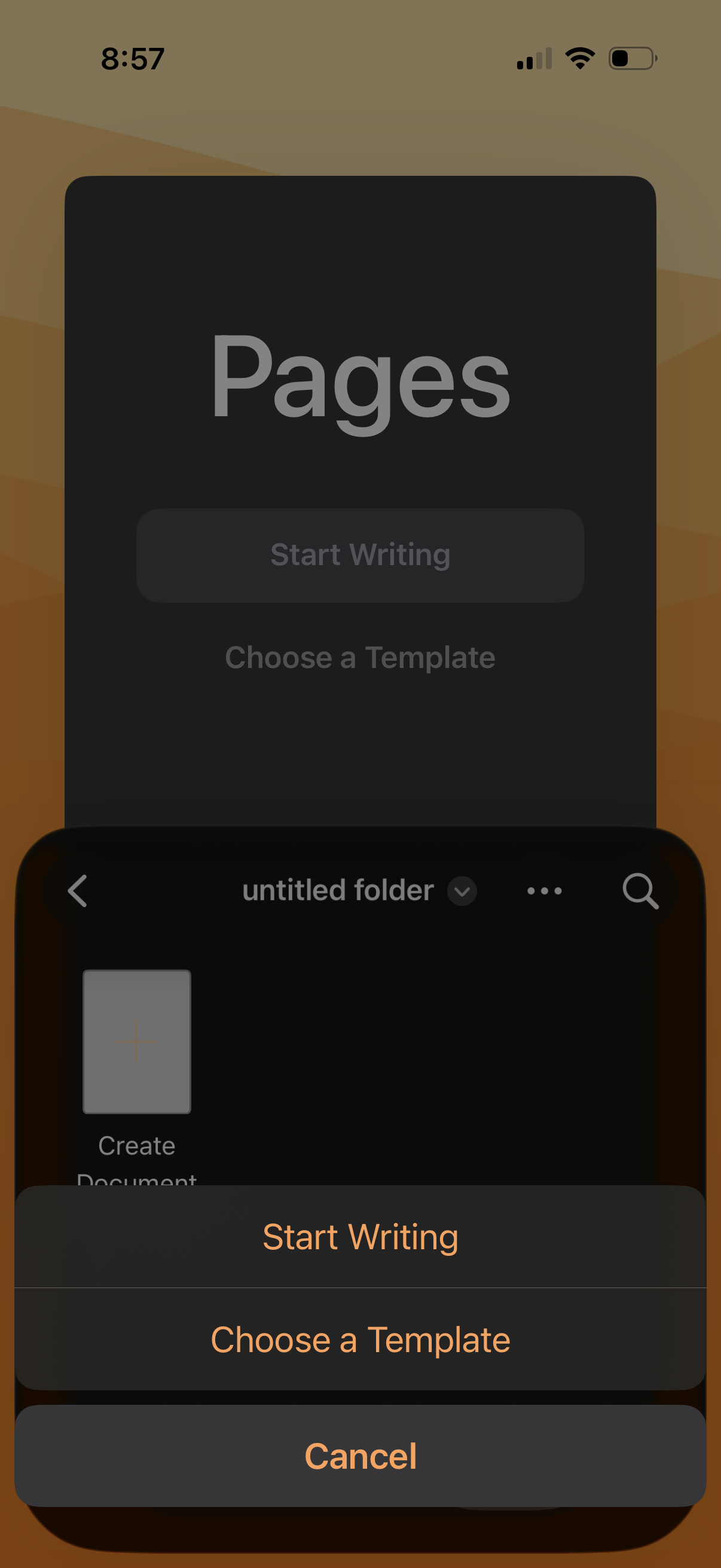
Document editor home screen showing an action sheet for creating a new file, wit
pages
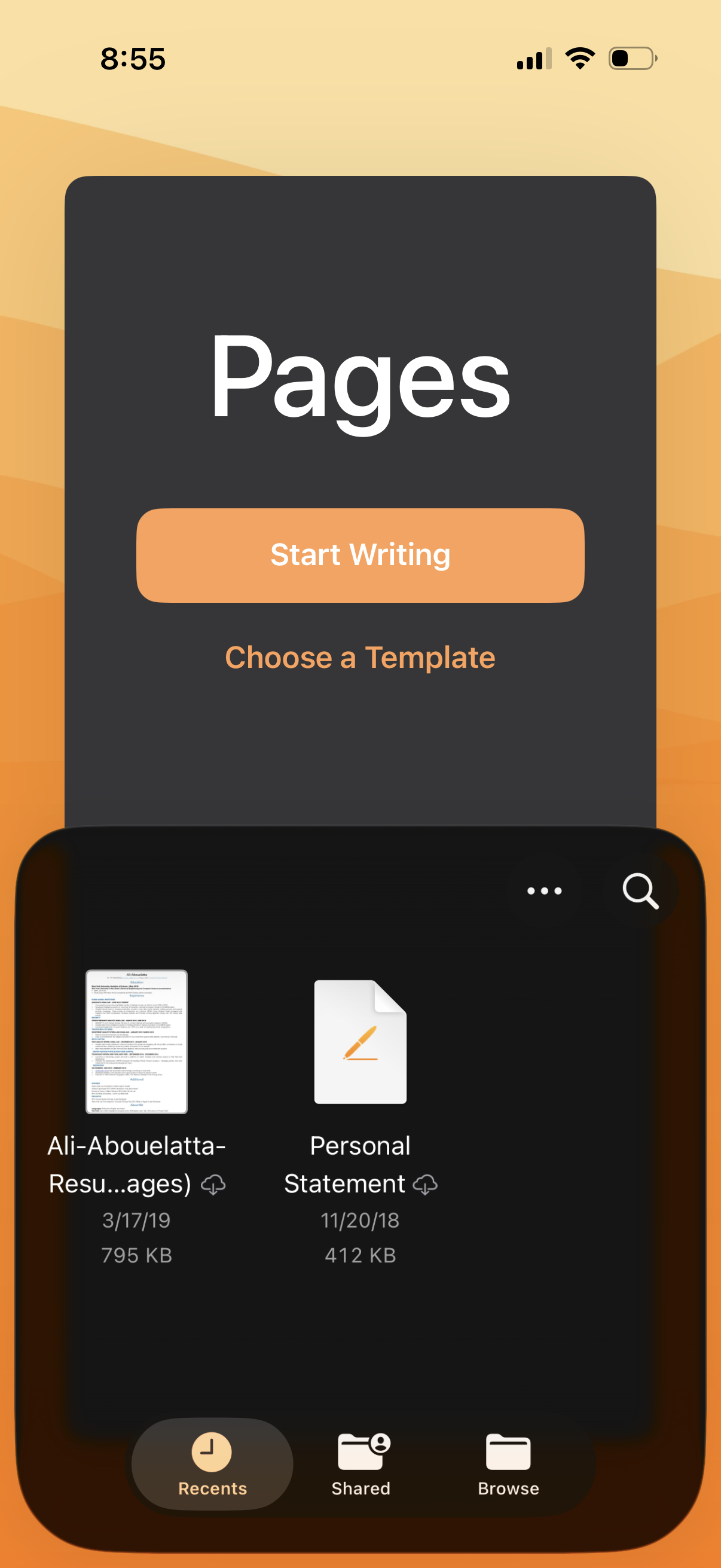
Document editor home screen showing Pages with primary actions to start writing
pages
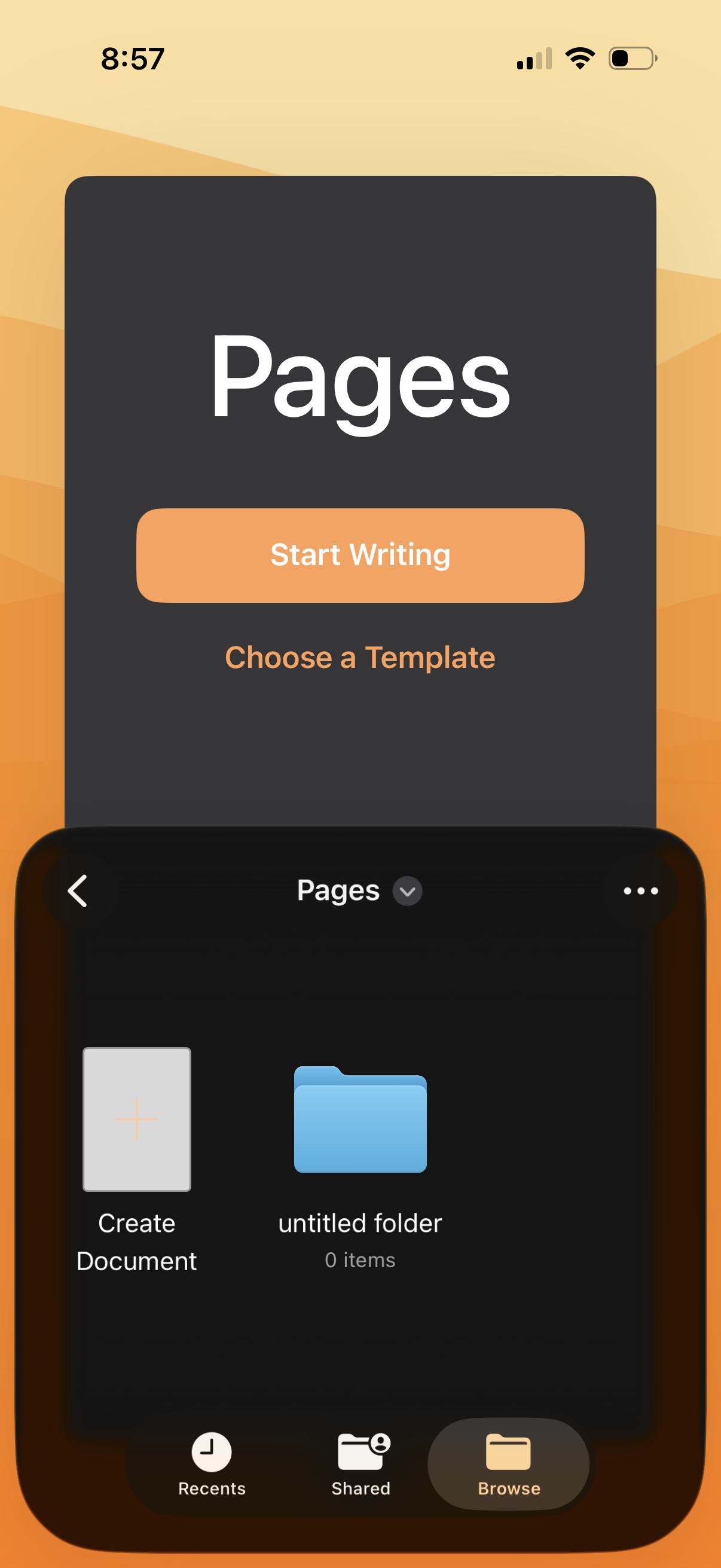
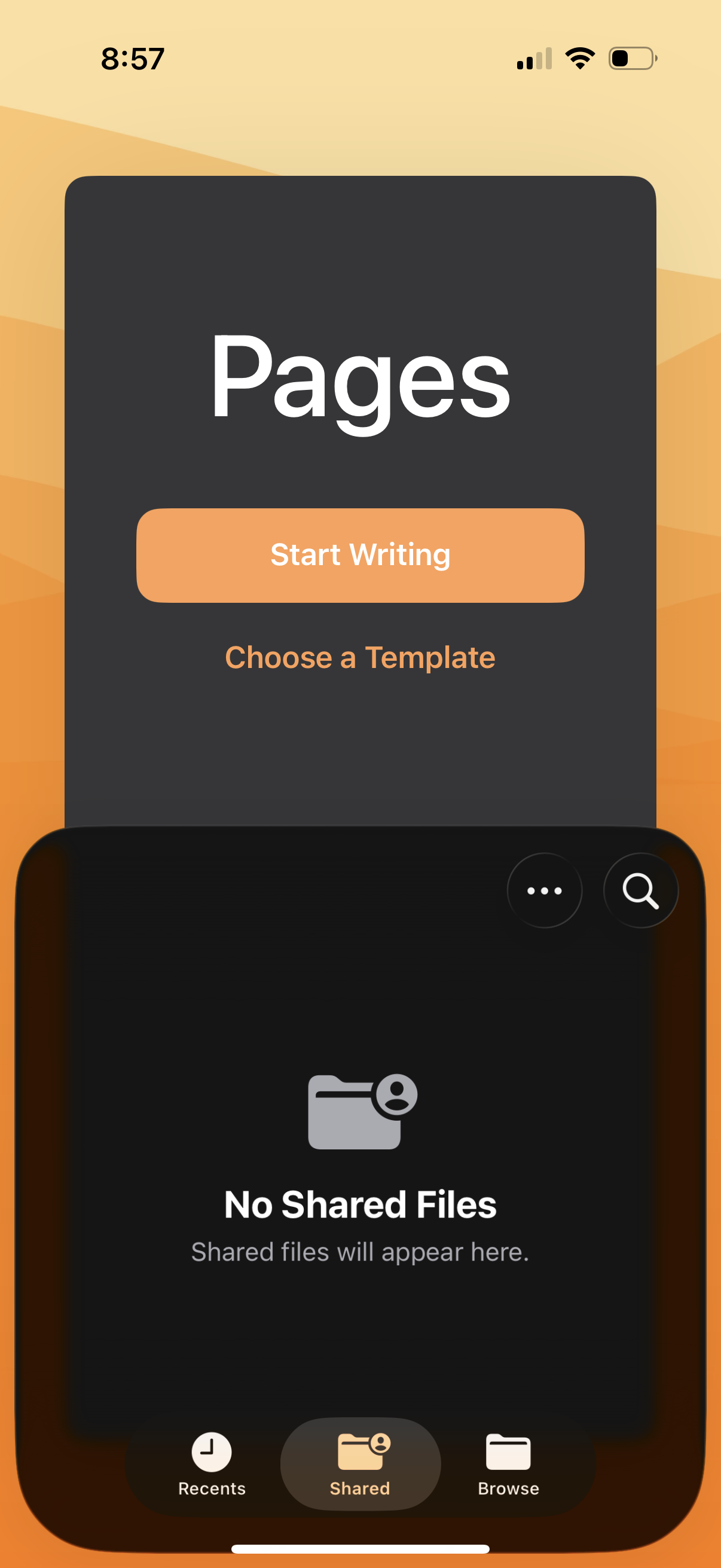
File manager “Pages” home screen showing tiles for creating a new document and a
pages
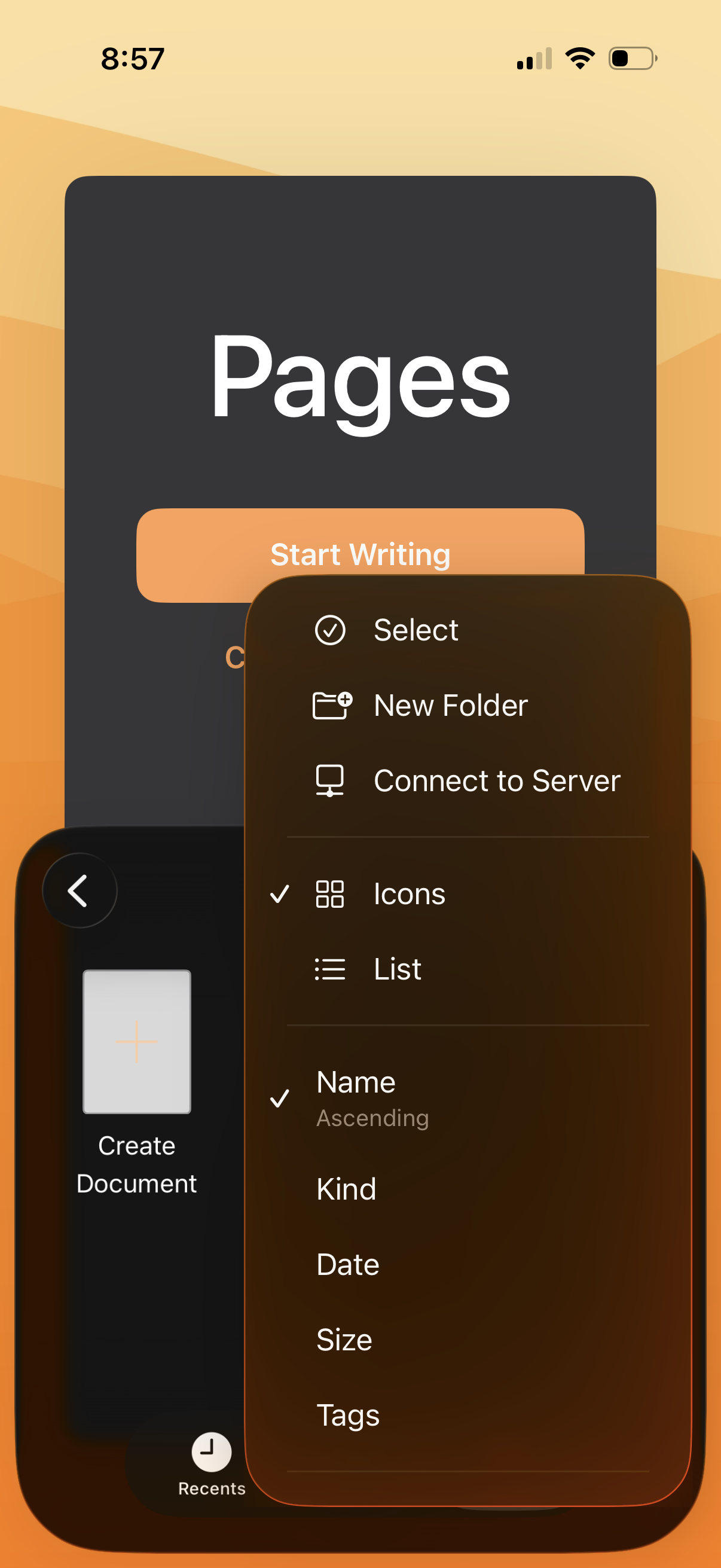
Document editor home screen showing a file browser with a contextual overflow me
pages
Document editor home screen that prompts users to start a new document with a pr
pages
Document creation landing screen for a writing app showing primary actions to st
pages
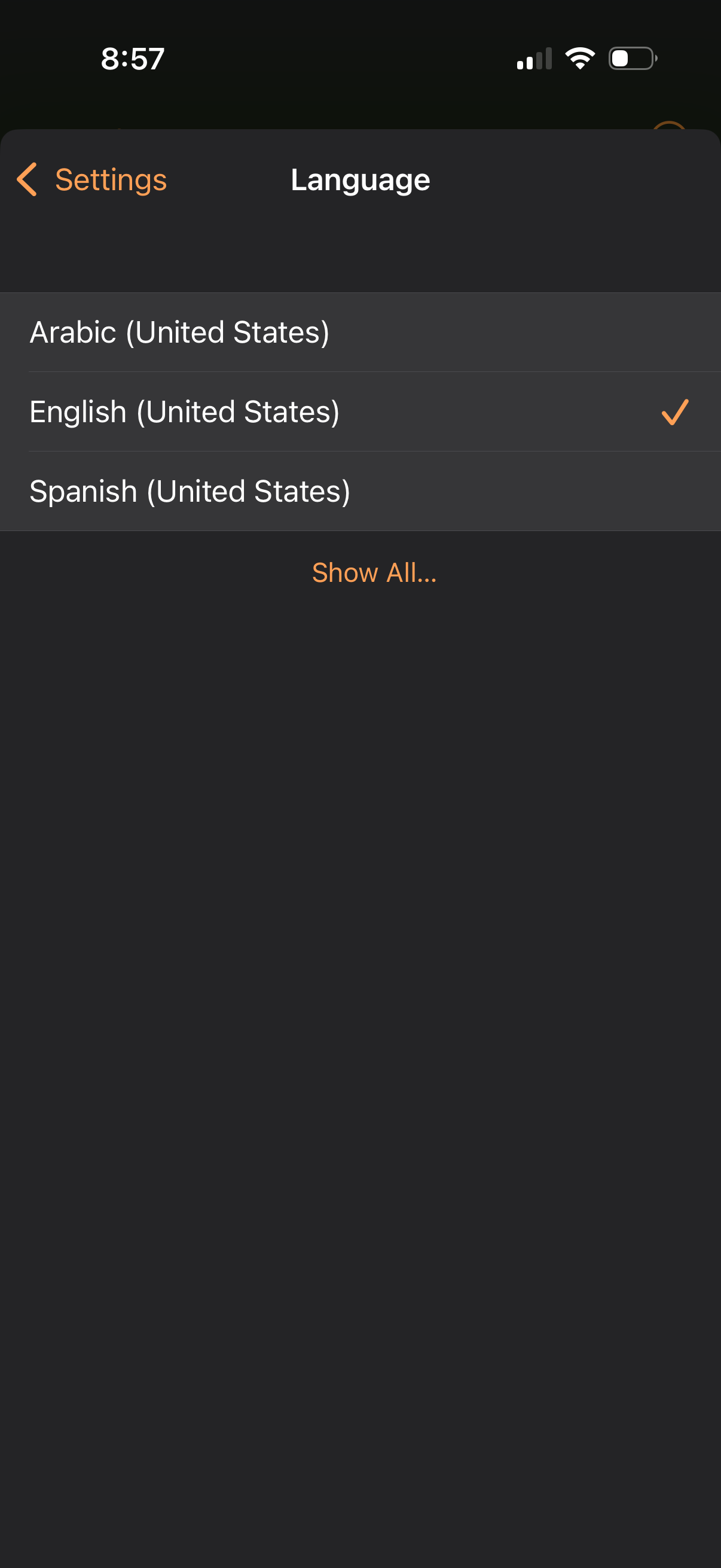
Settings screen for selecting the app language, showing a list of available loca
pages
Settings screen focused on language preferences, showing the currently selected
pages
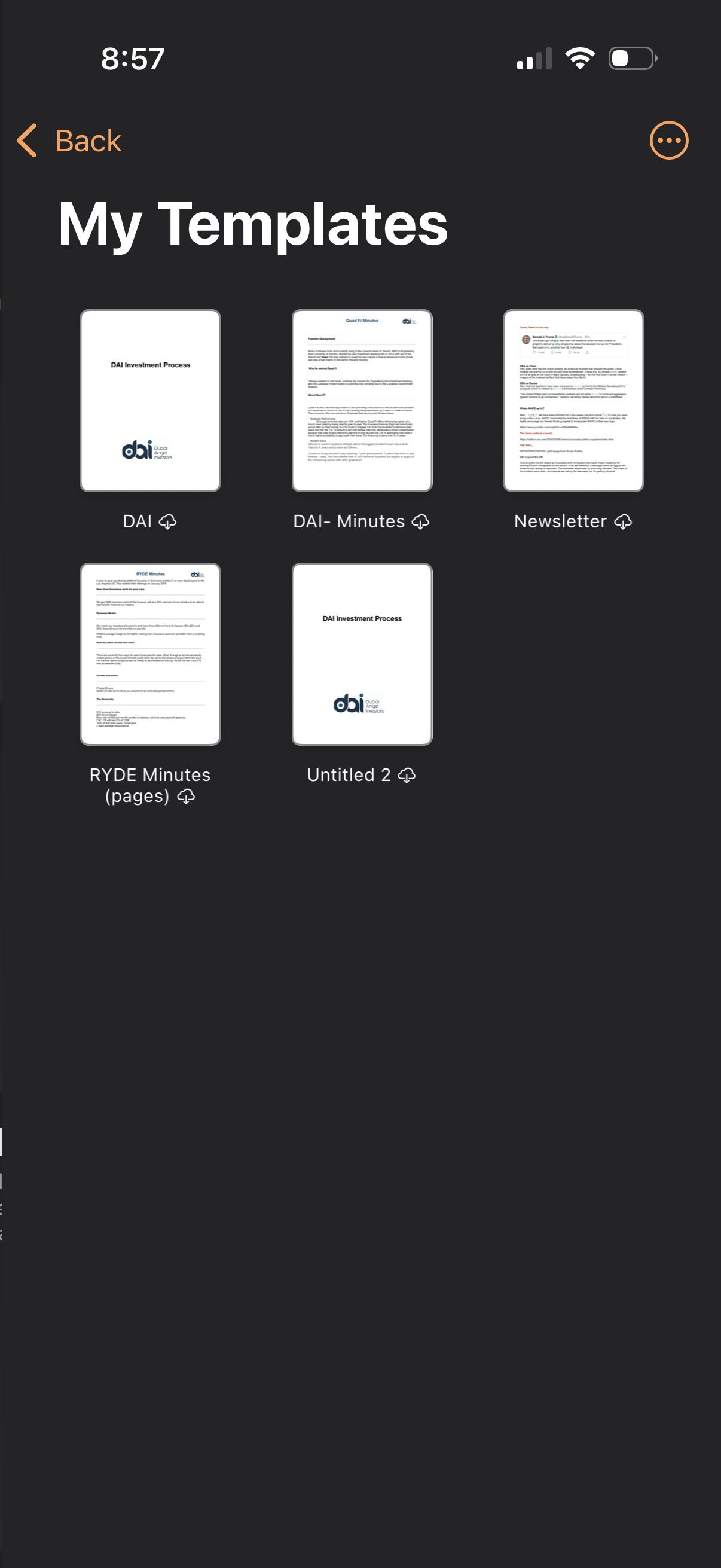
Document templates library screen showing “My Templates” in a grid of template t
pages
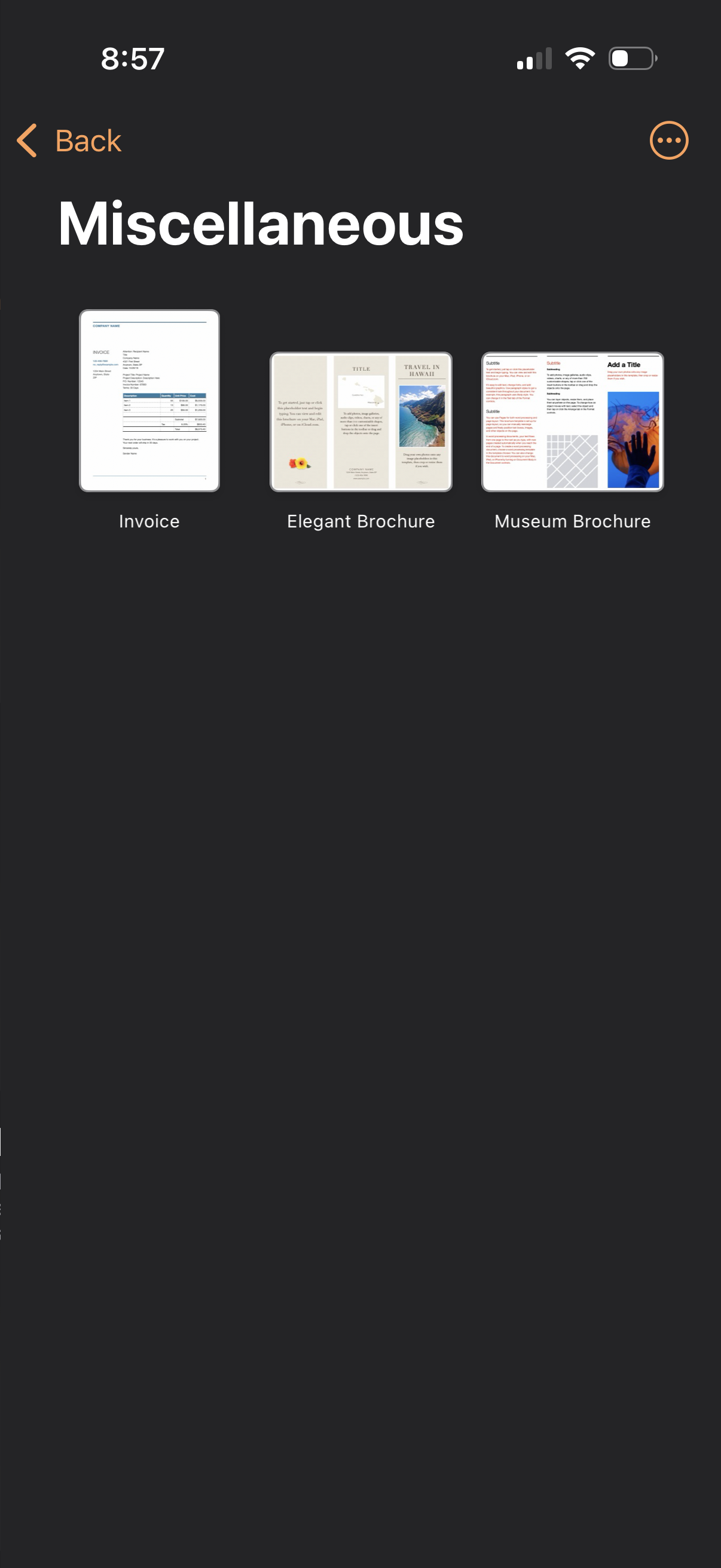
Document template category screen labeled “Miscellaneous” showing a gallery of s
pages
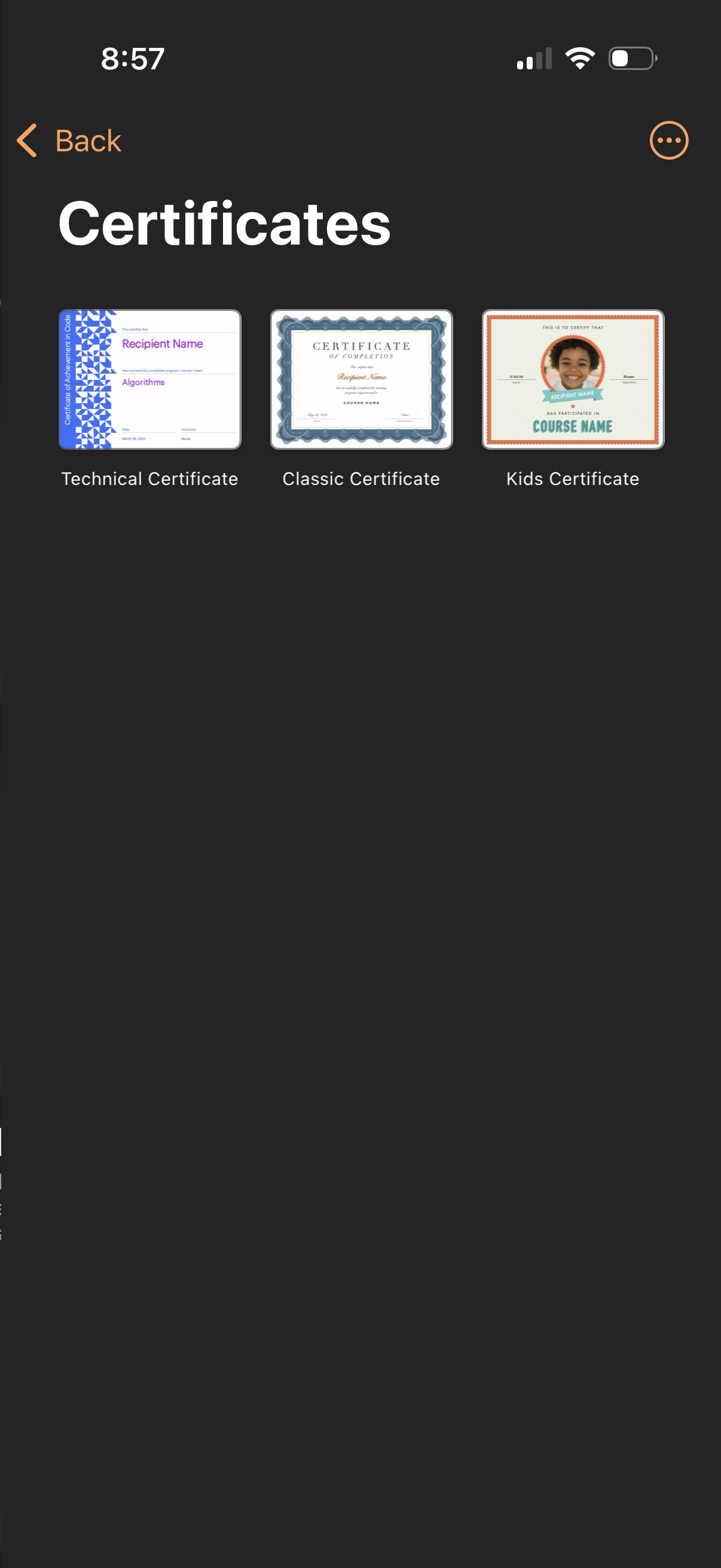
Certificate template selection screen showing three preview cards to choose a ce
pages
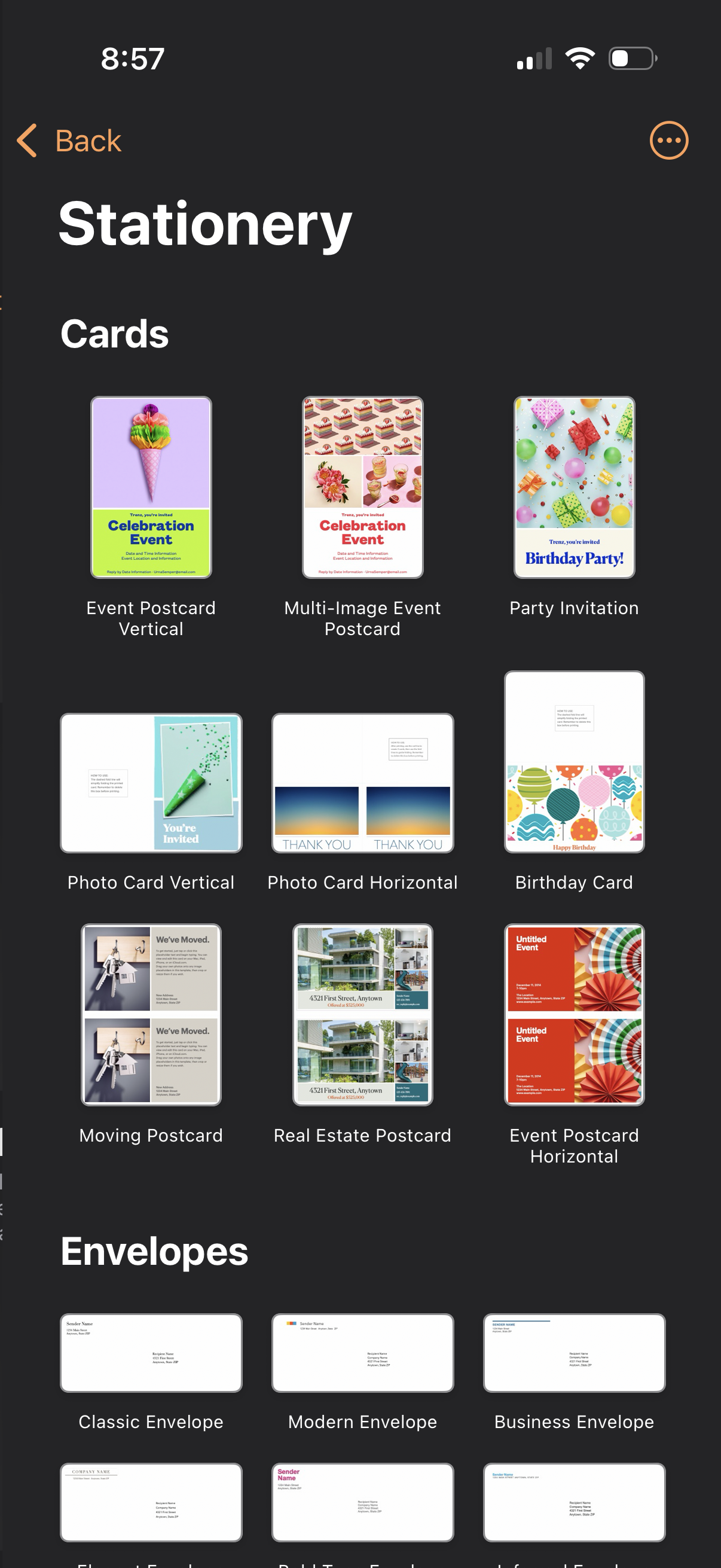
Template gallery screen for selecting stationery designs, showing a grid of card
pages
Newsletter template selection screen showing a grid of preview thumbnails (Class
pages
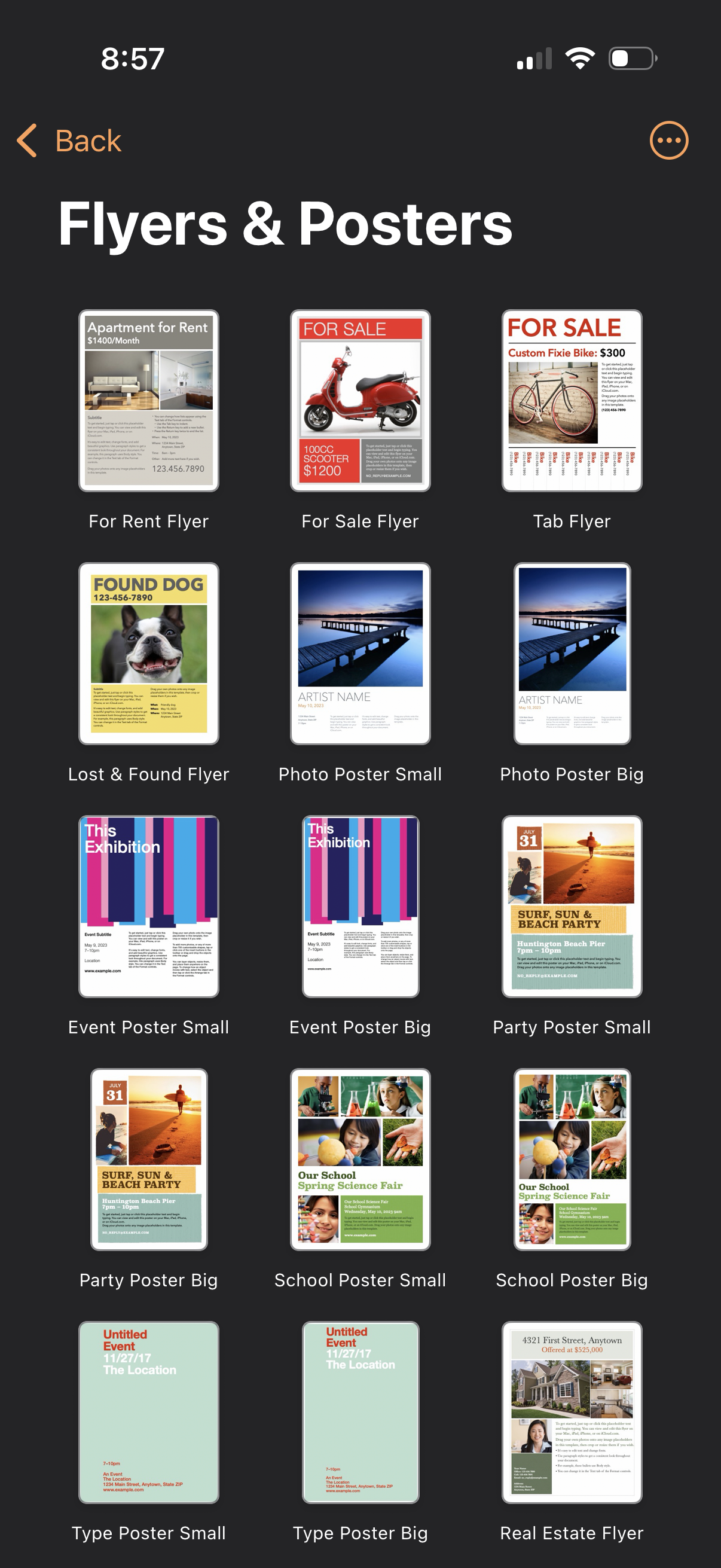
Template selection screen for creating flyers and posters, showing a grid of cat
pages
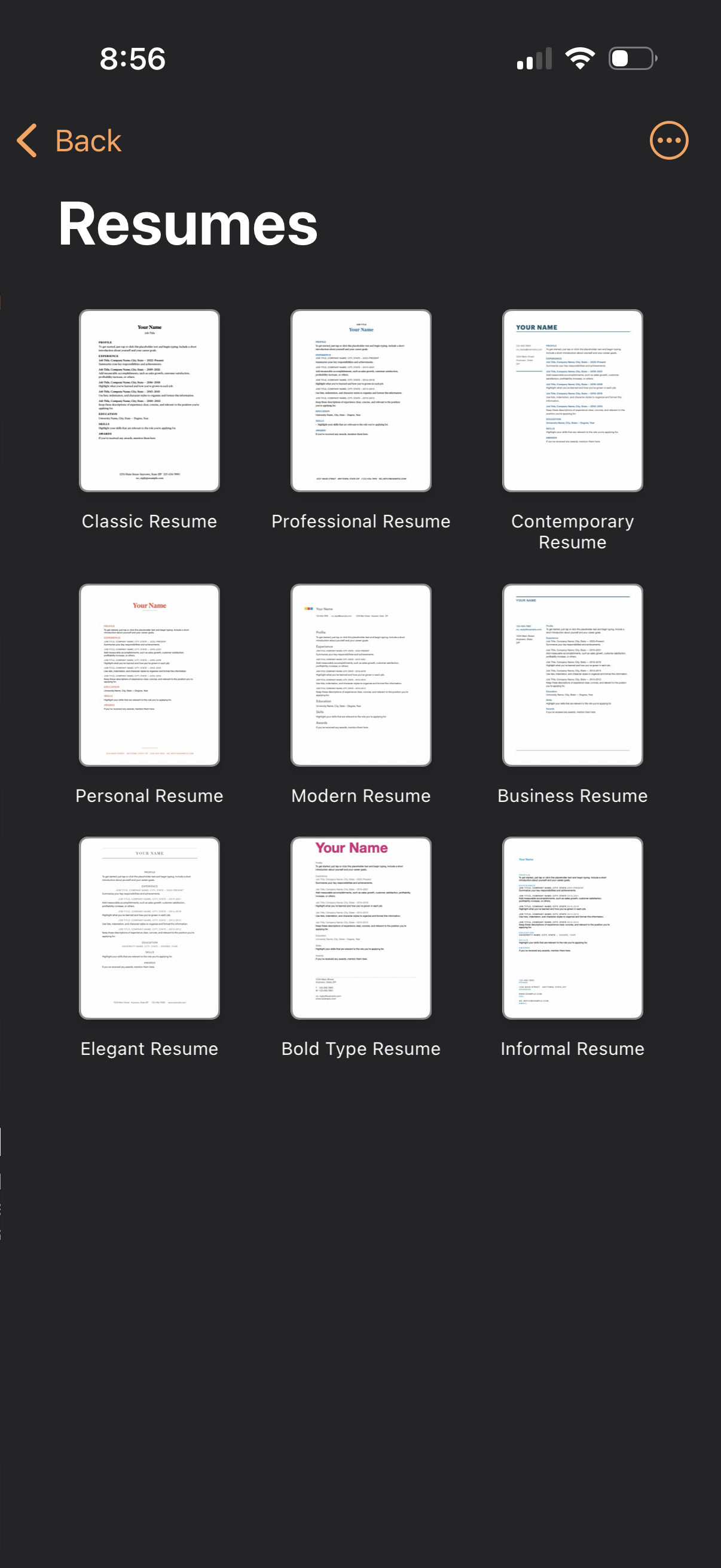
Resume template selection screen showing a grid of thumbnail previews with label
pages
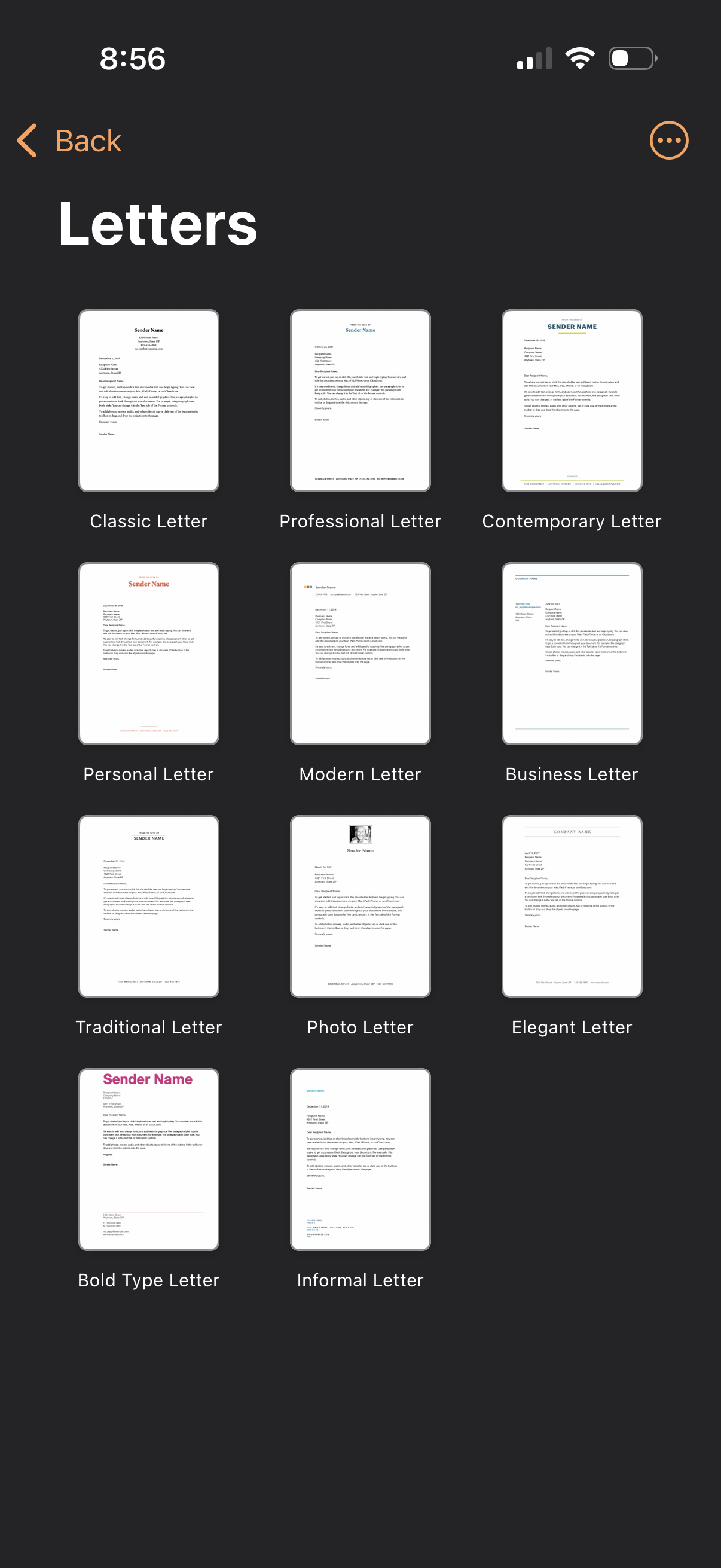
Template selection screen for creating a letter, showing a grid of letterhead st
pages
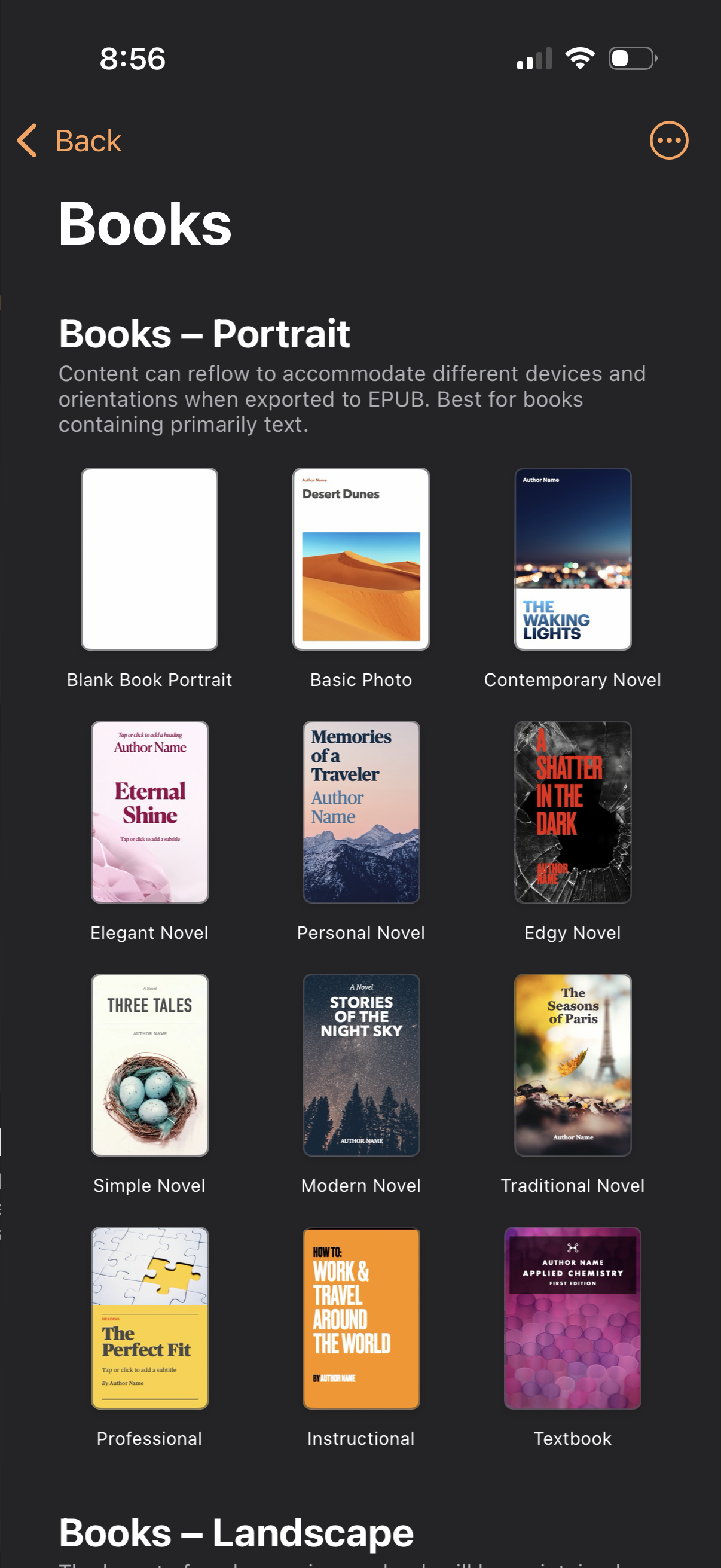
Template selection screen for creating a portrait-format book, showing a grid of
pages
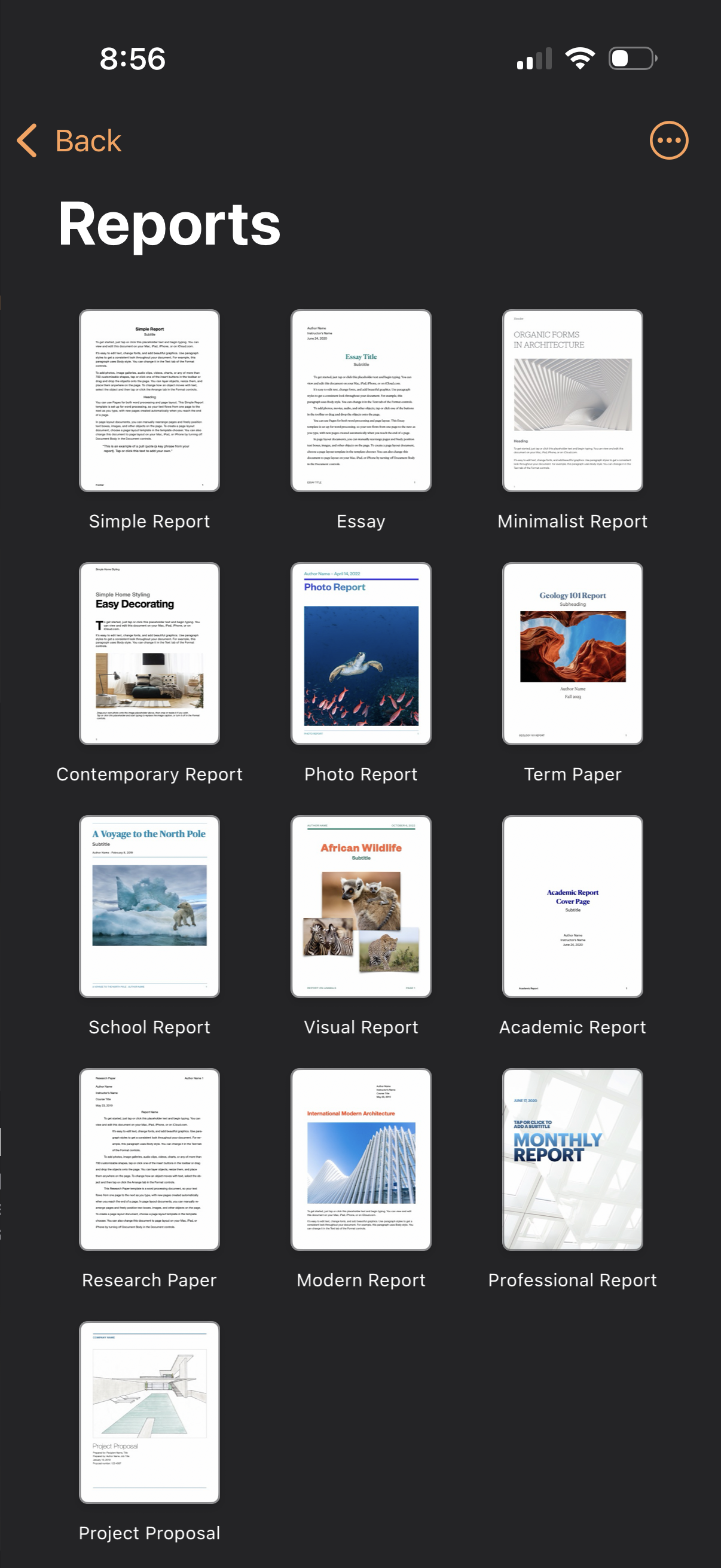
Template selection screen for creating a new report, showing a grid of report do
pages
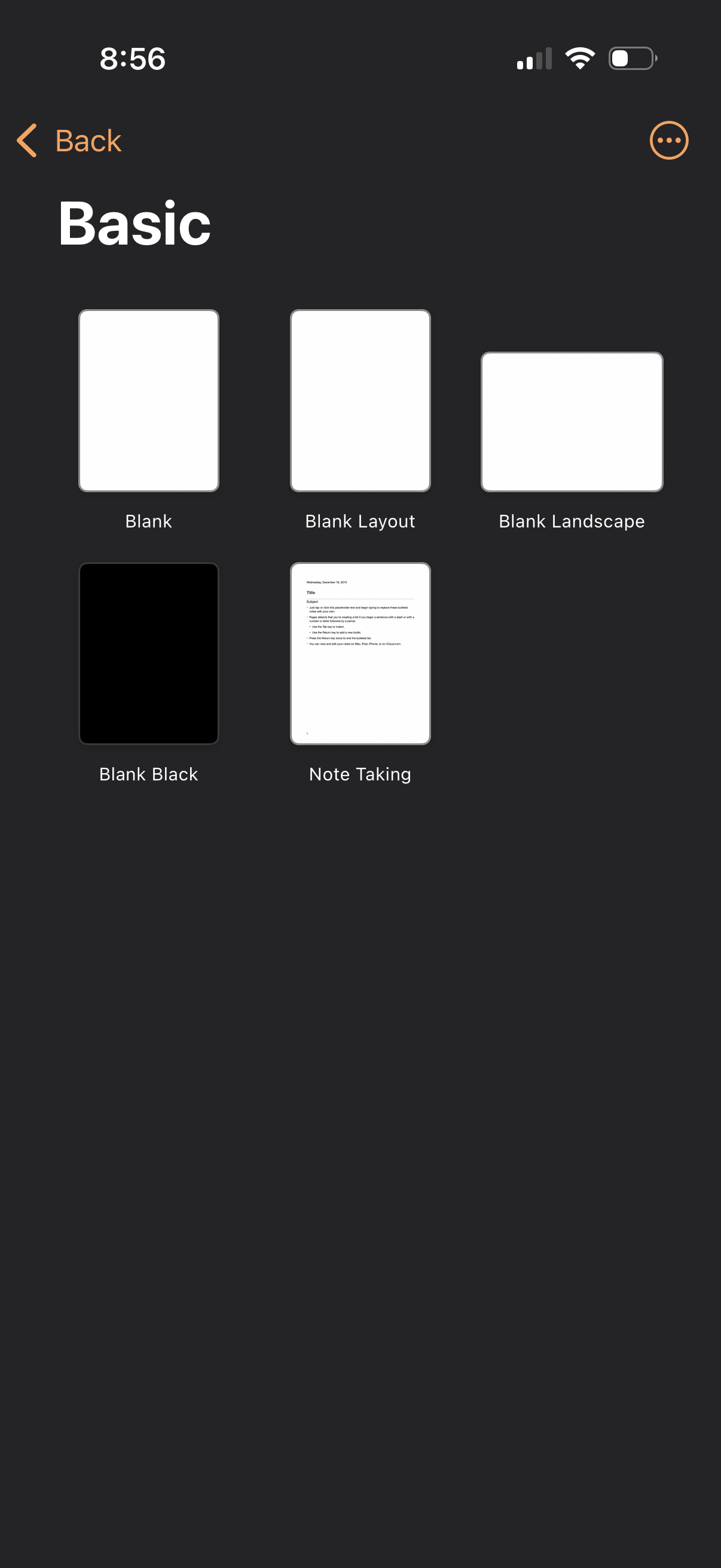
Template selection screen for creating a new document or note, showing a grid of
pages
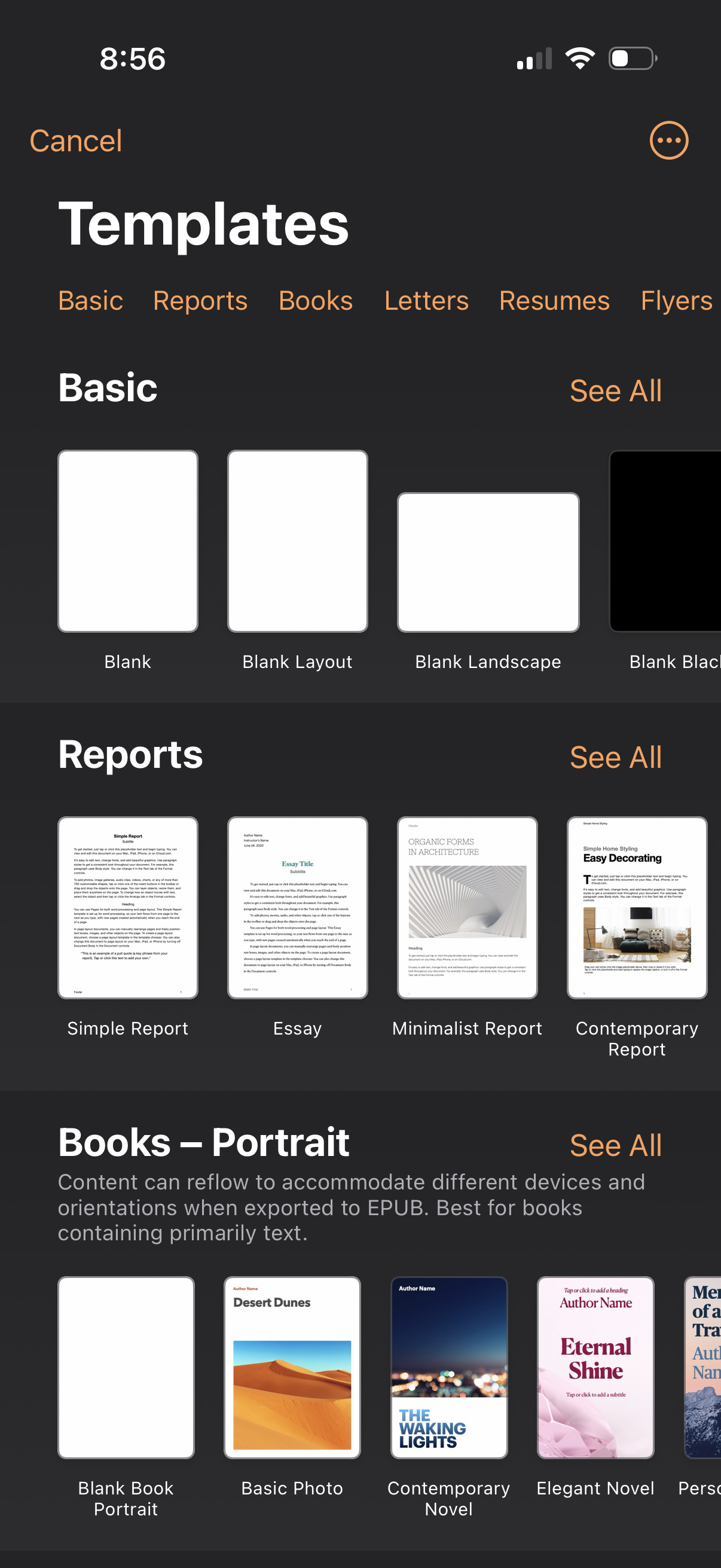
Document creation template picker showing category tabs (Basic, Reports, Books,
pages
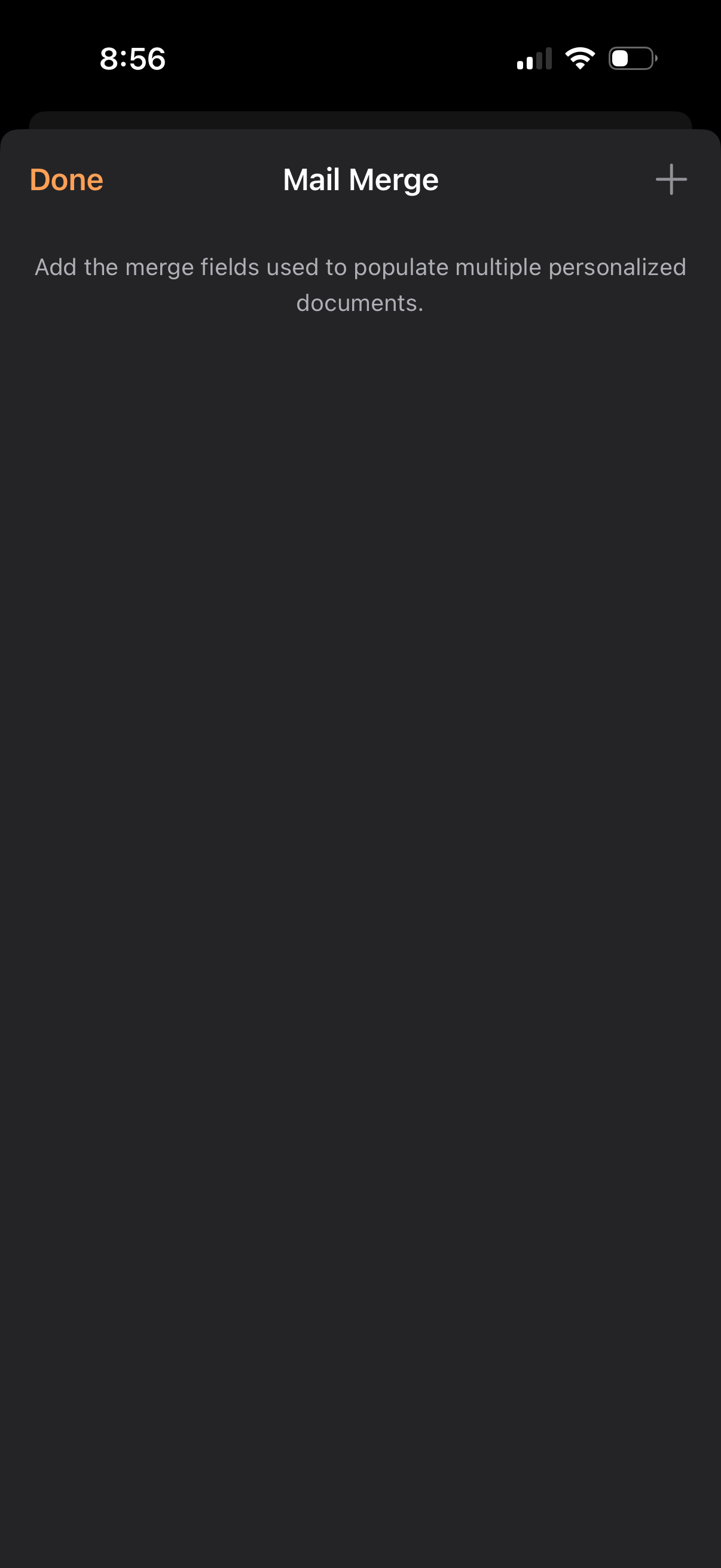
Mail Merge settings screen for adding merge fields used to populate multiple per
pages
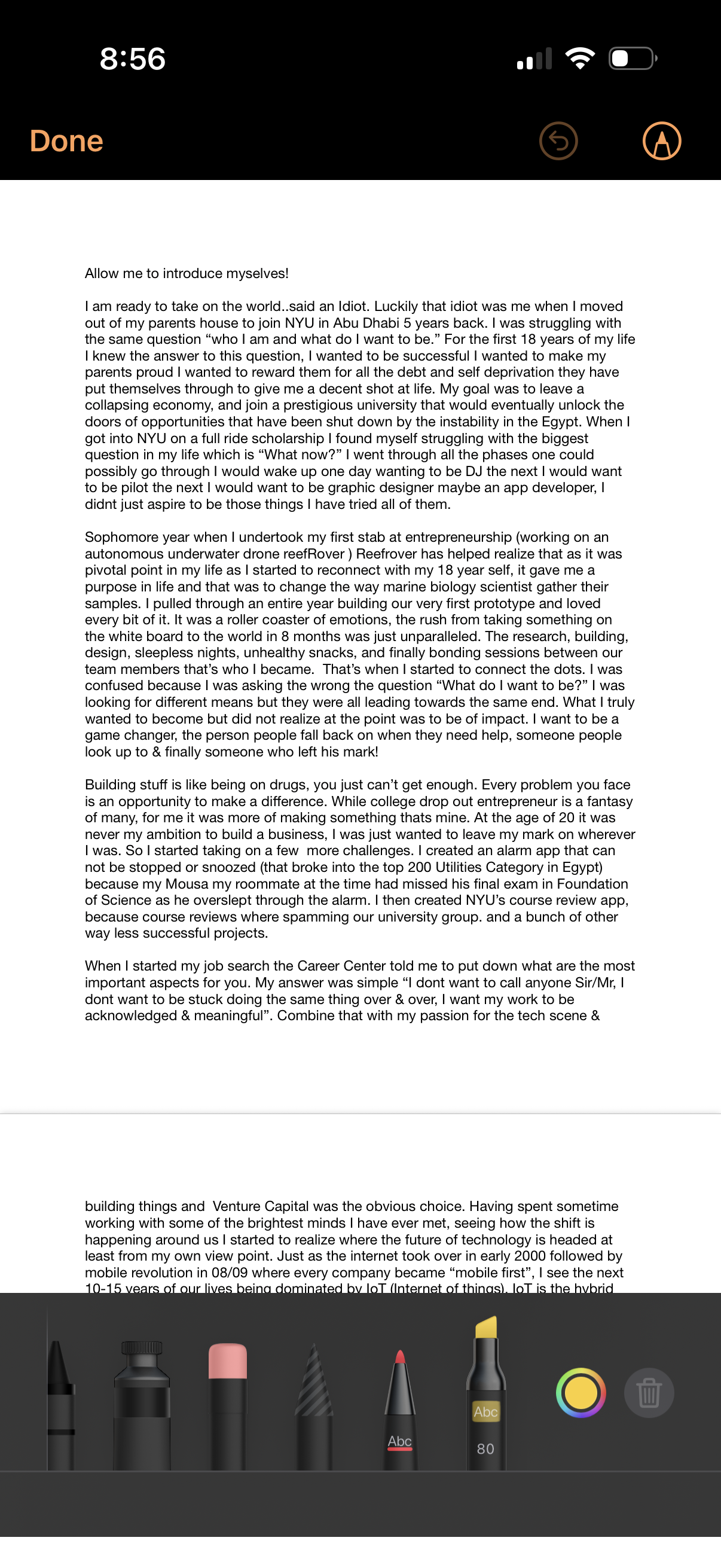
Mobile document markup/editing screen showing a long text article with Apple Mar
pages
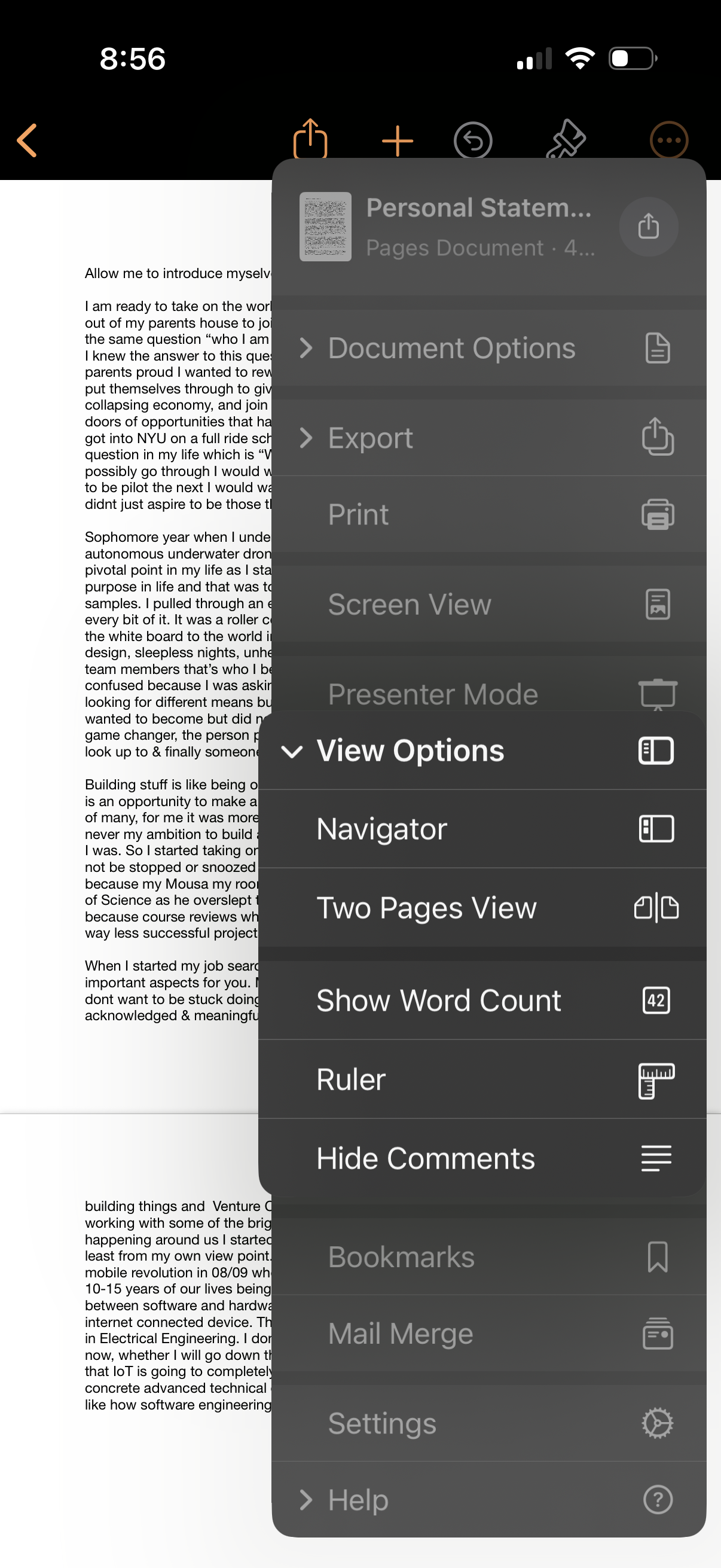
A document editor screen showing a text document with an overflow menu open for
pages
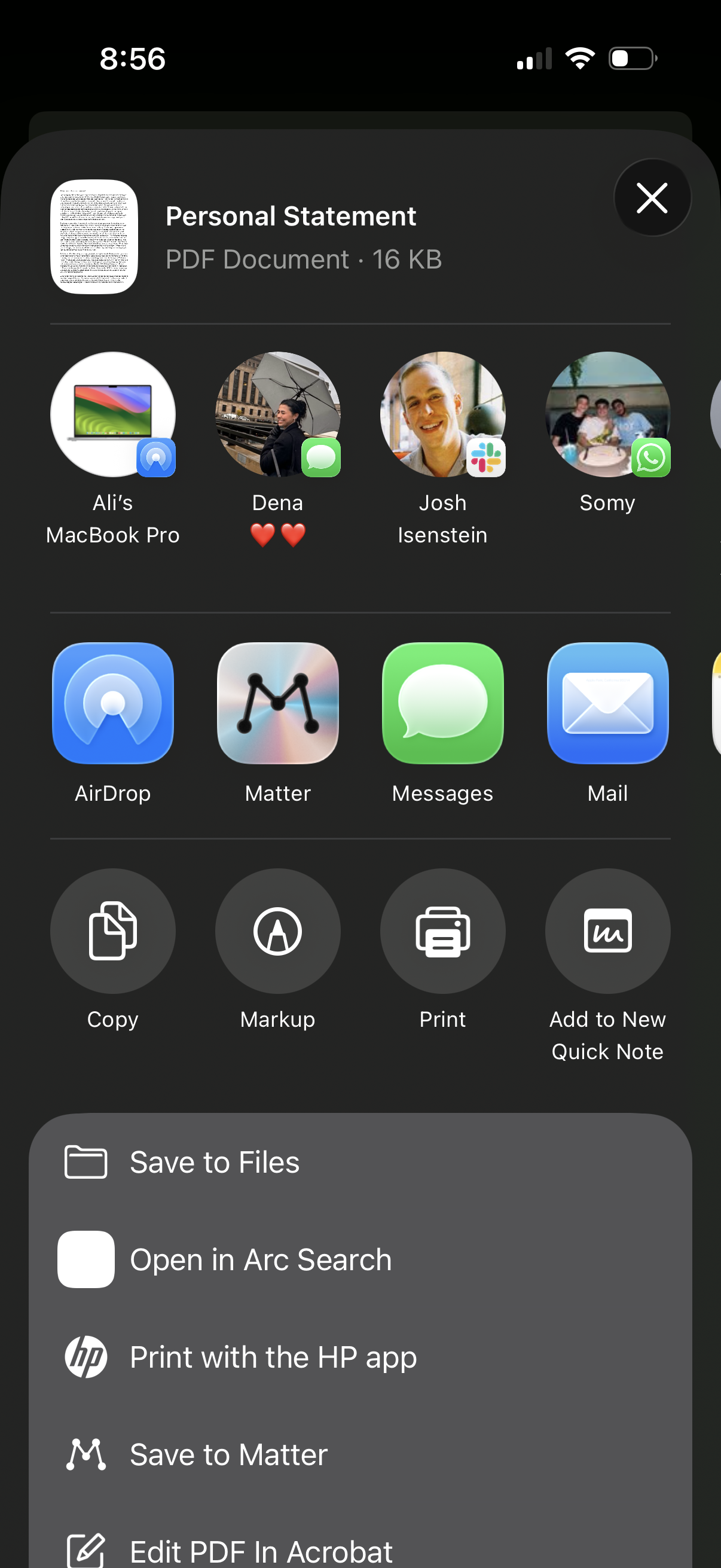
iOS share sheet for a PDF document showing options to share via AirDrop, Message
pages
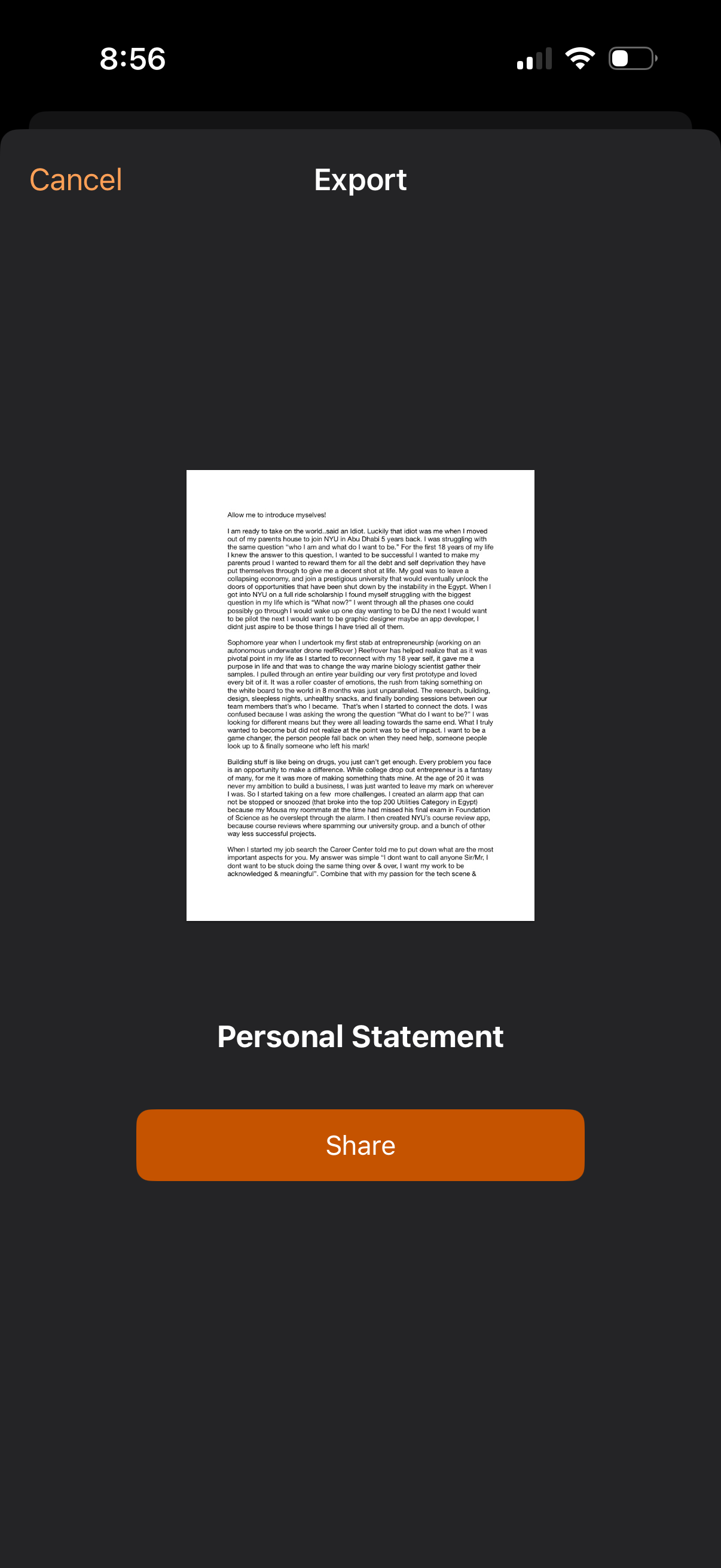
Document export preview screen showing a single-page PDF/letter labeled “Persona
pages
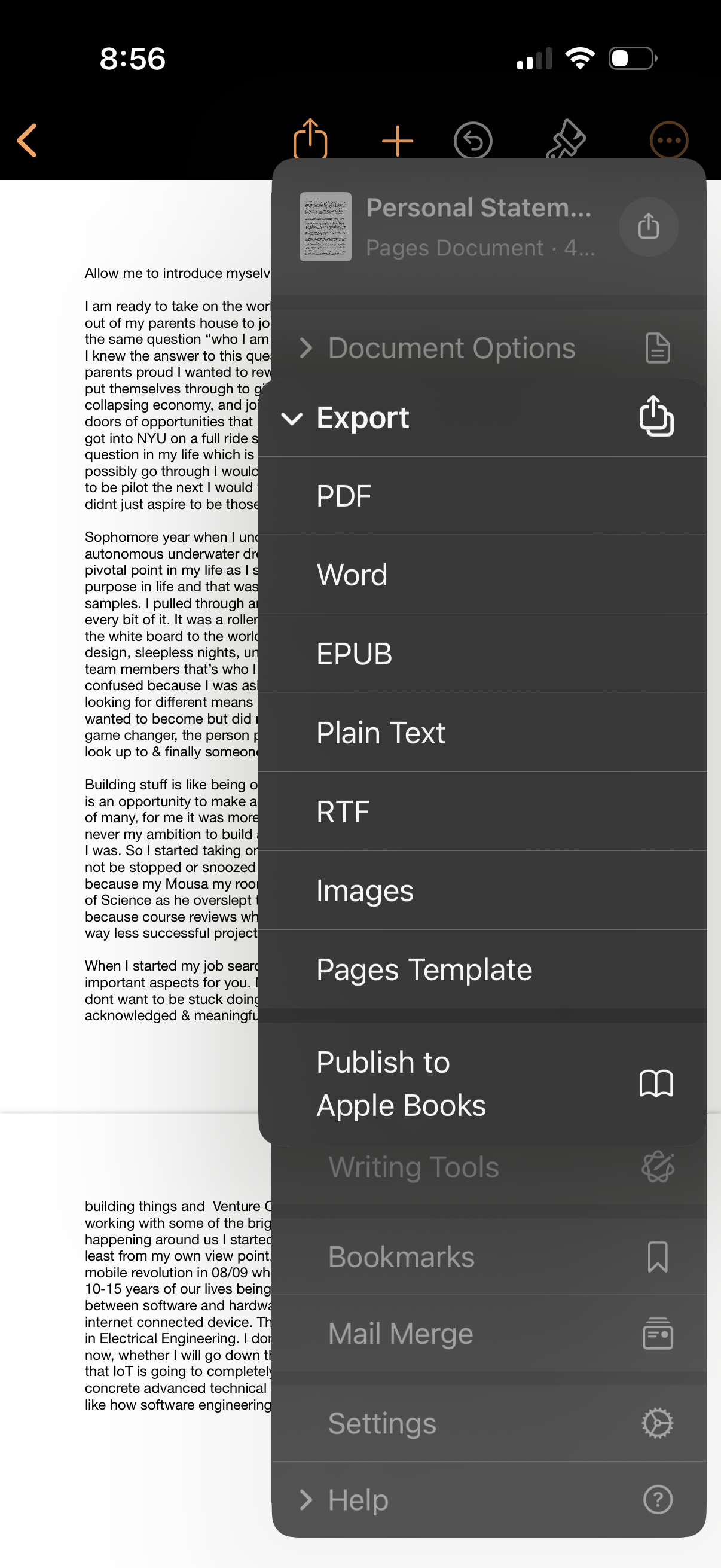
Document editor screen showing an export/share menu for a Pages document, with f
pages
A document editor screen showing a text document with a “Document Options” overf
pages
A mobile document editor screen with an overflow menu opened over a text documen
pages
Long-form note/document viewer in a mobile notes app showing a scrollable text p
pages
A document or note viewer displaying a long-form personal text article/essay wit
pages
Mobile word processing app home screen for Pages with primary actions to Start W
pages
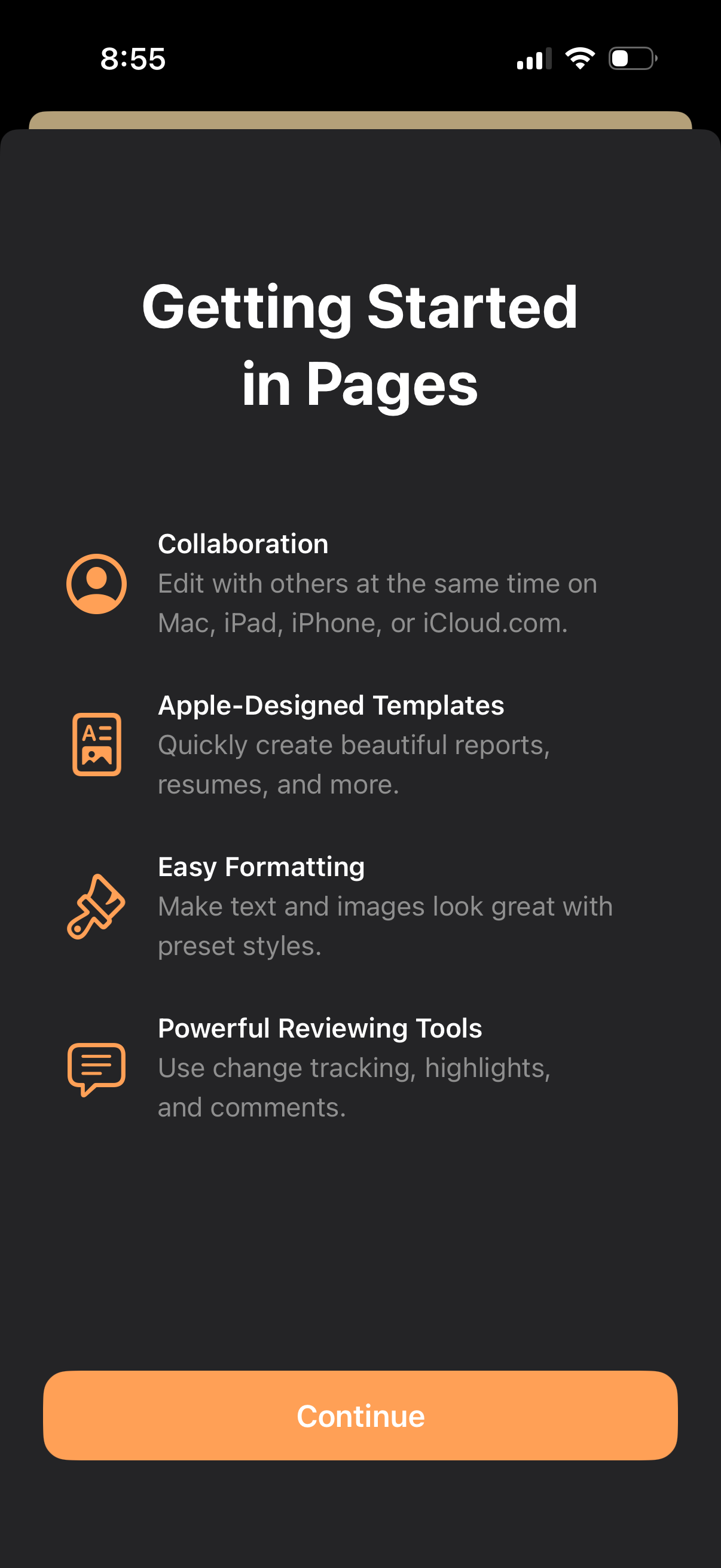
Onboarding “Getting Started” screen for a document editor (Pages) highlighting k
pages
Onboarding/getting started screen for a document writing app that prompts users
pages